Roborock S7 troubleshooting
Sensor, map, docking and charging error paths. We route by the exact error or symptom rather than assuming a generic robot-vacuum fix applies.
Roborock S7 issue index
4 guides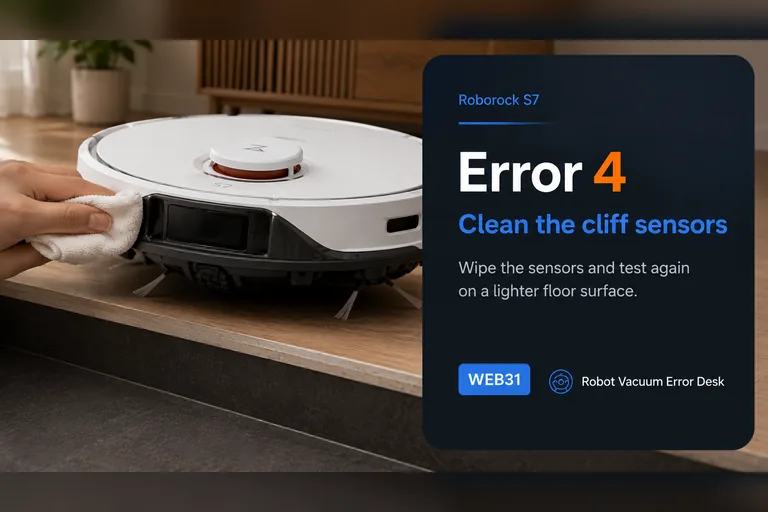
Error 4
Roborock S7 Error 4 is the cliff-sensor path. The official S7 support sequence is short but diagnostic: wipe the underside cliff sensors and make sure the robot is not sitting on dark or shag carpet. Do that comparison on a bright, flat hard floor well away from stairs. If the error disappears there and returns only on one rug, treat the surface as the trigger and exclude it in the map. Never tape over cliff sensors to force the robot onto that surface.
Map tilted
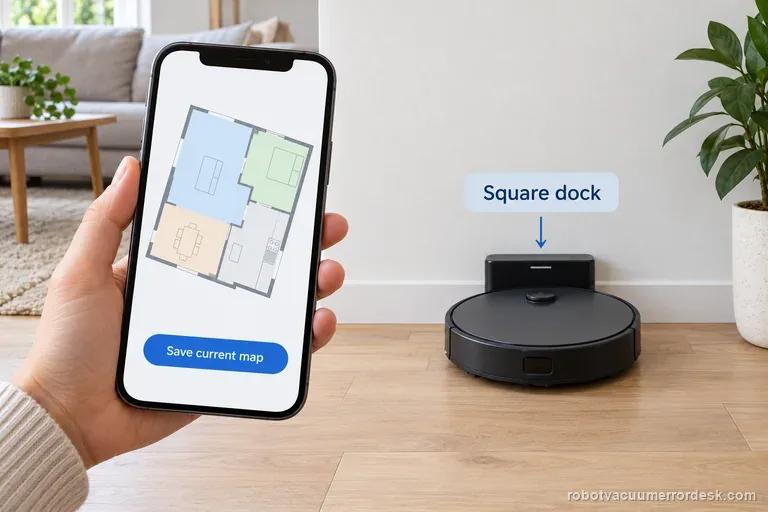
A tilted S7 map does not prove a LiDAR fault. Roborock says dock placement can cause the angle: save a screenshot, place the dock square with clear space, and run one normal clean without moving it. If the saved map stays tilted, switch Map Saving off and on for the next clean, then compare the new map before restoring room edits.
Can't find dock
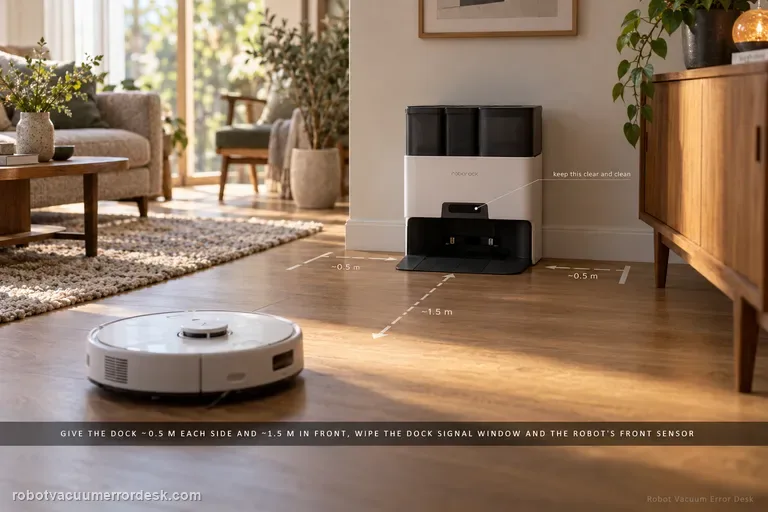
For an S7 that cannot find its dock, separate final homing from whole-home localization. Roborock says return can fail if the robot started elsewhere, was moved manually, meets an obstacle, or cannot see a correctly placed dock. Give the dock about 0.5 m of side clearance and 1.5 m in front, clean the dock signal area and robot front sensor, then run a nearby return. If nearby docking works but a normal mission fails, focus on the map/dock reference rather than charging hardware.
Error 13
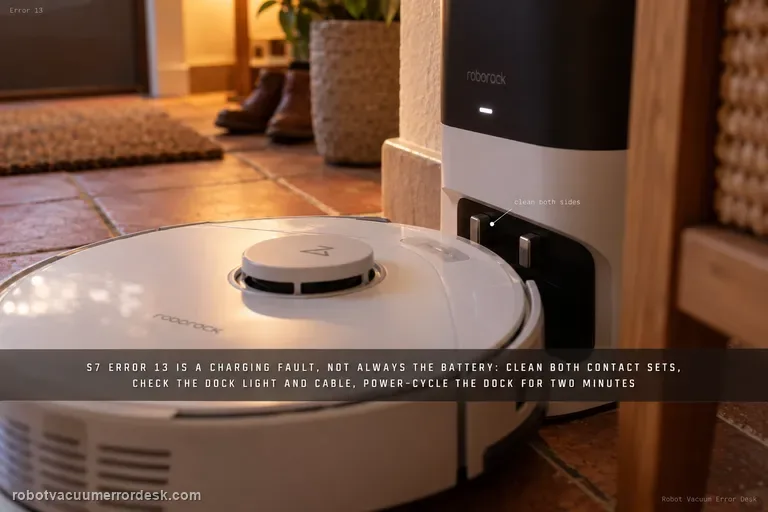
S7 Error 13 means charging failed, but it does not automatically mean the battery is bad. Roborock’s S7 manual identifies Error 13 as a charging error, and its current support path checks the robot/dock contacts, dock indicator, power-cable seating, a roughly two-minute dock power cycle and another outlet. Manually place the S7 on the dock so navigation is removed from the diagnosis, then prove that charging remains active long enough for the battery percentage to rise.