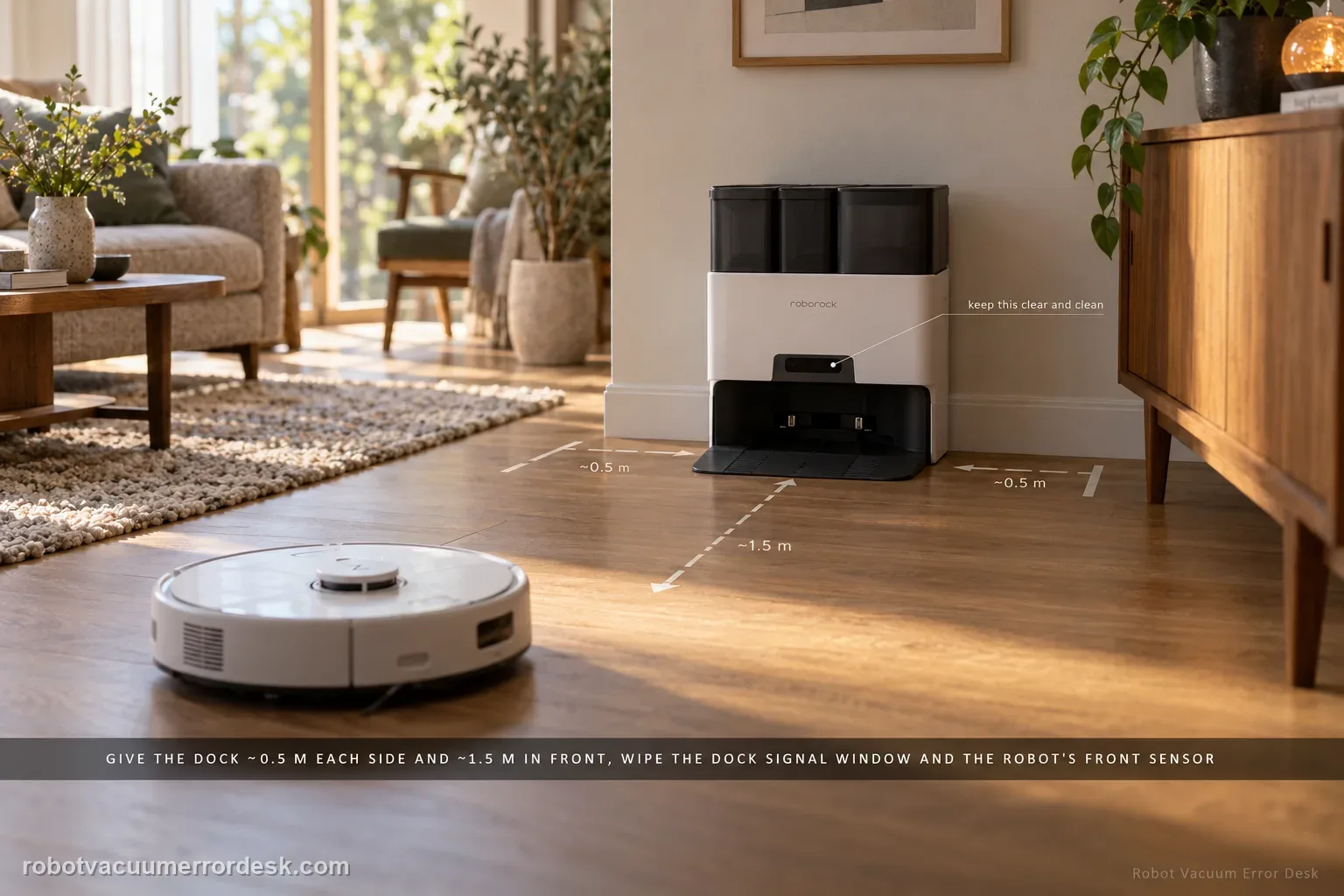
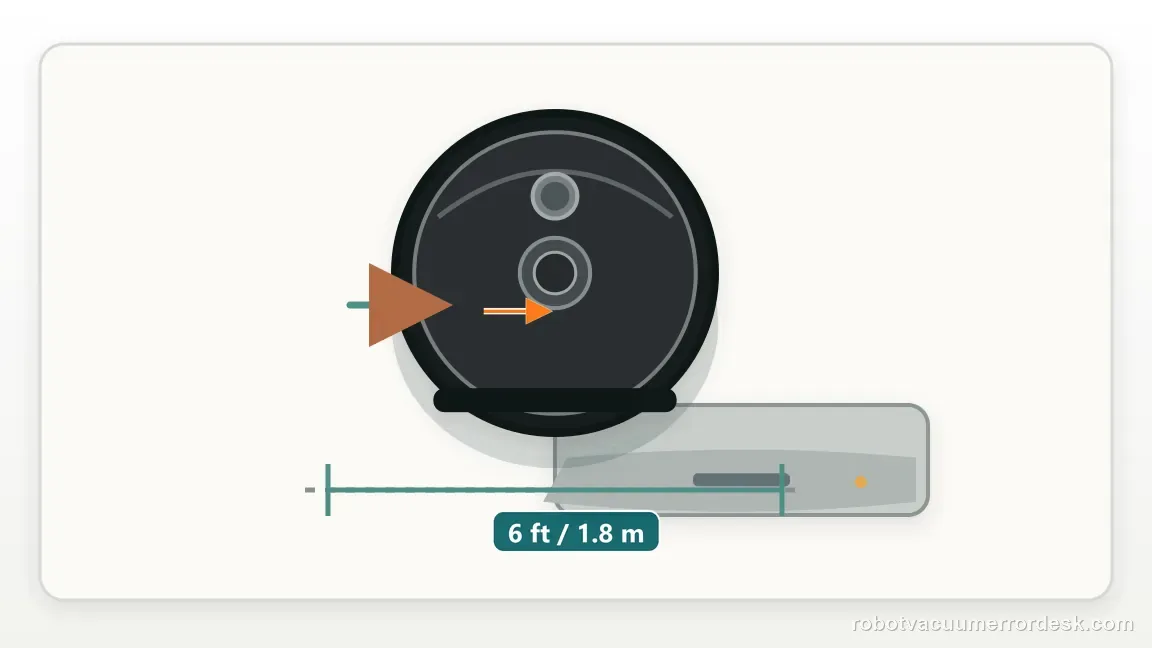
For an S7 that cannot find its dock, separate final homing from whole-home localization. Roborock says return can fail if the robot started elsewhere, was moved manually, meets an obstacle, or cannot see a correctly placed dock. Give the dock about 0.5 m of side clearance and 1.5 m in front, clean the dock signal area and robot front sensor, then run a nearby return. If nearby docking works but a normal mission fails, focus on the map/dock reference rather than charging hardware.
Confirm the exact model and exact code, light pattern or symptom.
Run the lowest-risk physical or software check first.
Use each pass condition to decide what the result actually narrows down.
Does this match your problem?
- The S7 wanders or stops before reaching the dock.
- The dock is visible in the map but the robot misses it.
- The problem started after moving the dock.
Most likely causes
S7 was carried or started from a location that does not match its map context
Dock was moved after the saved map established its anchor
Furniture, cords or a narrow approach obstruct the final homing path
Dock front signal area or robot front sensor is dusty
Map/localization reference is wrong when close-range homing itself succeeds
What your test result means
| What you observe | What it narrows down | Next move |
|---|---|---|
| S7 cannot dock even from one meter in front | The problem is in final homing/approach, not just whole-home localization. | Clean homing surfaces, clear the approach and verify dock placement. |
| Nearby return works but room-to-dock return fails | Final docking is functional; map/localization or route context is stronger. | Run an uninterrupted mission from the mapped dock and inspect the saved-map anchor. |
| Failure started after the dock was moved | Physical station position and saved map likely disagree. | Restore a stable dock location and retest before deleting the map. |
| Failure follows carrying the S7 during cleaning | Manual relocation can break the robot’s current localization context. | Repeat without lifting the robot and let it navigate home on its own. |
| New map from fixed dock still cannot return | Basic placement, homing and map-state checks are exhausted. | Send Roborock a map screenshot and video of the final approach behavior. |
Two return tests separate homing from navigation
Roborock’s clearance and sensor guidance is useful, but a short return test shows whether the failure is at the dock or earlier in the saved route.
Fails from about 1 m in front
The robot is already near the station, so whole-home mapping is not the first suspect.
Succeeds nearby, fails after a full mission
Final approach works; the difference is the route or localization state.
Only fails after the dock moved
The station position may no longer match the saved map reference.
Do not factory-reset by default. Use the exact model’s reboot/network-reset procedure only when the manufacturer path calls for it.
Run these checks in order
Identify whether the S7 was carried or the dock was moved
Before changing settings, ask what changed. Roborock explicitly lists a different start location and manual movement as reasons the robot may have trouble returning. Compare the dock with its mapped location and avoid carrying the robot during the next test.
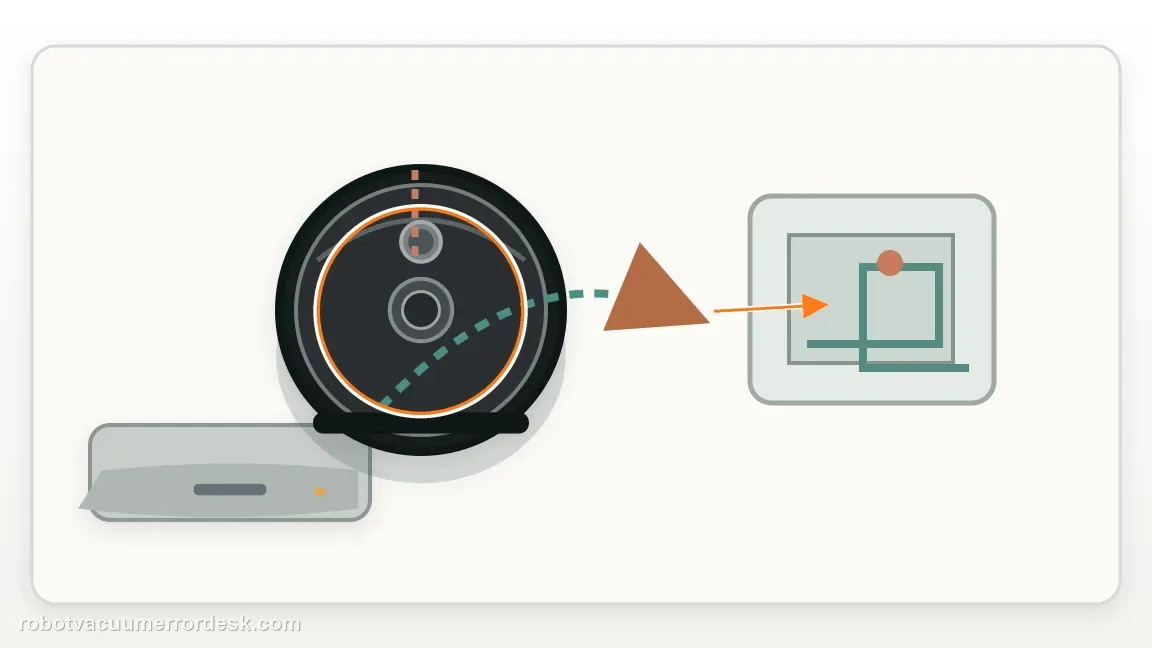
Correct the dock environment to Roborock’s return guidance
Place the dock against a wall with roughly 0.5 m of free space on both sides and 1.5 m in front. Remove cords, low furniture edges or objects that narrow the approach. Keep the dock fixed once the test begins.
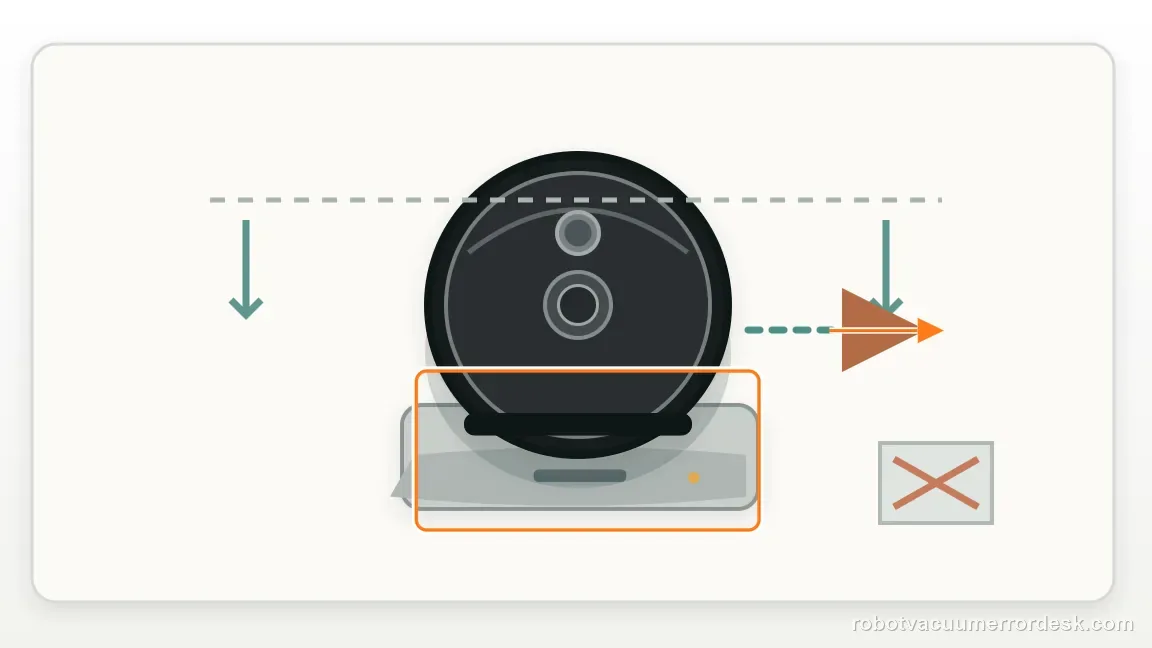
Clean the two surfaces used for homing
Wipe the dock’s front signal-transmission area and the S7 front sensor. Roborock specifically names these surfaces in its cannot-find-dock troubleshooting. Cleaning the charging pads alone does not address a robot that cannot locate the station in the first place.
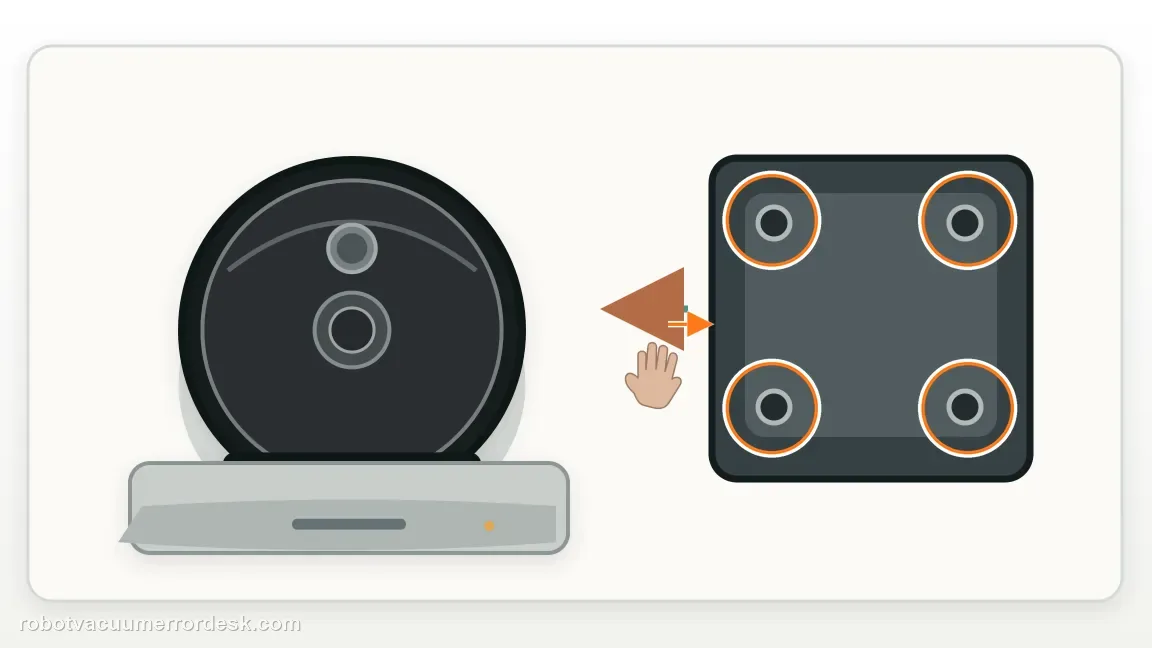
Run a close return test first
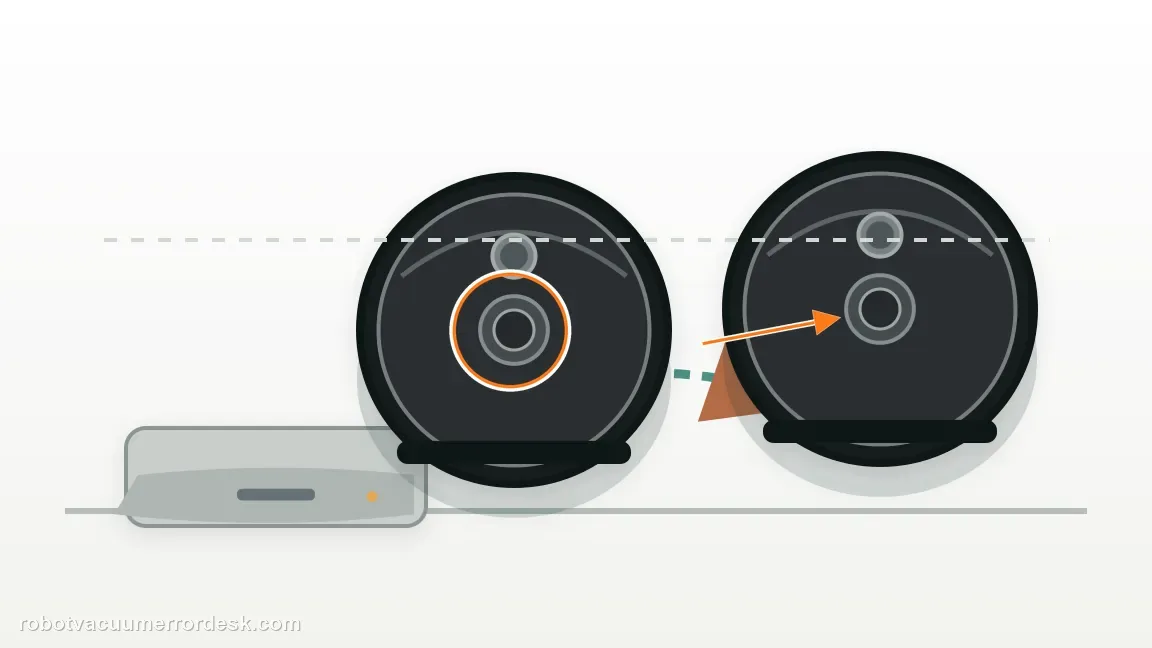
Place the S7 a short distance in front of the dock on the same floor and command Return to Dock without carrying it again. A successful close return proves the final signal/approach can work and shifts attention toward localization or the route from farther away.
Run a normal mission from the dock without interruptions
If close homing works, start a short cleanup from the dock and let the S7 return by itself. Do not move the dock, carry the robot or close a key doorway mid-run. This tests whether the active map still matches the station anchor during real navigation.
Rebuild the saved map only when the physical path is proven
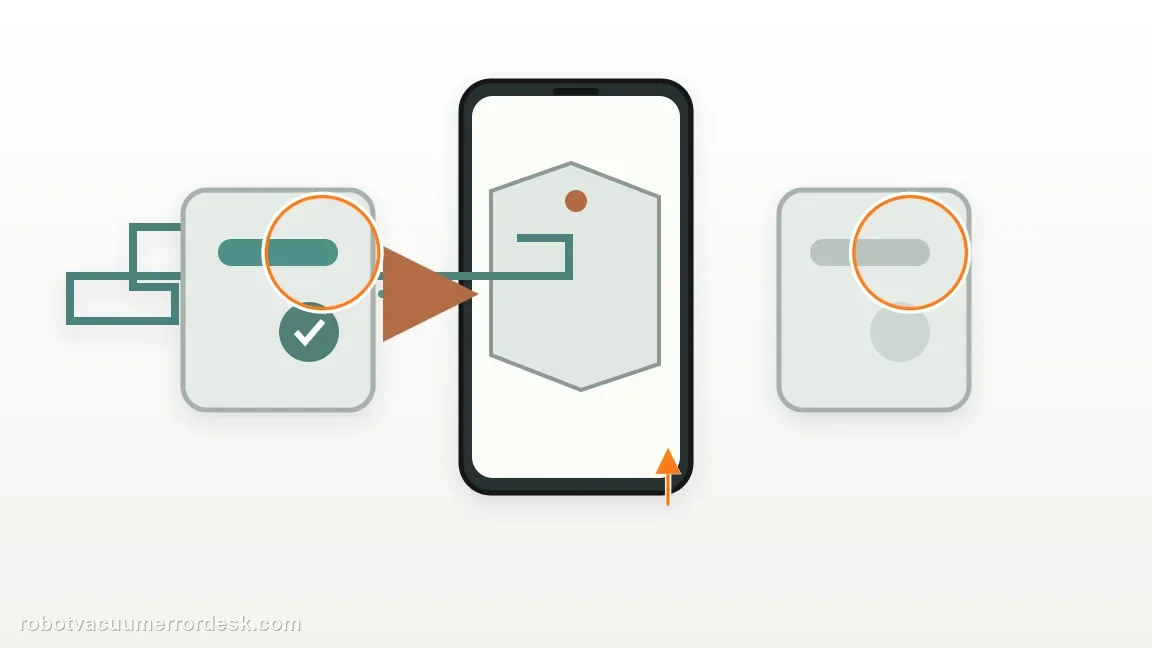
If nearby docking works and the dock environment is correct but normal return still fails, preserve a screenshot of the current map and then rebuild Map Saving. A new map from the fixed dock is a cleaner test than repeatedly moving the station around the home.
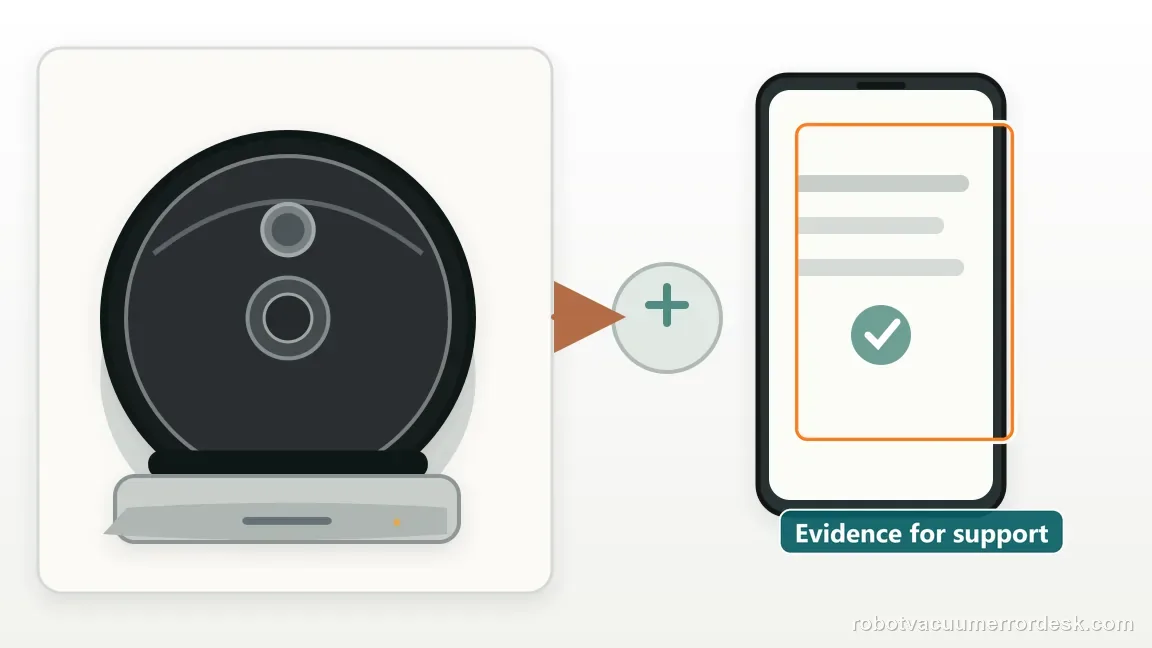
Escalate when the S7 fails return-to-dock after the station is fixed in a clear location, both homing surfaces are clean, the robot was not carried and a fresh map does not restore behavior. Send a video showing whether it sees the dock, approaches then turns away, or never heads toward it; those behaviors narrow the fault better than a generic 'won’t dock' report.
What to collect before contacting support
Give support a reproducible case instead of “it doesn’t work.” That reduces repeated basic troubleshooting and preserves the clues from your tests.
- Exact model name and the error code / voice prompt exactly as shown
- A photo or screenshot of the app error and the time it occurred
- A short list of the checks already completed and what happened after each one
- Firmware/app version if the issue began after a software change
Manufacturer evidence
Roborock S7 troubleshooting
Roborock’s S7 support says a robot may fail to find its dock when it started elsewhere, was moved manually or meets an obstacle. It recommends moving the dock if necessary, providing about 0.5 m clearance on each side and 1.5 m in front, and cleaning the dock signal-transmission area and robot front sensor. The guide adds a close-versus-long return test to isolate homing from map localization.
Additional official source: Roborock S7 product support and manuals ↗Last editorial review: October 13, 2026Regional note: manufacturer help centers, model suffixes, mains-power requirements and warranty procedures can differ by country. If the source redirects to a local support site, confirm that the model/hardware scope still matches before following a region-sensitive step.
This guide is rated Official model support. See what each evidence label means →
FAQ
Why can my Roborock S7 charge when I place it on the dock but not find the dock itself?
Manual placement proves that the robot can physically sit on the charging contacts, but it does not prove autonomous homing. Return-to-dock also depends on localization, the dock’s front signal area, the robot’s front sensor and an unobstructed approach. Run a close return command instead of using manual placement as the navigation test.
How much clearance should the Roborock S7 dock have?
Roborock’s cannot-find-dock troubleshooting recommends about 0.5 m of free space on each side and 1.5 m in front of the dock. Keep the station against a wall and remove objects that narrow the final approach. During diagnosis, leave the dock in exactly the same position so the map reference is not changing between tests.
Can carrying my S7 make it lose the dock?
Yes. Roborock specifically notes that manually moving the robot or starting it in a different location can contribute to return problems. For a useful test, start from the mapped dock, avoid lifting the S7 during the run and let it navigate back by itself. That preserves the localization context you are trying to evaluate.
Should I remap the S7 when it cannot return to the dock?
Not first. Prove close-range homing, dock clearance and the two signal surfaces before deleting map data. If the S7 can dock from nearby but repeatedly fails after a normal mission from the same fixed dock, then preserving a screenshot and rebuilding Map Saving becomes a reasonable localization test rather than a blind reset.
What should I show Roborock if my S7 still cannot find its dock?
Provide a map screenshot showing the dock location and a short video of the final return attempt. Note whether close-range return works, whether the dock was ever moved, and whether the robot was carried. Those details separate a homing/sensor failure from a map-reference problem and prevent support from repeating basic steps you already completed.
Did this diagnostic narrow the fault?
Use this as an editorial signal, not a popularity counter. If a feedback address is configured you can email the note; otherwise you can copy it for your own support record.