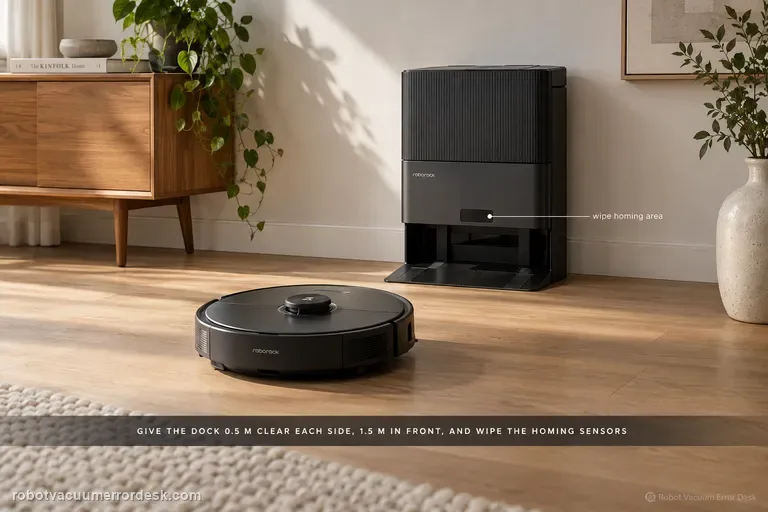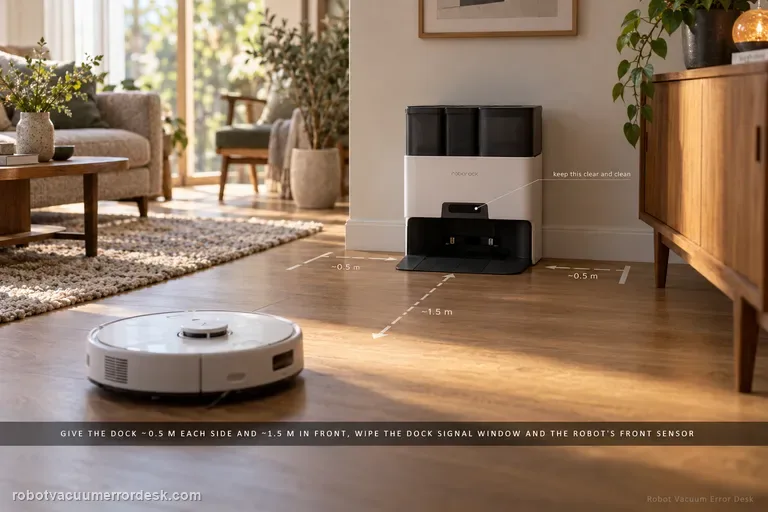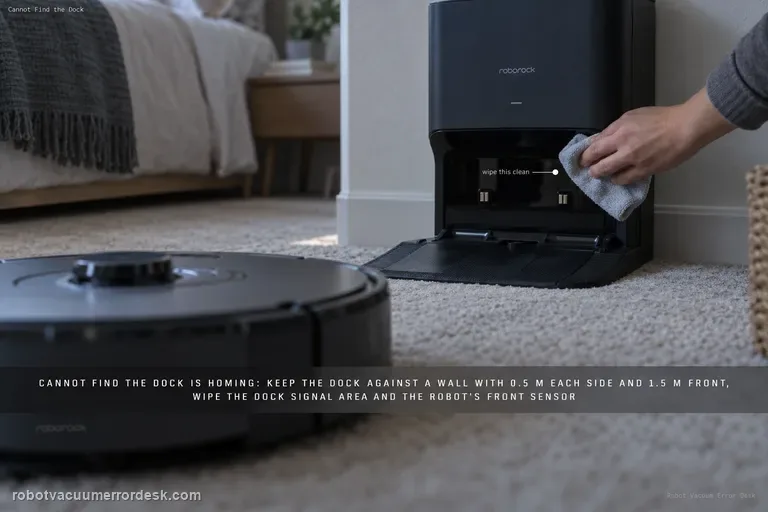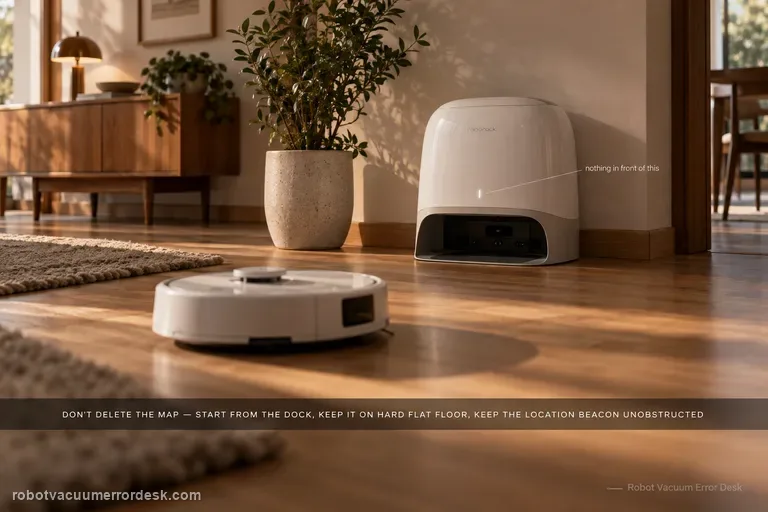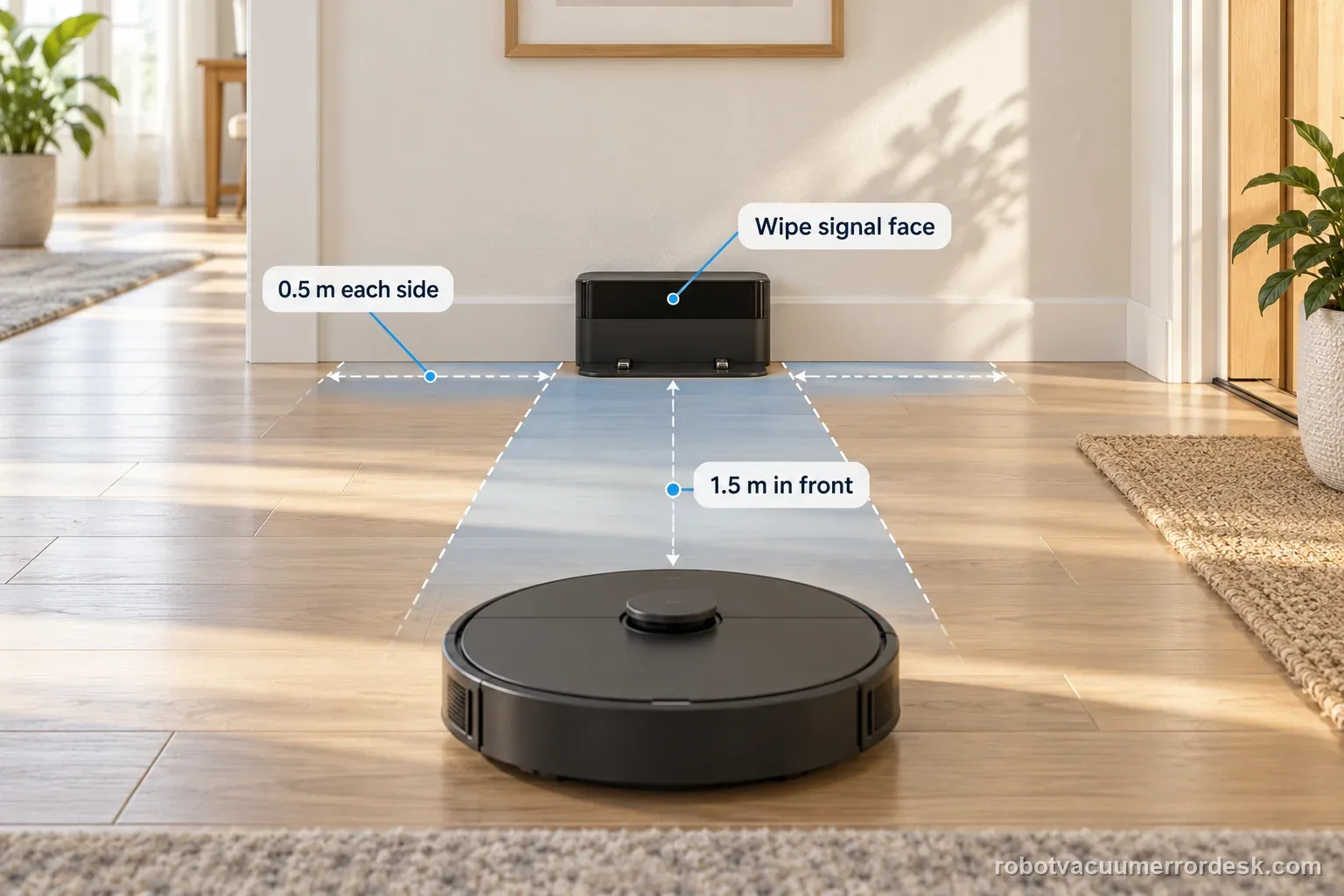
If the Roborock Saros 20 Sonic cannot find its dock, check the dock is plugged in and test from the saved map without carrying the robot. Roborock lists a different start location, obstacles, or manual movement as causes. Keep 0.5 m clear at each side and 1.5 m in front, then wipe the dock signal area and robot front sensor.
Can the robot return when started close to the dock?
This page covers a Saros 20 Sonic that cannot locate or complete a return to its charging station. Separate a route-search problem from a final seating or charging problem before cleaning contacts or changing the map.
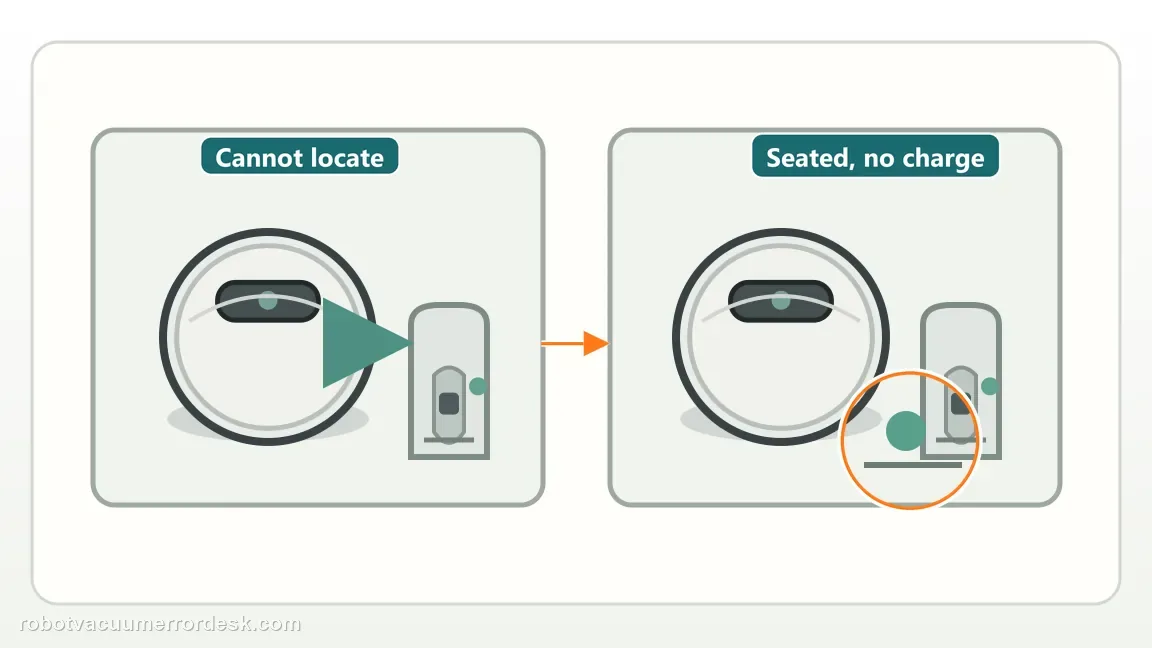
Find the stage where the return stops
| Observation | What it separates | Next action |
|---|---|---|
| Never begins searching | Task, location, or alert interrupted | Check the app message and task ending |
| Searches but misses station | Route, map, obstacle, or dock signal | Keep dock fixed and clear the approach |
| Reaches station then backs out | Final alignment or tray/contact issue | Inspect accessible seating and station parts |
| Seats but no charge | Charging contact or power | Use the charging-status checks |
Confirm the exact model and exact code, light pattern or symptom.
Run the lowest-risk physical or software check first.
Use each pass condition to decide what the result actually narrows down.
Does this match your problem?
- The robot cleans but wanders instead of returning to the dock.
- The Saros 20 Sonic was started away from its normal mapped position or moved manually.
- The robot reaches the general dock area inconsistently.
- You are diagnosing can't find dock on a Roborock Saros 20 Sonic and want the exact model support path rather than a generic reset list.
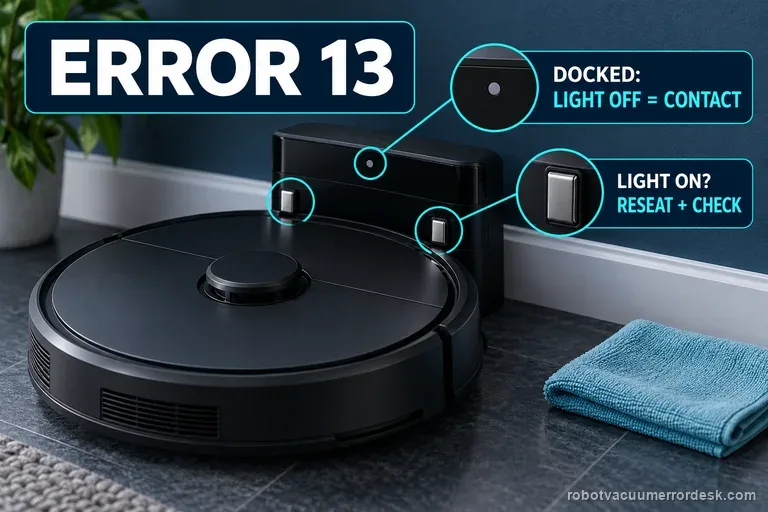
A return-to-dock failure is separate from a reported component code or charging fault. These related guides keep those diagnoses distinct: Saros 20 Error 13 checks · Qrevo Curv not-charging checks
Most likely causes
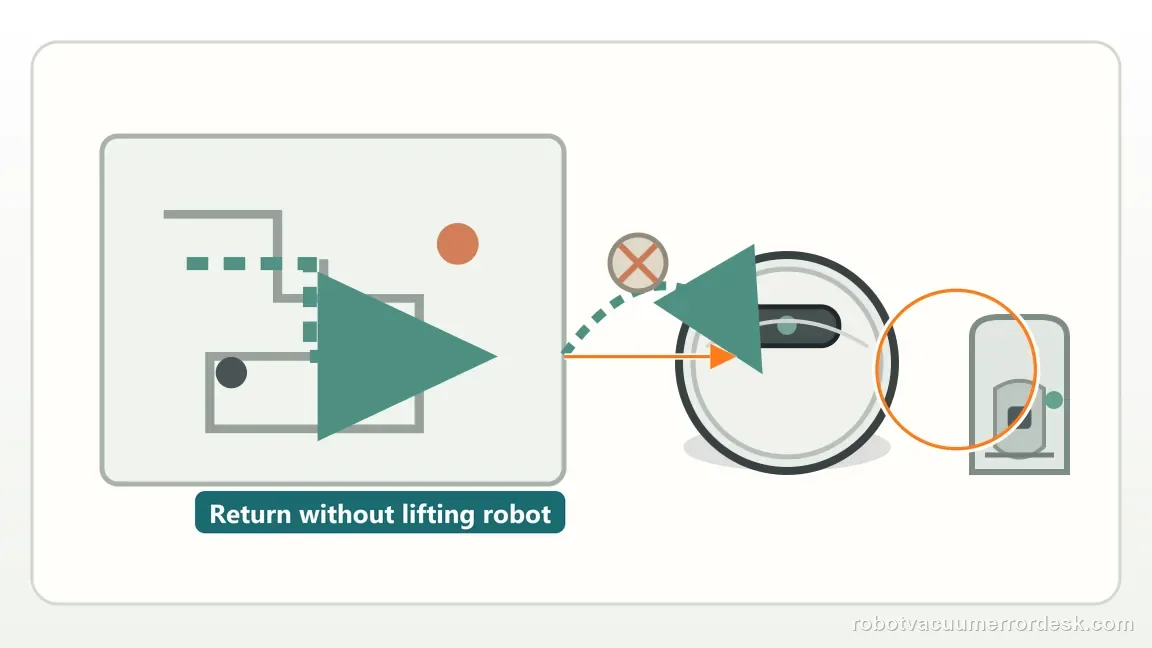
The robot lost its localization reference after being moved
Obstacles or poor clearance around the dock
Dirty signal-transmission or front-sensor surfaces
The station has no external power, which can make a navigation complaint look like a locator fault
A robot that reaches the dock but fails to charge has already passed the dock-location test; move to charging-contact diagnosis instead of repeating navigation resets.
What your test result means
| What you observe | What it narrows down | Next move |
|---|---|---|
| Robot was carried or started in a different location | Map localization may be inconsistent | Start a normal cleanup from a recognized mapped area before testing return. |
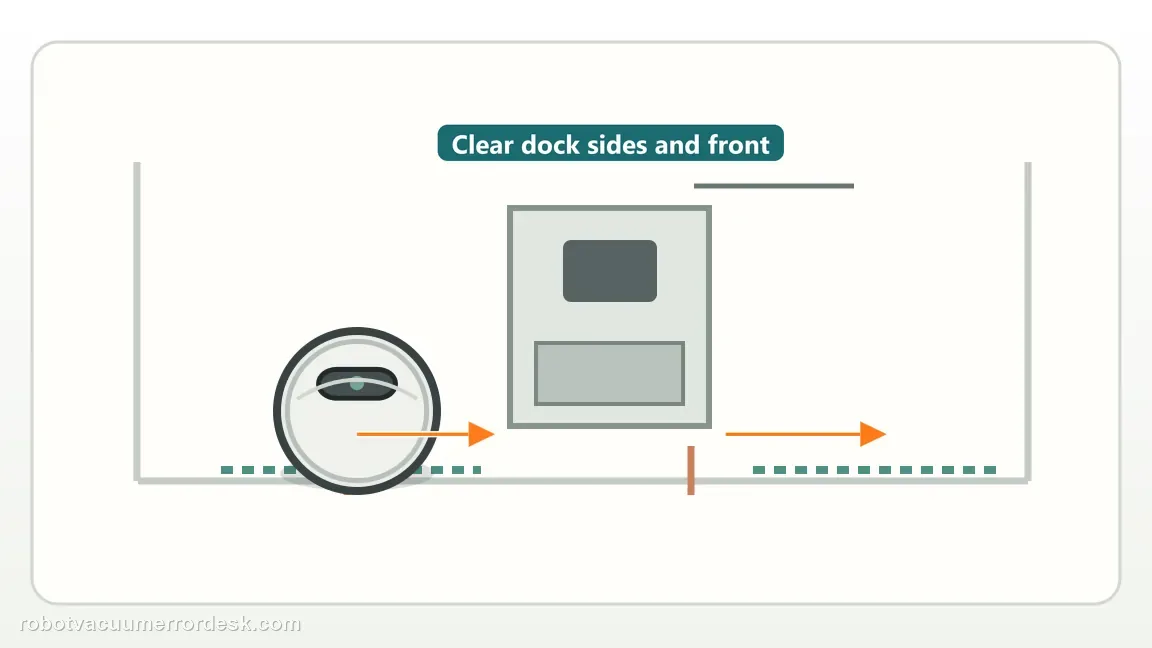
| Dock clearance is blocked | Final approach geometry is compromised | Restore 0.5 m side and 1.5 m front clearance. |
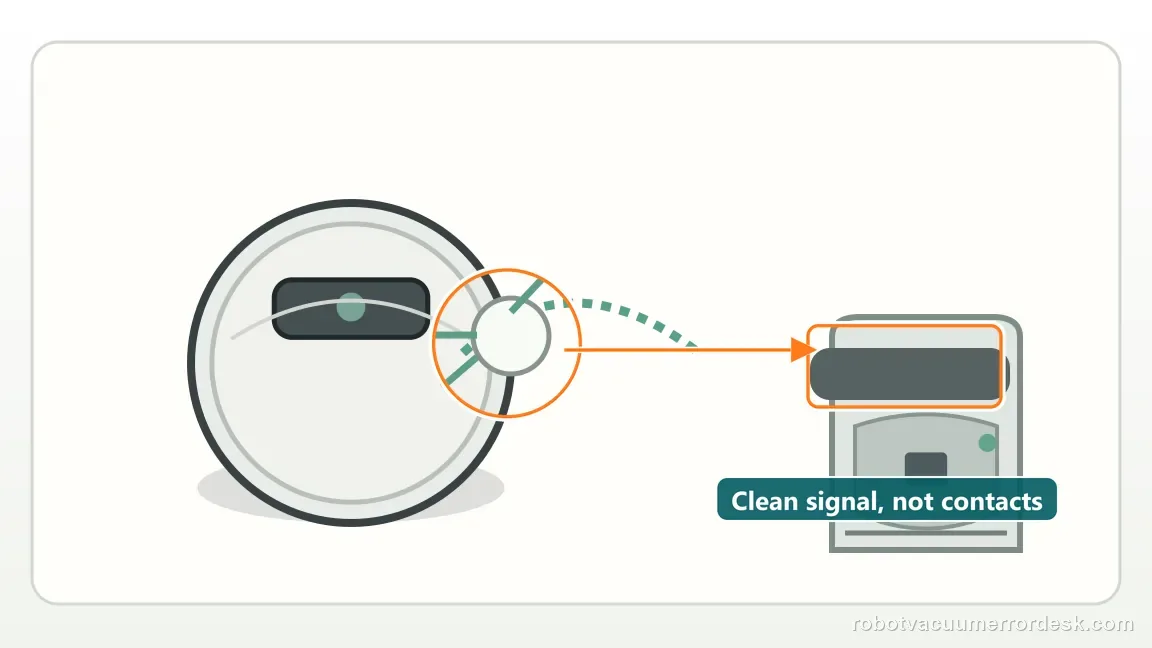
| Dock signal area or front robot sensor is dirty | Base-location sensing may be degraded | Clean both areas and retest. |
| Robot reaches dock but does not charge | Dock finding succeeded; charging is the separate problem | Switch to Error 13/charging diagnostics. |
| Robot still cannot locate dock in a clear mapped setup | Owner return checks are exhausted | Escalate with map and return-attempt video. |
A route miss and a seating failure are not the same
Two starts produce different return results
Illustrative example, not service data: log 2 returns. Attempt 1 starts at the dock and returns normally. Attempt 2 starts from another mapped room after the robot was carried and fails to locate the base. Keep the dock fixed and record both start points. The contrast makes start location a useful next variable to test; it does not prove the map is the only cause or estimate a repair rate.
One dock move changes the final approach
Illustrative example, not a measured success rate: after 2 failed returns from a recognized mapped area, the owner checks the external power path, clears the documented 0.5 m side and 1.5 m front zones, and wipes the two signal surfaces. Those checks still fail, so the dock is moved once to a clear wall-backed position. The next return succeeds. Record the sequence as 2 misses before the move and 1 pass after it; that supports dock location as a variable, not a guaranteed fix.
Illustrative decision sequence. These are observations, not measured repair success rates.
- Keep the station powered and fixed
- Run one return from a clear approach
- Separate search failure from contact failure
Do not factory-reset by default. Use the exact model’s reboot/network-reset procedure only when the manufacturer path calls for it.
Run these checks in order
Separate “cannot find dock” from “reaches dock but will not charge”
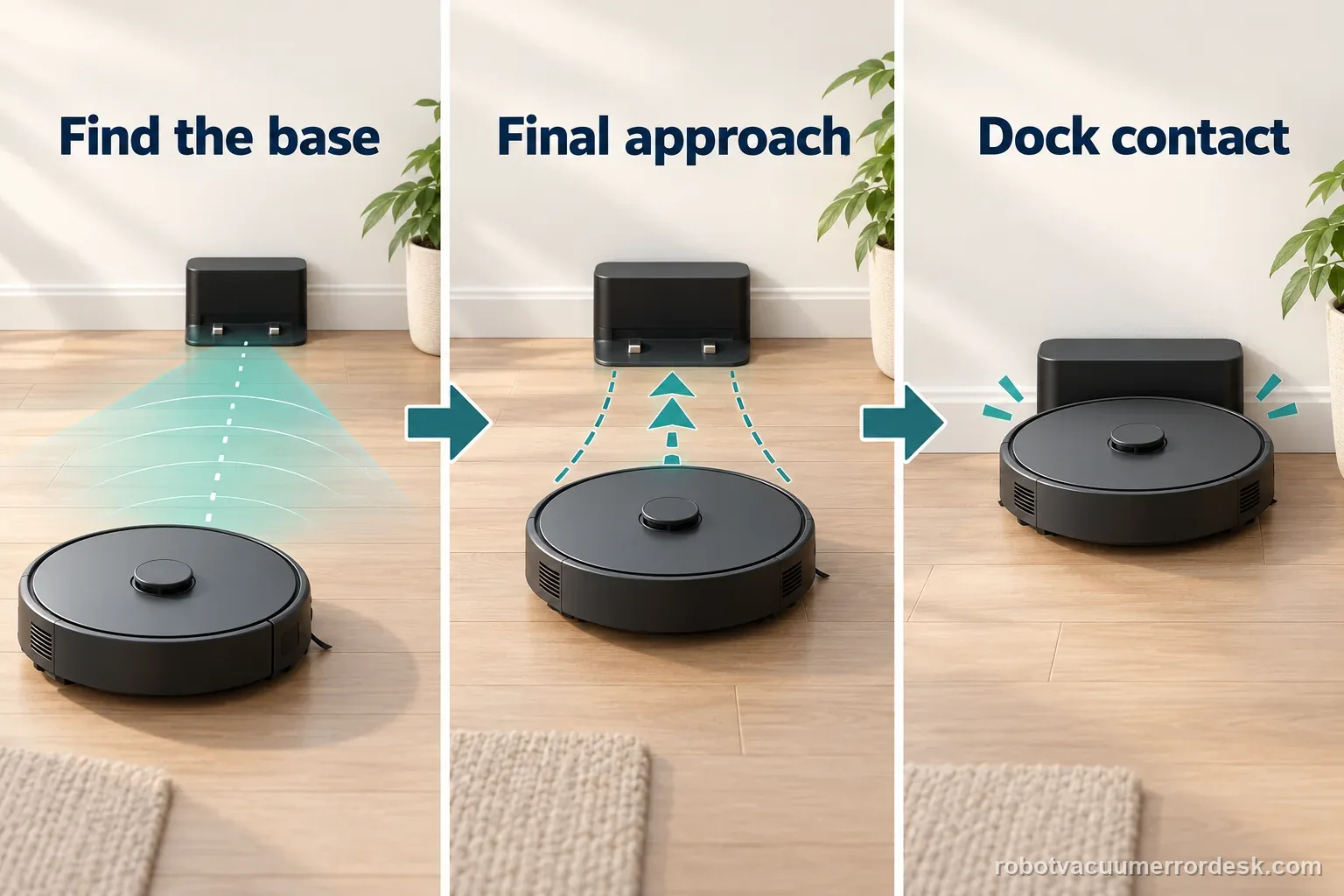
Watch one return attempt. If the Saros 20 Sonic reaches and seats on the station, autonomous homing succeeded and any later charging problem belongs to Error 13/charging. Stay on this guide only when it cannot locate or approach the dock reliably.
Check dock power and run from a mapped location
First check power outside the dock: confirm both cord ends are seated and the outlet works. The Saros 20 Sonic manual says the dock must be plugged in and warns against dismantling or repairing it. Then start from a mapped location, clear temporary obstacles and let the robot return without being picked up. Roborock lists a different start location and manual movement as causes. Keep this external power check separate from opening or servicing the dock.
Restore the documented dock approach zone
Place the dock against a wall with roughly 0.5 m clear on each side and 1.5 m in front. Remove cords, bins and furniture that encroach on the final approach. Keep the dock fixed during the next tests.
Clean both sides of the homing signal path
Wipe the dock’s front signal-transmission area and the robot’s front sensor, both of which Roborock identifies for locating the base. This is different from cleaning charging contacts after the robot has already arrived.
Run a nearby return, then a normal mission return
First command Return to Dock from a short distance on the same mapped floor. If that works, start a short cleaning task from the dock and let the robot return automatically. Record the start point, exact app message and where it stopped. Keep the map, route exclusions and dock position unchanged during those comparisons so one change does not mask another. The comparison separates final homing from broader route/localization context.
Try one deliberate dock relocation only after the clean test fails
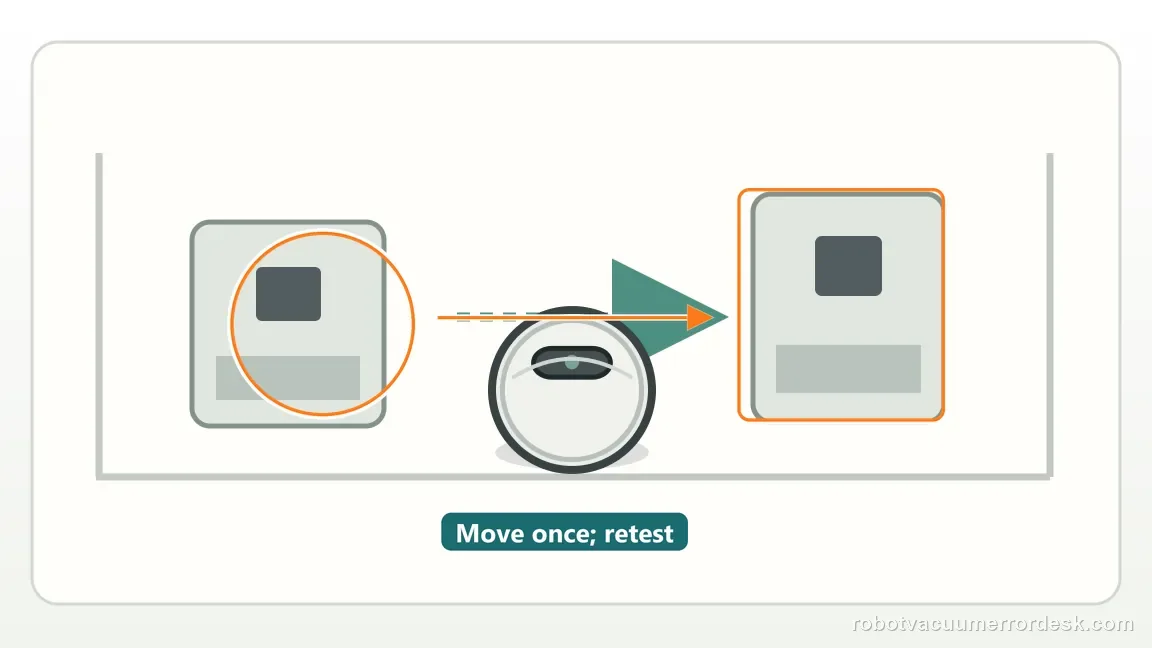
Roborock also suggests a new dock location when return still fails. Move it once to a clear wall-backed position with the same clearance, then repeat without carrying the robot. If failure persists, preserve the map and video for support instead of repeatedly moving the station.
Escalate when the Saros 20 Sonic still cannot locate the dock from a recognized mapped area after the approach zone is clear, the dock signal area and robot front sensor are clean, and one controlled dock-position test has failed. Send the saved map plus a video showing the robot’s final approach. If it reaches the dock but will not charge, switch to the charging/Error 13 path instead.
Capture one controlled return attempt
| Stage | Question to answer | Evidence to keep |
|---|---|---|
| Start | Dock or another location? | Starting point and map |
| Search | Which path or obstacle? | Short route video |
| Entry | Enters and exits, or never aligns? | Final approach clip |
| Charge | Status remains active? | App status after seating |
What to collect before contacting support
Give support a reproducible case instead of “it doesn’t work.” That reduces repeated basic troubleshooting and preserves the clues from your tests.
- Exact model name and the error code / voice prompt exactly as shown
- A photo or screenshot of the app error and the time it occurred
- A short list of the checks already completed and what happened after each one
- Firmware/app version if the issue began after a software change
Manufacturer evidence
Roborock Saros 20 Sonic troubleshooting: cannot find dock
The current Saros 20 Sonic support page covers dock clearance, moved-robot behavior and cleaning the dock/robot homing signal surfaces. Its user manual says to begin cleaning from the dock, keep the dock in place during the run, and confirm the dock is plugged in; it also says not to dismantle the dock. The external outlet check is a low-risk screen before map or dock changes.
Additional official source: Roborock FAQ: robot cannot find its dock ↗Additional official source: Roborock Saros 20 Sonic user manual (PDF) ↗Last editorial review: September 5, 2026Regional note: manufacturer help centers, model suffixes, mains-power requirements and warranty procedures can differ by country. If the source redirects to a local support site, confirm that the model/hardware scope still matches before following a region-sensitive step.
This guide is rated Official model support. See what each evidence label means →
FAQ
Can carrying the robot confuse dock return?
Yes. Roborock lists starting the robot somewhere else or moving it manually as conditions that can interfere with dock finding. For a clean test, start from a recognized location on the saved map and let the Saros 20 Sonic travel back without being carried. If that works, the earlier failure was likely tied to localization rather than the charging system.
Should I move the dock first?
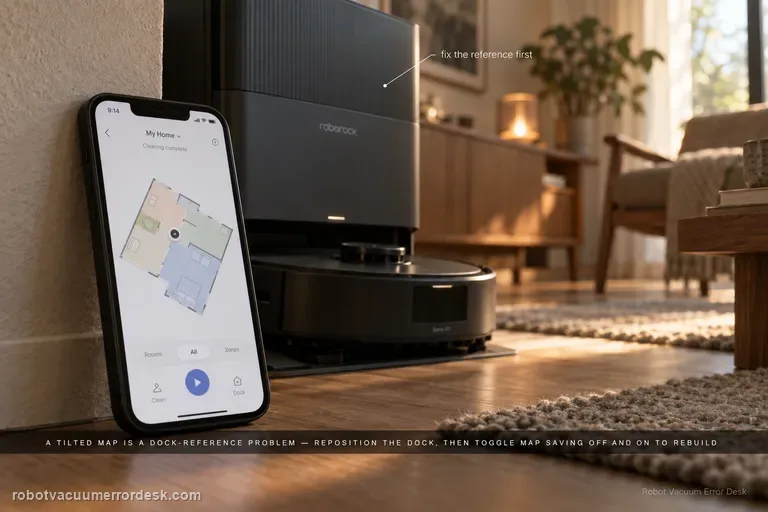
Not as the first move. First restore the documented approach clearance, clean the dock signal area and robot front sensor, and run a return test from the existing mapped setup. If return still fails, move the dock once to a clear wall-backed location and repeat. Repeatedly relocating it makes the test harder to interpret because the map reference keeps changing.
How much clear space should I leave around the dock?
For this Saros 20 Sonic troubleshooting path, Roborock specifies roughly 0.5 m of clear space on each side of the dock and 1.5 m in front. Keep cords, bins and furniture out of that final approach. After restoring the clearance, leave the dock fixed while you compare a nearby return with a normal mission return.
Why can’t my Roborock Saros 20 Sonic find the dock?
Roborock lists several return-to-dock causes: the robot may have been started from a different location, manually moved, blocked by obstacles, or unable to read the dock signal area. Keep the dock against a wall with roughly 0.5 m clear on each side and 1.5 m in front, clean the signal/sensor surfaces, then test return from a mapped area.
Could the dock simply have lost power?
Check only the external power path first: make sure both cord ends are seated and the outlet works. Roborock says the dock must be plugged in, and its manual says not to dismantle or repair the dock. This is a quick screening check, not a diagnosis by itself. If the robot reaches the dock but will not charge, switch to the separate Error 13 path.
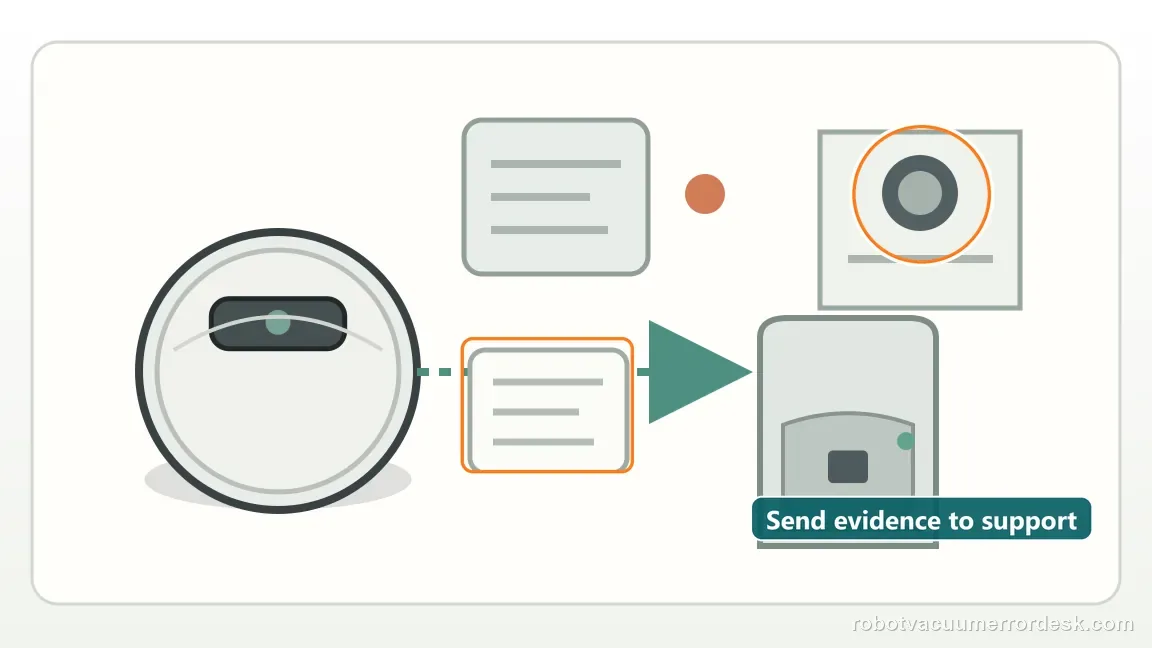
Roborock's general return guidance identifies a moved start point, obstacles, or manual movement as relevant variables. Use the Saros 20 Sonic manual for model-specific placement and care. If a controlled test still fails, send the exact model, map, alert, and return video to Roborock.
Choose the matching model before using another guide's procedure:
General Roborock dock-location checks →Saros 20 Error 18 is a separate fan alert →Compare a docked-but-not-charging symptom →Compare final seating versus map saving →Compare map-save interruption with dock-return trouble →S7 map rotation is a separate navigation symptom →Error 8 describes a trapped robot, not a dock beacon →Compare a DEEBOT that cannot return to its station →Did this diagnostic narrow the fault?
Use this as an editorial signal, not a popularity counter. If a feedback address is configured you can email the note; otherwise you can copy it for your own support record.