Won't Dock or Return Home
Separate “cannot find the dock” from “finds it but cannot seat/charge.” Those are different failure paths and should not be reset the same way.
Run a short-range return test before deleting a map. If the robot can dock from nearby, the final docking hardware is probably not the only issue.
What the symptom points to
Map/localization, moved station, blocked route or homing visibility.
Final approach, bumper/sensor contamination, ramp clearance or station placement.
Charging contacts, dock power or charging electronics — not a navigation problem.
Do not erase the evidence
- Deleting a known-good map before a close-range docking test
- Moving the dock repeatedly while troubleshooting localization
- Assuming a manual dock placement proves autonomous docking works
Record a short video of the final approach plus a screenshot showing the station on the map. Those two pieces separate navigation from physical docking far better than “won’t dock.”
Matching model-specific guides
20 diagnostics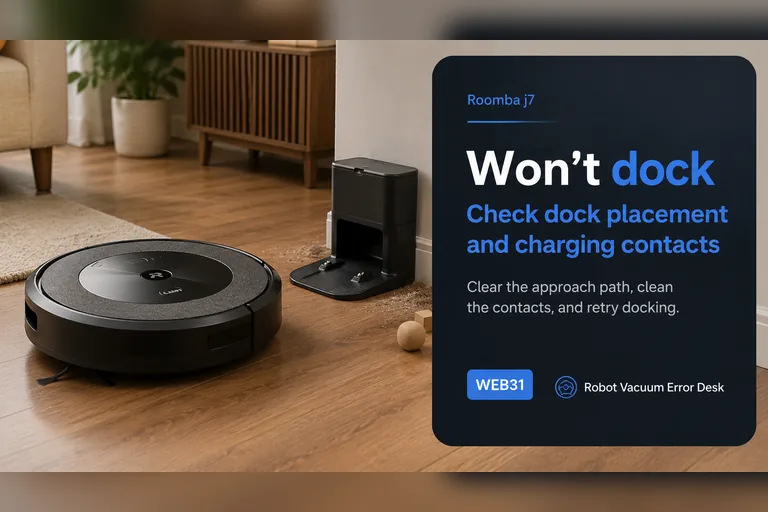
Won't dock
For a j7 that will not dock, start with a controlled close-range return rather than deleting the map. iRobot's Error 18 guidance says j-Series robots use the front-facing camera for the docking approach instead of the RCON used on many older Roombas. Confirm the dock has power, keep its approach clear, remove direct sunlight or visual obstruction, clean the robot/dock contact and bumper areas, then face the j7 toward the dock from about 6 ft (1.8 m) and command Home. A successful close test points to placement, mission context or range. A failed close test keeps camera visibility, final approach and dock/contact conditions at the center of the diagnosis.
Won't return home
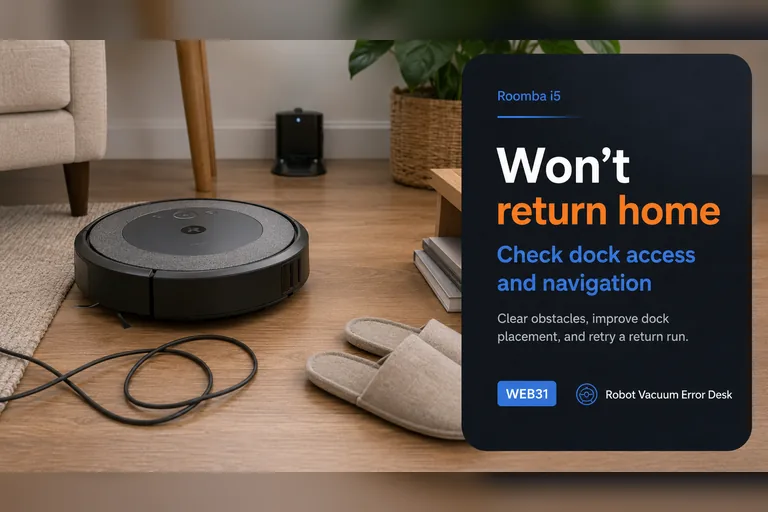
When a Roomba i5 simply 'won't return home' without a clear Error 18 message, first determine which stage fails. If it cannot dock from a short clear approach, troubleshoot the Home Base, RCON/bumper area, contacts and wheels. If it docks perfectly from about 6 ft but fails after a long cleaning mission, focus on whole-home context: whether the robot or base was moved, how far the return begins from the dock, remaining battery and environmental interference. iRobot notes that physically moving a Roomba during a mission can make Home Base recovery harder and publishes range guidance for the i3/i4/i5 family. This symptom-first page therefore starts with a close test before map deletion or battery replacement.
Can't find dock
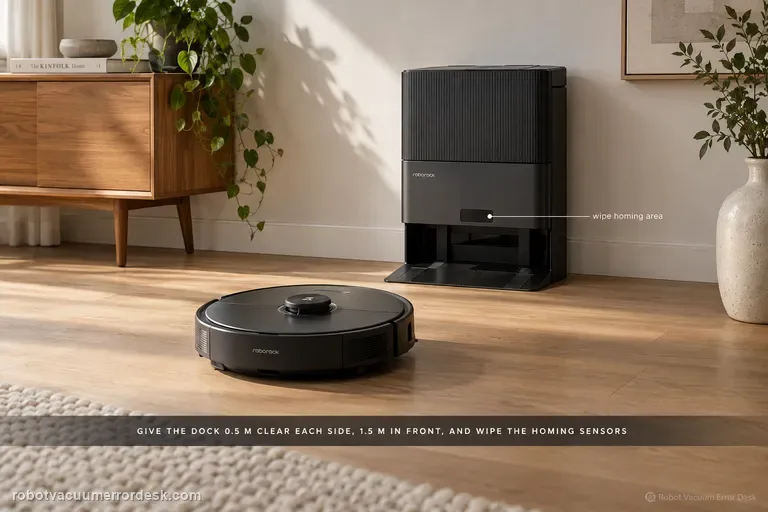
For a Qrevo that cannot find its RockDock, separate navigation from station functions. Roborock’s support says return can fail after manual relocation, a different start point, obstacles, poor dock clearance or dirty homing surfaces. Keep the station against a wall with about 20 inches (50 cm) to either side and 59 inches (1.5 m) in front, clean the dock signal area and robot front sensor, then compare a near return with an automatic return after a real cleaning task. Do not treat a charging or mop-wash fault as the same problem once the robot has actually reached the dock.
Can't find dock
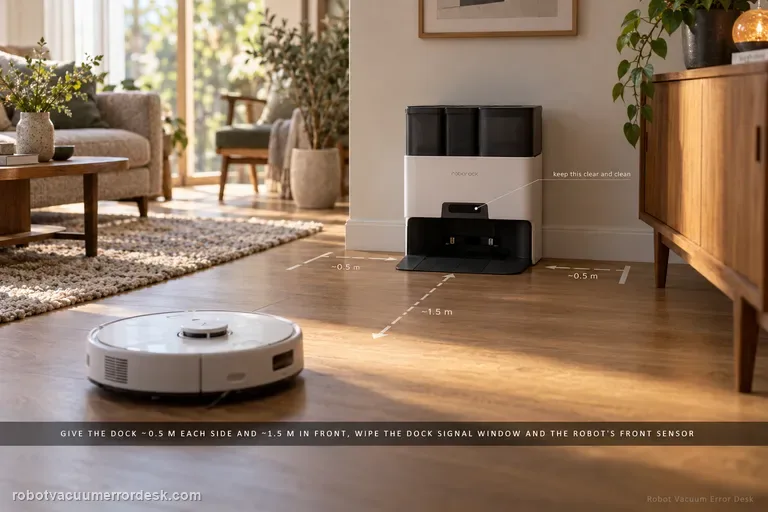
For an S7 that cannot find its dock, separate final homing from whole-home localization. Roborock says return can fail if the robot started elsewhere, was moved manually, meets an obstacle, or cannot see a correctly placed dock. Give the dock about 0.5 m of side clearance and 1.5 m in front, clean the dock signal area and robot front sensor, then run a nearby return. If nearby docking works but a normal mission fails, focus on the map/dock reference rather than charging hardware.
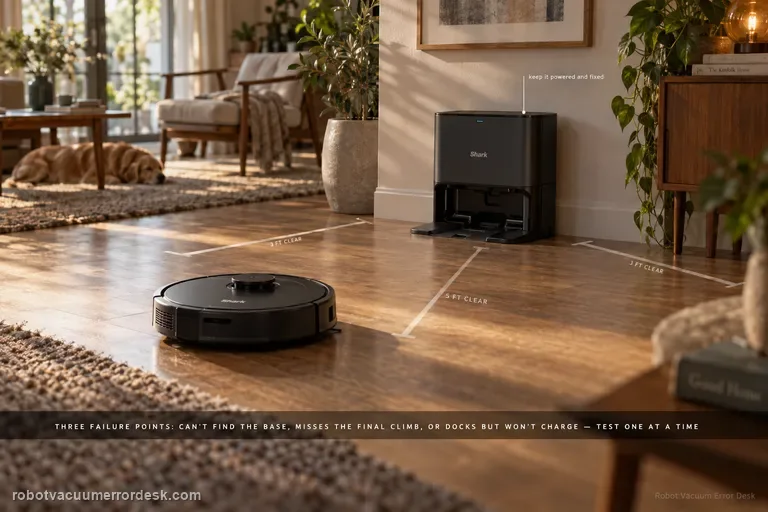
Won't dock
A Shark Matrix that 'won't dock' can fail at three different stages: it may not find the Self-Empty Base at all, it may find the base but miss the final climb/alignment, or it may park correctly and still fail to charge. The RV2300-series manual gives Error 23 for the first case. Start by proving base power and restoring about 3 ft of side clearance and 5 ft in front, keep the base fixed, then run a short Dock test. If the robot reaches the base, inspect wheel movement and dry-clean contacts before blaming navigation. If it docks squarely but does not charge, use the charging guide. This staged approach prevents remapping a robot whose actual problem is contact alignment or battery charging.
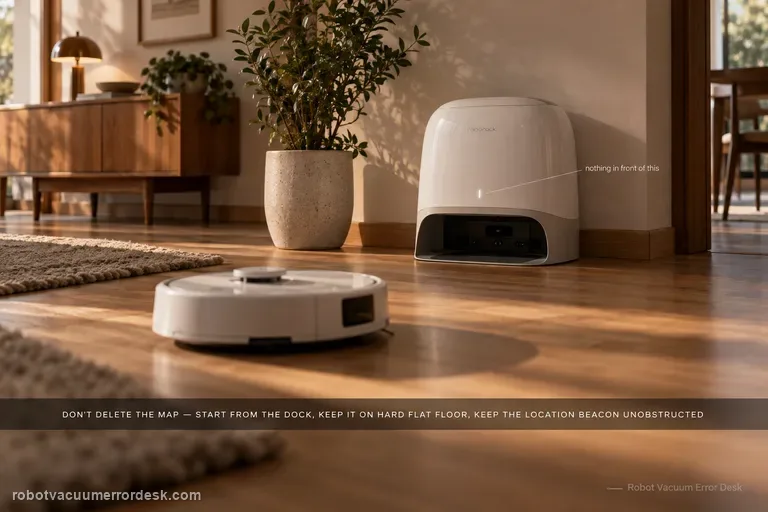
Won't return to dock
Do not delete the map first. For Qrevo Curv / CurvX, Roborock’s manual says reliable automatic return depends on starting from the dock, leaving the dock in place during the task, keeping the dock on a hard and flat surface, and keeping the dock-location beacon unobstructed. Its troubleshooting table then narrows a failed return to obstacles near the dock, excessive distance, or dirty wall/cliff/carpet sensors. A close-range return test is useful because success from nearby proves the robot can still see and physically seat on the dock, shifting the investigation toward route context or long-range localization rather than a dead dock.
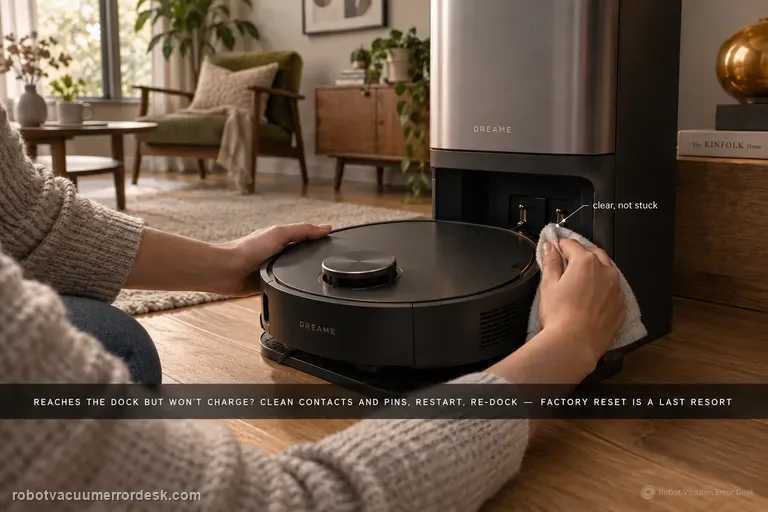
Docking failed
Use this guide only when the X50 reaches the dock area but repeatedly seats, backs out or fails to establish charging. Dreame’s exact Docking Failed article starts with the robot charging contacts and the dock’s metal pins: remove dust/foreign matter and confirm the pins are not stuck and can rebound. Then remove the robot, restart it, place it back on the dock and listen for the 'Start charging' voice prompt. Factory reset is third, not first, and Dreame warns that it erases saved maps. If the robot cannot find the base from 1–2 meters away, that belongs to the separate return-to-base path with power, placement, LDS and wheel checks.
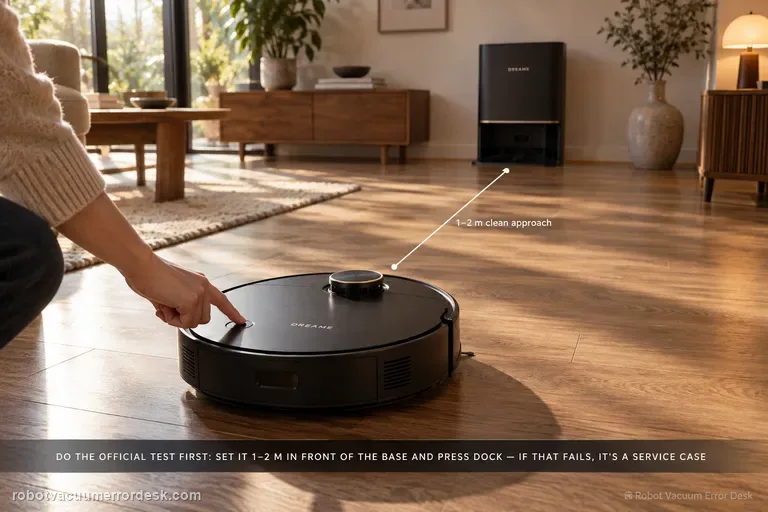
Can't find base
Start with Dreame’s short-range proof test, not a map reset. Confirm the base is powered, place the X50 about 1–2 meters in front of it, then press Dock. If the robot cannot return from that short clean approach, Dreame says to contact after-sales rather than treating the problem as a normal room-layout issue. If the short-range return works, move to placement: keep the station against a wall with about 1.5 m clear in front and 0.5 m on each side, away from routers/TVs and mirror-like surfaces. Then confirm the robot normally starts from the base, the top LDS rotates, drive wheels move freely, and the ramp extension is clean. Restart/reset is a late branch because Dreame warns that reset clears saved data including maps.
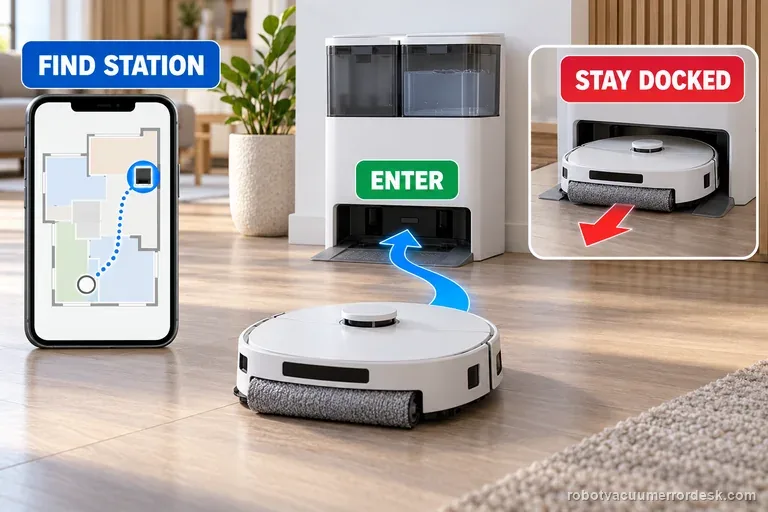
Won't return to station
First watch one return attempt: does the X8 fail to find the station, or reach it and back out? ECOVACS treats these as separate faults. For a locate failure, check station power, map icon and route. For a docking failure, dry the tray and verify parts and contacts before one controlled test.
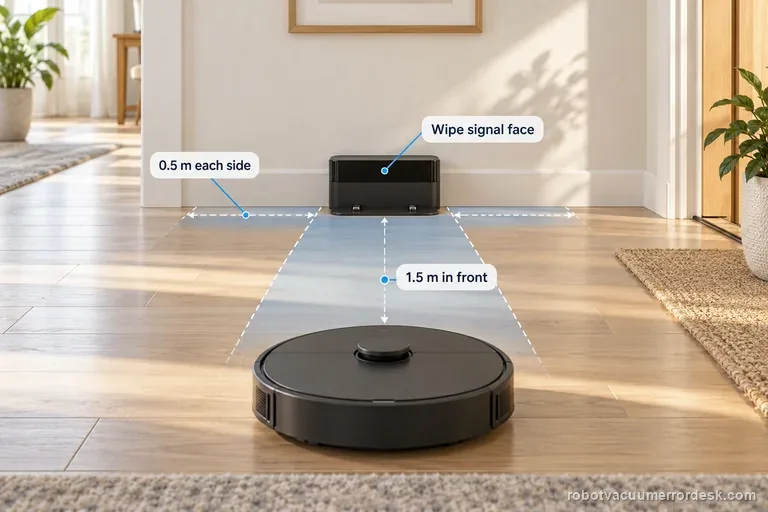
Can't find dock
If the Roborock Saros 20 Sonic cannot find its dock, check the dock is plugged in and test from the saved map without carrying the robot. Roborock lists a different start location, obstacles, or manual movement as causes. Keep 0.5 m clear at each side and 1.5 m in front, then wipe the dock signal area and robot front sensor.
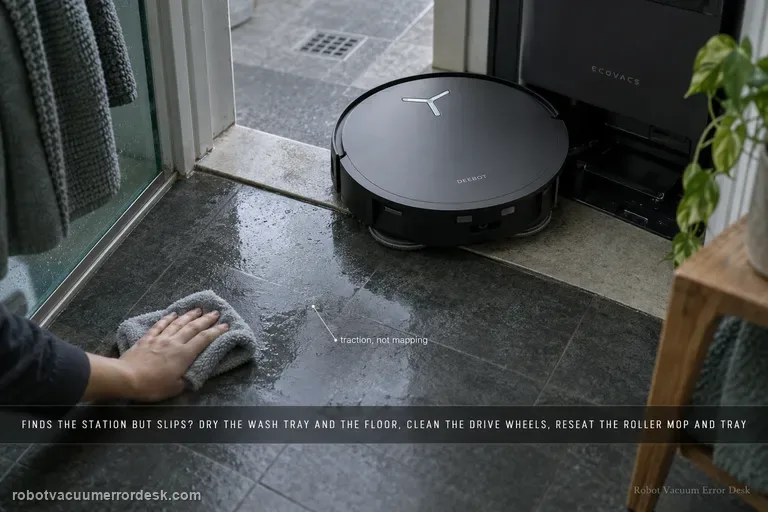
Slips returning to station
Treat “finds the station but slips” as a different fault from “cannot find the station.” ECOVACS’ X11 procedure starts at the last meter: remove excess water from the mop-washing tray and nearby floor, clean and dry the drive wheels, confirm the roller mop is seated, confirm the mop-washing tray is fully installed, then place the robot directly in front of the station and request Auto return. That sequence isolates traction and station-entry geometry before you blame mapping, charging electronics or the battery.
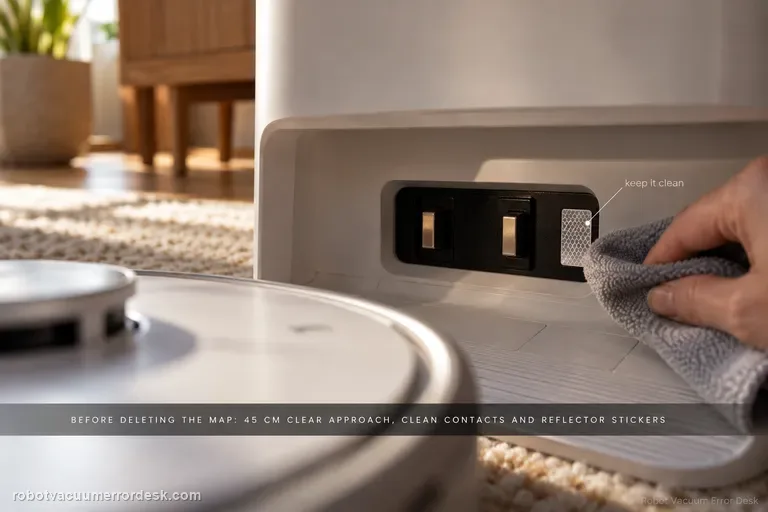
Won't return to base
Do not start by deleting the map. First give Narwal Flow a compliant base area: hard and level, away from direct sunlight, with about 45 cm / 1.5 ft of clear approach space. Narwal’s current return-to-base troubleshooting then calls for cleaning the robot/base charging contacts and reflector stickers, checking the drive and caster wheels for oil or debris, confirming the cleaning tray and roller-brush cover are seated correctly, and remapping only if the base station was moved. A short return from near the dock can then separate final-entry trouble from whole-home localization. If Flow still cannot return, record the final approach for support instead of repeatedly remapping.
Recharge / return fails
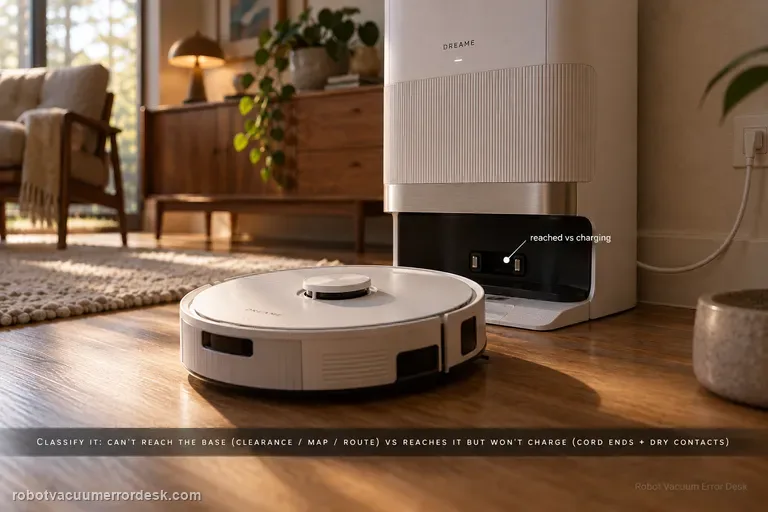
First classify where the L50 Ultra AE fails. If it cannot find or approach the base, Dreame’s exact recharge article points to dock clearance, distance, starting from the base and an abnormal saved map; the exact manual adds blocked return routes, a moved or unpowered station and a dirty signaling area. If the robot reaches the base correctly but charging never begins, stop remapping: the manual moves the diagnosis to both ends of the station power cord, dry charging contacts and foreign objects at the robot connectors.
Error 18
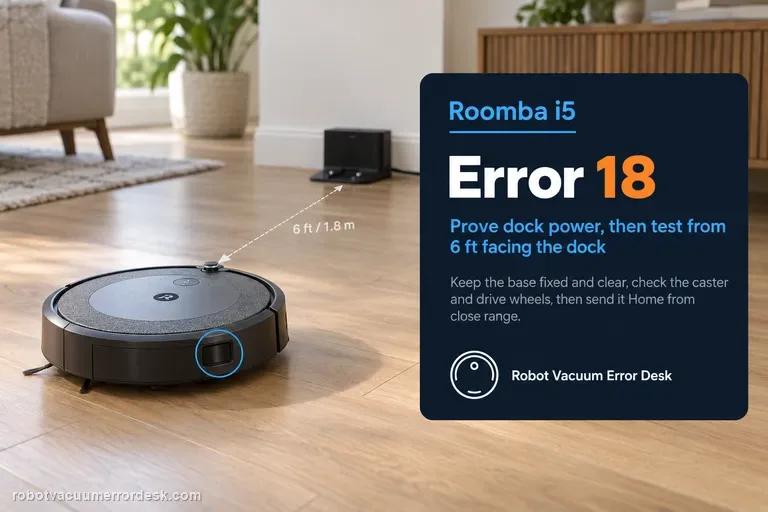
Error 18 on a Roomba i5 means it could not return to the Home Base or starting position. Treat the numbered error as a controlled docking diagnosis: prove dock power, keep the base fixed and clear, inspect the caster and drive wheels, then test the i5 facing the dock from about 6 ft (1.8 m). Unlike j-Series robots, the i Series is among the models iRobot lists with an RCON sensor for dock detection, so the close-range test helps evaluate that homing path. If the i5 docks from close range but fails after long missions, placement, navigation context, remaining battery and area coverage are stronger suspects than the dock itself.
Error 23
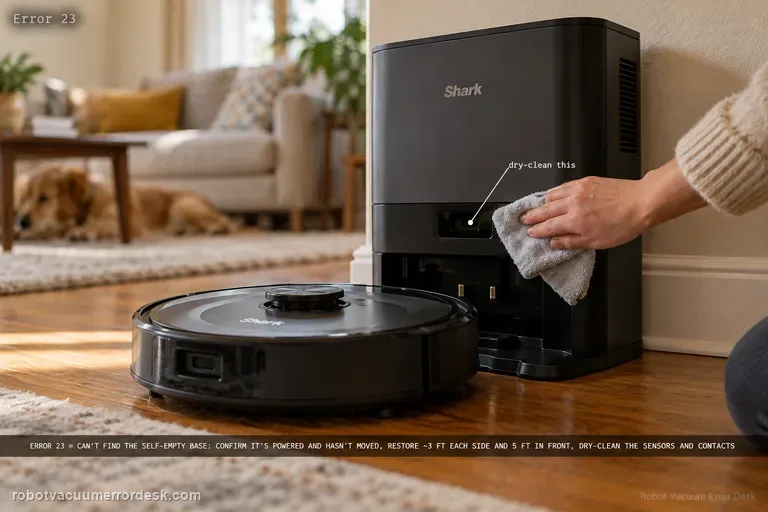
On the RV2300-series Shark Matrix, Error 23 means the robot cannot find the Self-Empty Base. Treat that as a localization/base-acquisition problem before treating it as a battery problem. Confirm the base is powered and has not moved, restore the owner-guide clearance of roughly 3 ft (1 m) on each side and 5 ft (1.5 m) in front, clear the approach, dry-clean sensors and charging contacts, and make sure the wheels are not dragging. Then place the robot a short distance directly in front of the powered base and command Dock. If that short test passes, long-route mapping or base permanence is the stronger suspect. If it fails with the base clearly powered and visible, the base-detection path is ready for Shark support.
Error 18 / cannot return to dock
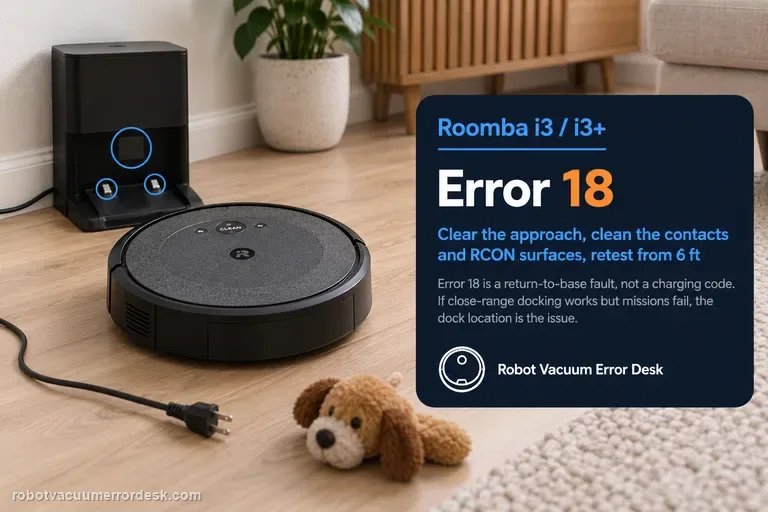
On the Roomba i3/i3+, Error 18 means the robot could not return to the Home Base or its starting position; it is not a charging-error code by itself. Prove the dock has power and has not moved, clear the approach, clean both charging-contact sets and the dock/RCON homing surfaces, check the caster and drive wheels, reboot the i Series robot, then face it toward the dock from within about 6 ft (1.8 m) and send it Home. If that close-range test works but a normal mission still fails, dock placement, environmental interference or mission range becomes the stronger lead. iRobot lists i3/i3+ coverage at up to about 1,600 ft², so a long mission ending with a very low battery can also reduce the margin for a successful return.
Cannot find dock
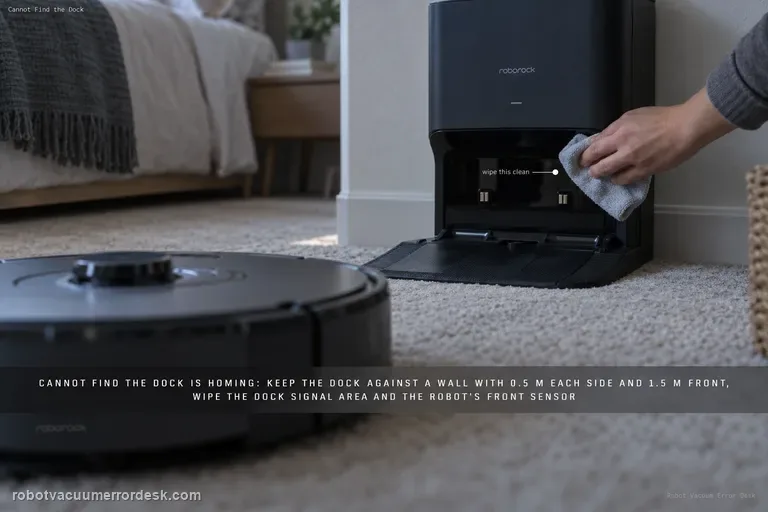
Treat 'cannot find the dock' as a homing problem until the S8 actually reaches the station. Roborock says return failures can follow a different starting location, manual movement, obstacles, poor dock placement or dirty homing surfaces. Keep the dock against a wall with about 0.5 m clear on each side and 1.5 m in front, clean the dock signal-transmission area and the robot’s front sensor, then compare a nearby Home test with a full cleaning return started from the dock. If nearby docking works but whole-room return fails, map/localization becomes stronger. If the S8 reaches the dock but will not charge, stop using this guide and switch to charging/Error 13 diagnostics.
Error 23
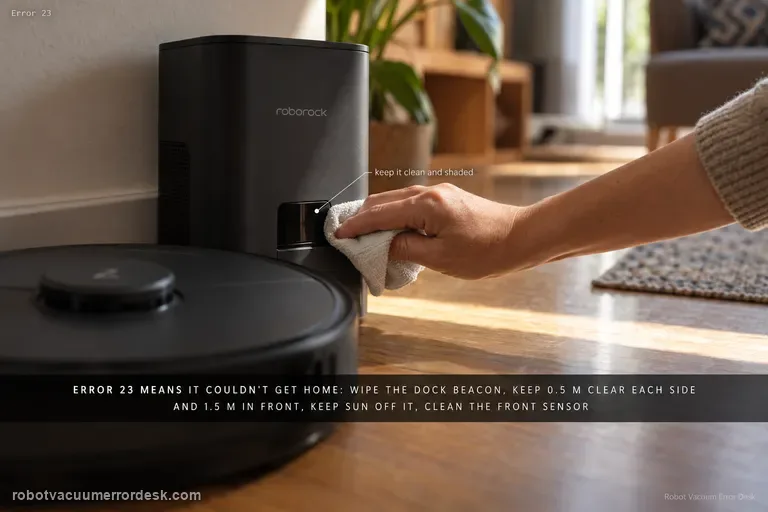
Q7 Max Error 23 means the robot could not return to the dock. The exact manual says to clean the dock location beacon and retry. Also keep at least 0.5 m clear on each side and more than 1.5 m in front, avoid direct sunlight/blocking the beacon, clean the robot’s front sensor and run a short return test before moving the dock again.
Base Station Disconnect
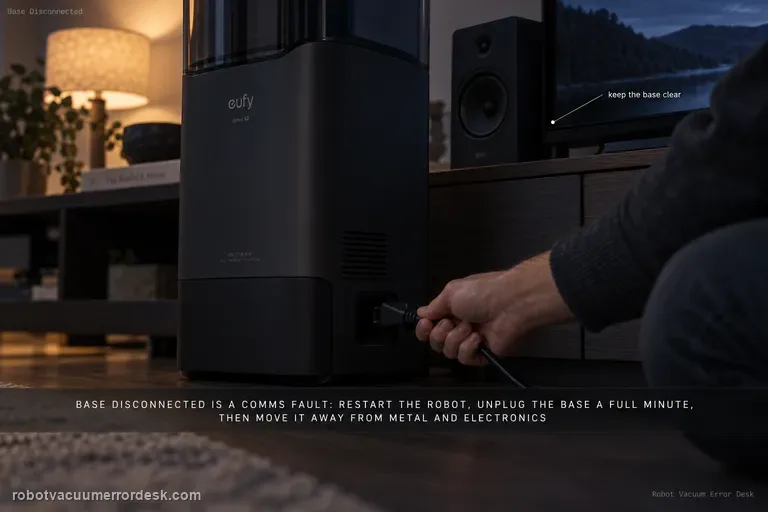
A base-disconnect message is a communication problem, not automatically a docking or charging failure. eufy’s S2 path is: restart the robot and wait about 1 minute, unplug the base for 1 minute and restore power, perform the documented manual robot–base reconnection if needed, then move the base to a more open location away from metal furniture or large electronics if interference is possible. Retest the link before deleting maps or troubleshooting charging hardware.
Failed to return to station
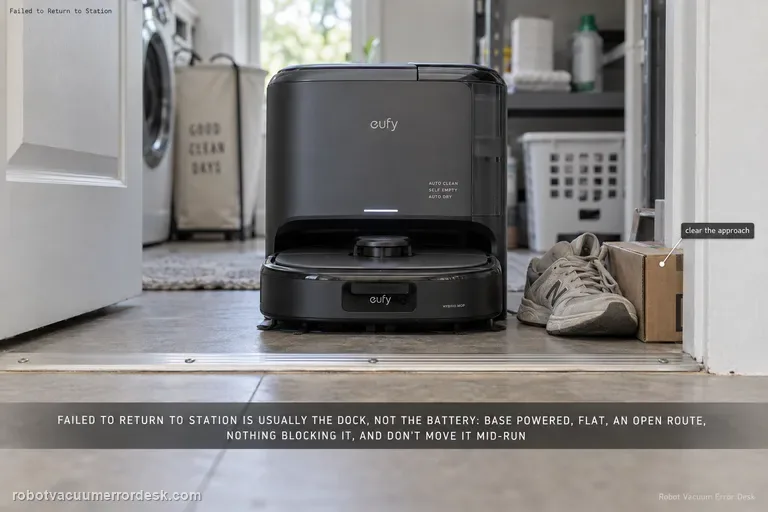
For the E28 message “Failed to return to station or dock,” eufy starts with the station environment rather than the battery: make sure the base is powered, sitting flat, reachable through an open doorway and not blocked by nearby objects. eufy also says not to power off or move the station while the robot is operating. If the robot charges normally when manually seated but cannot return autonomously, keep the diagnosis on dock visibility/placement and navigation rather than replacing charging hardware.