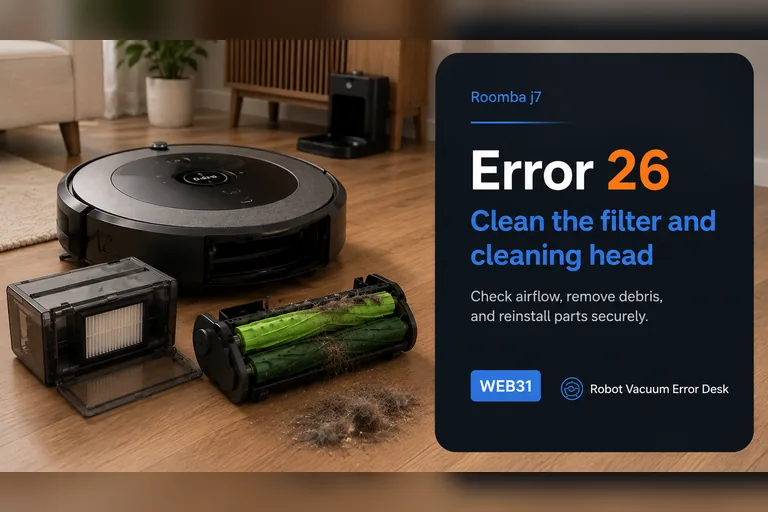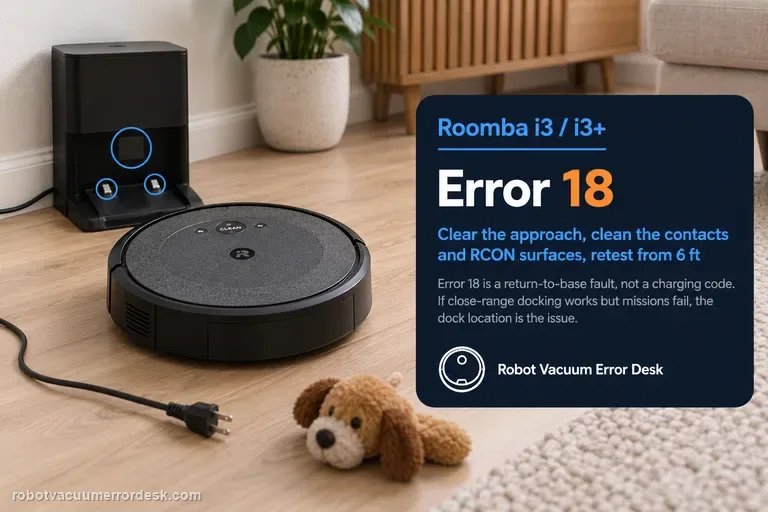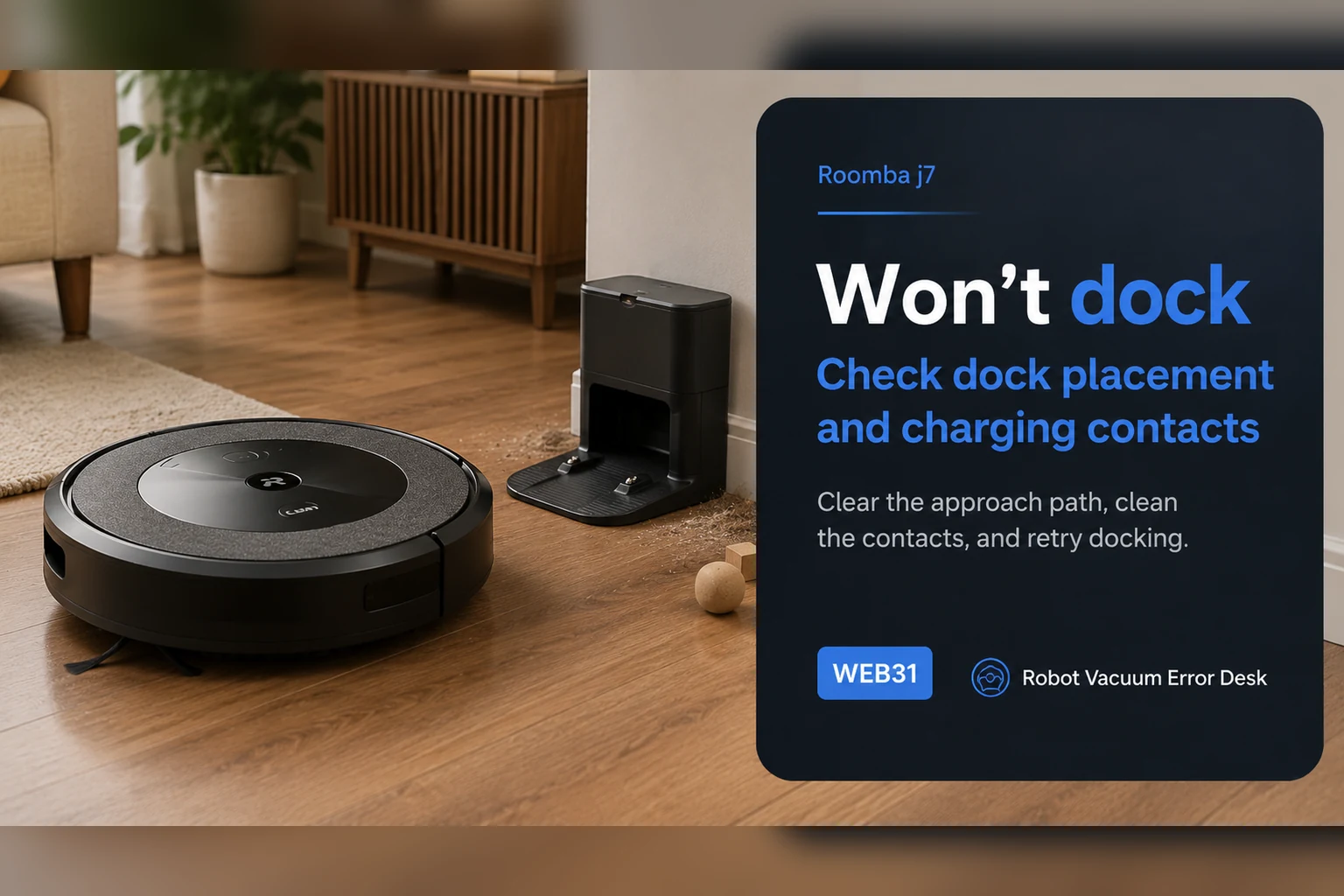
For a j7 that will not dock, start with a controlled close-range return rather than deleting the map. iRobot's Error 18 guidance says j-Series robots use the front-facing camera for the docking approach instead of the RCON used on many older Roombas. Confirm the dock has power, keep its approach clear, remove direct sunlight or visual obstruction, clean the robot/dock contact and bumper areas, then face the j7 toward the dock from about 6 ft (1.8 m) and command Home. A successful close test points to placement, mission context or range. A failed close test keeps camera visibility, final approach and dock/contact conditions at the center of the diagnosis.
This guide is for a Roomba j7 or j7+ that will not return to or settle on its Home Dock. Confirm that exact model family before applying the camera and close-range steps.
Separate dock power, camera approach, and final contact
| Observation | What it separates | Next action |
|---|---|---|
| Dock indicator or cable fails | Power path remains unproven | Check outlet and cable seating |
| Robot passes in shade but fails in glare | Camera view is a variable | Repeat once with direct light removed |
| Robot reaches the dock but backs away | Final contact differs from navigation | Inspect accessible contacts and record the approach |
| Close-range test passes | Long route or interrupted mission is more likely | Review movement, dock position, and route history |
Confirm the exact model and exact code, light pattern or symptom.
Run the lowest-risk physical or software check first.
Use each pass condition to decide what the result actually narrows down.
Does this match your problem?
- The j7 searches near the dock but does not complete the final approach.
- It docks from some positions but fails after whole-home missions.
- The dock sits in direct sunlight, a tight recess or a cluttered approach.
- The j7 can charge when hand-seated but will not reliably return by itself.
Most likely causes
Dock is unplugged, moved or rotated from its working position
Front camera cannot get a clean visual approach because of light or obstruction
Charging contacts, bumper area or dock surfaces are contaminated
The robot was moved during a mission and its navigation context is unreliable
Long mission distance or low remaining battery prevents a successful return
Two j7 return attempts that need different follow-up
It returns from nearby but not after a full clean
The robot docks when started close to its base, but fails after a long room run. Keep the dock fixed and repeat a normal mission without carrying the robot mid-task. Record the start position, obstruction, and battery interruption if one appears. A close-range pass narrows the question to the route or mission context; it does not prove the whole system is fault-free.
It fails from a clear close approach
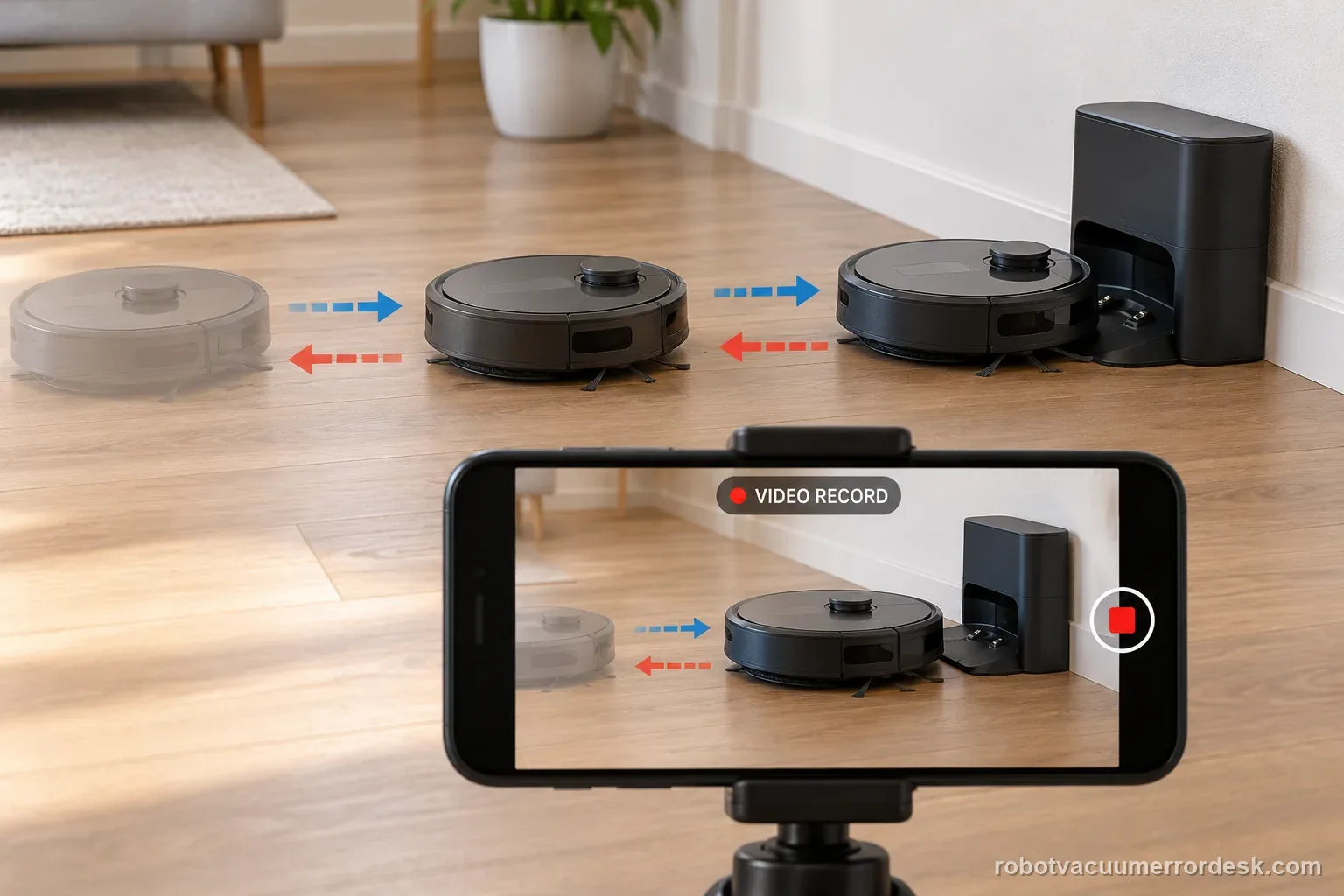
The j7 is aimed toward a powered dock from within the manufacturer’s close-range test distance. The path is clear, direct glare is absent, and the accessible contacts are clean, yet the robot repeats the same failure. Capture a short video from the Home command through the failed approach and share the exact model with iRobot support.
Illustrative decision sequence. These are observations, not measured repair success rates.
- Fix the dock and clear the approach
- Run the close-range Home test
- Compare one normal route and save evidence
What your test result means
| What you observe | What it narrows down | Next move |
|---|---|---|
| Fails only after long missions | Close-range docking may be healthy while navigation context or remaining battery is not. | Run the 6 ft test before changing the map or battery. |
| Fails in direct sun but passes when shaded | Visual docking interference is likely. | Reorient or relocate the dock to avoid direct light on the final approach. |
| Charges when placed by hand | Electrical charging can work. | Focus on camera view, approach geometry, wheels and contact alignment. |
| Fails the clear 6 ft test | The final docking interaction itself is not working reliably. | Recheck dock stability/camera area, then escalate with video. |
| Dock was moved or robot was carried | Mission localization can be inconsistent. | Return dock to a stable position and run a fresh uninterrupted mission test. |
Do not factory-reset by default. Use the exact model’s reboot/network-reset procedure only when the manufacturer path calls for it.
Run these checks in order
Prove the dock is powered and has not moved
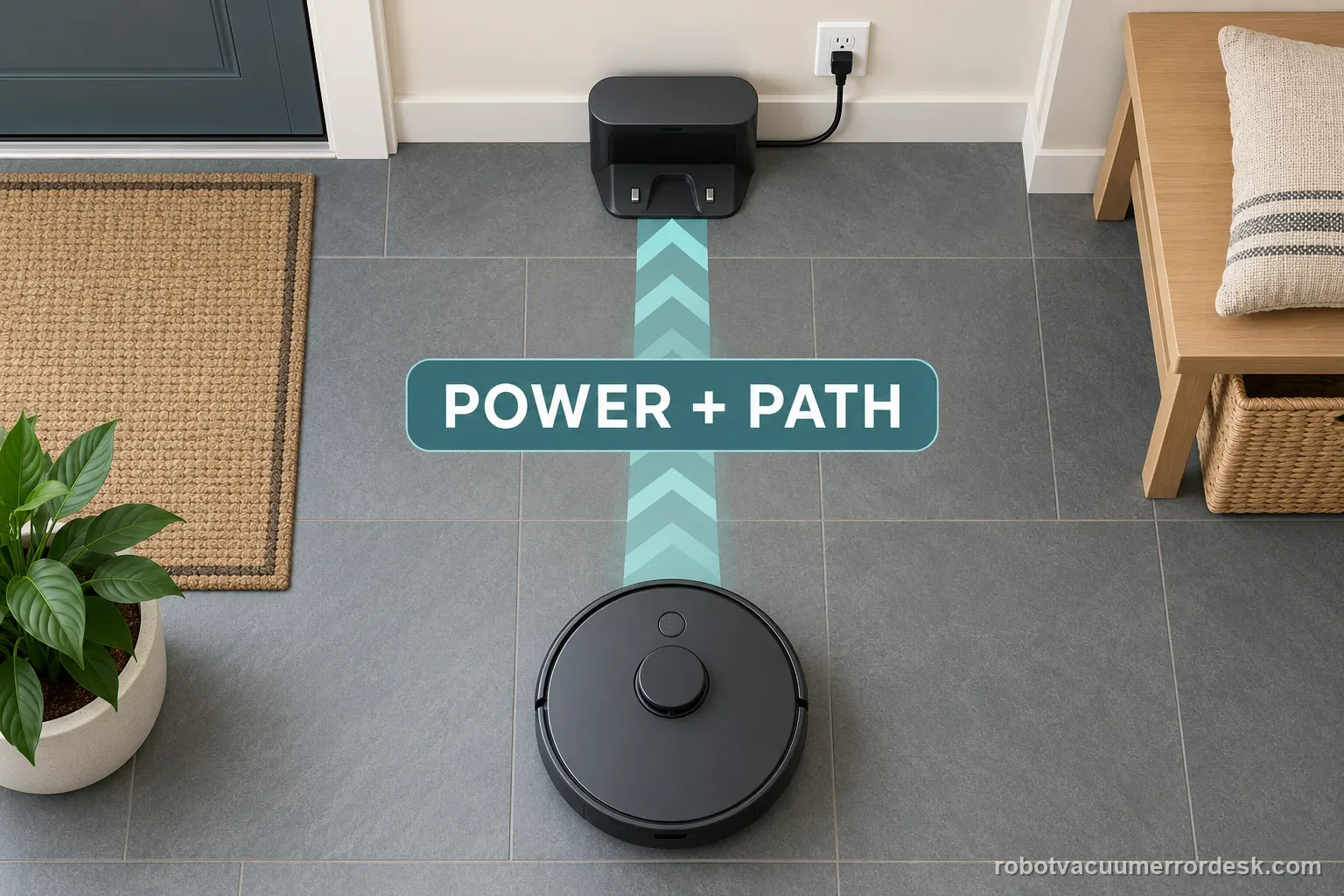
Check the power cable at both the wall and dock, then verify the base has not been shifted or rotated since the map/cleaning routine was working. iRobot notes that dock lights may sleep after a short time, so use the robot's response when correctly placed as an additional power clue. A base that moved only a few inches can turn a navigation problem into an apparent robot fault. Stabilize the dock on a hard, level surface before evaluating anything about the j7 camera.
Clear the final approach and visual target
Remove cords, furniture edges and objects that crowd the path directly in front of the dock. Inspect the robot bumper and the dock face for stickers, dust or residue that can obscure the approach. Unlike i-Series models that use RCON, iRobot says the j Series uses its front-facing camera for this docking test. Give the camera a simple view of a stationary dock rather than asking it to solve a tight obstacle course during the final meter.
Eliminate direct sunlight as a variable
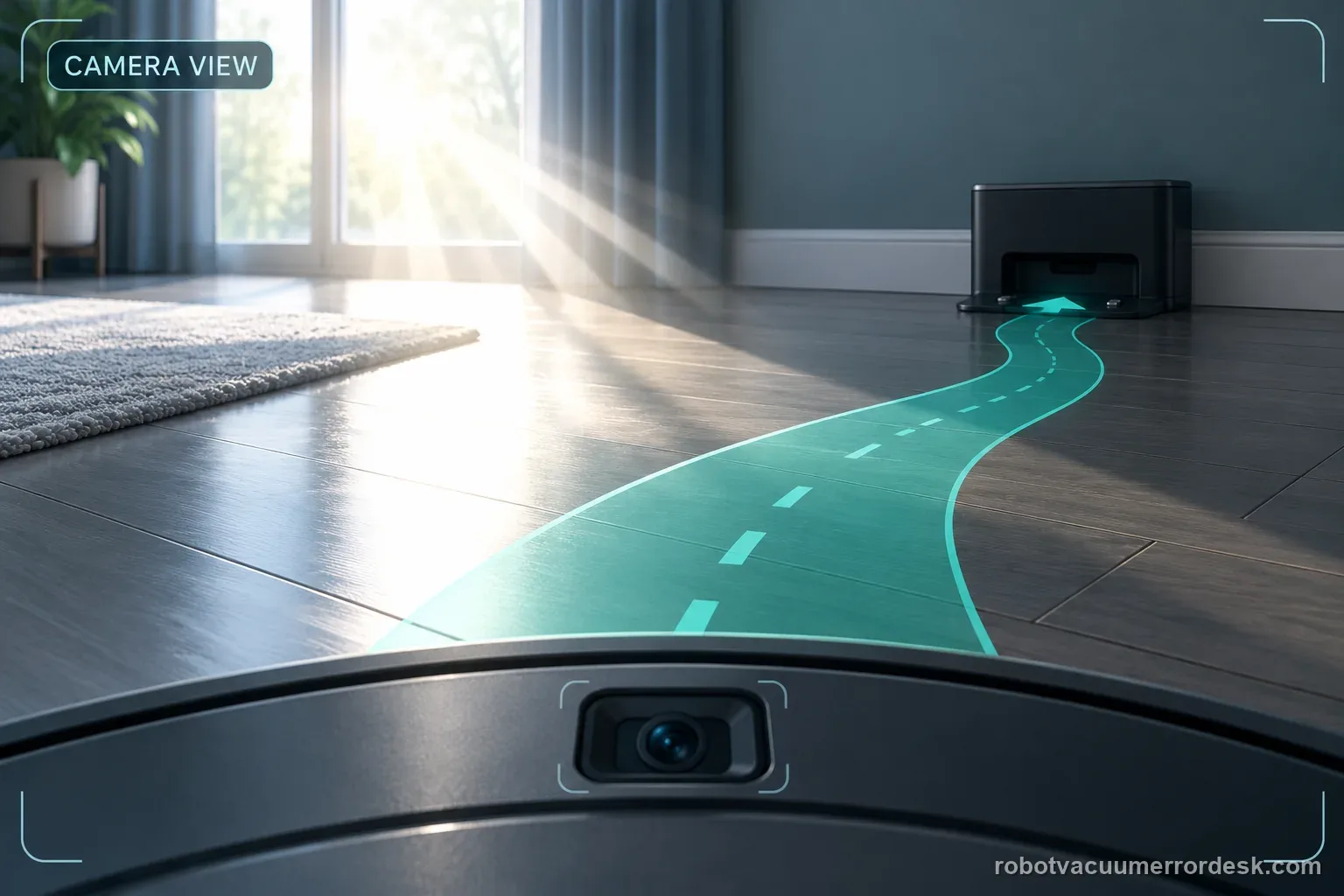
Strong direct light on the dock or robot camera can interfere with visual docking. Test at a time when the approach is shaded or close blinds temporarily, then repeat the same return command. Do not immediately move the dock to a new room because that changes several variables at once. If shading alone makes the close-range test pass, the useful fix is environmental light control or a better dock orientation, not a map reset.
Clean contacts and inspect the last few centimeters
A j7 can find the dock yet still fail to finish correctly if debris or contact alignment prevents it from settling. Clean the charging contacts and inspect the front caster/drive wheels for drag that can skew the final approach. Manually place the j7 on the base once to prove that the dock can charge it. If hand-seating works but autonomous docking ends crooked or backs away, treat that as a final-approach problem rather than an electrical charging failure.
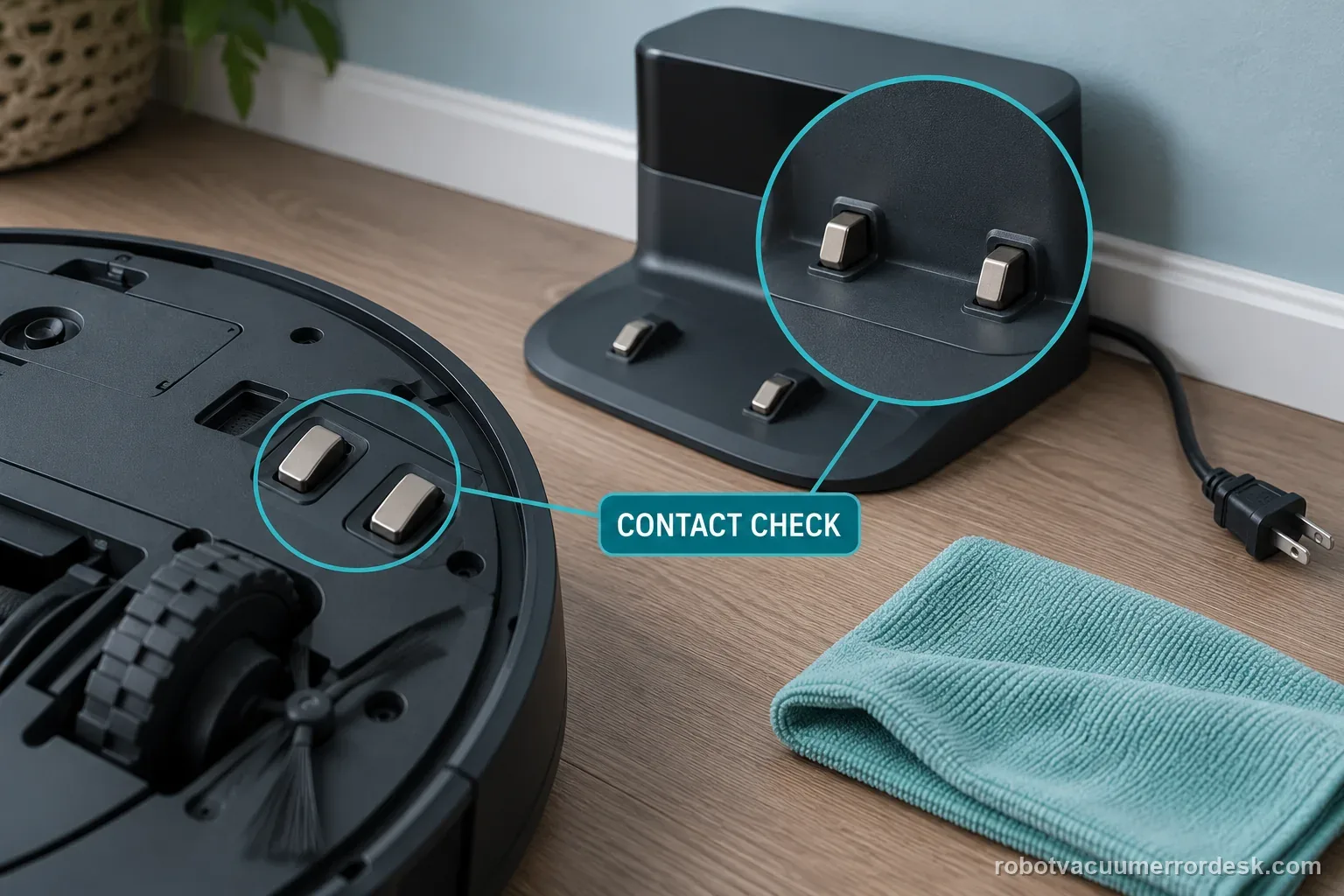
Run the iRobot close-range Home test
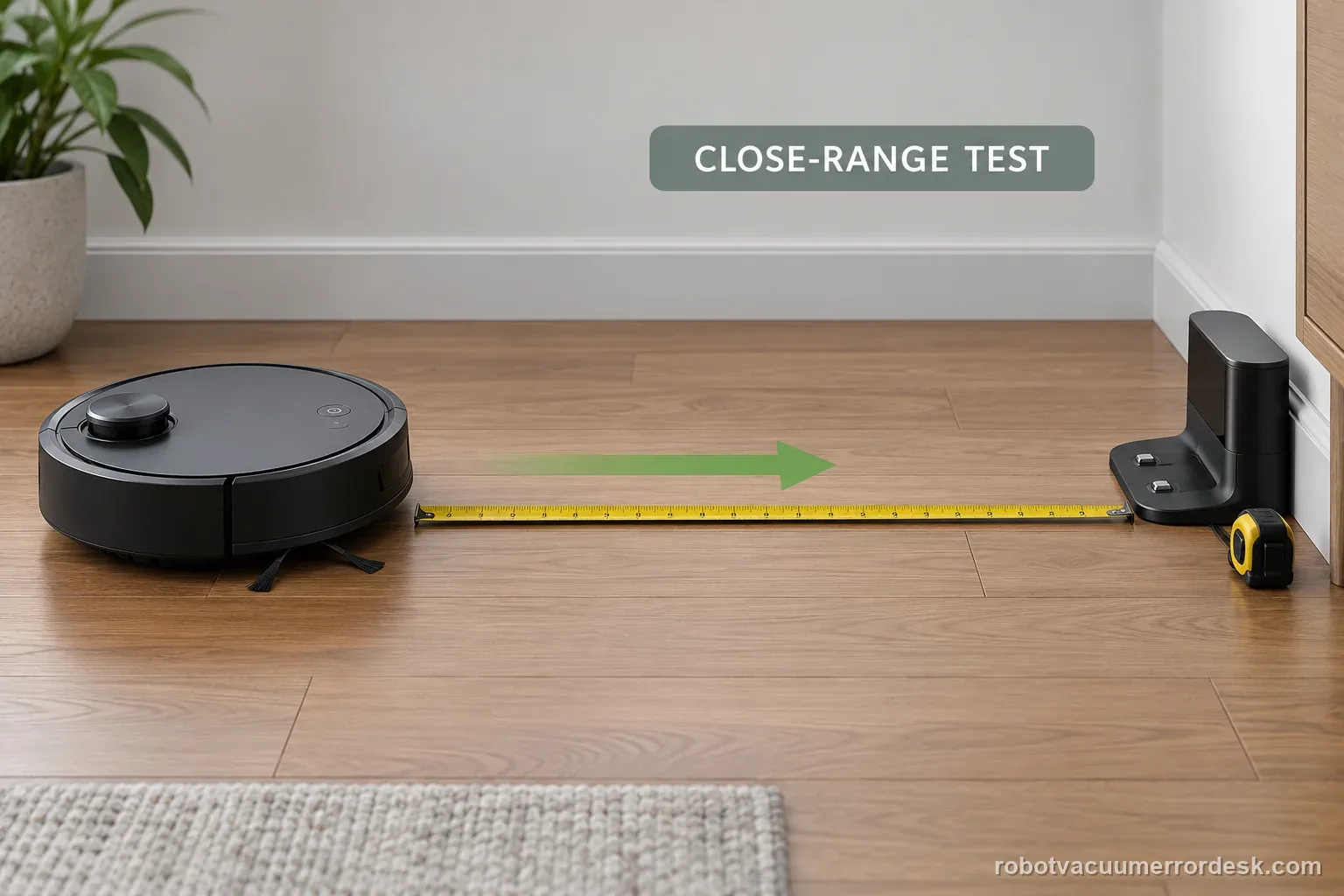
Face the j7 toward the dock from within about 6 ft (1.8 m), clear any previous job state if needed, then use the app or robot control to send it Home. Keep the room and dock unchanged during the test. A pass proves that the front-camera/dock interaction can work at close range. A fail under this simplified condition is far more diagnostic than a failure after a long mission through multiple rooms.
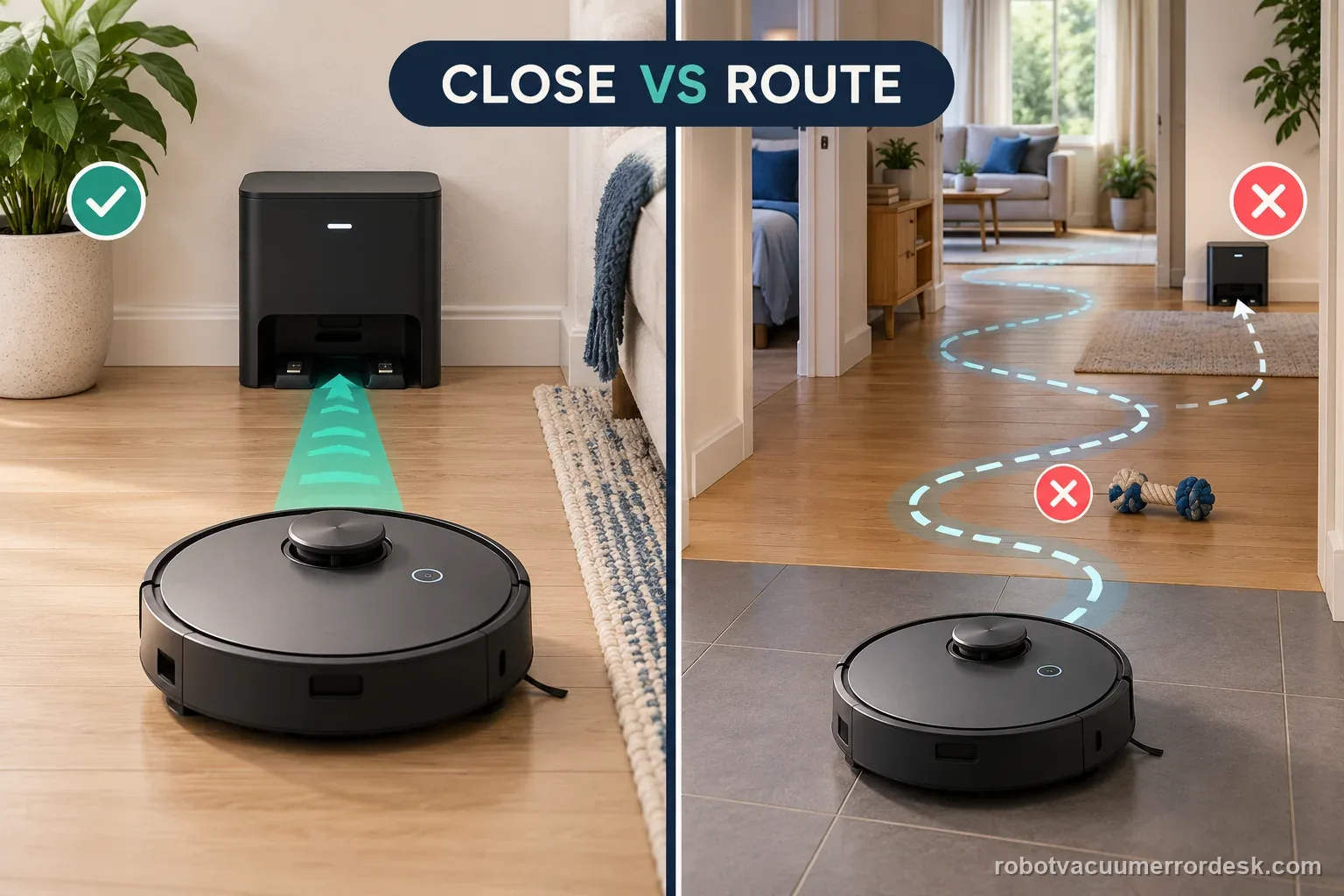
Interpret a pass as a mission-context problem
If the close test passes, look upstream: was the robot carried during cleaning, did the dock move, is the home unusually large for the remaining battery, or does clutter make the return route inconsistent? iRobot advises allowing Roomba to complete cleaning without being picked up and moved. Do not delete a healthy map merely because one long mission failed. Repeat a normal job with the dock fixed and the robot left undisturbed to see whether the problem is reproducible.
Escalate a repeatable close-range failure
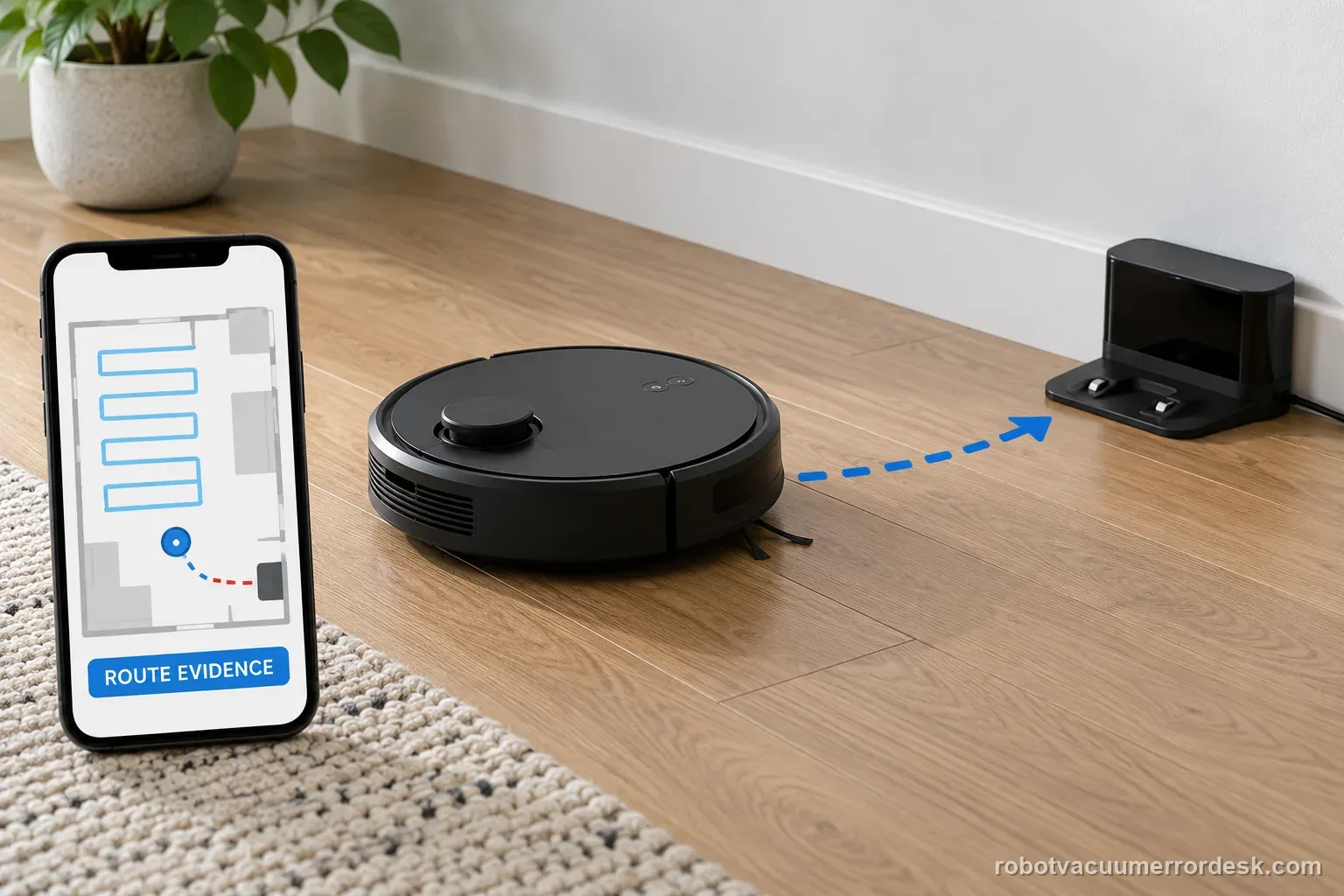
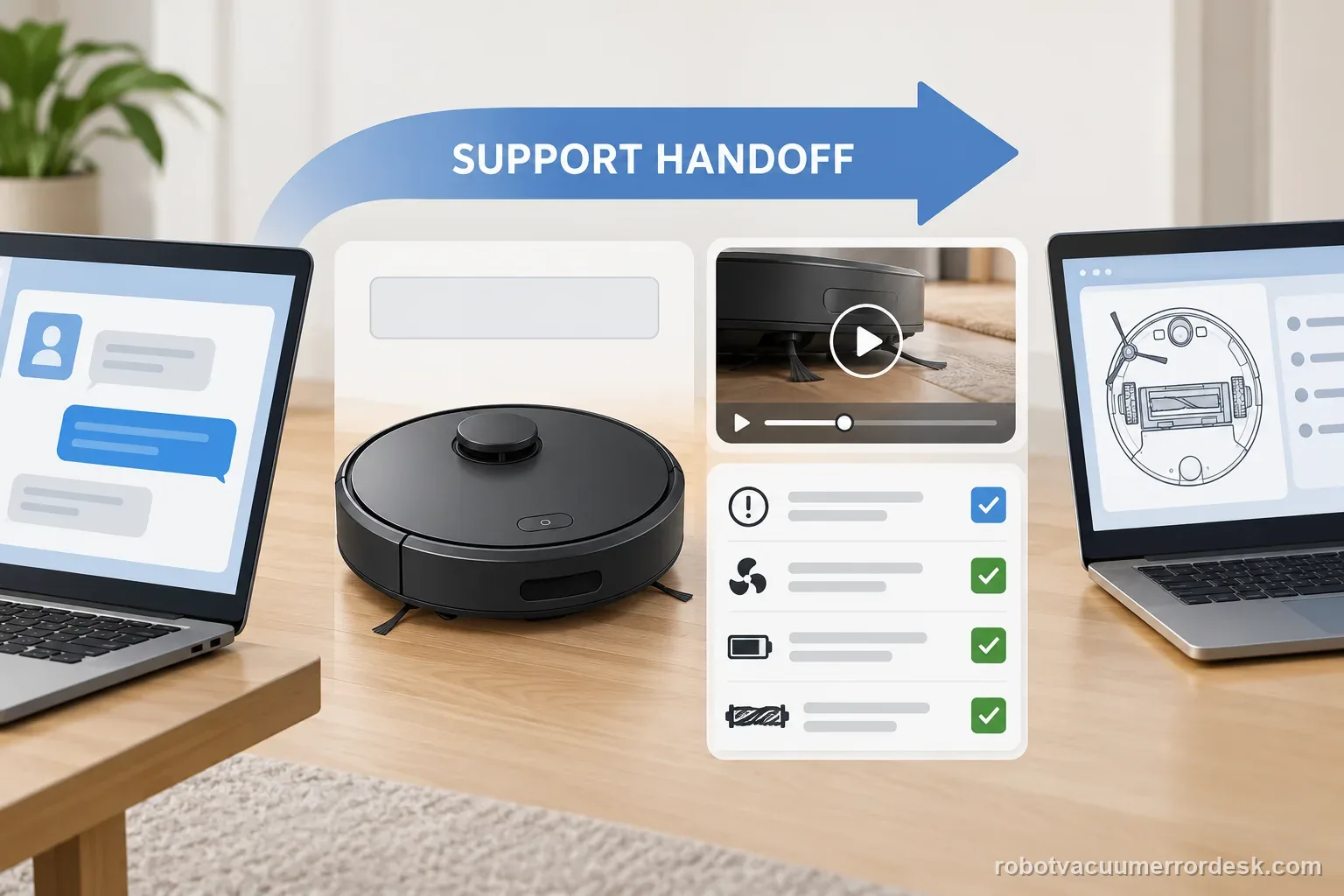
If the j7 still cannot dock from a clear, shaded 6 ft approach with a powered stationary base, clean contacts and free wheels, record a short video from the moment Home is commanded through the failed approach. Include whether manual seating charges normally and whether the camera/bumper area is clean. This pattern is much more suggestive of a persistent docking-localization or hardware problem than a whole-home route issue and is ready for iRobot support.
Escalate if the j7 repeatedly fails a clear close-range return from about 6 ft with the dock powered and stationary, direct sunlight removed, contacts clean and wheels free. Send iRobot a video of the approach, whether manual placement charges normally, and whether the failure occurs only after long missions or also at close range. Avoid repeated map deletion or factory resets until this simple physical/visual test has been documented, because those actions can remove context without proving the docking hardware.
Keep a repeatable j7 docking test record
| Stage | Question to answer | Evidence to keep |
|---|---|---|
| Before test | Dock power and position | Photo of cable and base |
| Return test | Start distance and route | Short clip of final approach |
| After test | Contact and app response | Exact wording and result |
What to collect before contacting support
Give support a reproducible case instead of “it doesn’t work.” That reduces repeated basic troubleshooting and preserves the clues from your tests.
- Exact model name and the error code / voice prompt exactly as shown
- A photo or screenshot of the app error and the time it occurred
- A short list of the checks already completed and what happened after each one
- Robot serial number and proof of purchase if warranty may apply
Manufacturer evidence
iRobot — Error 18 / cannot return to dock
iRobot documents dock power/clearance, a roughly 6 ft controlled return test, direct-sunlight interference and the fact that j Series uses a front-facing camera rather than the RCON used on many older models.
Additional official source: iRobot — does not return home close-range checks ↗Additional official source: iRobot — i/j Series setup and Home Base positioning ↗Last editorial review: October 11, 2026Regional note: manufacturer help centers, model suffixes, mains-power requirements and warranty procedures can differ by country. If the source redirects to a local support site, confirm that the model/hardware scope still matches before following a region-sensitive step.
This guide is rated Official series support. See what each evidence label means →
FAQ
Why won't my Roomba j7 dock even though it can see the base?
Finding the general area and completing the final dock approach are different tasks. The j7 uses its front-facing camera for docking, so direct sunlight, clutter, a moved base, wheel drag or poor contact alignment can still break the last part of the return. Prove the dock is powered, simplify the approach and run iRobot's controlled test from about 6 ft before changing the map.
Does the Roomba j7 use the same RCON docking sensor as the i3?
No. iRobot's Error 18 guidance says j-Series robots and certain newer models use a front-facing camera for the docking test, while many older models use an RCON sensor. That difference matters when troubleshooting. On a j7, make sure the camera has a clear view and remove direct sunlight or visual obstruction from the final approach instead of focusing only on RCON cleaning.
Should I delete the map when my Roomba j7 will not dock?
Not as the first step. First prove whether the j7 can dock from a clear close-range approach of about 6 ft. If that test fails, map deletion will not fix dock power, direct sunlight, dirty contacts or a blocked visual approach. If it passes, then mission context, route conditions or a moved dock become stronger suspects, and a controlled whole-home retest is more informative.
Why does my Roomba j7 dock only when I place it close to the base?
A close-range pass means the dock and final visual interaction can work under simple conditions. Failures only from farther away point more strongly to route complexity, navigation context, dock movement or low remaining battery after a long mission. Keep the dock fixed, avoid carrying the robot during cleaning and repeat a normal mission before assuming the charging contacts or camera hardware are defective.
When should I contact iRobot for a j7 docking problem?
Contact iRobot when the j7 repeatedly fails from a clear, shaded approach about 6 ft from a powered stationary dock, with contacts clean and wheels moving freely. Include whether manual seating charges, a short video of the failed approach and whether the same problem occurs after every mission. That controlled failure is much stronger evidence of persistent docking-localization or hardware trouble than a single missed return.
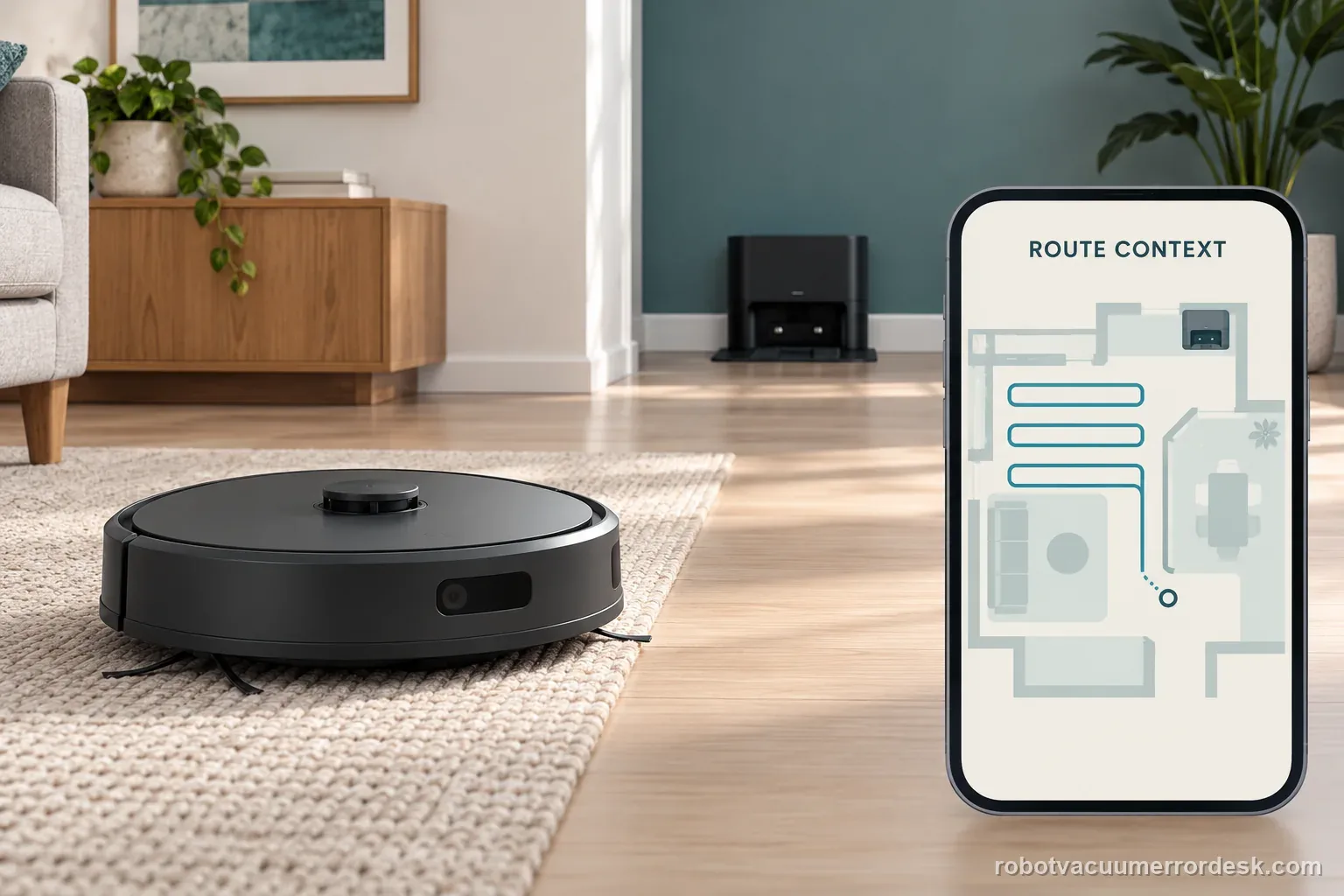
A nearby Home test and a full-room return answer different questions. Keep the route, light conditions, dock position, and final contact in the same record so support can follow the failure.
Choose the matching model before using another guide's procedure:
Roomba does not return home: all-model checks →Roomba i3 error 18: model-specific dock path →Roomba j7 error 26: alert-specific checks →Roomba update error: a separate software path →Did this diagnostic narrow the fault?
Use this as an editorial signal, not a popularity counter. If a feedback address is configured you can email the note; otherwise you can copy it for your own support record.