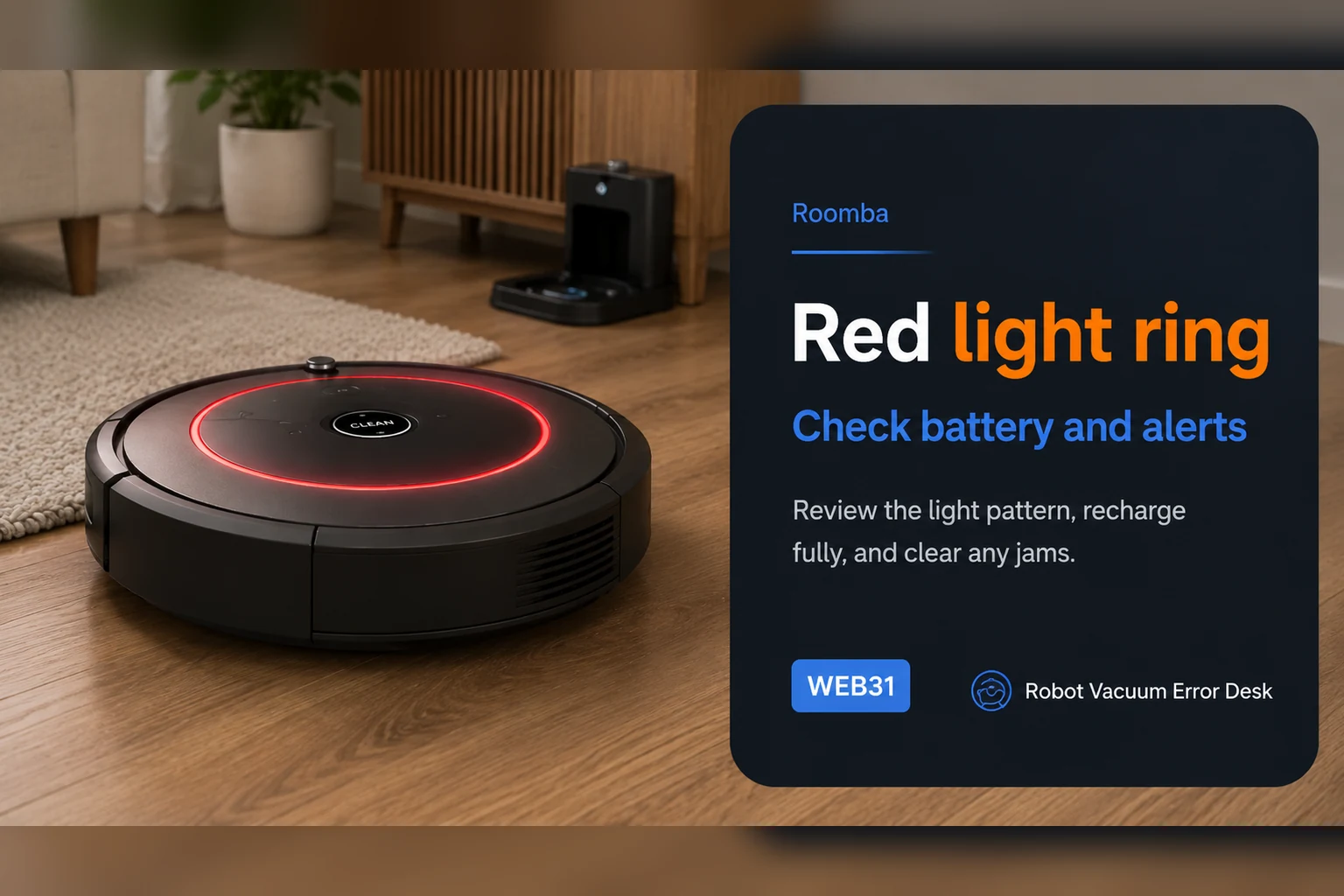
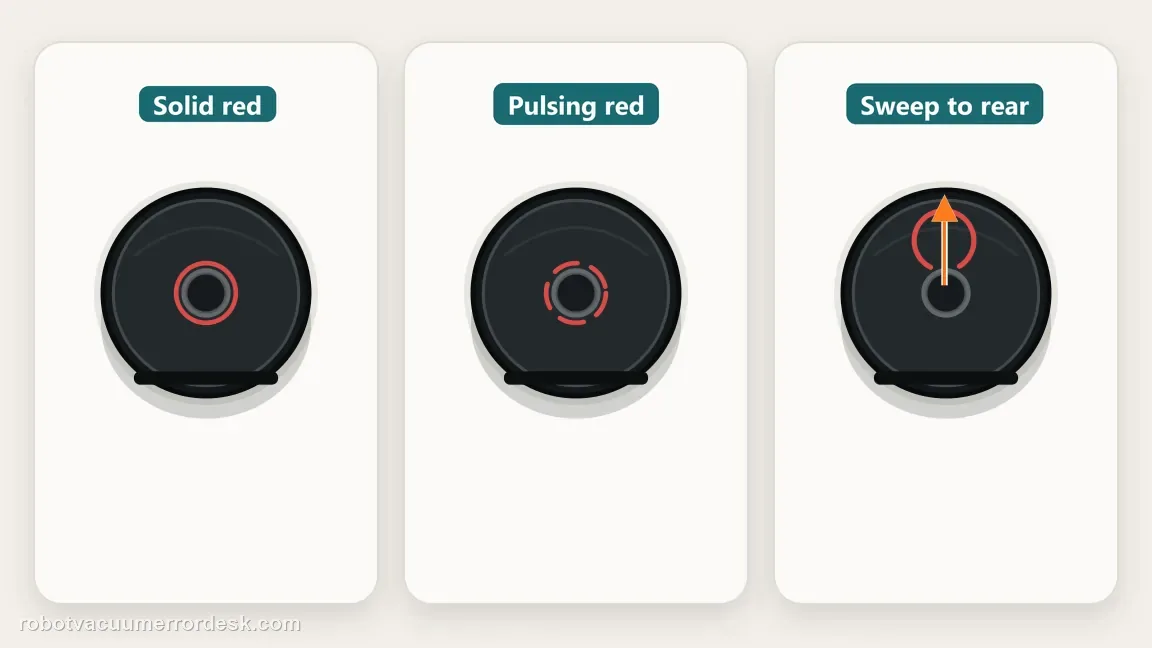
A red light on a Roomba j7 is a status language, not one universal fault. iRobot documents solid red for an active error, pulsing red when the battery is charging but still too low to start, and a red sweep toward the rear for a full-bin condition on i/j robots. Read the motion of the light and the app/voice message before resetting the robot. If it is solid red, make Roomba repeat the underlying error and troubleshoot that code. If it is pulsing red, prove charging time. If it sweeps rearward, empty the bin and clean all full-bin/port sensors. A dock light is a separate indicator and should not be interpreted as the robot's light ring.
Confirm the exact model and exact code, light pattern or symptom.
Run the lowest-risk physical or software check first.
Use each pass condition to decide what the result actually narrows down.
Is this the problem you’re seeing?
- The j7 light ring is red but the robot still responds to CLEAN or the app.
- The red pattern pulses during charging and the robot refuses to start.
- The red animation sweeps toward the rear after the bin fills.
- A solid red state appears together with a spoken or app error message.
Likely root causes, ranked
Solid red is reporting an active robot error that must be read separately
Pulsing red means the battery is charging but still too low to begin a mission
Rearward red sweep indicates the full-bin sensing path on i/j models
Dirty full-bin or bin-port sensors keep a full-bin indication active after emptying
A dock indicator is being mistaken for the robot light-ring status
What the result narrows down
| What you observe | What it narrows down | Next move |
|---|---|---|
| Solid red ring | The j7 is reporting an active error, not one fixed “red-light fault.” | Retrieve the app/voice error and follow that code-specific guide. |
| Pulsing red while docked | Battery is charging but too low to start. | Leave it on a powered dock and verify that charge state progresses. |
| Red sweep moves toward rear | The full-bin sensing path is active on i/j Series. | Empty the bin and clean full-bin plus bin-port sensors. |
| Red state is on the dock, not robot | You may be reading a separate base condition. | Use the dock-specific indicator guide instead of the j7 light-ring meanings. |
| Same red state returns after correct maintenance | The underlying error or sensor state is still present. | Record the animation and app message, reboot once if appropriate, then escalate. |
Do not factory-reset by default. Use the exact model’s reboot/network-reset procedure only when the manufacturer path calls for it.
Checks to run, in sequence
Watch the motion, not just the color
Stand over the j7 long enough to identify whether the red state is solid, pulsing, or sweeping toward the rear. iRobot uses both color and motion to encode different conditions. Also note whether the pattern is on the robot or on a dock because those indicators do not mean the same thing. Record the app text or spoken message before pressing buttons. This preserves the most useful clue: the actual state the robot is trying to report.
For solid red, retrieve the underlying error
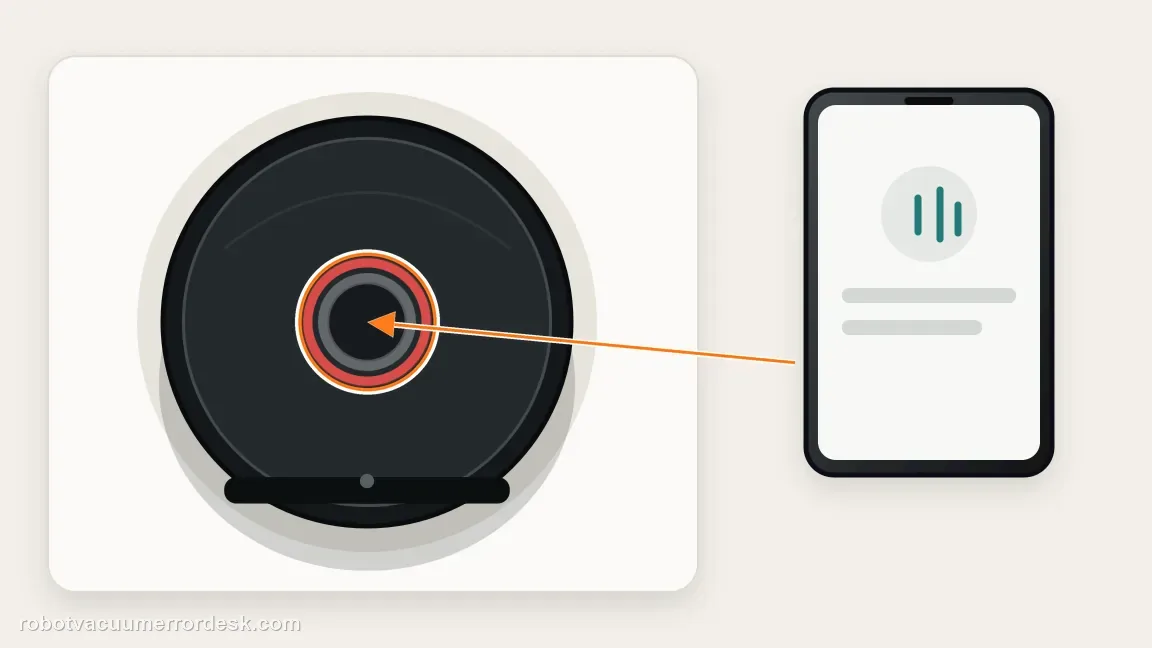
iRobot's light-ring guide treats solid red as an error state and tells owners to use the app or press CLEAN so Roomba repeats the error. Do that before cleaning random parts. A solid red ring paired with Error 26 needs airflow work; a docking error needs Home Base diagnosis; another code has its own path. The light ring is therefore a pointer to the error, not the complete diagnosis. Keep the exact number or message in your notes before moving on.
For pulsing red, prove the charging state
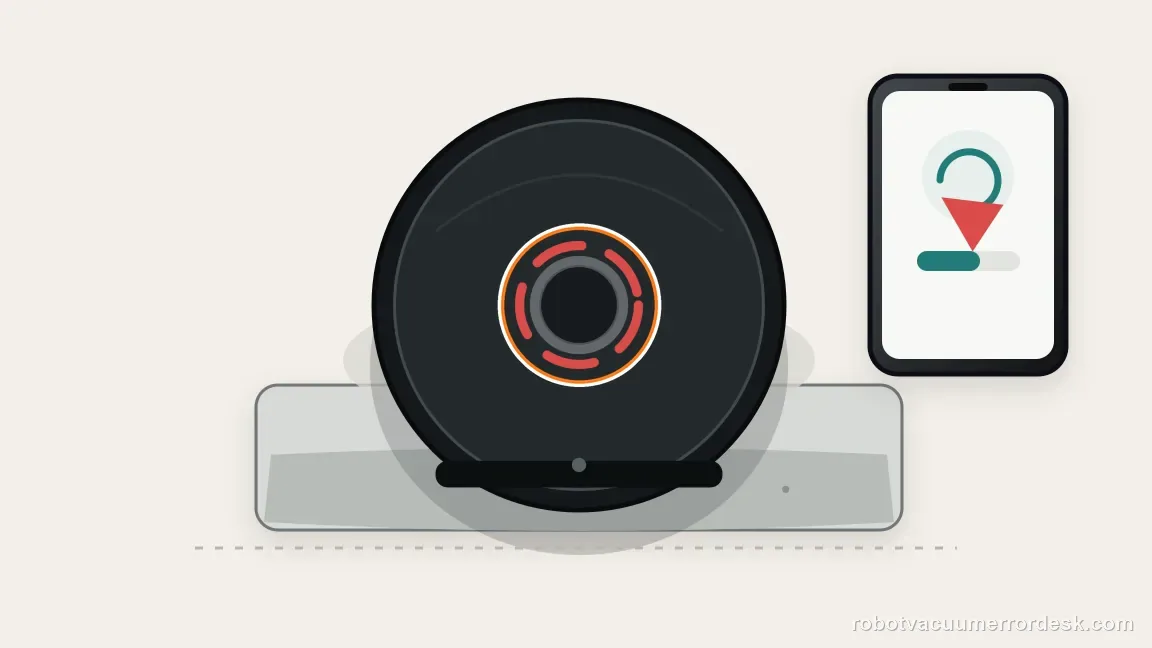
A pulsing red j7 means the battery is charging but is still too low to start a cleaning job. Leave the robot on a confirmed powered dock instead of repeatedly asking it to clean. Watch whether the pattern transitions as charge accumulates and check the battery state in the app. iRobot says to use its charging diagnostic if the robot is still not fully charged after three hours. At that point, investigate charge progress rather than treating the red color as a separate fault.
For a rearward sweep, service the full-bin sensors
On i and j Series robots, iRobot associates a red sweep toward the rear with the full-bin condition. Empty the bin, then clean the full-bin sensors and bin-port sensors rather than emptying the dust alone. iRobot's full-bin article calls out six sensor/port locations that may need cleaning. Reinstall the bin correctly and check whether the rearward sweep clears. Persistent detection after emptying usually means the sensing surfaces still see a blocked/full state.
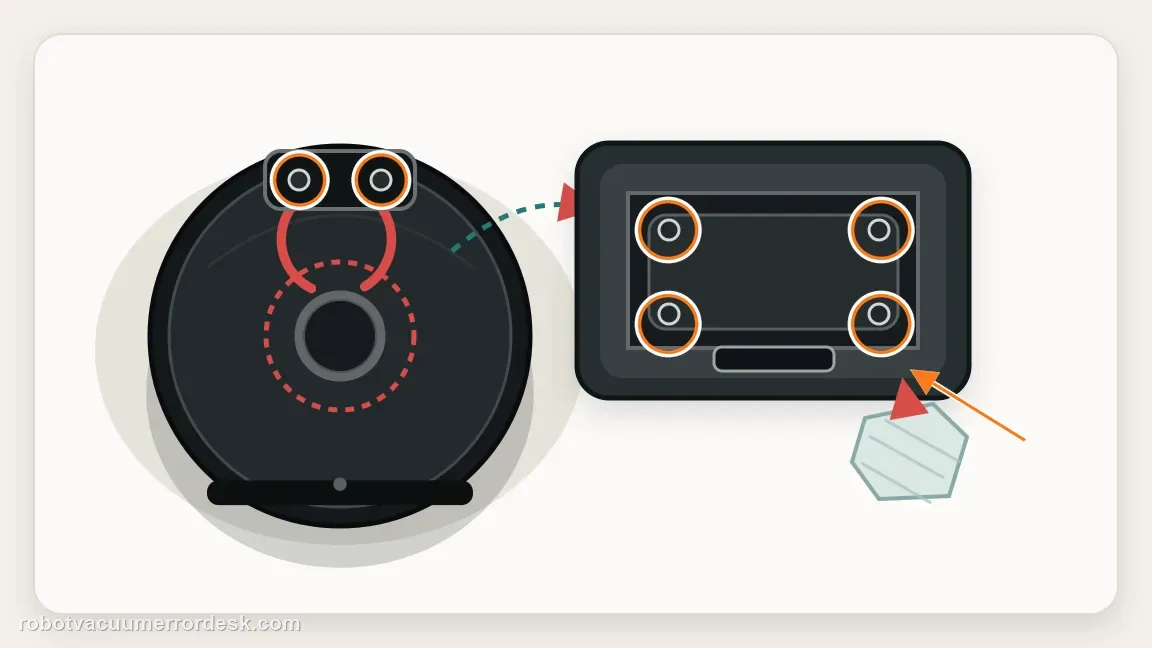
Do not confuse robot red with a dock warning
Some Clean Base or combo docks have their own status lights for bag, tank, charging or maintenance states. Compare the physical location of the light with the model's dock guide before treating a dock warning as a j7 light-ring code. A robot pulsing red while correctly seated can still be in a low-battery charging state even if the dock indicator later sleeps. Conversely, a dock warning can require bag or tank service while the robot itself is healthy.
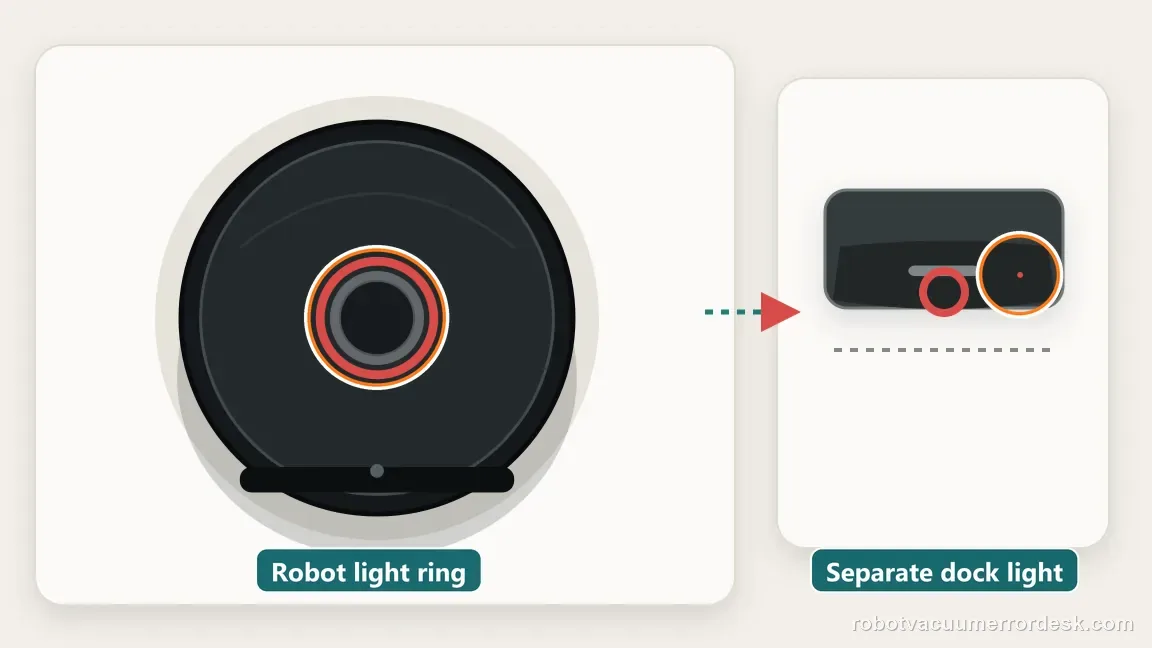
Reboot only after the cause-specific maintenance is complete
If a full-bin indication persists after all six documented sensors and ports are cleaned, or an error-state light remains after the underlying fault was corrected, reboot the j7 only after that maintenance. With the robot off its dock, press and hold CLEAN for nine seconds, following iRobot's j Series reboot instructions. Do not reboot first because the original app or spoken message is useful evidence. After it restarts, reproduce the same condition once. A red pattern that returns with the same app message is evidence that the underlying fault remains.
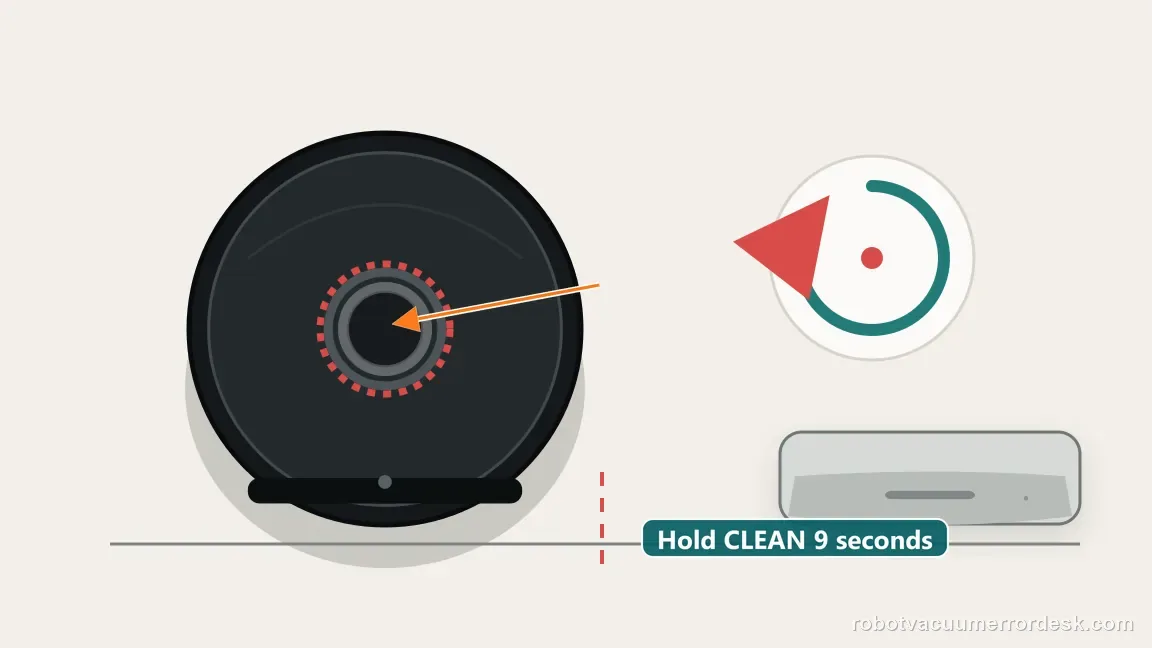
Escalate with a video of the animation
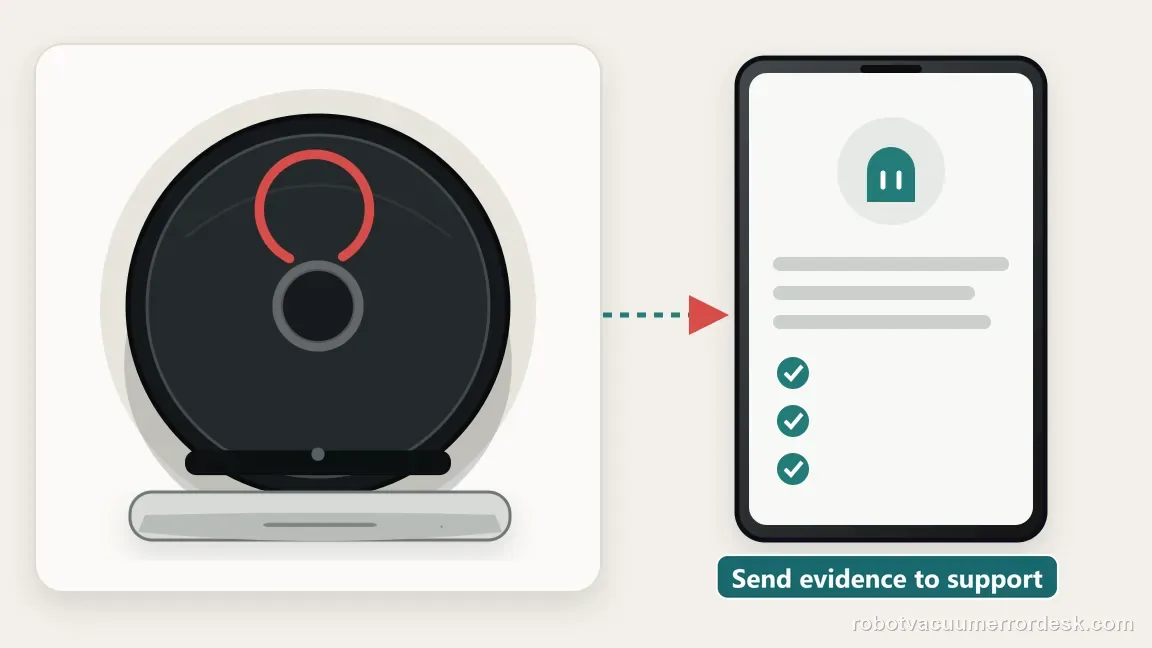
When the pattern does not match iRobot's documented states, capture a short video showing the complete animation, the robot's position relative to the dock, and the app error screen. For charging complaints, include battery progression; for full-bin complaints, state that the bin and six sensor/port areas were cleaned. A moving light pattern is difficult to describe accurately in text, so a brief video gives support much better evidence than saying only that the Roomba light is red.
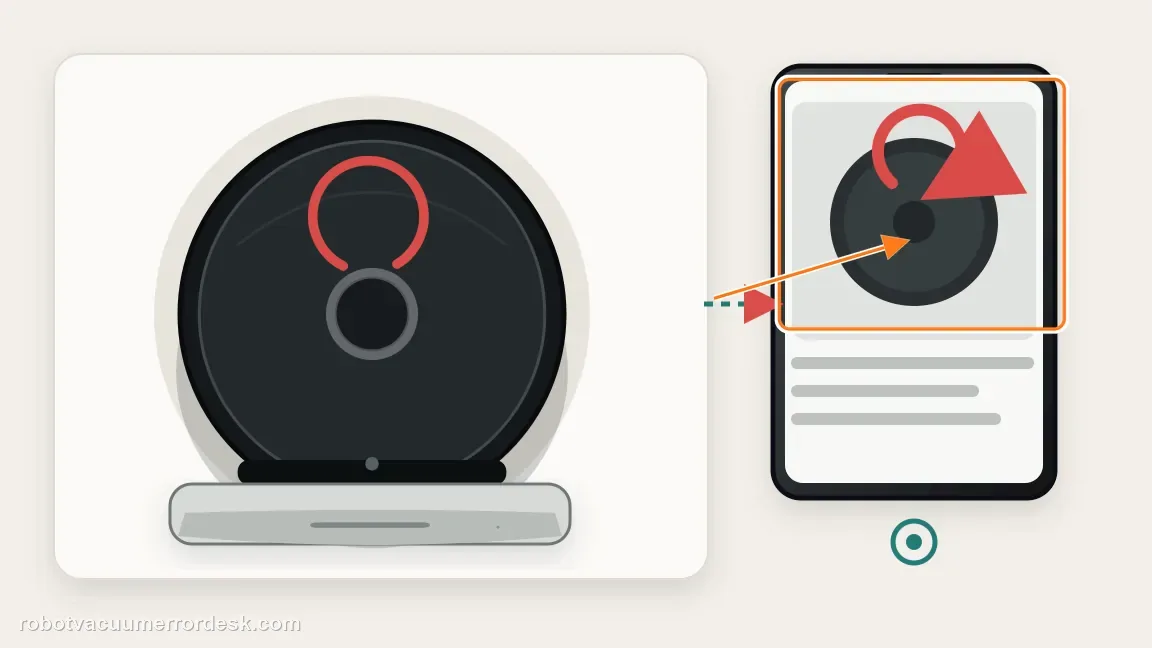
Escalate when the j7 repeats the same documented red state after the correct cause-specific maintenance, or when the animation does not match iRobot's published patterns. Send a short video of the light motion, the app error text, battery state if charging is involved, and the maintenance already completed. For rearward-sweep complaints, state whether all full-bin and bin-port sensors were cleaned. Avoid resetting first; preserving the original app/voice message makes the support case much more diagnostic.
Information to have ready for support
Support can skip the basic troubleshooting script when you provide a reproducible case. That keeps the results of your checks from getting lost.
- Exact model name and the error code / voice prompt exactly as shown
- A photo or screenshot of the app error and the time it occurred
- A short list of the checks already completed and what happened after each one
- Robot serial number and proof of purchase if warranty may apply
Source and evidence level
iRobot — light ring meanings
iRobot documents solid red as an active error, pulsing red as charging while too low to start, and a rearward red sweep as the full-bin indication on i/j Series robots.
Additional official source: iRobot — full-bin indicators and six sensor/port checks ↗Additional official source: iRobot — i Series battery and charging behavior ↗Additional official source: iRobot — rebooting all Roomba models ↗Last editorial review: October 9, 2026Regional note: manufacturer help centers, model suffixes, mains-power requirements and warranty procedures can differ by country. If the source redirects to a local support site, confirm that the model/hardware scope still matches before following a region-sensitive step.
This guide is rated Official series support. See what each evidence label means →
Common questions
Why is my Roomba j7 light ring solid red?
Solid red means the robot has an active error, but the color alone does not identify which part failed. iRobot recommends checking the app or pressing CLEAN so the robot repeats the error. Write down that code or message first, then follow the matching troubleshooting path. Treating every solid-red state as a battery problem can send you to the wrong component entirely.
What does a pulsing red light mean on a Roomba j7?
A pulsing red light indicates that the battery is charging but is still too low to start a mission. Leave the j7 on a confirmed powered dock and watch whether the battery state progresses. iRobot directs owners to charging diagnostics if it is still not fully charged after three hours. The red pulse itself is not proof that the battery must be replaced.
Why does my Roomba j7 show a red sweep toward the back?
On i and j Series robots, iRobot uses a rearward red sweep for the full-bin condition. Empty the bin and clean the full-bin sensors and bin-port sensors, not just the visible dust. iRobot notes that all six sensor/port locations may need attention. If the sweep remains after those surfaces are clean, reboot once and see whether the same full-bin state returns.
Can a red light on the Clean Base mean the same thing as the j7 ring?
No. The robot's light ring and the dock's status light are separate systems. A j7 pulsing red can mean low battery while charging, while a dock warning may relate to the bag, tank, charging state or another base condition. Identify where the light is located and use that component's indicator guide before deciding what to clean, reset or replace.
Should I reboot my Roomba j7 as soon as the ring turns red?
Not usually. First identify the animation and retrieve the app or spoken error so you preserve the best diagnostic clue. Perform the maintenance that matches that state, such as charging or full-bin sensor cleaning, then reboot only if the condition remains. For a j7 button reboot, take the robot off its dock and hold CLEAN for nine seconds. If the same red animation and message return afterward, record a video and escalate with that repeatable evidence.
Did this diagnostic narrow the fault?
Use this as an editorial signal, not a popularity counter. If a feedback address is configured you can email the note; otherwise you can copy it for your own support record.