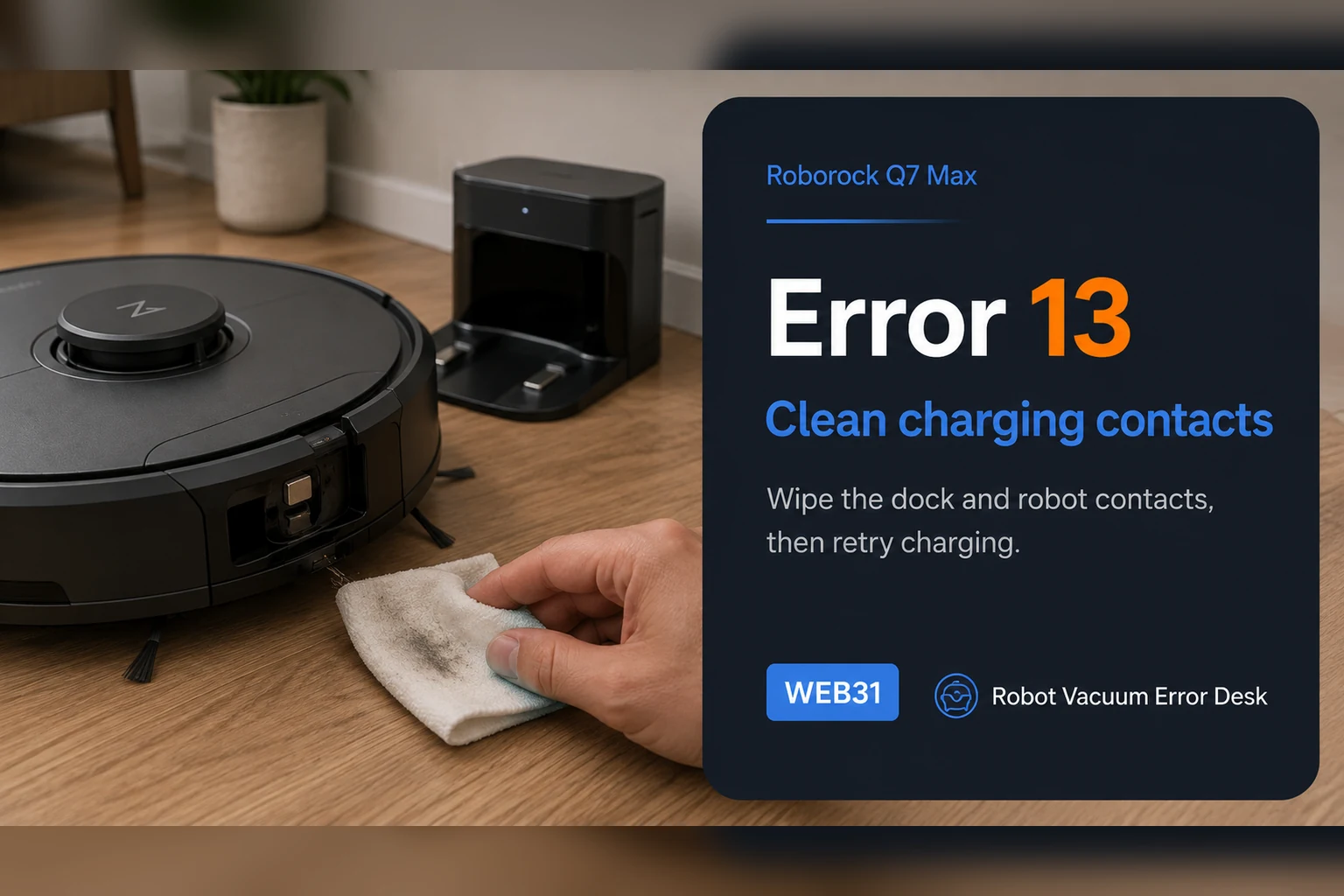
Roborock Q7 Max Error 13 is a charging fault. First prove the charging connection with the dock indicator, then clean both contact sets, fully seat the dock power cable, power-cycle the dock for about two minutes and compare a known-good outlet. Once the dock light confirms contact, use a timed battery-percentage test instead of repeatedly repositioning the robot.
Confirm the exact model and exact code, light pattern or symptom.
Run the lowest-risk physical or software check first.
Use each pass condition to decide what the result actually narrows down.
Does this match your problem?
- The Q7 Max says Error 13 while docking or charging.
- The dock light remains on when the robot should be making contact.
- Charging starts inconsistently or stops after docking.
Most likely causes
Dirty or oxidized charging contacts
Poor physical alignment
Dock power cable not fully seated
Outlet or dock power issue
What your test result means
| What you observe | What it narrows down | Next move |
|---|---|---|
| Dock indicator stays ON with the Q7 Max seated | Roborock’s Q7 support uses this as evidence that charging contacts are not properly connected. | Reposition the robot slightly until the dock indicator turns OFF, then inspect/clean contacts. |
| Dock indicator turns OFF but Error 13 returns | Physical contact is being detected, so power quality/contact condition still needs isolation. | Clean both contact sets, reseat the dock cable and power-cycle the dock for about two minutes. |
| Contacts show stains or oxidation | Surface resistance can prevent stable charging even when docking looks correct. | Use the manufacturer-approved dry/alcohol-cloth or eraser method gently, then dry and retest. |
| Dock indicator behavior is abnormal even without the robot | The dock or its power path may not be in the expected state. | Fully seat the cable and test a known-good wall outlet before blaming the robot battery. |
| Error 13 persists on a known-good outlet with clean aligned contacts | Owner-level alignment, contact and input-power causes are exhausted. | Record dock indicator behavior and charging percentage, then contact Roborock rather than opening the dock or battery. |
Reset can erase maps/settings on this path. Use lower-risk checks first and document the current state before resetting.
Run these checks in order
Confirm Error 13 and record the dock-light state
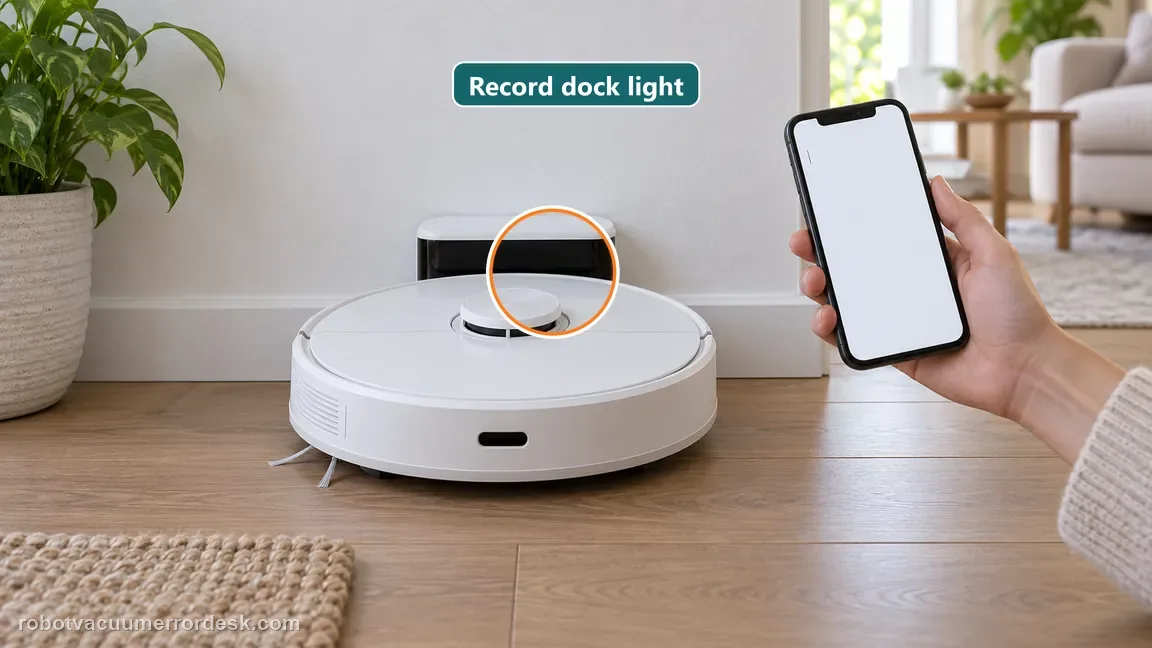
Place the Q7 Max on the dock and read the actual code before changing anything. Roborock identifies Error 13 as a charging fault. Note whether the dock indicator stays on or turns off when the robot is seated; on the current Q7 support path, OFF with the robot docked indicates the charging contacts are connected, while a light that remains ON points first to seating/contact rather than the battery.
Clean both charging-contact sets
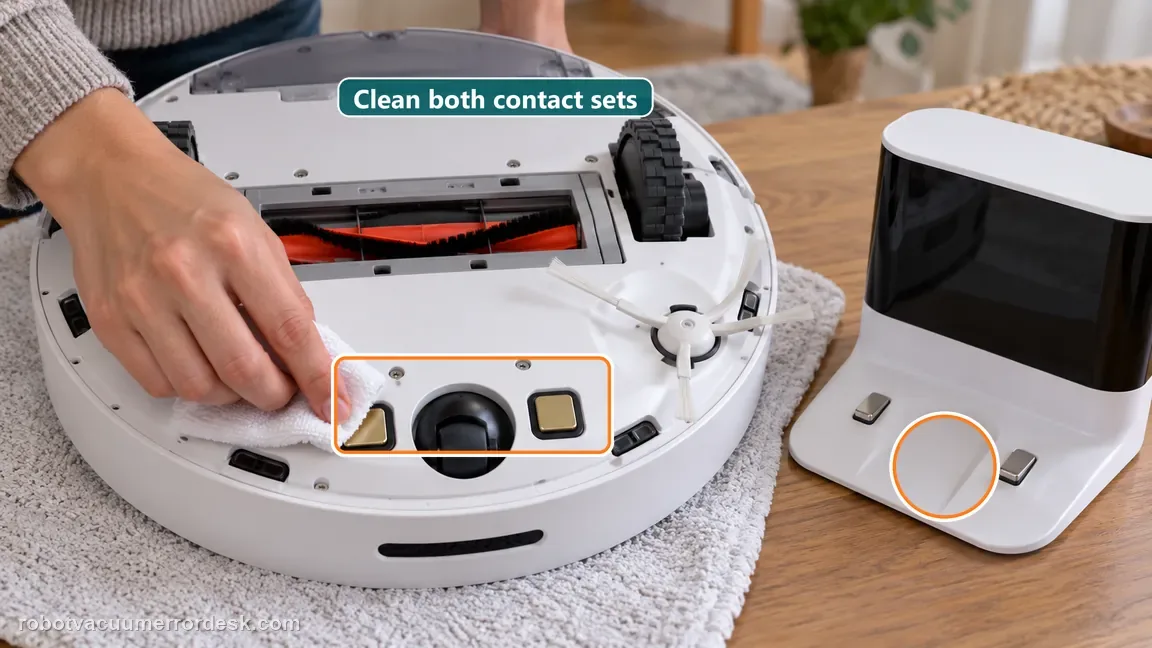
Power the robot down and inspect the robot and dock charging contacts for dust, stains or oxidation. Roborock permits a cloth lightly moistened with alcohol solution or gentle eraser use for stubborn residue. Treat both sides, avoid aggressive sanding, and let the surfaces dry before the next test.
Re-seat the robot until the indicator proves contact
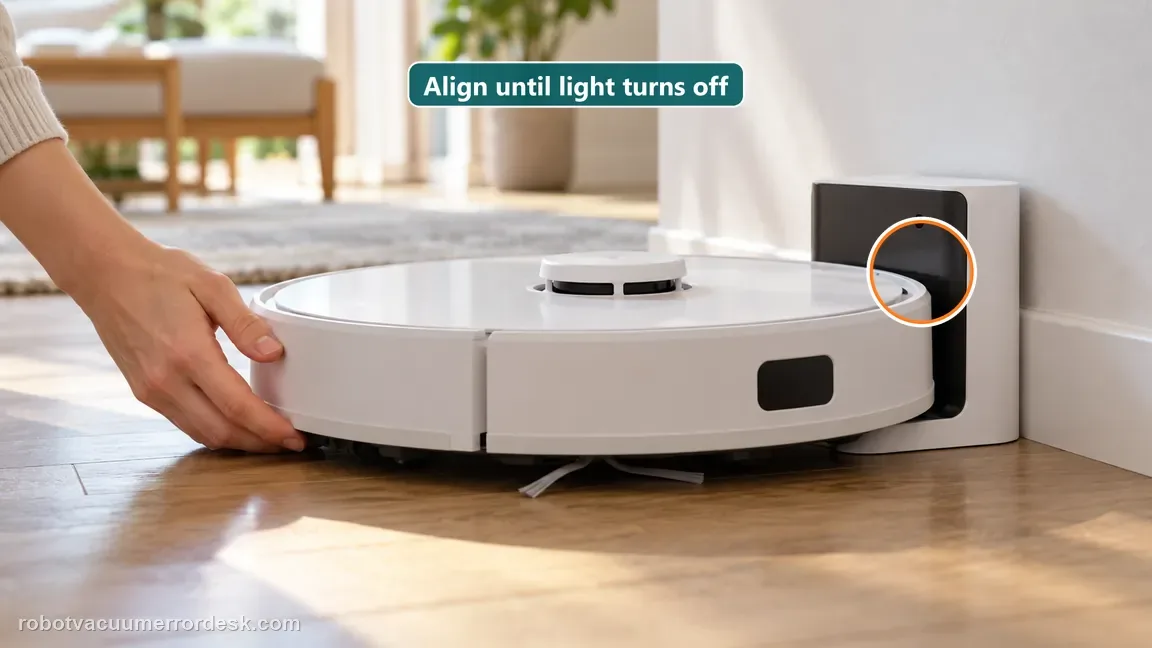
Place the Q7 Max squarely on the dock and make only small alignment corrections while watching the dock indicator. If the light stays on, the physical/electrical connection is not yet proven. If it turns off and remains off, stop repositioning and move to the input-power branch instead of repeating the same alignment test.
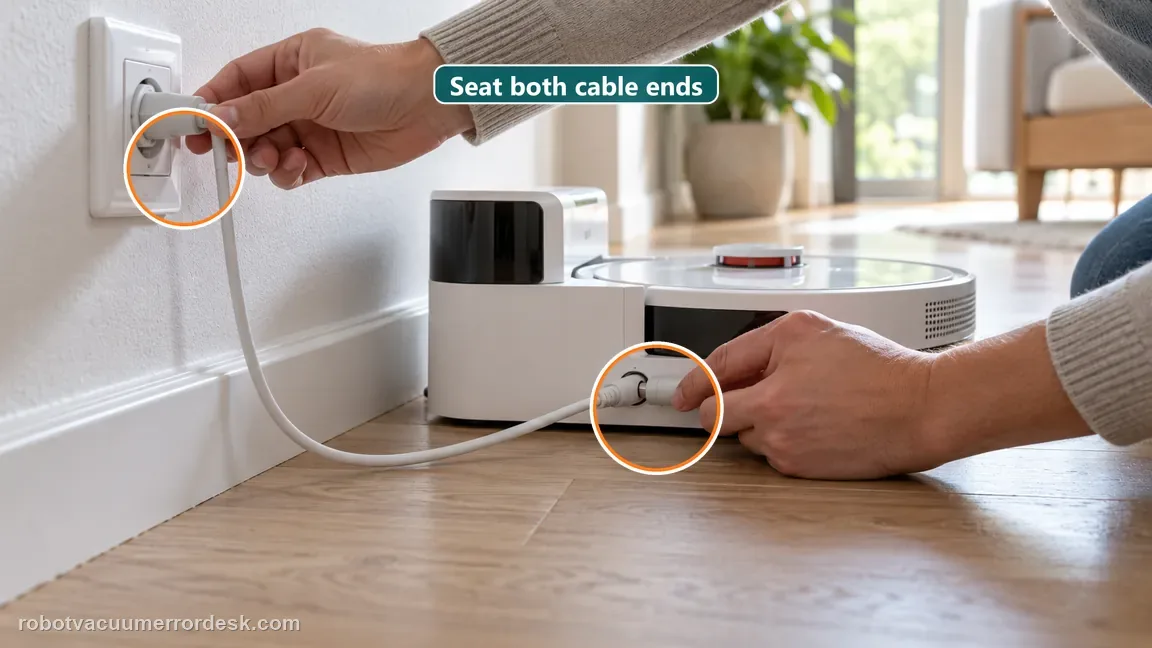
Verify the dock power cable is fully seated
Check both ends of the dock power path. Roborock specifically tells owners to make sure the cable head is pushed fully into the dock slot and that the wall connection is secure. A loose dock lead can reproduce Error 13 even when the robot-to-dock contacts are clean.
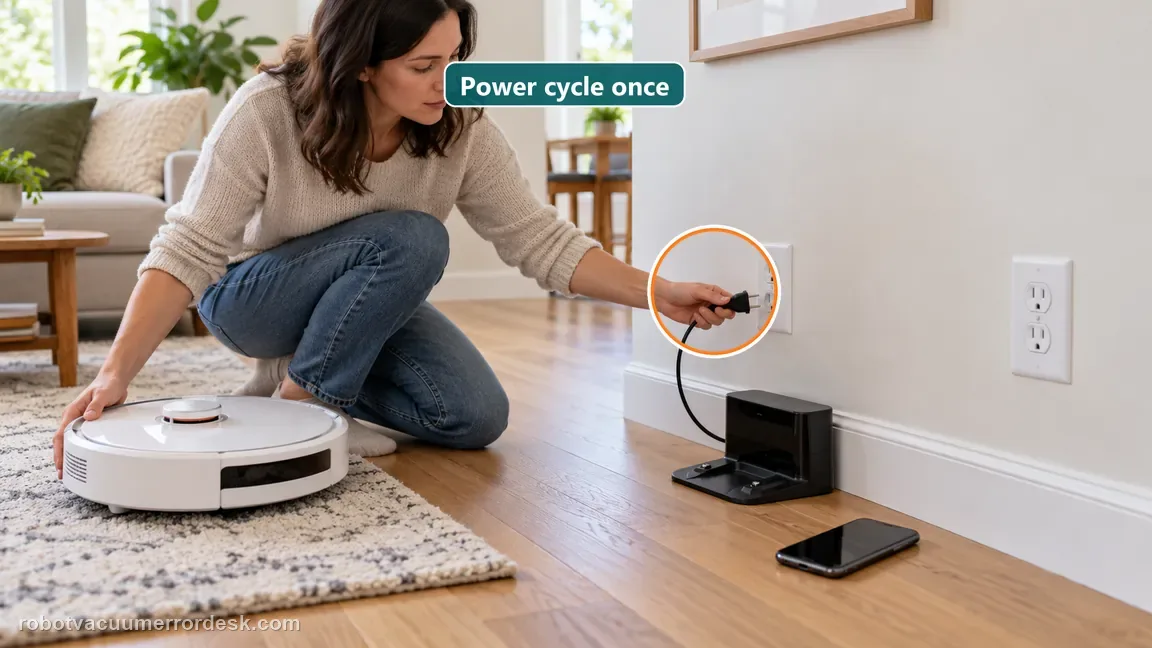
Power-cycle the dock once, then compare a known-good outlet
Unplug the dock for about two minutes, reconnect it firmly and retest. If Error 13 remains, try a known-good outlet as Roborock recommends. Change one supply variable at a time so you can tell whether the dock reset or the wall circuit changes the result.
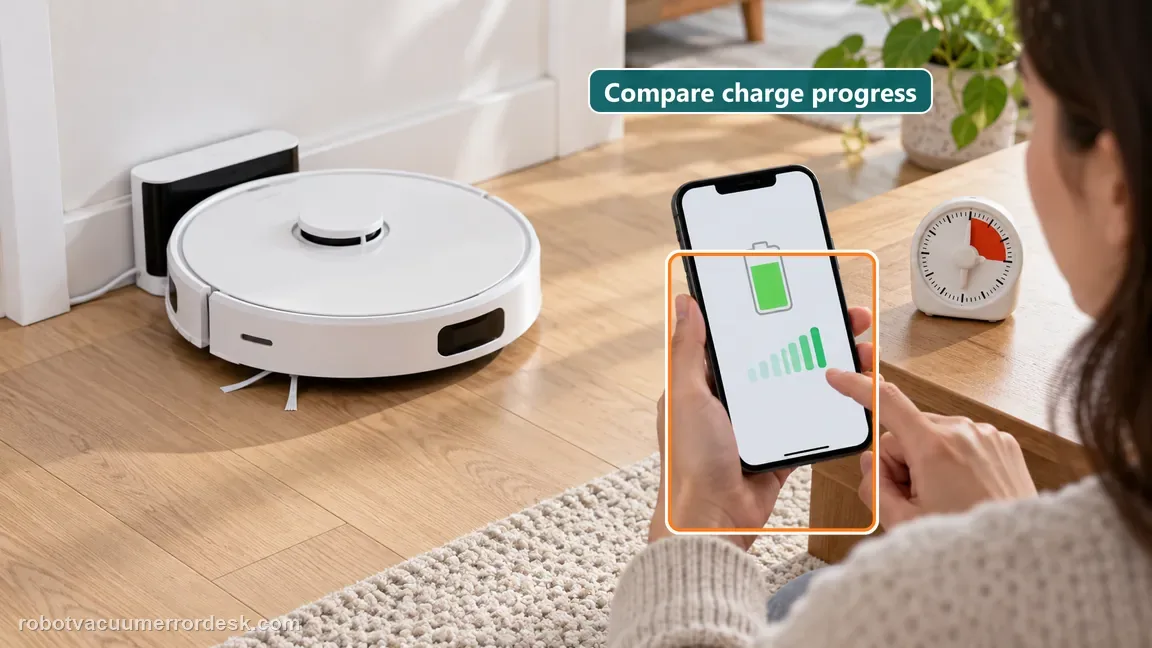
Run a timed charge-progress proof
With the dock indicator in the connected state, note the battery percentage and leave the Q7 Max undisturbed for a meaningful interval. A charging icon that flashes briefly is weaker evidence than a percentage that actually rises. If the indicator proves contact but charge does not progress after the official contact and power checks, save that timeline for support.
Escalate Error 13 after contact alignment is proven by the dock indicator, both contact sets are clean/dry, the dock cable is fully seated, the dock has been power-cycled for about two minutes and a known-good outlet has been tested. Send the light behavior and timed battery readings. Do not open the battery pack or dock electronics; the published owner path stops at contact and input-power checks.
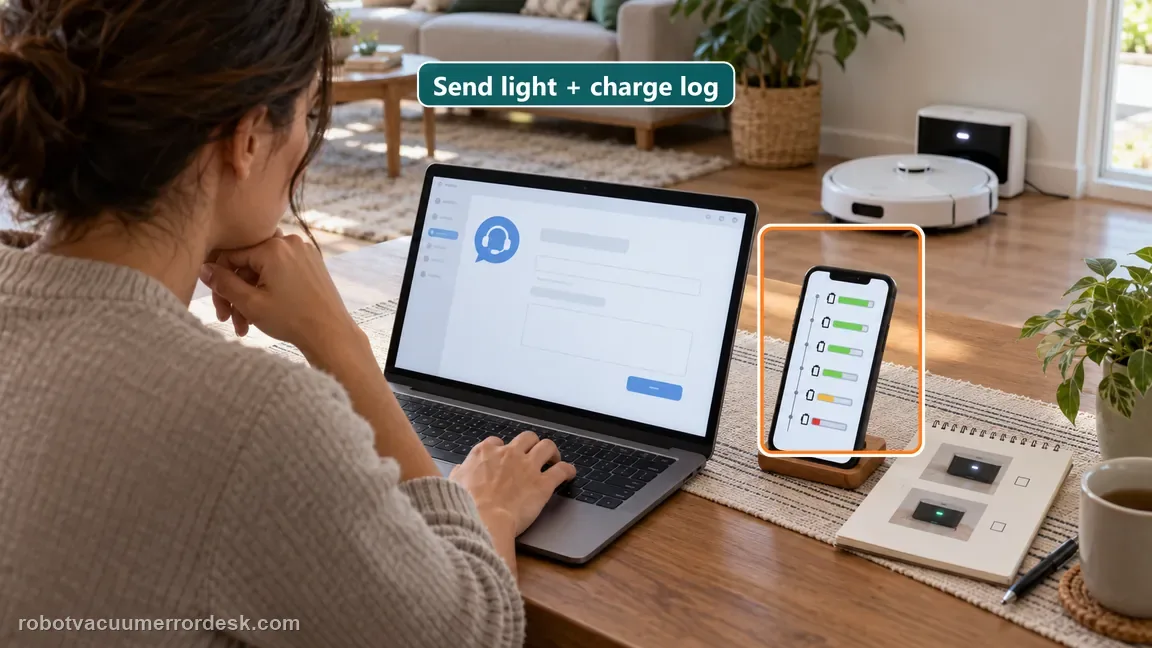
What to collect before contacting support
Give support a reproducible case instead of “it doesn’t work.” That reduces repeated basic troubleshooting and preserves the clues from your tests.
- Exact model name and the error code / voice prompt exactly as shown
- A photo or screenshot of the app error and the time it occurred
- A short list of the checks already completed and what happened after each one
- Firmware/app version if the issue began after a software change
Manufacturer evidence
Roborock Q7 troubleshooting
The exact Roborock Q7 support page provides a stronger Error 13 discriminator than the manual alone: dock indicator ON means the charging contacts are not properly connected, while OFF with the robot seated confirms contact. It also documents cleaning stains/oxidation, cable seating, an approximately two-minute dock power cycle and alternate-outlet test. The Q7 Max manual independently defines Error 13 as a charging error and tells owners to clean charging contacts.
Additional official source: Roborock — Q7 Max User Manual ↗Last editorial review: October 19, 2026Regional note: manufacturer help centers, model suffixes, mains-power requirements and warranty procedures can differ by country. If the source redirects to a local support site, confirm that the model/hardware scope still matches before following a region-sensitive step.
This guide is rated Official model support. See what each evidence label means →
FAQ
Why does my Roborock Q7 Max keep showing Error 13 while sitting on the dock?
Q7 Max Error 13 is a charging fault, and being physically on the dock does not prove the contacts are connected. Roborock says the dock indicator should turn off when the robot is seated with good contact. If it stays on, reposition the robot and clean both contact sets. Then verify dock cable/power before assuming the battery itself is defective.
What should the Roborock Q7 Max dock light do while charging?
On the Q7 support path, the dock indicator is normally on when the robot is away and turns off when the robot is seated with the charging contacts properly connected. That makes the light a useful alignment test. If it remains on with the Q7 Max docked, correct seating/contact first. If it turns off but Error 13 remains, continue with contact cleaning and power isolation.
How should I clean Q7 Max charging contacts for Error 13?
Roborock recommends removing stains or oxidation with a cloth lightly moistened with alcohol solution or gently using an eraser, then ensuring the contacts are clean and dry. Treat both the robot and dock contacts. Avoid aggressive sanding or liquids around powered parts. After cleaning, re-seat the robot and confirm the dock indicator changes to the expected charging-contact state.
Why does Roborock recommend unplugging the Q7 Max dock for about two minutes?
The official Q7 Error 13 path includes unplugging the dock for roughly two minutes, reconnecting it, and trying again. This isolates a dock power/control state after contact cleaning and cable checks. Do it once deliberately rather than repeatedly power-cycling. If Error 13 returns on a known-good outlet with clean contacts and correct dock-light behavior, preserve that result for support.
When should I contact Roborock about Q7 Max Error 13?
Escalate when the charging contacts are clean, the robot is aligned so the dock indicator shows proper contact, the dock cable is fully seated, a two-minute power cycle has been tried and a known-good outlet does not help. Send the dock-light behavior and a timed battery-percentage result. Do not open the battery pack or powered dock to chase an internal charging fault.
Did this diagnostic narrow the fault?
Use this as an editorial signal, not a popularity counter. If a feedback address is configured you can email the note; otherwise you can copy it for your own support record.