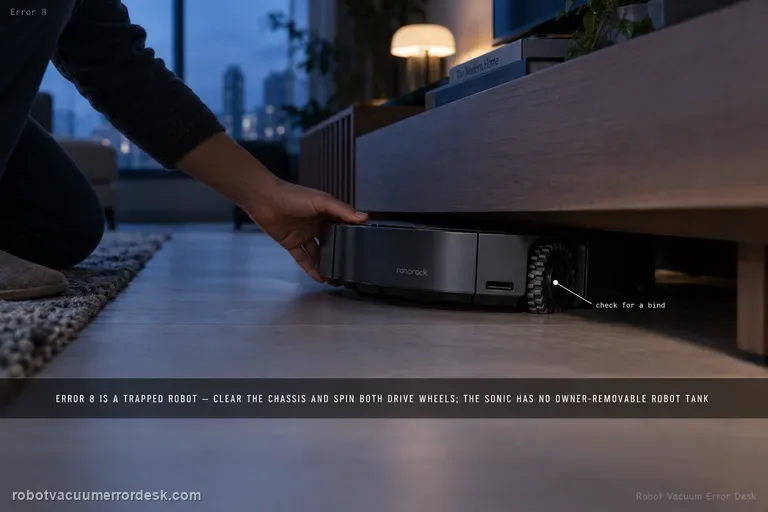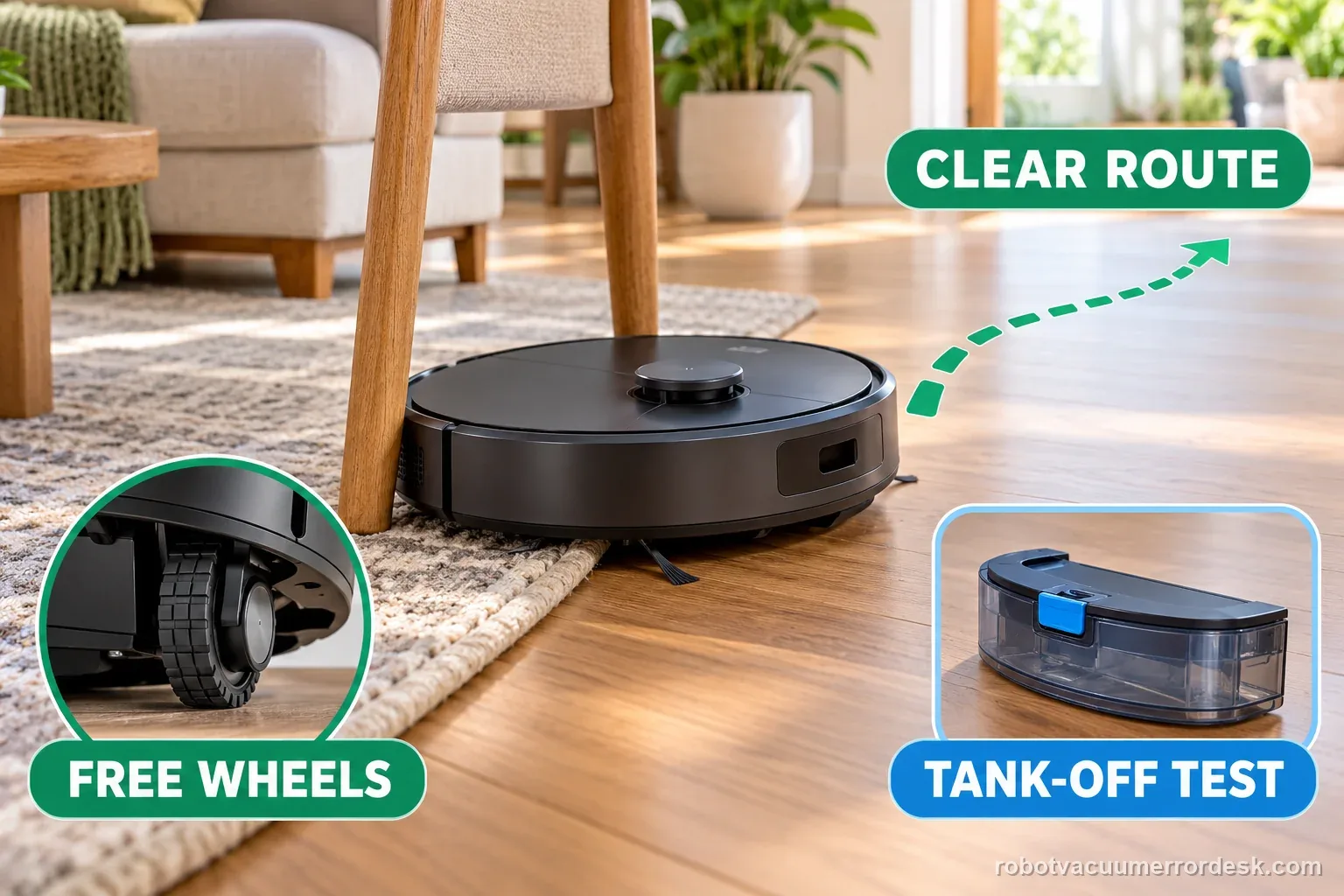
The Q7 Max manual defines Error 8 as “Robot trapped.” First clear obstacles around the robot and relocate it. If the problem repeats, manually compare the drive wheels and, when a water tank is installed, remove it for an isolation test before escalating.
Roborock defines Q7 Max Error 8 as Robot trapped. Separate an external trap from Error 7, the wheel-jam code: clear nearby obstacles, check wheel movement, remove an installed water tank for one control test, then escalate if Error 8 persists in open space.
Check what physically prevents movement
| Observation | What it separates | Next action |
|---|---|---|
| Robot is wedged under furniture | Clearance or trapped route | Move it to open level floor |
| One wheel will not turn freely | Wheel obstruction or jam | Remove visible debris without forcing it |
| Error appears with tank attached | Tank or fit may affect movement | Remove the tank and retest as instructed |
| Error returns in open space | Basic obstruction checks did not explain it | Stop and contact Roborock |
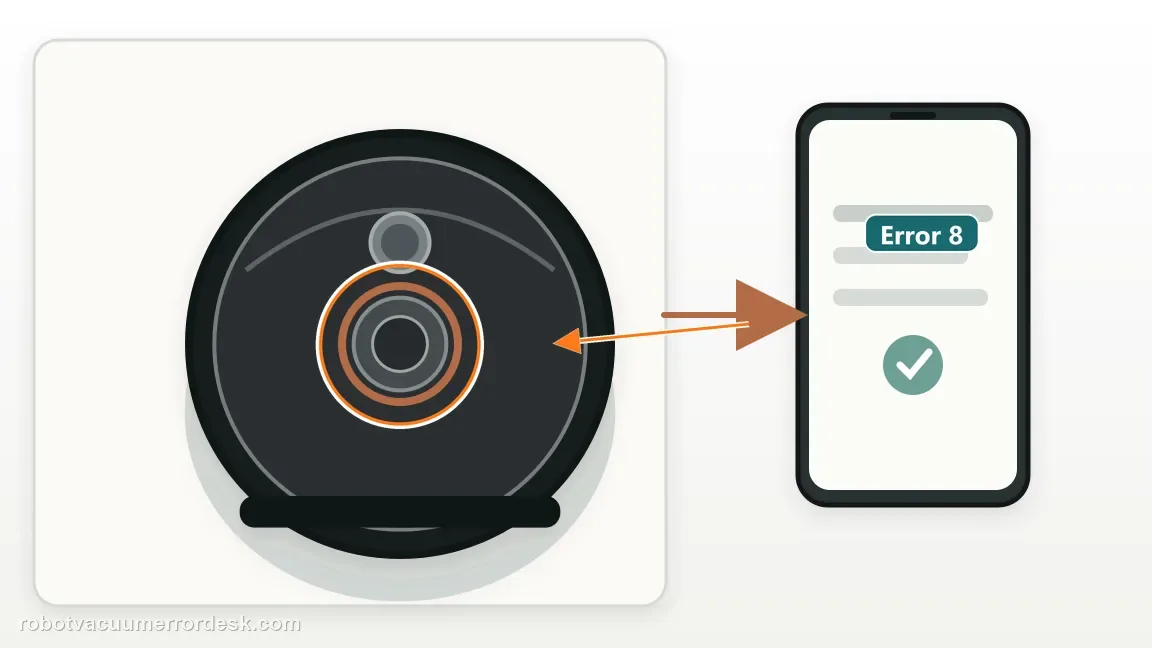
Confirm the exact model and exact code, light pattern or symptom.
Run the lowest-risk physical or software check first.
Use each pass condition to decide what the result actually narrows down.
Does this match your problem?
- The Q7 Max announces Error 8 and stops.
- The robot is wedged near chair bases, thresholds or other close obstacles.
- The error repeats even after moving the robot to a more open area.
Error 8 means the robot is trapped, while a side brush that will not turn is a separate mechanical symptom. Compare the exact code before following another model’s checks: Shark Matrix side-brush diagnosis · Saros 20 return-to-dock checks · Roborock S7 map-orientation checks
Most likely causes
Robot physically trapped by the environment
Drive wheel restricted by hair or debris
Accessory or water-tank interference in a repeating case
Drive or chassis fault if Error 8 persists in open space
What your test result means
| What you observe | What it narrows down | Next move |
|---|---|---|
| Chassis is touching furniture, cables or a threshold | The manual’s “Robot trapped” definition fits the environment directly. | Clear the obstruction, relocate the Q7 Max to open level floor and restart. |
| One drive wheel binds during manual press/spin check | A wheel restriction is contributing to the trapped state. | Remove accessible debris and verify both wheels have comparable movement before retesting. |
| Error 8 appears only with the water tank installed | Accessory fit/interference is a useful discriminator because Roborock explicitly recommends removing the tank for this error. | Remove the water tank and run one short control test; inspect fit if the error disappears. |
| Robot runs normally in open space without the tank | The core drive system can move under a simple condition. | Return one variable at a time: tank first, then the original obstacle, to identify the trigger. |
| Error 8 persists in open space with free wheels and no tank | The simple trapped/accessory branches are exhausted. | Capture chassis/wheel behavior and contact Roborock rather than repeatedly restarting. |
Use the error wording and movement test together
One rug-edge event, one controlled retest
Illustrative example, not a repair-rate claim: the Q7 Max shows Error 8 once with a wheel against a rug binding. Move it to open, level flooring, clear the obstruction and check both wheels while the robot is off. Run one short test. If it passes, the single rug-edge event is not proof that a wheel motor failed.
Three basic checks pass, then Error 8 returns
Illustrative example, not a repair-rate claim: the robot is on open floor, both wheels move freely, and the installed water tank is removed for one control run. Those three conditions pass, but Error 8 returns once. Record the alert and wheel behavior, then contact Roborock rather than opening the drive assembly.
Illustrative decision sequence. These are observations, not measured repair success rates.
- Move to open level floor
- Check visible obstruction and wheel motion
- Test the tank condition, then escalate if repeated
Do not factory-reset by default. Use the exact model’s reboot/network-reset procedure only when the manufacturer path calls for it.
Run these checks in order
Use the manual definition first
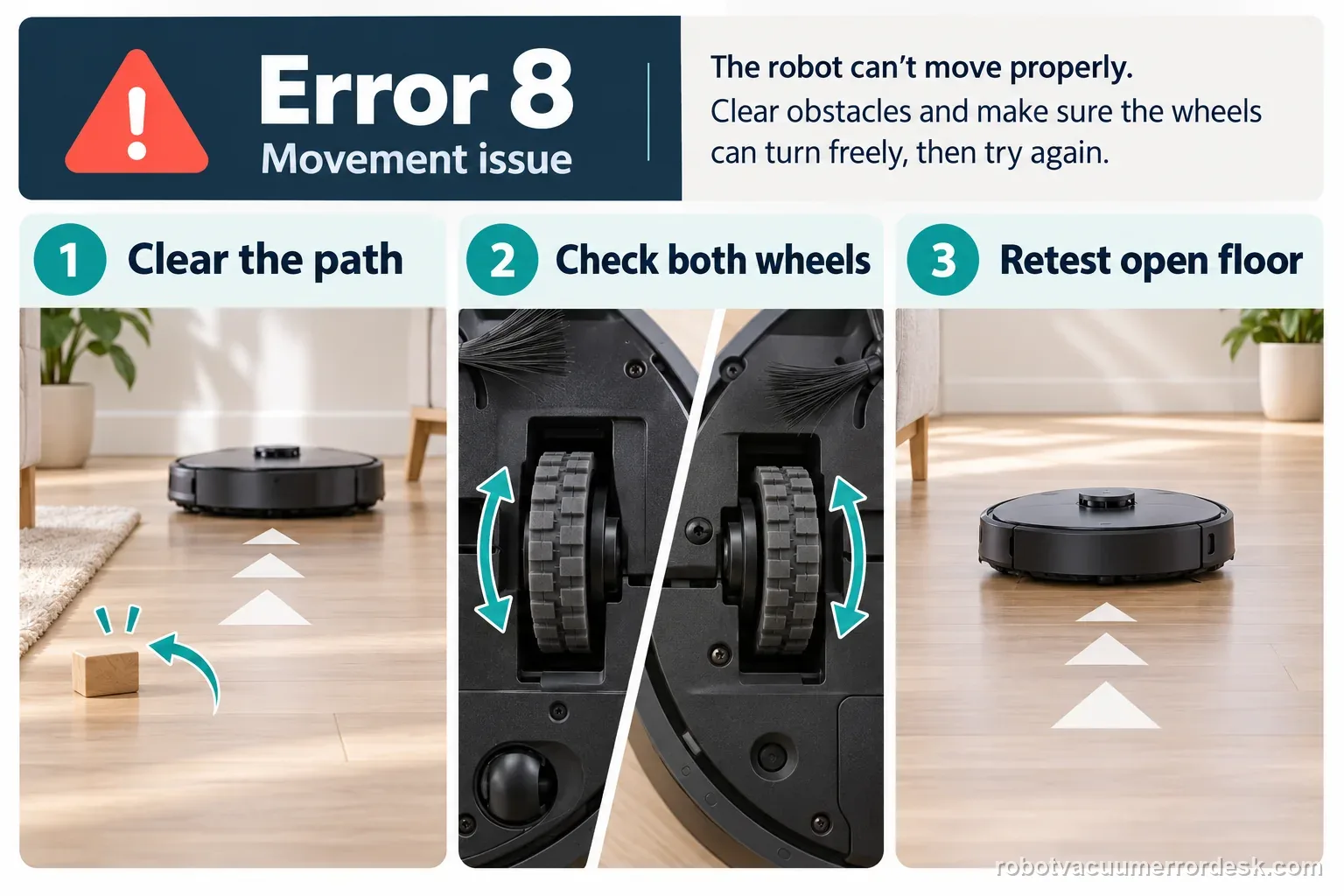
Roborock labels Error 8 as “Robot trapped” and tells the user to clear obstacles surrounding the robot. Do that before treating the code as a map, LiDAR or software problem.
Relocate to open, level flooring
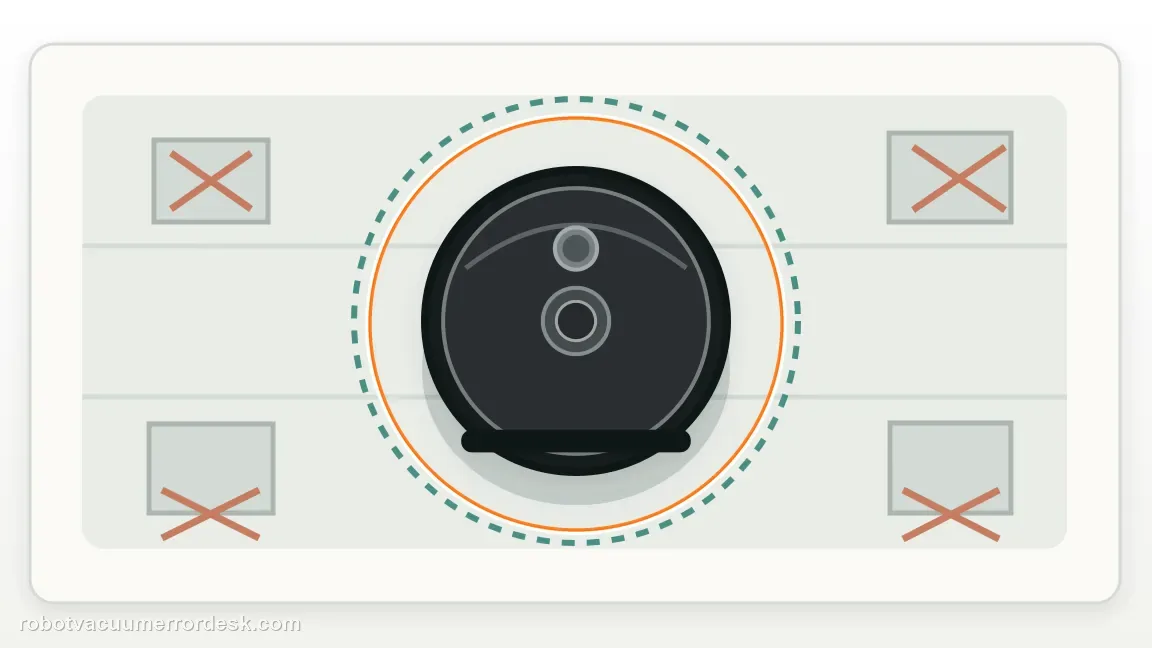
Place the Q7 Max on an open hard floor with clearance around the chassis, then inspect for chair rails, cords, threshold lips or objects that could have pinned it.
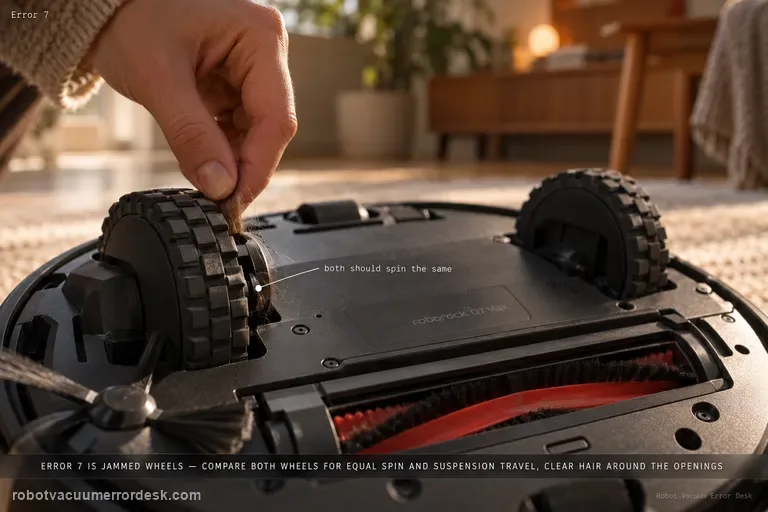
Compare drive-wheel movement
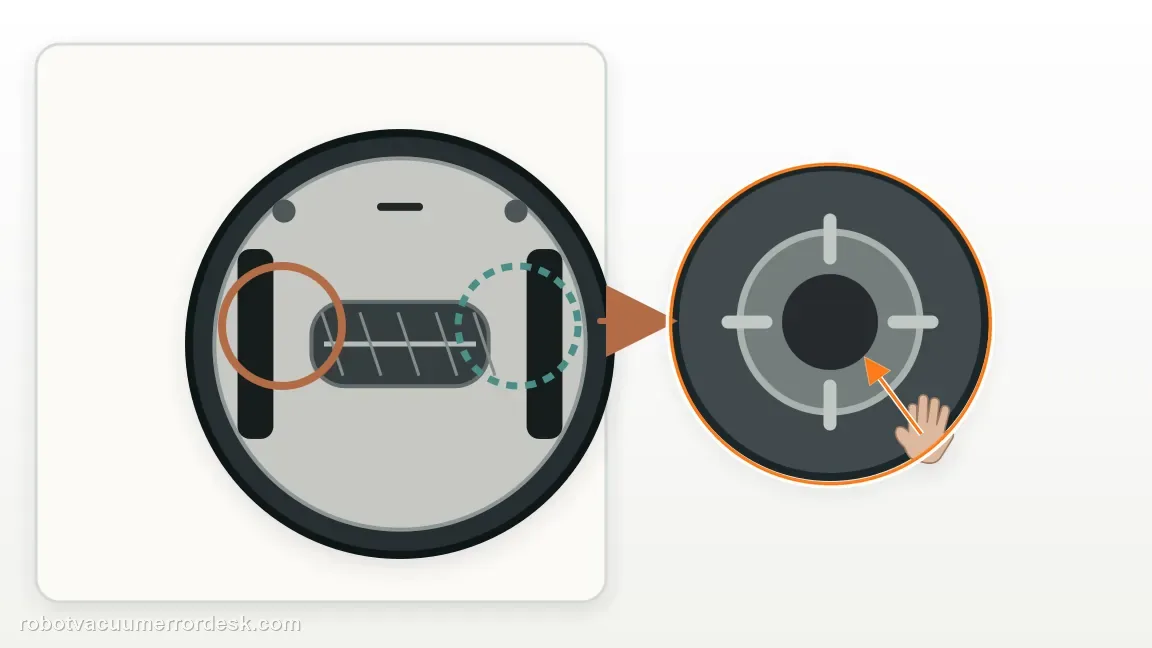
Turn the robot off before touching the drive wheels. Press and rotate each wheel by hand without forcing it. Remove only accessible hair or thread if one side has a clear hard bind or reduced travel; stop if a wheel remains locked or you would need to open the chassis.
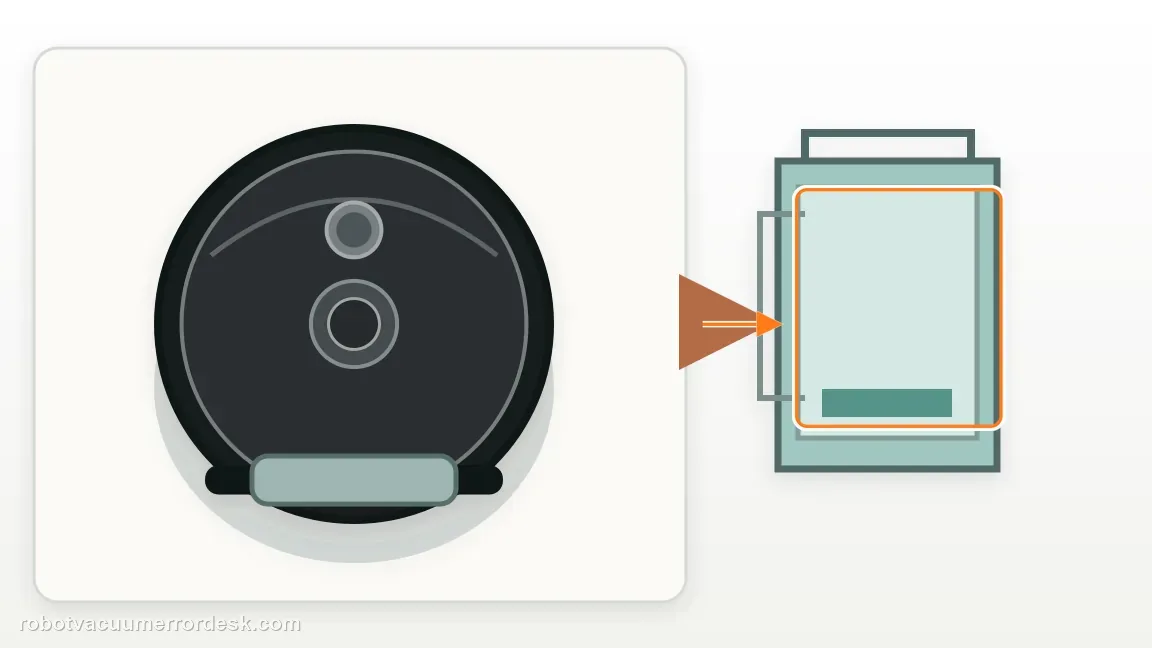
Isolate the installed water tank
If the water tank is installed and the error continues, remove it for one short test. Roborock includes tank removal in its Error 8 troubleshooting path, making this a useful accessory-fit isolation step.
Restart after the physical cause is cleared
The Q7 Max manual says to relocate the robot and restart after resolving an error. Use a short open-floor run before returning it to the original furniture or threshold area.
Recreate the failure one variable at a time
After clearing the original trap, test the Q7 Max on open hard floor with space around the chassis. If the water tank was installed, remove it for this control because Roborock explicitly includes tank removal in the Error 8 path. If the robot passes, reinstall the tank and retest before returning to the original furniture/threshold. This sequence identifies whether the trigger follows the environment, the accessory or the robot.
Inspect for chassis lift, not just wheel rotation
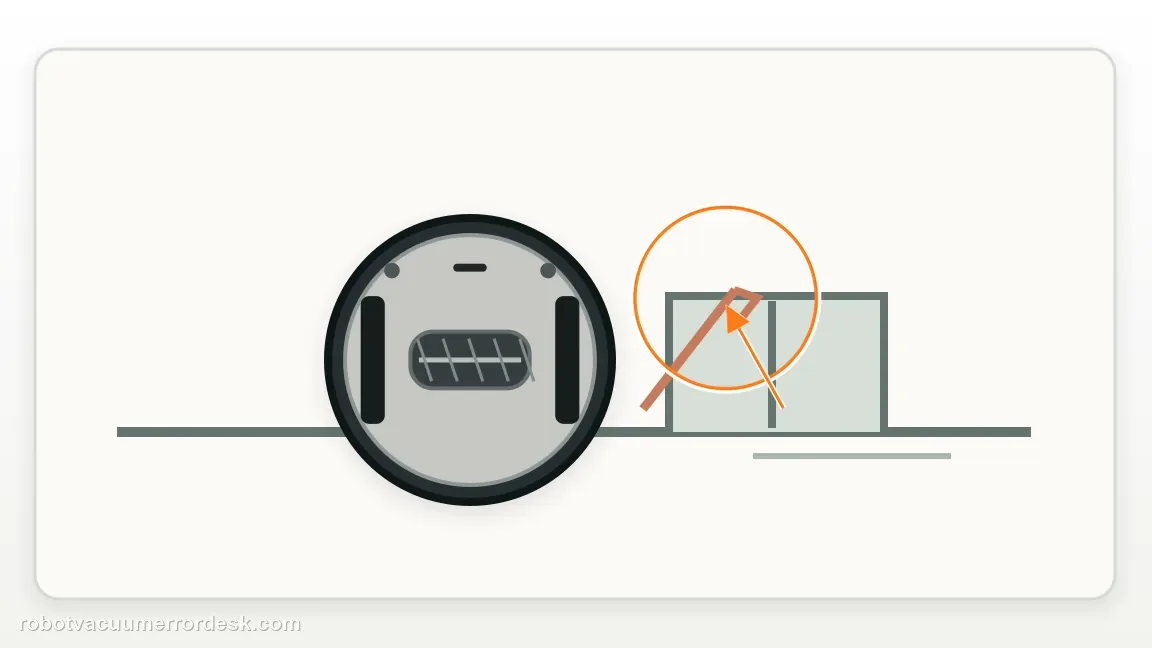
A chair rail, threshold lip or bundled cable can lift part of the robot enough to create a trapped state even if both wheels still turn. Look around the bumper, underside and wheel contact points for anything touching or holding the chassis. If the error returns in open space with all contact removed, that is materially different from a robot wedged under furniture and is worth preserving on video.
Escalate if Error 8 repeats on open level flooring with the chassis completely free, both drive wheels moving normally and the water tank removed for the manufacturer-recommended isolation test. Send video of the control setup and error. Do not open drive/chassis modules or keep restarting a robot that remains trapped under simple, verified conditions.
Record the trapped-state test
| Stage | Question to answer | Evidence to keep |
|---|---|---|
| Location | Open floor or trapped edge? | Room and obstacle |
| Wheels | Both rotate freely? | Which side differs |
| Tank | Installed during retest? | Result with tank removed |
| Repeat | Error 8 returned? | Short video and alert |
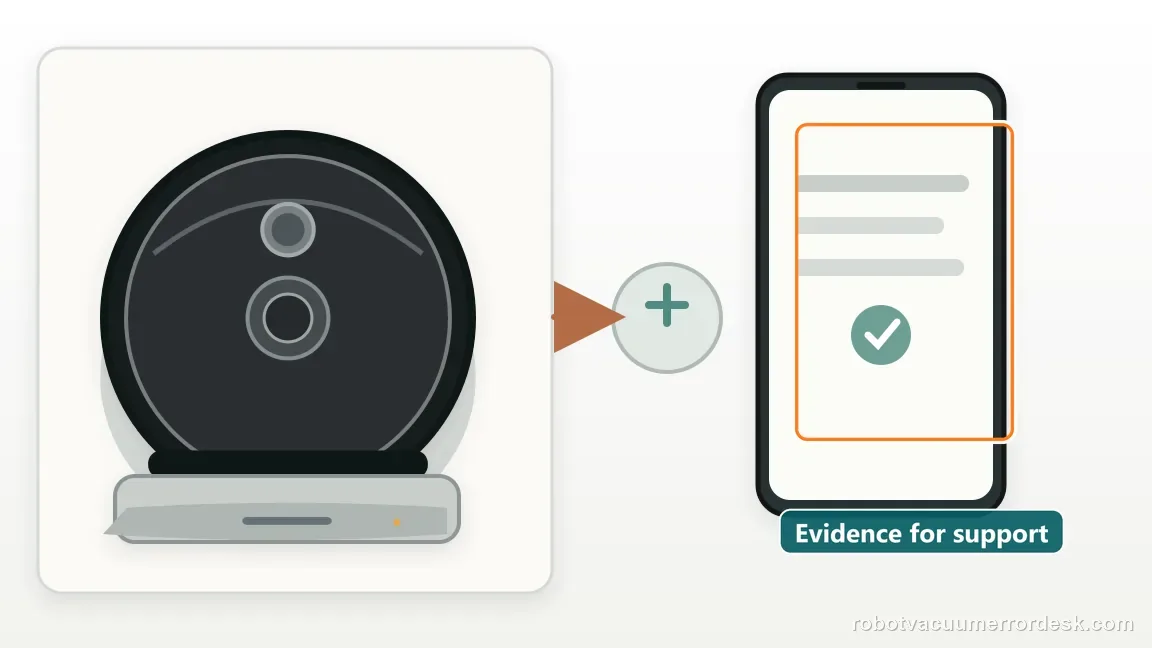
What to collect before contacting support
Give support a reproducible case instead of “it doesn’t work.” That reduces repeated basic troubleshooting and preserves the clues from your tests.
- Exact model name and the error code / voice prompt exactly as shown
- A photo or screenshot of the app error and the time it occurred
- A short list of the checks already completed and what happened after each one
- Firmware/app version if the issue began after a software change
Manufacturer evidence
Roborock Q7 Max user manual
The Q7 Max manual defines Error 8 as “Robot trapped” and says to clear surrounding obstacles. Roborock’s Q7 support adds manual drive-wheel checking and a distinctive water-tank removal test. This guide uses an open-floor baseline, chassis-lift inspection and one-variable reintroduction so Error 8 does not collapse into a duplicate of Error 7 or generic map troubleshooting.
Additional official source: Roborock Q7 troubleshooting desk ↗Last editorial review: September 5, 2026Regional note: manufacturer help centers, model suffixes, mains-power requirements and warranty procedures can differ by country. If the source redirects to a local support site, confirm that the model/hardware scope still matches before following a region-sensitive step.
This guide is rated Official manual. See what each evidence label means →
FAQ
What does Error 8 mean on the Roborock Q7 Max?
The Q7 Max manual defines Error 8 as “Robot trapped” and tells owners to clear surrounding obstacles. Roborock’s Q7 support adds checking the drive wheels and removing the water tank for a test. Move the robot to open level flooring, make sure the chassis is not touching or lifted by anything, compare wheel movement and run one tank-off control before escalating.
Why does Q7 Max Error 8 happen even when the robot is not visibly wedged?
A subtle obstruction can still lift or load the chassis, and a drive wheel can bind without a large object being obvious. Check underneath and around the bumper, press/spin both wheels and run the robot in truly open space. Roborock also recommends removing the water tank for one test. If Error 8 persists under those simple conditions, the symptom is no longer explained by an ordinary trap.
Why should I remove the water tank when troubleshooting Q7 Max Error 8?
Roborock’s Q7 Error 8 support explicitly includes removing the water tank and trying again. Treat it as an isolation test, not proof that every Error 8 is a tank fault. If the robot moves normally without the tank, inspect tank seating/fit and reintroduce it separately. If the code remains with no tank in open space, continue with wheel/chassis evidence for support.
Is Q7 Max Error 8 the same as Error 7?
No. Error 7 is specifically the wheel-jammed code, while Error 8 is the broader “robot trapped” condition. The paths overlap because Roborock asks you to check wheel movement during Error 8, but Error 8 also includes environmental obstruction and a water-tank isolation test. Read the numeric code and preserve whether the robot is physically trapped or a wheel alone is binding.
When should I contact Roborock for repeated Q7 Max Error 8?
Contact Roborock when the robot is on open level floor with no surrounding obstruction, both drive wheels move normally, the water tank has been removed for a control test and Error 8 still returns. Send a video showing the free chassis and wheel behavior. Avoid repeated restarts or disassembling drive modules when the published environment/accessory checks have already been exhausted.
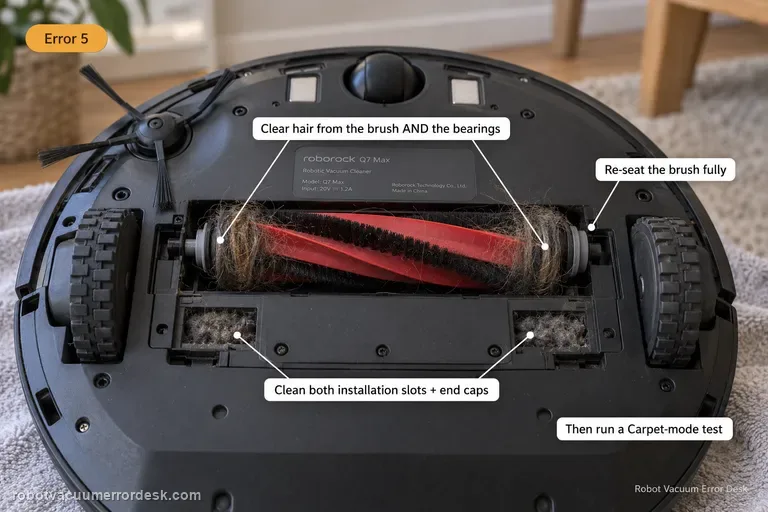
The Q7 Max manual separates Error 8 from wheel Error 7 and brush Error 5. Keep the exact code with your evidence so a general trapped condition is not mislabeled as a specific component failure.
Choose the matching model before using another guide's procedure:
Error 7: wheel-jam path →Error 5: main-brush path →Dock return problem on a different model →Error 18: fan path, not a trapped alert →If the map itself appears rotated, compare the map-angle checks →Did this diagnostic narrow the fault?
Use this as an editorial signal, not a popularity counter. If a feedback address is configured you can email the note; otherwise you can copy it for your own support record.