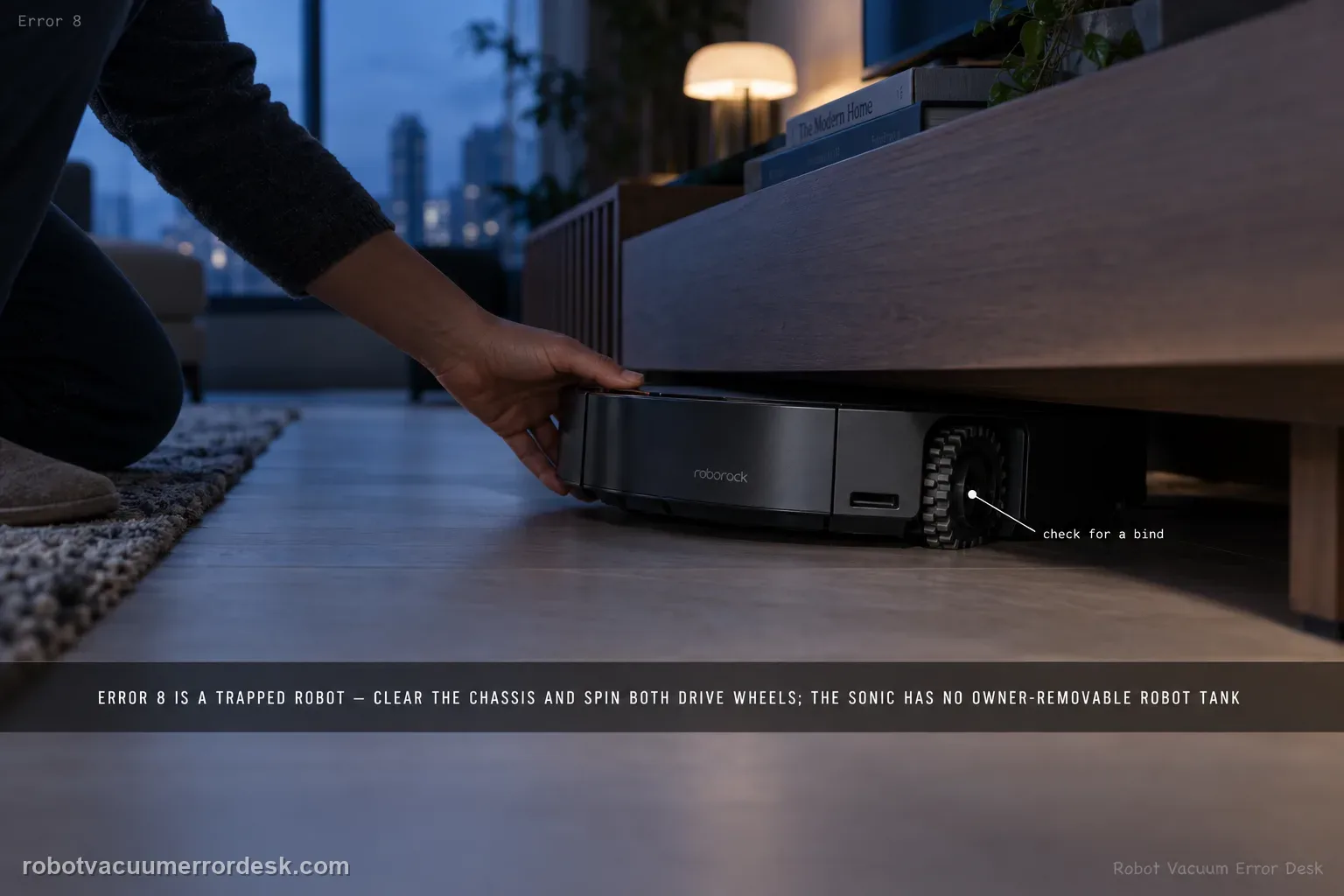
Roborock’s Saros 20 Sonic support lists Error 8 as a trapped-robot check: clear obstacles and press/spin the drive wheels to find a bind. That support entry also includes a generic “remove the water tank if installed” step. The current Saros 20 Sonic manual does not show an owner-removable robot water tank; it shows a self-filling port on the robot and removable clean/dirty tanks in the dock. Do not open the robot or try to remove an internal tank. Clear the chassis, compare both drive wheels on safe hard flooring, and run one short control test. If Error 8 returns with free wheels and no obstruction, escalate with the exact code and a short video.
Confirm the exact model and exact code, light pattern or symptom.
Run the lowest-risk physical or software check first.
Use each pass condition to decide what the result actually narrows down.
Confirm this is the right issue
- The Roborock app or voice prompt reports Error 8 on a Saros 20 Sonic.
- The robot stops in open space or near furniture and behaves as though the chassis is trapped.
- One drive wheel feels harder to press or rotate than the other, or debris is touching the underside.
- You found generic Error 8 advice about removing a water tank and need the model-safe interpretation for the Saros 20 Sonic.
What’s most likely causing this
An obstacle or loose object is touching the chassis and preventing normal movement
Hair, thread or debris is restricting one of the two drive wheels
The robot is testing on a soft, uneven or confined surface that keeps it from freeing itself
A persistent drive or chassis fault remains after both wheels move freely on a clear hard-floor control
Reading your test result
| What you observe | What it narrows down | Next move |
|---|---|---|
| A cord, rug edge or object is touching the chassis | The Error 8 state has a direct environmental explanation. | Remove the obstruction and repeat the same short hard-floor test. |
| One drive wheel binds while the other moves freely | The trapped state is following a specific drive side. | Remove only accessible debris, retest once, and escalate if the bind remains. |
| Both wheels move freely and the open-floor test passes | A temporary obstruction or surface condition is more likely than a persistent drive fault. | Resume use and watch whether the error returns in one specific area. |
| Generic support text says to remove a water tank | That wording does not match the Sonic manual’s owner-serviceable robot hardware. | Do not open the robot; keep the test to obstacles, wheels and a hard-floor control. |
| Error 8 repeats immediately on clear hard flooring | The fault is no longer explained by an obvious external trap. | Send Roborock the code, wheel comparison and a short video instead of repeating resets. |
Do not factory-reset by default. Use the exact model’s reboot/network-reset procedure only when the manufacturer path calls for it.
Work through these checks in order
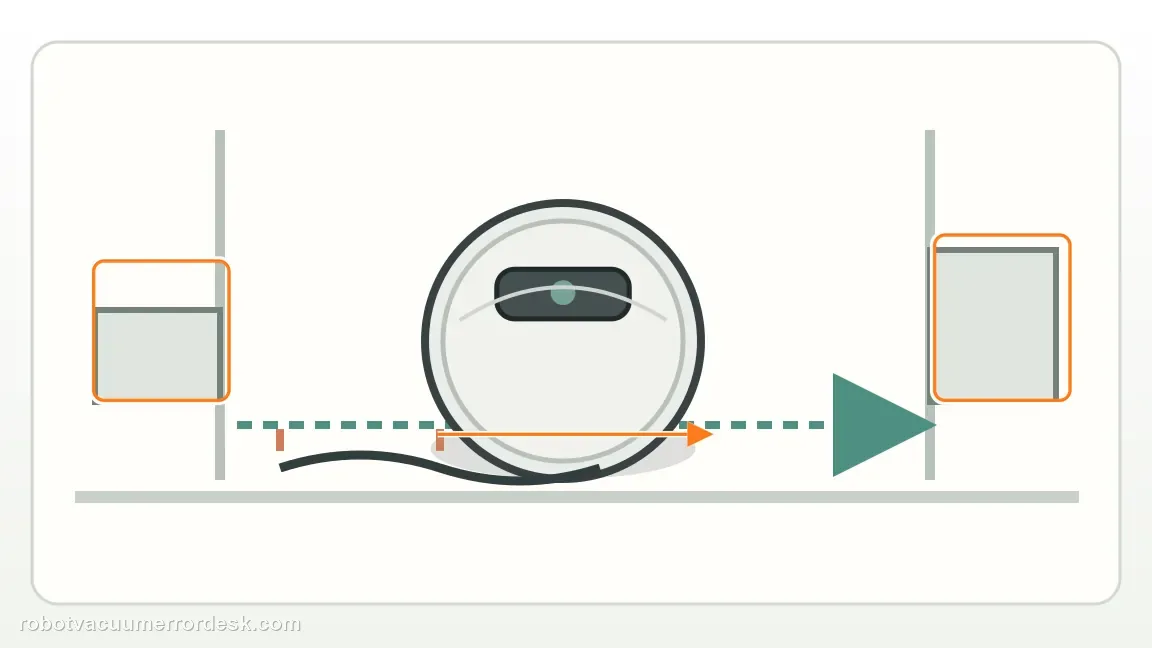
Move the robot to a clear hard-floor control area
Stop the robot and place it on a flat, dry, well-lit hard floor with open space around the bumper and wheels. Remove cords, rug edges, toys and anything touching the underside. This first control matters because Error 8 is a trapped-robot state: a real environmental bind can look identical to a wheel fault if you keep testing in the same tight location. Do not begin by deleting maps or resetting Wi-Fi; neither action changes whether the chassis is physically free.
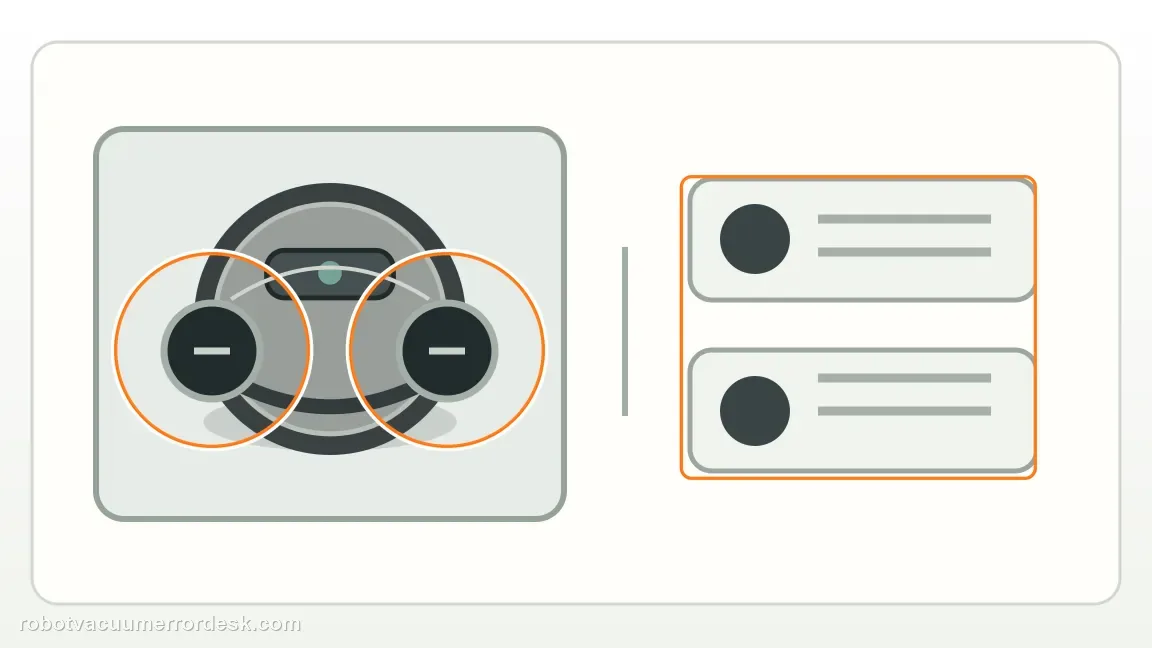
Press and rotate both drive wheels for a left-right comparison
With the robot stopped and safe to handle, press each main drive wheel through its normal suspension travel and rotate it by hand. Roborock’s exact Error 8 guidance uses this wheel check to find a stuck condition. Compare the two sides rather than judging one wheel in isolation. Remove only accessible hair, thread or debris; do not open the wheel module or force a wheel that feels mechanically locked.
Do not apply the generic removable-water-tank step to the Sonic robot
The current Saros 20 Sonic support page includes a generic Error 8 instruction to remove a water tank “if installed.” The Sonic manual’s hardware diagram instead shows a robot self-filling port and the removable clean/dirty water tanks in the dock; it does not present an owner-removable robot water tank. Leave the robot housing closed and do not dismantle the internal water path just to follow wording that does not match this model’s owner-serviceable hardware. The dock tanks are unrelated to proving a trapped drive state.
Run one short open-floor proof test
Start a short cleaning run in the same clear hard-floor area and watch the first minute. If the robot drives normally and Error 8 does not return, the earlier stop was consistent with an environmental obstruction or removable wheel debris. If the error returns immediately in open space, note whether the robot attempts to move, turns toward one side, or remains stationary. That observable behavior is more useful for support than repeated resets.
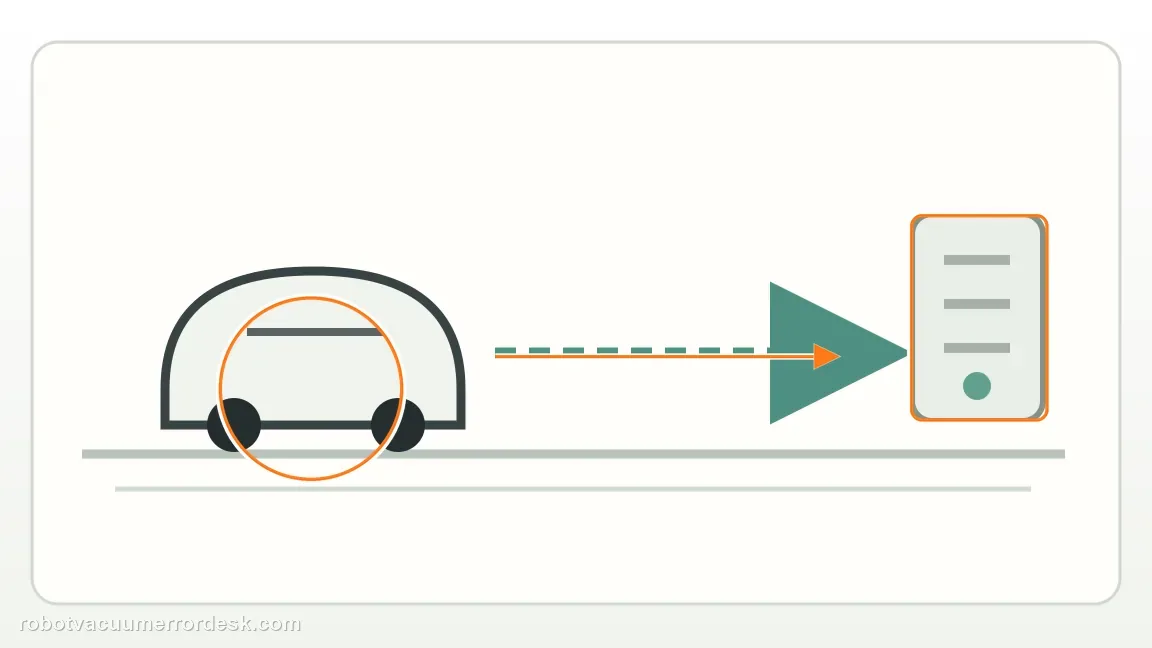
Escalate a repeatable Error 8 without forcing the drive system
When Error 8 repeats on clear hard flooring after both drive wheels have been checked and accessible debris removed, stop owner troubleshooting. Record the exact error, which side appears abnormal if any, and a short video of the open-floor retry. Do not pry the wheel module, power the wheel externally, or open the robot to search for an internal water tank. Those actions go beyond the owner checks published for this model and can hide the evidence a service technician needs.
Contact Roborock if Saros 20 Sonic Error 8 returns on a clear hard-floor control after both drive wheels move freely and accessible debris has been removed. Provide the exact code, whether one wheel feels different, the surface used for the control, and a short video of the retry. Do not open the wheel module or robot housing, and do not try to remove an internal water tank; the current Sonic manual does not present one as an owner-removable component.
Before you contact support, gather this
A reproducible case moves a support call past the basic troubleshooting script faster than “it doesn’t work” does, and it keeps the clues from your own tests on record.
- Exact model name and the error code / voice prompt exactly as shown
- A photo or screenshot of the app error and the time it occurred
- A short list of the checks already completed and what happened after each one
- Firmware/app version if the issue began after a software change
Where this comes from
Roborock Saros 20 Sonic — Error 8
Roborock’s exact Saros 20 Sonic troubleshooting page defines Error 8 around obstacles and stuck drive wheels but also contains a generic removable-water-tank step. The current Sonic manual’s hardware diagram shows a self-filling port on the robot and removable water tanks in the dock, so this guide keeps the applicable Error 8 checks and explicitly rejects opening the robot to follow mismatched generic wording.
Additional official source: Roborock Saros 20 Sonic CE EN User Manual — hardware overview and common issues ↗Additional official source: Roborock Saros 20 Sonic official product support hub ↗Last editorial review: September 5, 2026Regional note: manufacturer help centers, model suffixes, mains-power requirements and warranty procedures can differ by country. If the source redirects to a local support site, confirm that the model/hardware scope still matches before following a region-sensitive step.
This guide is rated Official model support. See what each evidence label means →
Questions people ask
What does Error 8 mean on a Roborock Saros 20 Sonic?
Roborock treats Error 8 as a trapped-robot condition. Start by removing anything touching the chassis, then press and rotate both drive wheels to check for a bind. A short hard-floor control test is the best proof. If the error returns in open space with both wheels moving freely, the result is strong enough to escalate.
Should I remove a water tank to fix Saros 20 Sonic Error 8?
Do not open the robot to do that. Roborock’s current Error 8 page contains generic wording about removing a water tank if installed, but the Saros 20 Sonic manual shows a self-filling port on the robot and removable clean/dirty tanks in the dock. For this model, keep owner testing to obstacles and drive-wheel movement.
How do I check the drive wheels for Error 8?
Stop the robot, place it on a safe surface and compare the two main drive wheels. Press each through its normal suspension travel and rotate it by hand. They should feel broadly similar. Remove accessible hair or thread only. If one side remains much harder to move, do not pry the module; record the difference for support.
Why does Error 8 disappear on hard floor but return near a rug?
That pattern points toward an environmental trap rather than a constant internal fault. Rug edges, loose cords, soft piles or confined furniture gaps can change how the chassis and wheels move. Keep the map unchanged and repeat the same route after removing the obstruction. A location-specific repeat is useful evidence and avoids unnecessary resets.
When should I contact Roborock for Error 8?
Escalate when Error 8 reproduces on clear hard flooring after both drive wheels have been checked and accessible debris removed. Send the exact code, a short video and whether one wheel behaves differently. That evidence is more useful than repeated factory resets, and it avoids unsupported disassembly of the wheel system or internal water path.
Did this diagnostic narrow the fault?
Use this as an editorial signal, not a popularity counter. If a feedback address is configured you can email the note; otherwise you can copy it for your own support record.