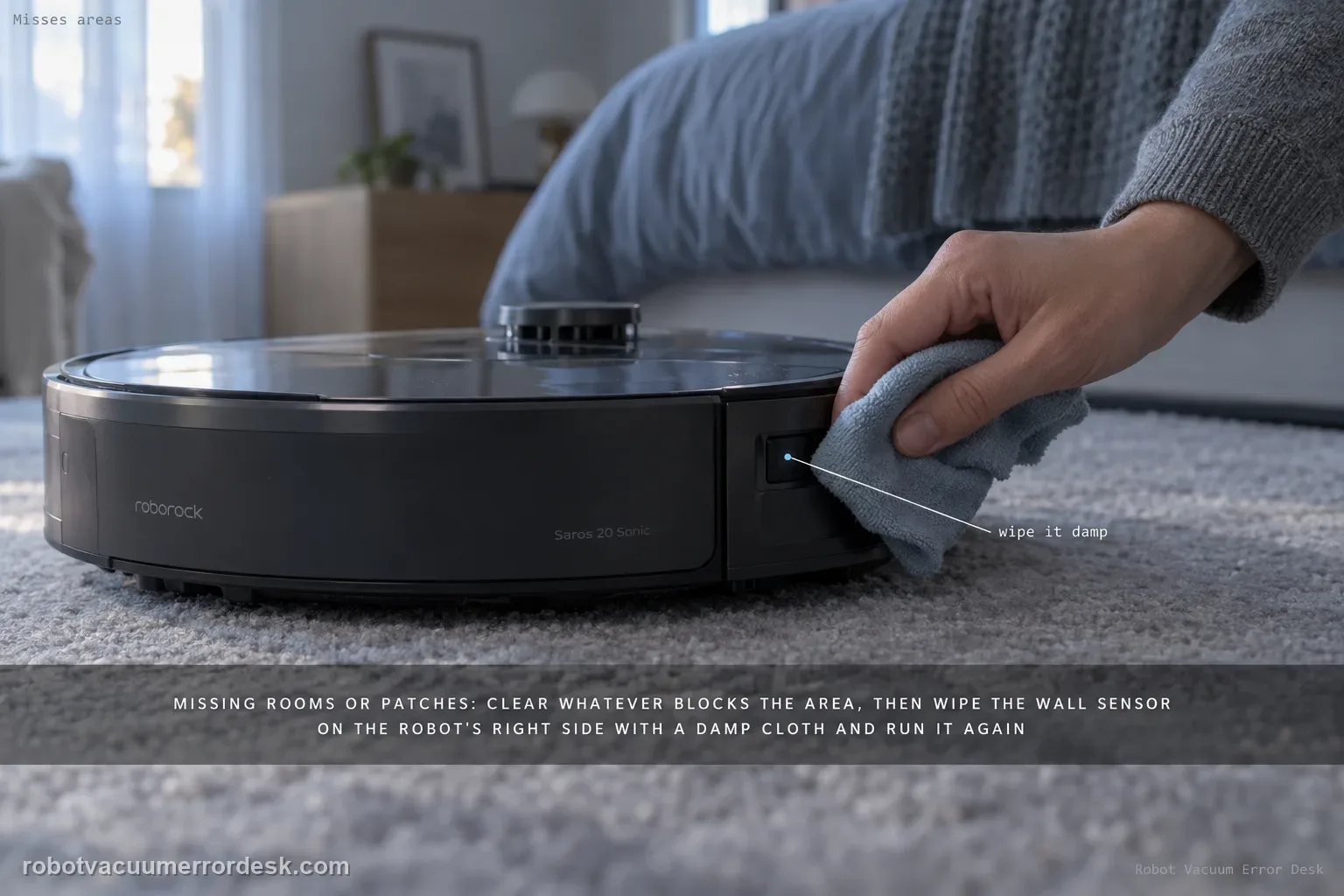
If a Saros 20 Sonic misses rooms or patches, Roborock starts with access obstacles and the wall sensor on the robot’s right side. Remove objects that block the missed area, then wipe the right-side wall sensor with a damp cloth and run another cleanup. Define “missed” only after the cleaning task finishes, and compare whether the same area is skipped again. Repeated misses with clear access and a clean wall sensor justify deeper map/navigation review.
Confirm the exact model and exact code, light pattern or symptom.
Run the lowest-risk physical or software check first.
Use each pass condition to decide what the result actually narrows down.
Is this the problem you’re seeing?
- The Saros 20 Sonic repeatedly skips reachable floor area.
- The route looks abnormal even though the saved room layout is broadly correct.
- The issue is not simply a closed door or a no-go zone you intentionally configured.
- You are diagnosing misses cleaning areas on a Roborock Saros 20 Sonic and want the exact model support path rather than a generic reset list.
Likely root causes, ranked
Physical obstacle blocking the missed area
Dirt on the right-side wall sensor
Persistent map/localization issue after access and sensor state are proven
If obstacles are cleared and the right-side wall sensor is clean but the same accessible patch is still skipped after a complete run, save before/after maps for support.
What the result narrows down
| What you observe | What it narrows down | Next move |
|---|---|---|
| Doorway/route to missed area is blocked | Physical access is the cause | Clear the route and retest. |
| Right wall sensor is dusty | Wall following/navigation input may be degraded | Wipe sensor with a damp cloth and dry. |
| Area is covered later in same cleaning task | It was not truly missed | Judge after task completion. |
| Same area is covered after sensor cleaning | Sensor contamination was likely | Resume and maintain sensor. |
| Same open area remains missed after completed repeat run | Simple access/sensor branches are ruled out | Escalate with map and completed-job comparison. |
Do not factory-reset by default. Use the exact model’s reboot/network-reset procedure only when the manufacturer path calls for it.
Checks to run, in sequence
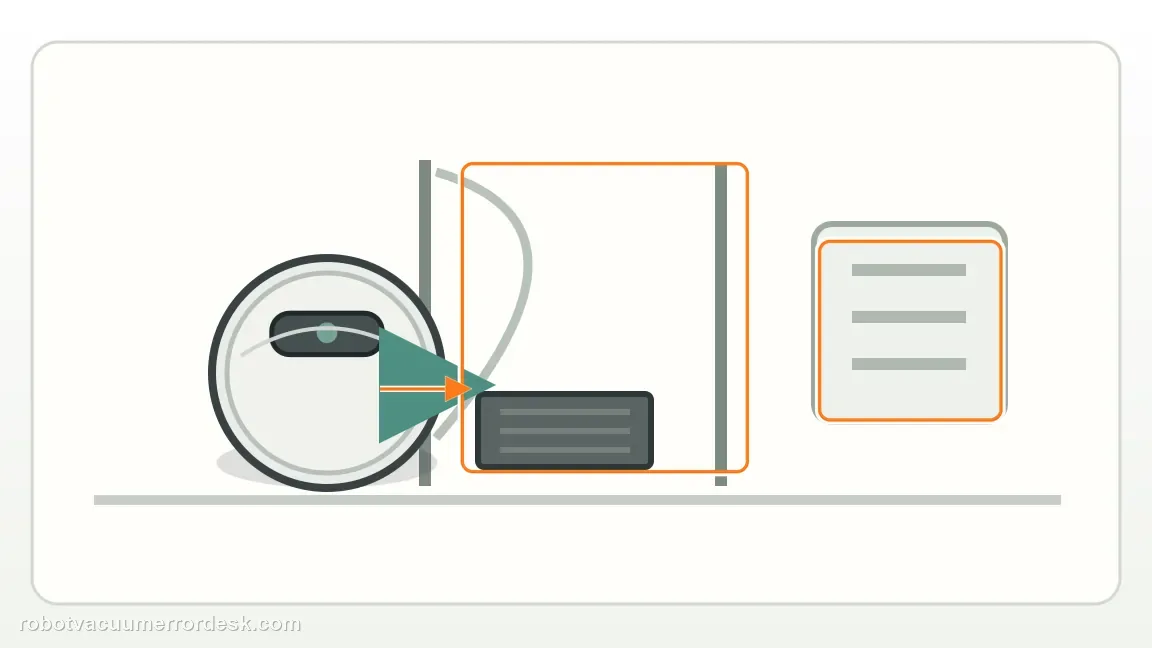
Prove the missed area is physically reachable
Remove temporary objects, open the doorway and confirm there is no intentional no-go zone or room restriction blocking the Saros 20 Sonic. A repeatable miss behind a closed door or obstacle is an access problem, not evidence of a sensor fault.
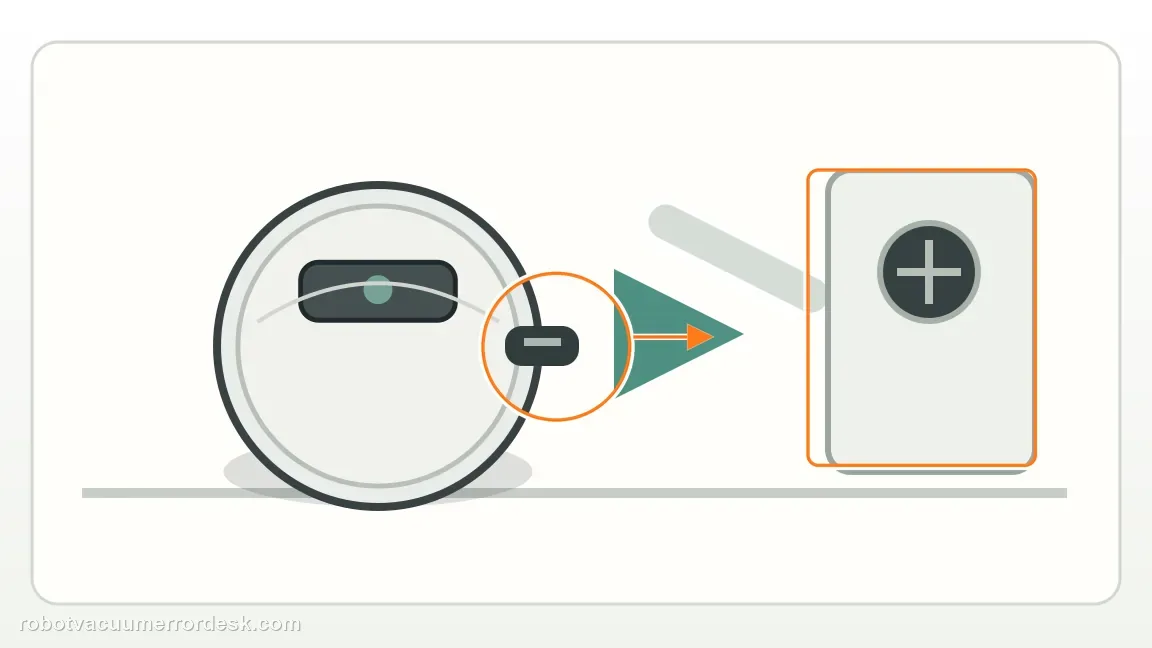
Clean the right-side wall sensor once
Use a damp cloth to wipe the wall sensor on the robot’s right side, exactly as Roborock recommends for missed areas and abnormal cleaning paths. Do not spray liquid into the robot, and let the sensor surface dry before the retest.
Run one complete cleanup with the map unchanged
Keep the current map and dock position unchanged and run a comparable normal cleanup. Let the task finish before judging the result, because the robot may cover a patch later in the same job. This isolates access plus wall-sensor state without introducing a map edit at the same time.
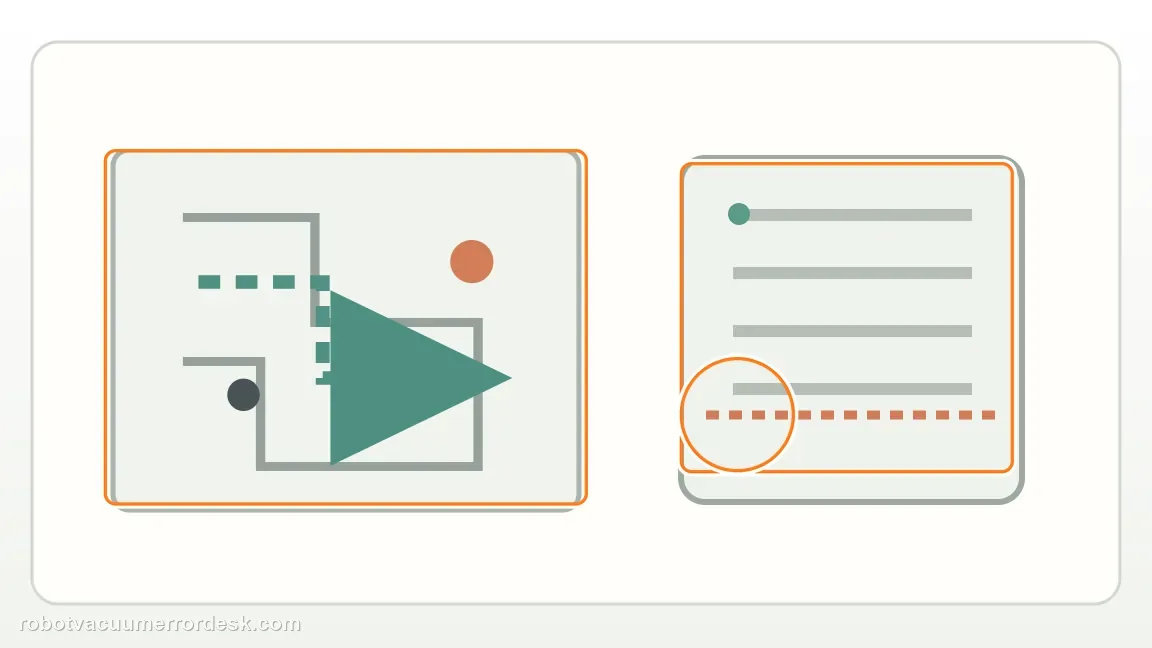
Compare the same patch on the completed route
Use the final route/map to check whether the same reachable patch is skipped again. If the miss disappears, the access/sensor correction was enough. If the exact same open patch repeats, capture before/after map screenshots so the failure is defined by location rather than by a general impression that coverage looks different.

Escalate repeatable misses before rebuilding the map blindly
When clear access and a clean right-side wall sensor have been proven yet the same reachable area is still skipped, preserve the route history and contact Roborock. A map rebuild can be considered with support if localization evidence warrants it, but it should not be the first move when the manufacturer’s lower-risk access and sensor checks have not changed the outcome.
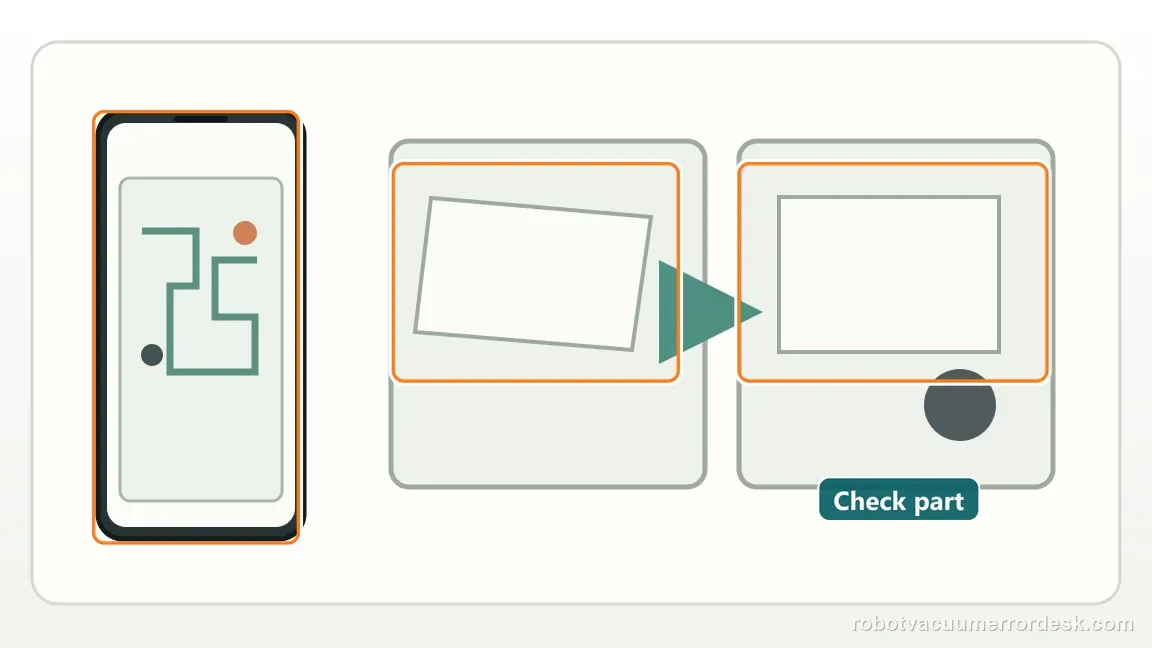
Escalate when the same physically reachable patch is still skipped after the right-side wall sensor has been cleaned and one complete cleanup finishes with the map unchanged. Send before/after route screenshots and note that access was clear. Avoid rebuilding the map repeatedly before support sees the repeatable miss, because that removes the comparison you just proved.
Information to have ready for support
Support can skip the basic troubleshooting script when you provide a reproducible case. That keeps the results of your checks from getting lost.
- Exact model name and the error code / voice prompt exactly as shown
- A photo or screenshot of the app error and the time it occurred
- A short list of the checks already completed and what happened after each one
- Firmware/app version if the issue began after a software change
Source and evidence level
Roborock Saros 20 Sonic — missed areas
Roborock’s Saros 20 Sonic page says to remove access obstacles and wipe the right-side wall sensor, noting that sensor dirt commonly causes missed areas and abnormal paths. This review keeps missed-area diagnosis tied to physical access and the right wall sensor, while allowing a complete cleanup to finish before deciding that a patch was truly skipped.
Additional official source: Roborock Support Center — Help & Manuals ↗Last editorial review: September 5, 2026Regional note: manufacturer help centers, model suffixes, mains-power requirements and warranty procedures can differ by country. If the source redirects to a local support site, confirm that the model/hardware scope still matches before following a region-sensitive step.
This guide is rated Official model support. See what each evidence label means →
Common questions
Should I recreate the map immediately?
No. Roborock gives two lower-risk checks first: make sure nothing blocks access to the missed area and clean the right-side wall sensor. Then let one complete cleanup finish with the map unchanged. If the same reachable patch is still skipped, you have much stronger evidence for support than if you delete the map before proving those simpler causes.
Why the right wall sensor?
Because Roborock specifically identifies dirt on the Saros 20 Sonic’s right wall sensor as a common cause of missed areas and abnormal cleaning paths. Wipe it as directed, let the surface dry, then compare the same area on a completed cleanup. If coverage returns, the sensor contamination was a useful explanation; if not, preserve both route screenshots for escalation.
Should I judge a missed area before the Saros 20 Sonic finishes cleaning?
No. Let the cleanup finish and compare the final route. A robot can return to a patch later in the same task, so stopping early can create a false “missed area” diagnosis. If the same reachable patch is absent after a complete rerun with clear access and a clean right-side wall sensor, save both route screenshots for support.
Why does my Roborock Saros 20 Sonic keep missing the same area?
Roborock says to check whether obstacles block access to the missed area, then clean the wall sensor on the right side of the robot with a damp cloth. Let the robot finish a complete cleanup before judging the result, because it can cover some patches later in the route. If the same open area remains missed after a repeat run, save the map comparison.
Which sensor should I clean when a Saros 20 Sonic misses areas?
The model support page specifically points to the wall sensor on the right side of the robot for missed areas and abnormal cleaning paths. Wipe that sensor with a damp cloth, then make sure it is not left wet and run another complete cleanup. Also clear any doorway obstacle, because a clean sensor cannot solve a room the robot physically cannot enter.
Did this diagnostic narrow the fault?
Use this as an editorial signal, not a popularity counter. If a feedback address is configured you can email the note; otherwise you can copy it for your own support record.