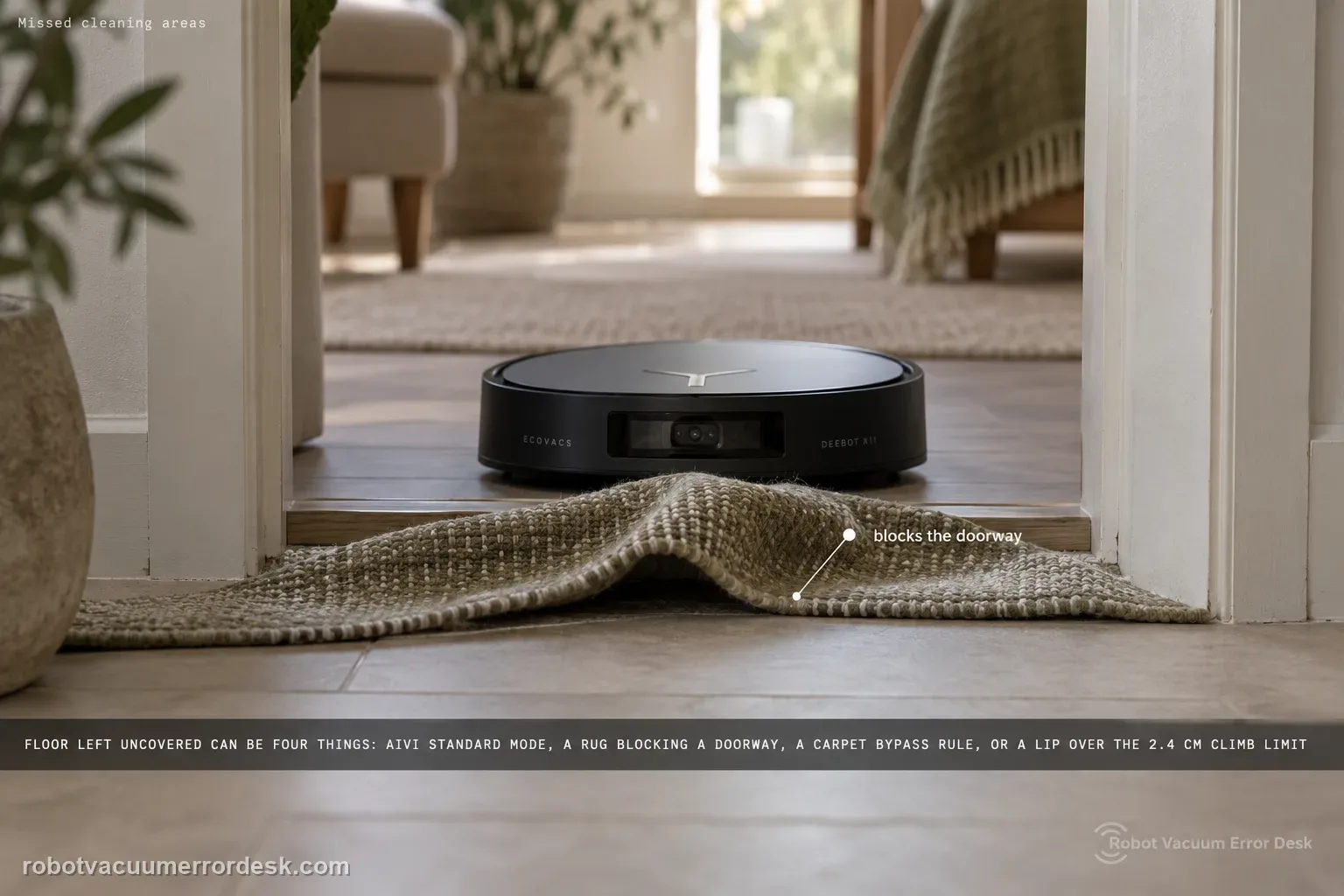
Use Ecovacs’ definition first: a 'missed cleaning area' is floor left uncovered after the robot announces that cleaning is complete. For the X11, Ecovacs then tells owners to enable AIVI 3.0 in Standard Mode, check rugs or mats that block doorways, review Map Management → Edit Map → Carpet Settings → Bypass, and remember the robot is rated to climb up to 2.4 cm. That gives you four different causes that can look identical on the finished map: a software avoidance setting, a doorway/carpet rule, a physical threshold limit, or clutter that makes the robot deliberately keep distance to protect furniture.
Confirm the exact model and exact code, light pattern or symptom.
Run the lowest-risk physical or software check first.
Use each pass condition to decide what the result actually narrows down.
Is this the problem you’re seeing?
- The X11 announces that cleaning is complete but the finished map shows a reachable patch, room or doorway area that was not covered.
- The miss repeats at a rug/mat, doorway or carpet boundary where a Bypass setting could change access.
- A raised threshold, door bar or furniture edge sits between the robot and the skipped area and may be near or above 2.4 cm.
- The missed section is cluttered enough that AIVI obstacle avoidance may be choosing a conservative route rather than experiencing a mapping crash.
Likely root causes, ranked
AIVI 3.0 is not set to the Standard Mode configuration Ecovacs specifies for the missed-area proof test.
A rug or mat physically blocks the doorway, or Carpet Settings → Bypass tells the robot not to cross the relevant carpeted route.
The access threshold is above the X11’s documented climbing capability of up to 2.4 cm.
Clutter or obstacle-avoidance behavior causes the robot to preserve distance from furniture/thresholds and leave a small area uncovered.
If all access and settings checks pass but a large reachable area is still omitted after cleaning completes, the remaining evidence should be preserved for Ecovacs rather than hidden by repeated map edits.
What the result narrows down
| What you observe | What it narrows down | Next move |
|---|---|---|
| Miss begins exactly at a rug/mat doorway and Bypass is enabled. | A carpet access rule may be excluding the route rather than the robot forgetting the room. | Remove the temporary doorway obstruction and review Carpet Settings → Bypass before the next proof run. |
| Threshold measures above 2.4 cm. | The route exceeds Ecovacs’ stated X11 climbing capability. | Treat it as a physical-access limit; do not keep remapping in search of a software fix. |
| Small patch is surrounded by clutter or close furniture edges. | AIVI may be making a conservative avoidance decision to protect the environment. | Tidy the test area and use AIVI 3.0 Standard Mode for one controlled run. |
| Open, reachable area is still absent after completion with all checks passing. | The documented environment/settings causes no longer explain the miss. | Save the completion map and doorway/threshold photos and escalate to Ecovacs. |
| The prior checks are complete but Missed cleaning areas repeats under controlled conditions | The owner-level decision path for Missed cleaning areas is exhausted rather than merely untried | Preserve the failed pass condition and a short repeatable Missed cleaning areas video for ECOVACS support. |
Do not factory-reset by default. Use the exact model’s reboot/network-reset procedure only when the manufacturer path calls for it.
Checks to run, in sequence
Confirm it is a completed-cycle miss, not an unfinished route
Wait until the X11’s voice prompt confirms the cleaning cycle is complete, then compare the finished coverage with the real floor. Ecovacs uses that completion point in its definition of a missed cleaning area. Do not label a temporarily untouched patch as a fault while the robot is still routing; the important question is what remains uncovered after the task has ended. Take a screenshot before changing settings so you preserve the original pattern and can compare the next run against the same area.
Set AIVI 3.0 to Standard Mode for the proof run
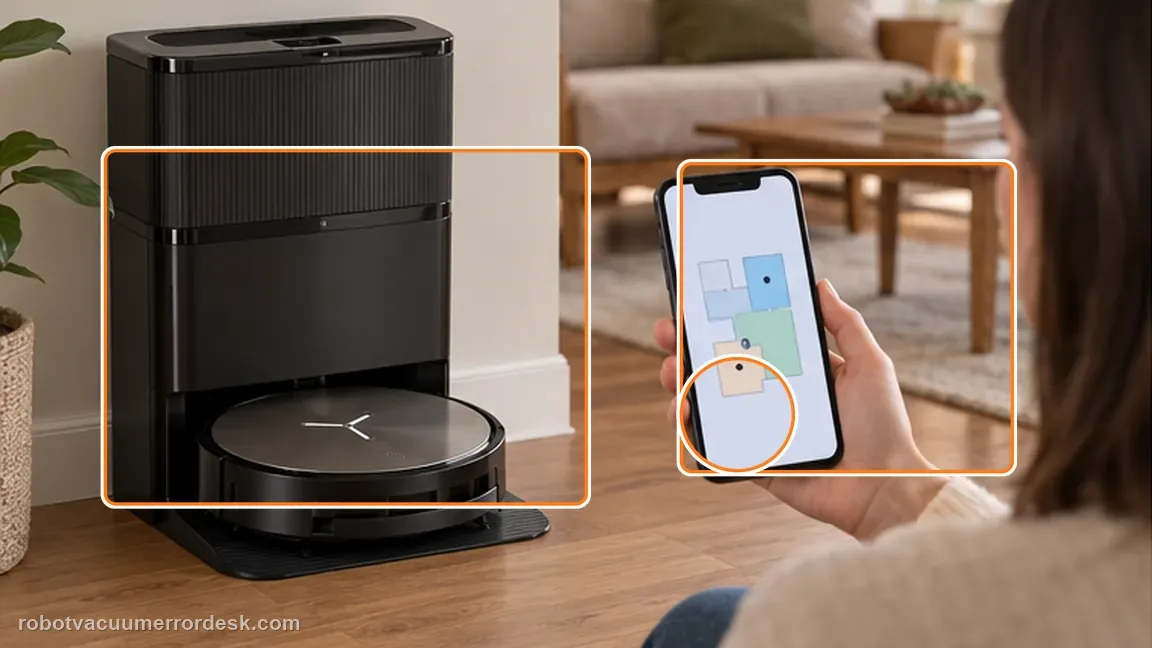
Open the ECOVACS HOME app, enter the robot’s settings, go to DEEBOT Advanced Settings and enable AIVI 3.0 with Standard Mode as Ecovacs instructs in the X11 missed-area article. Change only this relevant avoidance setting for the test instead of toggling several navigation options at once. The goal is not to make the robot reckless; it is to reproduce the manufacturer’s recommended configuration and see whether conservative obstacle behavior was responsible for the miss.
Check doorway rugs and the Carpet Settings → Bypass rule
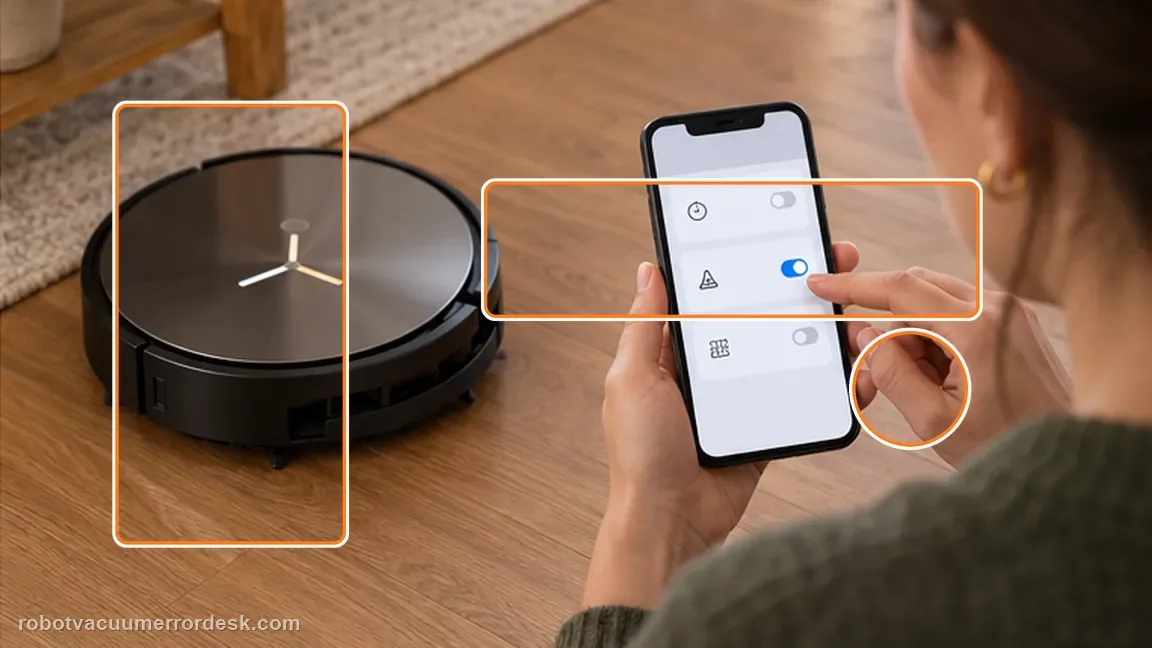
Inspect the exact route into the missed area. Ecovacs specifically calls out rugs or mats blocking doorways and directs owners to Map Management → Edit Map → Carpet Settings → Bypass. Remove a loose mat from the doorway for the proof run and confirm a carpet-bypass rule is not intentionally preventing entry. This branch matters because the map can look like a navigation failure even when the robot is correctly obeying a carpet-access instruction.
Measure the threshold instead of guessing whether it should cross
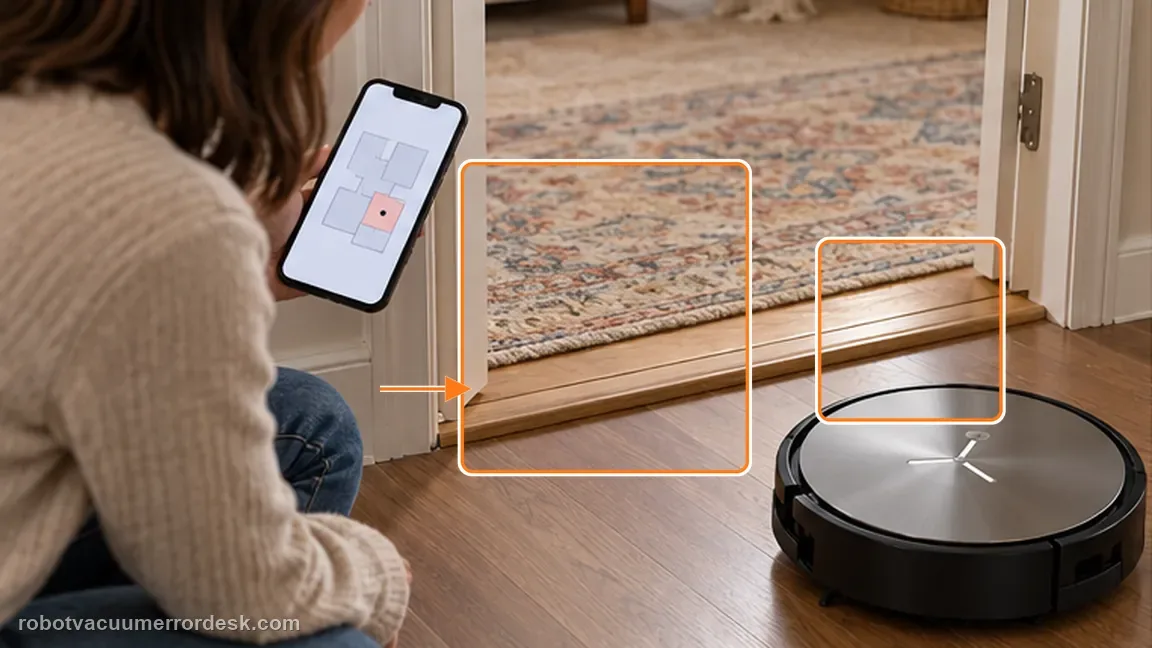
If the missed room sits behind a raised threshold, door bar or furniture transition, measure its height. Ecovacs states the X11 can climb up to 2.4 cm; a threshold above that figure explains a repeatable access failure without requiring a new map. If the obstacle is within the stated capability, keep investigating clutter and avoidance. Do not add ramps or modify the environment as part of the first diagnostic unless they are safe and appropriate for your home.
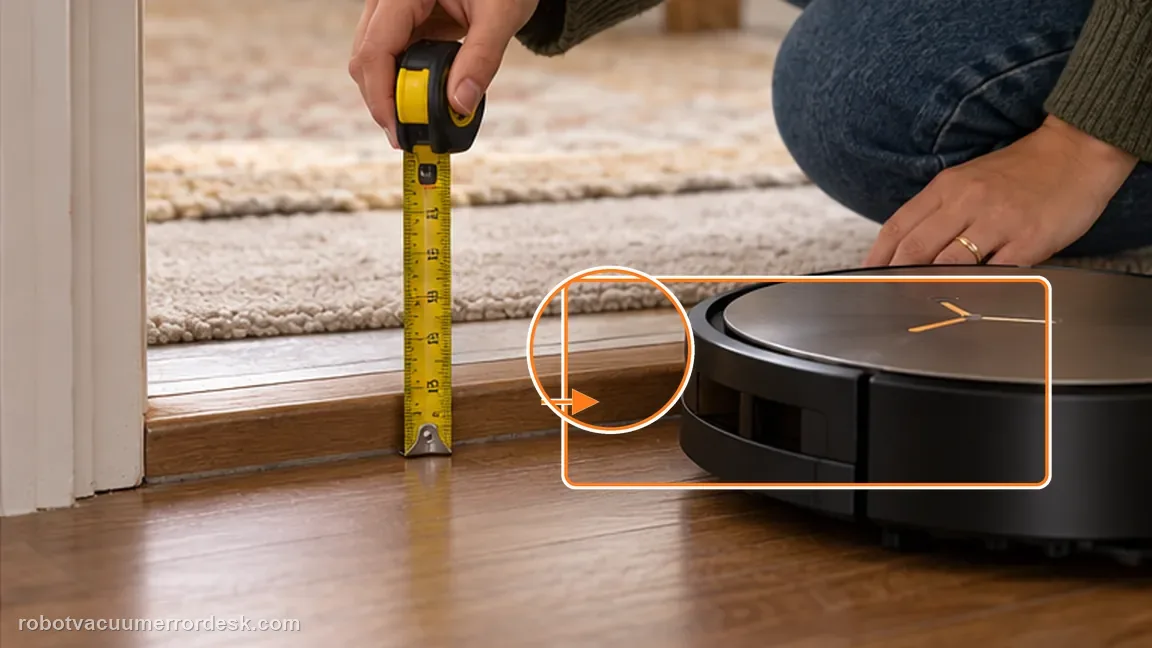
Declutter one test lane and run a clean comparison
Ecovacs notes that intelligent obstacle avoidance can leave some areas untouched to reduce the chance of damaging furniture or thresholds and recommends tidying a cluttered environment before observing again. Clear loose items around the missed patch, keep the map and station unchanged, and run one comparable cleaning cycle. After the completion prompt, compare the new coverage with your saved screenshot. If the same open, accessible area is still skipped, record the map plus photos of the doorway and threshold for support.
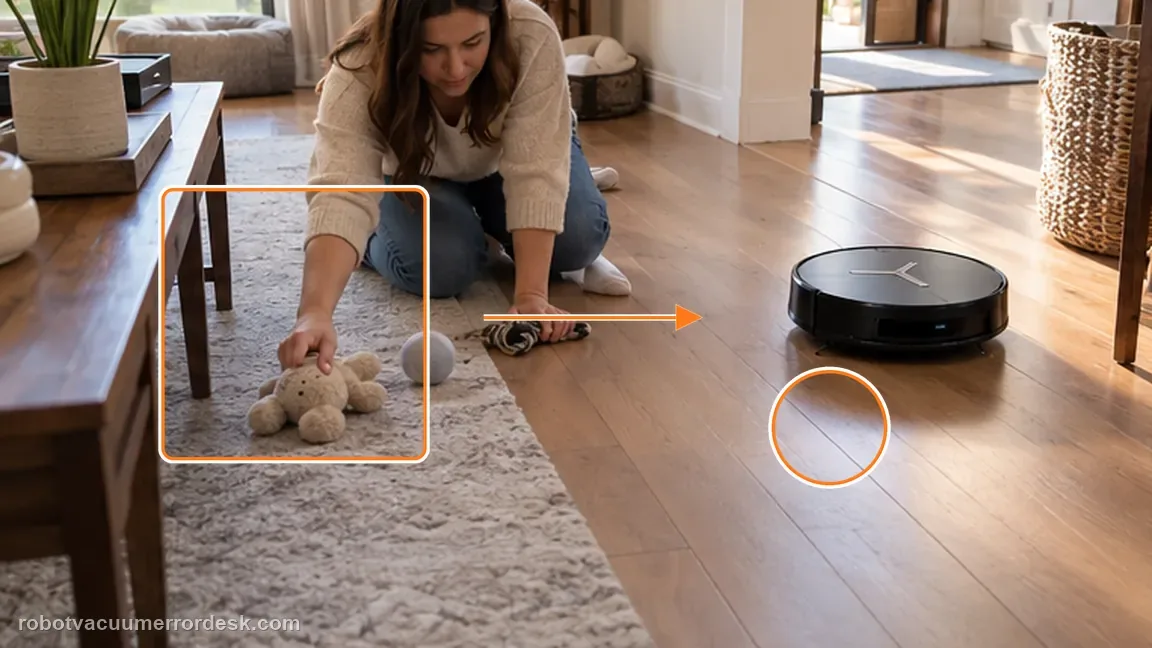
Contact Ecovacs if the X11 repeatedly leaves a large, reachable area uncovered after a completed cycle with AIVI 3.0 Standard Mode enabled, no doorway rug or Bypass rule blocking access, a threshold within the documented 2.4 cm capability, and a tidied test lane. Send the before/after completion maps and photos of the access route. Do not keep deleting maps until the original failure pattern is lost.
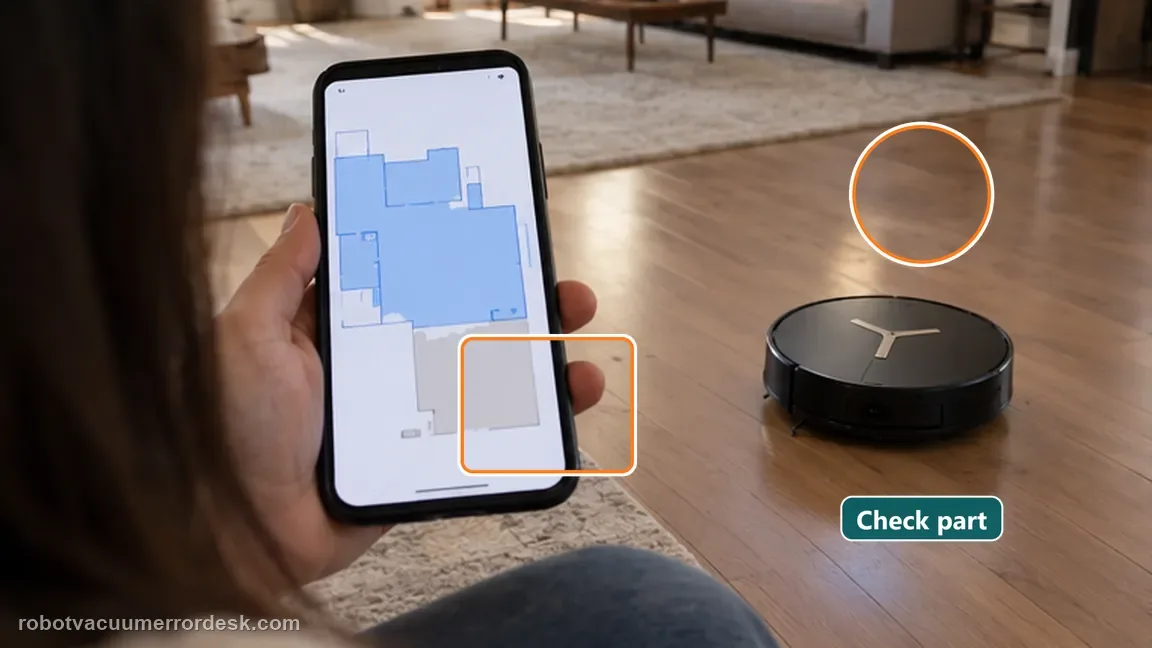
Information to have ready for support
Support can skip the basic troubleshooting script when you provide a reproducible case. That keeps the results of your checks from getting lost.
- Exact model name and the error code / voice prompt exactly as shown
- A photo or screenshot of the app error and the time it occurred
- A short list of the checks already completed and what happened after each one
- Map/station screenshot when the problem involves return-to-station or mapping
Source and evidence level
Ecovacs DEEBOT X11 OmniCyclone — Missed cleaning areas
Ecovacs defines a missed area after the completion prompt and checks AIVI 3.0 Standard Mode, doorway rugs/mats, Carpet Settings → Bypass, clutter/avoidance behavior and the X11’s stated climbing capability of up to 2.4 cm.
Additional official source: ECOVACS X11 OmniCyclone support desk ↗Additional official source: ECOVACS US — DEEBOT X11 OmniCyclone Support Center ↗Last editorial review: September 5, 2026Regional note: manufacturer help centers, model suffixes, mains-power requirements and warranty procedures can differ by country. If the source redirects to a local support site, confirm that the model/hardware scope still matches before following a region-sensitive step.
This guide is rated Official model support. See what each evidence label means →
Common questions
When does Ecovacs count an area as 'missed'?
ECOVACS defines a missed area after the robot’s voice prompt confirms the cleaning cycle is complete. A patch the X11 has not reached yet during an active route is not the same evidence. Wait for the task to finish, then compare the uncovered floor with the map and entry route so you do not diagnose normal route sequencing as a navigation fault.
What X11 setting should I use for the missed-area test?
ECOVACS tells X11 owners to enable AIVI 3.0 and select Standard Mode in DEEBOT Advanced Settings for the missed-area check. Use that controlled configuration before changing the map. Then inspect doorway rugs, Carpet Settings > Bypass and the physical threshold into the missed room, because those access conditions can explain a skip even when the saved map is healthy.
How high a threshold can the X11 climb in this guidance?
The X11 missed-area support article states that the robot can climb up to 2.4 cm in this troubleshooting context. Measure the doorway transition instead of estimating it by eye. If the threshold or furniture edge is higher or thicker, a skipped room can be a physical access limitation rather than proof that the X11 map is corrupted.
Why can obstacle avoidance create small missed patches?
ECOVACS says intelligent obstacle avoidance can leave small areas untouched to protect furniture or thresholds. That means a narrow untouched patch beside clutter is not automatically a mapping defect. Tidy one problem area and repeat the run with the same map; if coverage improves, conservative avoidance was contributing. If the same open floor remains missed, continue with navigation evidence.
Does a skipped room always mean the X11 map is corrupted?
No. ECOVACS lists AIVI settings, doorway rugs or mats, Carpet Settings > Bypass, thresholds and obstacle density as reasons an X11 can leave areas uncleaned. First confirm the robot reports the job complete, then inspect the exact entry route to the missed area. A repeatable inaccessible doorway is different from a map whose geometry or robot position is actually wrong.
Did this diagnostic narrow the fault?
Use this as an editorial signal, not a popularity counter. If a feedback address is configured you can email the note; otherwise you can copy it for your own support record.