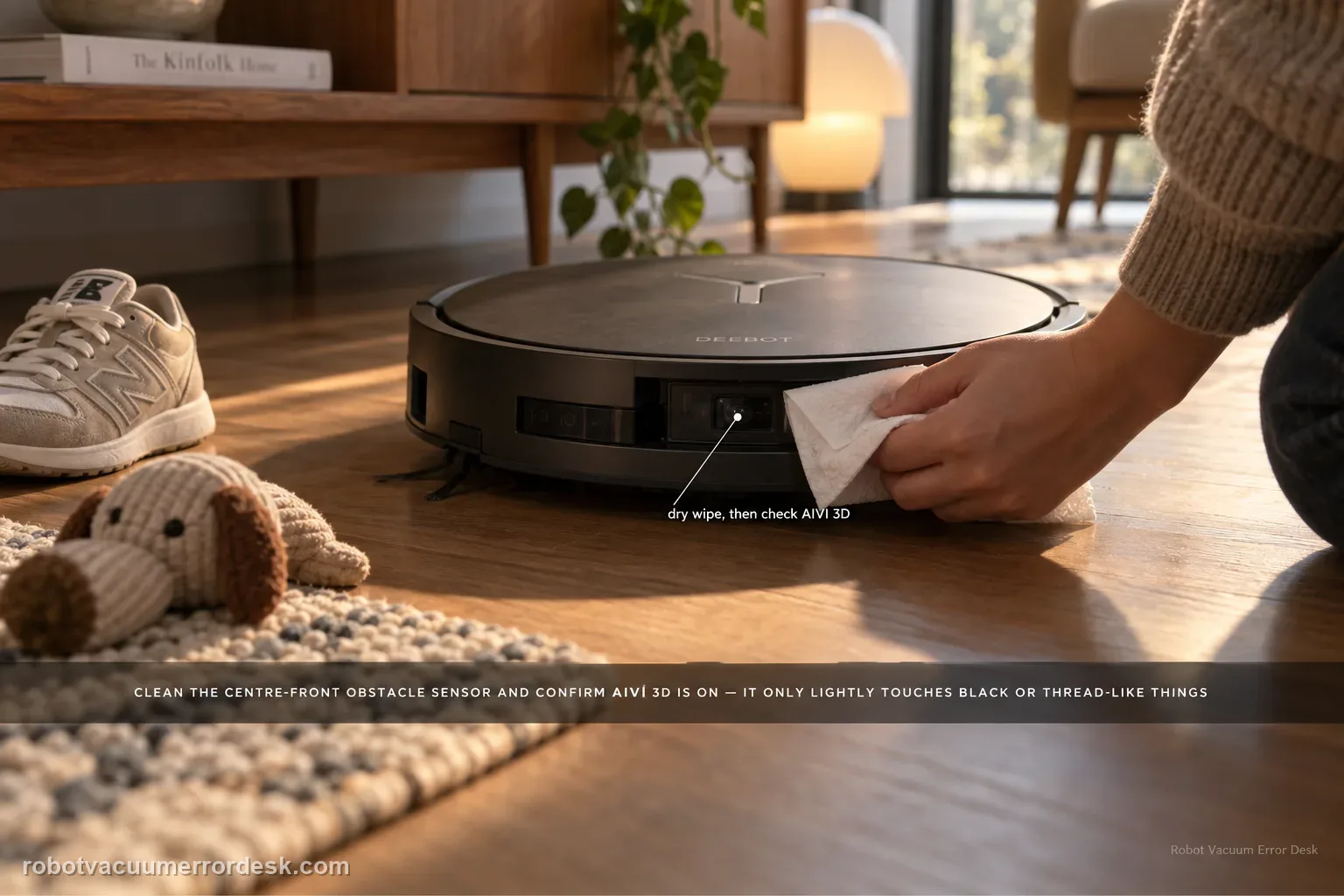
If the X11 starts bumping or fails to steer around objects, first clean the obstacle-avoidance sensor at the center front of the robot with a dry paper towel and confirm the AIVI 3D switch is enabled in DEEBOT settings. ECOVACS also notes a useful limit: the robot may slow and lightly touch black or thread-like objects. That behavior should not be confused with broad AIVI failure. Test with ordinary, visible obstacles after cleaning the sensor and verifying the setting.
Confirm the exact model and exact code, light pattern or symptom.
Run the lowest-risk physical or software check first.
Use each pass condition to decide what the result actually narrows down.
Confirm this is the right issue
- The X11 runs into objects it used to avoid.
- Obstacle avoidance is inconsistent after dust buildup or a settings change.
- AIVI 3D may be disabled.
- The X11 repeatedly drives into ordinary visible furniture even with a clear approach lane.
- The problem is different with black/thread-like objects than with a normal solid obstacle.
What’s most likely causing this
Dust covers the center-front obstacle-avoidance sensor
AIVI 3D is switched off in DEEBOT settings
The test uses black or thread-like objects that ECOVACS says may still receive a light touch
The test area is so cluttered that conservative pathing is being mistaken for failed sensing
The sensor is clean and enabled but ordinary visible obstacles are still not detected consistently
A persistent perception fault remains after a controlled test with a normal obstacle
Reading your test result
| What you observe | What it narrows down | Next move |
|---|---|---|
| Front-center obstacle sensor is dusty | The X11 may be sensing through contamination | Dry-wipe the sensor and retest before changing map settings. |
| AIVI 3D is disabled | Obstacle-avoidance behavior is not fully enabled | Turn AIVI 3D on in DEEBOT settings. |
| Only black or thread-like objects get a light touch | The observation fits a limitation ECOVACS explicitly notes | Retest with an ordinary visible obstacle before declaring sensor failure. |
| Avoidance improves in a cleared test lane | Dense clutter was contributing to conservative or confusing pathing | Tidy the problem area and compare normal runs. |
| Ordinary obstacle is still hit with clean sensor and AIVI 3D on | The documented setup checks have passed | Escalate with a controlled-test video and firmware/app details. |
Do not factory-reset by default. Use the exact model’s reboot/network-reset procedure only when the manufacturer path calls for it.
Work through these checks in order
Clean the front obstacle sensor
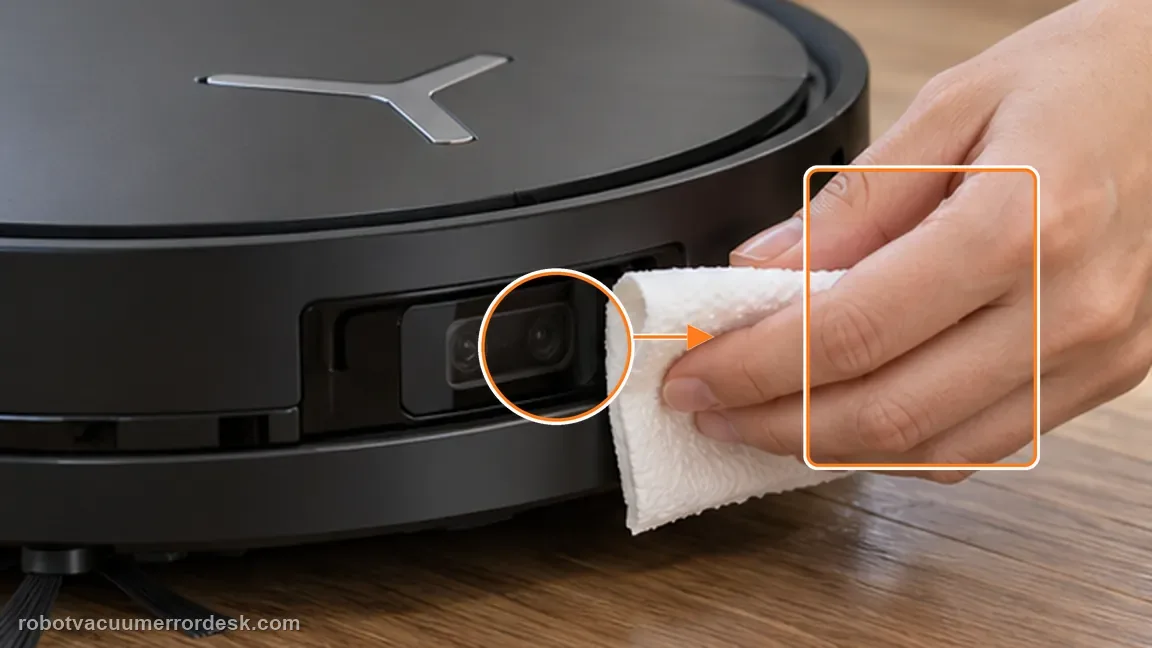
Locate the obstacle-avoidance sensor in the center of the robot front and wipe off dust gently with a dry paper towel. Why it matters: Dust on the center-front sensing window can degrade what the X11 sees even when the rest of the bumper looks clean. Use a dry wipe so the test does not add streaks or moisture to the optical surface.
Confirm AIVI 3D is on
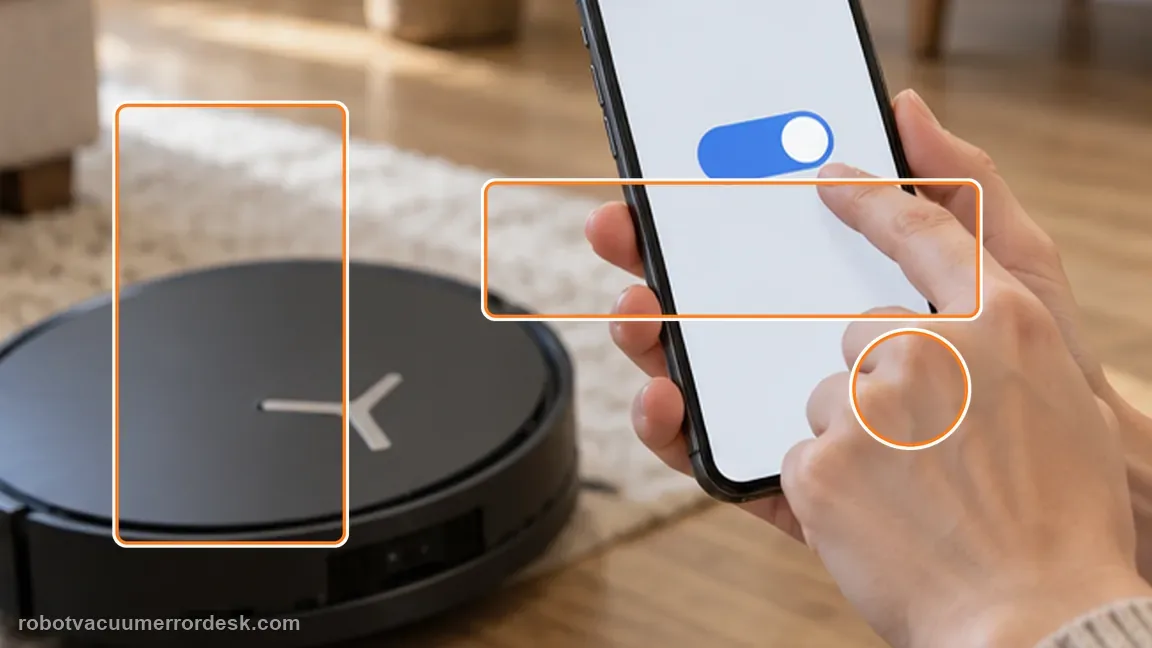
Open DEEBOT settings and verify that the AIVI 3D switch is enabled before another test. AIVI 3D can be switched off in settings. Proving the toggle is on distinguishes a configuration issue from a sensor that is enabled but still producing poor avoidance decisions.
Use a controlled obstacle test
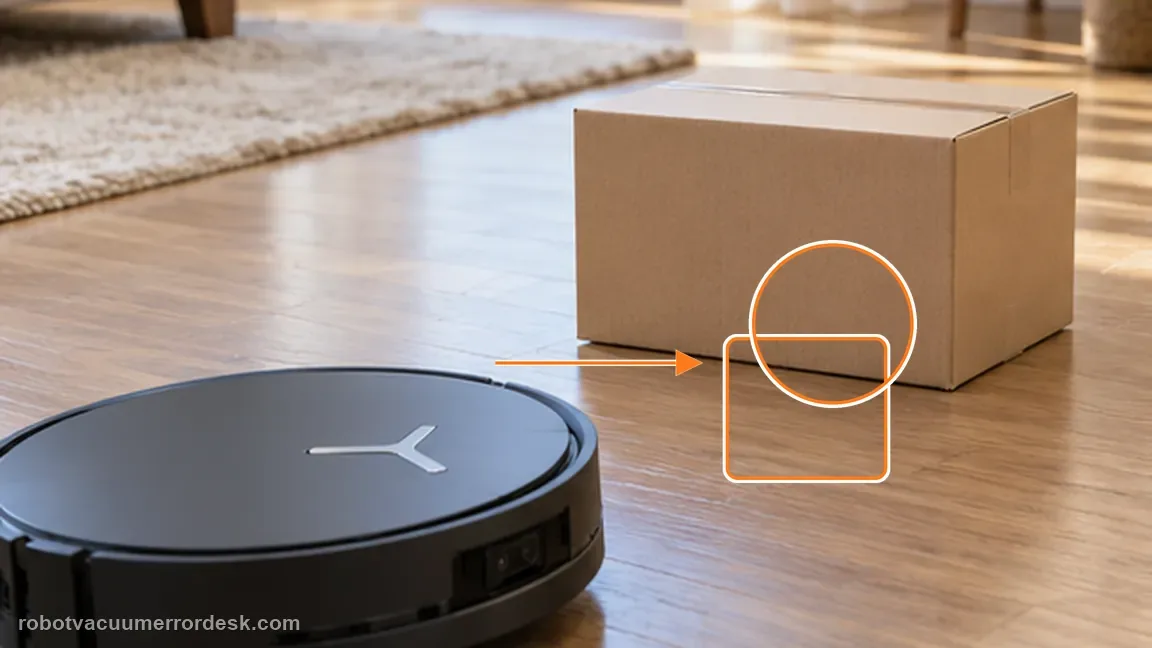
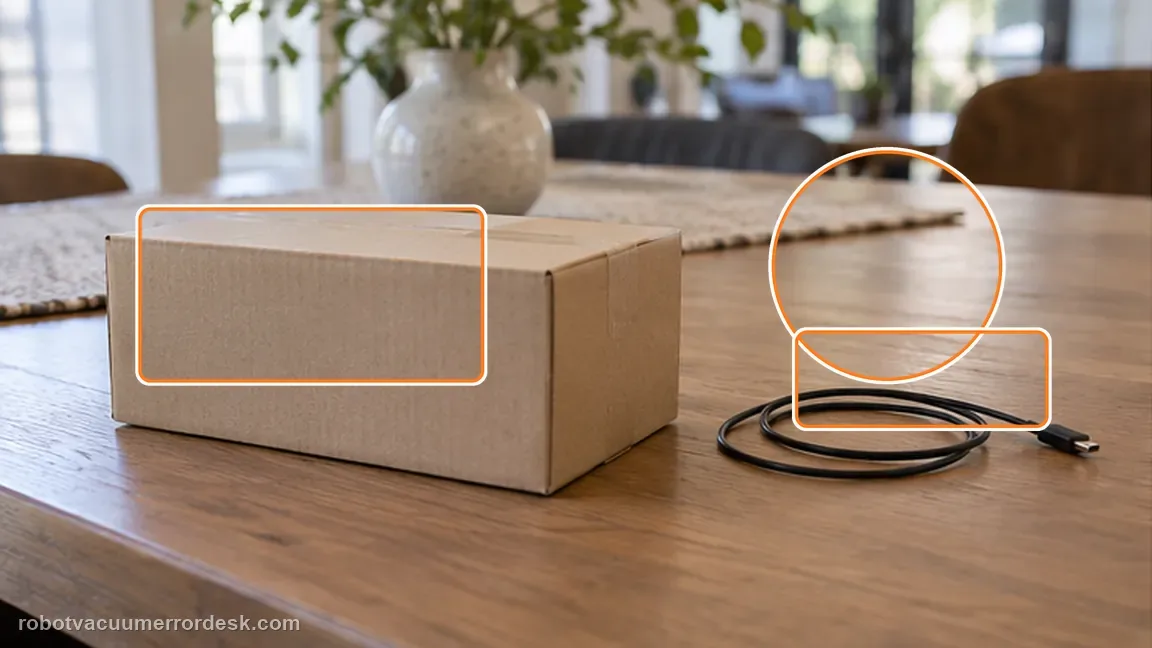
Test with a normal, clearly visible household object rather than a black or thread-like object, which Ecovacs notes may receive only a light touch. Object appearance matters during diagnosis. ECOVACS warns that black and thread-like objects can still receive a light touch, so use a larger ordinary obstacle as the reference target instead of an edge-case object.
Separate normal obstacles from known difficult shapes
After a normal visible object is avoided correctly, compare only then with black or thread-like items. ECOVACS notes those shapes may receive a light touch, so they should not be the sole proof that AIVI 3D has failed. Clear a short test lane so the robot has room to make an avoidance decision. Dense clutter can create conservative pathing that looks erratic even when the sensor is reacting to many nearby objects.
Repeat the ordinary-obstacle test from a second approach
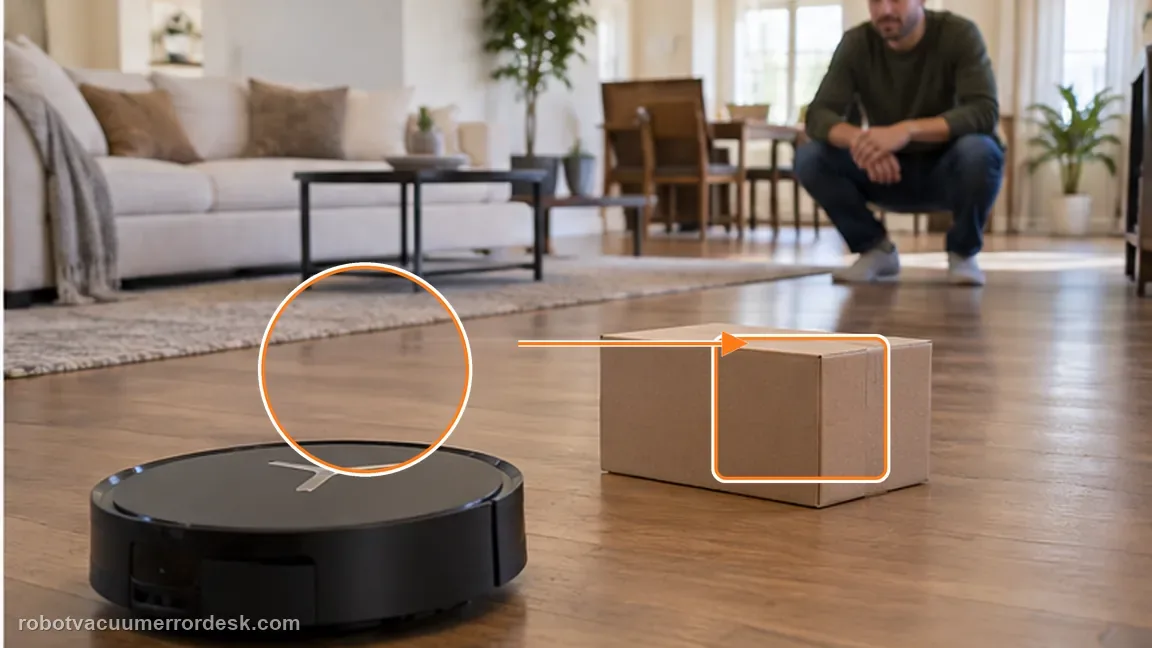
After the first controlled pass, reposition the same ordinary visible object and let the X11 approach from a different clear angle. Do not change AIVI 3D, lighting or the test target between passes. Two consistent failures with a clean sensor and the feature enabled are stronger evidence than a single contact that could have been caused by an awkward approach.
Capture sensor and settings evidence before service
If avoidance still fails, photograph the cleaned front sensor, capture the AIVI 3D setting and record a short controlled-test video. That package is much stronger than a general report that the robot “bumps things.”
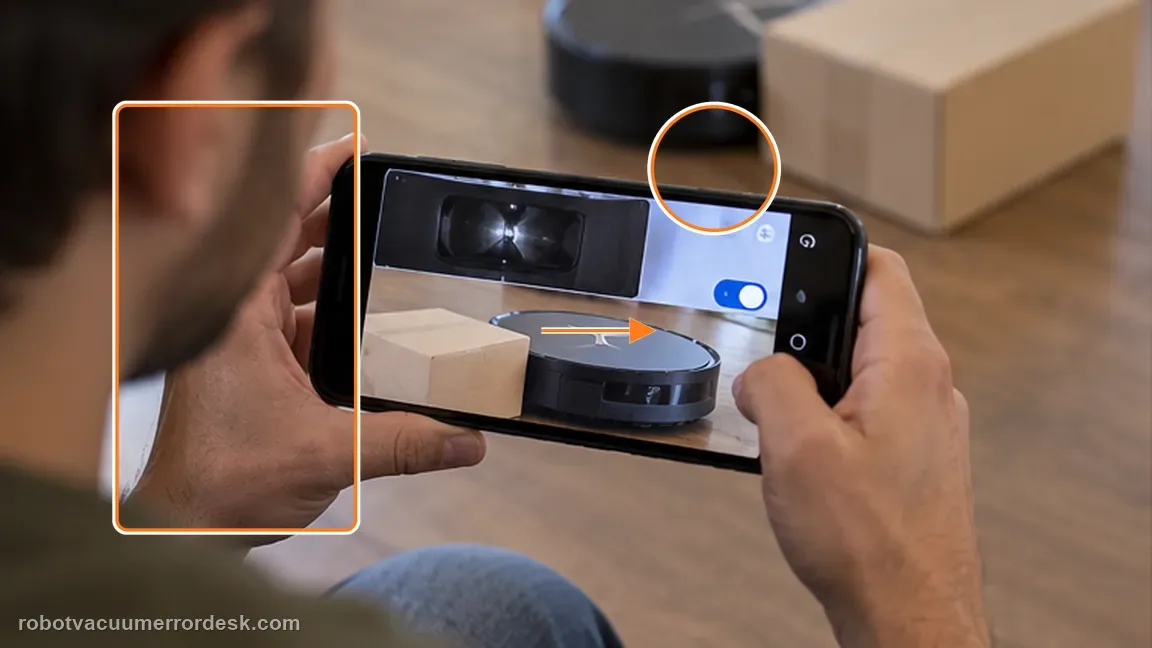
If the cleaned sensor and enabled AIVI 3D setting still fail on clear obstacles, record a short front-facing video and contact Ecovacs. Include the cleaned center-front sensor, AIVI 3D setting and a short video using an ordinary visible obstacle rather than a black or thread-like target.
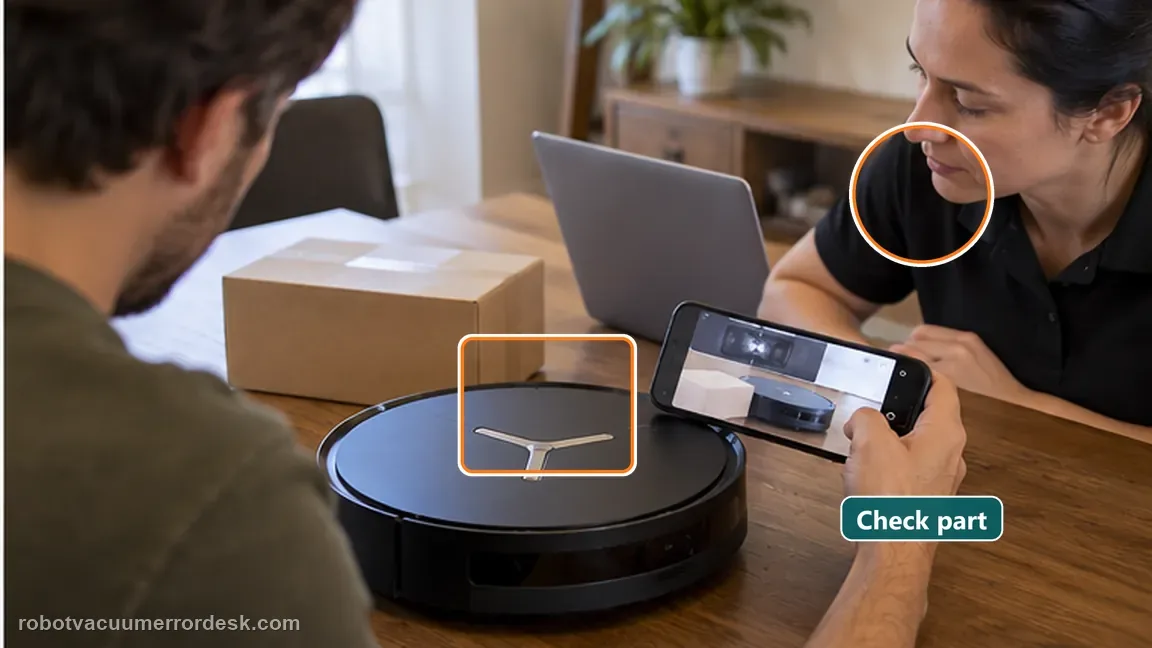
Before you contact support, gather this
A reproducible case moves a support call past the basic troubleshooting script faster than “it doesn’t work” does, and it keeps the clues from your own tests on record.
- Exact model name and the error code / voice prompt exactly as shown
- A photo or screenshot of the app error and the time it occurred
- A short list of the checks already completed and what happened after each one
- Map/station screenshot when the problem involves return-to-station or mapping
Where this comes from
Ecovacs DEEBOT X11 OmniCyclone — Obstacle avoidance not working
Ecovacs’ exact X11 article checks front-sensor dust and AIVI 3D, and notes limitations around black or thread-like objects. The official black/thread-like limitation also makes test-object choice important. Use one ordinary, visible household obstacle with good contrast for the controlled pass rather than a cable, black sock or thin thread; otherwise a documented edge case can be mistaken for a general perception failure and lead to unnecessary map resets.
Additional official source: ECOVACS US — DEEBOT X11 OmniCyclone Support Center ↗Last editorial review: September 5, 2026Regional note: manufacturer help centers, model suffixes, mains-power requirements and warranty procedures can differ by country. If the source redirects to a local support site, confirm that the model/hardware scope still matches before following a region-sensitive step.
This guide is rated Official model support. See what each evidence label means →
Questions people ask
Can the X11 still touch some objects when obstacle avoidance works?
Yes. Ecovacs notes that the robot may slow down and lightly touch black and thread-like objects. Judge the feature first with an ordinary visible object, because ECOVACS specifically warns that black and thread-like targets can behave differently. A single light touch on those difficult shapes is not enough by itself to condemn the sensor.
Should I remap first?
No. The official first checks are the obstacle sensor and AIVI 3D setting. A clean sensor and enabled AIVI 3D should be proved before remapping; map changes do not clean an obscured front perception window. Use the exact same ordinary object again after cleaning so the before/after comparison stays meaningful.
What is a better test object than a cable or black thread?
Use a clearly visible, ordinary household object with a solid shape. ECOVACS notes that black and thread-like objects can be handled less decisively. Use a clear lane and a solid household object for the proof test so clutter or an edge-case target does not masquerade as a sensor failure.
Why is my DEEBOT X11 OmniCyclone suddenly hitting furniture?
Start with the center-front obstacle-avoidance sensor and the AIVI 3D switch. ECOVACS tells X11 owners to dry-wipe the sensor if dusty and verify AIVI 3D is enabled. Then test with one ordinary obstacle in a clear area. If the robot still drives into it repeatedly, preserve a short video instead of repeatedly remapping.
Does the X11 avoid every black object and cable perfectly?
No. ECOVACS specifically notes that the X11 may slow down and lightly touch black and thread-like objects. That caveat matters when diagnosing AIVI 3D: a light contact with an edge-case object is different from repeatedly failing to detect ordinary furniture. Use a larger, clearly visible obstacle as the controlled test target.
Did this diagnostic narrow the fault?
Use this as an editorial signal, not a popularity counter. If a feedback address is configured you can email the note; otherwise you can copy it for your own support record.