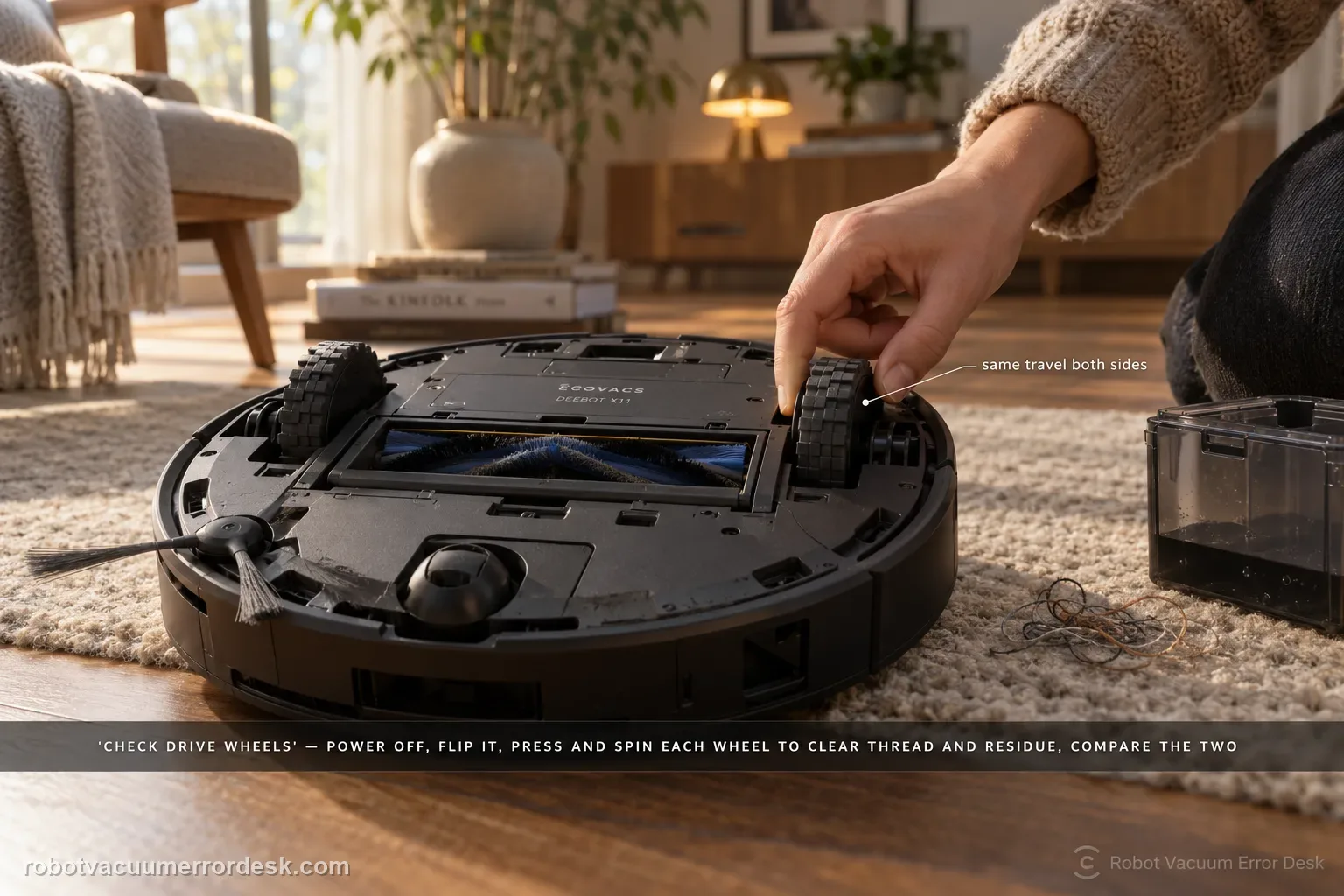
For the X11 “difficulty running / check drive wheels” alarm, ECOVACS tells you to power the robot off, remove the dirty-water box, turn the robot over, press and rotate the drive wheels to clear tangles, then wipe or brush away surface stains. The diagnosis should prove that each wheel can move through its travel without hair, thread or sticky residue. If one side remains mechanically different after cleaning, stop repeating cleaning missions and document that asymmetry for service.
Confirm the exact model and exact code, light pattern or symptom.
Run the lowest-risk physical or software check first.
Use each pass condition to decide what the result actually narrows down.
Confirm this is the right issue
- The X11 says it has difficulty running or asks you to check drive wheels.
- The robot slips, drags or struggles to move.
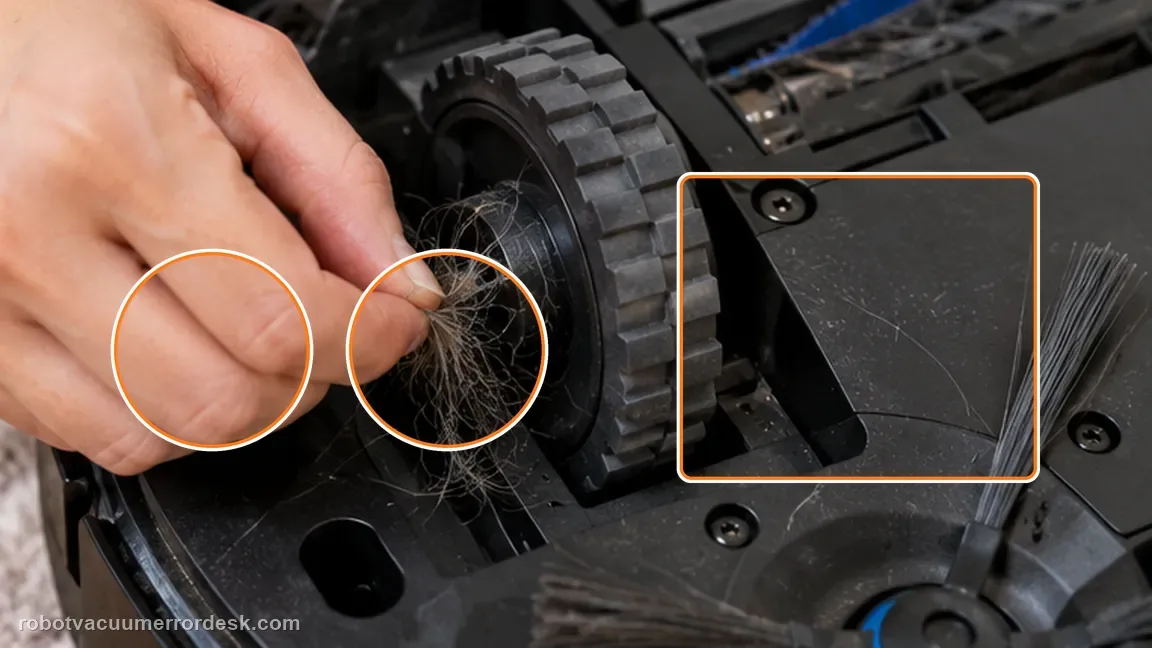
- Hair or debris may be wound around a drive wheel.
- The robot announces running difficulty or slippery-drive behavior and one wheel feels different by hand.
- The alarm repeats on flat hard flooring after visible hair and grime are removed.
What’s most likely causing this
Hair or thread is wound around a drive wheel
Surface grime makes one or both wheels slip
One wheel does not press/rotate as freely as the other
Debris is hidden at the accessible wheel edge even though the tread looks clean
The alarm clears on a simple hard-floor run after cleaning
A wheel-drive fault remains when both wheels are clean and still feel mechanically different
Reading your test result
| What you observe | What it narrows down | Next move |
|---|---|---|
| Hair/thread is visible around a drive wheel | The alarm may be caused by physical drag | Power off, press/rotate the wheel and remove the tangle. |
| Wheel tread is dirty or sticky | Traction and wheel rotation can be affected by residue | Wipe with a wrung cloth or brush, then dry before testing. |
| Both wheels move similarly after cleaning | The owner-level obstruction check passes | Run a short clear-floor test. |
| One wheel still catches or rebounds differently | A mechanical wheel-side problem remains | Record the left/right difference and escalate. |
| Alarm returns immediately on clear hard floor | Environmental complexity is not required to trigger it | Stop repeated runs and contact ECOVACS with video and alert details. |
Do not factory-reset by default. Use the exact model’s reboot/network-reset procedure only when the manufacturer path calls for it.
Work through these checks in order
Power down before wheel inspection
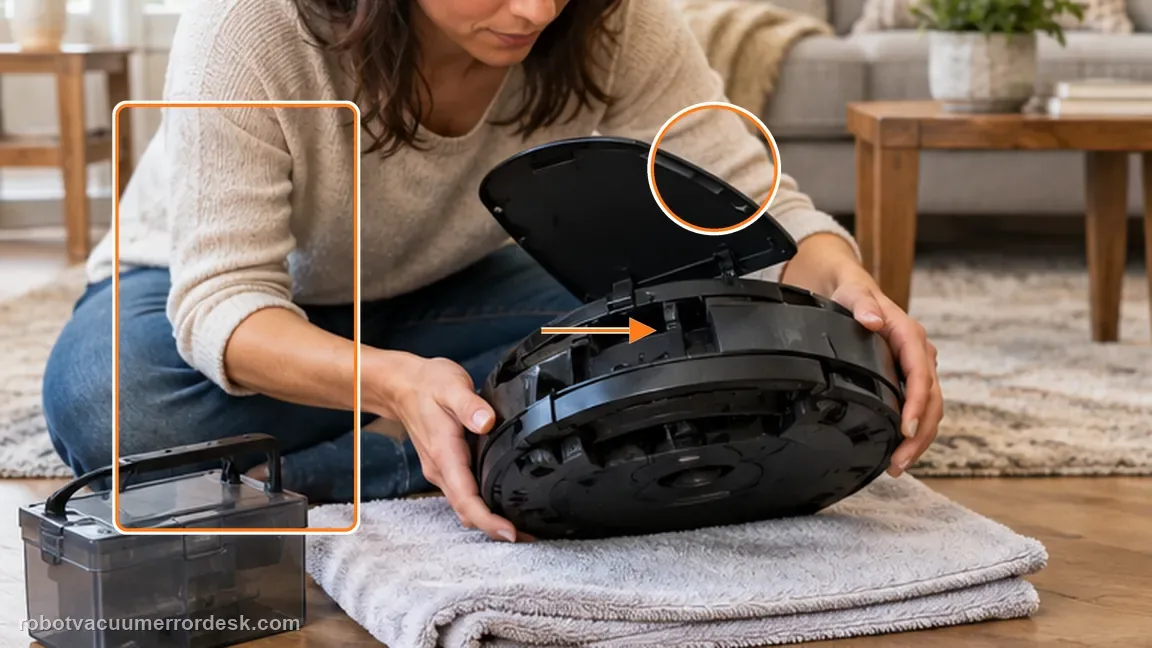
Remove the top cover, switch the robot to O and remove the dirty-water box before turning the robot over as Ecovacs instructs. Why it matters: Switching the robot off and removing the dirty-water box is the manufacturer’s preparation for underside work. It prevents the robot from trying to drive while you manipulate the wheels and reduces spill risk when inverted.
Press and turn each drive wheel
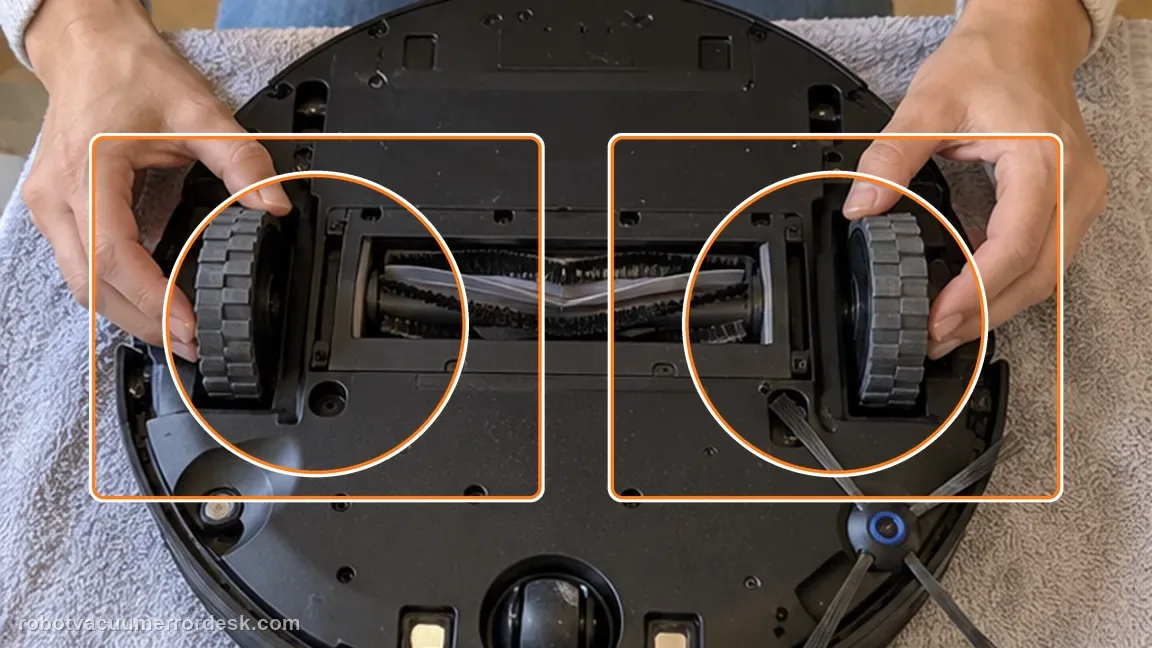
Work each wheel through its travel and remove accessible tangles. Do not open the wheel-drive housing. Pressing and turning each drive wheel exposes hair and threads that may be hidden around the axle area. Compare left and right movement rather than cleaning only the wheel named by your first guess.
Clean the wheel surfaces
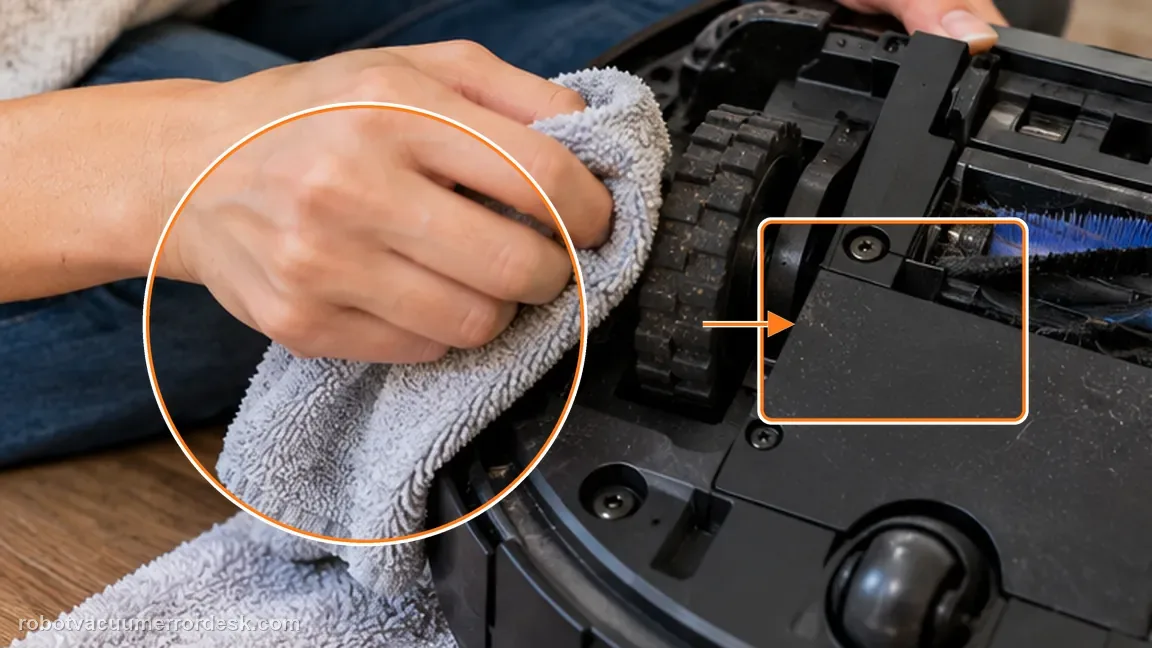
Use a dampened, wrung-out cloth or a brush to remove stains from the wheel surfaces, then let them dry before the test. A damp, well-wrung cloth or brush can remove surface contamination that reduces traction. Keep the wheel tread clean without leaving it wet for the immediate test.
Confirm recovery with a straight-line hard-floor test
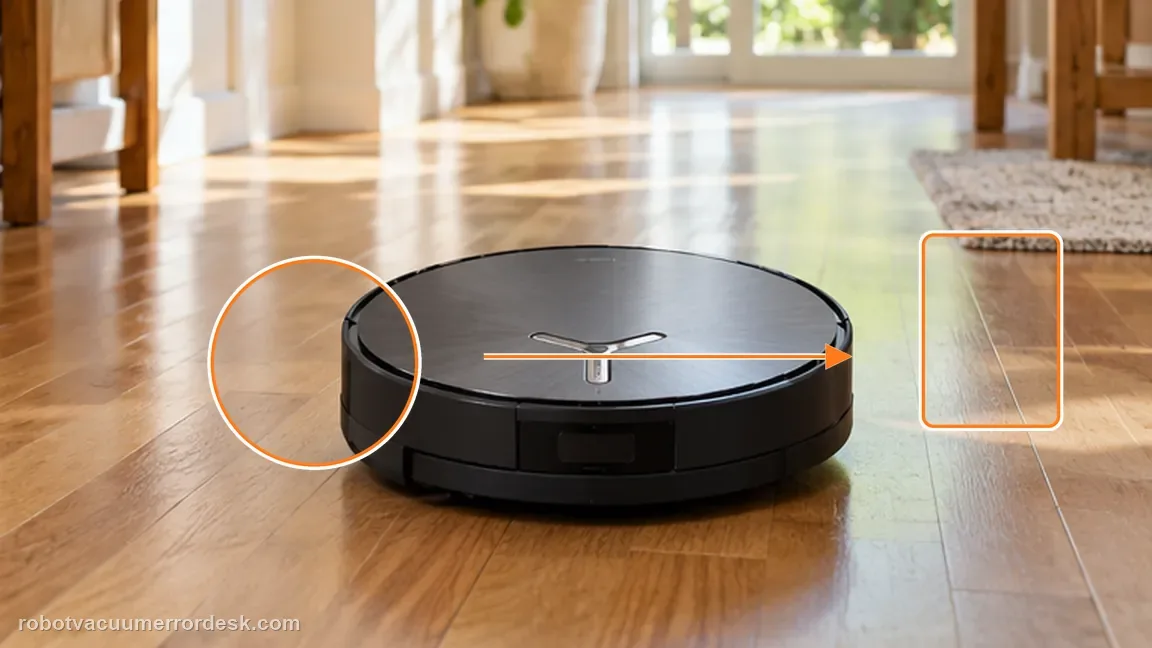
After both wheels can be pressed and rotated freely and their surfaces are clean, power the robot back on and run a short straight test on hard flooring. Do not open the wheel module for this confirmation. After cleaning, set the X11 upright and run a short, open-floor movement test before sending it through rugs or thresholds. A simple surface makes side-to-side drag easier to see.
Compare left and right wheel response
With the robot still powered off, press each wheel through a similar range and rotate it gently. Note any side that catches, returns poorly or feels markedly different after visible tangles are removed.
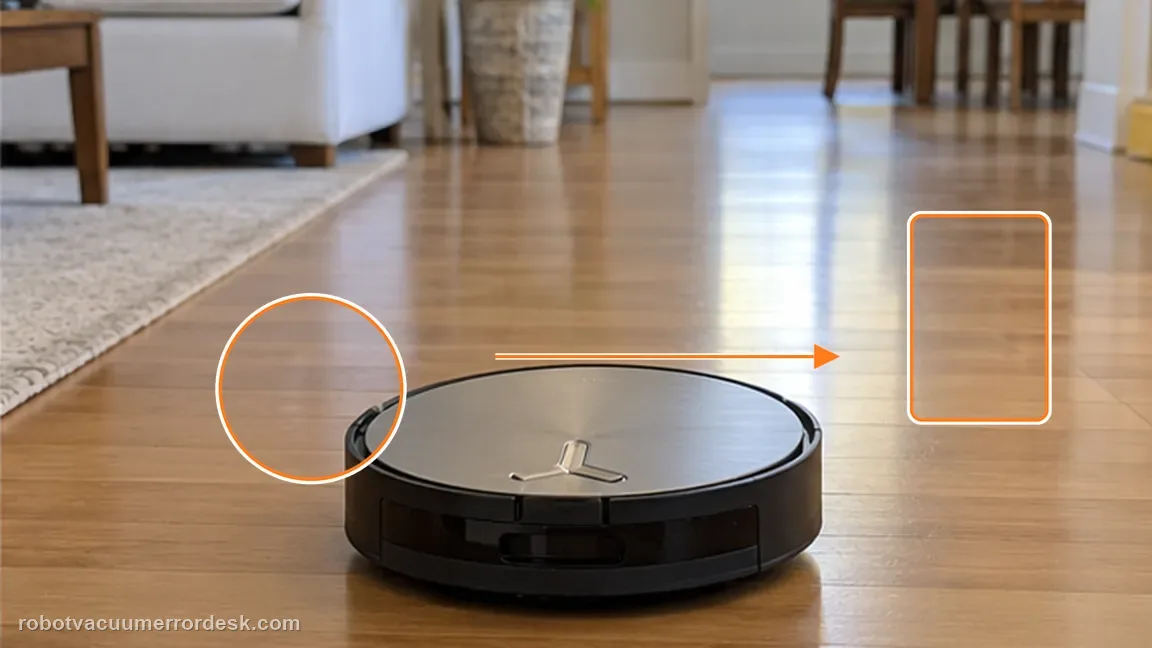
Run one low-complexity drive test
Power the X11 back on and use a clear hard-floor area for a short clean. Watch for veering, repeated stops or the same wheel alarm before adding rugs and thresholds back into the test.
If the alarm returns with both wheels clean and freely moving, capture which side drags and contact Ecovacs. A repeatable one-sided mechanical result is useful service evidence. Include which wheel feels different, a short hand-movement comparison and a hard-floor test video after accessible tangles and tread grime are removed.
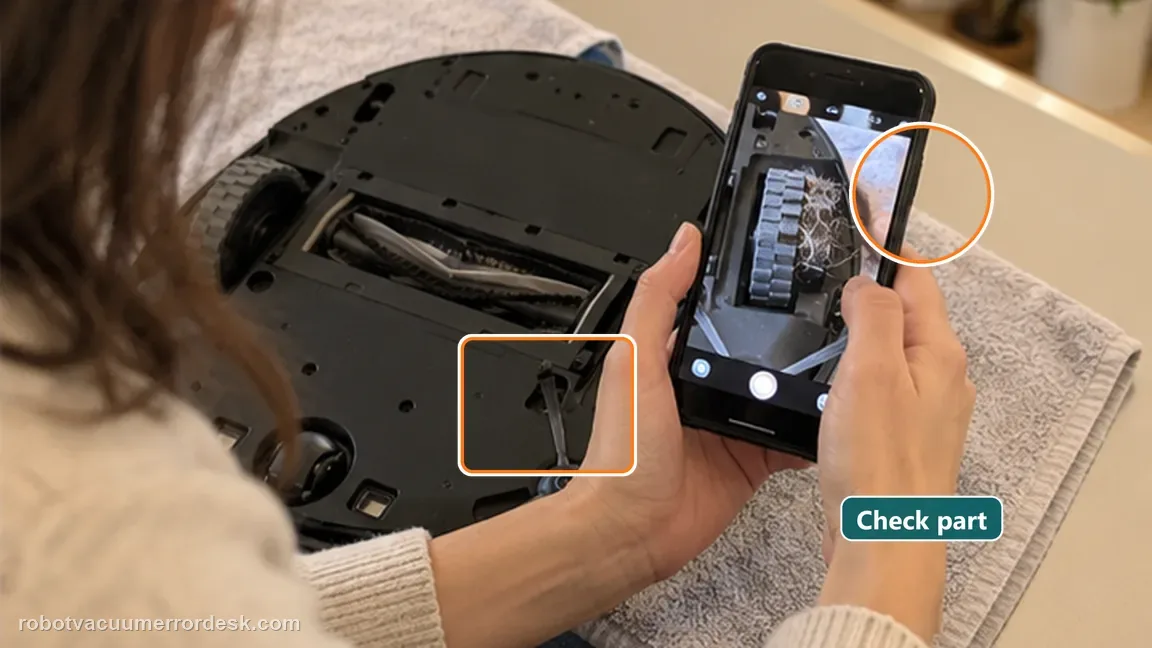
Before you contact support, gather this
A reproducible case moves a support call past the basic troubleshooting script faster than “it doesn’t work” does, and it keeps the clues from your own tests on record.
- Exact model name and the error code / voice prompt exactly as shown
- A photo or screenshot of the app error and the time it occurred
- A short list of the checks already completed and what happened after each one
- Map/station screenshot when the problem involves return-to-station or mapping
Where this comes from
Ecovacs DEEBOT X11 OmniCyclone — Drive wheel difficulty alarm
ECOVACS’ X11 drive-wheel alarm article gives a power-down, wheel-rotation/tangle and surface-cleaning sequence. Compare the two wheels after the same cleaning rather than judging either side in isolation. If both rotate and travel similarly and the alarm clears on hard floor, the owner-safe path has a positive endpoint; if one side remains distinctly stiff, that asymmetry is more useful service evidence than repeated restarts. This page also stays separate from the threshold/climbing-claw article. A drive-wheel alarm is proved by wheel movement, tangles and tread condition; a robot that rolls normally but cannot climb one doorway needs the threshold mechanism test instead. That separation prevents a local doorway problem from being escalated as a wheel-drive fault.
Additional official source: ECOVACS US — DEEBOT X11 OmniCyclone Support Center ↗Last editorial review: September 5, 2026Regional note: manufacturer help centers, model suffixes, mains-power requirements and warranty procedures can differ by country. If the source redirects to a local support site, confirm that the model/hardware scope still matches before following a region-sensitive step.
This guide is rated Official model support. See what each evidence label means →
Questions people ask
Can slippery wheel surfaces trigger the alarm?
Yes. Ecovacs groups “running difficulties or slippery” behavior under this drive-wheel check. Compare both wheels by hand after clearing tangles; a one-sided difference is more useful service evidence than repeatedly restarting the robot. If one side still binds, note which side; that asymmetry is useful when you contact ECOVACS.
Should I open the drive-wheel module?
No. The official owner path stays with external movement and cleaning. Do not open the wheel-drive housing. The owner path is to press/turn the wheels, clear accessible tangles and clean the tread, then retest on hard floor. A repeat alert on the simple surface is stronger evidence than a failure only on a thick rug or threshold.
What if one wheel still feels different by hand?
If one drive wheel remains stiff after visible tangles are removed, stop at owner-level cleaning and contact ECOVACS rather than opening the drive module. A flat hard-floor run removes rugs and thresholds from the comparison, making persistent drag or a returning wheel alarm easier to attribute to the wheel system itself.
How do I clear the “check drive wheels” alarm on a DEEBOT X11?
Power the X11 off, remove the dirty-water box and turn the robot over as ECOVACS instructs. Press and rotate both drive wheels to clear hair or thread, then wipe or brush away surface dirt. Compare the movement of the two sides. If one wheel still catches or the alarm returns on a clear hard floor, document it for service.
Why does the X11 say the drive wheels are stuck when I cannot see anything?
Hair and thread can sit around the wheel mechanism where they are not obvious from the tread surface. ECOVACS specifically tells owners to press and turn the drive wheels, not merely look at them. If hidden debris is removed but one side still feels different from the other, treat that persistent asymmetry as stronger evidence than the lack of visible dirt.
Did this diagnostic narrow the fault?
Use this as an editorial signal, not a popularity counter. If a feedback address is configured you can email the note; otherwise you can copy it for your own support record.