Start with what the robot is doing wrong
You do not need to remember an error number. Pick the symptom family, then narrow by brand and exact model before following a fix.
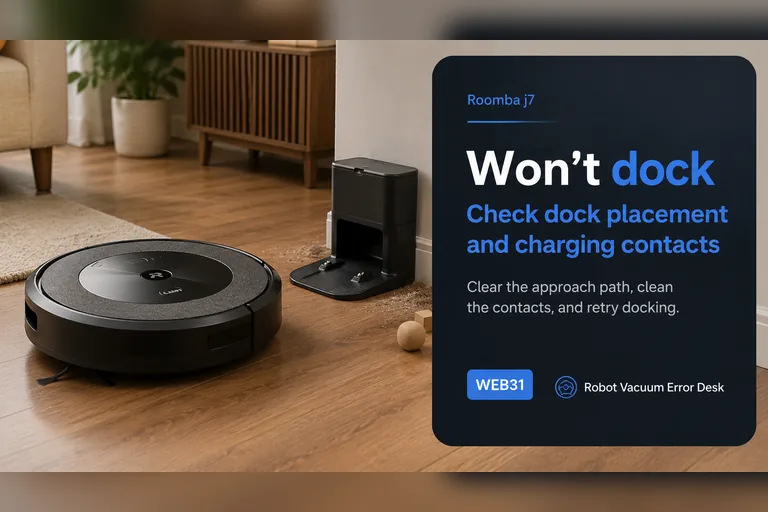
Won't Dock or Return Home
Separate “cannot find the dock” from “finds it but cannot seat/charge.” Those are different failure paths and should not be reset the same way.
20 matching diagnostics →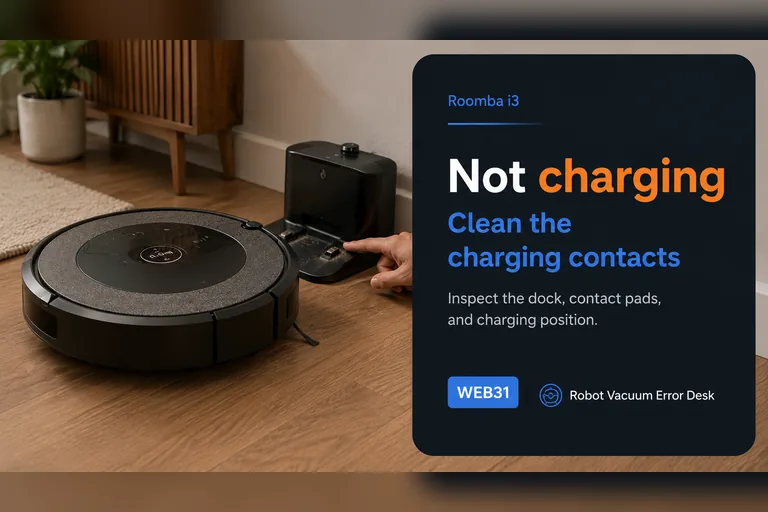
Not Charging or No Power
Start with wall power, dock power, contact condition and battery seating before buying a battery or opening a base station.
22 matching diagnostics →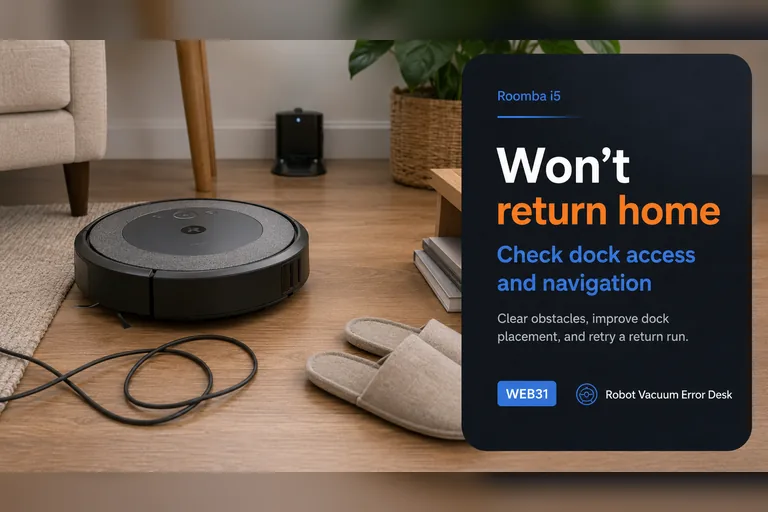
Map, Navigation or Missed Areas
Map corruption, moved docks, temporary maps, blocked LiDAR and trapped-robot states can look similar. Preserve the map until the failure is classified.
50 matching diagnostics →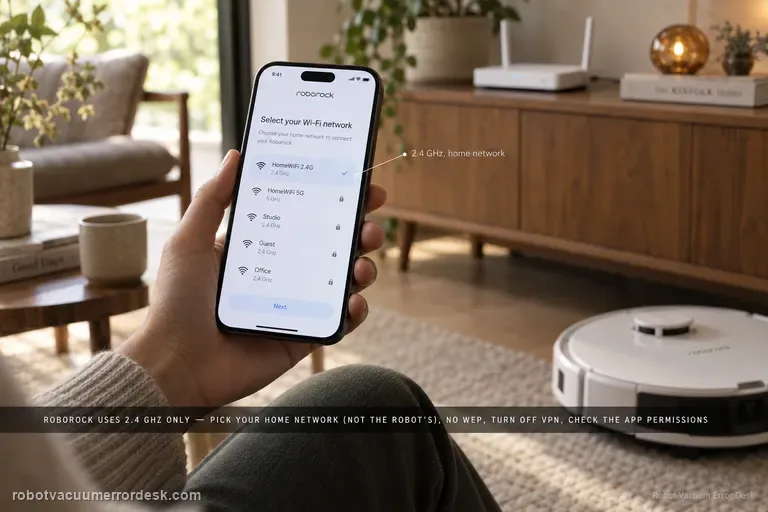
Wi-Fi, App or Update Problems
Use the manufacturer’s network reset or pairing flow before a full system reset. Network recovery should not automatically erase maps and schedules.
11 matching diagnostics →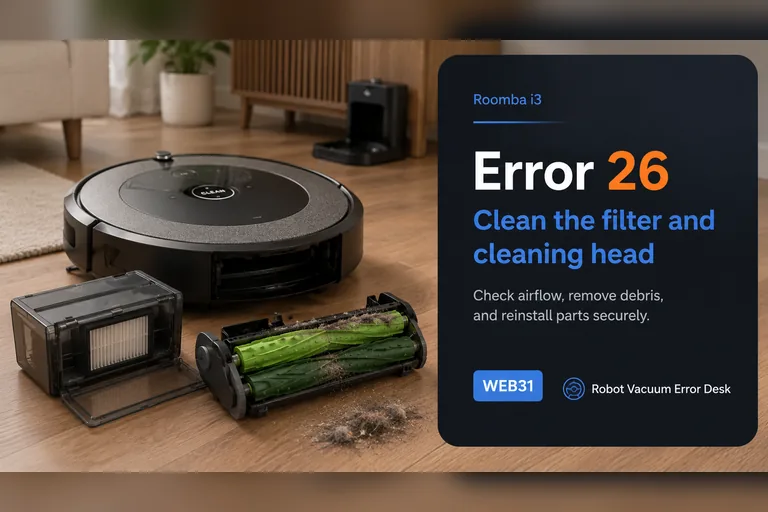
Brush, Suction or Fan Problems
Airflow restrictions, wrapped brush ends and true motor faults need different actions. Clean the user-serviceable path before replacing assemblies.
29 matching diagnostics →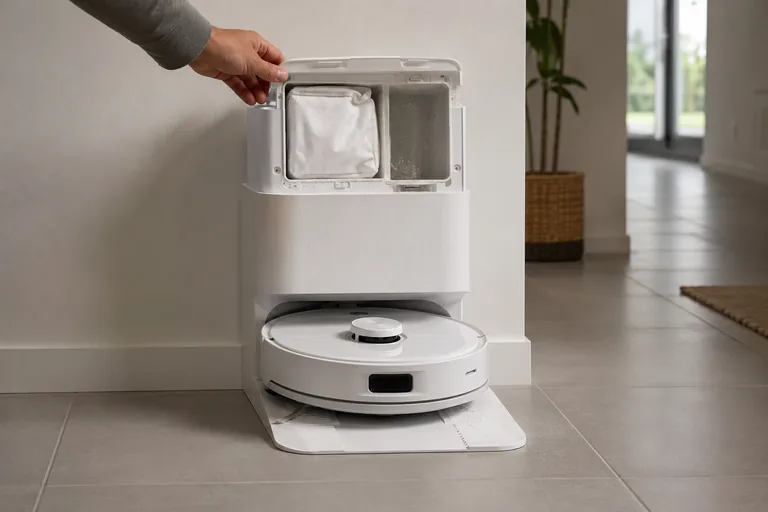
Mop, Water or Base-Station Problems
Water delivery, mop extension, wash trays, overflow and auto-empty functions add failure points that basic vacuum-only guides miss.
51 matching diagnostics →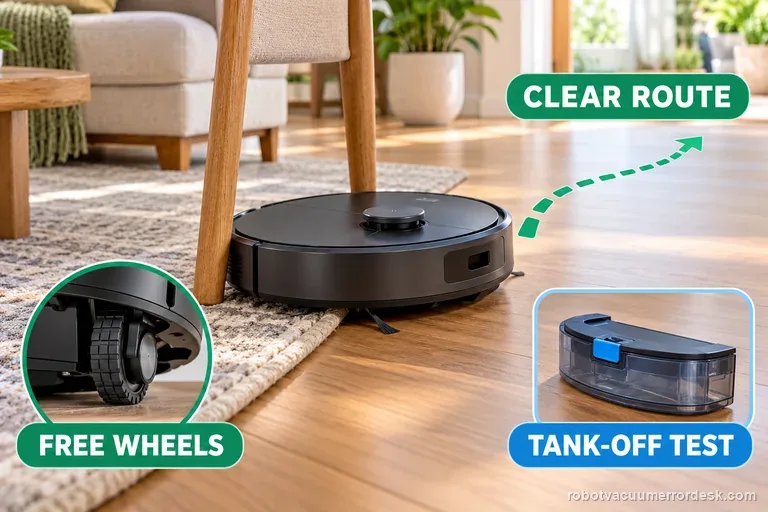
Spinning, Circling or Repeatedly Getting Stuck
Separate a wheel/roller bind from localization behavior. A robot that rotates briefly while locating itself is different from one that circles through an entire cleaning run.
19 matching diagnostics →Auto-Empty or Dust Collection Not Working
A full bag, poorly seated bin, blocked duct and a true station motor fault can all look like “the base stopped emptying.” Prove the disposable and airflow path first.
7 matching diagnostics →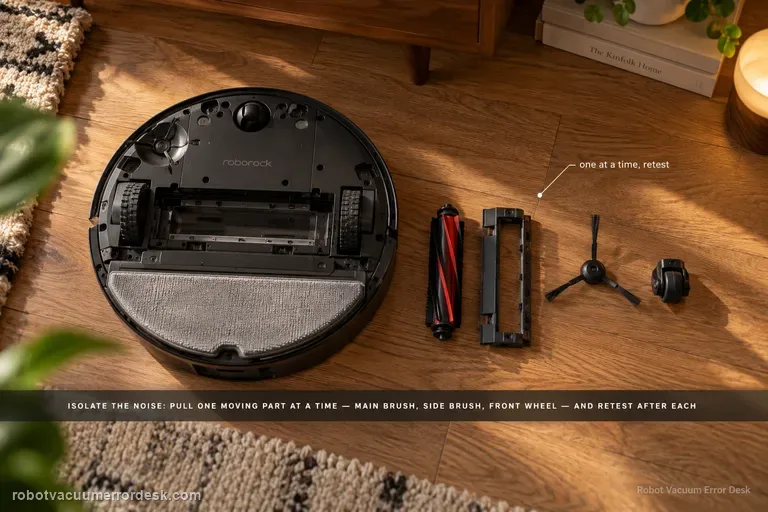
Abnormal Noise, Grinding or Scraping
Use a controlled test to separate brush or roller contact, airflow or fan load, drive-wheel noise and wet-system noise before opening hardware.
8 matching diagnostics →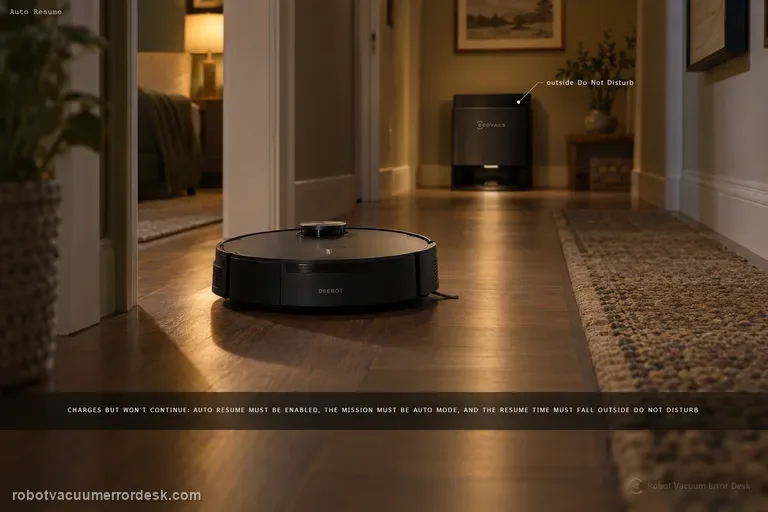
Recharges but Does Not Resume Cleaning
Recharge-and-resume depends on task mode, settings and sometimes Do Not Disturb. If charging works, do not start by replacing a battery.
7 matching diagnostics →