Recharges but Does Not Resume Cleaning
Recharge-and-resume depends on task mode, settings and sometimes Do Not Disturb. If charging works, do not start by replacing a battery.
Confirm the robot actually returned to charge normally. Then inspect the exact resume setting, cleaning mode and DND schedule before touching charging hardware.
What the symptom points to
Resume setting, task mode, DND or software state.
Charging/battery path first, not resume logic.
Do Not Disturb or schedule behavior.
Do not erase the evidence
- Buying a battery when charging itself is healthy
- Testing several settings changes at once
- Factory reset before saving task history and screenshots
Capture the unfinished-job history, Auto Resume setting, cleaning mode and DND schedule. That package lets support distinguish configuration from a mission-state bug.
Matching model-specific guides
7 diagnostics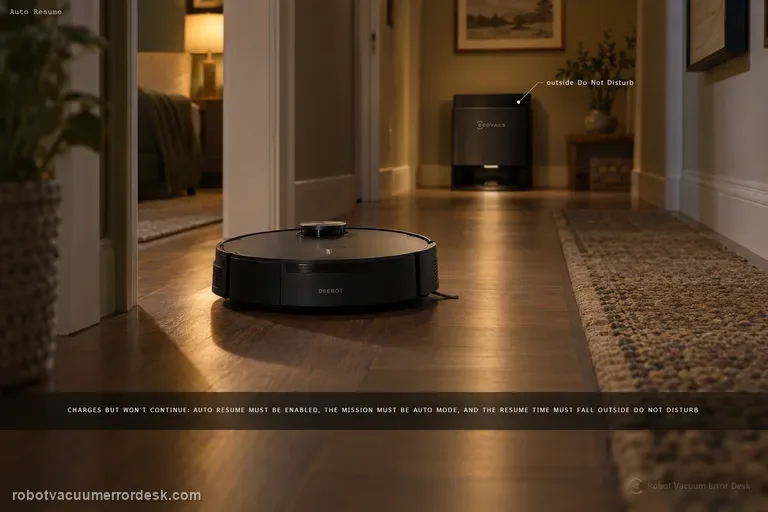
Auto Resume not working
For X11 Auto Resume, prove the three prerequisites ECOVACS documents before touching charging hardware: Auto Resume must be enabled, the recharge/resume point must not fall inside Do Not Disturb, and the cleaning mission must be Auto mode. A robot can charge normally and still not resume if any one of those conditions is false. The best test is a controlled Auto-mode mission outside DND, with the setting visibly enabled and no manual mode change while the robot recharges.
Recharge / return fails
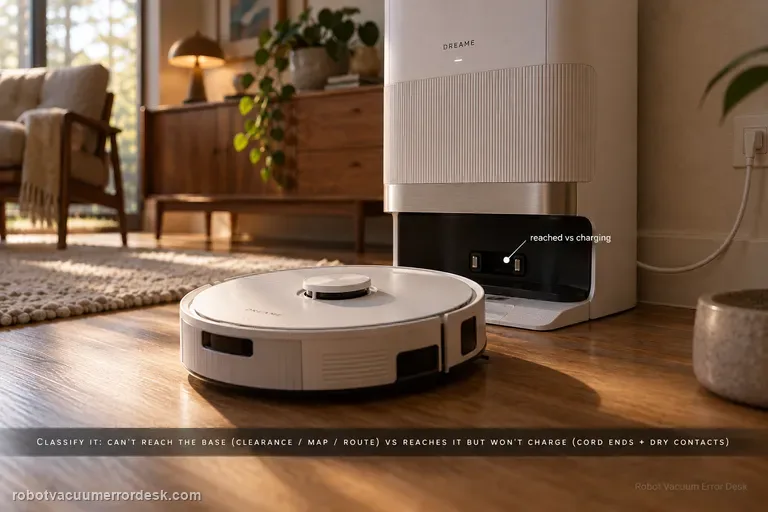
First classify where the L50 Ultra AE fails. If it cannot find or approach the base, Dreame’s exact recharge article points to dock clearance, distance, starting from the base and an abnormal saved map; the exact manual adds blocked return routes, a moved or unpowered station and a dirty signaling area. If the robot reaches the base correctly but charging never begins, stop remapping: the manual moves the diagnosis to both ends of the station power cord, dry charging contacts and foreign objects at the robot connectors.
Resume cleaning not working
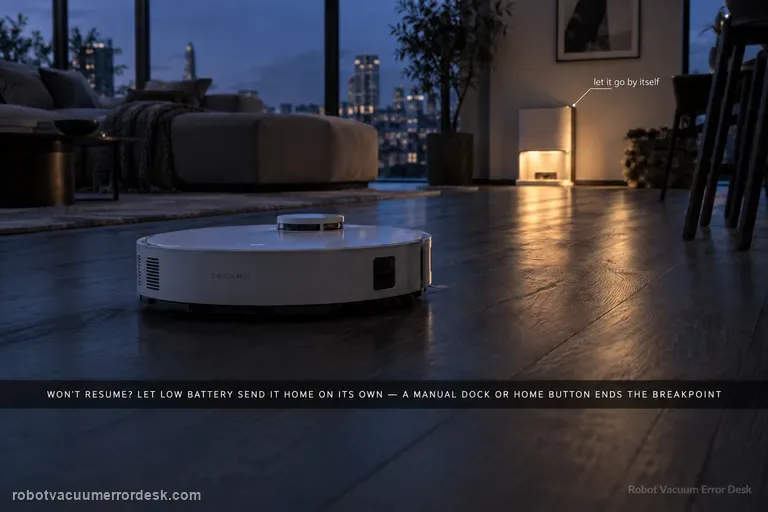
A valid L50 Ultra AE resume test must create a real low-battery breakpoint. Dreame says Resume Cleaning must be enabled, the job must use Automatic Working Mode, DND must not suppress the departure, charging must remain fault-free, and restart/reset can disrupt the breakpoint. The exact manual adds a critical discriminator: the robot will not resume an unfinished job if you manually place it on the base or send it home with the app or Dock button. Let low battery trigger the return automatically.
Resume Cleaning not working
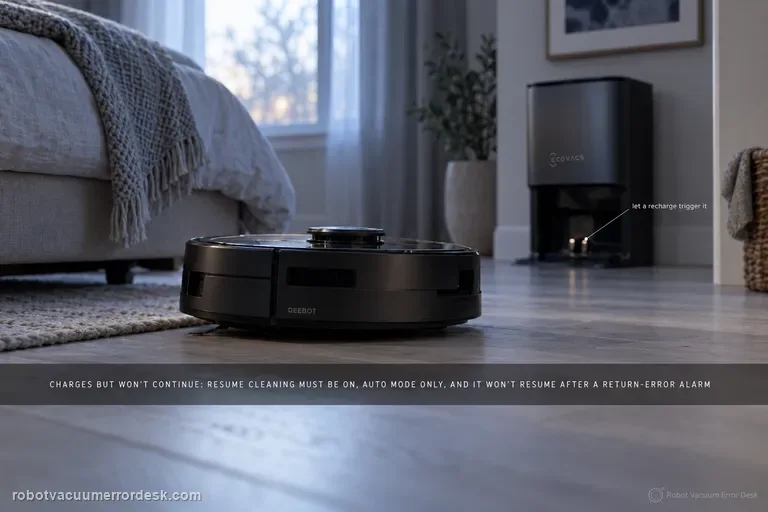
A T80 OMNI that charges but never continues an unfinished cleaning job should be diagnosed as mission-state logic before it is treated as a charging failure. ECOVACS says Resume Cleaning must be enabled, only works in Auto mode, will not activate during Do Not Disturb, will not resume after the return-to-charge sequence produced an error alarm, and can be interrupted by restarting or resetting the robot. Build one controlled Auto-mode test that intentionally requires a recharge, leave the robot and map alone during that break, and observe whether it resumes after enough charge is available.
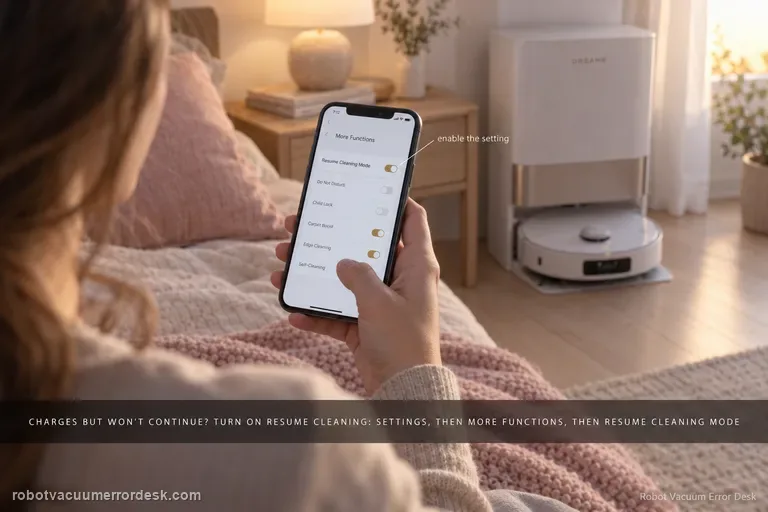
Resume cleaning off
If the X40 Ultra returns to the base and charges normally but never continues unfinished work, stop troubleshooting charging contacts and prove the resume feature itself. Dreame’s X40-specific setup path is Device home → Settings → More Functions → Resume Cleaning Mode. Dreame’s general recharge-and-resume guidance explains the intended behavior: a low-battery cleaning task returns to charge and later continues the unfinished area. Enable the exact X40 setting, start a sufficiently large normal cleaning job, let the robot create the recharge breakpoint by itself, and avoid cancelling or replacing the mission while it charges.
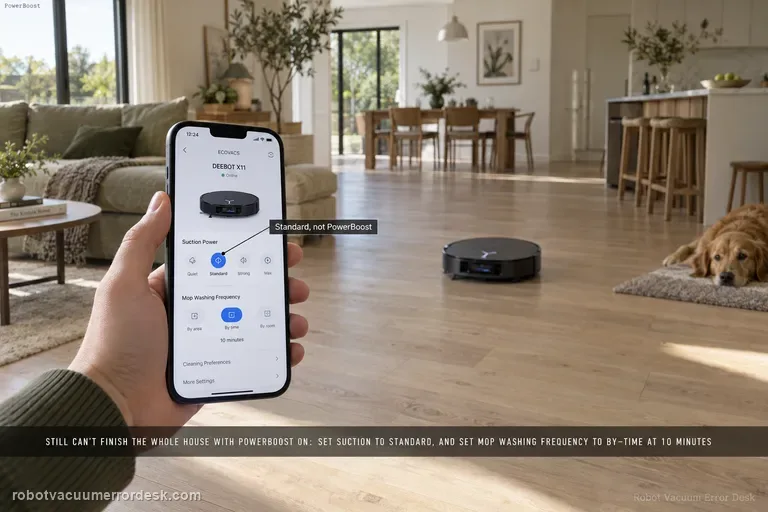
Full-house cleaning incomplete with PowerBoost
If the X11 still cannot finish a whole-home mission even after PowerBoost Charging is enabled, ECOVACS gives two model-specific settings to reduce the load on the mission: set suction to Standard from the control page, then go to Settings > Station Advanced Settings and set Mop Washing Frequency to “by time” at 10 minutes. Test a comparable full-house route after those changes. If it still cannot complete, preserve battery/job history rather than repeatedly changing several performance settings at once.
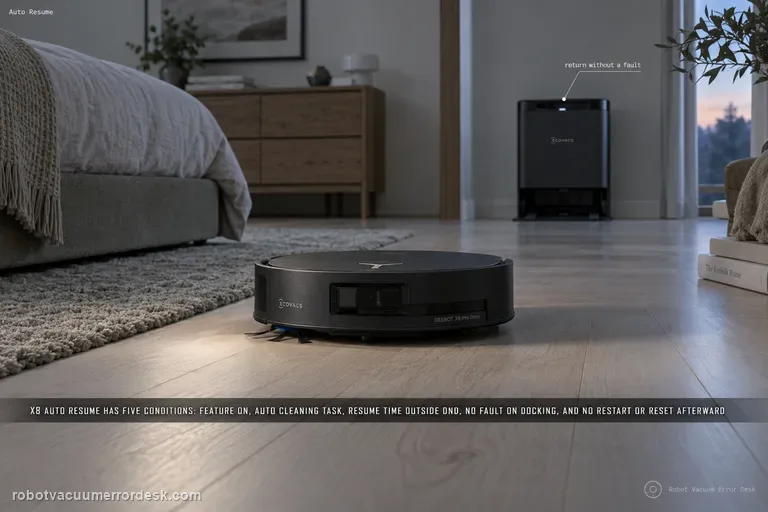
Auto Resume not working
ECOVACS gives five hard conditions for X8 Auto Resume: the feature must be enabled, the cleaning task must be Auto Cleaning, the expected resume time must be outside Do Not Disturb, the robot must return to charge without a fault alarm, and the robot must not be restarted or factory-reset after the resume state is created. Diagnose those conditions in that order before blaming the battery or map. A useful proof test starts from a clean Auto Cleaning mission with enough unfinished area to force a recharge, records the return-to-station event, confirms that charging begins without a new fault, and then leaves the robot untouched until it either resumes or clearly fails to do so outside DND. If that controlled mission does not resume, save the mission history and settings before any reset so ECOVACS can see which prerequisite was satisfied.