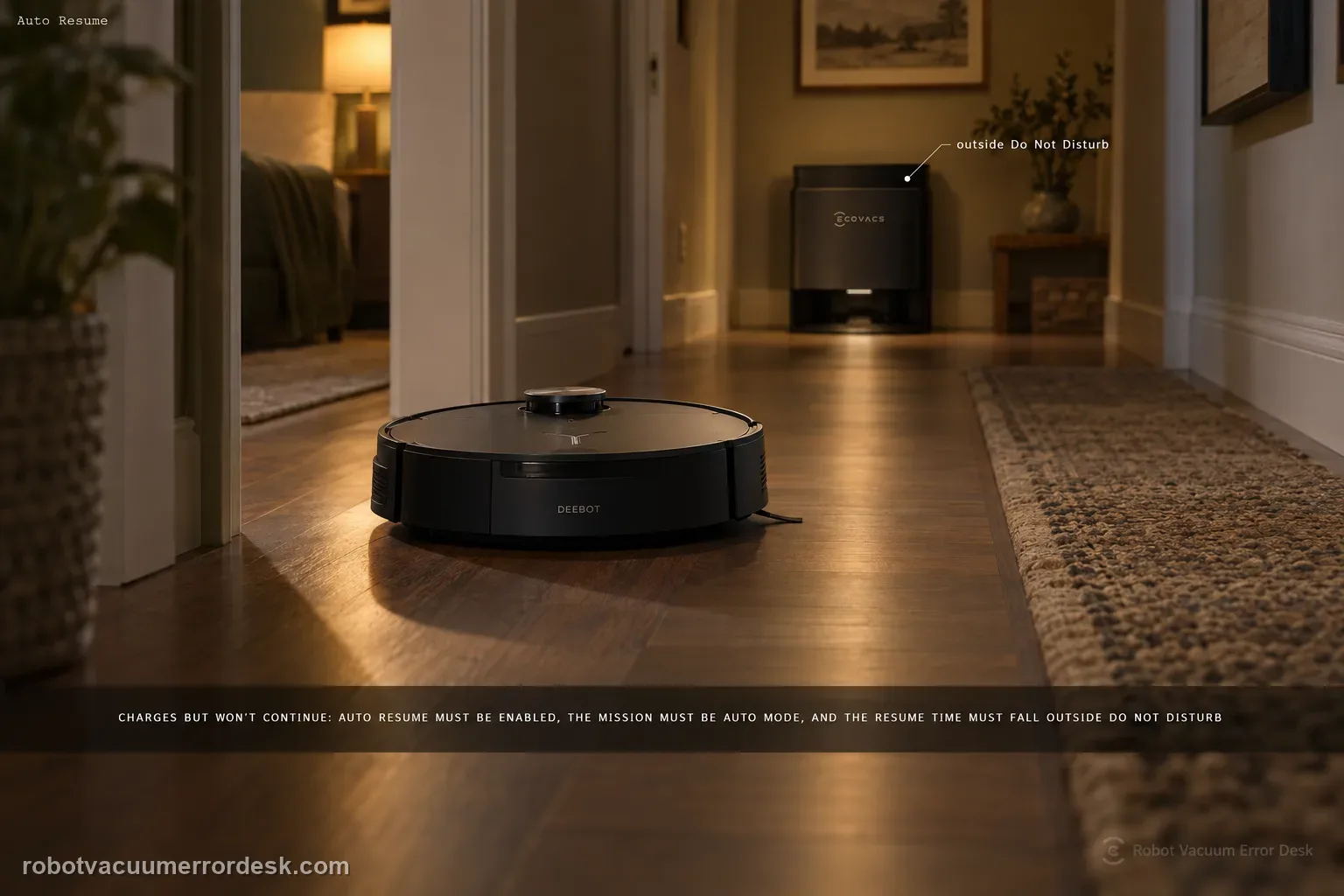
For X11 Auto Resume, prove the three prerequisites ECOVACS documents before touching charging hardware: Auto Resume must be enabled, the recharge/resume point must not fall inside Do Not Disturb, and the cleaning mission must be Auto mode. A robot can charge normally and still not resume if any one of those conditions is false. The best test is a controlled Auto-mode mission outside DND, with the setting visibly enabled and no manual mode change while the robot recharges.
Does the robot charge normally after pausing the mission?
Confirm the exact model and exact code, light pattern or symptom.
Run the lowest-risk physical or software check first.
Use each pass condition to decide what the result actually narrows down.
Does this match your problem?
- The X11 returns to charge but does not continue the unfinished cleaning job.
- The issue happens during a long whole-home clean.
- Charging itself appears normal.
- The X11 returns to charge during an Auto mission but the original cleaning job never continues.
- The behavior occurs around a Do Not Disturb window or only in a non-Auto cleaning mode.
Most likely causes
Auto Resume is disabled in the app
Do Not Disturb is active during the recharge/resume window
The mission is not running in Auto mode, where ECOVACS says Auto Resume is available
The proof run was changed or interrupted before the robot could resume on its own
The job history shows the mission ended rather than pausing for recharge
A persistent app/robot control-state fault remains after the three documented prerequisites are proven
What your test result means
| What you observe | What it narrows down | Next move |
|---|---|---|
| Auto Resume toggle is off | The feature is not armed | Enable Auto Resume and repeat an Auto-mode mission. |
| Recharge occurs inside Do Not Disturb | The lack of resume can be intentional | Test outside the DND schedule before diagnosing a fault. |
| Task was not started in Auto mode | The official prerequisite is not met | Use Auto mode for the proof test. |
| Charging is normal but task history closes the mission | The problem is task/resume logic, not simply dock power | Save job history and settings screenshots for ECOVACS. |
| Controlled Auto mission outside DND still never resumes | Documented owner prerequisites are satisfied | Escalate with app version, firmware, settings and job-history evidence. |
Do not factory-reset by default. Use the exact model’s reboot/network-reset procedure only when the manufacturer path calls for it.
Run these checks in order
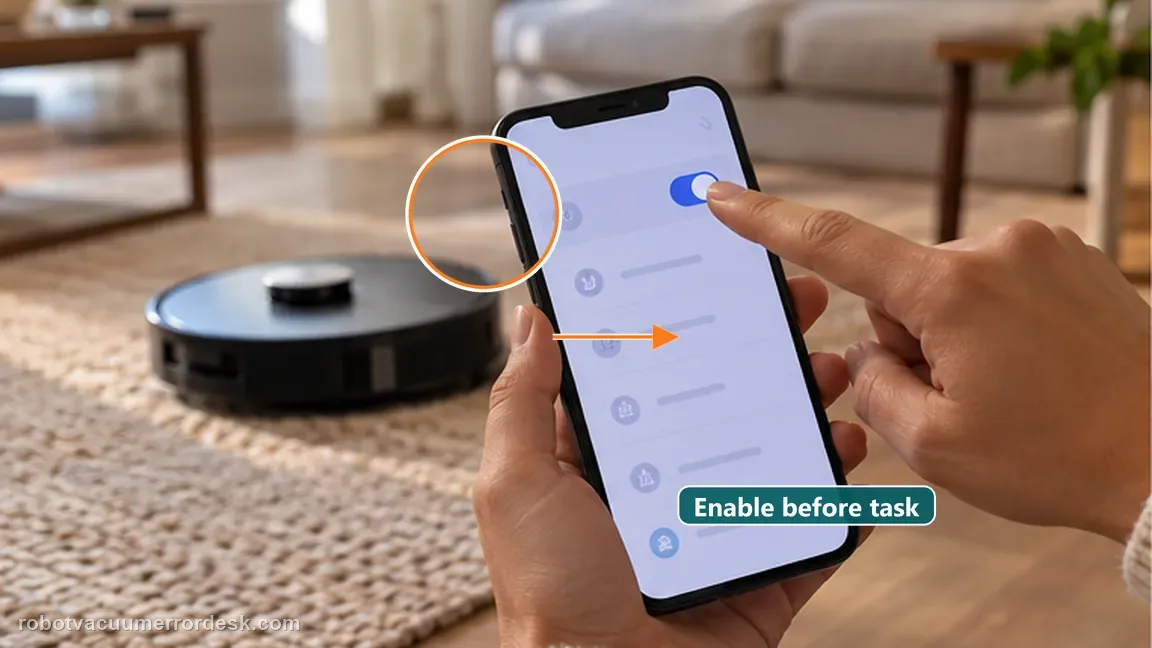
Confirm Auto Resume is enabled
Open the X11 settings in ECOVACS HOME and verify that Auto Resume is turned on before running another test task. Why it matters: A disabled toggle produces the same owner-visible result as a failed feature: the X11 returns and the unfinished job never continues. Confirming the setting removes that simplest branch before you interpret job history.
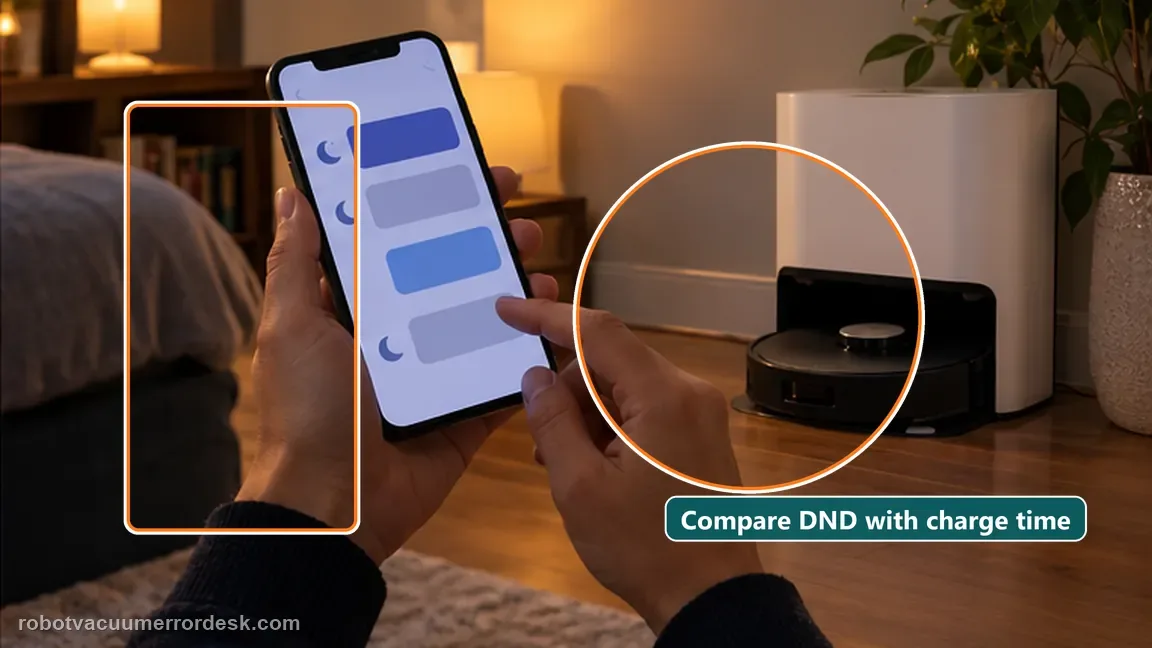
Rule out Do Not Disturb
Check the active DND schedule and whether the recharge period falls inside it. Run a controlled test outside DND if necessary. Do Not Disturb is an intentional suppression condition, not a fault. Compare the time of the recharge with the DND window so an expected pause is not misread as broken recharge-and-resume logic.
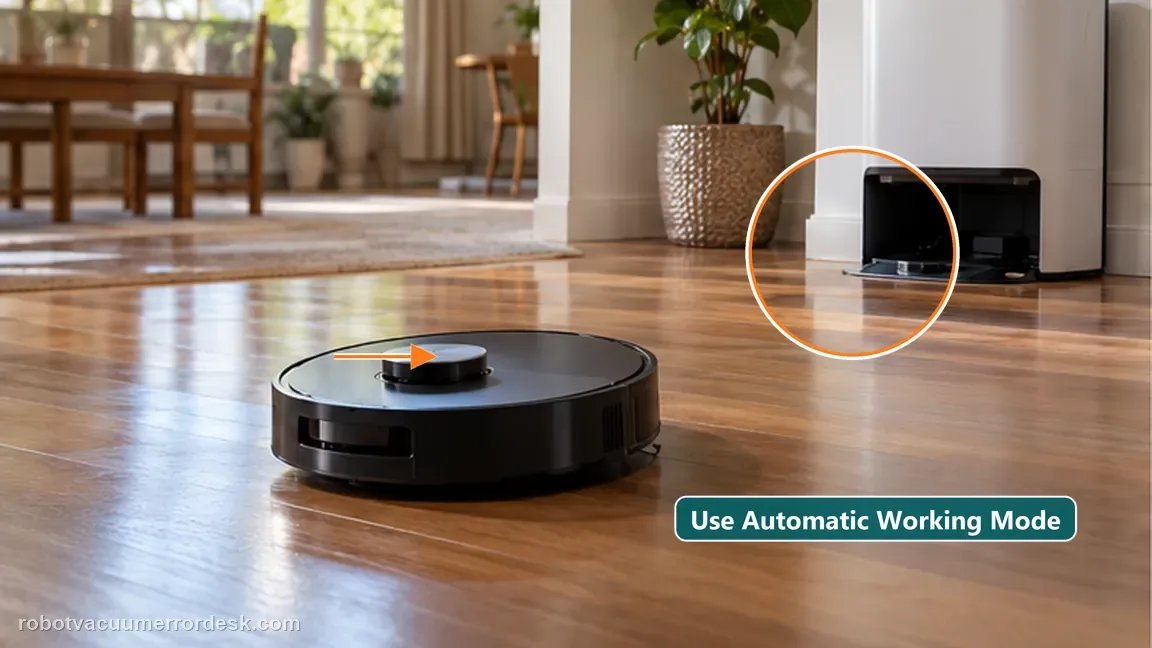
Use Auto mode for the proof test
Run a cleaning task in Auto mode, let the robot return for charging naturally and observe whether it resumes without manually moving it. ECOVACS limits Auto Resume to Auto mode on this support path. A zone, custom or other mission can therefore be a poor proof test even when charging and navigation are healthy.
Run a controlled low-battery Auto-mode test
After Auto Resume is enabled and the test is outside DND, start an Auto cleaning task that can legitimately require a recharge. Do not switch modes while it is running. A controlled low-battery mission should be left alone while it recharges. Manual task changes make it impossible to tell whether the original mission would have resumed on its own.
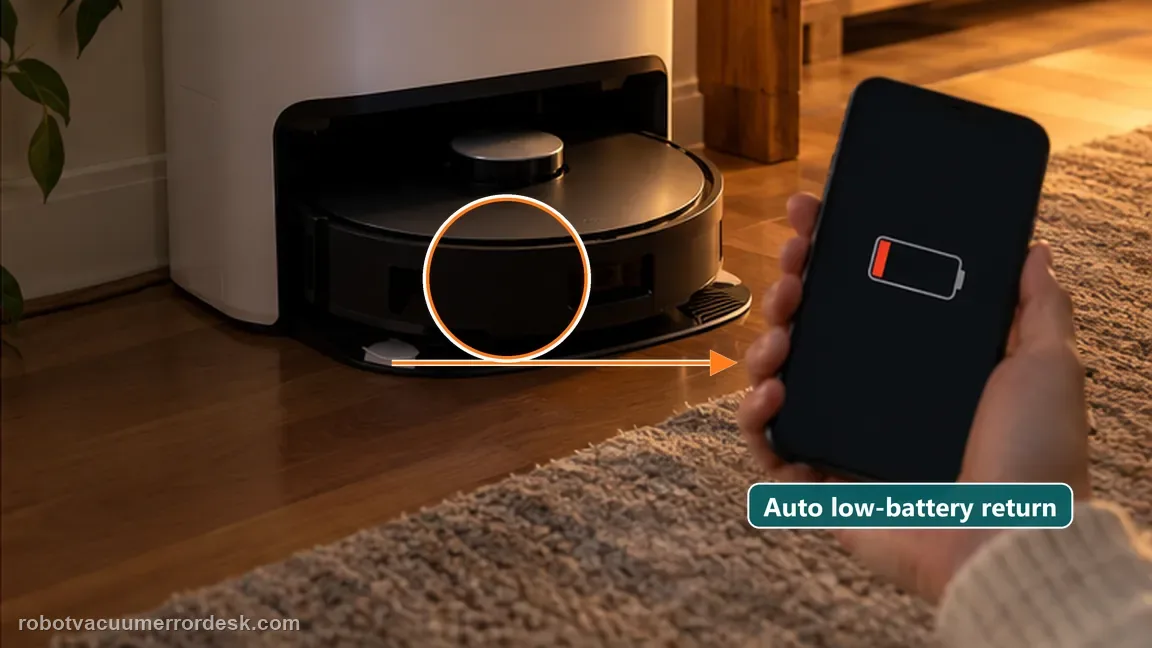
Check the job record before repeating the test
After a failed resume, open the recent cleaning record and note whether the task is shown as completed, canceled, interrupted or still pending. Preserve a screenshot together with the Auto Resume and DND screens so support can distinguish task-state behavior from a charging complaint.
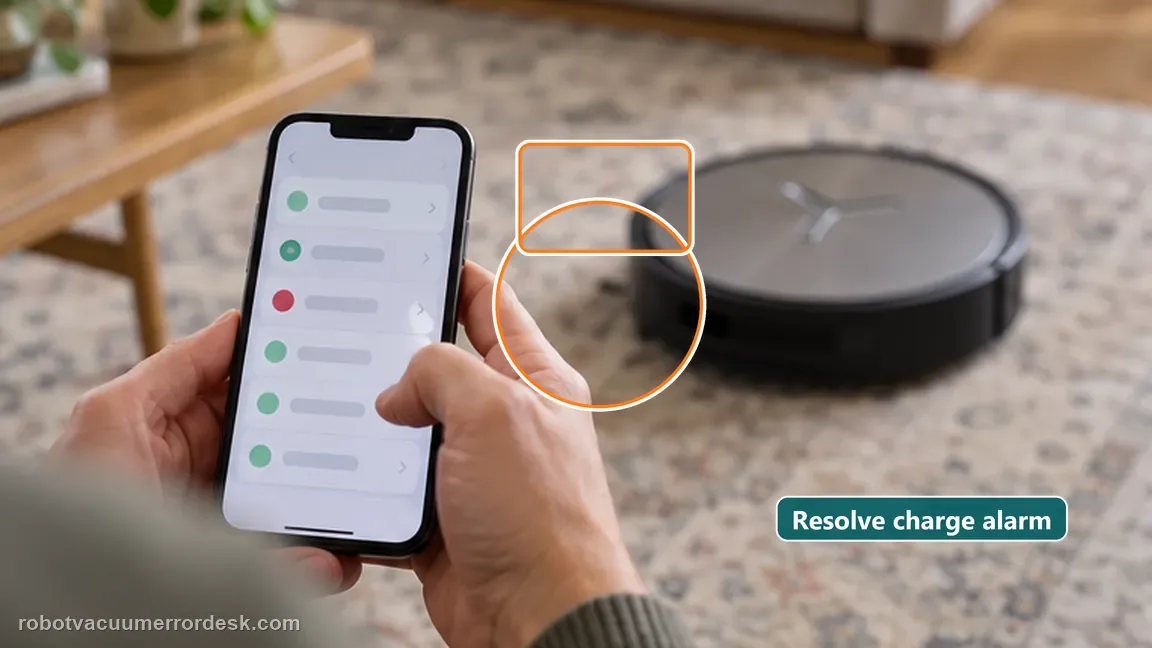
Retest without changing modes or moving the robot
Start one Auto cleaning mission outside DND and let the X11 return and recharge naturally. Do not pick it up, start another task or switch cleaning modes until the resume window has passed.
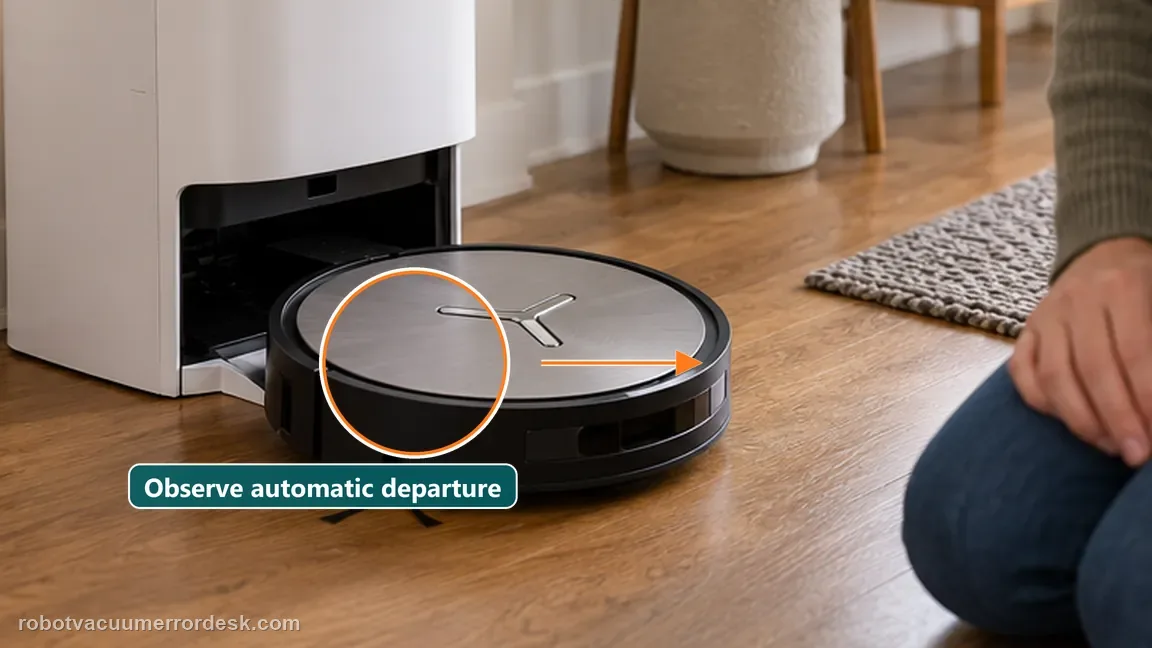
If Auto Resume is enabled, DND is not active and an Auto-mode mission still closes instead of resuming, save the job history and settings screenshots before contacting Ecovacs. Include screenshots showing Auto Resume enabled, DND timing, Auto mode and the cleaning-history point where the mission charged but did not continue.
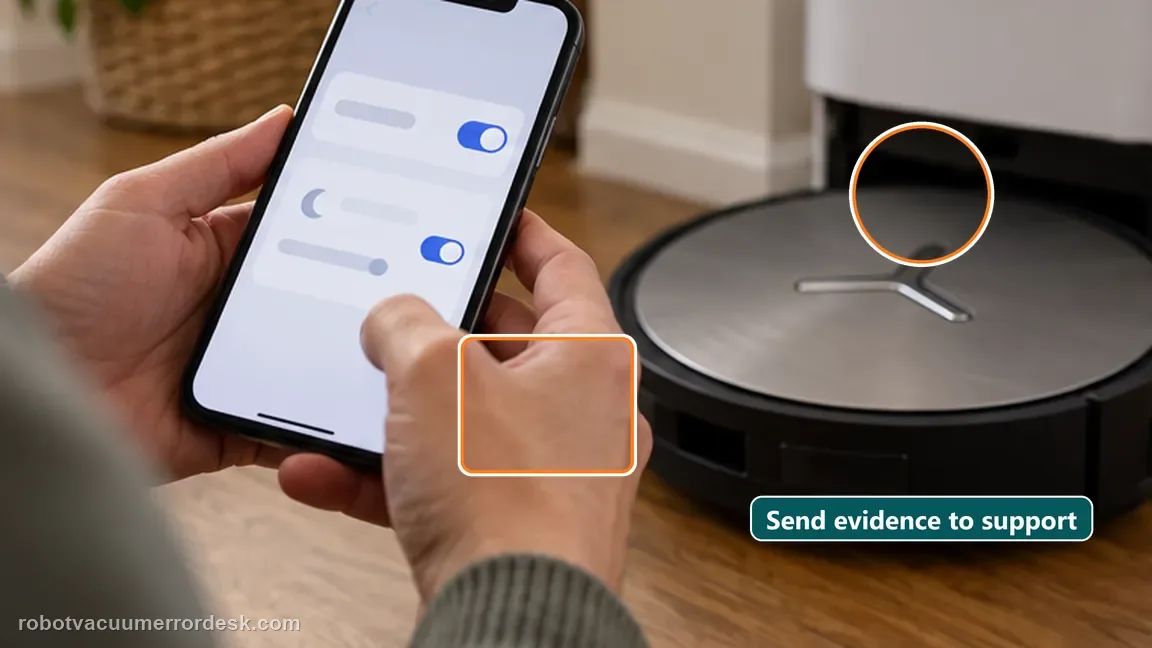
What to collect before contacting support
Give support a reproducible case instead of “it doesn’t work.” That reduces repeated basic troubleshooting and preserves the clues from your tests.
- Exact model name and the error code / voice prompt exactly as shown
- A photo or screenshot of the app error and the time it occurred
- A short list of the checks already completed and what happened after each one
- Map/station screenshot when the problem involves return-to-station or mapping
Manufacturer evidence
Ecovacs DEEBOT X11 OmniCyclone — Auto Resume
ECOVACS documents three prerequisites on the X11: Auto Resume enabled, outside Do Not Disturb, and Auto cleaning mode. Treat successful charging and successful resumption as separate checkpoints: reaching the station proves the recharge leg, not the continuation leg. A useful support capture therefore includes the Auto-mode task, DND window, enabled toggle, charge event, and the point in cleaning history where the unfinished mission did or did not continue. A second useful boundary is that manual intervention changes the task state. Picking up the robot, starting a new room task or changing modes after recharge can no longer prove whether Auto Resume itself would have continued the original mission, so the clean proof run should be left untouched until it either resumes or clearly closes.
Additional official source: ECOVACS US — DEEBOT X11 OmniCyclone Support Center ↗Last editorial review: September 5, 2026Regional note: manufacturer help centers, model suffixes, mains-power requirements and warranty procedures can differ by country. If the source redirects to a local support site, confirm that the model/hardware scope still matches before following a region-sensitive step.
This guide is rated Official model support. See what each evidence label means →
FAQ
Does Auto Resume work in every cleaning mode?
No. The X11 support article says Auto Resume is available only in Auto mode. Use an Auto-mode mission outside DND as the reference test; other modes cannot prove this exact feature according to ECOVACS. The feature can therefore look broken even when charging itself is completely normal.
Can Do Not Disturb make the feature look broken?
Yes. Ecovacs explicitly says Auto Resume will not trigger during Do Not Disturb. Compare the recharge time with the DND window before treating a pause as a fault, because DND intentionally suppresses the resume behavior. That timing check is especially important when the recharge happens near an overnight DND window.
Why test in Auto mode specifically?
ECOVACS lists Auto cleaning mode as one of the exact prerequisites for this X11 Auto Resume troubleshooting path. Leave the mission unchanged while it charges; manual mode changes or moving the robot can destroy the evidence of whether Auto Resume would have continued. If the robot resumes only after you manually start a new task, that is not an Auto Resume pass.
Why does my DEEBOT X11 charge but not resume cleaning afterward?
Charging and Auto Resume are separate behaviors. ECOVACS says the X11 must have Auto Resume enabled, must be outside Do Not Disturb, and must be running an Auto-mode mission. If charging works but a controlled Auto mission still closes instead of continuing, save the job history and settings screens and report it as a resume/task-state issue.
Does DEEBOT X11 Auto Resume work during Do Not Disturb?
No. ECOVACS explicitly says Auto Resume is not triggered during Do Not Disturb. Check whether the robot’s recharge period overlaps the DND schedule before changing maps or charging parts. A useful proof test is the same Auto-mode cleaning job outside the DND window, with Auto Resume already enabled and no manual interruption.
Did this diagnostic narrow the fault?
Use this as an editorial signal, not a popularity counter. If a feedback address is configured you can email the note; otherwise you can copy it for your own support record.