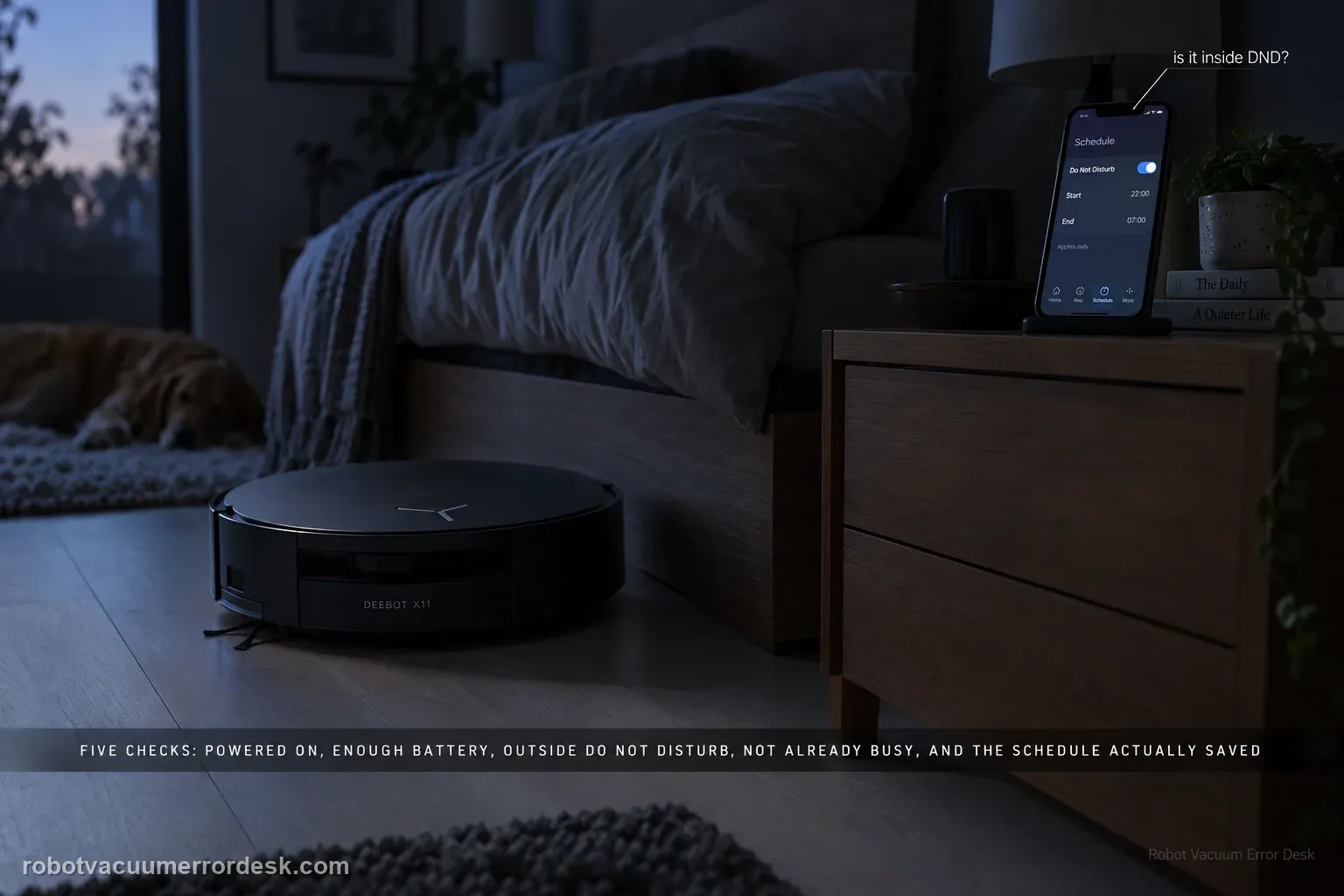
A missed X11 schedule has five official checkpoints: the robot must be powered on, battery charge must be sufficient, the scheduled time must be outside Do Not Disturb, the robot must not already be busy, and the schedule must actually be saved in the app. Check those in that order and compare the exact scheduled timestamp with DND and job history. This prevents an intentionally suppressed or conflicting task from being mistaken for a failed clock or app scheduler.
Confirm the exact model and exact code, light pattern or symptom.
Run the lowest-risk physical or software check first.
Use each pass condition to decide what the result actually narrows down.
Is this the problem you’re seeing?
- A saved X11 schedule does not start at the expected time.
- Manual cleaning still works.
- The missed run may overlap Do Not Disturb or another station/cleaning task.
- A saved schedule remains visible in the app but the X11 stays idle at the scheduled time.
- Manual cleaning works, but a clean near-term schedule outside DND still fails to launch.
Likely root causes, ranked
The robot is powered off
Battery charge is too low at the scheduled start time
The schedule falls inside Do Not Disturb
The X11 is busy with another cleaning or station task when the schedule should start
The schedule is not enabled or was not saved as intended in ECOVACS HOME
A scheduling/control-state fault remains after a clean near-term test
What the result narrows down
| What you observe | What it narrows down | Next move |
|---|---|---|
| Robot is powered off at the scheduled time | The scheduler cannot start the cleaning job | Power on the X11 and repeat the schedule test. |
| Battery is low before the event | The mission may be blocked by insufficient charge | Allow sufficient charging and retest. |
| Scheduled start overlaps DND | The task may be intentionally suppressed | Move the test outside DND or adjust the DND window. |
| X11 is already performing another task | The missed start is a task conflict, not necessarily scheduler failure | Retest while the robot is idle. |
| Simple saved schedule still fails with all prerequisites met | The app/firmware scheduling path needs escalation | Save schedule screenshots, job history, app version and firmware version. |
Do not factory-reset by default. Use the exact model’s reboot/network-reset procedure only when the manufacturer path calls for it.
Checks to run, in sequence
Prove the robot is powered and charged
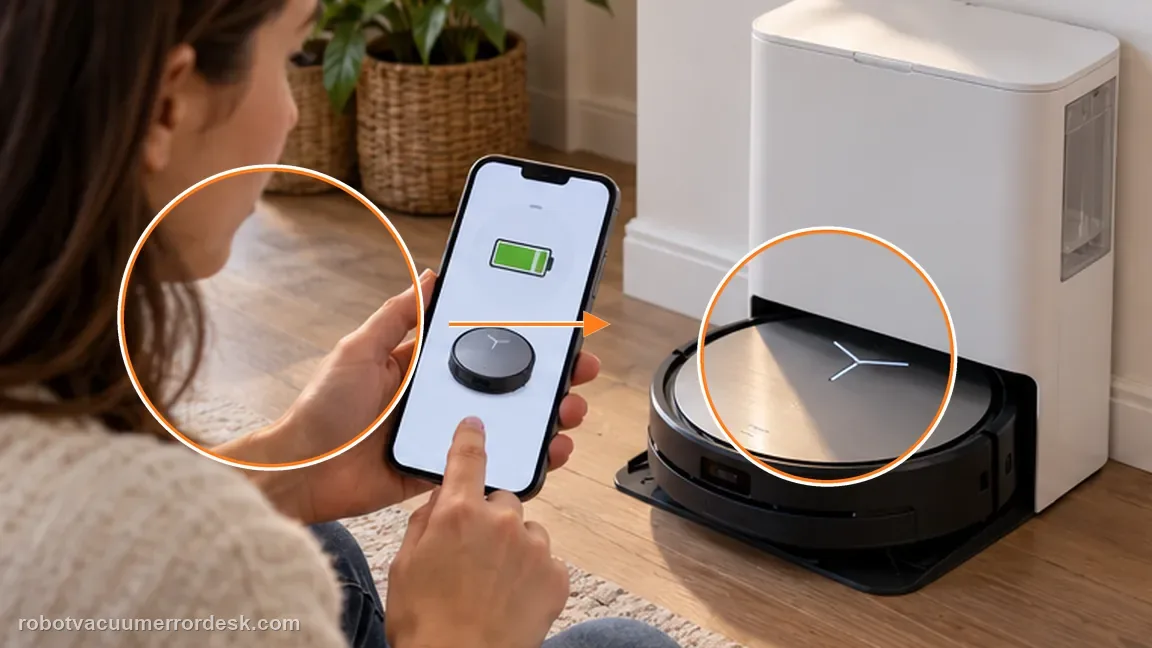
Confirm the X11 is powered on and the app shows enough battery for a cleaning task. Why it matters: A schedule cannot wake a robot that is fully powered off. Confirm the X11 is on before investigating cloud timing or rebuilding the schedule.
Check DND and task conflicts
Compare the schedule time with Do Not Disturb and verify the robot is not busy with another cleaning or station task. Battery state can block the job even when the schedule itself is valid. Check charge in the app near the scheduled time rather than assuming a docked robot had enough energy.
Open the schedule and save it again
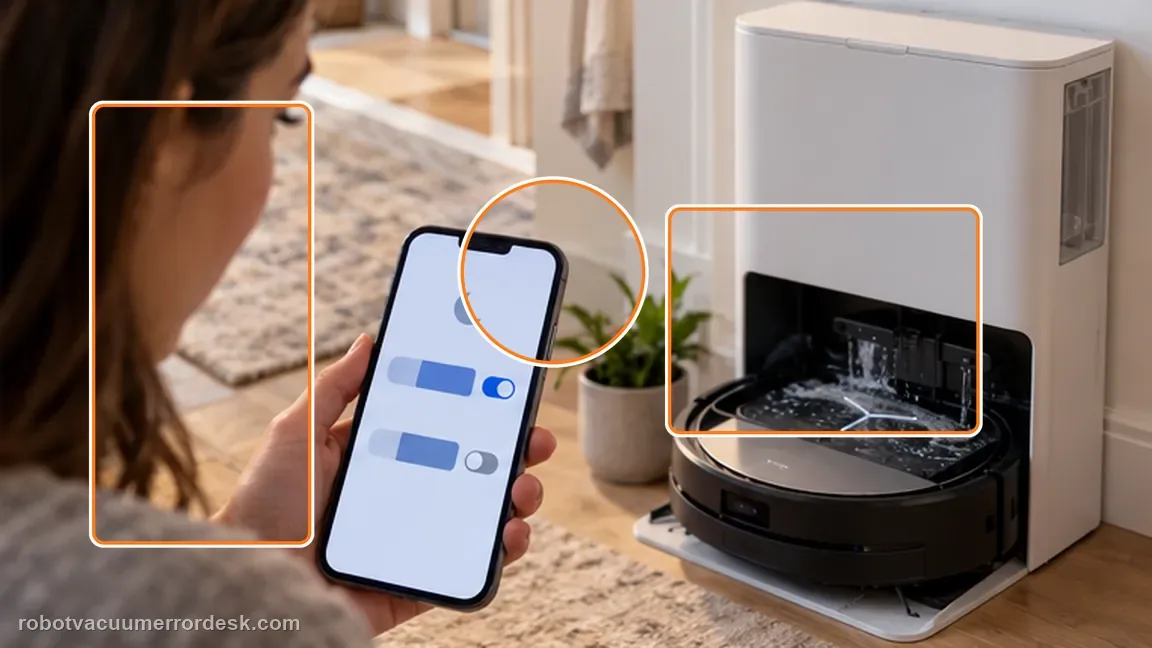
Verify the intended days/time and that the schedule is actually enabled and saved in ECOVACS HOME. Do Not Disturb can overlap the planned start. Compare both schedules precisely, including overnight windows that cross midnight.
Run one near-term schedule test after saving
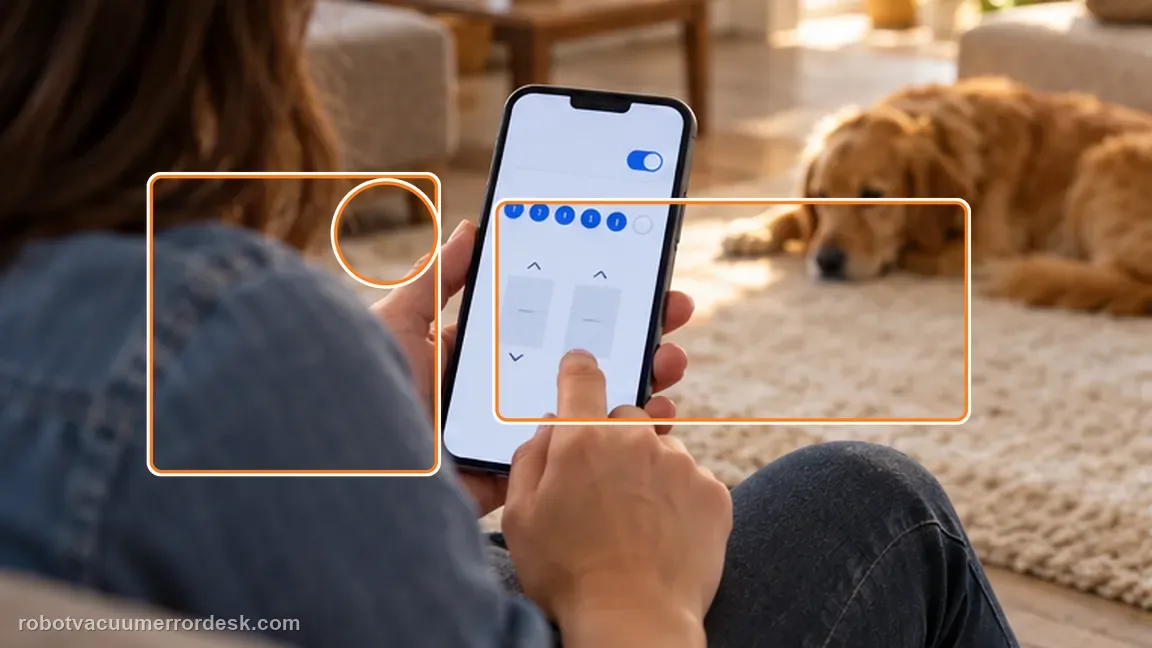
After confirming power, battery, DND and task conflicts, create or resave a schedule a few minutes ahead and leave the robot idle. This verifies that the schedule is truly stored and can fire under a clean state. A robot already washing, drying, charging for another task or cleaning can be busy when the scheduled event arrives. Job history helps identify that conflict.
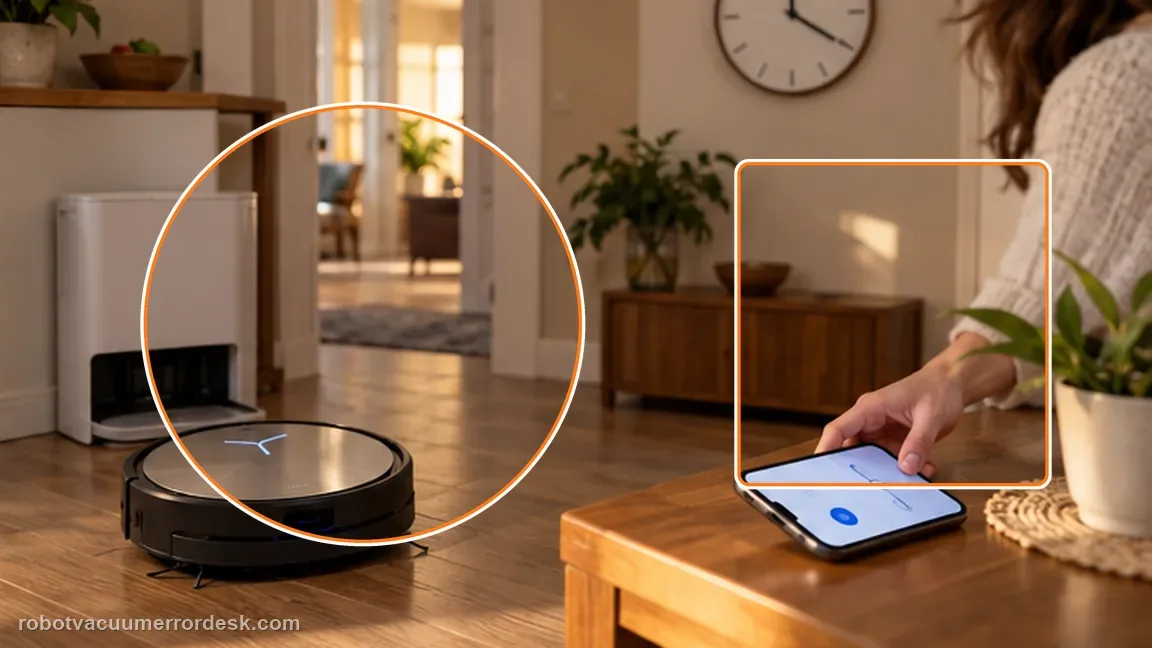
Check the next-run state and recent task history
Before the near-term test fires, confirm the app still shows the schedule as enabled with the expected next start. After the time passes, check task history for evidence that another station or cleaning task occupied the robot. This keeps a scheduling failure separate from a task-conflict failure without creating several overlapping test schedules.
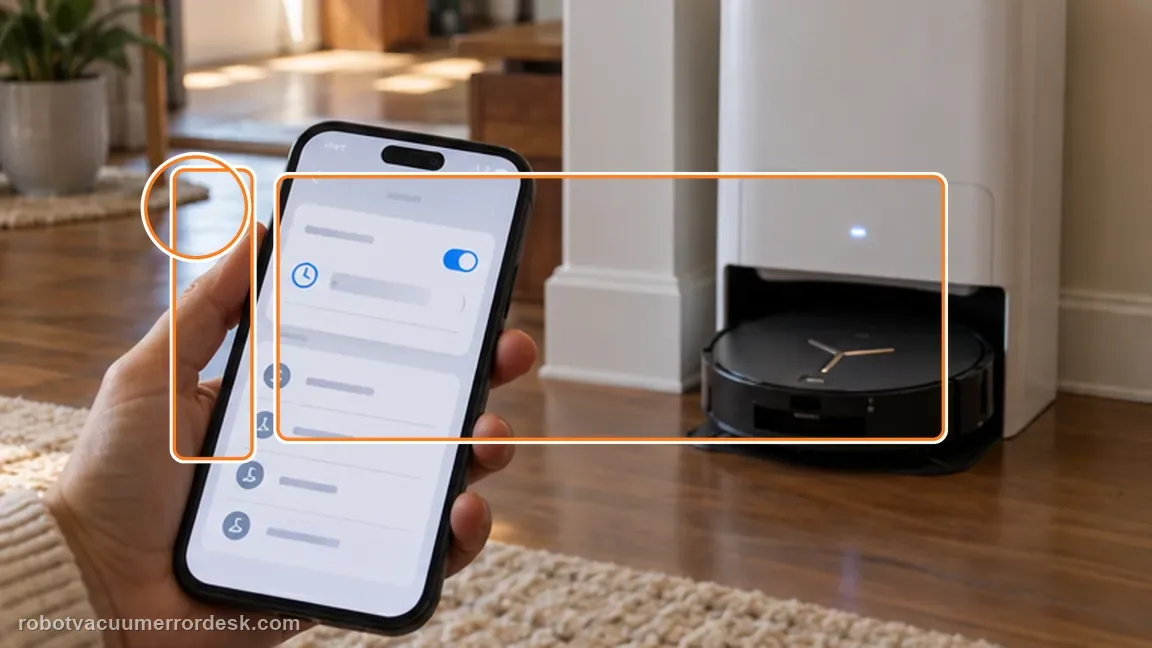
Observe one scheduled start without manual intervention
Leave the X11 powered, sufficiently charged and idle before the test time. Do not launch another task just before the scheduled event; then compare the actual result with the app history.
If a powered, charged, idle X11 outside DND still misses a correctly saved schedule, capture the schedule screen, DND screen and app/firmware versions for Ecovacs support. Include the saved schedule, DND window, battery state and task history around the missed start so support can see the clean trigger conditions.
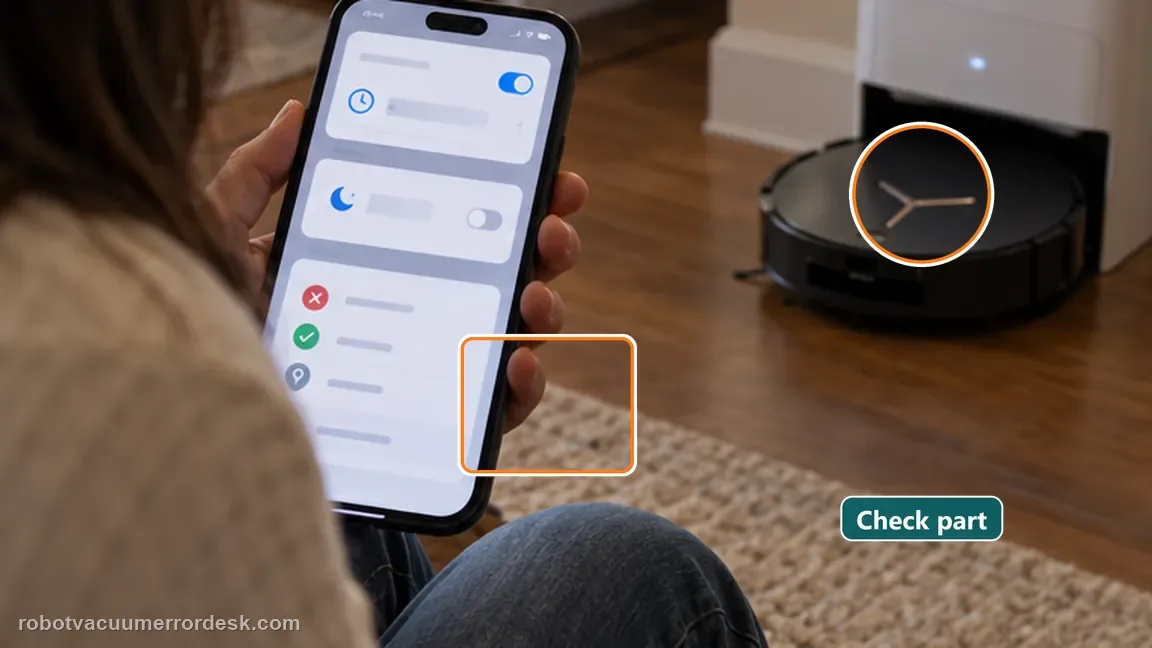
Information to have ready for support
Support can skip the basic troubleshooting script when you provide a reproducible case. That keeps the results of your checks from getting lost.
- Exact model name and the error code / voice prompt exactly as shown
- A photo or screenshot of the app error and the time it occurred
- A short list of the checks already completed and what happened after each one
- Map/station screenshot when the problem involves return-to-station or mapping
Source and evidence level
Ecovacs DEEBOT X11 OmniCyclone — Scheduled cleaning not starting
ECOVACS’ X11 schedule article checks power, battery, DND, task conflicts and saved schedule state. A controlled near-term schedule is more diagnostic than repeatedly editing a normal recurring schedule because it gives one exact trigger time to compare with battery level, DND and task history. If that clean test misses while the robot is powered, charged and idle, the evidence is stronger than a screenshot of the schedule alone. Preserve the exact scheduled time and the task history from the same window. A schedule screenshot proves configuration, while the history helps show whether the robot was already occupied, intentionally suppressed or simply never launched. Keeping those two records together makes the support handoff materially stronger if the near-term clean test still misses.
Additional official source: ECOVACS US — DEEBOT X11 OmniCyclone Support Center ↗Last editorial review: September 5, 2026Regional note: manufacturer help centers, model suffixes, mains-power requirements and warranty procedures can differ by country. If the source redirects to a local support site, confirm that the model/hardware scope still matches before following a region-sensitive step.
This guide is rated Official model support. See what each evidence label means →
Common questions
Can Do Not Disturb block a scheduled clean?
Yes. Ecovacs explicitly includes DND as a reason a scheduled X11 cleaning may not start. A valid test needs the robot powered, sufficiently charged, idle and outside DND at the scheduled time; otherwise the missed start has an expected explanation. The app should show enough charge before the trigger time, not merely after you notice the missed job.
Does manual cleaning working rule out a schedule problem?
It makes a configuration or mission-state issue more plausible, which is why the official path checks schedule state before hardware. Manual cleaning only proves the robot can run; it does not prove the saved schedule, DND window and task state were valid at the trigger time.
Can another active task prevent the schedule from firing?
Yes. ECOVACS includes task conflicts among the exact checks for a scheduled cleaning that does not start. If the robot was washing, drying or already cleaning, save that task-state evidence instead of repeatedly recreating the schedule with more variables. Keep one simple test schedule only, so two overlapping schedules cannot confuse the result.
Why did my DEEBOT X11 miss a scheduled cleaning even though the schedule is still shown?
A visible schedule is only one prerequisite. ECOVACS also says the X11 must be powered on, sufficiently charged, outside Do Not Disturb and not busy with another task. Compare the scheduled time with DND and job history, then run one simple test schedule while the robot is idle. That isolates scheduler behavior from power or task conflicts.
Can Do Not Disturb stop an X11 scheduled cleaning from starting?
Yes. ECOVACS lists Do Not Disturb as a condition to check when a scheduled X11 cleaning does not start. Pay special attention to overnight DND windows that cross midnight. Move a proof schedule to a clearly outside-DND time, keep the robot charged and idle, and verify the schedule is enabled and saved before judging the scheduler itself.
Did this diagnostic narrow the fault?
Use this as an editorial signal, not a popularity counter. If a feedback address is configured you can email the note; otherwise you can copy it for your own support record.