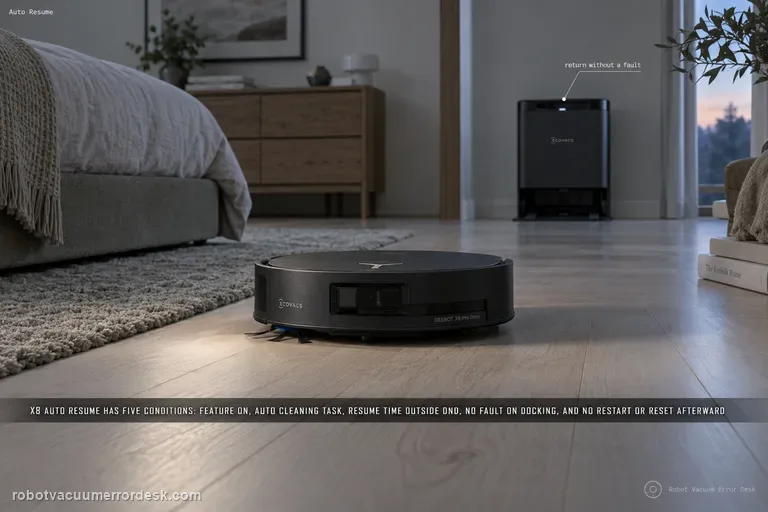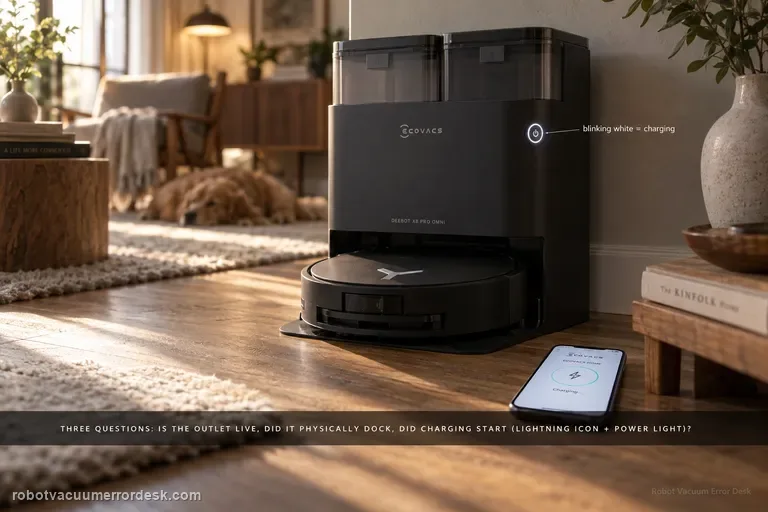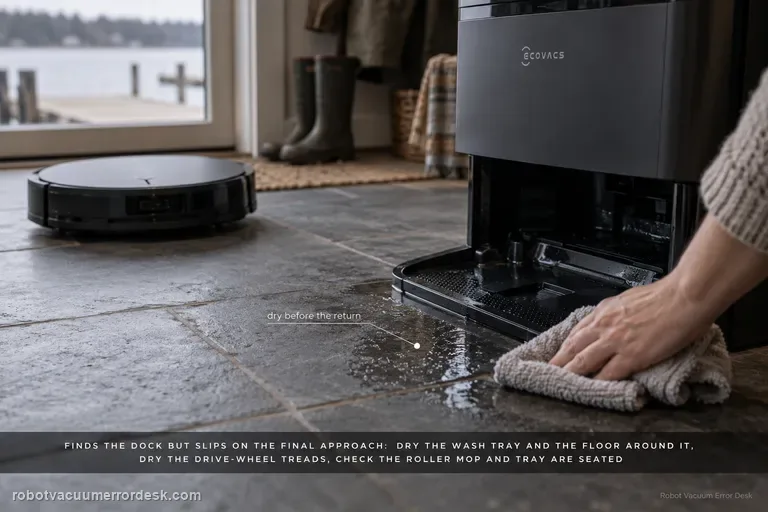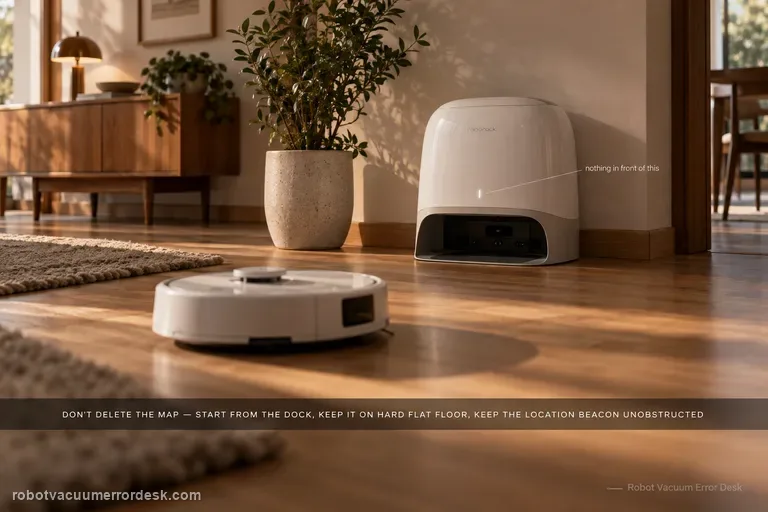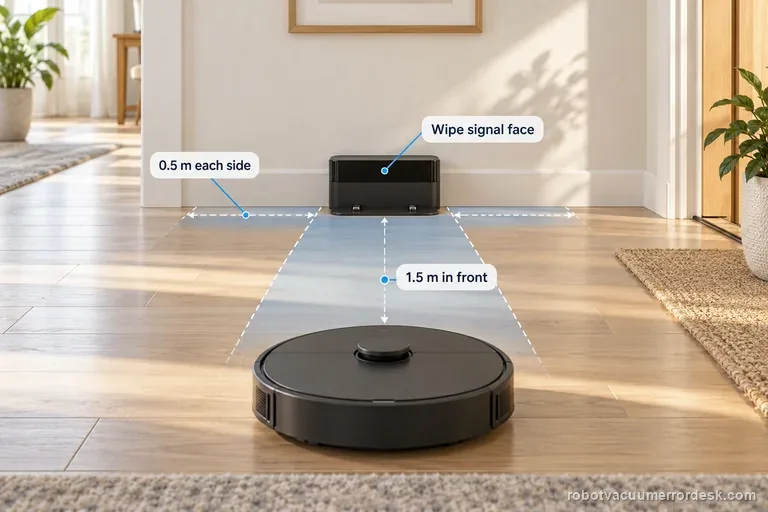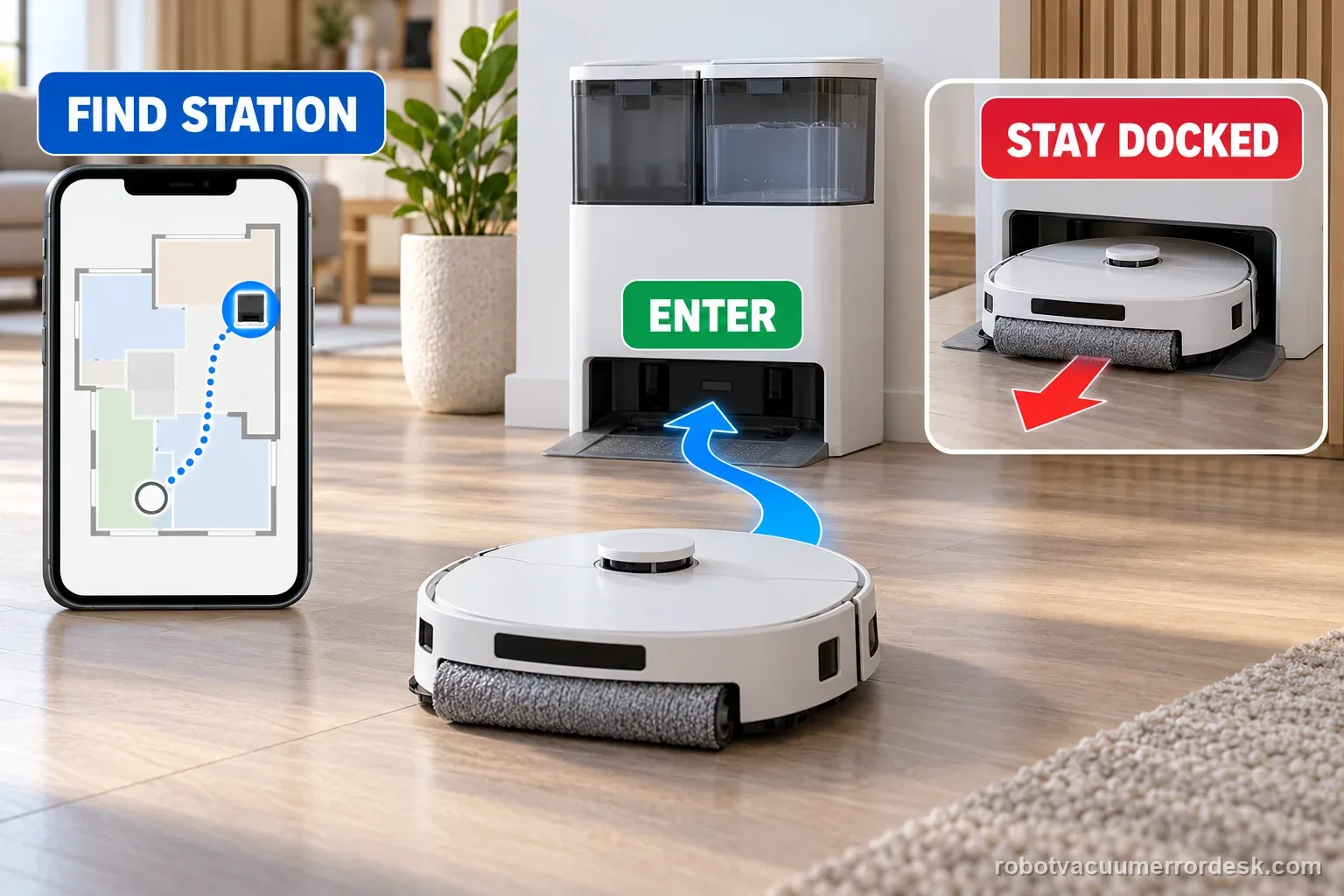
First watch one return attempt: does the X8 fail to find the station, or reach it and back out? ECOVACS treats these as separate faults. For a locate failure, check station power, map icon and route. For a docking failure, dry the tray and verify parts and contacts before one controlled test.
An X8 that pauses while searching is not automatically unable to return. ECOVACS says temporary searching and a brief entry-and-exit can be normal; confirm an explicit return alert or a repeatable failed test before diagnosing it.
Separate locating the station from entering it
| Observation | What it separates | Next action |
|---|---|---|
| Station icon missing from map | Map or exploration state | Check saved map and station reference |
| Search pauses without alert | Temporary search may continue | Wait for the result before intervening |
| Route blocked or robot trapped | Path or task interruption | Open route and resolve the alert |
| Finds station but exits | Final entry or seating | Check tray, pad plates, power, and contacts |
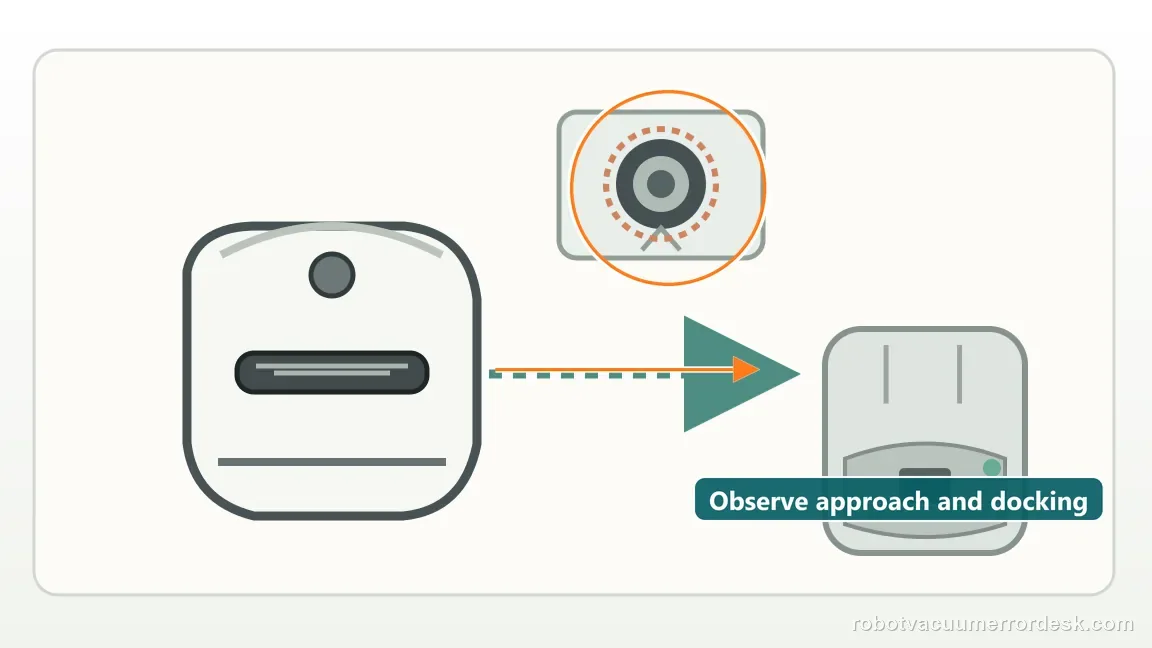
Confirm the exact model and exact code, light pattern or symptom.
Run the lowest-risk physical or software check first.
Use each pass condition to decide what the result actually narrows down.
Confirm this is the right issue
- The X8 wanders without reaching the station area after a cleaning task.
- The robot reaches the station but backs out, slips, or exits after entering.
- The station was moved, lost power or no longer appears correctly on the map.
- You need to distinguish navigation/map context from moisture, base installation or final charging-contact alignment.
A dock-return symptom differs from a stuck brush or roller that fails to extend. These guides cover those separate movement checks on their named models: Shark Matrix side-brush checks · ECOVACS X11 roller-mop extension checks
What’s most likely causing this
The station lost power or was moved from the position represented in the saved map
The route back is blocked by a closed door, obstacle, trapped robot or uneven station floor
The station icon is missing from the active map, so the X8 is attempting exploratory charging instead of a mapped return
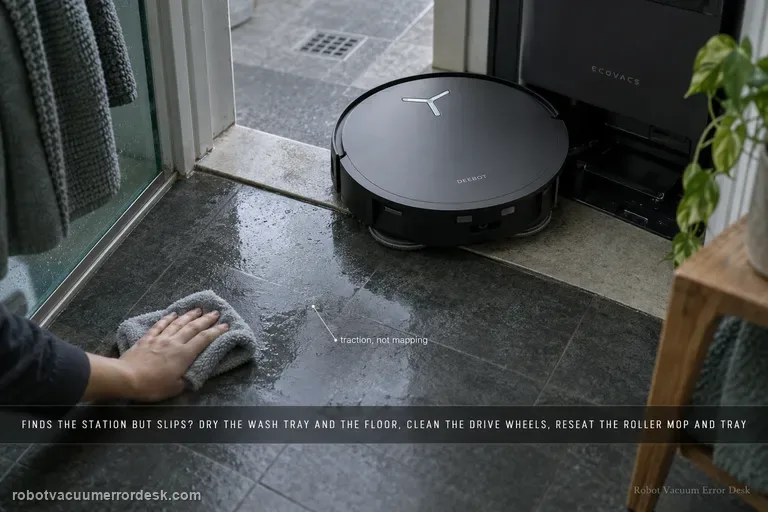
Water on the charging tray or nearby floor reduces traction during the final approach
The roller mop, removable base or washing-tray parts are not seated correctly and alter the dock geometry
Dirty/sticky charging contacts or a station-side mechanical condition prevents the robot from remaining correctly docked
Reading your test result
| What you observe | What it narrows down | Next move |
|---|---|---|
| Robot never reaches the station area | The failure occurs before final docking; station context, route or map localization is the stronger branch. | Check power/placement, route, floor level, alarms and station icon before touching charging contacts. |
| Station icon is missing from the active map | ECOVACS says return becomes exploratory charging with a low success rate. | Manually charge the robot, restore a stable station position and rebuild the map before judging return behavior. |
| Robot finds the station but slips or backs out | Navigation got it to the target; the remaining problem is final traction, base geometry or contact seating. | Dry the approach and verify roller mop, removable base, washing tray and contacts. |
| Short return test works after drying/reseating station parts | The robot and station can complete the final docking sequence under controlled conditions. | Restore normal use and watch whether the original route/environment reintroduces the problem. |
| Short test still fails with stable map, dry approach and correct hardware seating | Owner-level navigation and final-dock checks are exhausted. | Record the final approach and active map for ECOVACS support instead of remapping repeatedly. |
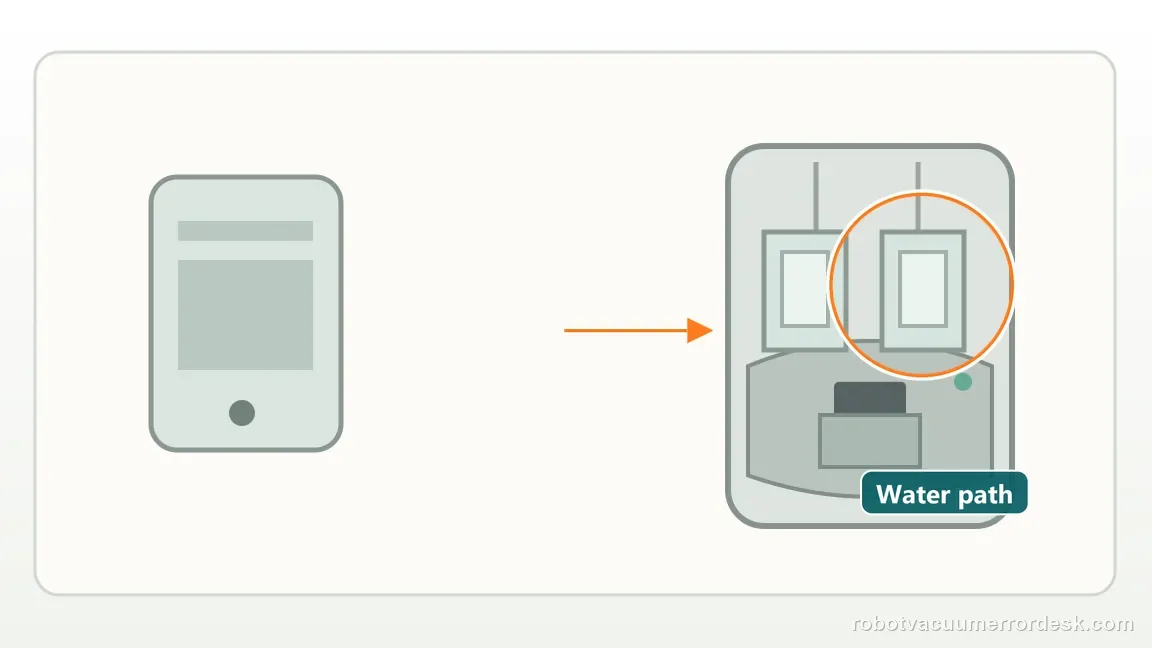
Count the map and dock checks before one controlled test
One missing marker, three recorded actions
Illustrative example, not a success-rate claim: the X8 finishes one cleaning run, but the saved map shows no station icon. The owner saves one map screenshot, manually returns the robot to the station to charge, then rebuilds the map once with the station fixed in place. These are three recorded actions; a later return attempt is still needed to see whether the problem changed.
Three docking checks, then one short recall
Illustrative example, not a success-rate claim: the X8 reaches the station but backs out during one return attempt. Record three conditions first: the tray and floor are dry, removable parts sit flush, and the charging contacts spring back. Then run one short recall from in front of the unchanged station. If it docks, the route and final entry have both passed this controlled test.
Illustrative decision sequence. These are observations, not measured repair success rates.
- Wait for search to finish unless a clear alert appears
- Check map marker, dock power, and path
- Use a direct recall to test final entry
Do not factory-reset by default. Use the exact model’s reboot/network-reset procedure only when the manufacturer path calls for it.
Work through these checks in order
Watch one return attempt and classify where it fails
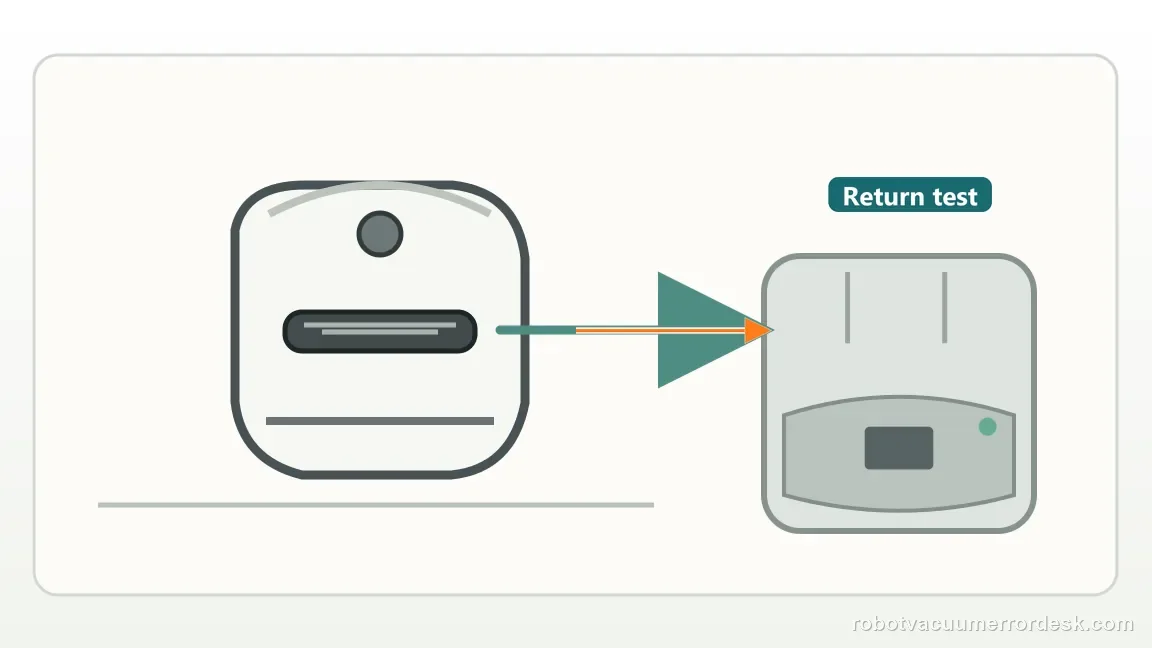
Watch one Return attempt from the moment the X8 starts seeking. If it never reaches the station area, classify it as “cannot locate.” If it reaches the station but slips, backs out or exits, classify it as “locates but cannot dock.” ECOVACS uses this same split. Map and route checks will not solve a wet tray or mis-seated base; contact cleaning will not restore a station missing from the active map. Record a short video before changing anything.
For a locate failure, prove station power and restore the original station context
Check station power and whether it has moved from the mapped position. If shifted, return it before remapping. Keep the station on a level floor with a clear approach; avoid moving it repeatedly because that weakens map evidence. Resolve any trapped-robot alert or interrupted task before testing. A robot recovering from an interruption may return differently from one that finished its route normally.
Check the physical route and the station icon in ECOVACS HOME
Check for closed doors and new obstacles, then look for the station icon on the active map. ECOVACS says a missing icon may trigger exploratory charging with a low success rate. Manually return and charge the X8, then rebuild the map with the station fixed in place instead of repeating low-battery searches. Save a screenshot before and after the rebuild.
If the robot reaches the station, dry the tray and surrounding floor
Once the X8 reaches the station, switch to the docking branch. ECOVACS says excess moisture on the tray or nearby floor can make the final approach slip or fail to settle. Dry both surfaces and remove slick cleaning-solution residue. Do not test while they are wet. Use the normal floor with no loose mat or wet edge affecting the last few centimeters.
Verify roller mop, removable base and washing-tray hardware are fully seated
Correctly seated removable parts affect X8 station geometry. Check the roller mop, removable station base and washing tray. ECOVACS’ installation guide says press the removable base evenly until it clicks. Reseat any crooked, raised or unlatched part. Give this check extra weight if failure began after tray cleaning or roller service. Do not force parts; reinstall them in the documented orientation until the station presents a flat, repeatable path.
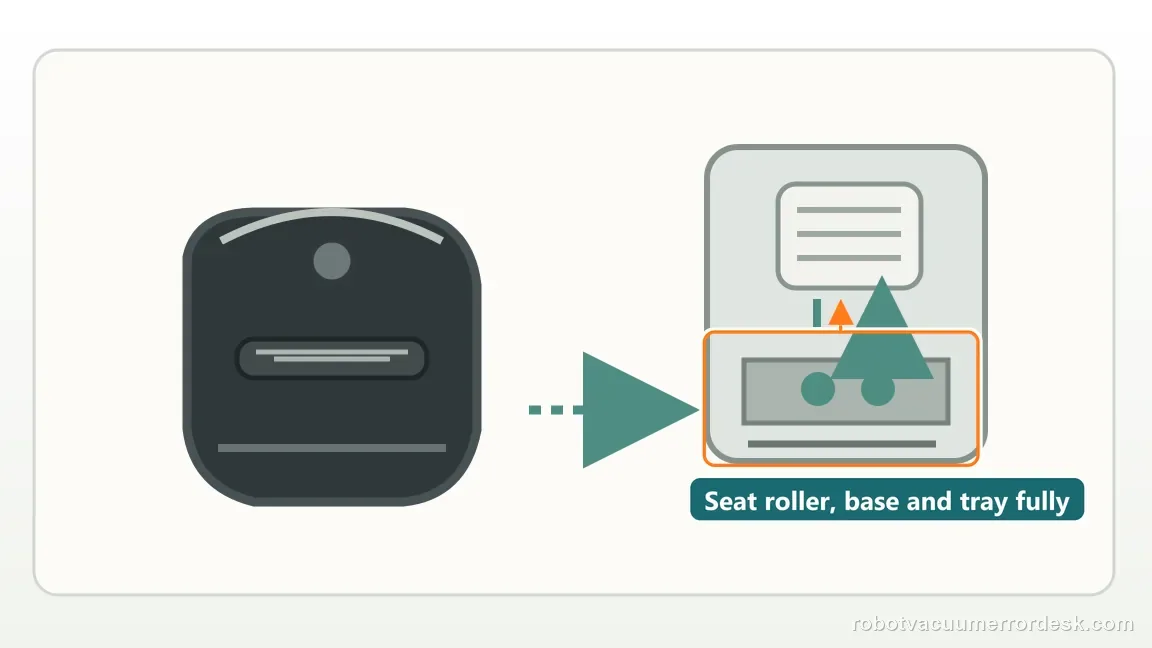
Clean station contacts, confirm rebound and eliminate a false dock
Clean the station contacts and confirm each exposed contact presses down and springs back. ECOVACS also says to check for a raised station top rod. If it is stuck, use the official power cycle: switch the station off, unplug it, reconnect power and switch it on. Do not pry the contacts or rod. If manual docking charges afterward, the electrical path works; focus on automatic entry or seating.
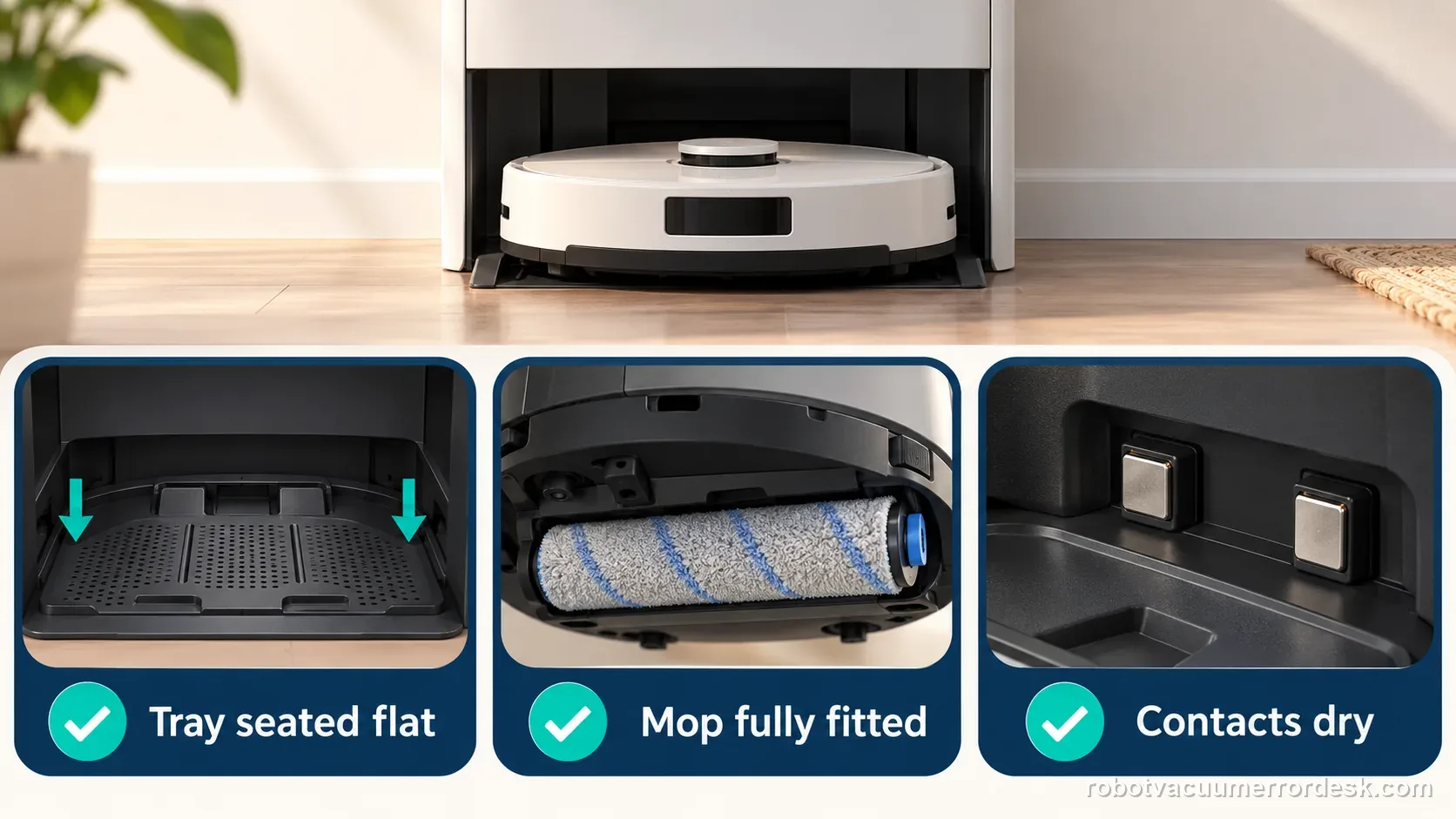
Run a short controlled return from directly in front of the unchanged station
Place the X8 a short distance in front of the unchanged station on the same level floor and press Return. Keep doors open and do not start from another room. Watch whether it finds the station, enters, stays docked and starts charging. If this test passes but a long route later fails, revisit map context, route and environmental changes. If it fails after drying the tray and seating parts/contacts, save video and map evidence; stop repeating remaps without a new clue.
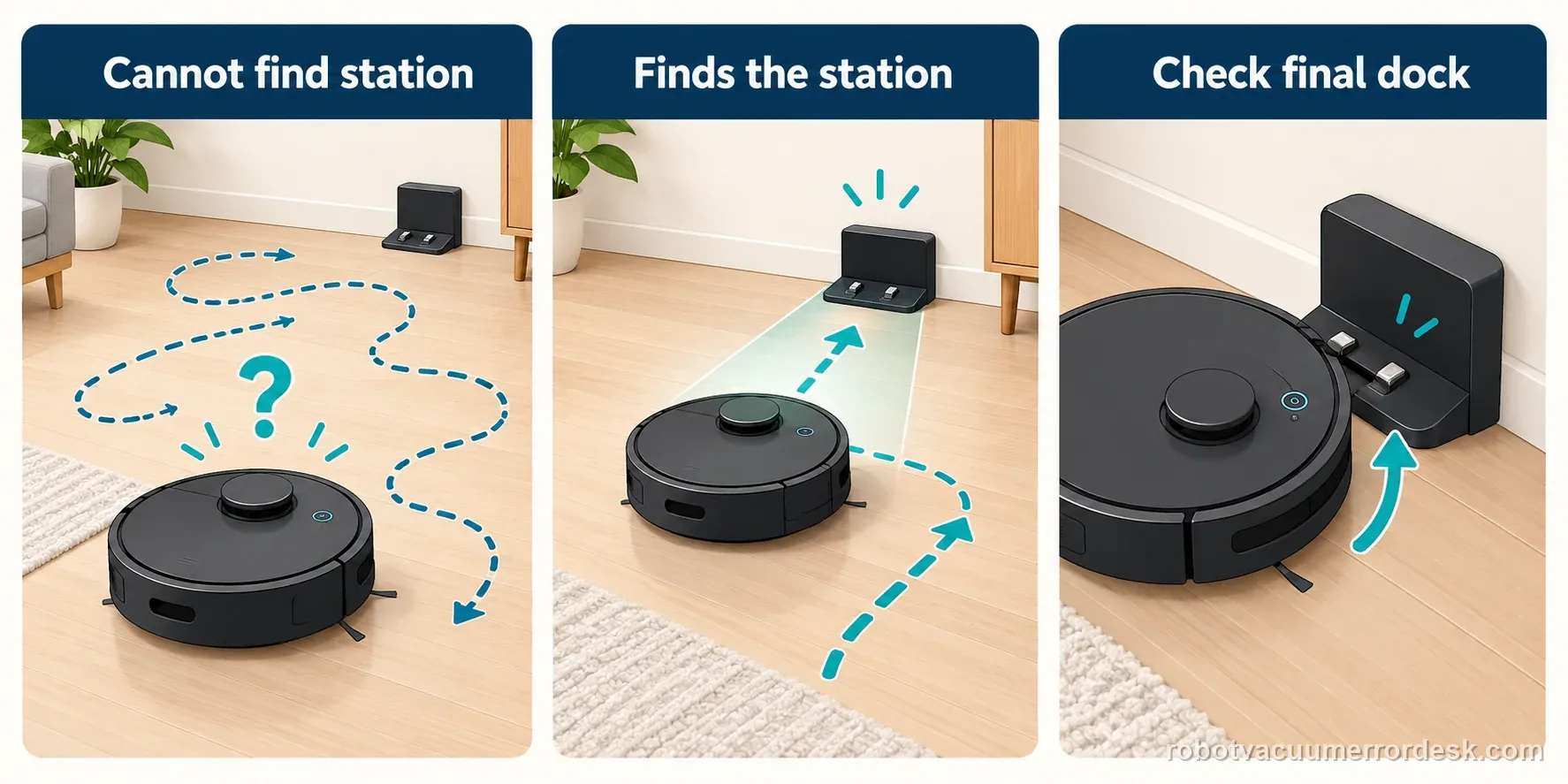
Escalate when the X8 has a powered, stable station, an open route and valid station icon but cannot locate it, or when it finds the station yet still cannot enter/remain docked after the approach is dry, roller/base/tray parts are correctly seated and the charging contacts are clean and springy. Send ECOVACS a video that begins before the final approach plus a screenshot of the active map. If manual docking charges successfully, mention that because it proves the electrical charging path even when automatic return fails.
Capture the return sequence, not just the final position
| Stage | Question to answer | Evidence to keep |
|---|---|---|
| Map | Station icon present? | Map screenshot |
| Search | Temporary or explicit alert? | Message and wait time |
| Approach | Route blocked or clear? | Short return clip |
| Entry | Seats, charges, then exits? | Tray and app status |
Before you contact support, gather this
A reproducible case moves a support call past the basic troubleshooting script faster than “it doesn’t work” does, and it keeps the clues from your own tests on record.
- Exact model name and the error code / voice prompt exactly as shown
- A photo or screenshot of the app error and the time it occurred
- A short list of the checks already completed and what happened after each one
- Map/station screenshot when the problem involves return-to-station or mapping
Where this comes from
ECOVACS station-return guide
ECOVACS’ current 2026 return guide explicitly splits “cannot locate station” from “locates but cannot dock,” and documents station power/placement, route, map station icon, exploratory charging, moisture, roller/base/tray installation, charging-contact rebound and a raised station top-rod power-cycle check.
Additional official source: DEEBOT X8 Pro Omni: install/remove the station base ↗Additional official source: ECOVACS DEEBOT X8 Pro Omni support hub ↗Last editorial review: September 5, 2026Regional note: manufacturer help centers, model suffixes, mains-power requirements and warranty procedures can differ by country. If the source redirects to a local support site, confirm that the model/hardware scope still matches before following a region-sensitive step.
This guide is rated Official model support. See what each evidence label means →
Questions people ask
Why does my DEEBOT X8 Pro Omni find the station and then back out?
That behavior belongs to the final-docking branch, not the “cannot locate” branch. ECOVACS tells owners to dry excess moisture around the tray, verify roller/base/washing-tray installation and clean the station charging contacts while checking their spring rebound. Once the robot already finds the station, repeated map deletion is less useful than proving the last docking interface.
What does a missing station icon on the X8 map mean?
ECOVACS says that when the station icon is missing, the robot may attempt exploratory charging, which has a low success rate. Manually return the X8 to the station and charge it, then rebuild the map from a stable station position. That is different from a robot whose map still knows the station but which slips during the final approach.
Can water near the X8 station really stop the robot from docking?
Yes. ECOVACS includes excessive moisture on the charging tray or surrounding floor in the “finds station but cannot dock” checklist. The last approach needs predictable traction. Dry the tray and floor before retesting, especially after station cleaning. If the short dry test succeeds, the problem was not a missing map or failed charger even though the symptom looked similar.
Should I move the X8 station to help it find the dock?
Not during diagnosis unless the current location itself is unsuitable. A moved station can make the saved map context unreliable and creates a new variable. First restore the intended original position, prove power, check the station icon and open the route. If the station truly needs a permanent new location, place it there once and rebuild the map deliberately rather than moving it between tests.
How do I know whether the X8 return problem is navigation or charging hardware?
Use a short return plus manual-dock comparison. If the robot cannot find the station but charges immediately when manually seated, the electrical path has passed and navigation/map context is primary. If it finds the station yet cannot settle, inspect traction/base geometry/contacts. If a correct manual dock also shows no charge, move to the separate charging-failure diagnostic rather than treating it as return only.
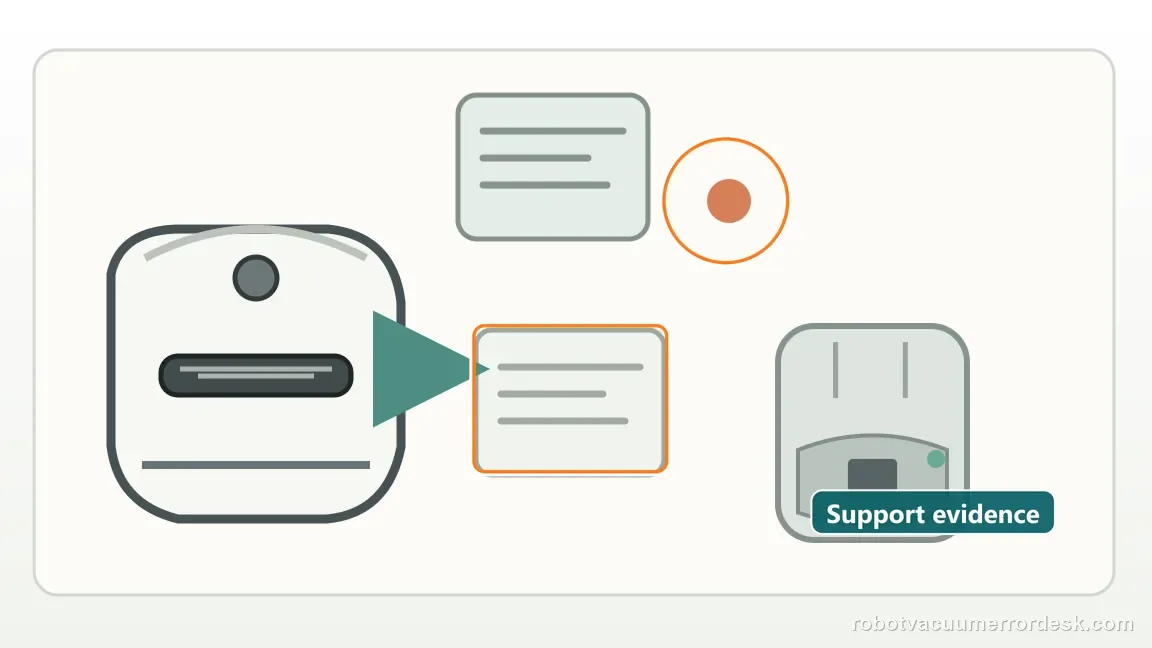
The manufacturer describes locating and entering the station as separate failure modes. Keep water on the tray or floor dry before charging checks. If the direct recall still fails, send the X8 model, map, exact prompt, and video to ECOVACS support.
Choose the matching model before using another guide's procedure:
Compare a Roborock return-path diagnosis →General dock location symptoms →E28 station return: different model →Compare final seating with charging evidence →A station water alert is a separate issue from return navigation →Did this diagnostic narrow the fault?
Use this as an editorial signal, not a popularity counter. If a feedback address is configured you can email the note; otherwise you can copy it for your own support record.