Ecovacs DEEBOT X8 Pro Omni troubleshooting
Charging, station-return, Wi-Fi and Auto Resume troubleshooting for the X8 Pro Omni family. We route by the exact error or symptom rather than assuming a generic robot-vacuum fix applies.
Ecovacs DEEBOT X8 Pro Omni issue index
4 guides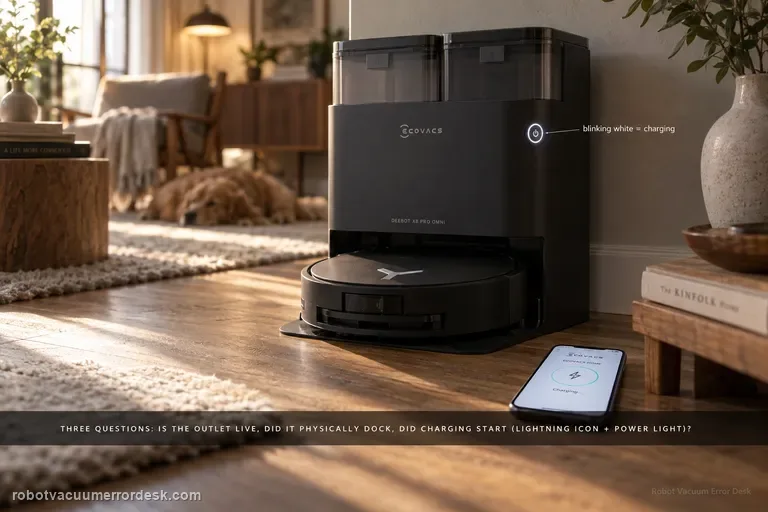
Not charging
Treat X8 Pro Omni charging as three separate questions: does the station have power, can the robot make a correct physical dock, and does electrical charging actually begin once the contacts touch? ECOVACS’ exact X8 support says to confirm a live outlet and the station cord, switch the robot to I, try an automatic return, then manually dock if the robot will not power on. A blinking white power-button light and the lightning icon in ECOVACS HOME are the evidence that charging has started. If neither automatic nor manual docking charges, clean both contact pairs and confirm the station contacts press down and spring back normally. If a powered station and a manually seated robot still show no charging indication after those checks, stop treating the symptom as navigation and escalate it as a charging-hardware case.
Won't return to station
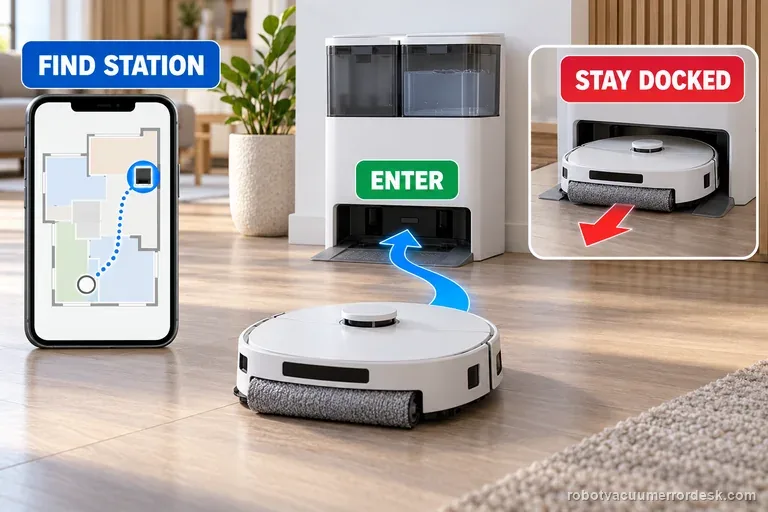
First watch one return attempt: does the X8 fail to find the station, or reach it and back out? ECOVACS treats these as separate faults. For a locate failure, check station power, map icon and route. For a docking failure, dry the tray and verify parts and contacts before one controlled test.
Won't connect to Wi-Fi
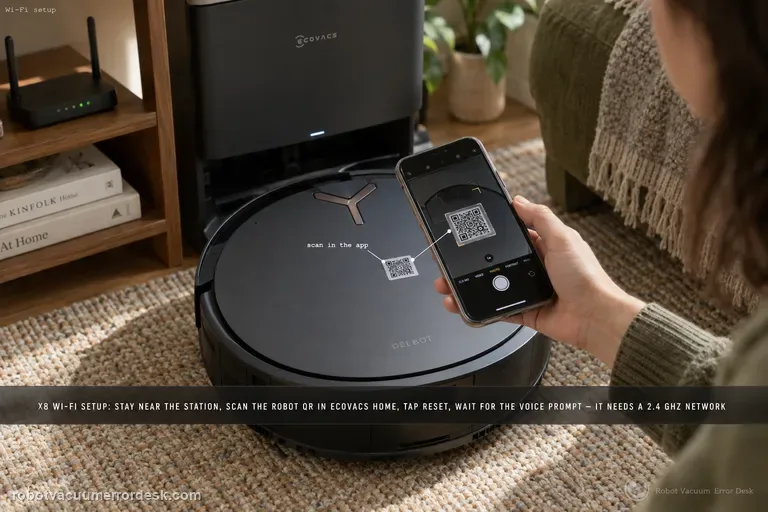
Follow the X8’s connection sequence before changing router settings: keep the robot near the station, sign in to ECOVACS HOME, scan the robot QR code, power the robot on, briefly press Reset and wait for the network-setup/Bluetooth-hotspot voice prompt, then let the app complete the join in strong Wi-Fi coverage. The X8 manual adds the useful compatibility boundaries: a 2.4 GHz or mixed 2.4/5 GHz network, 802.11b/g/n with IPv4, no VPN/proxy or hidden SSID, WPA/WPA2 rather than enterprise authentication, and matching SSID/password on an extender. If pairing fails, first identify whether discovery fails before credentials are sent or whether the robot is discovered but cannot join the home network. Those are different failures and should not be “fixed” by deleting maps or factory-resetting the robot.
Auto Resume not working
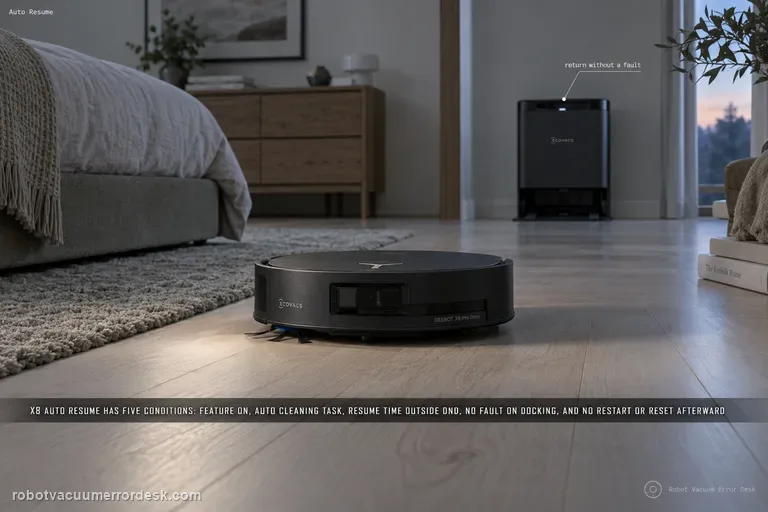
ECOVACS gives five hard conditions for X8 Auto Resume: the feature must be enabled, the cleaning task must be Auto Cleaning, the expected resume time must be outside Do Not Disturb, the robot must return to charge without a fault alarm, and the robot must not be restarted or factory-reset after the resume state is created. Diagnose those conditions in that order before blaming the battery or map. A useful proof test starts from a clean Auto Cleaning mission with enough unfinished area to force a recharge, records the return-to-station event, confirms that charging begins without a new fault, and then leaves the robot untouched until it either resumes or clearly fails to do so outside DND. If that controlled mission does not resume, save the mission history and settings before any reset so ECOVACS can see which prerequisite was satisfied.