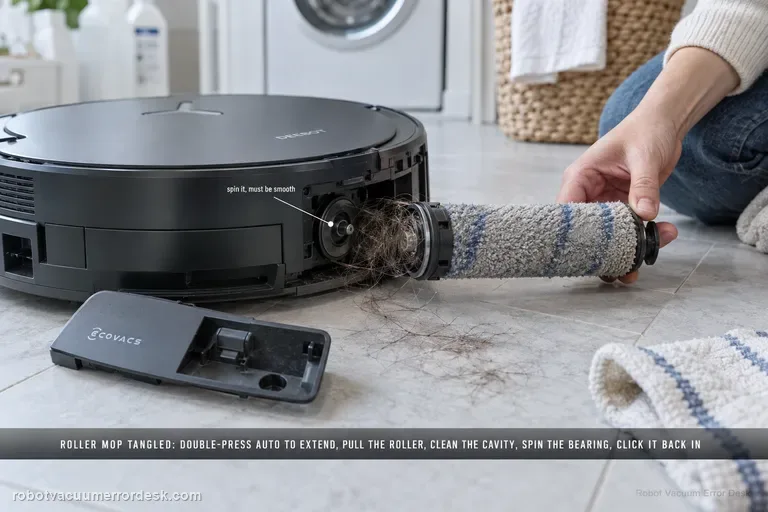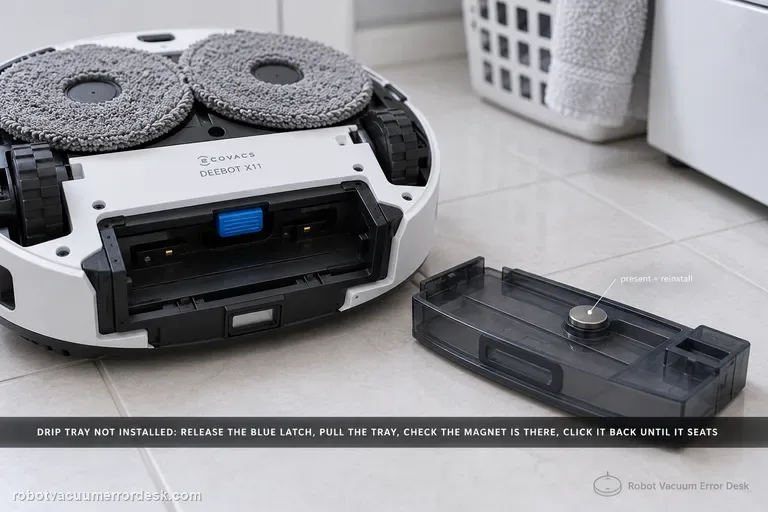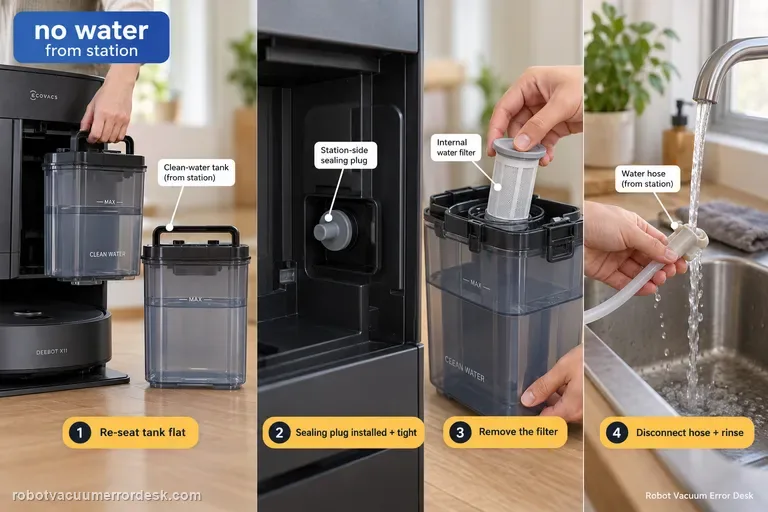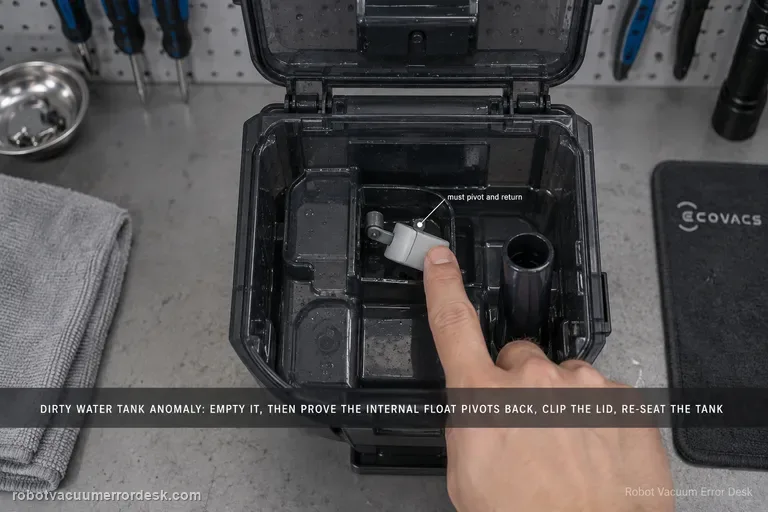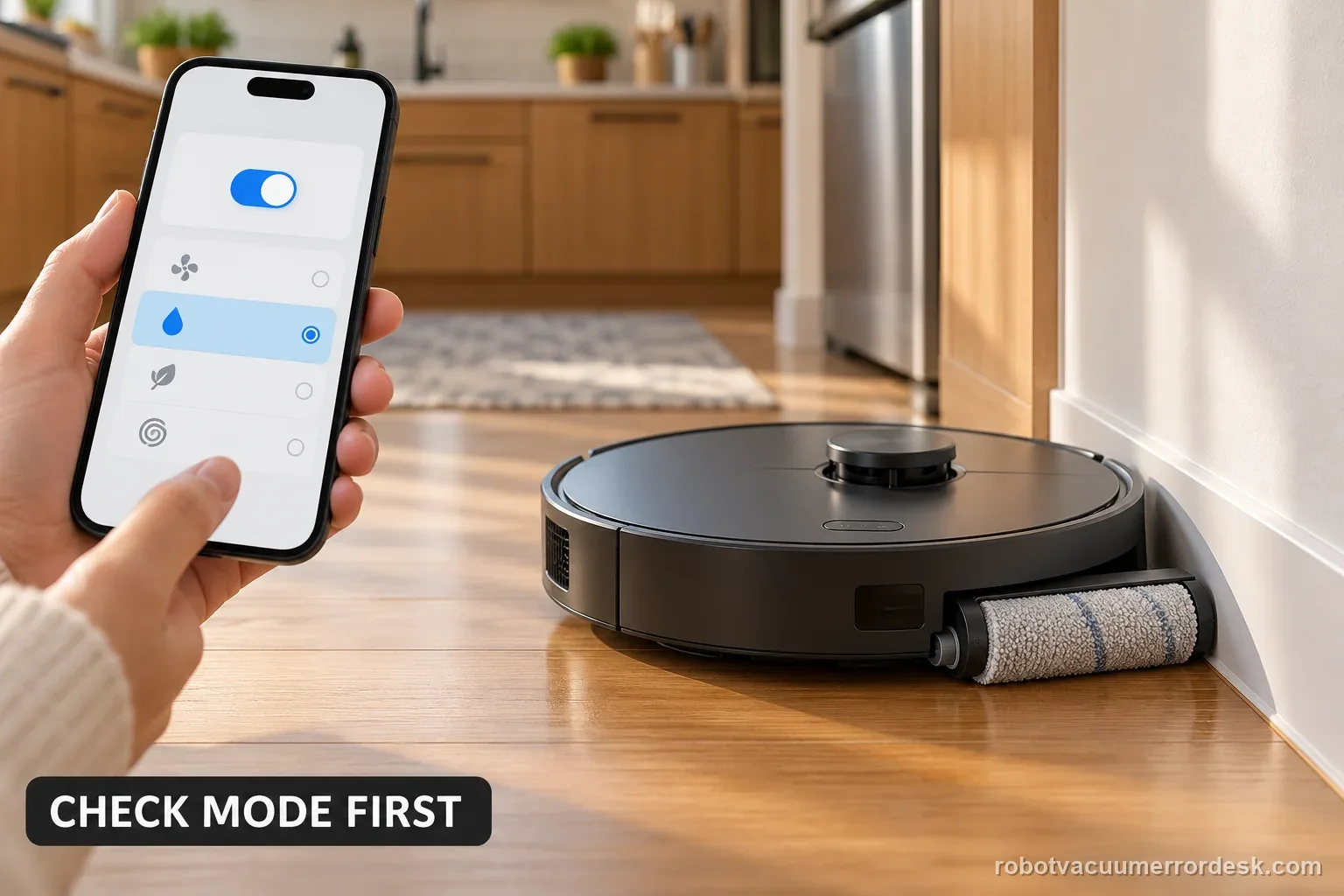
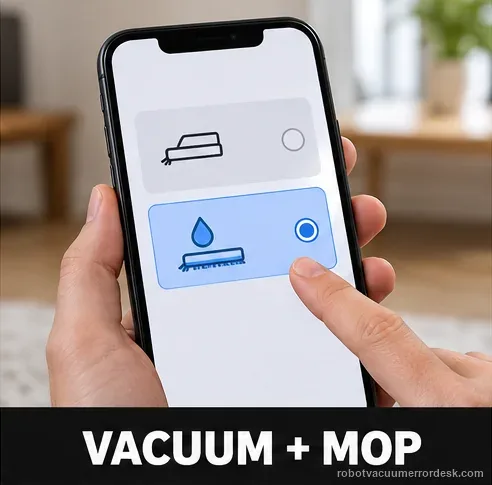
For an X11 roller mop that will not extend during edge cleaning, enable TruEdge Adaptive Edge Mopping and select Vacuum and Mop. If it stays retracted, check for debris and clean the removable roller using ECOVACS’ procedure. Test once beside a clear wall. If extension still fails, save the settings screens and a short video for support.
Confirm the exact model and exact code, light pattern or symptom.
Run the lowest-risk physical or software check first.
Use each pass condition to decide what the result actually narrows down.
Confirm this is the right issue
- The roller stays retracted during an edge-mopping pass.
- The robot otherwise runs, but the roller does not move toward the wall.
- You want to separate a missed app prerequisite from visible debris or a persistent movement fault.
A retracting mop roller is different from a stuck side brush or a missing clean-water tank. Use the exact symptom and model when choosing another guide: Shark Matrix side-brush checks · Max 705 Error 450 tank-presence checks · Narwal error-code index
What’s most likely causing this
TruEdge Adaptive Edge Mopping is disabled
The active cleaning mode is not Vacuum and Mop
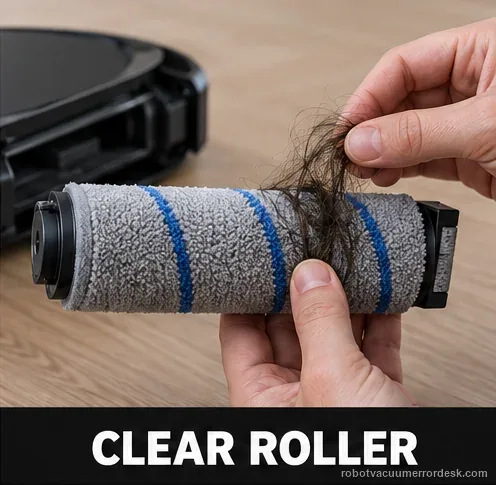
Debris jams the roller-mop extension path
The roller can move in the service procedure but not during an edge-cleaning mission
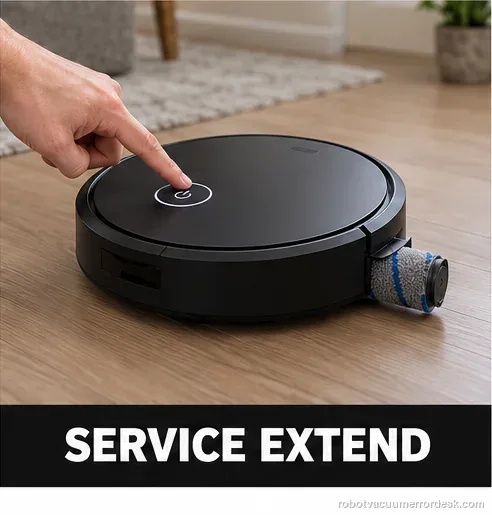
The component also fails to move during the documented service-extension procedure
An extension-actuator fault remains after settings and jam checks
Reading your test result
| What you observe | What it narrows down | Next move |
|---|---|---|
| TruEdge Adaptive Edge Mopping is off | The feature is not being requested | Enable TruEdge in Robot Advanced Settings. |
| Cleaning mode is not Vacuum and Mop | The official mode prerequisite is missing | Switch to Vacuum and Mop for the proof test. |
| Roller/cavity contains debris | Mechanical extension may be obstructed | Remove and clean the roller using the X11 service procedure. |
| Service extension works but edge extension does not | Basic roller movement exists; task/settings behavior remains suspect | Recheck mode/TruEdge and capture the edge test. |
| Roller will not move with settings correct and path clean | A persistent extension mechanism fault remains | Escalate with app screenshots and movement video. |
Compare the service movement with an edge-cleaning pass
The two tests answer different questions. ECOVACS documents the app prerequisites and debris check; the service extension follows its separate roller-removal instructions.
| Observed result | What it supports | Next useful action |
|---|---|---|
| Service extension works; edge pass fails | The roller can move in service mode. | Recheck TruEdge and Vacuum and Mop; record one wall-edge pass. |
| Service extension and edge pass both fail | A setting alone may not explain the missing movement. | Stop repeated tests; send settings and movement evidence to support. |
| Edge pass works after settings or cleaning | The changed condition may explain the symptom. | Record which single change restored movement. |
Two illustrative test records
These counts organize observations only. They are not ECOVACS performance thresholds or required pass rates.
Example A: a setting change restores extension
- Before changing anything, TruEdge is off and the roller extends on 0 of 1 edge passes.
- Enable TruEdge, select Vacuum and Mop, and use the same clear wall for one repeat pass.
- The roller extends on 1 of 1 repeat passes.
What it shows: The comparison is 0/1 before and 1/1 after the settings change. Record that sequence; one pass does not establish a long-term reliability rate.
Example B: service movement works but edge movement does not
- TruEdge is on, Vacuum and Mop is selected, and no visible debris remains.
- The documented service extension works once; the roller stays retracted on 1 controlled wall-edge pass.
- Save the two settings screens and a short clip showing the failed edge pass.
What it shows: The 1/1 contrast separates a successful service movement from the failed automatic edge test. It does not identify a specific failed part; send the evidence to ECOVACS.
Illustrative X11 roller-extension decision flow
Follow the manufacturer’s order: app prerequisites first, then an accessible debris check, then one controlled test and a support handoff if the failure persists.
- 1Is TruEdge enabled and the mode Vacuum and Mop?
YESYes: inspect the roller for visible debris.
NONo: correct both settings before testing again.
- 2Is the accessible roller path clear?
YESYes: run one short pass beside a clear wall.
NONo: clean the removable roller using the X11 procedure.
- 3Does the roller extend on the edge pass?
YESYes: record the condition that restored it.
NONo: stop repeating runs and contact ECOVACS with the evidence.
Ordered checks before contacting support
- Confirm the exact X11 model and note the app version shown.
- Capture TruEdge and Vacuum-and-Mop settings before the test.
- Check the roller for visible debris and clean only by the removable-part procedure.
- Run one short edge pass at a clear wall and record the result.
- If needed, use the documented service-extension procedure with the robot outside its station.
- Send settings images and the contrasting movement clip to ECOVACS if the fault remains.
Common mistakes to avoid
- Testing in vacuum-only mode and treating no extension as a hardware diagnosis.
- Repeatedly toggling settings without noting which value changed.
- Pulling or prying the roller instead of following the removable-component procedure.
- Double-pressing AUTO while the robot is inside its station.
- Opening the powered station or naming an actuator as failed without manufacturer diagnosis.
Do not factory-reset by default. Use the exact model’s reboot/network-reset procedure only when the manufacturer path calls for it.
Work through these checks in order
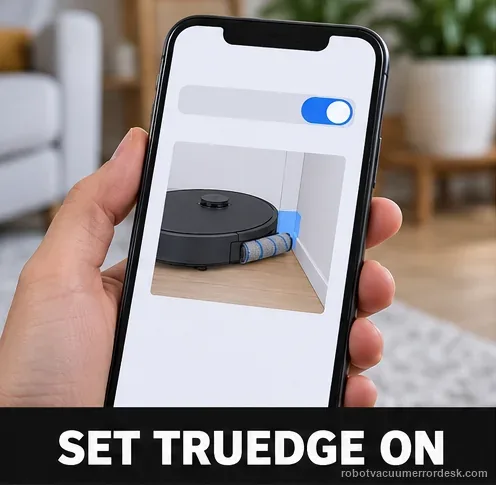
Check TruEdge Adaptive Edge Mopping
In robot advanced settings, confirm TruEdge Adaptive Edge Mopping is enabled. Why it matters: TruEdge is the feature switch that requests adaptive edge extension. If it is disabled, a stationary roller position is configuration behavior rather than proof of a failed actuator. Capture the current value before changing it, then enable the feature if needed. A before-and-after screenshot shows support whether the feature was initially off.
Confirm the cleaning mode
Set the robot to Vacuum and Mop, the mode ECOVACS specifies for this behavior. A vacuum-only pass cannot show whether edge-mop extension works.
Inspect the roller for a jam
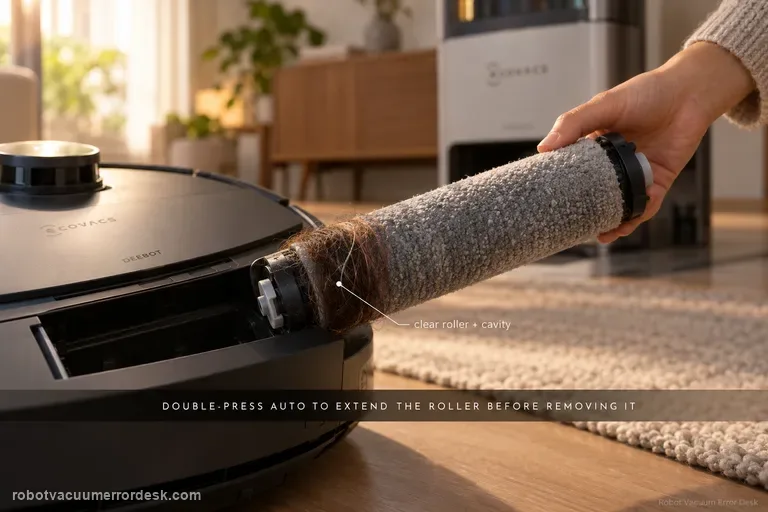
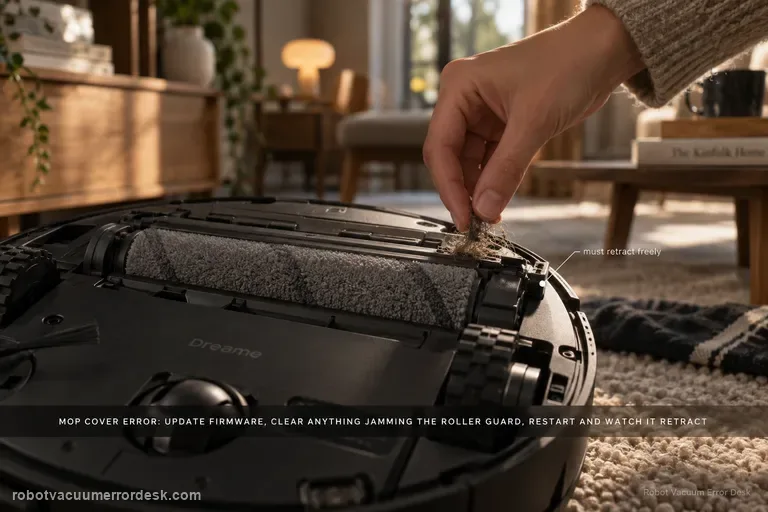
If the roller still will not expand, check for debris around the roller mop and clean it using the normal removable-component procedure. Debris around the roller can prevent movement after the settings are correct. Inspect the roller and accessible cavity instead of repeatedly toggling the app feature against a mechanical jam. Remove loose material only from parts exposed by normal roller removal. Do not reach into a powered station or pull the roller housing. If debris is wound around a part the manual does not describe, stop and ask ECOVACS support.
Run one edge-approach test after the checks
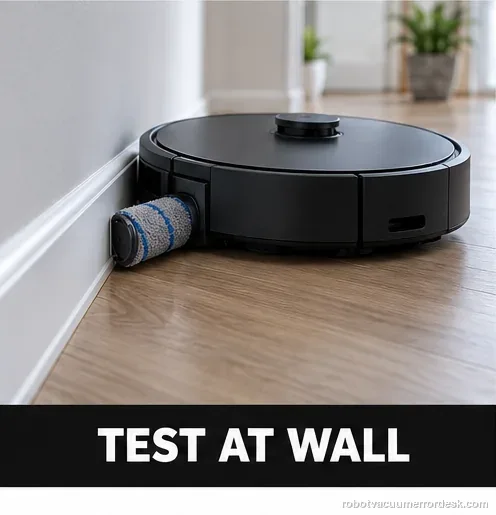
With both settings correct and the roller clear, run one short pass beside a clear wall. Watch the roller as it approaches the edge; the final floor result alone does not show whether it extended. Keep this attempt comparable by using the same mode and wall with a clear approach. Note which side faces the wall and whether the roller moves before judging coverage. If nothing changes, keep this single clip instead of running repeated missions.
Compare manual roller service movement with automatic extension
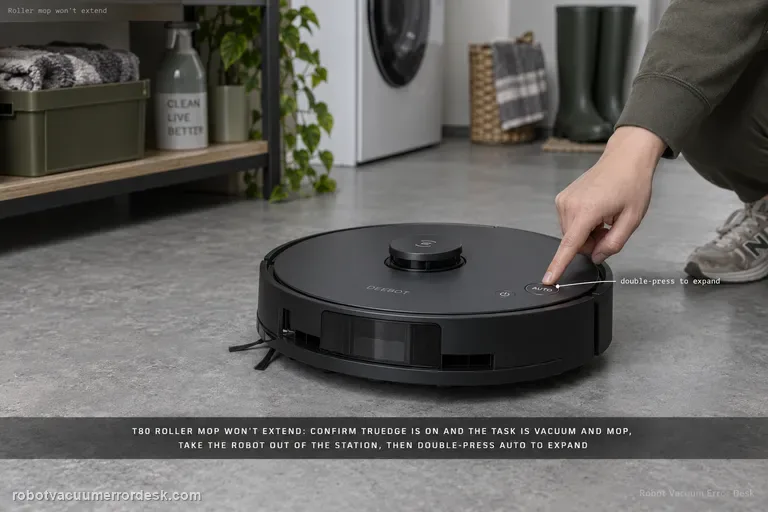
If cleaning requires roller removal, follow ECOVACS’ service procedure: it uses a double press of Robot AUTO to extend the roller. Keep the robot outside its station. Do not run this command as a standalone test or force the assembly.
Escalate an actuator-style failure with two proofs
If TruEdge and Vacuum-and-Mop are correct, the roller is clean and the component still will not extend, capture both the app settings and a short video of the failed edge-cleaning attempt. Label your note with the order: settings, visible-clean check, edge pass, and any service removal. Include the exact model suffix and app version. This helps support distinguish a missed prerequisite from movement that failed under the documented mode.
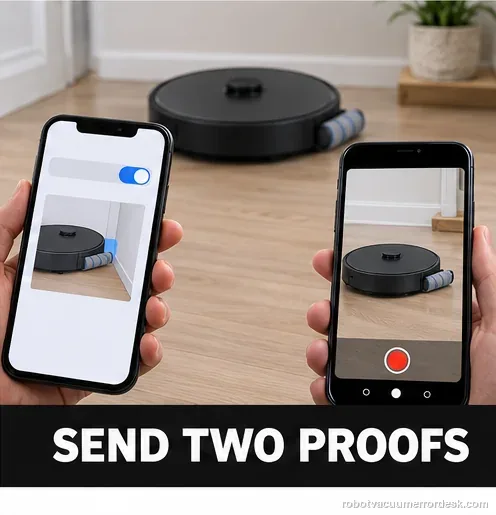
If the setting, cleaning mode and roller-jam checks are all correct but the component still will not expand, contact Ecovacs with a short video and app-setting screenshots. Include screenshots of TruEdge and Vacuum-and-Mop mode plus video of both the edge-cleaning attempt and, if tested, the service-extension behavior.
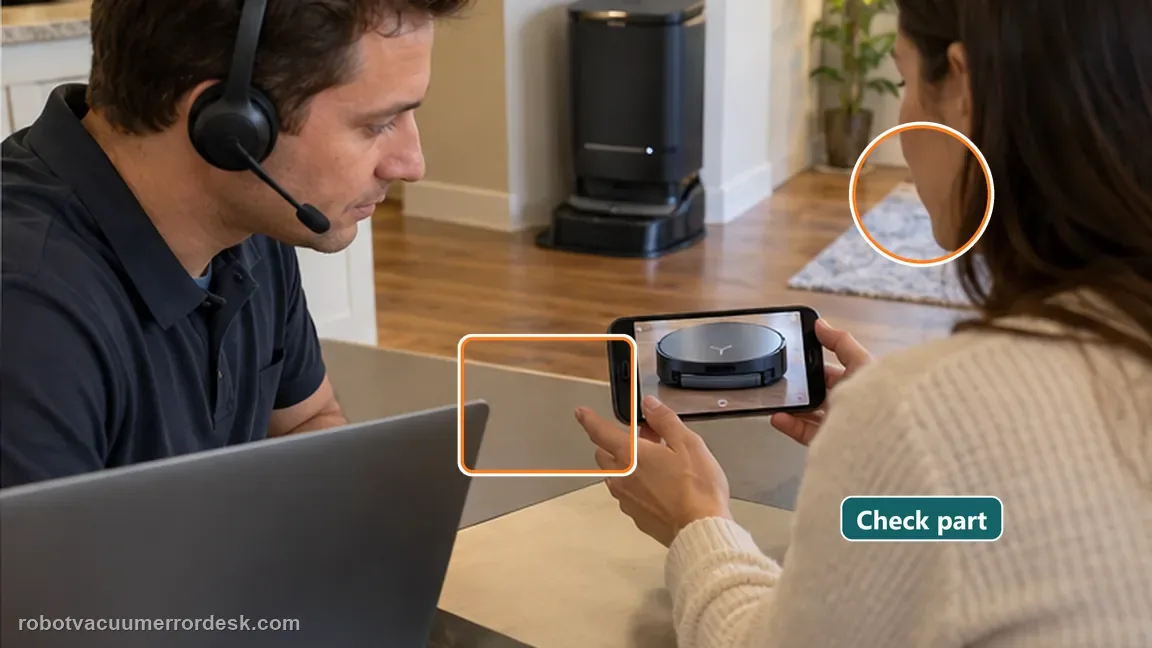
Before you contact support, gather this
A reproducible case moves a support call past the basic troubleshooting script faster than “it doesn’t work” does, and it keeps the clues from your own tests on record.
- Exact model name and the error code / voice prompt exactly as shown
- A photo or screenshot of the app error and the time it occurred
- A short list of the checks already completed and what happened after each one
- Photo or short video of the roller/tray/sensor state plus the exact app alert
Where this comes from
Ecovacs X11: roller mop will not expand
ECOVACS’ X11 roller-mop FAQ checks TruEdge Adaptive Edge Mopping, Vacuum and Mop mode, then debris. Its separate roller-removal instructions document the AUTO-button service extension and warn against using it inside the station. These tests answer different questions. Record each result; a contrast helps support narrow the issue but does not identify a failed part. Do not force the roller or open the station. The sources reviewed do not provide a user-side test for a specific actuator. Persistent failure therefore calls for support rather than a part diagnosis.
Additional official source: ECOVACS US: DEEBOT X11 OmniCyclone Support Center ↗Additional official source: ECOVACS: X11 roller removal and installation procedure ↗Additional official source: ECOVACS US: X11 Pro Omni roller mop will not expand ↗Last editorial review: September 5, 2026Regional note: manufacturer help centers, model suffixes, mains-power requirements and warranty procedures can differ by country. If the source redirects to a local support site, confirm that the model/hardware scope still matches before following a region-sensitive step.
This guide is rated Official model support. See what each evidence label means →
Questions people ask
Does the roller always expand in every mode?
No. Ecovacs specifically tells owners to check that the cleaning mode is Vacuum and Mop. TruEdge must be enabled and the mission must be Vacuum and Mop before a failed edge extension is meaningful; vacuum-only behavior is not a valid proof. This prevents normal retracted behavior in the wrong mode from being misdiagnosed as a failed actuator.
Should I reset the robot first?
No. The official path starts with two settings checks and a physical jam check, which are lower risk than a reset. A service-extension check can separate an app/mode condition from a mechanism that cannot move even when commanded for maintenance. If service extension also fails, stop repeating edge-cleaning runs and preserve the movement failure for support.
What if the roller is free but still never extends in the correct mode?
Document the TruEdge setting, cleaning mode and a short edge-test video, then contact ECOVACS rather than forcing the extension mechanism by hand. Use one clear wall edge for the automatic test, then preserve both the app settings and failed movement if the clean roller still does not extend.
Why won’t the DEEBOT X11 roller mop extend to the edge?
Check the two X11 settings ECOVACS names first: TruEdge Adaptive Edge Mopping must be enabled, and the cleaning mission must be in Vacuum and Mop mode. If both are correct, inspect the roller for debris or a jam. A vacuum-only run or disabled TruEdge can look exactly like a failed extension mechanism even when the hardware is fine.
Can I double-press Auto to test the X11 roller-mop extension?
The official X11 roller service instructions use a double press of the Robot AUTO button to extend the roller component for removal and installation, with an important warning not to do that inside the station. That service movement can help distinguish a complete movement failure from edge-cleaning configuration, but follow the removal procedure and keep the robot out of the station.
Did this diagnostic narrow the fault?
Use this as an editorial signal, not a popularity counter. If a feedback address is configured you can email the note; otherwise you can copy it for your own support record.