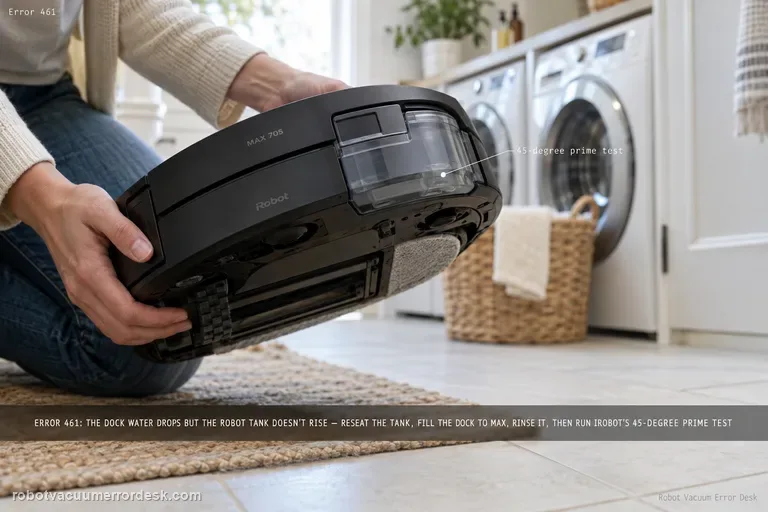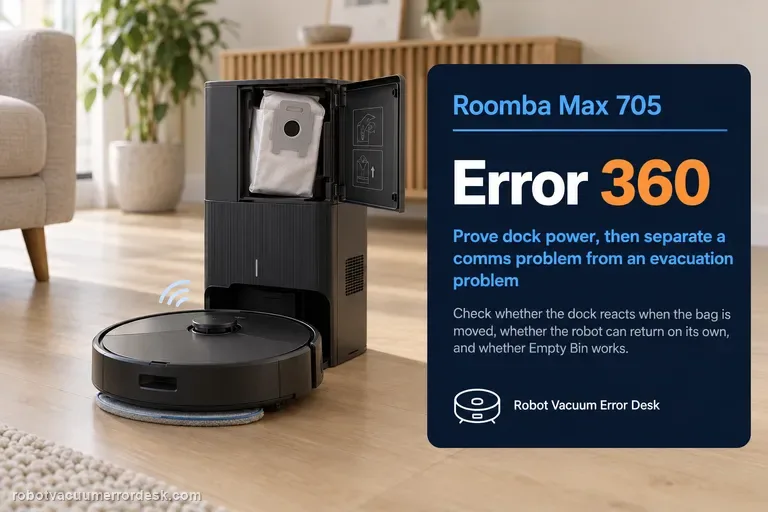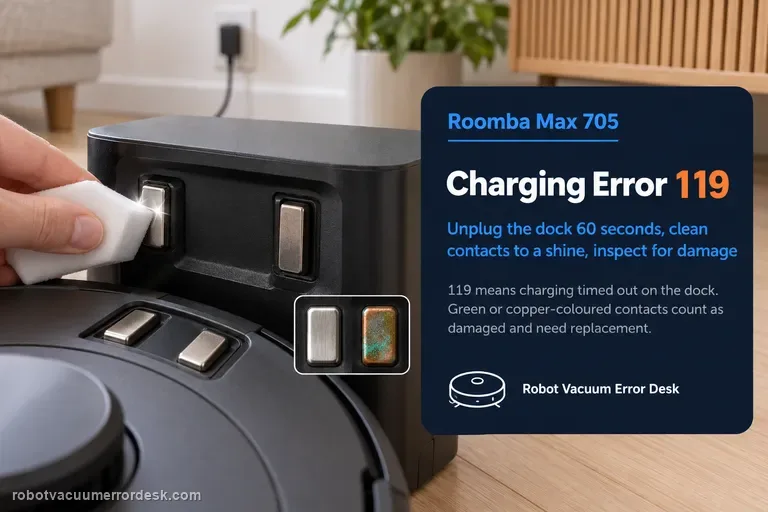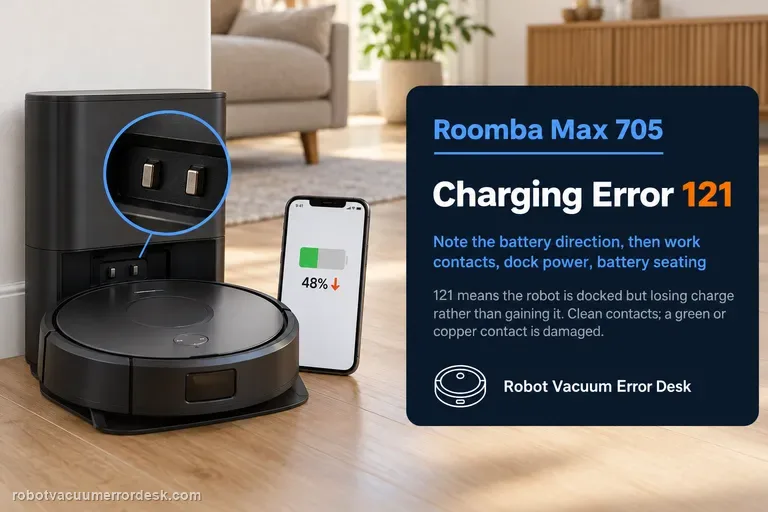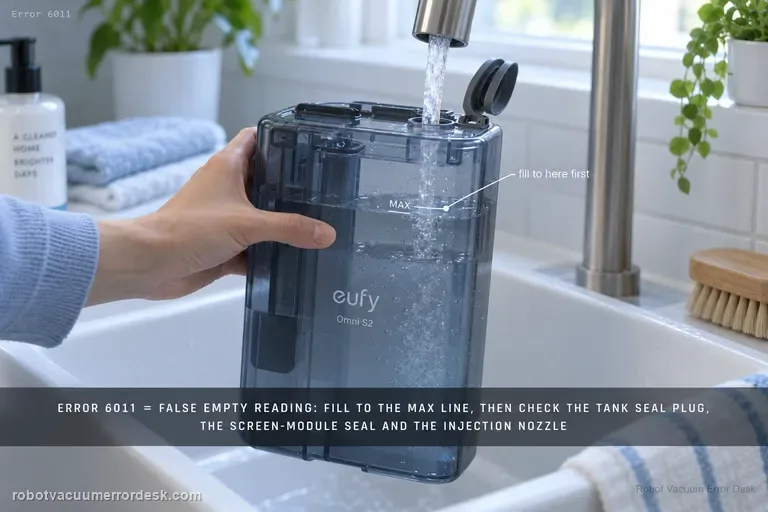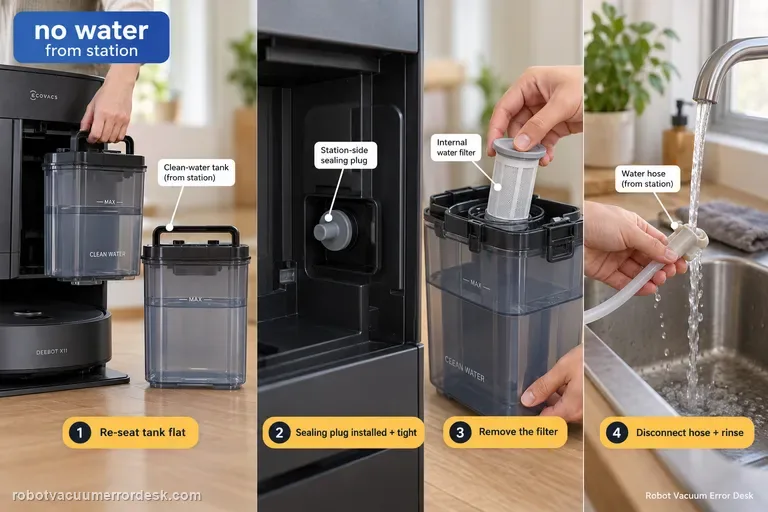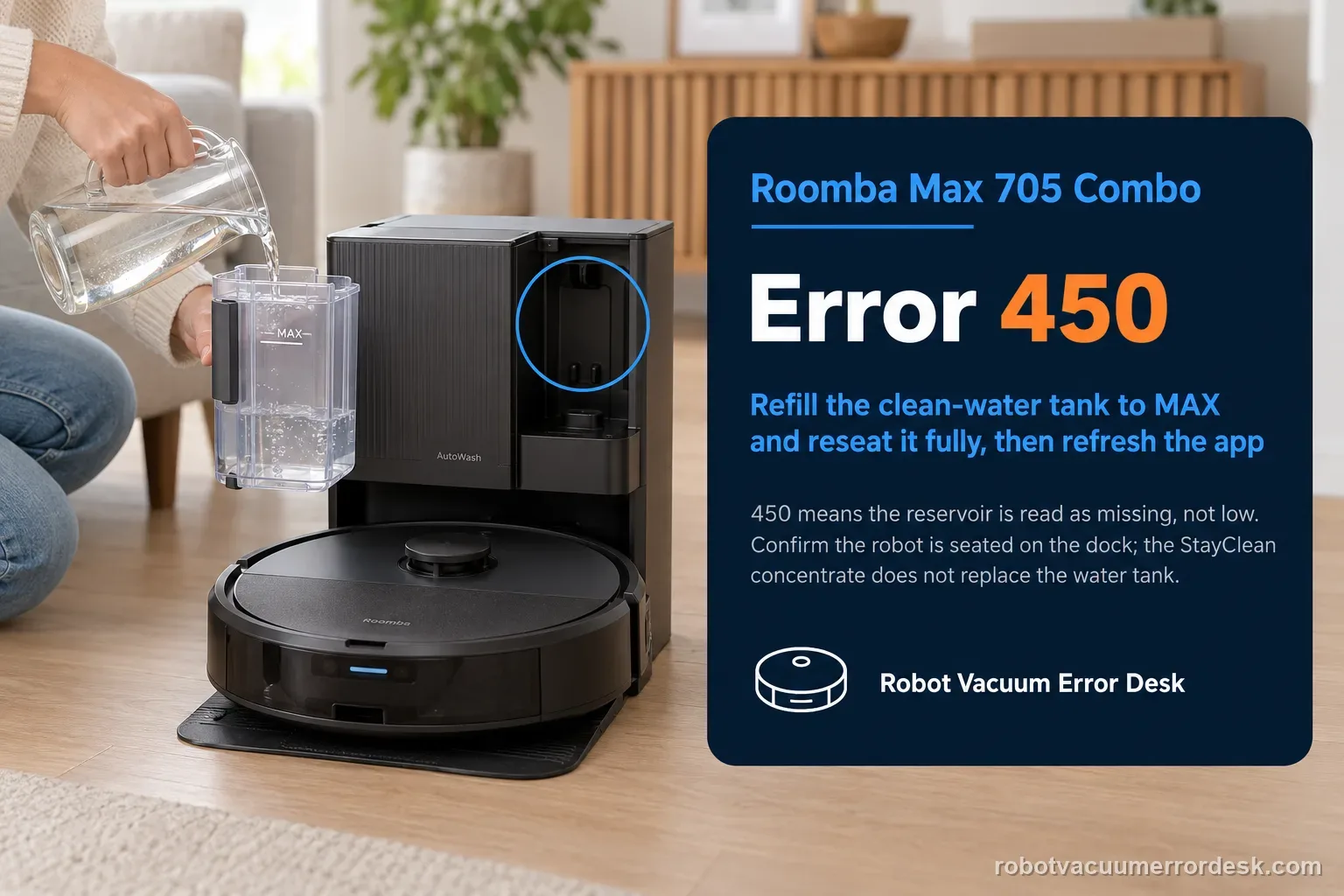
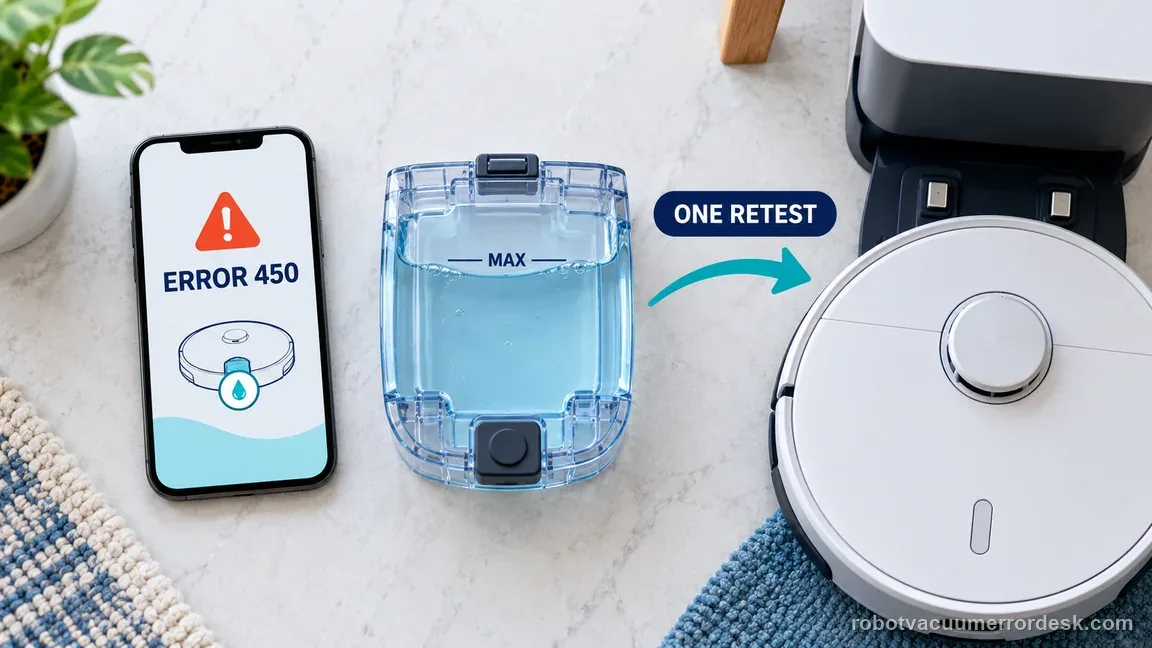
Error 450 on the Roomba Max 705 Combo means the clean-water reservoir needed for dock-to-robot replenishment is being treated as missing, not merely low. The useful recovery path is physical and state-specific: remove the reservoir completely, fill it to MAX, then reinstall it so it is fully seated; make sure the robot is correctly seated on the AutoWash dock and the charging interface is engaged; then refresh the Roomba Home App and retry the water operation. Keep the Max 705’s two liquid concepts straight: the AutoWash system still needs clean water for refill, while the separate StayClean concentrate supplied with the Combo does not replace the clean-water reservoir. If a full, properly seated tank still produces 450, save that exact condition. Do not drift into Error 451/other low-water troubleshooting or repeatedly reboot unrelated components, because the diagnostic value is proving that the expected tank is present and recognized.
Is Error 450 reporting tank presence, low water, or another wet-dock state?
Confirm the exact model and exact code, light pattern or symptom.
Run the lowest-risk physical or software check first.
Use each pass condition to decide what the result actually narrows down.
Is this the problem you’re seeing?
- The Max 705 Combo app reports Error 450 during a refill/mopping-related operation.
- The clean-water reservoir was recently removed for filling and the error appeared after reinsertion.
- The reservoir is physically present and full but the dock/app still treats it as missing.
- You need to distinguish missing-tank recognition from low-water, flow or tank-level-change errors.
Error 450 is a tank-presence branch. If the Max 705 instead has an interrupted update, use its Error 29 guide: Roomba Max 705 Error 29 update checks
Likely root causes, ranked
The clean-water reservoir is physically absent from its expected position.
The reservoir is not seated fully after refill, so presence/state is not recognized.
The robot is not seated securely on the AutoWash dock and the robot/dock state has not refreshed correctly.
The app is still displaying the prior dock state immediately after the reservoir was reinstalled.
A persistent tank-presence sensing or dock state fault remains even with a full correctly installed reservoir.
What the result narrows down
| What you observe | What it narrows down | Next move |
|---|---|---|
| The clean-water reservoir is actually removed | The error matches its literal missing-reservoir condition. | Fill as needed and reinstall the correct reservoir completely before any reset. |
| The reservoir is present but sits high/crooked or was just reinserted | Presence may not be recognized because mechanical seating is incomplete. | Remove it fully, inspect for obstruction and reinstall it squarely to its normal stop. |
| The tank is full/seated but the robot is not firmly on dock contacts | Robot/dock state may not refresh correctly while the robot itself is poorly seated. | Reseat the robot on the AutoWash dock and confirm the charging/docked state before retesting. |
| 450 clears after app close/reopen and one retest | The physical condition was corrected and the previous state likely remained visible temporarily. | Run a normal refill/mop operation and do not continue troubleshooting a cleared code. |
| 450 persists with full tank, correct seating and confirmed docked robot | A presence/state fault remains after the owner-serviceable checks. | Photograph the installed tank and app error and escalate to iRobot rather than substituting unrelated low-water procedures. |
Match the Error 450 observation to one next check
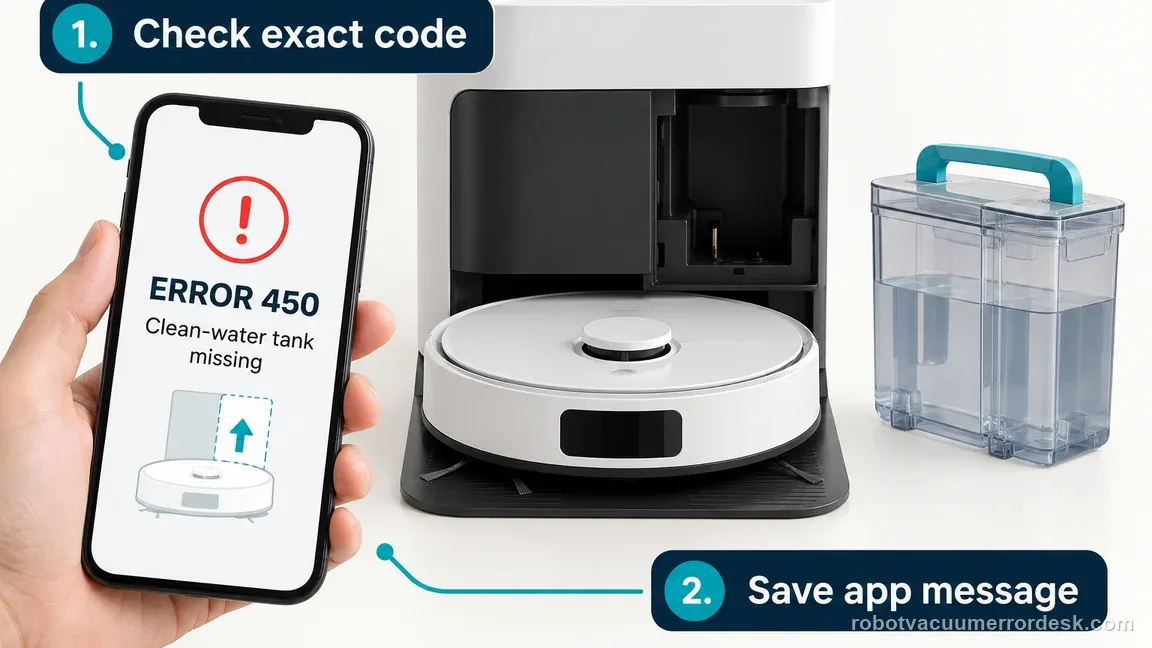
iRobot defines Error 450 as the dock clean-water tank being missing. Separate tank presence from nearby water, refill, and app-state symptoms before repeating a test.
| What you observe | What it means | Next safe check |
|---|---|---|
| The clean-water tank is out of the dock | The dock cannot replenish while the reservoir is removed. | Fill the correct tank to its marked maximum and reinstall it fully. |
| The tank is present but not fully seated | The dock may still treat the reservoir as missing. | Remove it completely, check the normal seat for an obstruction, and reinstall without force. |
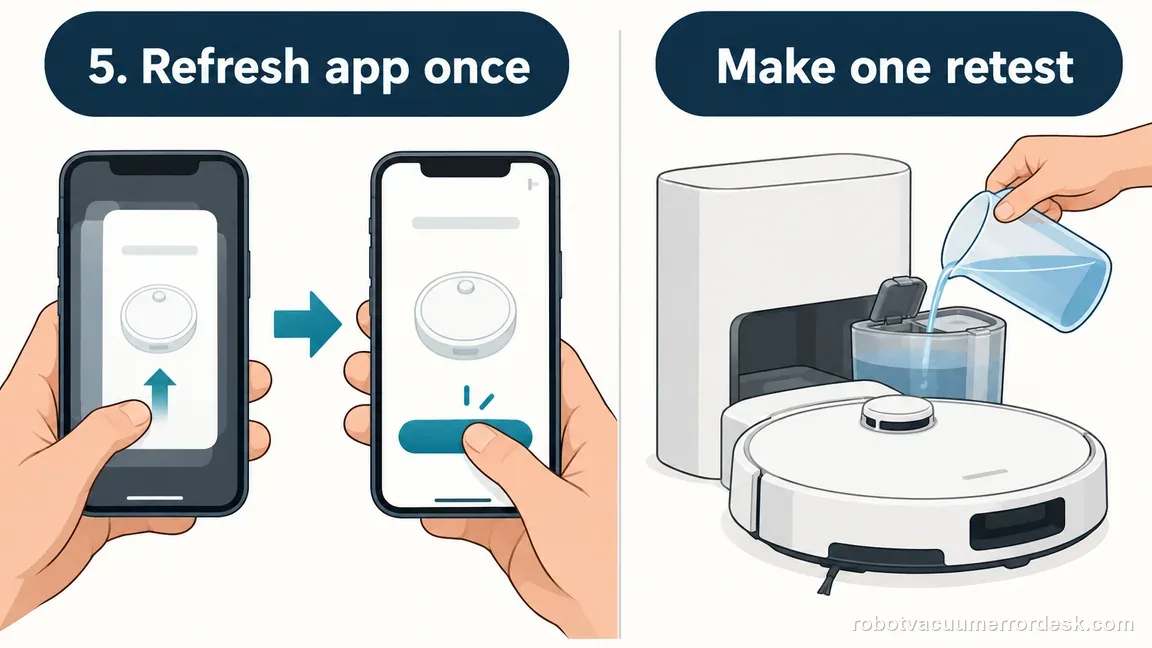
| A full, seated tank is in place but Error 450 remains | The code persists after the documented tank-presence checks. | Confirm the robot is securely on the dock, refresh the app once, and run one normal retry. |
| The app shows another water code | This is no longer the specific missing-tank branch. | Record the exact code and use its iRobot instructions instead of borrowing Error 450 steps. |
Two illustrative Error 450 test records
These examples show how to record a controlled attempt. The counts are illustrative owner observations, not iRobot pass rates, repair thresholds, or required repeat counts.
Example A: the tank is recognized after reinstalling
- The app screenshot records Error 450 before the check (1 observed alert).
- The clean-water tank is removed, filled to its MAX mark, and reinstalled; the robot is placed securely on the dock.
- After one app refresh and one normal refill request, the error does not return (0 of 1 observed retests).
What it shows: The documented owner steps cleared this example. Keep the original and after screenshots; one successful test does not prove the issue cannot recur.
Example B: a full, seated tank still produces 450
- A photo shows the correct reservoir full and flush in its normal dock position.
- The robot is securely docked; the app is refreshed once and one normal refill request is made.
- Error 450 returns on that single controlled retry (1 of 1 observed retests).
What it shows: This records a reproducible present-tank condition for iRobot support. Stop repeating the cycle; the observation does not identify which internal part failed.
Roomba Max 705 Error 450 decision flow
Follow iRobot’s exact Error 450 sequence: prove the correct tank is present and full, then verify dock placement and make one app retry. Use a different support path if the displayed code changes.
- 1Does the app show Error 450 on a Roomba Max 705 Combo?
YESSave the exact alert and continue with the clean-water tank check.
NOStop and look up the full model and the exact displayed code.
- 2Is the correct clean-water tank fully installed and filled to its MAX mark?
YESLeave the reservoir in its normal position and confirm the robot is securely on the dock.
NORemove the tank completely, fill it to MAX, and reinstall it without forcing or wedging it.
- 3Is the robot properly seated on the AutoWash dock?
YESRefresh the Roomba Home App once and make one normal refill/mop request.
NOPlace the robot normally on the dock so its charging contacts meet; do not hold it down.
- 4Does Error 450 return on that controlled retry?
YESStop owner checks and send iRobot the error screenshot, tank photo, serial number, and steps tried.
NORecord that the error cleared and resume normal use while watching for the exact code.
Ordered checks before contacting support
- Confirm Roomba Max 705 Combo and save the exact Error 450 screen.
- Remove the clean-water tank completely and inspect only its normal seating area.
- Fill the clean-water tank to its marked maximum; keep concentrate in its designated separate reservoir and follow approved-use directions.
- Reinstall the tank fully and place the robot securely on the AutoWash dock.
- Refresh the Roomba Home App once and make one ordinary refill/mop request.
- If 450 returns, stop and send iRobot the serial number, proof of purchase if applicable, screenshots, tank photo, and the result of the single retry.
Common mistakes to avoid
- Treating Error 450 as only a low-water or refill-flow warning.
- Using the StayClean concentrate reservoir as a substitute for the clean-water tank.
- Adding unapproved cleaning liquid or hot water while trying to clear a presence code.
- Holding, wedging, taping, or otherwise forcing the tank into a sensor position.
- Repeating app refreshes or refill cycles without recording the first controlled result.
- Opening the AutoWash dock or trying to bypass tank-presence sensing.
Error 450 follows iRobot’s clean-water tank presence checks. Remove, fill, and normally reinstall the tank, then refresh the app once; a factory reset will not prove tank recognition. Do not wedge the reservoir or open the AutoWash dock.
Checks to run, in sequence
Verify the exact code before touching the water system
Confirm the app says Error 450 and capture the message. Keep it separate from low-water or refill-flow codes because those imply different evidence. Error 450 is about the expected clean-water reservoir being absent/not recognized. If another number is present, use that code’s page instead. This first step prevents a common failure in multi-tank docks: repeatedly adding water when the actual problem is presence, alignment or a different sensor state.
Remove the clean-water reservoir completely and inspect its seat
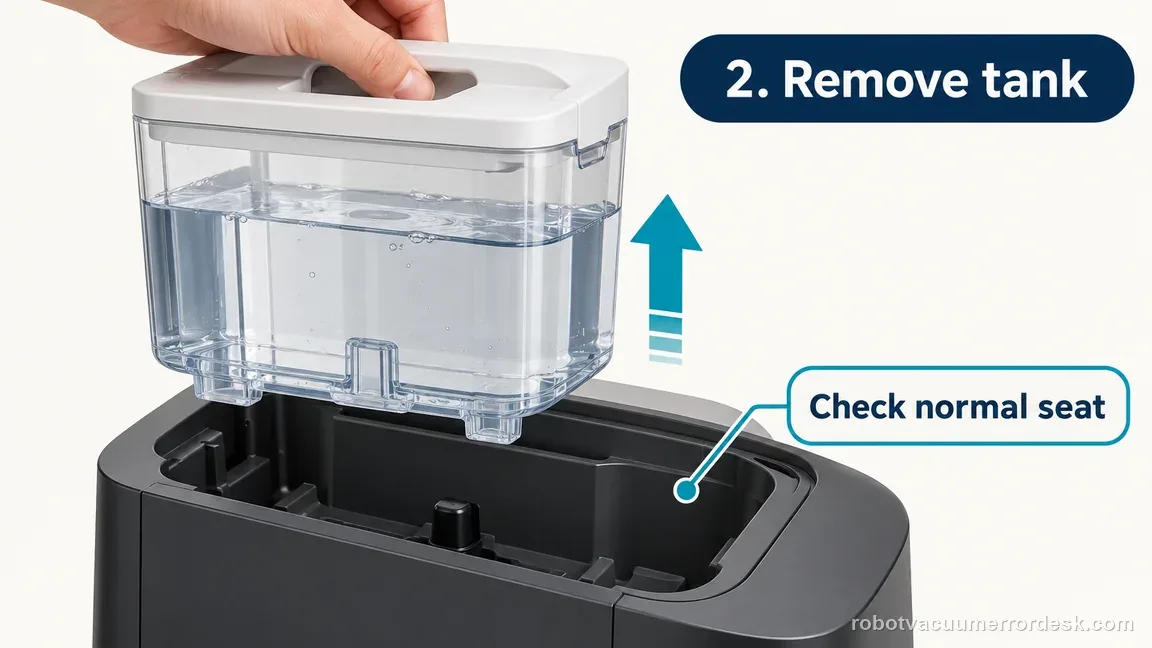
Lift the reservoir out rather than nudging it in place. Check the dock pocket and tank exterior for anything that prevents full seating. Do not modify magnets, latches or sensor areas. A complete remove/reinsert cycle is useful because it recreates the physical event the dock is supposed to detect. If the tank was already crooked or held up by an object, correct only that obstruction and preserve the original symptom in your notes.
Fill to MAX and keep cleaning-solution roles straight
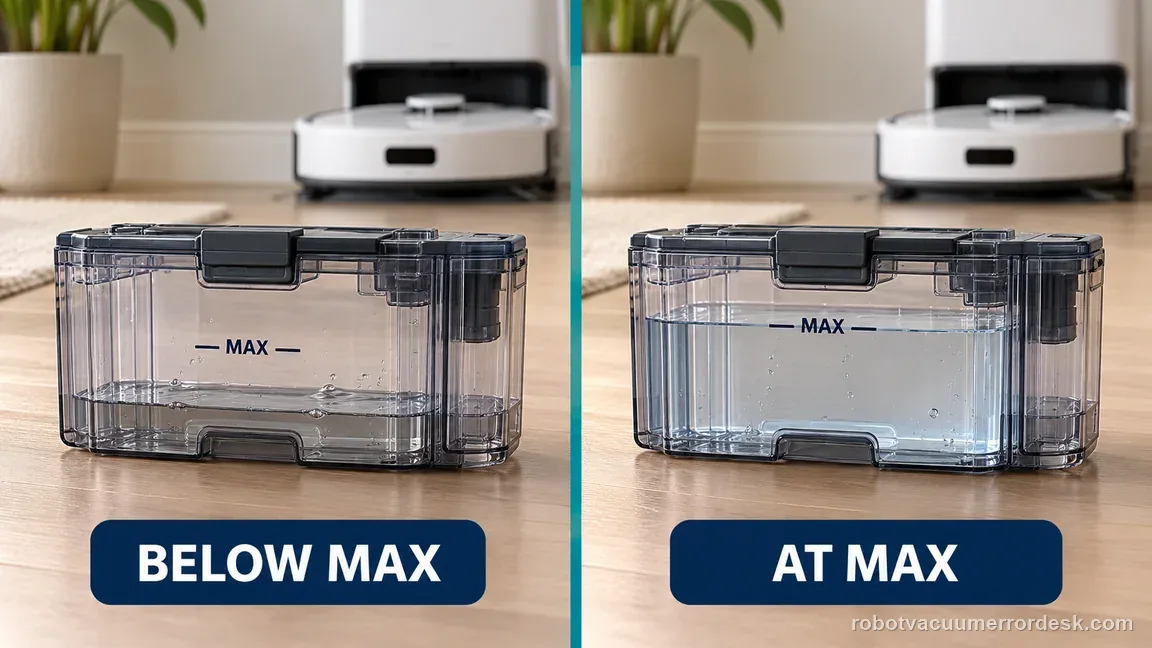
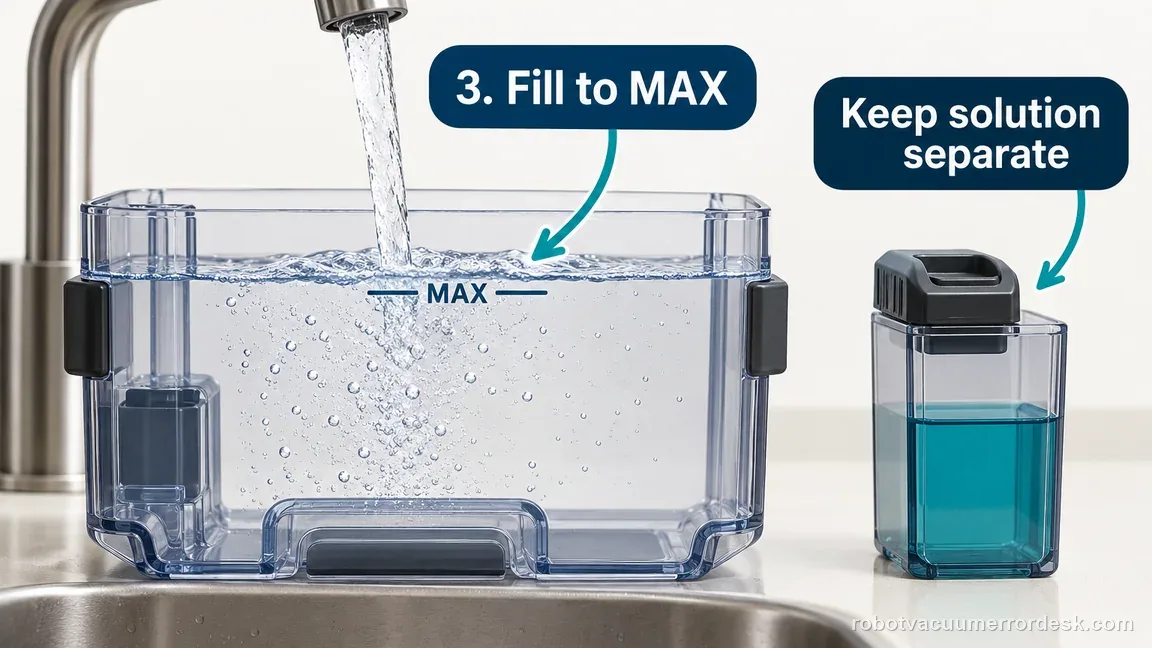
Fill the clean-water reservoir to the manufacturer’s indicated maximum line before retesting so water quantity cannot confuse the observation. The Max 705 Combo packout includes StayClean mopping concentrate, but concentrate is not a replacement for the clean-water supply. Follow the model’s approved solution directions and do not pour unapproved chemicals into a reservoir simply to clear an error. For Error 450, the diagnostic target is tank presence/recognition, not chemical concentration.
Reinstall the reservoir fully and confirm robot-to-dock seating
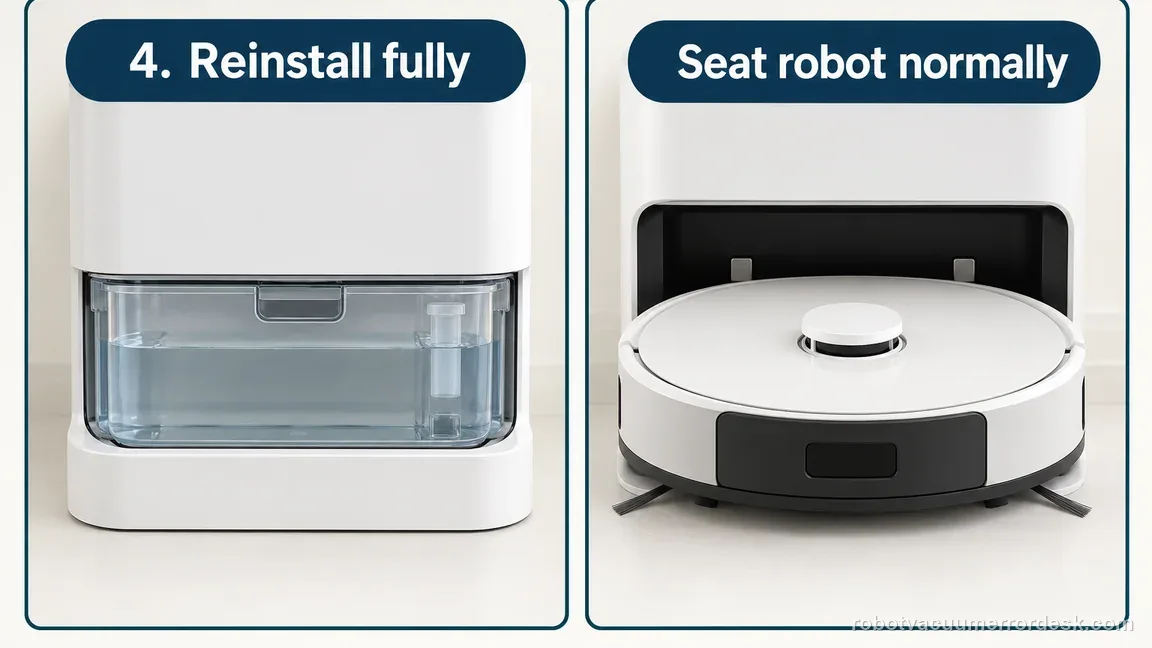
Lower the reservoir into its normal dock position and make sure it is fully seated. Then verify the Max 705 itself is properly on the AutoWash dock with a stable docked/charging indication. Tank state and robot/dock state are part of the same operating context during replenishment. Do not hold the reservoir down by hand during the test; it should remain recognized in its normal installed position.
Refresh the app once and run a controlled water-operation retest
Close and reopen the Roomba Home App after the physical state is correct, then request a normal operation that would use the clean-water system. Watch whether 450 clears or immediately returns. Avoid cycling power repeatedly or switching to unrelated pad-wash maintenance unless another code appears. A clean retest with a visibly full, correctly seated reservoir is valuable evidence if the presence error persists.
Escalate the proven present-tank condition
If Error 450 remains, take a photo showing the reservoir fully installed and note that it was removed, filled, reinserted and tested with the robot securely docked. Include the app screenshot. Do not attempt to bypass tank-presence sensing or open the dock to reach internal sensors. The useful support statement is precise: ‘Error 450 persists with the correct reservoir full and fully seated,’ which is much stronger than saying the dock has a water problem.
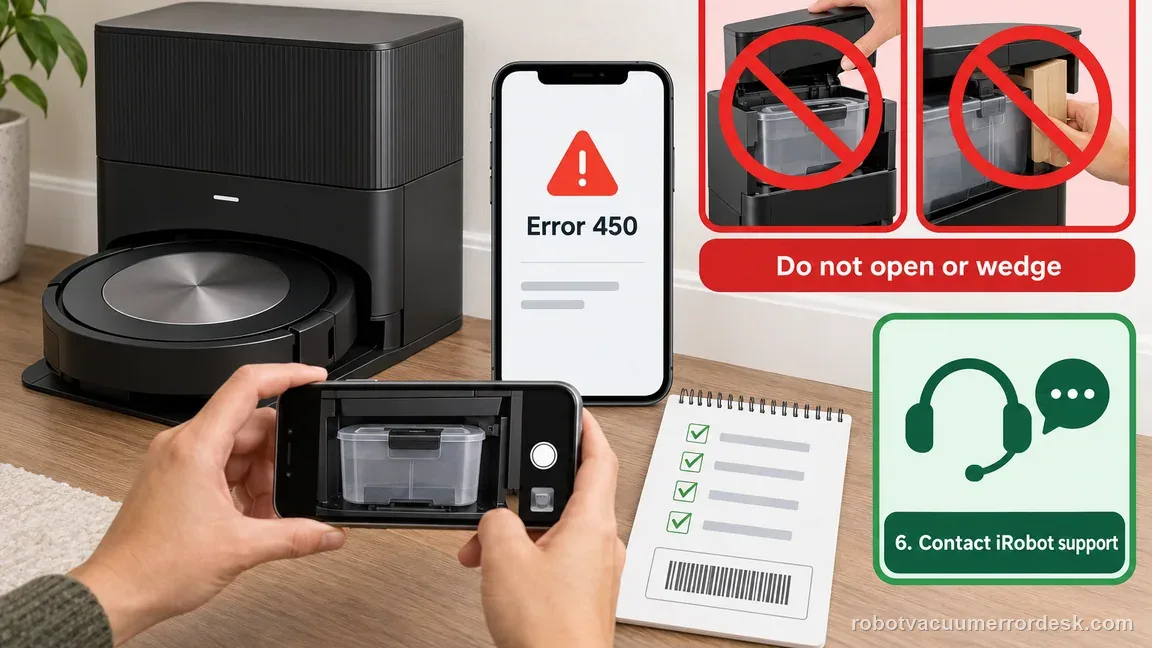
Contact iRobot if Error 450 remains while the correct clean-water reservoir is visibly full and fully seated and the Max 705 is securely docked. Preserve photos of the tank position plus the app message. Do not bypass presence sensing, wedge the reservoir down or open the AutoWash dock. If the code changes to a different water-system error, stop using the Error 450 path and follow the new code because flow, level and missing-tank faults are not interchangeable.
Information to have ready for support
Support can skip the basic troubleshooting script when you provide a reproducible case. That keeps the results of your checks from getting lost.
- Exact model name and the error code / voice prompt exactly as shown
- A photo or screenshot of the app error and the time it occurred
- A short list of the checks already completed and what happened after each one
- Roomba serial number and proof of purchase if warranty may apply
- Photo showing the clean-water reservoir full and normally seated in the dock
- Exact Error 450 screenshot before and after the single controlled retry
- Confirmation that the robot was securely on the AutoWash dock and the app was refreshed once
Source and evidence level
iRobot Error 450 support, Plus and Max series
iRobot’s Error 450 support entry defines this as a missing clean-water tank and directs owners to remove the tank, fill it to the maximum level, fully reinsert it, seat the robot on the dock contacts, refresh the app, and try again. Its Max 705-specific note treats StayClean concentrate as an optional separate solution tank. This guide does not substitute low-water, flow-priming, or other AutoWash error procedures for code 450.
Additional official source: iRobot: Roomba Max 705 Combo packout / AutoWash dock confirmation ↗Last editorial review: October 19, 2026Regional note: manufacturer help centers, model suffixes, mains-power requirements and warranty procedures can differ by country. If the source redirects to a local support site, confirm that the model/hardware scope still matches before following a region-sensitive step.
This guide is rated Official series support. See what each evidence label means →
Common questions
What does Error 450 mean on the Roomba Max 705 Combo?
Error 450 means the clean-water reservoir needed for replenishment is being treated as missing. It is a presence/recognition problem, not simply a low-water warning. Remove the reservoir fully, fill it, reinstall it squarely, and confirm the robot itself is securely docked before one app retest. If a visibly full, correctly seated tank still reports 450, document that condition for iRobot support instead of repeating unrelated water-flow procedures.
Is Error 450 the same as the clean-water tank being low?
No. A low-water condition and a missing/not-recognized reservoir are different diagnostic states. For 450, first prove that the correct reservoir is physically present and fully seated. Filling to MAX is useful because it removes quantity as a confounding variable, but adding more water will not fix a presence sensor or seating problem. If the app reports another water code, switch to that code’s documented path rather than treating all tank warnings as 450.
Does StayClean concentrate replace the Max 705 clean-water reservoir?
No. The Max 705 Combo packout includes StayClean mopping concentrate, but the AutoWash system still requires its clean-water supply for refill and washing functions. Treat solution and water as separate roles and follow iRobot’s approved-use directions. Error 450 is cleared by restoring the expected tank presence/state, not by substituting concentrate for water or adding unapproved cleaning chemicals to make the dock detect a reservoir.
Why should I confirm the robot is seated on the dock for Error 450?
Because the tank state is being used as part of a robot/dock refill context. A poorly seated robot can leave you testing an ambiguous dock state even after the reservoir itself is corrected. Confirm stable docking/charging, then refresh the app and run one water operation. If the tank is full and seated but 450 remains with the robot properly docked, that is a much cleaner support case.
When should I stop troubleshooting Roomba Max 705 Error 450?
Stop when you have removed and reinstalled the correct clean-water reservoir, confirmed it is filled and fully seated, verified the robot is securely on the AutoWash dock, refreshed the app, and reproduced 450 once. At that point do not wedge the tank, bypass sensors or open the dock. Photograph the installed reservoir and error screen and give those to iRobot so the remaining presence/state fault can be evaluated safely.
Did this diagnostic narrow the fault?
Use this as an editorial signal, not a popularity counter. If a feedback address is configured you can email the note; otherwise you can copy it for your own support record.