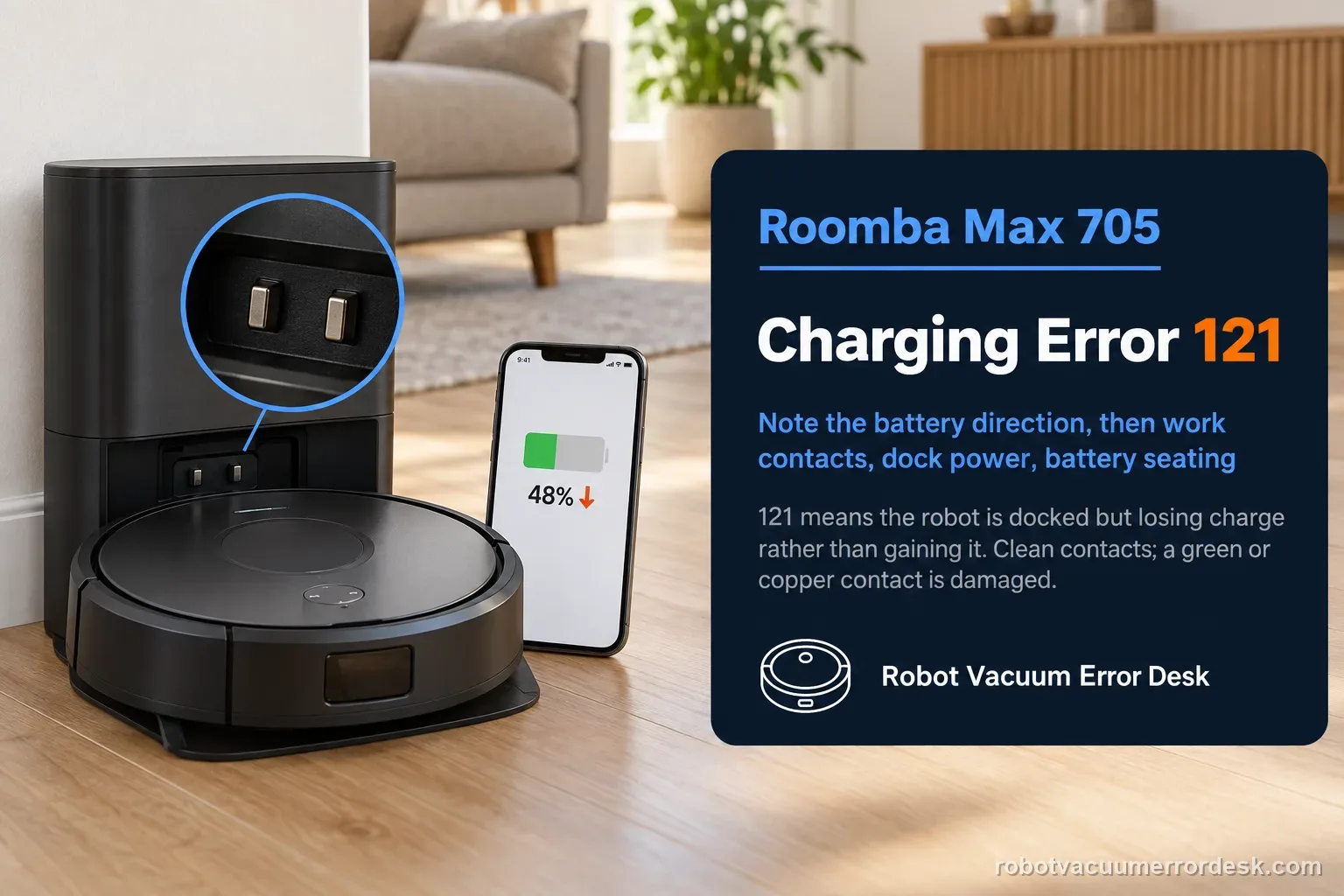
Charging Error 121 means the Roomba Max 705 is docked but losing charge instead of maintaining or gaining it. That makes the observed battery direction important: this is not merely ‘the robot will not start charging.’ iRobot’s code-specific path begins with the charging contacts, then verifies continuous dock power, and finally removes/reinstalls the battery if the external interface passes. Clean contacts with an approved lightly dampened melamine foam or cloth; if a contact is green or copper-colored, iRobot treats it as damaged. During the power test, watch whether the battery percentage or charging state continues to fall while the robot remains seated. If it does, capture that behavior. After a battery reseat, run one fresh session without moving the robot. A persistent 121 on clean intact contacts with stable dock power is a service case rather than a cue to keep polishing or repeatedly rebooting.
Does the robot show a charge state but battery percentage still falls?
Confirm the exact model and exact code, light pattern or symptom.
Run the lowest-risk physical or software check first.
Use each pass condition to decide what the result actually narrows down.
Is this the problem you’re seeing?
- The Max 705 is physically on its dock and reports Charging Error 121.
- The robot appears docked but battery state trends downward or cannot hold charge.
- Reseating the robot changes contact briefly but the losing-charge behavior returns.
- You need to separate an unstable dock/contact interface from battery seating after the robot has already reached the dock.
Likely root causes, ranked
Contamination on the robot/dock charging contacts prevents reliable current transfer while docked.
A contact is physically damaged or discolored and cannot maintain the electrical interface.
Dock wall power or the line-cord connection is intermittent even though the robot sits on the ramp.
The battery is not properly installed and needs to be removed/reinstalled after the external checks.
A persistent battery, dock or robot charging-system fault causes charge to continue falling on the dock.
What the result narrows down
| What you observe | What it narrows down | Next move |
|---|---|---|
| Battery/charge state falls while the robot stays seated | This matches the defining losing-charge behavior of Error 121 more closely than a simple failure to find the dock. | Keep the robot stationary and inspect/clean the charging interface before testing anything mechanical. |
| Contacts are dirty but have normal metal color and movement | Surface contamination can interrupt current while docked. | Clean robot and dock contacts with the approved material, then repeat the same stationary charging observation. |
| Contacts are green or copper-colored | iRobot classifies the contact as damaged; stable charge cannot be expected from a compromised interface. | Stop polishing and escalate the robot or dock side that contains the damaged contact. |
| Contacts pass but dock power/cable is intermittent | The robot can lose charge on the dock if source power is disappearing underneath the session. | Reconnect both ends of the cord and verify the outlet before reseating the battery. |
| Contacts/power pass and 121 remains after battery reseat | The published owner-serviceable branches are exhausted. | Document the falling-charge behavior and contact iRobot for battery/robot/dock service. |
Do not factory-reset by default. Use the exact model’s reboot/network-reset procedure only when the manufacturer path calls for it.
Checks to run, in sequence
Confirm the defining symptom: docked but losing charge
Start with the robot fully seated on the Max 705 dock and note the charging state or battery percentage in the app. Error 121 is specifically described by iRobot as the robot being docked but unable to hold charge. This baseline matters because a robot that never reaches the dock, a dock that is completely unpowered, and a robot that charges then times out belong to different diagnostic branches. Keep the robot in place while observing the direction of charge rather than repeatedly lifting and reseating it.
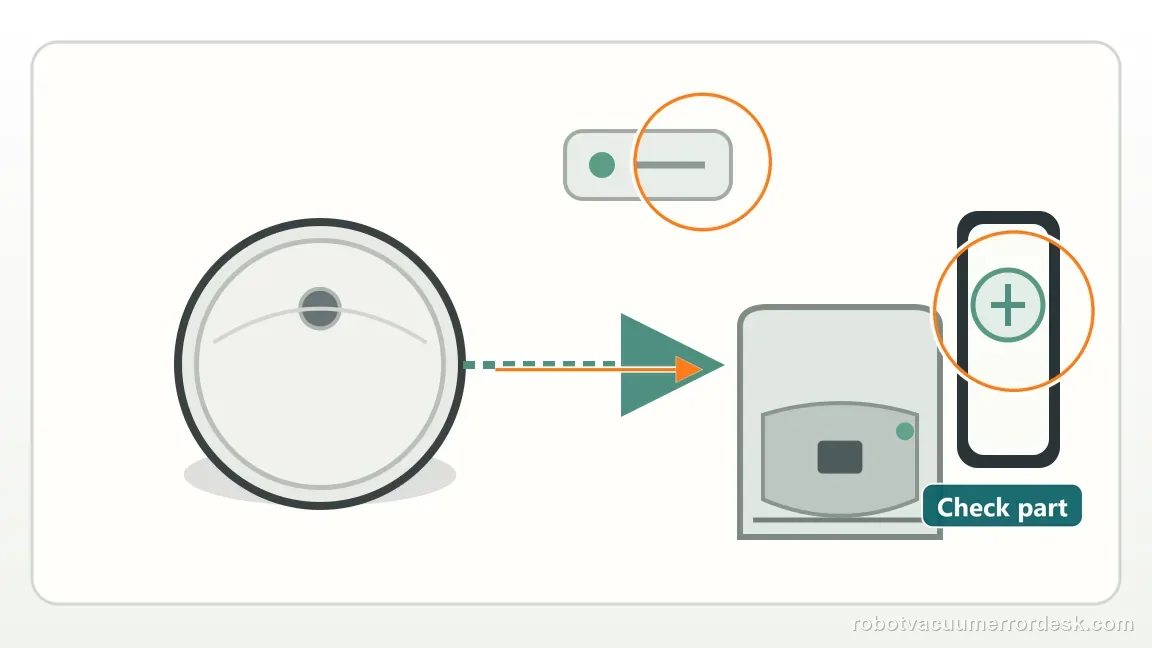
Clean the electrical interface without changing its geometry
Unplug the dock and wipe its charging contacts plus the matching robot contacts with a lightly dampened melamine foam or clean cloth. The goal is a clean metal surface, not a reshaped one. Do not sand, scrape or bend contacts. Restore power only after the surfaces are in a normal condition, then seat the robot the same way as the baseline. If charging behavior improves, the contact interface was a meaningful branch rather than an unrelated maintenance task.
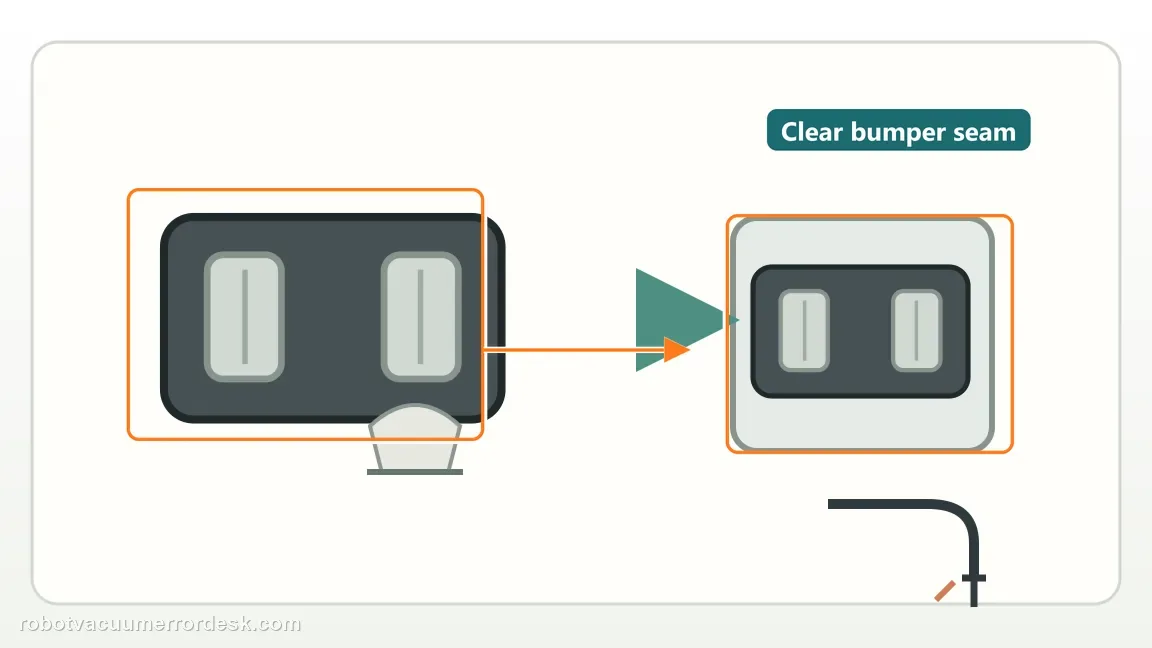
Inspect contact color before blaming the battery
iRobot says green or copper-colored charging contacts are damaged. If you find that condition, photograph it and identify whether it is on the robot or dock. Do not continue aggressive cleaning. A damaged electrical contact directly fits a losing-charge symptom because the robot may physically dock yet fail to maintain a stable current path. If all contacts retain normal color and seat correctly, continue to the source-power test.
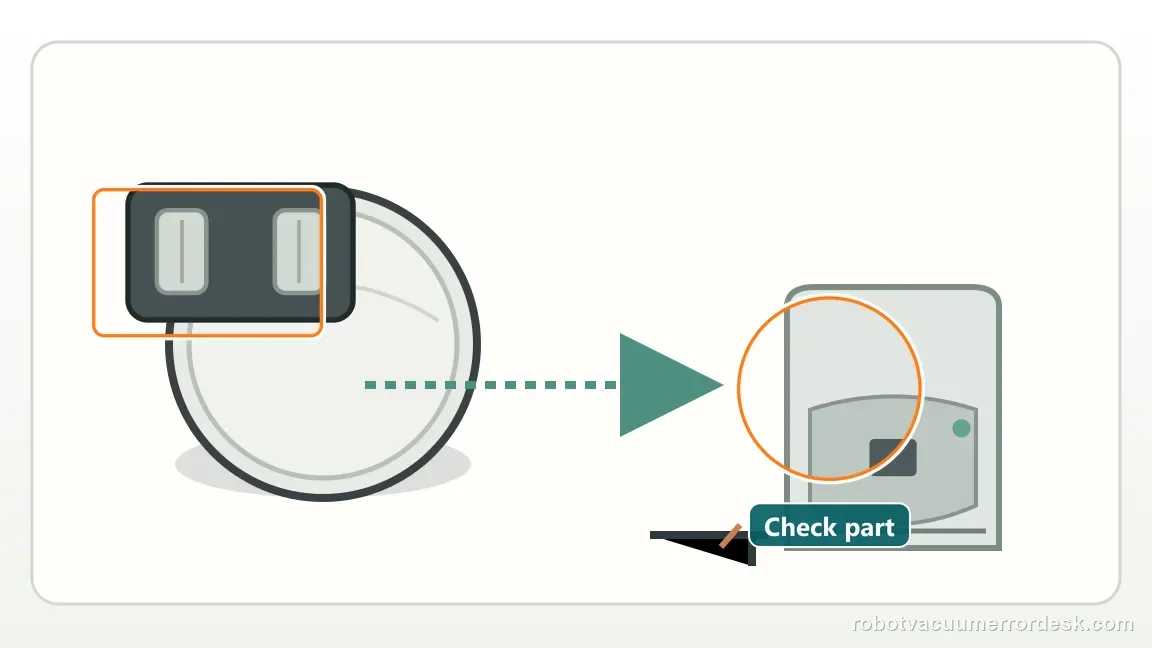
Prove continuous dock power, not just momentary power
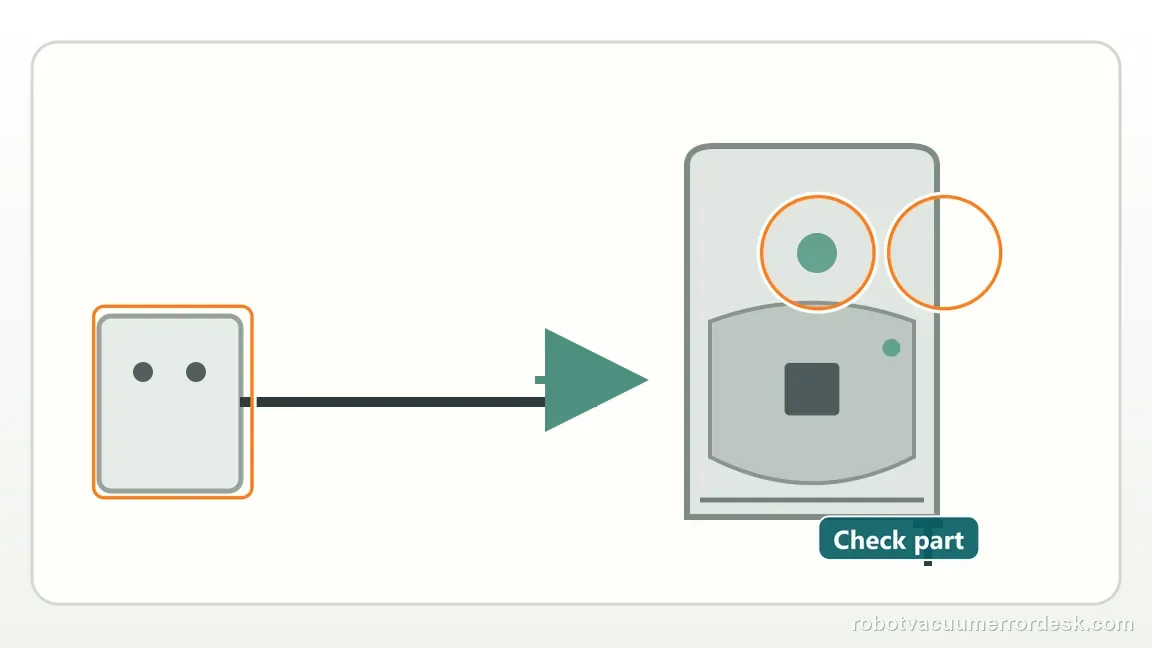
Check the line cord at the wall and dock, disconnect/reconnect both ends, and use a known-good outlet. Then leave the Max 705 seated without disturbing the connection. Error 121 is about what happens while docked, so a brief light or momentary charging icon is not enough; the source must remain present while the robot should be gaining or holding charge. If the dock loses power or the cord position changes the behavior, correct that before touching the battery.
Reseat the battery only after contacts and source power pass
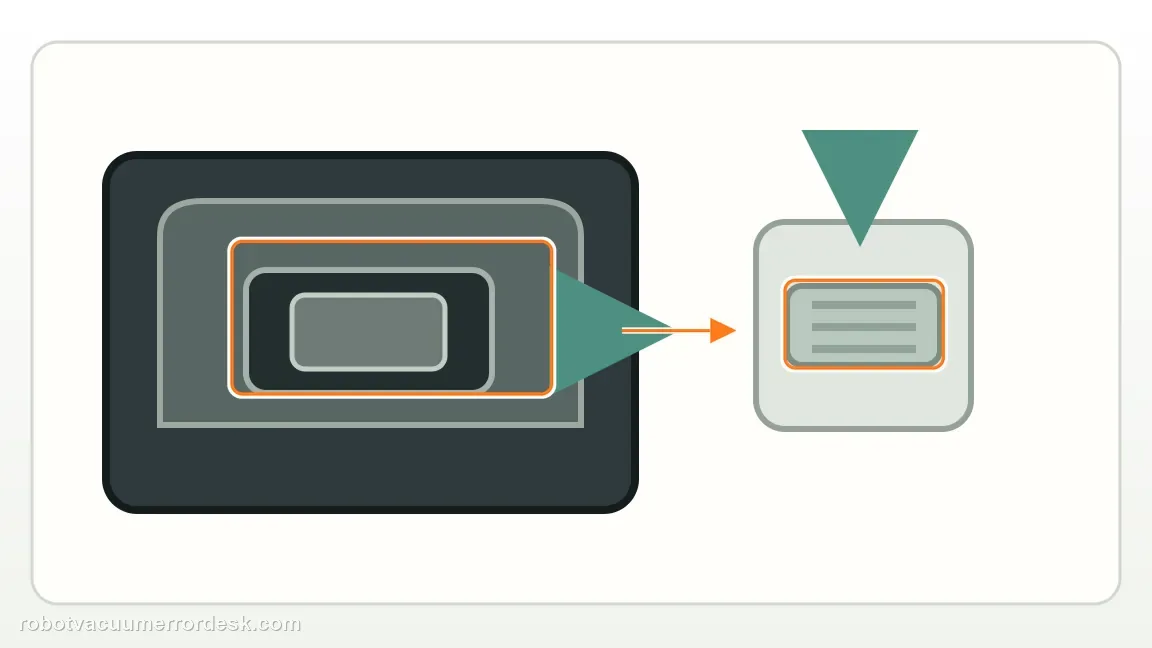
If the robot still loses charge, follow iRobot’s code-specific next step: remove and reinstall the battery. Make sure it is fully seated before closing the robot and returning it to the dock. This gives the battery connection a clean starting point without prematurely replacing the pack. Start another stationary charge observation and compare it with the original baseline rather than judging only whether the error banner disappears immediately.
Use the post-reseat trend as the escalation evidence
If battery state now rises normally, the battery seating/contact chain was the meaningful fix. If Error 121 and a falling charge trend return despite clean intact contacts and stable dock power, stop repeating the same steps. Save the starting/ending battery level over a short observed interval, the error screen and photos of the contact condition. That creates a much stronger support handoff than simply reporting that the robot ‘won’t charge.’
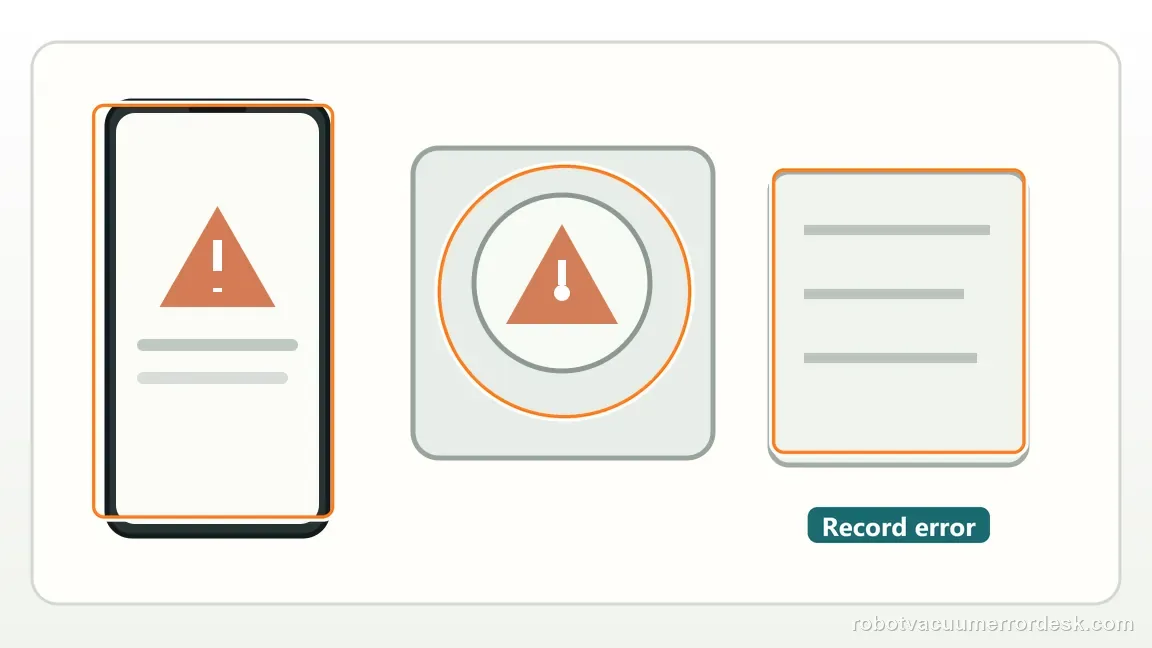
Escalate Charging Error 121 when the Max 705 remains on a verified powered dock, the charging contacts are clean and undamaged, and a properly reseated battery still loses charge. Provide the starting and ending battery state from a controlled docked observation. If you find green/copper contact damage, escalate immediately. Do not treat 121 as Error 105 or 119 simply because all three are charging codes; the losing-charge behavior is the key evidence for this page.
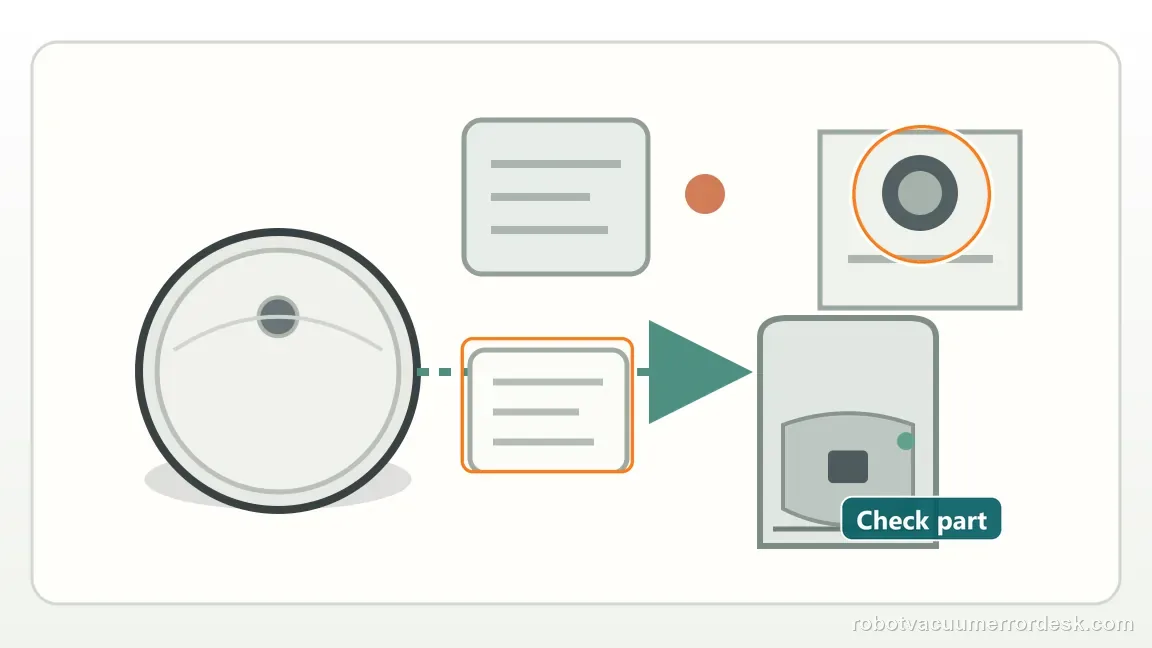
Information to have ready for support
Support can skip the basic troubleshooting script when you provide a reproducible case. That keeps the results of your checks from getting lost.
- Exact model name and the error code / voice prompt exactly as shown
- A photo or screenshot of the app error and the time it occurred
- A short list of the checks already completed and what happened after each one
- Robot serial number and proof of purchase if warranty may apply
Source and evidence level
iRobot Charging Error 121 support
Primary evidence is iRobot Knowledge 10622, which describes Error 121 as a docked robot losing charge and gives the contact, dock-power and battery-reseat sequence with Max 705 contact illustrations. The iRobot charging-error chart is the companion definition source. Together they support a distinct ‘losing charge while docked’ page rather than duplicating the Error 105 low-current or Error 119 timeout articles.
Additional official source: iRobot — Charging Error Chart: All Roomba and Braava Models ↗Last editorial review: September 5, 2026Regional note: manufacturer help centers, model suffixes, mains-power requirements and warranty procedures can differ by country. If the source redirects to a local support site, confirm that the model/hardware scope still matches before following a region-sensitive step.
This guide is rated Official model support. See what each evidence label means →
Common questions
What does Charging Error 121 mean on a Roomba Max 705?
iRobot defines Error 121 as a robot that is on the dock but losing charge instead of maintaining it. Start with the charging contacts, then prove the dock stays powered, and reseat the battery if those checks pass. The key observation is the charge trend while the robot remains seated. That makes 121 different from Error 105 low current and Error 119 charge timeout.
Why can my Max 705 lose charge even though it looks docked?
Physical seating does not guarantee a reliable electrical path. Dirt, damaged contacts or unstable dock power can let the robot appear correctly positioned while the battery still trends downward. Keep the robot stationary, clean and inspect both contact sets, and verify continuous outlet/cord power. If the battery still falls after those checks, reseat it once and use the post-reseat trend as evidence for iRobot support.
What do green or copper-colored contacts mean for Error 121?
iRobot treats green or copper-colored charging contacts as damaged. That matters for Error 121 because a damaged interface can be physically touching while still failing to hold a stable charging current. Do not sand or repeatedly scrub the affected contact. Photograph it, identify whether it is on the robot or dock, and contact iRobot about service or replacement of the affected assembly.
Should I replace the battery immediately for Charging Error 121?
Not before the documented external checks. iRobot first directs owners to clean the charging contacts and confirm dock power; if the issue persists, then remove and reinstall the battery. Reseating is a diagnostic step, not proof that the pack itself is bad. If a correctly seated battery still loses charge on clean intact contacts with stable dock power, that is the point to escalate for battery/robot/dock evaluation.
What should I record before contacting iRobot about Error 121?
Record the exact code, confirm the robot stayed seated, and note whether its battery percentage or charging state actually fell during a short controlled observation. Add photos showing clean, undamaged contacts and note that both dock-power connections were checked and the battery was reseated. That evidence preserves the defining ‘losing charge while docked’ symptom and helps support avoid restarting from generic charging advice.
Did this diagnostic narrow the fault?
Use this as an editorial signal, not a popularity counter. If a feedback address is configured you can email the note; otherwise you can copy it for your own support record.