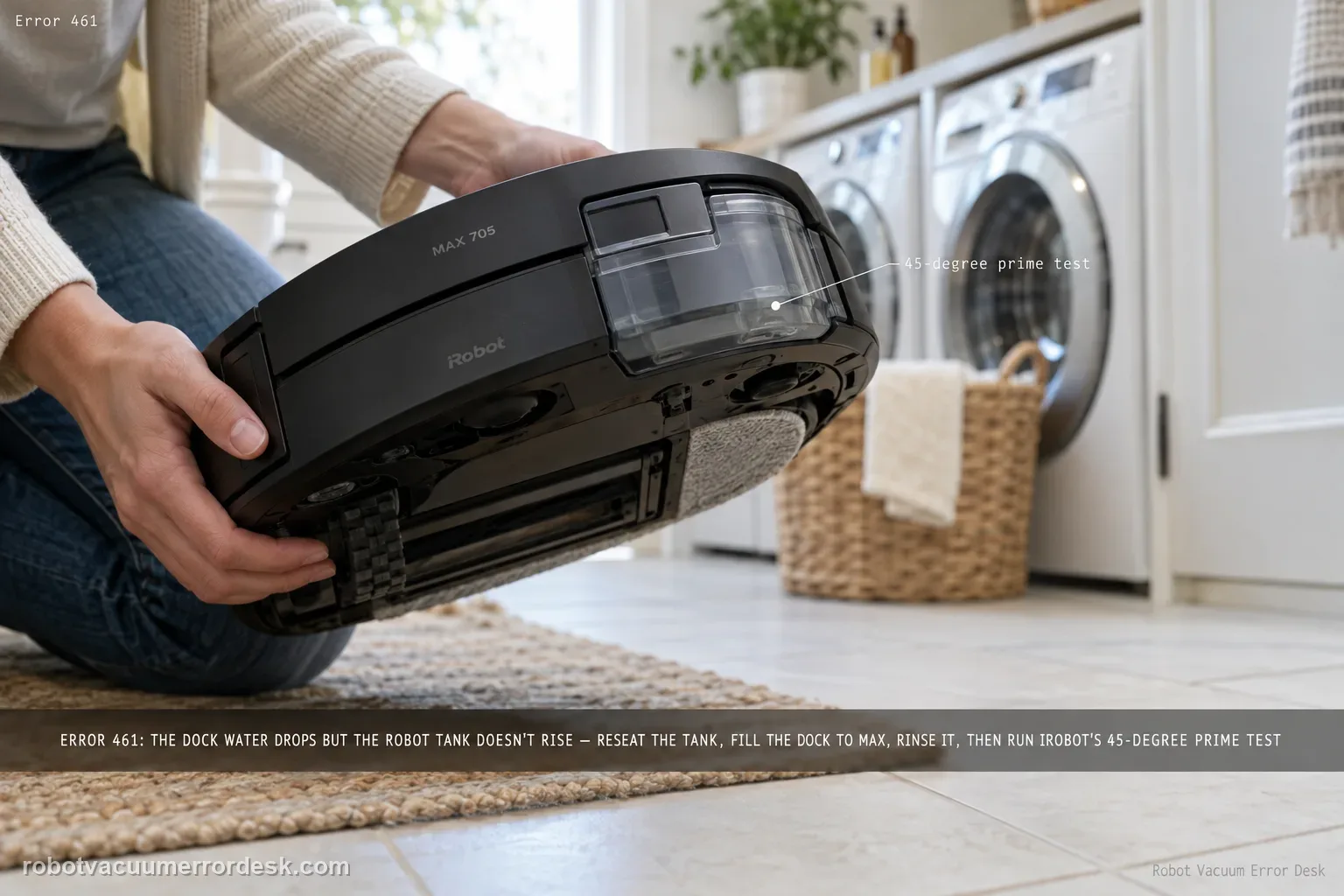
Error 461 means the AutoWash dock believes clean water is being pumped — its tank level is decreasing — but the Max 705 robot tank is not reporting the expected rise. iRobot calls this an air-pressure build-up/nozzle-tube problem and warns that fluid may be spilling outside the robot during refill. Start by removing the robot bin/tank and drying any liquid on the dock ramp, then reinstall the robot tank and seat the robot correctly. Fill the dock’s clean-water reservoir to MAX. In the Roomba Home App, open Pad and Dock Control and run ‘Rinse pad wash System’ once to flush debris, reinstall the dock tank and retry refill. Only if the code persists should you use iRobot’s unusual but explicit tube-prime test: tilt the dock backward about 45 degrees while retrying refill. If that succeeds, return the dock to normal; iRobot says repeated tilting should not be necessary once the tube is filled. Stop immediately for uncontrolled leakage.
Does water leave the dock but fail to appear as rising robot-tank level?
Confirm the exact model and exact code, light pattern or symptom.
Run the lowest-risk physical or software check first.
Use each pass condition to decide what the result actually narrows down.
Does this match your problem?
- The Max 705 Combo reports AutoWash Error 461 during/refusing robot water refill.
- The dock clean-water level decreases but the robot tank level does not increase as expected.
- Liquid is visible on the dock ramp after a failed refill, suggesting water is being pumped but not entering the robot correctly.
- The dock may have been left with an empty clean-water tank long enough for the refill tube to lose prime.
Most likely causes
The robot bin/tank is not seated correctly at the refill interface.
A previous failed refill left liquid on the dock ramp, obscuring whether the next attempt also leaks.
The dock clean-water reservoir is below MAX or not reinstalled correctly for the test.
Debris/air in the pad-wash/refill path needs the app's Rinse pad wash System cycle.
The nozzle tube is temporarily unprimed/contains air, especially after the dock tank has been left empty for a long period.
A persistent leak, refill-interface or dock plumbing fault remains after the documented flush/prime procedure.
What your test result means
| What you observe | What it narrows down | Next move |
|---|---|---|
| Dock water level drops and fresh liquid appears on the ramp | Water is being pumped but may be spilling instead of entering the robot, matching iRobot's 461 description. | Remove/reseat the robot bin/tank and dry the ramp before another test so new leakage is visible. |
| Robot tank/bin is loose or not seated consistently | The refill nozzle may not mate correctly with the robot-side path. | Reinstall the robot tank and seat the robot normally on the dock before running the flush. |
| Dock clean-water tank is not at MAX | iRobot explicitly requires a MAX-filled tank for the troubleshooting sequence, removing low supply as a variable. | Fill to MAX, reinstall, then use Pad and Dock Control > Rinse pad wash System once. |
| Rinse completes but 461 returns with no obvious hardware obstruction | The nozzle tube may still contain air / lack prime. | Use the manufacturer-documented one-time 45-degree backward tilt refill test, only in a controlled dry area. |
| Tilt test fails or uncontrolled leakage continues | The remaining issue is more than a transient unprimed tube and continued tilting can hide a real leak. | Stop, unplug if water is uncontrolled, photograph the leak/error, and contact iRobot. |
Do not factory-reset by default. Use the exact model’s reboot/network-reset procedure only when the manufacturer path calls for it.
Run these checks in order
Confirm the 461 flow mismatch before adding more water
Capture the code and observe what changes during a refill attempt. iRobot defines 461 by a mismatch: the dock tank level decreases, so the dock believes fluid is pumping, but the robot tank level does not rise. That is different from Error 450 missing-tank recognition. If you see fresh water on the ramp, note it before wiping because it supports the spill/misalignment branch. Do not begin by repeatedly topping up the robot itself or bypassing the refill interface.
Remove the robot bin/tank and reset the physical refill interface
Take the robot’s bin/tank out as iRobot directs and wipe any liquid already present on the dock ramp. Inspect only user-accessible seating surfaces for obvious obstruction, then reinstall the tank fully. Return the Max 705 to the dock in its normal seated position. Drying the ramp is diagnostic, not cosmetic: it lets you distinguish old spilled water from new leakage during the next controlled refill attempt.
Fill the dock clean-water tank to MAX
Remove the AutoWash dock’s clean-water tank and fill it to the maximum line, then keep it out until the flush step requires reinsertion as described by the support procedure. iRobot explicitly calls out the MAX level in the 461 sequence. This does not mean every refill must be performed at exactly MAX forever; it creates a known hydraulic starting condition for diagnosis. Avoid unapproved solution substitutions while testing a flow/prime problem.
Run Rinse pad wash System once from Pad and Dock Control
In the Roomba Home App, open Pad and Dock Control and choose ‘Rinse pad wash System.’ iRobot says this flushes debris from the pad-wash basin/path. Reinstall the dock tank as directed and try the refill again while watching the dry ramp and robot tank response. Do not run the rinse in an endless loop; one clear attempt tells you whether flushing changes the 461 behavior and whether fluid reaches the robot afterward.
Use the 45-degree tube-prime test only after the normal sequence fails
If Error 461 persists, iRobot documents retrying refill while tilting the dock backward about 45 degrees. Treat this as a controlled manufacturer-specific prime test, not a permanent operating position. Keep the area dry, support the dock securely, and stop if water spills unpredictably. If the refill works, return the dock to its normal level position; iRobot says you should not need to keep tilting it because the tube should now be filled with water.
Prevent recurrence and escalate real leaks
iRobot notes that 461 can recur if the dock tank is left empty for long periods, consistent with the refill tube losing its water prime. Once normal operation returns, avoid leaving the clean-water supply empty unnecessarily. If the code persists, the ramp repeatedly receives fresh water, or the 45-degree test produces uncontrolled leakage, stop. Unplug the dock if water threatens electrical areas and save photos/video for Customer Care rather than repeatedly priming a system that may have a hardware leak.
Contact iRobot if Error 461 remains after the robot tank is correctly reseated, the ramp starts dry, the dock clean-water tank is filled to MAX, and one Rinse pad wash System plus the documented one-time prime test does not restore refill. Escalate immediately for uncontrolled leakage or water near electrical connections. Do not leave the dock permanently tilted. Save whether dock level decreased, whether robot level increased, and where fresh water appeared; those observations describe the flow mismatch far better than ‘water error.’
What to collect before contacting support
Give support a reproducible case instead of “it doesn’t work.” That reduces repeated basic troubleshooting and preserves the clues from your tests.
- Exact model name and the error code / voice prompt exactly as shown
- A photo or screenshot of the app error and the time it occurred
- A short list of the checks already completed and what happened after each one
- Robot serial number and proof of purchase if warranty may apply
Manufacturer evidence
iRobot — AutoWash Dock Error Codes: Error 461
Primary evidence is iRobot’s AutoWash Dock Error Codes page. It defines Error 461, explains the dock-level/robot-level mismatch, lists the robot-tank/ramp/MAX-fill/Rinse pad wash System sequence, and uniquely documents the 45-degree backward-tilt prime test plus recurrence after the dock tank is left empty. The Max 705 Combo packout confirms the AutoWash hardware context. Because the tilt instruction is unusual, this guide presents it only as the manufacturer’s conditional final test, not generic advice.
Additional official source: iRobot — Roomba Max 705 Combo packout / AutoWash dock confirmation ↗Last editorial review: September 5, 2026Regional note: manufacturer help centers, model suffixes, mains-power requirements and warranty procedures can differ by country. If the source redirects to a local support site, confirm that the model/hardware scope still matches before following a region-sensitive step.
This guide is rated Official series support. See what each evidence label means →
FAQ
What does Error 461 mean on the Roomba Max 705 Combo?
iRobot describes Error 461 as a refill mismatch: the dock’s clean-water level is decreasing, so fluid is being pumped, but the robot tank level is not increasing. Water may be spilling outside the robot or the refill tube may not be properly primed. Reseat the robot tank, dry the ramp, fill the dock tank to MAX, run Rinse pad wash System, and retest before using the documented prime step.
Why does iRobot tell me to dry the dock ramp for Error 461?
Because visible liquid is useful evidence in this code. If old water remains on the ramp, you cannot tell whether the next refill attempt is still spilling outside the robot. Start with a dry ramp after reseating the robot bin/tank, then watch for new fluid while the dock water level changes. Fresh leakage during a failed refill supports the flow/interface branch and should be documented if escalation is needed.
Why must the AutoWash clean-water tank be filled to MAX for the 461 test?
iRobot explicitly includes a MAX-filled dock tank in the Error 461 troubleshooting sequence. It creates a known water-supply condition before the rinse/refill test and removes low source level as a variable. The point is diagnostic control, not claiming the dock can never operate below MAX. After filling, use Pad and Dock Control > Rinse pad wash System once, reinstall the tank and observe the next refill.
Do I need to keep the Max 705 dock tilted 45 degrees after Error 461?
No. The backward 45-degree position is a conditional iRobot-documented prime test only after the normal reseat/MAX-fill/rinse sequence fails. If the tilted refill works, iRobot says the tube should be filled and you should not need to keep tilting the dock. Return it to its normal level position. Stop the test immediately if water spills uncontrollably or approaches electrical connections.
When should I stop troubleshooting Roomba Max 705 Error 461?
Stop if the code persists after the documented reseat, dry-ramp, MAX-fill, rinse and one prime attempt, or sooner if water leaks unpredictably. Unplug the dock if liquid threatens electrical areas. Save whether the dock tank level fell, whether the robot tank rose, and where fresh water appeared. Those three observations let iRobot distinguish a priming issue from a refill-interface or dock plumbing fault without repeated risky tests.
Did this diagnostic narrow the fault?
Use this as an editorial signal, not a popularity counter. If a feedback address is configured you can email the note; otherwise you can copy it for your own support record.