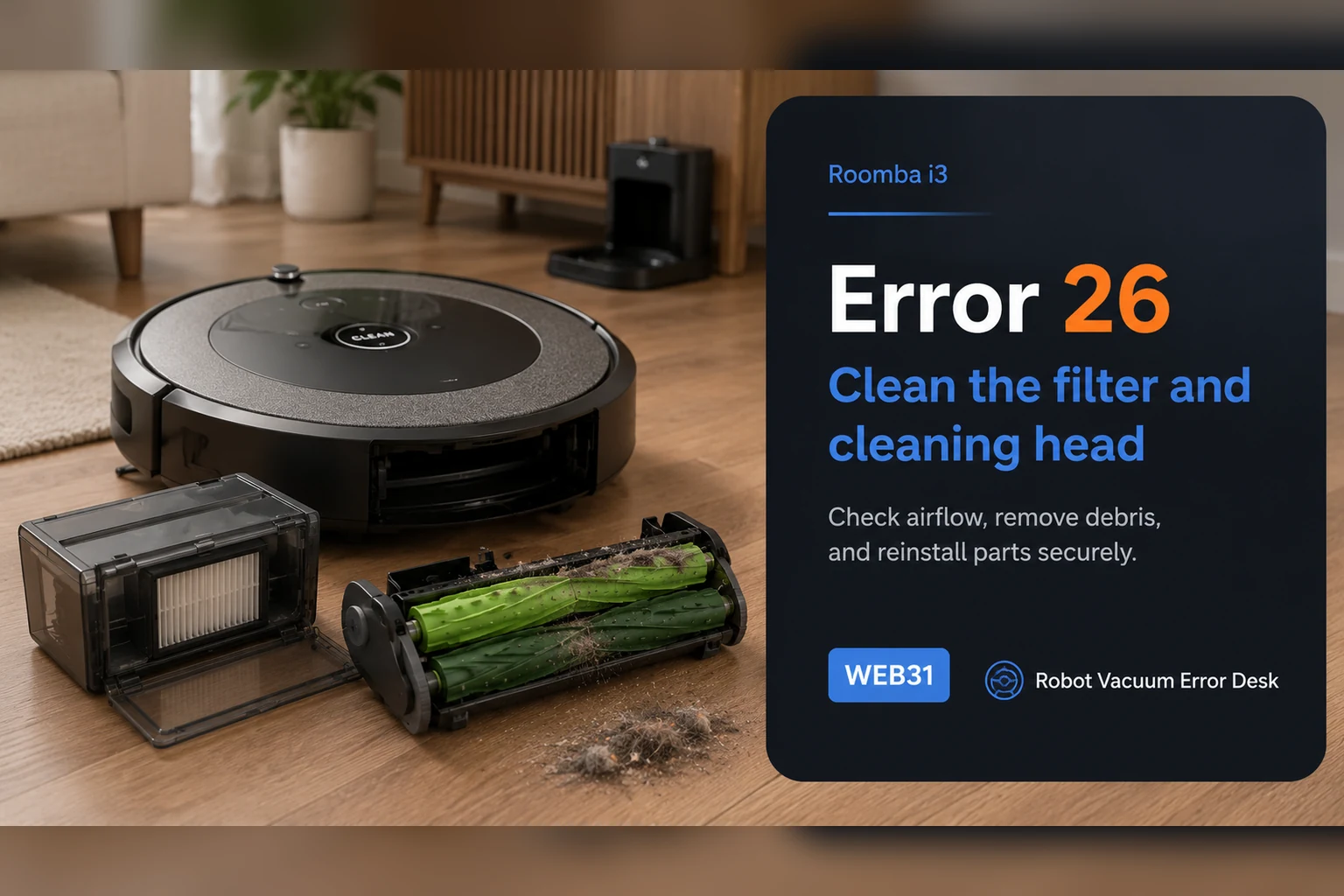
On the Roomba i3, Error 26 is an airflow/vacuum problem, not a generic internal error. iRobot says to clean or replace the bin filter first, keep that filter dry, rinse only the bin and let it dry completely, then reinstall everything before retesting. If the code persists, reboot an i-Series robot by holding CLEAN for 20 seconds. A repeat Error 26 after a known-good filter and reboot raises the cleaning-head module as the next suspect, but newer i1/i3/i5 variants may be non-modular. Check the serial-number or bottom-cover clues before ordering a module that cannot be replaced on your particular robot.
Confirm the exact model and exact code, light pattern or symptom.
Run the lowest-risk physical or software check first.
Use each pass condition to decide what the result actually narrows down.
Does this match your problem?
- The i3 announces Error 26 or the app reports a vacuum/airflow problem.
- Suction dropped after the filter became visibly loaded with dust.
- The robot runs briefly after cleaning but Error 26 returns.
- You need to know whether the cleaning-head module on this i3 is actually replaceable.
Most likely causes
A clogged dry filter is restricting airflow through the bin
Debris remains in the bin or cleaning-head airflow path
A damp or incorrectly reinstalled filter is blocking normal airflow
The Error 26 state has not been cleared with the i-Series 20-second reboot
A cleaning-head or vacuum fault remains after filter service; some newer i3 units are non-modular
What your test result means
| What you observe | What it narrows down | Next move |
|---|---|---|
| Filter is visibly packed with dust | The most likely restriction is at the documented first-line airflow component. | Tap it clean or replace it with a dry known-good filter, then retest. |
| Bin was rinsed and is still damp | The next test would be invalid and moisture could restrict airflow. | Let the bin dry completely; keep the filter dry before reassembly. |
| Error clears after airflow service | The fault was consistent with a removable airflow restriction. | Resume use and shorten the filter-maintenance interval if loading recurs quickly. |
| Error returns after clean filter and 20-second reboot | A persistent cleaning-head/vacuum fault is more credible. | Check whether the i3 is modular before ordering a cleaning-head module. |
| Robot is a non-modular newer i3 | Owner replacement of the CHM may not be the supported path. | Contact iRobot with serial number and the completed Error 26 test history. |
Do not factory-reset by default. Use the exact model’s reboot/network-reset procedure only when the manufacturer path calls for it.
Run these checks in order
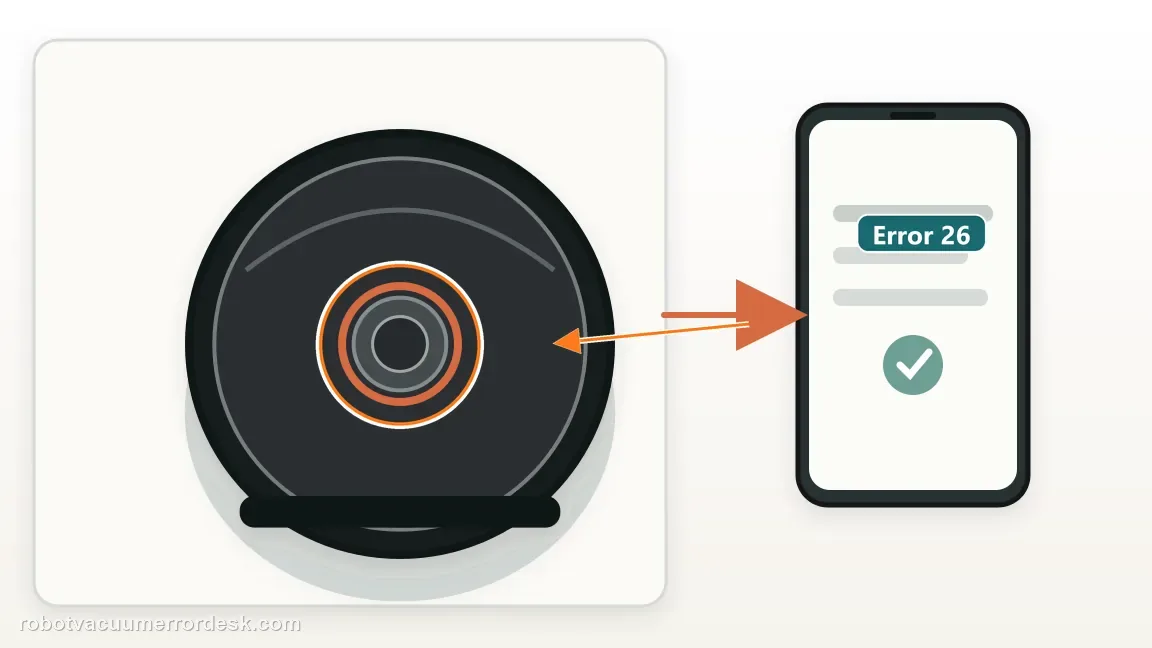
Confirm that the message is Error 26
Read the app or have the i3 repeat the error so you are solving the correct fault. iRobot's i-Series error chart links Error 26 to a vacuum stall/possible clogged filter, and the dedicated article describes insufficient airflow. Do not merge it with Error 27, which is the over-temperature path, or Error 18, which is docking. The exact code matters because a wheel, dock or navigation reset does not restore airflow through a loaded filter.
Remove the bin and service the filter dry
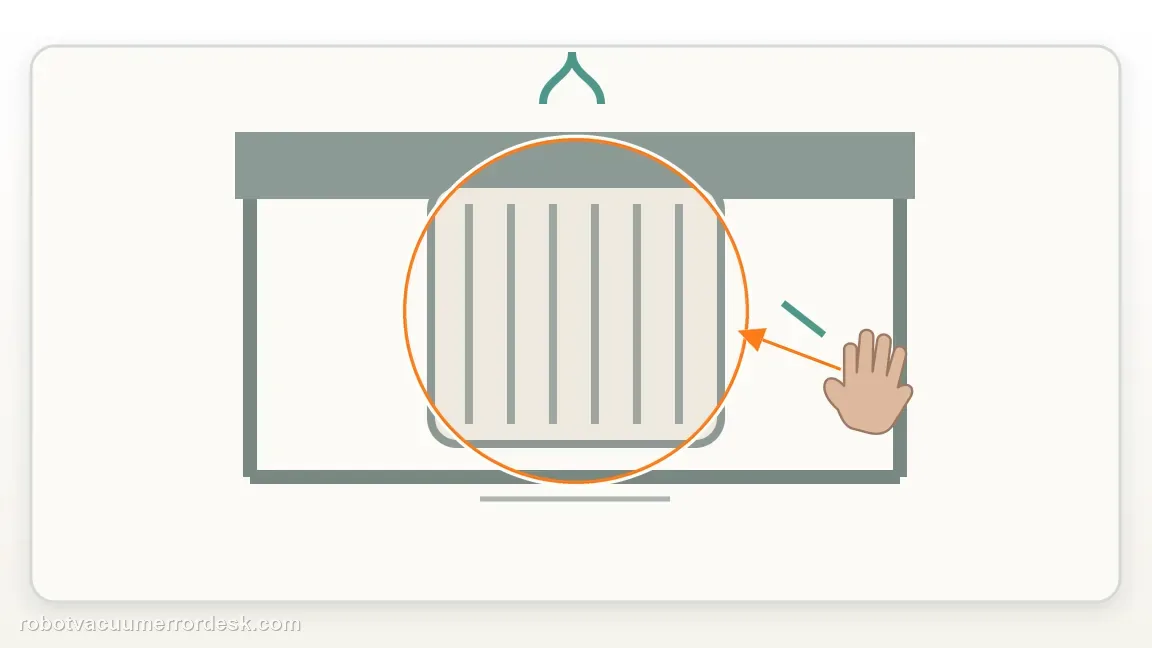
Take out the bin, remove the filter from its side and tap loose debris into a trash container. iRobot explicitly says the filter is not designed to be washed or to contact liquid. If the pleats remain visibly loaded, distorted or old after tapping, install a known-good replacement filter before the next test. This is the highest-value first action because Error 26 is defined around insufficient airflow and the filter is the narrowest serviceable restriction in that path.
Rinse only the bin, then let it dry completely
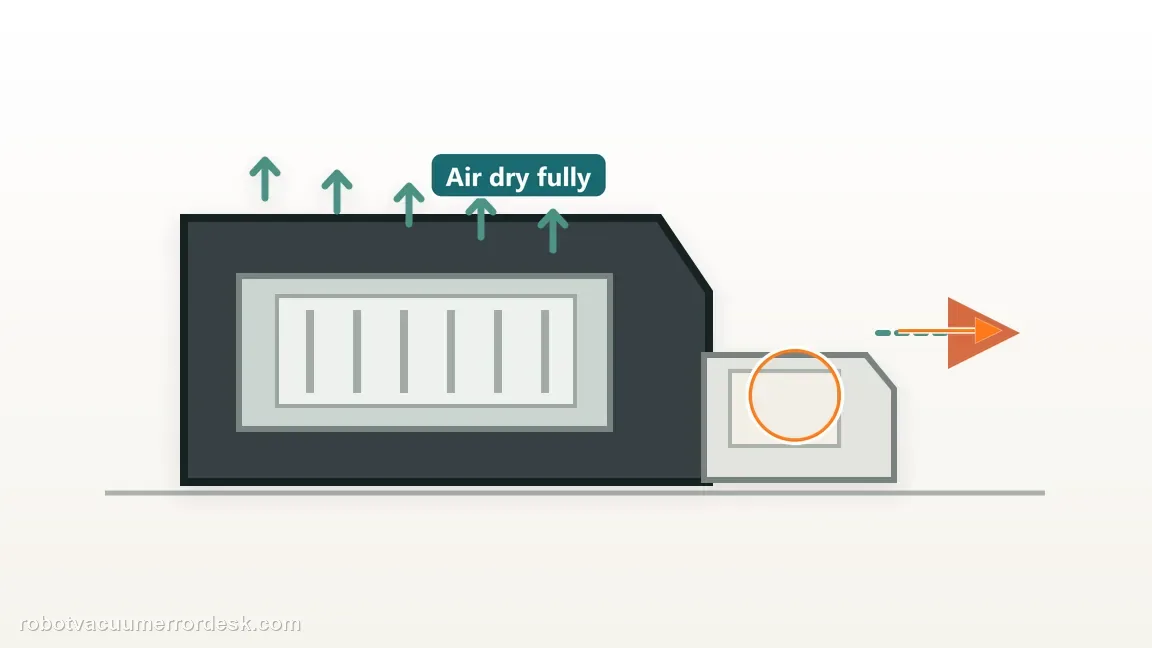
iRobot allows the bin itself to be rinsed by hand with warm water, but it must be completely dry before the filter goes back in and before the bin returns to the robot. Do not put the bin in a dishwasher and do not reinstall a damp filter. Moisture can create a new airflow restriction and makes the follow-up test ambiguous. While the bin is out, inspect its inlet and outlet for packed debris that would remain even after the filter was cleaned.
Clear the cleaning-head and roller airflow path
Remove hair and fibers from the dual rollers and the accessible cleaning-head area using the owner-maintenance procedure. Error 26 is not solved by cleaning only the top surface of the bin if the intake path feeding that bin is still restricted. Check that the rollers rotate normally and that nothing is wedged where debris enters the bin. Reinstall the cleaning head components fully so the next test does not introduce an air leak or mechanical drag from an incomplete reassembly.
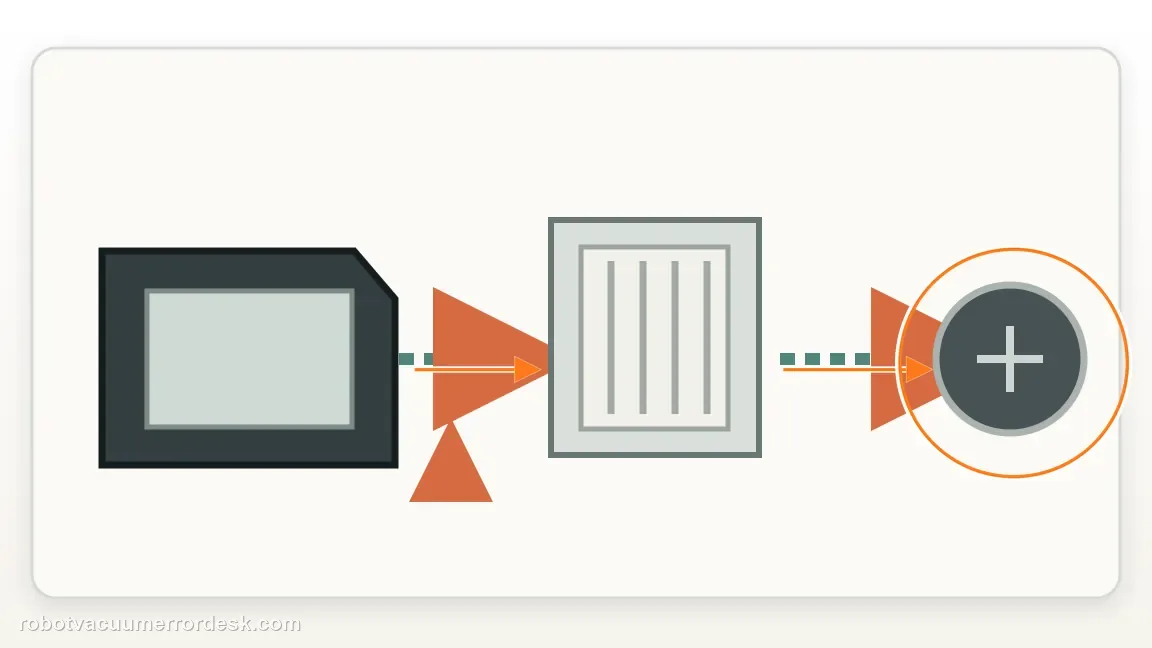
Run one short cleaning test with the serviced airflow path
Start the i3 on open hard flooring after the dry filter, bin and roller path have been restored. A short controlled test is more informative than a whole-home mission because you can hear whether suction starts normally and see how quickly Error 26 returns. If the robot completes the test, continue normal use and monitor filter loading. If the code returns almost immediately, repeated filter tapping is unlikely to change the result unless the filter is visibly still restricted.
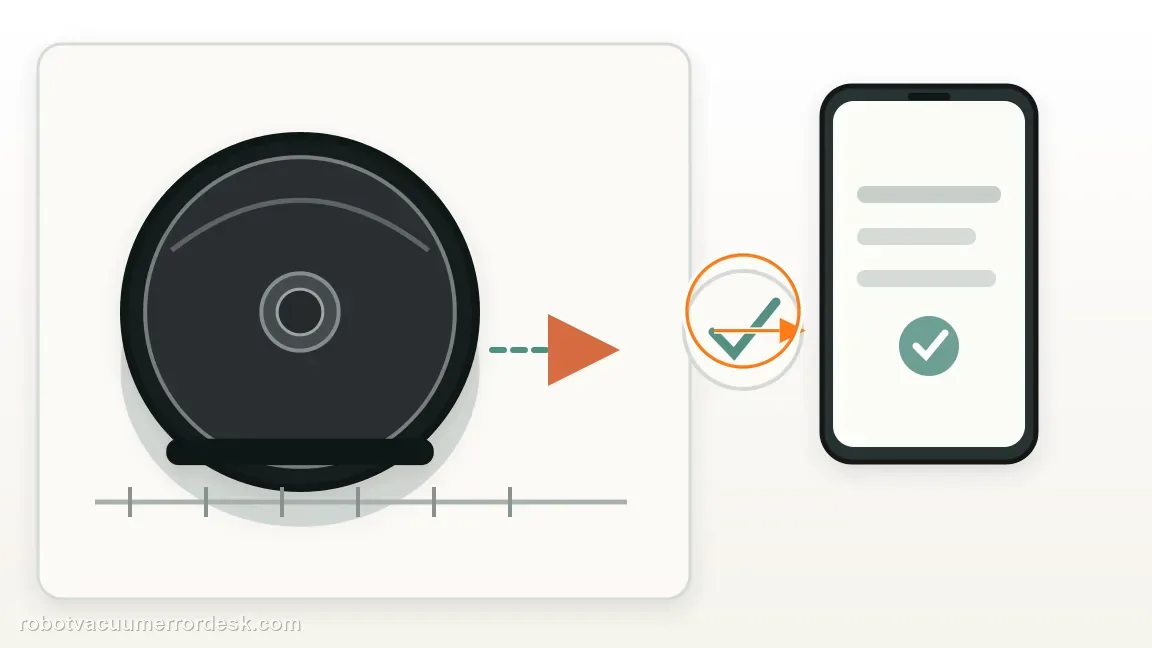
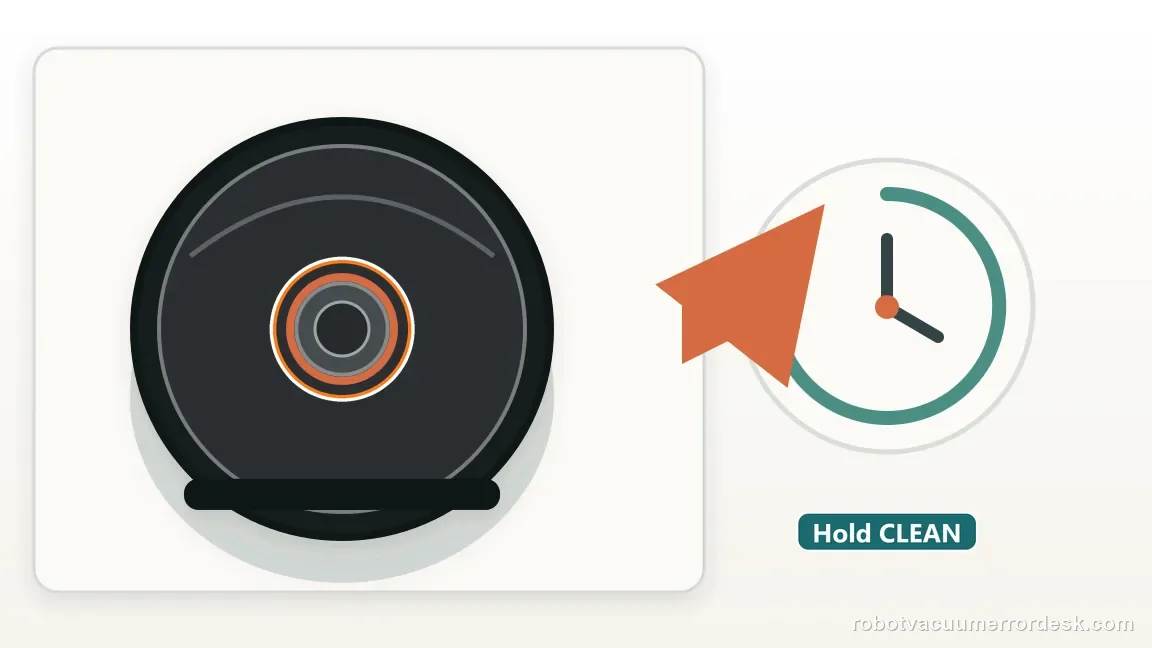
Use the i-Series 20-second CLEAN reboot
If Error 26 remains after airflow maintenance, follow iRobot's series-specific reboot: the dedicated Error 26 guidance calls for holding CLEAN for 20 seconds on i-Series robots. This differs from the nine-second j-Series reboot, so do not copy the j7 timing onto an i3. After the reboot finishes, repeat the same short floor test with the same dry filter. A consistent return after this controlled reboot is stronger evidence of a hardware-side problem.
Check modularity before ordering a cleaning head
iRobot warns that newer i1, i3 and i5 robots can be non-modular. The Error 26 support article gives two owner-checkable clues: certain serial numbers use N or Z in the relevant position, and a bottom layout with a battery door indicates the cleaning-head module is not replaceable in the same way as older modular units. Verify your robot before purchasing a cleaning-head module. If the unit is non-modular, use iRobot service rather than forcing a part swap.
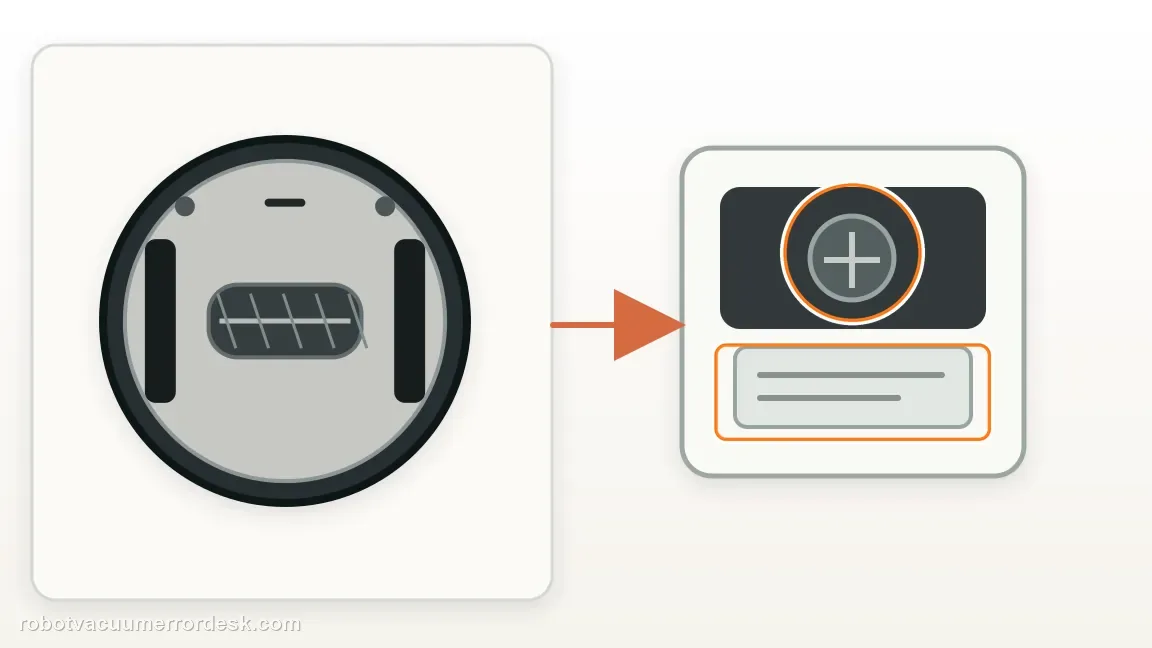
Escalate when Error 26 repeatedly returns after a dry known-good filter, fully dried bin, cleared roller/intake path and the documented 20-second i-Series reboot. Before buying a cleaning-head module, verify whether the exact i3 is modular using iRobot's serial-number and bottom-cover checks. Provide support with the serial number, whether a replacement filter changed the symptom and whether the error returned immediately or only after several minutes. Do not wash the filter or open the vacuum motor assembly.
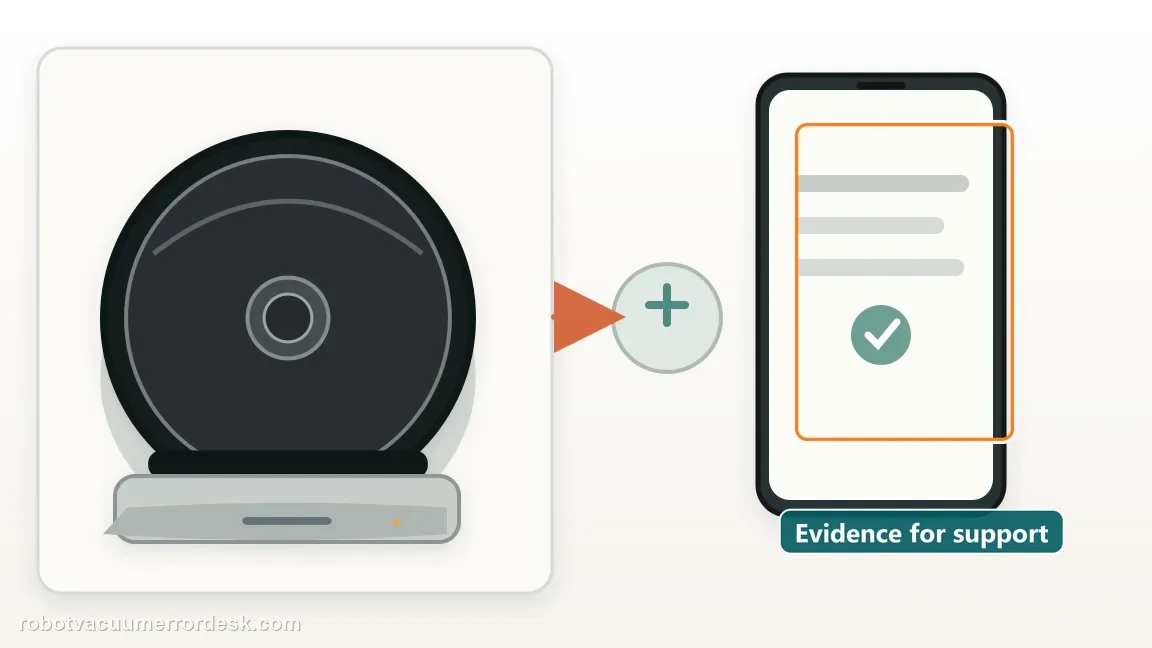
What to collect before contacting support
Give support a reproducible case instead of “it doesn’t work.” That reduces repeated basic troubleshooting and preserves the clues from your tests.
- Exact model name and the error code / voice prompt exactly as shown
- A photo or screenshot of the app error and the time it occurred
- A short list of the checks already completed and what happened after each one
- Robot serial number and proof of purchase if warranty may apply
Manufacturer evidence
iRobot — Error 26 for Roomba i and j Series
iRobot defines Error 26 as insufficient airflow, directs owners to service the dry filter and bin, specifies a 20-second reboot for i Series, and explains modular versus non-modular i1/i3/i5 cleaning-head designs.
Additional official source: iRobot — i Series error-message chart ↗Additional official source: iRobot — cleaning-head and vacuum-path care ↗Last editorial review: October 11, 2026Regional note: manufacturer help centers, model suffixes, mains-power requirements and warranty procedures can differ by country. If the source redirects to a local support site, confirm that the model/hardware scope still matches before following a region-sensitive step.
This guide is rated Official series support. See what each evidence label means →
FAQ
What does Error 26 mean on a Roomba i3?
iRobot describes Error 26 on i-Series and j-Series robots as insufficient airflow, with a clogged bin filter as the first condition to address. Confirm the exact code in the app, then service the filter, bin and accessible cleaning path before considering electronics or a cleaning-head replacement. Error 26 is not the same as docking Error 18 or vacuum over-temperature Error 27.
Can I wash the Roomba i3 filter to clear Error 26?
No. iRobot specifically states that the filter is not designed to be washed or to come into contact with liquid. Tap loose debris from the dry filter or replace it if it remains loaded. The bin itself can be rinsed by hand with warm water, but it must be completely dry before the dry filter is reinstalled and the robot is tested again.
How long do I hold CLEAN to reboot an i3 after Error 26?
For the i Series, iRobot's Error 26 instructions specify holding CLEAN for 20 seconds. The same article gives nine seconds for j-Series robots, so the timing is model-family specific. Perform the reboot only after the airflow path has been serviced, then repeat the same short test. If Error 26 returns, that repeatable result is more useful than repeatedly rebooting without maintenance.
Does Error 26 always mean the Roomba i3 cleaning head is bad?
No. A restricted filter or dirty airflow path is the documented first-line cause and can trigger the same code. A cleaning-head fault becomes more credible only after a dry known-good filter, clean bin, clear roller path and 20-second i-Series reboot fail to resolve the error. Even then, verify whether your particular i3 is modular before ordering a cleaning-head module.
How can I tell if my Roomba i3 cleaning-head module is replaceable?
iRobot says newer i1, i3 and i5 robots may be non-modular. Its Error 26 article gives owner-checkable clues, including specified serial-number characters and a newer bottom layout with a battery door. Check those identifiers before buying a module. If your robot is non-modular, contact iRobot for the supported service path instead of attempting a cleaning-head replacement meant for another hardware revision.
Did this diagnostic narrow the fault?
Use this as an editorial signal, not a popularity counter. If a feedback address is configured you can email the note; otherwise you can copy it for your own support record.