Roomba i3 / i3+ troubleshooting
Navigation, charging and cleaning-head diagnostics. We route by the exact error or symptom rather than assuming a generic robot-vacuum fix applies.
Roomba i3 / i3+ issue index
3 guides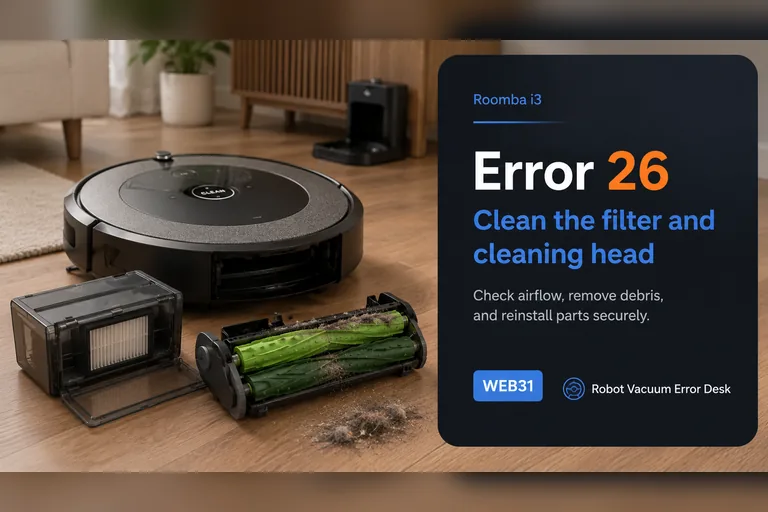
Error 26
On the Roomba i3, Error 26 is an airflow/vacuum problem, not a generic internal error. iRobot says to clean or replace the bin filter first, keep that filter dry, rinse only the bin and let it dry completely, then reinstall everything before retesting. If the code persists, reboot an i-Series robot by holding CLEAN for 20 seconds. A repeat Error 26 after a known-good filter and reboot raises the cleaning-head module as the next suspect, but newer i1/i3/i5 variants may be non-modular. Check the serial-number or bottom-cover clues before ordering a module that cannot be replaced on your particular robot.
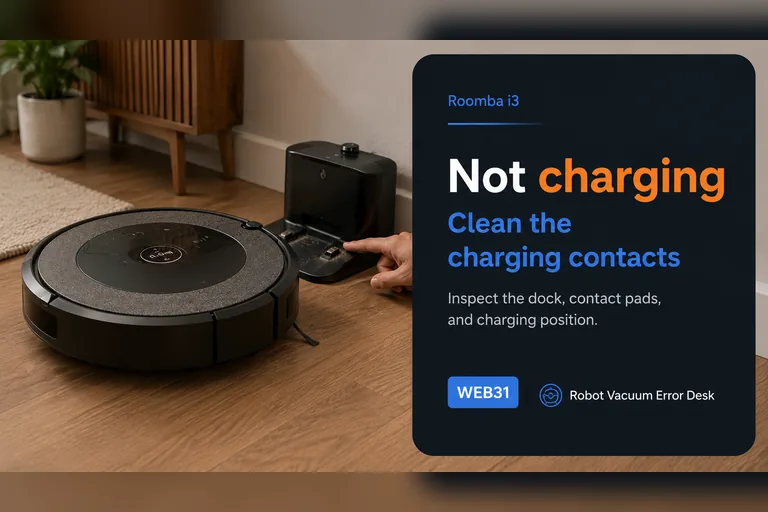
Not charging
Treat a Roomba i3 charging complaint as three separate questions: does the Home Base have power, does the robot actually make electrical contact, and does the battery state rise after contact is established? iRobot's charging guidance starts with dock power and maintenance rather than a replacement battery. Manually seat the i3 on a confirmed powered base, clean both charging contacts, allow a deeply depleted robot time to wake, and compare the battery state before and after a controlled charging interval. If manual seating works but autonomous returns do not, the problem belongs in docking/navigation diagnosis. If the i3 never acknowledges charge even when directly aligned, use the supported reboot or battery re-seat path and then escalate with the exact symptom rather than buying parts by guesswork.
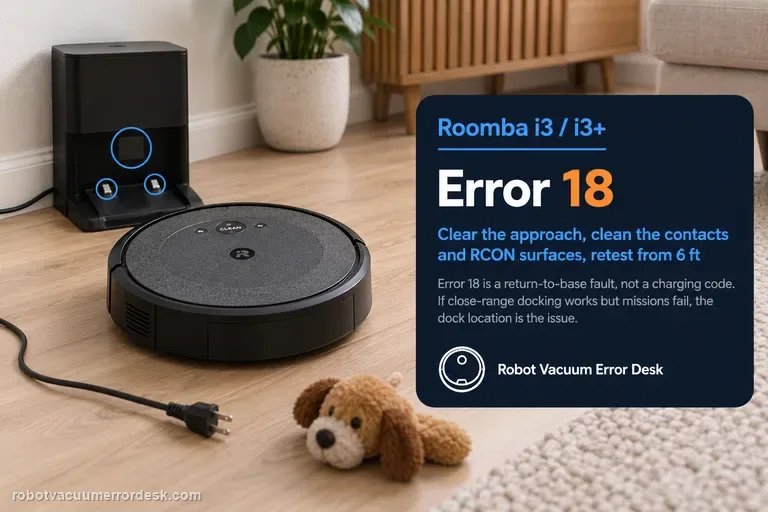
Error 18 / cannot return to dock
On the Roomba i3/i3+, Error 18 means the robot could not return to the Home Base or its starting position; it is not a charging-error code by itself. Prove the dock has power and has not moved, clear the approach, clean both charging-contact sets and the dock/RCON homing surfaces, check the caster and drive wheels, reboot the i Series robot, then face it toward the dock from within about 6 ft (1.8 m) and send it Home. If that close-range test works but a normal mission still fails, dock placement, environmental interference or mission range becomes the stronger lead. iRobot lists i3/i3+ coverage at up to about 1,600 ft², so a long mission ending with a very low battery can also reduce the margin for a successful return.