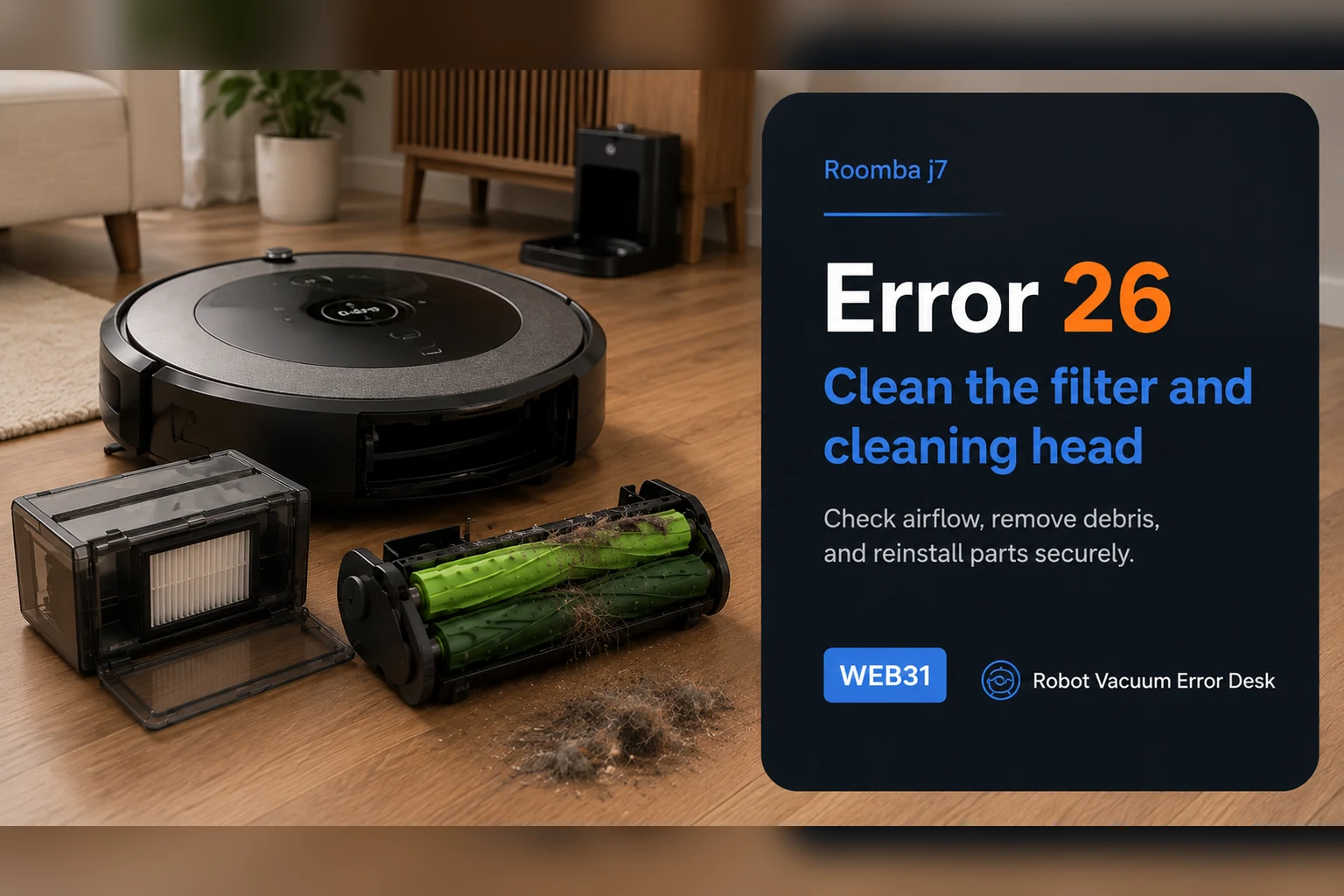
iRobot defines Error 26 on the Roomba j7/j7+ as insufficient airflow, so start with the air path rather than the battery, dock or map. Remove the bin, tap dust from the filter without washing it, rinse only the bin with warm water and let it dry completely, then clear the dual rollers and intake path. Reassemble the filter and bin, reboot a j-series robot by holding CLEAN for nine seconds, and run a short controlled vacuum test. If Error 26 returns after a clean or replaced filter, a dry unobstructed bin path and the documented reboot, iRobot says the cleaning-head module may need service or replacement; stop buying random parts and use the repeatable test result for support.
Confirm the exact model and exact code, light pattern or symptom.
Run the lowest-risk physical or software check first.
Use each pass condition to decide what the result actually narrows down.
Does this match your problem?
- The j7 or j7+ announces or reports Error 26 when vacuuming starts or while airflow demand is high.
- Suction sounds strained, pulses or stops even though navigation, Wi-Fi and docking still work normally.
- Fine dust is packed into the bin filter, roller chamber or intake path, or the error appeared after a very dusty cleaning job.
- You want to distinguish a serviceable airflow restriction from a persistent cleaning-head-module fault before ordering parts.
Most likely causes
A loaded bin filter is restricting airflow even when the bin itself does not look full
The filter became wet or was washed, so airflow remains poor after visible dust is removed
Hair and compacted debris around the dual rollers, roller ends or intake are loading the cleaning head
The bin was rinsed but reinstalled before it was completely dry
The error state remains after maintenance and needs the documented j-series nine-second reboot
A cleaning-head-module or vacuum hardware fault remains after the user-serviceable airflow path is proven clear
What your test result means
| What you observe | What it narrows down | Next move |
|---|---|---|
| Filter face is visibly gray or packed with fine dust | The easiest documented airflow restriction is still present. | Tap the filter clean or replace it; do not wash the filter. |
| Bin is clean but still damp after rinsing | Reassembly can reintroduce moisture into the filter/air path and makes the test invalid. | Leave the bin open until completely dry before reinstalling the filter. |
| Filter is clean but rollers or intake contain hair and compacted debris | Airflow and cleaning-head load can still be restricted downstream of the bin filter. | Service the dual rollers, roller ends and accessible intake path, then retest. |
| Error clears only after the nine-second j-series reboot | The maintenance may have fixed airflow, while the stored fault state needed clearing. | Run a controlled hard-floor task and watch whether Error 26 returns under normal suction. |
| Error 26 returns with a clean/replaced dry filter and clear roller/intake path | The user-serviceable airflow causes are largely exhausted. | Document the result and contact iRobot about cleaning-head-module/vacuum hardware service. |
Do not factory-reset by default. Use the exact model’s reboot/network-reset procedure only when the manufacturer path calls for it.
Run these checks in order
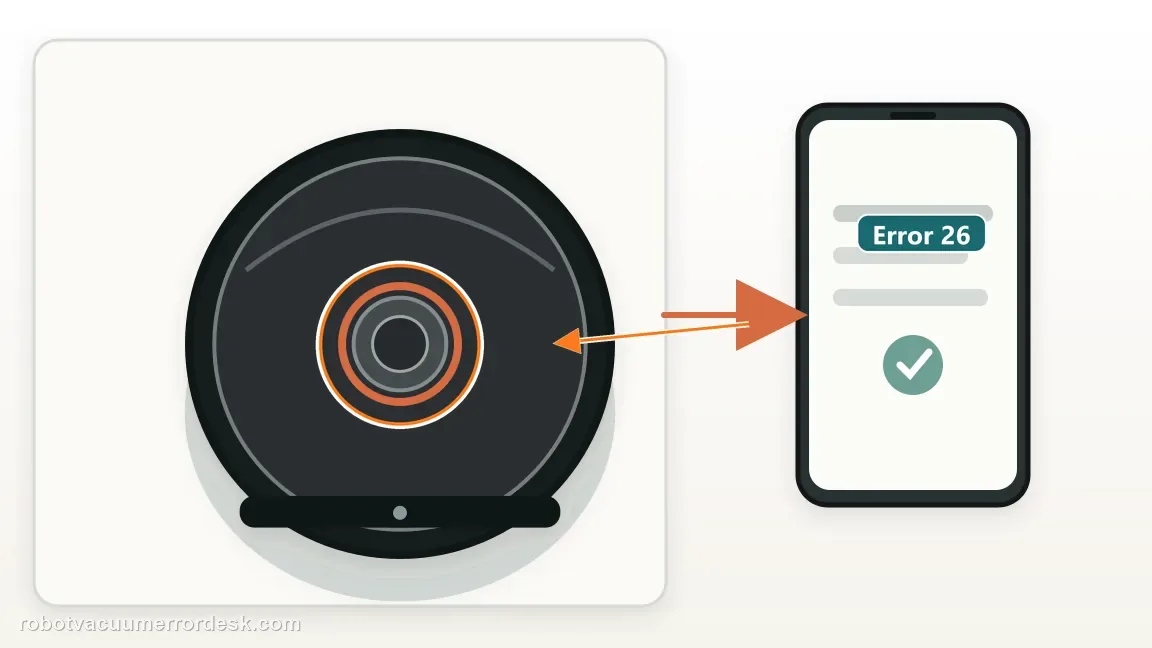
Confirm that the message is Error 26, not a charging or docking code
Read the app notification or narrated error before taking the robot apart. iRobot specifically defines Error 26 for i and j Series as insufficient airflow. That matters because the first diagnostic branch is the vacuum air path, not Home Base power, mapping or battery temperature. Note when the code appears: immediately as suction starts, only on carpet/high suction, or after several minutes. Also note whether the robot still drives and navigates normally. A j7 that moves correctly but throws Error 26 as the vacuum system loads is a much cleaner match than a robot that is simply dead, will not charge or cannot return to its dock. Keep this first observation so later tests change one variable at a time.
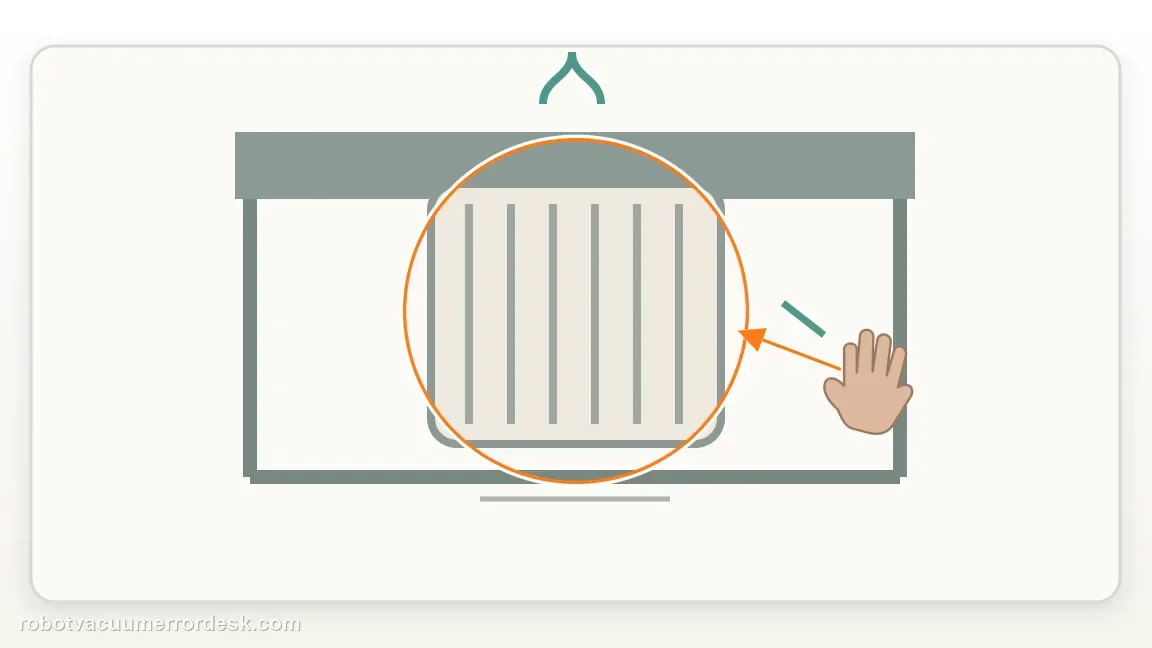
Remove the bin and service the filter exactly as iRobot specifies
Press the rear bin-release control, open the bin and remove the filter from the left side. Tap the filter against a trash container to knock loose dust out of the pleats and surface. iRobot explicitly says the filter is not designed to be washed or to contact liquid, so do not rinse it under a tap or spray cleaner through it. If tapping no longer restores a visibly open filter surface, use a known-good replacement filter instead of trying to soak or scrub the old one. Fine powder can load a filter long before the bin looks full, which is why Error 26 can appear even when there is plenty of empty bin volume.
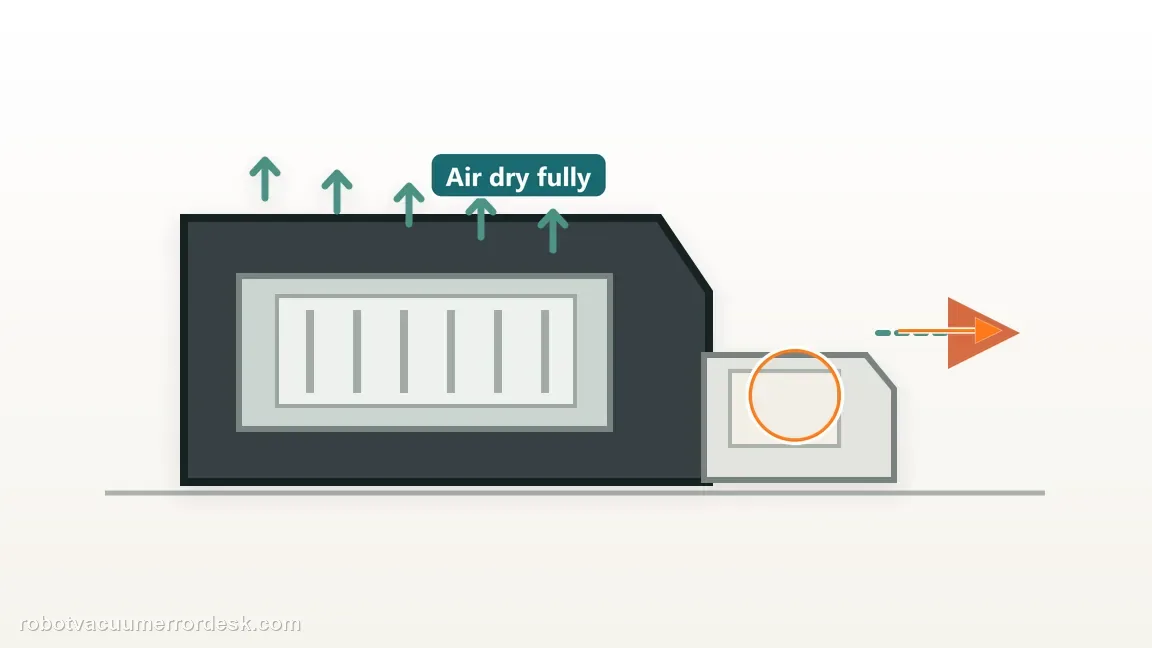
Rinse only the bin, then wait until it is completely dry
With the filter removed, iRobot allows the bin itself to be rinsed by hand with warm water. The bin is not dishwasher safe. Flush loose dust from the bin and internal surfaces without treating the filter the same way. Then leave the bin open until every surface is fully dry; do not reinstall the filter while moisture remains around the filter seat or air path. This drying step is important for diagnosis because a wet filter or damp air path can create new restriction and makes a post-cleaning test ambiguous. If you need to test quickly, use another completely dry bin/filter combination rather than shortening the drying time.
Clear the dual rollers, roller ends and accessible intake path
Open the cleaning-head area and remove the dual rubber rollers according to the normal j-series maintenance path. Cut or unwind hair from the rollers and especially from the end caps/axle areas where a narrow ring of hair can create substantial drag. Inspect the cavity between the rollers and bin inlet for compacted lint, pet hair or fine dust. Clean only user-accessible areas and avoid forcing tools into the motor housing. The goal is to reduce both airflow restriction and mechanical load before the next test. Reinstall each roller in its correct position and make sure the cleaning-head door closes normally; a partly seated roller can create a second problem that looks like the original fault.
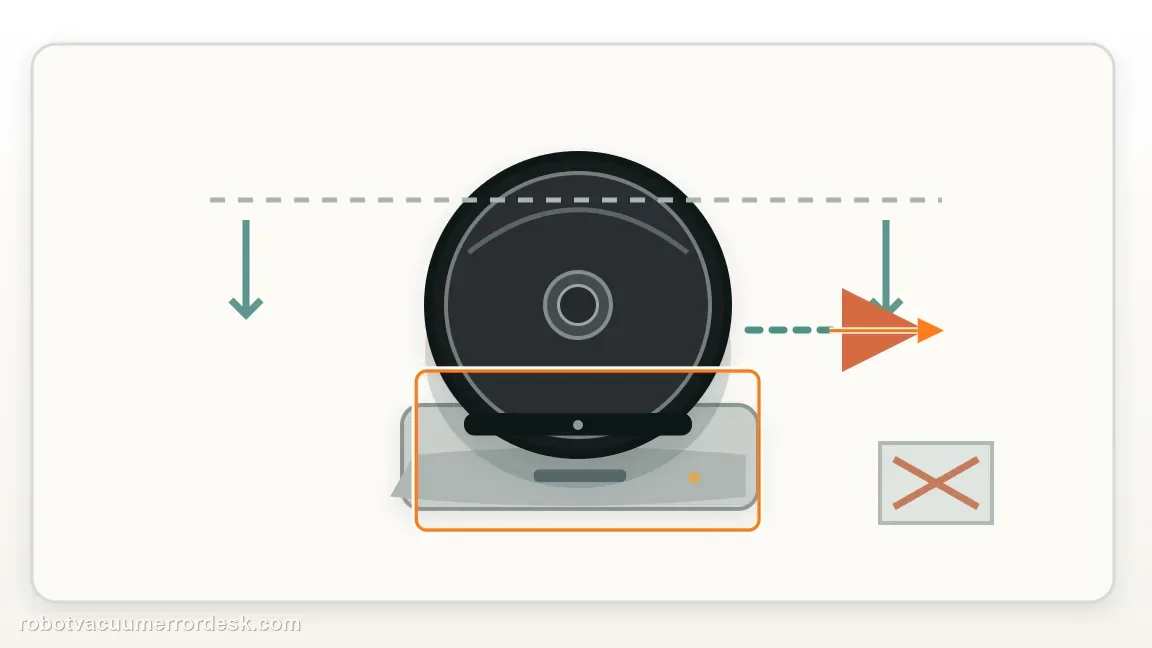
Reassemble the dry bin and verify seating before any reboot
Put the dry filter back into the dry bin and slide the bin fully into the j7 until it is correctly seated. Check that the bin door is closed and the filter has not folded, lifted or shifted during installation. Do not use this stage to change suction settings, maps or cleaning preferences; you want the next result to reflect only the physical airflow maintenance. If the bin does not slide home smoothly, remove it and inspect for debris at the rails or latch rather than forcing it. A clean filter that is poorly seated can still leave the air path abnormal and can undermine the controlled test that follows.
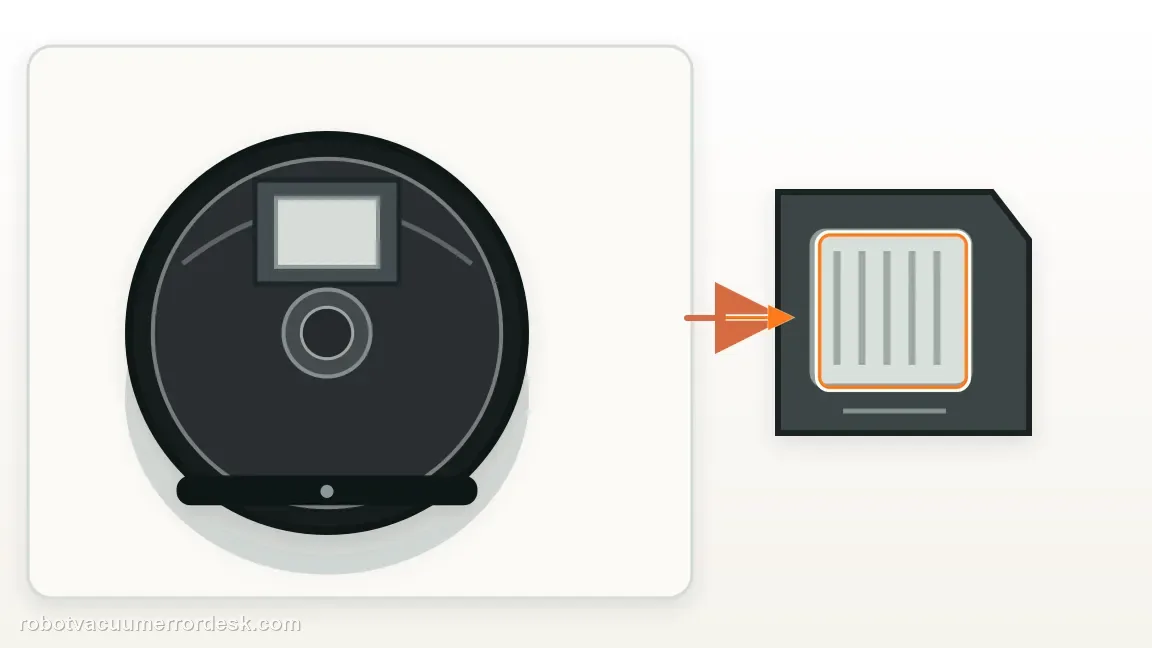
Use the documented nine-second reboot for j Series
If Error 26 remains after the airflow path is serviced, iRobot tells j-series owners to reboot by holding the CLEAN button for nine seconds. This duration is model-family specific: the same Error 26 article gives a different twenty-second duration for i Series, so do not copy the i3 procedure onto a j7. Release the button and allow the robot to complete its reboot before starting another mission. A reboot is useful after maintenance because it clears the error state from memory; it is not a substitute for cleaning. If the code immediately returns before meaningful vacuuming begins, record that behavior rather than repeating reboots over and over.
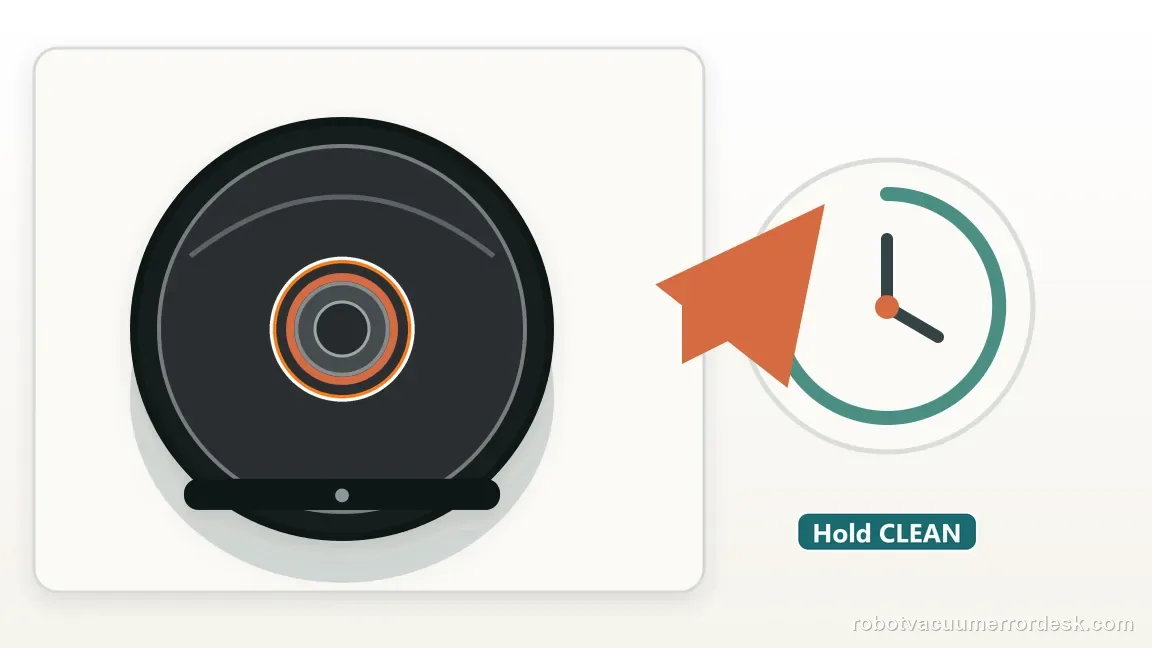
Run one controlled hard-floor test and set a firm escalation threshold
Start with a short vacuum task on clean hard flooring where rug fringe, heavy debris and deep carpet cannot immediately load the brushes. Listen for steady suction and watch whether Error 26 returns as the vacuum motor starts. If the robot now runs normally, repeat on a normal representative area later rather than declaring victory after only a few seconds. If Error 26 returns with a clean or replaced dry filter, a fully dry bin, clear roller/intake path and documented reboot, iRobot says the cleaning-head module may need replacement. At that point, stop purchasing filters, batteries or docks blindly. Record the serial number, filter state and exact retest result for Customer Care or warranty service.
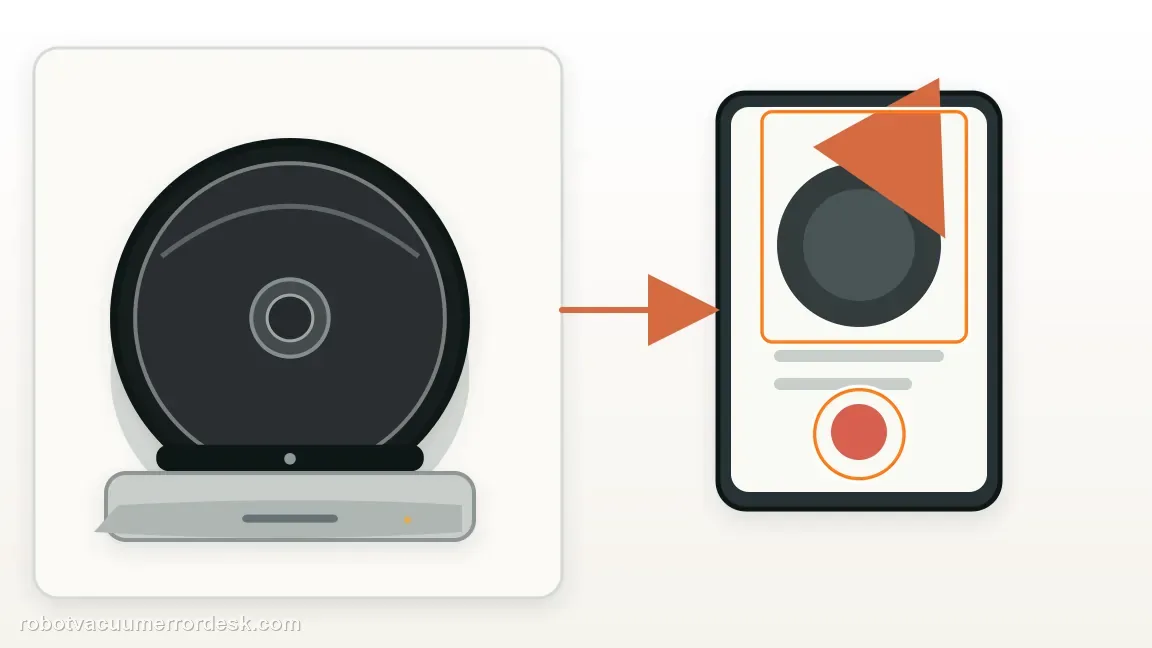
Stop troubleshooting and contact iRobot if Error 26 repeats after the filter has been cleaned or replaced, the bin is completely dry, the dual rollers and intake path are clear, the bin is seated correctly and the j7 has completed the documented nine-second reboot. iRobot’s current Error 26 guidance says the cleaning-head module may need replacement at that point. Do not wash the filter, keep rebooting indefinitely or buy a battery/dock for an airflow code. Photograph the filter/roller condition if useful and provide the robot serial number, whether the error appears immediately or under load, and whether a known-good filter changes the result.
What to collect before contacting support
Give support a reproducible case instead of “it doesn’t work.” That reduces repeated basic troubleshooting and preserves the clues from your tests.
- Exact model name and the error code / voice prompt exactly as shown
- A photo or screenshot of the app error and the time it occurred
- A short list of the checks already completed and what happened after each one
- Robot serial number and proof of purchase if warranty may apply
Manufacturer evidence
iRobot Error 26 — Roomba i Series, j Series and Combo 10 Max
iRobot defines Error 26 as insufficient airflow, tells owners to clean or replace the bin filter, keep the filter dry, rinse and fully dry the bin, reboot j Series for nine seconds, and consider cleaning-head-module service if the error persists.
Additional official source: iRobot j7 Series international owner-guide library ↗Additional official source: iRobot e/i/j cleaning-head and vacuum-path care ↗Last editorial review: October 11, 2026Regional note: manufacturer help centers, model suffixes, mains-power requirements and warranty procedures can differ by country. If the source redirects to a local support site, confirm that the model/hardware scope still matches before following a region-sensitive step.
This guide is rated Official series support. See what each evidence label means →
FAQ
Why does my Roomba j7 keep showing Error 26 even when the bin is not full?
Error 26 is about insufficient airflow, not simply bin volume. Fine dust can load the filter, while hair and compacted debris can restrict the rollers or intake even with an almost-empty bin. Service the dry filter and visible cleaning-head path, fully dry any rinsed bin, then use the j-series nine-second reboot before judging the result.
Can I wash the Roomba j7 filter to clear Error 26?
No. iRobot explicitly says the bin filter is not designed to be washed or to contact liquid. Tap debris out over a trash container or replace a filter that no longer clears. The bin itself can be rinsed by hand with warm water, but it must be completely dry before the dry filter is reinstalled.
How long should I hold CLEAN to reboot a j7 after Error 26?
For j Series, iRobot’s Error 26 article specifies holding CLEAN for nine seconds. The same article gives twenty seconds for i Series, which is why copying an i3 reboot duration onto a j7 is not ideal. Reboot only after the filter/bin/roller path has been serviced; the reboot clears state but does not remove an airflow blockage.
Does Roomba j7 Error 26 mean the cleaning-head module is definitely bad?
Not initially. iRobot starts with the bin filter and airflow maintenance because a restriction is more user-serviceable than a module failure. The cleaning-head module becomes the escalation branch when Error 26 persists after the filter is cleaned or replaced, the bin is dry, the accessible airflow path is clear and the j7 has completed the documented reboot.
Should I replace the battery or dock for a repeating Roomba j7 Error 26?
Not based on Error 26 alone. iRobot classifies this code as insufficient airflow, so the evidence points first to the filter, bin, rollers/intake and then the cleaning-head module. A battery or dock problem needs its own charging or power symptoms. Finish the airflow test path and record the repeatable result before buying unrelated parts.
Did this diagnostic narrow the fault?
Use this as an editorial signal, not a popularity counter. If a feedback address is configured you can email the note; otherwise you can copy it for your own support record.