Roomba j7 / j7+ troubleshooting
Docking, vacuum-path and light-ring diagnostics. We route by the exact error or symptom rather than assuming a generic robot-vacuum fix applies.
Roomba j7 / j7+ issue index
3 guides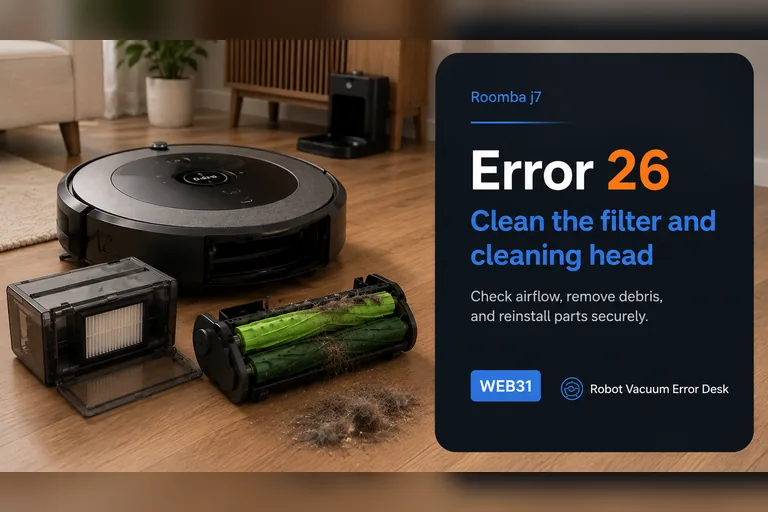
Error 26
iRobot defines Error 26 on the Roomba j7/j7+ as insufficient airflow, so start with the air path rather than the battery, dock or map. Remove the bin, tap dust from the filter without washing it, rinse only the bin with warm water and let it dry completely, then clear the dual rollers and intake path. Reassemble the filter and bin, reboot a j-series robot by holding CLEAN for nine seconds, and run a short controlled vacuum test. If Error 26 returns after a clean or replaced filter, a dry unobstructed bin path and the documented reboot, iRobot says the cleaning-head module may need service or replacement; stop buying random parts and use the repeatable test result for support.
Won't dock
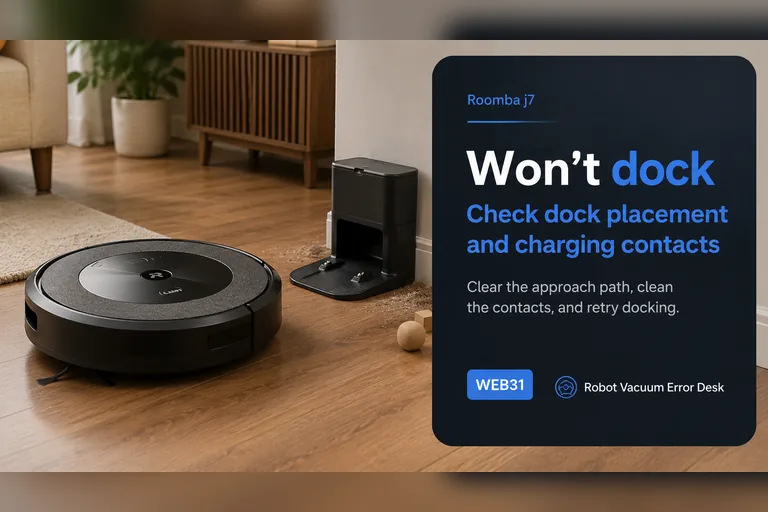
For a j7 that will not dock, start with a controlled close-range return rather than deleting the map. iRobot's Error 18 guidance says j-Series robots use the front-facing camera for the docking approach instead of the RCON used on many older Roombas. Confirm the dock has power, keep its approach clear, remove direct sunlight or visual obstruction, clean the robot/dock contact and bumper areas, then face the j7 toward the dock from about 6 ft (1.8 m) and command Home. A successful close test points to placement, mission context or range. A failed close test keeps camera visibility, final approach and dock/contact conditions at the center of the diagnosis.
Red light
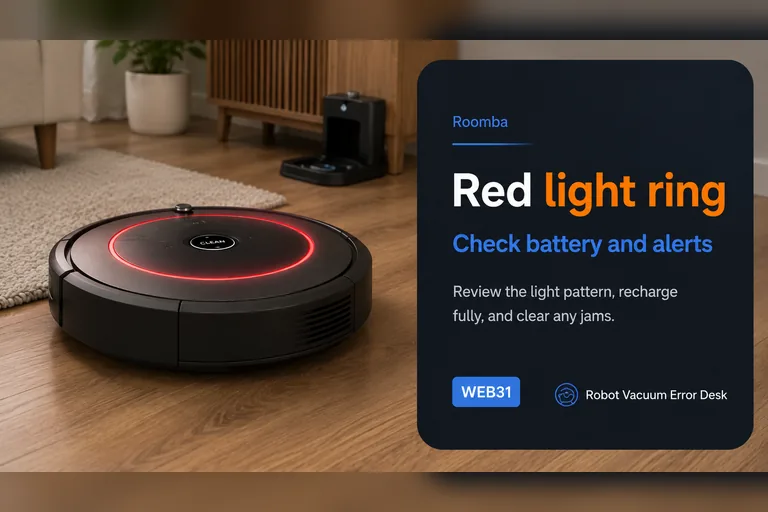
A red light on a Roomba j7 is a status language, not one universal fault. iRobot documents solid red for an active error, pulsing red when the battery is charging but still too low to start, and a red sweep toward the rear for a full-bin condition on i/j robots. Read the motion of the light and the app/voice message before resetting the robot. If it is solid red, make Roomba repeat the underlying error and troubleshoot that code. If it is pulsing red, prove charging time. If it sweeps rearward, empty the bin and clean all full-bin/port sensors. A dock light is a separate indicator and should not be interpreted as the robot's light ring.