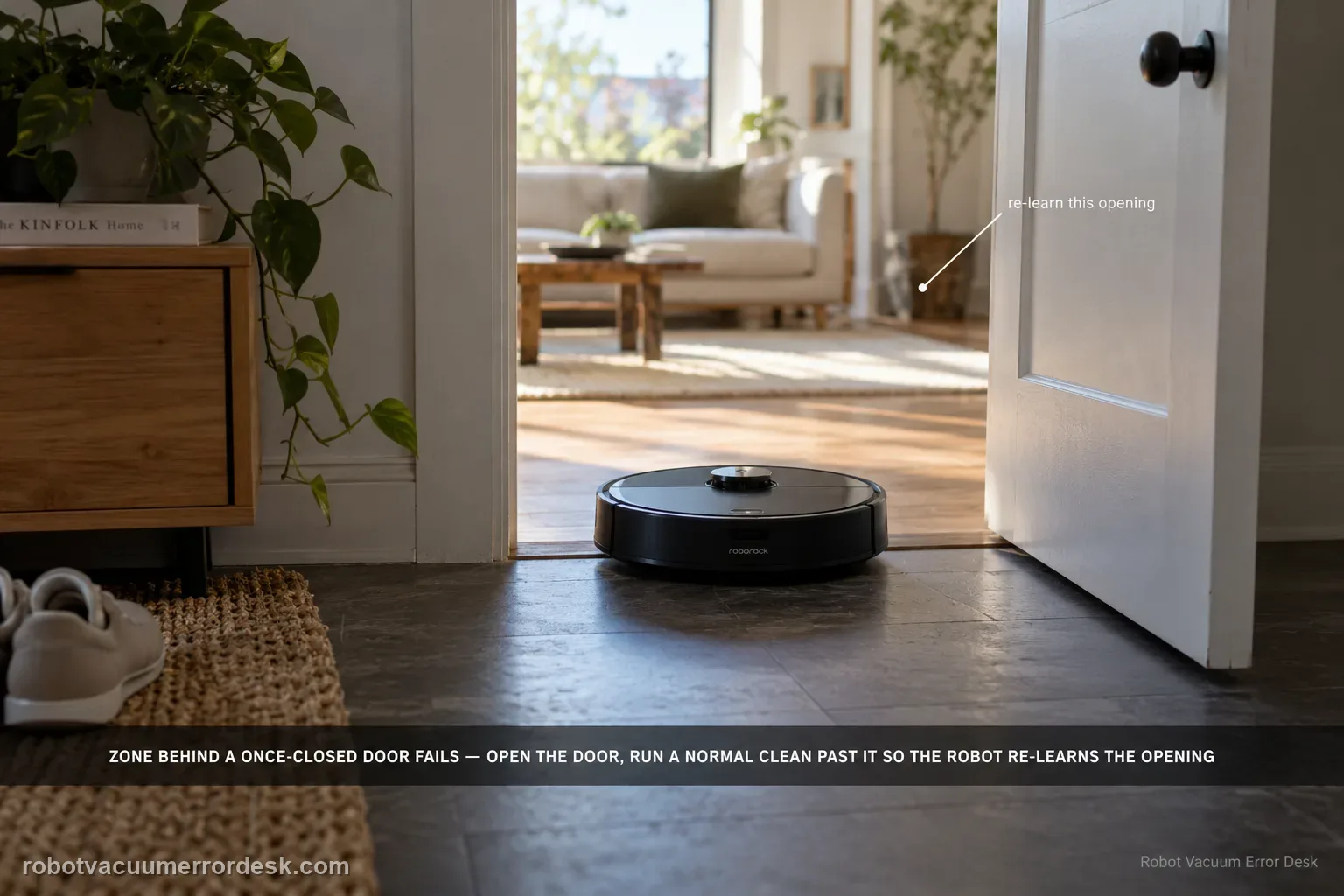
Zone cleaning on the Saros 20 Sonic can fail when the selected zone is in an area the robot previously understood as being behind a closed door. Roborock says to open the door, start a normal cleanup near that doorway so the robot recognizes the changed access, and then start zone cleaning again. The key is updating the robot’s local understanding of the doorway before repeatedly redrawing the same zone.
Confirm the exact model and exact code, light pattern or symptom.
Run the lowest-risk physical or software check first.
Use each pass condition to decide what the result actually narrows down.
Confirm this is the right issue
- A zone is reachable now but was previously behind a closed door.
- Whole-home or normal cleaning can approach the area, but zone cleaning fails.
- The failure is tied to one doorway or changed room access rather than a general wheel fault.
- You are diagnosing zone cleaning fails on a Roborock Saros 20 Sonic and want the exact model support path rather than a generic reset list.
What’s most likely causing this
Robot map state still treating the doorway as closed/inaccessible
Zone task launched before the robot recognized the open door
Persistent mapping/localization issue if normal cleanup also cannot enter
A zone that becomes reachable after one normal cleanup through the reopened doorway points to stale accessibility context, not a failed zone-selection control.
Reading your test result
| What you observe | What it narrows down | Next move |
|---|---|---|
| Target zone lies behind a door that was previously closed | Robot may still treat access as blocked | Open door and run normal cleanup near it. |
| Normal cleanup now crosses doorway | Physical/map access is available | Retry zone cleaning. |
| Normal cleanup cannot cross doorway | Problem is broader than zone task | Check obstacles/map/access first. |
| Zone works after nearby normal cleanup | Doorway state was the cause | Keep access open for future zone task. |
| Zone still fails despite proven access | Task-specific failure remains | Escalate with map/zone screenshot and job history. |
Do not factory-reset by default. Use the exact model’s reboot/network-reset procedure only when the manufacturer path calls for it.
Work through these checks in order
Open and clear the doorway to the target zone
Make sure the door is fully open and the threshold is not blocked. Roborock notes that zone cleaning can fail when the area was previously behind a closed door.
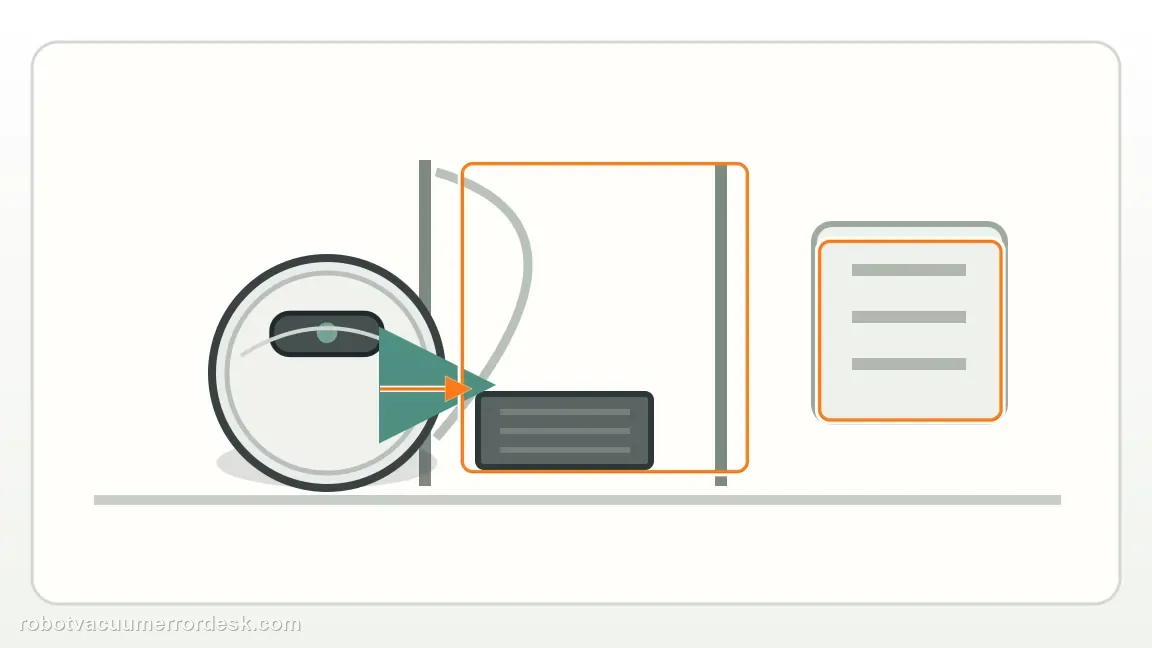
Run a normal cleanup near the open doorway
Use a standard cleaning task near the entrance so the robot can recognize that access has changed. Do not carry it through the doorway, because that would not prove the route is navigable.
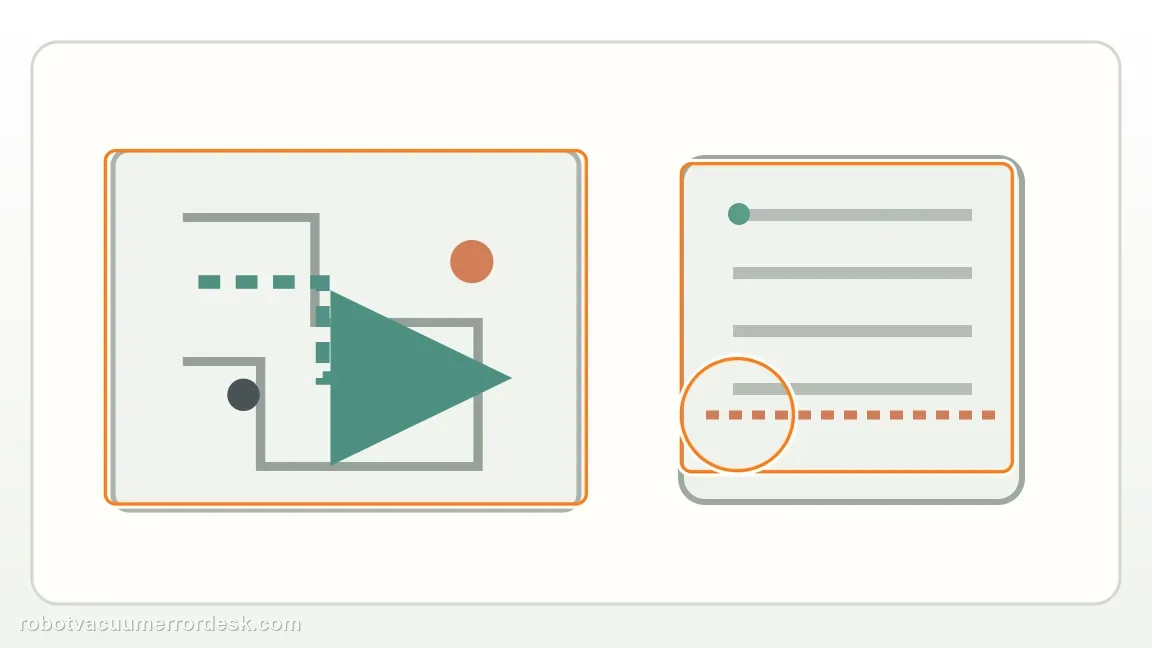
Prove normal cleaning can actually enter the area
Watch the normal task cross the doorway. If it cannot, the problem is broader navigation/access and redrawing a zone will not solve it.
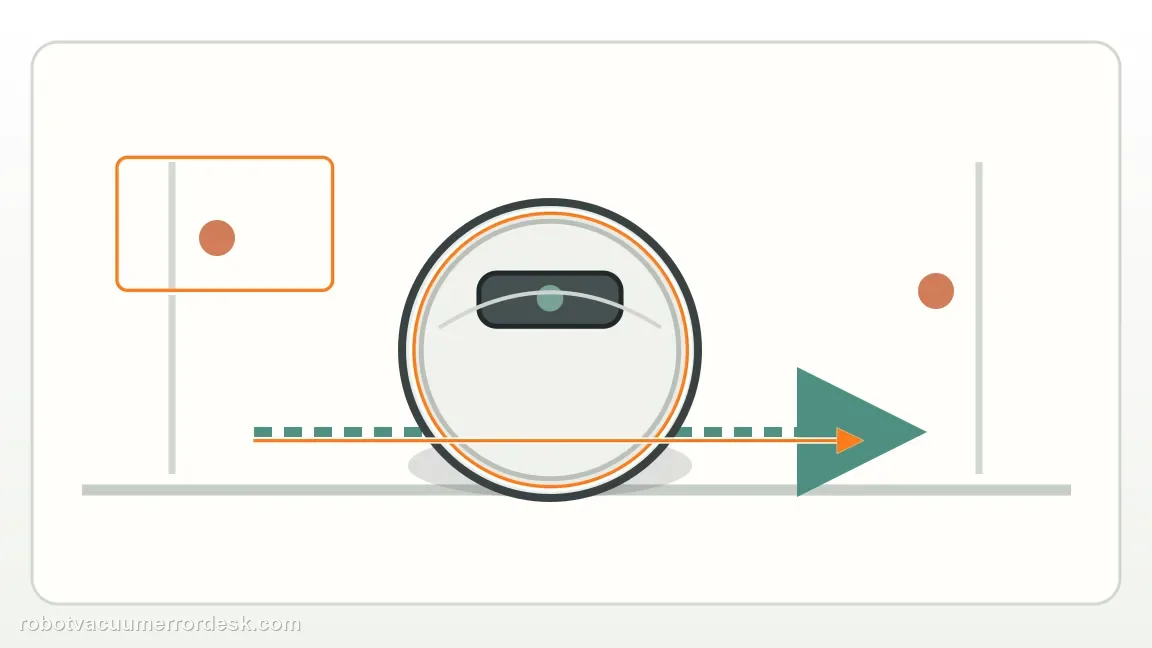
Retry the same zone only after access is proven
Once normal cleaning can enter, start zone cleaning again using the existing target. This tests the specific task state after the robot has refreshed the doorway context.
Escalate a zone-only repeat with map evidence
If normal cleaning reaches the area but zone cleaning still fails repeatedly, save a map screenshot showing the open doorway and selected zone for Roborock. Do not delete the map before preserving that evidence.
Escalate when normal cleaning can enter the target area through the open doorway but the same zone request still fails. Send a map screenshot showing the zone and a job-history or video comparison of normal access versus the failed zone task. Do not delete a working map before preserving that distinction; it is the strongest evidence that the failure is zone-specific.
Before you contact support, gather this
A reproducible case moves a support call past the basic troubleshooting script faster than “it doesn’t work” does, and it keeps the clues from your own tests on record.
- Exact model name and the error code / voice prompt exactly as shown
- A photo or screenshot of the app error and the time it occurred
- A short list of the checks already completed and what happened after each one
- Firmware/app version if the issue began after a software change
Where this comes from
Roborock Saros 20 Sonic — zone cleaning
Roborock says a zone behind a previously closed door may fail until a normal cleanup near the open door updates the robot’s understanding of access. This review follows Roborock’s unusual but model-specific recovery path: reopen the doorway, run normal cleaning nearby, then retry the zone after the robot has refreshed access.
Additional official source: Roborock Support Center — Help & Manuals ↗Last editorial review: September 5, 2026Regional note: manufacturer help centers, model suffixes, mains-power requirements and warranty procedures can differ by country. If the source redirects to a local support site, confirm that the model/hardware scope still matches before following a region-sensitive step.
This guide is rated Official model support. See what each evidence label means →
Questions people ask
Do I need to delete the map first?
No. Roborock’s exact first step is less destructive: open the previously closed door, run a normal cleanup near that doorway, then try the zone again. That sequence tests whether the robot has recognized the newly available route. Deleting the map first removes useful room and access evidence before you know whether the problem is only the stale door state.
What if normal cleaning cannot enter either?
Then the problem is broader than the zone-cleaning command. Keep the map and inspect physical access, obstacles and navigation into that room before redrawing the zone. The useful comparison is whether a normal cleanup can cross the same doorway. If it cannot, repeated zone requests will not solve the underlying access problem and may hide the real failure branch.
Why can a previously closed door matter later?
Roborock specifically notes that zone cleaning can fail when the requested area was previously behind a closed door. A normal cleanup near the now-open doorway lets the robot recognize that the route is available again. Once ordinary cleaning crosses into the room, retry the same zone without changing the map; that isolates zone-task state from physical access.
Why does zone cleaning fail on my Roborock Saros 20 Sonic?
Roborock says zone cleaning can fail when the chosen zone is in an area that used to be behind a closed door. Open the door and run a normal cleanup near that doorway first so the robot recognizes that access has changed. Once a normal cleanup can pass through, start the zone clean again. If it still fails, save the zone screenshot.
Do I need to redraw the Saros 20 Sonic zone after opening a door?
Not necessarily. The first Roborock step is to update the robot’s understanding of the doorway by running a normal cleanup nearby with the door open. If that normal task passes through, retry the existing zone. Redrawing the same target before proving access may not change anything. Escalate only if zone cleaning still fails after the robot has successfully navigated through the open doorway.
Did this diagnostic narrow the fault?
Use this as an editorial signal, not a popularity counter. If a feedback address is configured you can email the note; otherwise you can copy it for your own support record.