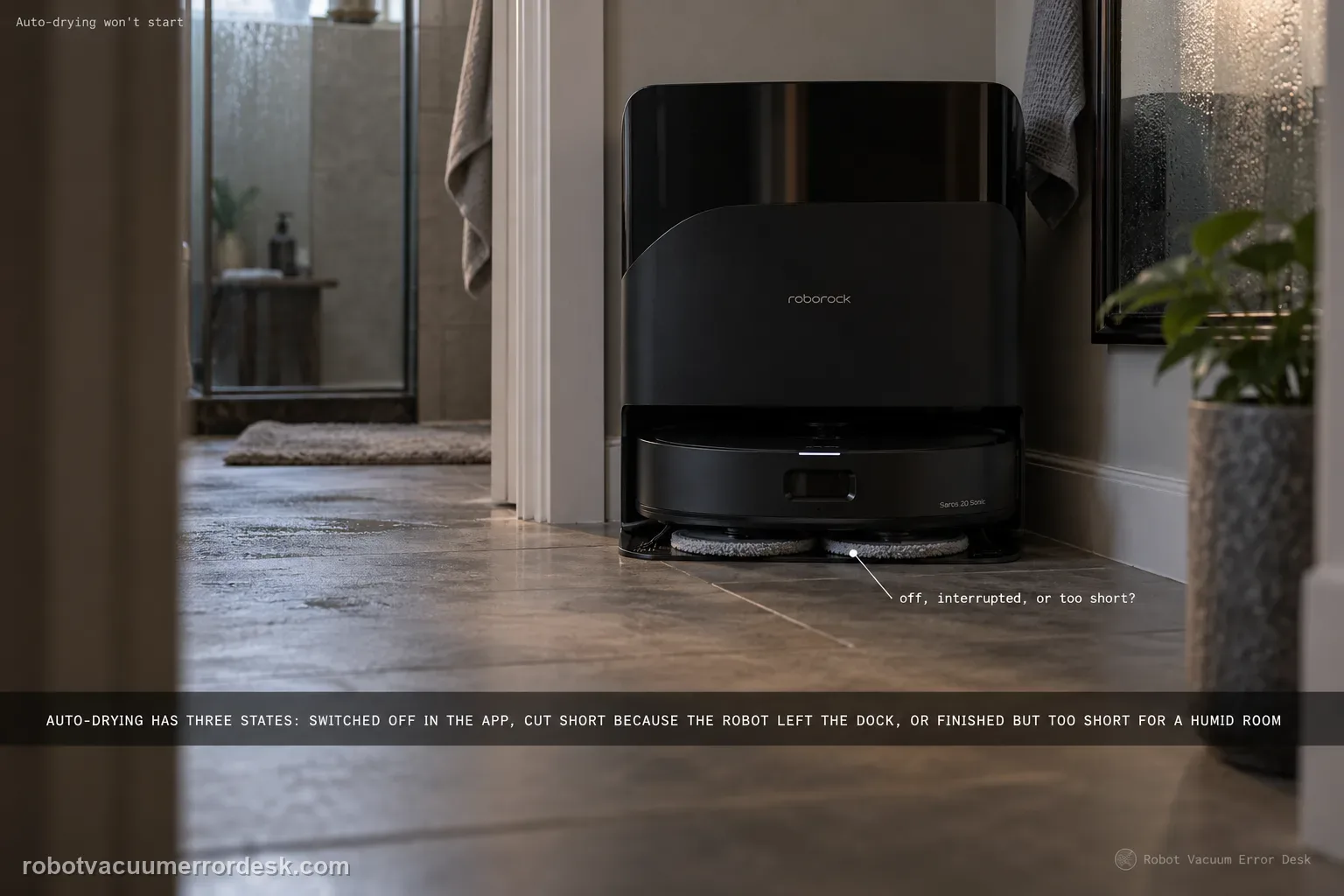
When Saros 20 Sonic auto-drying does not start, check the setting before treating the dock as failed. Roborock’s manual says auto-drying can be disabled in the app. If drying starts but ends early, the manual gives a different discriminator: the cycle ends in advance if the robot departs the dock. A third branch is performance rather than startup—high humidity can require a longer drying duration. Keep those three states separate: disabled, interrupted by departure, or complete but insufficient in humid air.
Confirm the exact model and exact code, light pattern or symptom.
Run the lowest-risk physical or software check first.
Use each pass condition to decide what the result actually narrows down.
Does this match your problem?
- The dock never begins a drying cycle after mop washing.
- Drying begins but stops when the robot leaves the dock.
- The cycle completes yet the mop remains damp in a humid room.
- You need to tell a setting problem from an interrupted cycle before assuming a drying-hardware fault.
Most likely causes
Auto-drying is disabled in the Roborock app.
The robot departs the dock while drying, ending the cycle early.
Drying duration is too short for the current humidity level.
A persistent dock drying fault remains after setting, dock occupancy and duration are controlled.
What your test result means
| What you observe | What it narrows down | Next move |
|---|---|---|
| Auto-drying toggle is off | The dock is behaving consistently with a disabled feature. | Enable auto-drying and run one normal cycle. |
| Drying stops exactly when robot departs | The manual describes dock departure as an early-end trigger. | Keep the robot docked for the next control test. |
| Cycle completes in humid air but mop stays damp | Drying time may be insufficient for the environment. | Extend duration in the app and complete another cycle. |
| Cycle stops with robot still docked | Departure no longer explains the interruption. | Record timing and dock state for support. |
| Long uninterrupted cycle still dries poorly | Setting, occupancy and duration are largely controlled. | Escalate with duration, humidity and end-state evidence. |
Do not factory-reset by default. Use the exact model’s reboot/network-reset procedure only when the manufacturer path calls for it.
Run these checks in order
Verify auto-drying is enabled before testing hardware
Open the Saros 20 Sonic dock settings and check the auto-drying control. The manual explicitly lists a disabled setting as a reason auto-drying will not start. Turn it on if needed, then trigger a normal mop-wash/dry sequence rather than repeatedly power-cycling the dock. Record the selected drying duration so the next test has a known configuration.
Keep the robot on the dock for the whole drying test
Do not send the robot to clean or move it away during the test. Roborock states that if the robot departs the dock during drying, the drying process ends in advance. That means an early stop after departure is expected behavior, not evidence that the blower failed. Use a cycle where the robot stays seated from start to finish.
Separate no-start from early-stop behavior
Watch the first few minutes. If no drying cycle begins with auto-drying enabled, capture that as a startup failure. If the cycle starts and later ends only after the robot leaves, the cause is already identified. If it starts, stays active with the robot docked and reaches the scheduled end, move to performance rather than startup troubleshooting.
Extend the duration when humidity is high
In a humid environment, Roborock recommends extending drying duration in the app. Use a longer documented setting and let one uninterrupted cycle finish before judging the result. Do not add external heaters or aim hot air at the mop; the manual’s owner control is duration, not improvised heat. Compare the end state with the shorter baseline.
Check whether the issue follows the dock cycle, not one wet mop
Use a freshly washed mop and a complete normal cycle, then assess at the scheduled end. A pad that begins unusually saturated because another wash/drain problem occurred belongs to a different branch. If the dock starts and runs normally but the mop remains wet after an extended duration, save that distinction for support rather than toggling unrelated cleaning modes.
Escalate only after setting, occupancy and duration are proven
If auto-drying is enabled, the robot stays on the dock, the cycle still fails to start or repeatedly stops without departure, or a longer humid-room duration cannot produce normal drying, preserve the app setting, selected time and a short video of the dock state. Those observations map directly to the manual’s branches and are more useful than a generic report that the mop is wet.
Escalate if auto-drying is enabled yet never starts, or if it stops early while the robot remains docked. For weak drying, first extend the duration in humid conditions and let the full cycle complete. Send the selected setting, duration, whether the robot stayed docked and the end-of-cycle result. Do not use external heat or open the drying path.
What to collect before contacting support
Give support a reproducible case instead of “it doesn’t work.” That reduces repeated basic troubleshooting and preserves the clues from your tests.
- Exact model name and the error code / voice prompt exactly as shown
- A photo or screenshot of the app error and the time it occurred
- A short list of the checks already completed and what happened after each one
- Firmware/app version if the issue began after a software change
Manufacturer evidence
Roborock Saros 20 Sonic CE EN User Manual — Common Issues
Roborock’s manual separates startup, interruption and humidity performance instead of treating every damp-mop complaint as one fault. This page preserves that distinction: a disabled setting explains no-start, robot departure explains an early end, and a longer app duration is the documented response to humid conditions.
Additional official source: Roborock Saros 20 Sonic official product support hub ↗Last editorial review: September 5, 2026Regional note: manufacturer help centers, model suffixes, mains-power requirements and warranty procedures can differ by country. If the source redirects to a local support site, confirm that the model/hardware scope still matches before following a region-sensitive step.
This guide is rated Official manual. See what each evidence label means →
FAQ
Why doesn’t auto-drying start on my Saros 20 Sonic?
The first check is the app setting. Roborock lists disabled auto-drying as a direct cause of a cycle that will not start. Enable it, note the selected duration and run a normal wash-and-dry sequence with the robot left on the dock. If no cycle begins under that controlled condition, record the app setting and dock state instead of repeatedly rebooting or adding external heat.
Why did Saros 20 Sonic drying stop when the robot left the dock?
That behavior matches the manual. Roborock says drying ends in advance if the robot departs the dock during the cycle. Run the next test without sending the robot to clean and do not move it manually. If drying then completes, the earlier stop was explained by dock departure. A cycle that still stops while the robot remains seated is a different support-worthy result.
What should I do if the mop is still damp in humid weather?
Roborock recommends extending the drying duration in the app when the environment is humid. Keep the robot docked and let the longer cycle finish completely before comparing the mop state. Do not substitute an external heater or hair dryer. If repeated longer cycles still leave the mop abnormally wet while the dock otherwise operates normally, document humidity and duration for support.
Is a damp mop always an auto-drying failure?
No. First confirm the cycle actually started, remained active with the robot on the dock and reached its scheduled end. A cycle interrupted by robot departure is not the same as a completed cycle with weak drying, and a mop entering the process excessively wet after another dock problem may confuse the result. Use one normal wash-and-dry sequence as the baseline before escalating.
What should I send Roborock for an auto-drying problem?
Send a screenshot showing auto-drying enabled and the selected duration, plus whether the robot remained on the dock for the entire test. State whether the cycle never started, stopped early without robot departure, or completed but left the mop damp after an extended humid-room duration. That classification follows the manual and gives support a repeatable state instead of a broad 'drying not working' report.
Did this diagnostic narrow the fault?
Use this as an editorial signal, not a popularity counter. If a feedback address is configured you can email the note; otherwise you can copy it for your own support record.