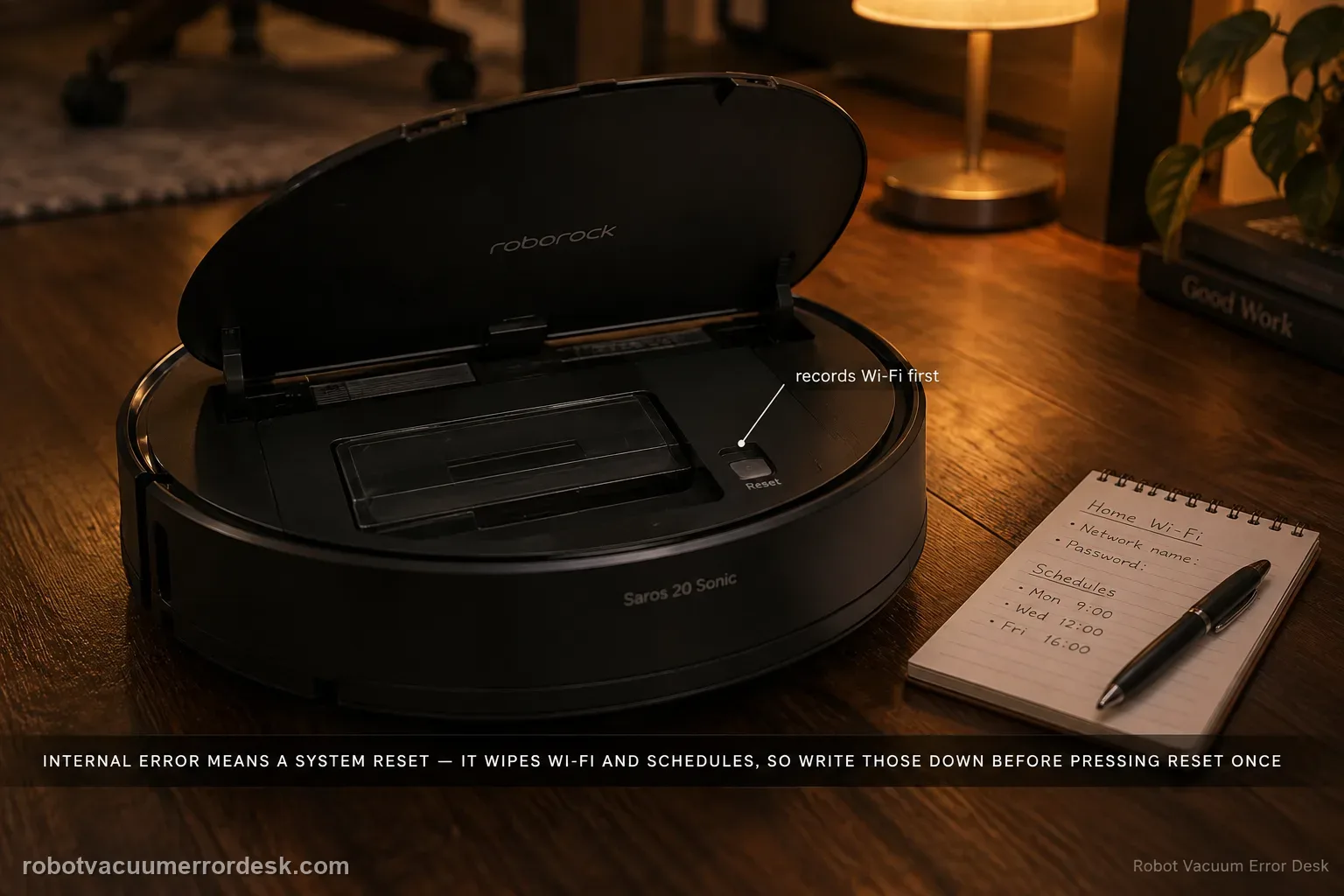
For a Saros 20 Sonic Internal Error, Roborock’s exact model page tells owners to reset the system using the Reset button under the top cover. That reset returns current settings to factory defaults, including Wi‑Fi and scheduled cleanups, so record the network name, schedules and important app settings first. Perform one reset, reconfigure only what is necessary for a simple test, and escalate if the internal error returns.
Confirm the exact model and exact code, light pattern or symptom.
Run the lowest-risk physical or software check first.
Use each pass condition to decide what the result actually narrows down.
Confirm this is the right issue
- The Saros 20 Sonic reports an internal error rather than a numbered mechanical code.
- Basic cleaning hardware does not explain the message.
- You are considering a reset because the robot remains stuck in the same software state.
- You are diagnosing internal error on a Roborock Saros 20 Sonic and want the exact model support path rather than a generic reset list.
What’s most likely causing this
Software/system state requiring the documented reset
Configuration state that will be cleared by the reset
Persistent internal fault if the official reset does not recover the robot
Because the documented reset can restore factory defaults including Wi-Fi and schedules, record network and schedule details before using it; a recurring internal error after reset belongs with support.
Reading your test result
| What you observe | What it narrows down | Next move |
|---|---|---|
| Important app settings are not recorded | Reset would destroy useful configuration | Save Wi‑Fi/schedules/settings first. |
| Reset button location is uncertain | Wrong control could be pressed | Use manual/app diagram for exact location. |
| Error clears after one reset | Temporary system state was likely involved | Reconfigure gradually and monitor. |
| Error returns immediately after clean reset | Persistent internal issue remains | Stop repeated resets. |
| Error returns after specific configuration is restored | A repeatable software/state trigger may exist | Document the triggering step for support. |
Reset can erase maps/settings on this path. Use lower-risk checks first and document the current state before resetting.
Work through these checks in order
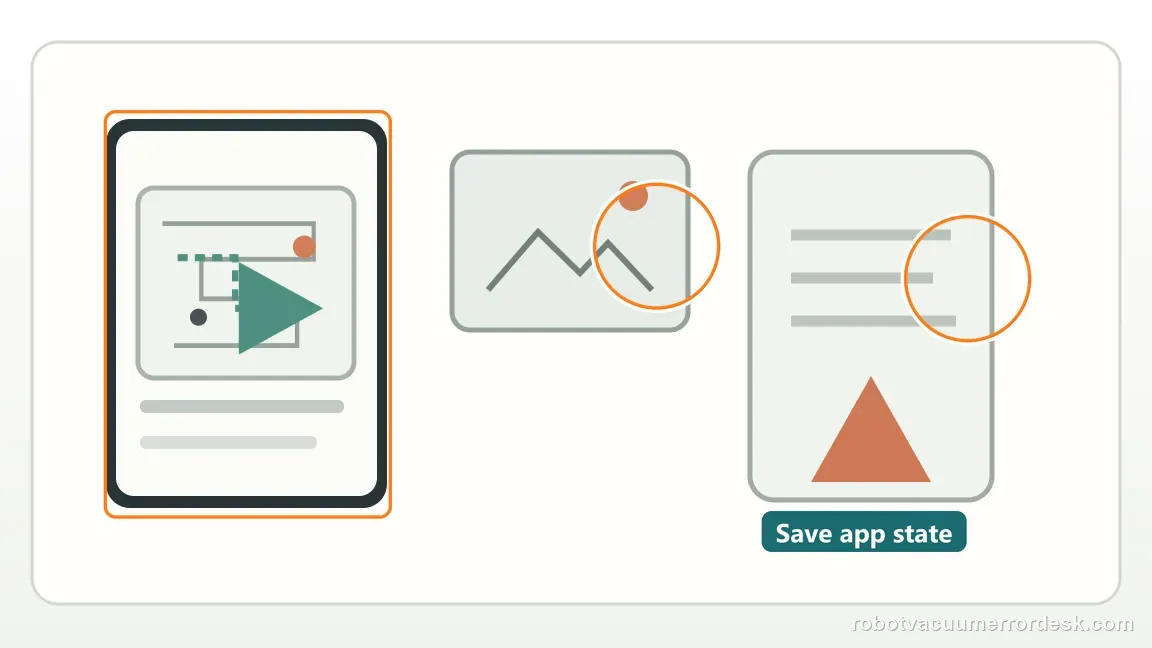
Preserve settings and the exact Internal Error first
Screenshot the alert, Wi‑Fi details, schedules and any important app settings. Roborock warns that the system reset restores current settings to factory defaults, including Wi‑Fi and scheduled cleanups.
Locate the documented Reset button for this model
Open the top cover and use the Reset button location shown in the Saros 20 Sonic manual or app diagram. Do not press unlabeled openings or substitute an unrelated button combination.
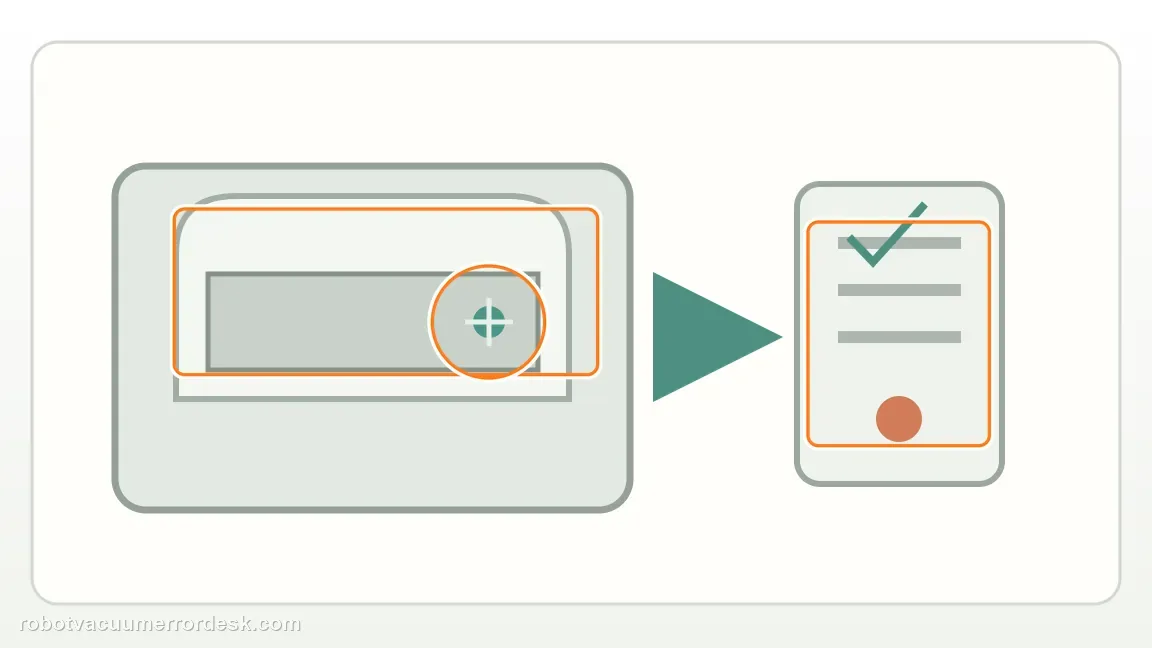
Perform one controlled system reset
Use the documented reset once. Repeated factory resets are not more diagnostic and can erase the timing/context of a persistent internal fault.
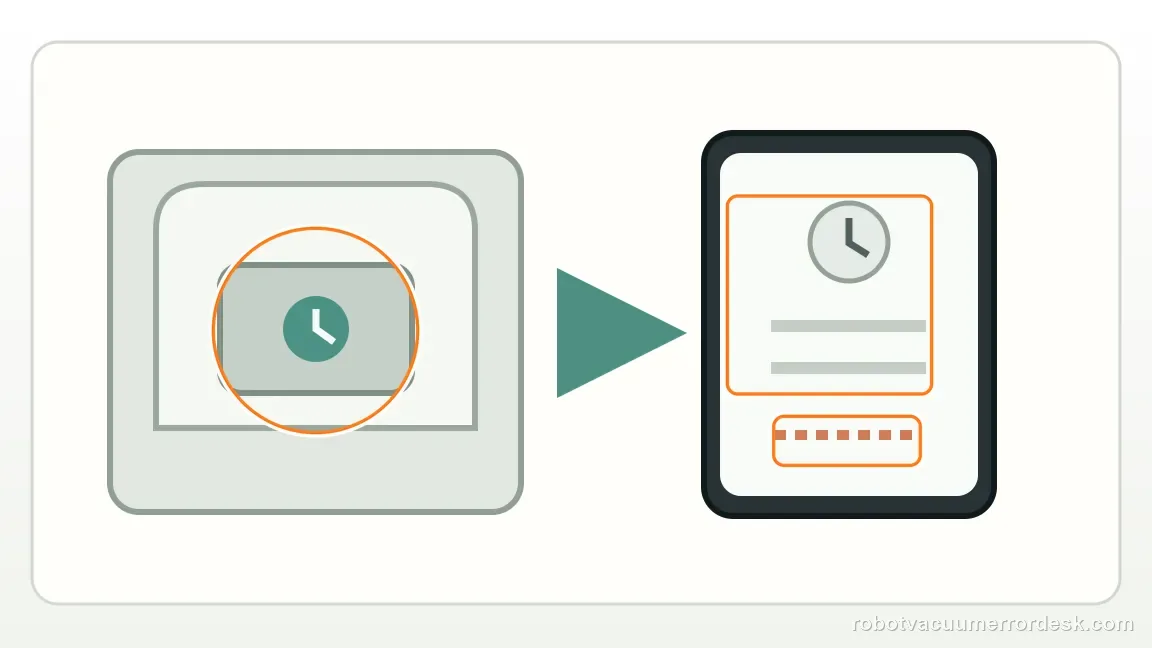
Reconfigure only the minimum needed for a proof test
Reconnect the robot and restore only enough network/settings to run a simple cleaning test. Do not rebuild every schedule before you know whether the Internal Error is gone.
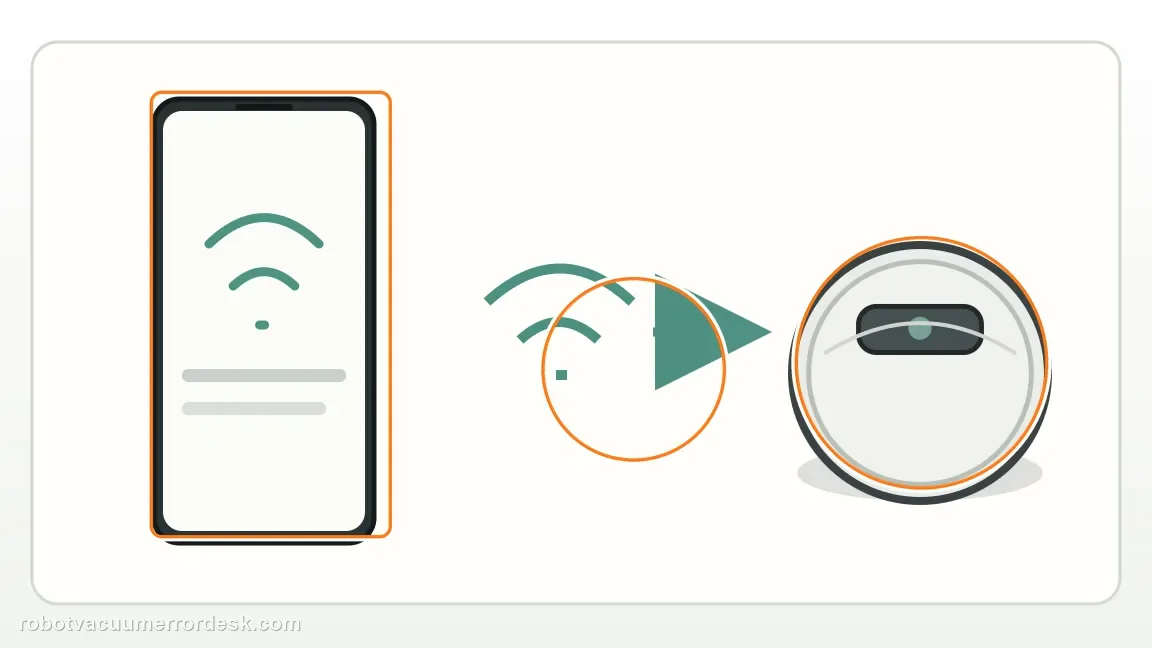
Escalate if the Internal Error returns after the clean reset
Capture the repeat alert/app state and contact Roborock. Once the official destructive recovery step has failed, looping the same reset adds little value and creates avoidable setup work.
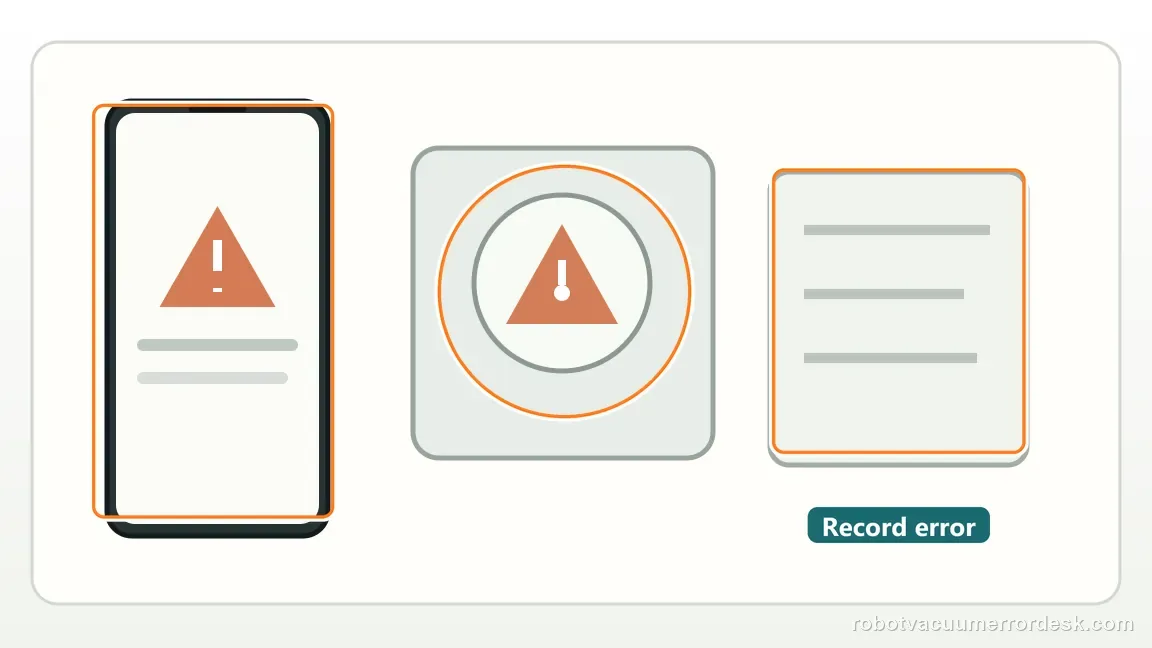
Escalate when Internal Error returns after one controlled system reset and minimal reconfiguration. Send the exact alert, firmware/app state and whether the fault appeared before or after a particular setting was restored. Avoid repeated factory resets once the clean reset has already reproduced the problem; they erase useful configuration without testing a new variable.
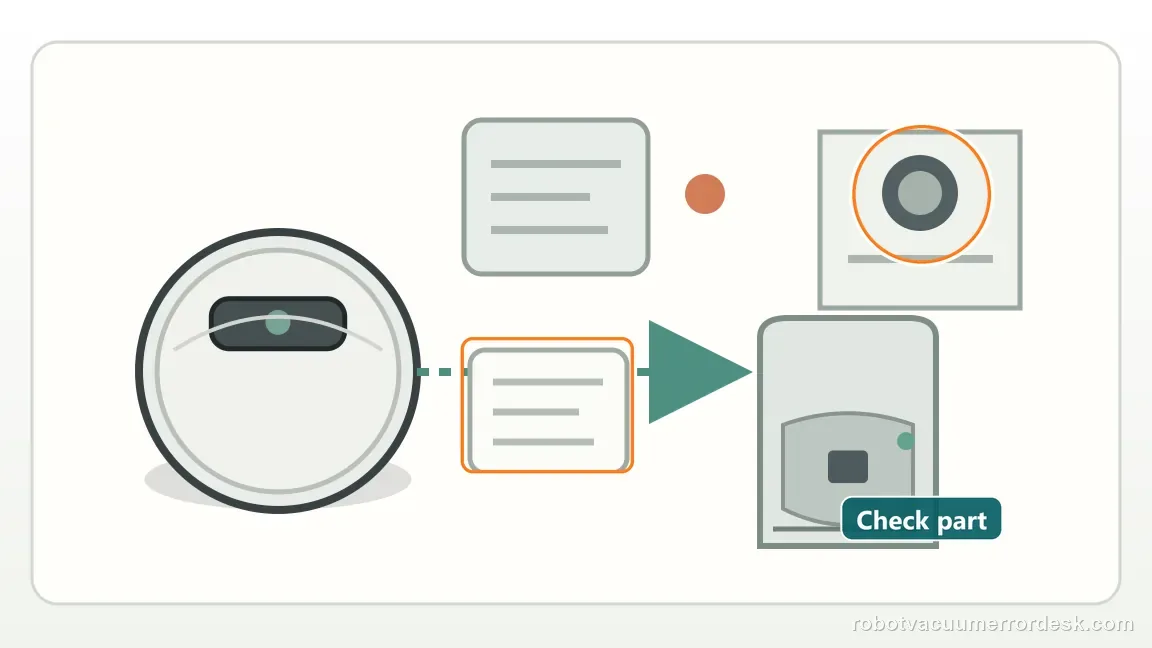
Before you contact support, gather this
A reproducible case moves a support call past the basic troubleshooting script faster than “it doesn’t work” does, and it keeps the clues from your own tests on record.
- Exact model name and the error code / voice prompt exactly as shown
- A photo or screenshot of the app error and the time it occurred
- A short list of the checks already completed and what happened after each one
- Firmware/app version if the issue began after a software change
Where this comes from
Roborock Saros 20 Sonic — internal error
Roborock documents a system reset for an internal error and explicitly warns that it restores settings to factory defaults, including Wi-Fi and scheduled cleanups. This review reserves the under-cover system Reset for the Saros 20 Sonic internal-error path and explicitly accounts for the configuration loss that can follow a factory reset.
Additional official source: Roborock Support Center — Help & Manuals ↗Last editorial review: September 5, 2026Regional note: manufacturer help centers, model suffixes, mains-power requirements and warranty procedures can differ by country. If the source redirects to a local support site, confirm that the model/hardware scope still matches before following a region-sensitive step.
This guide is rated Official model support. See what each evidence label means →
Questions people ask
Will this reset erase Wi-Fi?
Yes. Roborock states that the Saros 20 Sonic system reset restores current settings to factory defaults, including Wi-Fi and scheduled cleanups. Before pressing Reset, record the network details, schedules and any settings you care about. Afterward, restore only enough configuration for a short proof test so you can see whether Internal Error returns before other variables are added.
Should I repeat the reset many times?
No. A system reset is a destructive diagnostic step because it clears settings, so repeating it without a new result adds little information. Perform one controlled reset after saving important configuration, then run a minimal proof test. If Internal Error returns, note when it reappears and contact Roborock instead of cycling through factory resets over and over.
What should I do when my Saros 20 Sonic says Internal Error?
Roborock’s model page says to reset the system using the Reset button under the top cover. Before doing that, save your Wi‑Fi name, cleaning schedules and important app settings because a system reset restores current settings to factory defaults. After one reset, reconnect only what you need for a simple test. If the Internal Error returns, contact Roborock.
Will resetting a Saros 20 Sonic erase Wi‑Fi and schedules?
Yes. Roborock explicitly warns that the system reset restores current settings to factory defaults, including Wi‑Fi and scheduled cleanups. Record those settings before you press Reset. Use the manual or the diagram in the app to locate the correct button, then perform one controlled reset. Repeated resets are not a substitute for service if the Internal Error keeps returning.
What should I record if Saros 20 Sonic internal error still happens?
Record the exact Internal Error wording, whether it reappears immediately after the clean reset or only after a particular setting is restored, and the firmware/app state. A short video or screenshot of the repeat is useful. That timeline helps Roborock distinguish a persistent internal fault from a reproducible software or configuration trigger without asking you to erase the setup again.
Did this diagnostic narrow the fault?
Use this as an editorial signal, not a popularity counter. If a feedback address is configured you can email the note; otherwise you can copy it for your own support record.