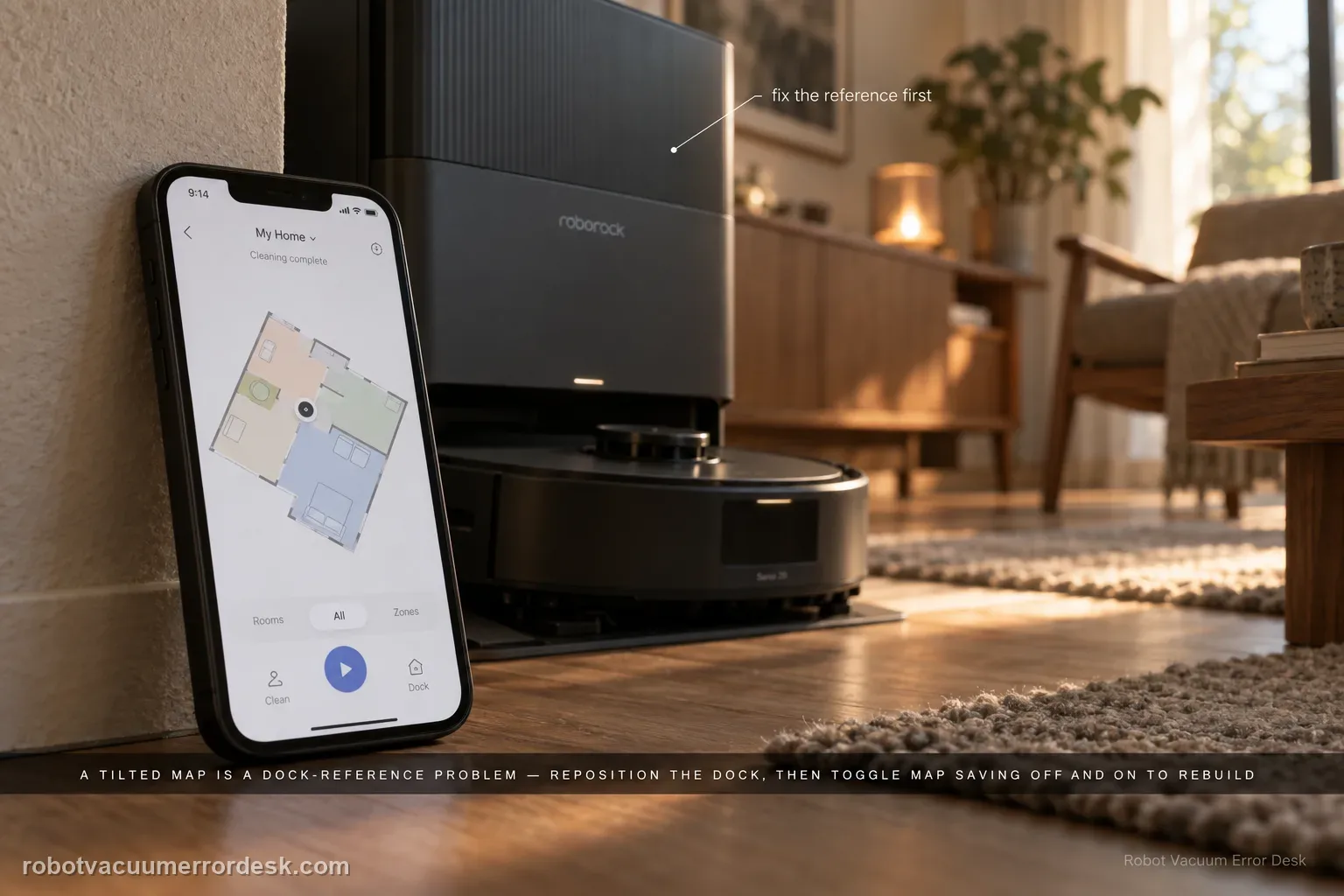
A Saros 20 Sonic map that appears rotated or at the wrong angle is usually handled as a dock-placement/map-orientation issue. Roborock says the map should display horizontally or vertically. Move the dock to a clearer location with roughly 0.5 m at each side and 1.5 m in front; if orientation stays wrong, switch Map Saving off and back on so the next cleanup creates a new map. Preserve a good map before rebuilding.
Confirm the exact model and exact code, light pattern or symptom.
Run the lowest-risk physical or software check first.
Use each pass condition to decide what the result actually narrows down.
Does this match your problem?
- The saved map appears tilted instead of horizontal or vertical.
- The robot still cleans but room geometry is rotated in the app.
- The issue followed a dock move or a remap.
- You are diagnosing map wrong angle on a Roborock Saros 20 Sonic and want the exact model support path rather than a generic reset list.
Most likely causes
Dock placement produced a bad map reference
A map was created while the station environment was unstable
The saved map needs to be recreated after the physical reference is corrected
A rotated map that persists after stable dock placement is a saved-map orientation problem; rebuild only after documenting the existing map and dock geometry.
What your test result means
| What you observe | What it narrows down | Next move |
|---|---|---|
| Map is angled but robot position still tracks correctly | Saved map orientation is the primary symptom | Improve dock placement before deleting the map. |
| Dock is cramped or angled relative to wall | Reference geometry may be contributing | Reposition against a wall with clear sides/front. |
| Orientation fixes after dock move | Dock placement was the likely cause | Keep the new placement stable. |
| Map remains angled with stable dock | Saved map may need rebuilding | Toggle Map Saving off/on and create a fresh map. |
| Fresh map is still wrongly angled | Simple placement/rebuild path failed | Escalate with screenshots and dock-location photos. |
Reset can erase maps/settings on this path. Use lower-risk checks first and document the current state before resetting.
Run these checks in order
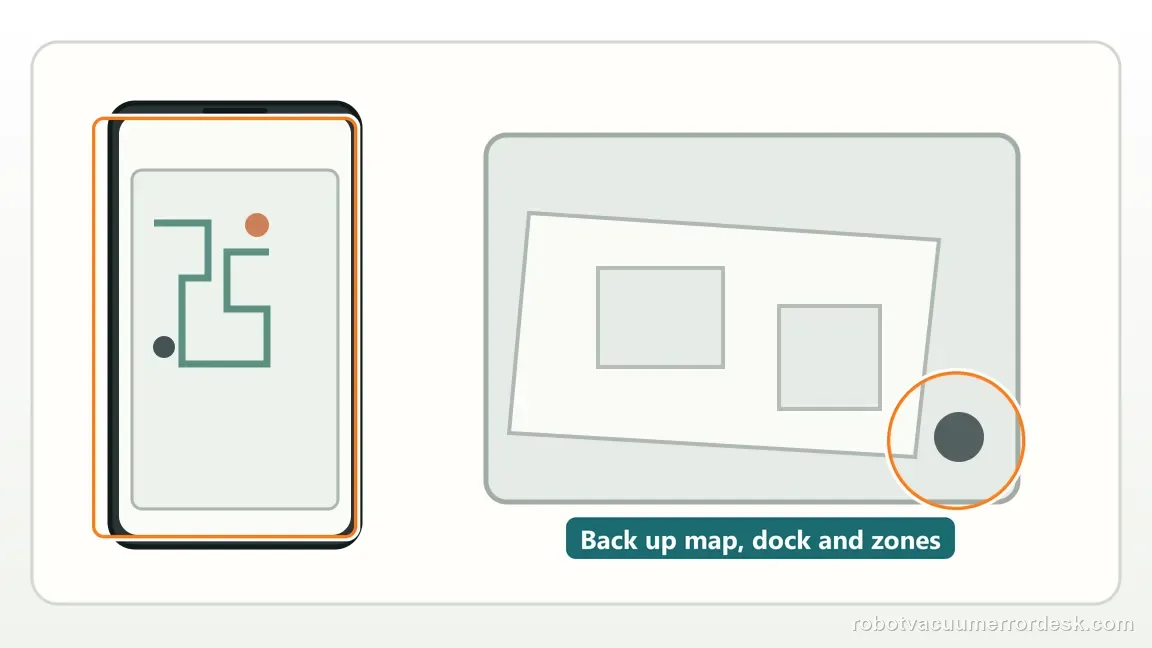
Save the existing map and room restrictions first
Take screenshots of the map angle, dock icon, room boundaries and no-go zones. A rebuild can erase work you may need to recreate, and the before-image is useful evidence if the replacement map is also rotated.
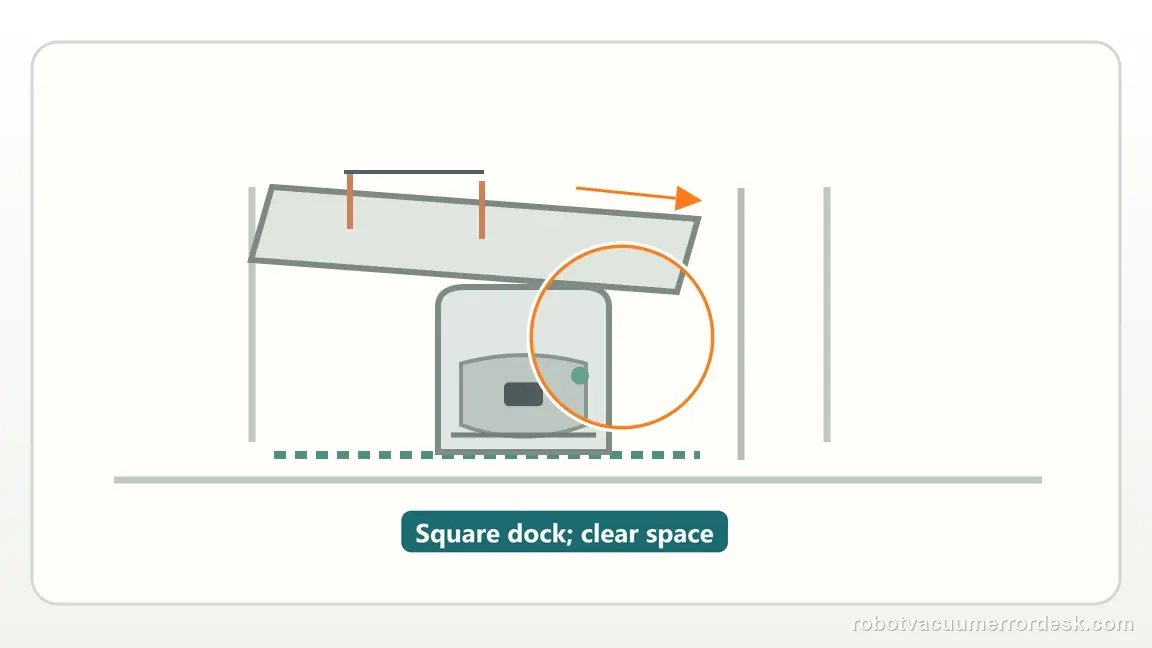
Photograph and correct the physical dock reference
Document the dock relative to the wall, then move it to a stable wall-backed position with roughly 0.5 m clear on each side and 1.5 m in front as Roborock recommends for this issue. Keep it square and fixed for the remainder of the test.
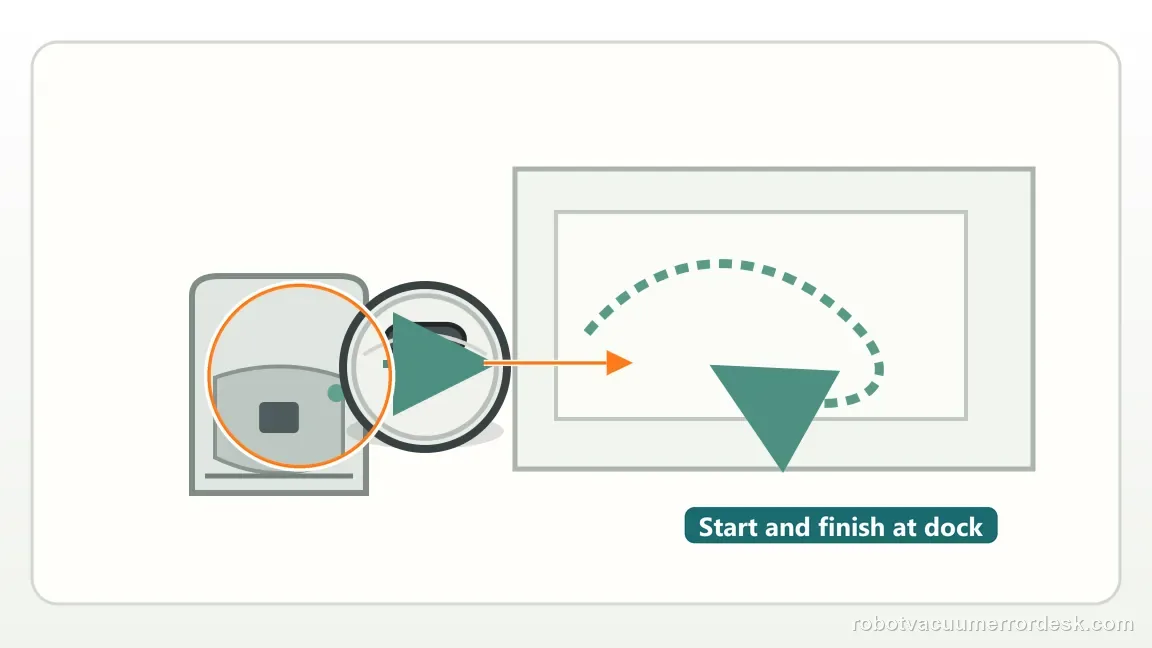
Run one normal cleanup from the corrected dock
Start the Saros 20 Sonic from the fixed station and do not carry it during the run. If the existing map/reference corrects without a rebuild, you avoid deleting room edits and have identified dock placement as the useful change.
Use Map Saving off/on only if the angle remains wrong
If the map is still tilted, follow Roborock’s published wrong-angle path: switch Map Saving off and back on so the next cleanup creates a new map. Do not combine the rebuild with another dock move, because that would change two variables at once.
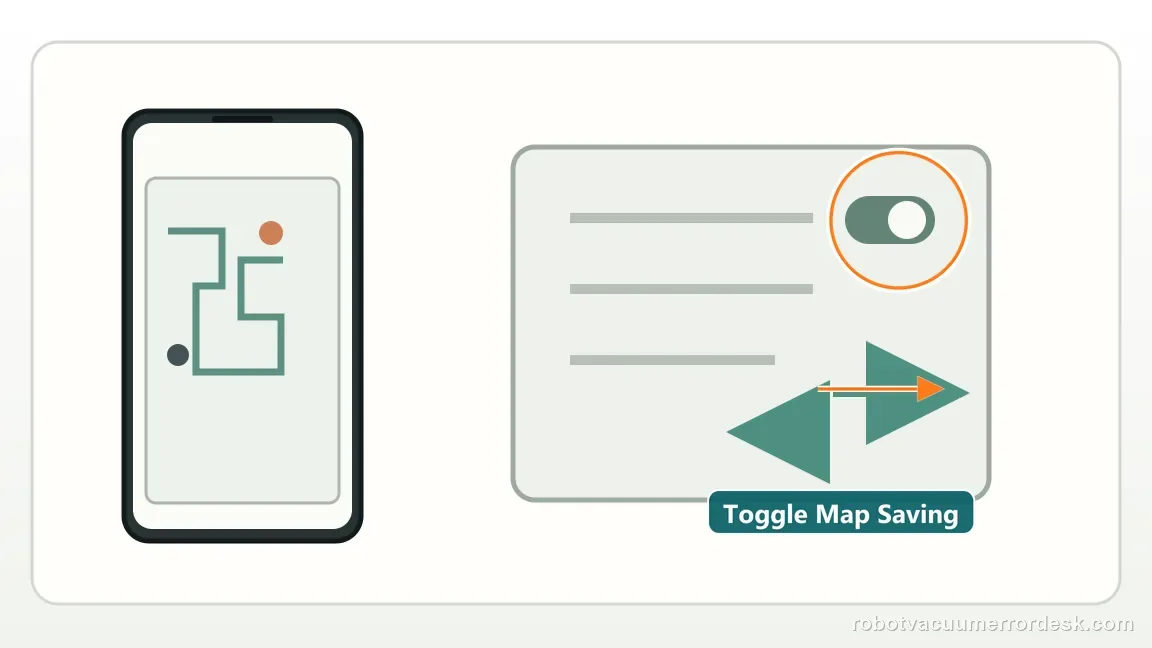
Verify the fresh map before restoring detailed edits
Let the new mapping run complete from the same fixed dock, then confirm the map is horizontal or vertical before recreating room names, zones and no-go areas. If a fresh map remains badly rotated, preserve both screenshots and escalate rather than looping remaps.
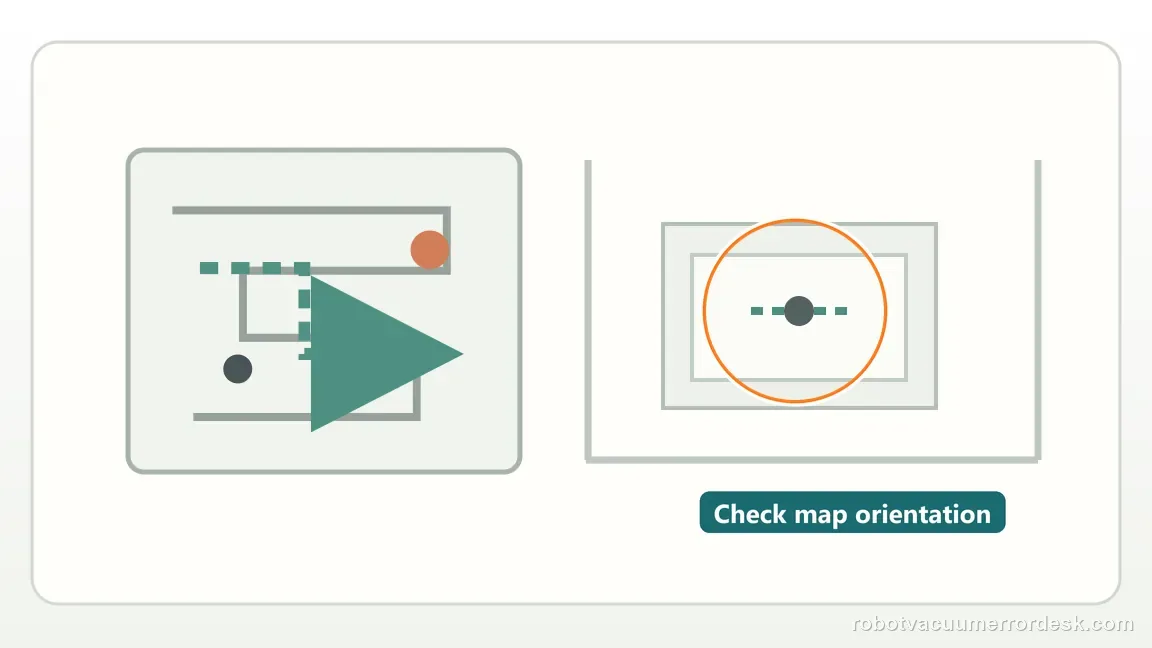
Escalate when the map remains visibly rotated after the dock is squared to a wall with the documented clearance and one fresh map has been created. Send before/after map screenshots and a photo showing the dock position. Keep room edits backed up and avoid repeated map deletion once a clean placement-and-rebuild comparison has already reproduced the problem.
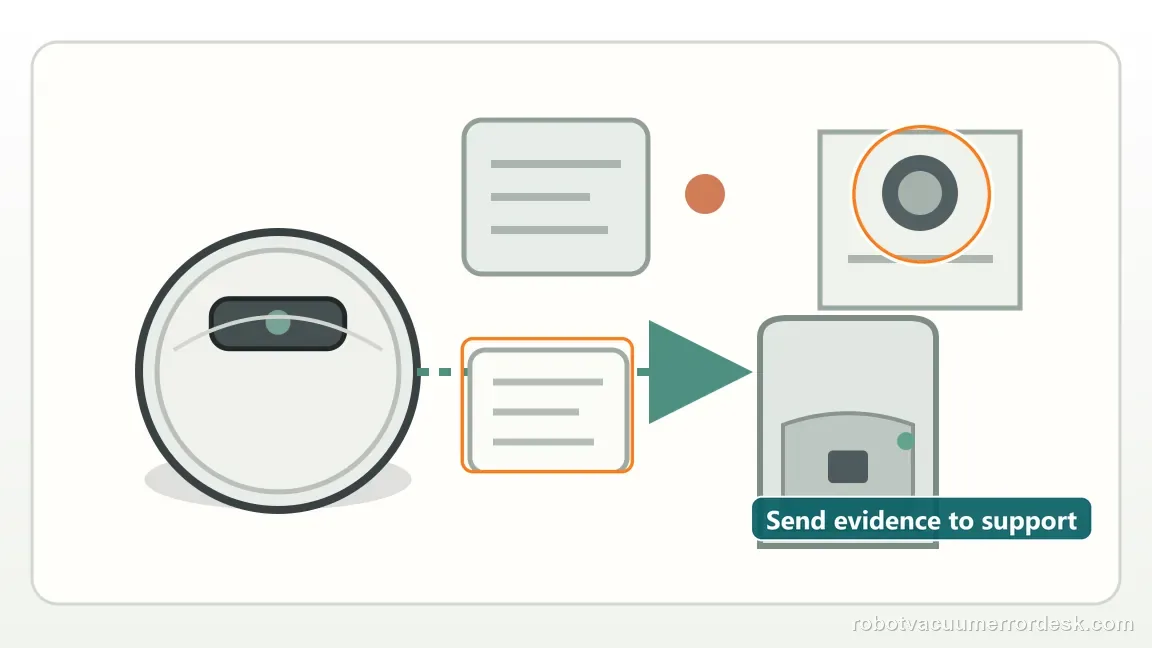
What to collect before contacting support
Give support a reproducible case instead of “it doesn’t work.” That reduces repeated basic troubleshooting and preserves the clues from your tests.
- Exact model name and the error code / voice prompt exactly as shown
- A photo or screenshot of the app error and the time it occurred
- A short list of the checks already completed and what happened after each one
- Firmware/app version if the issue began after a software change
Manufacturer evidence
Roborock Saros 20 Sonic troubleshooting — map wrong angle
Roborock links a wrong-angle map to dock placement and documents recreating the map through Map Saving after the dock reference is corrected. This review preserves Roborock’s dock-placement-first sequence and treats Map Saving off/on as the controlled rebuild step, not an automatic first response to a tilted map.
Additional official source: Roborock Support Center — Help & Manuals ↗Last editorial review: September 5, 2026Regional note: manufacturer help centers, model suffixes, mains-power requirements and warranty procedures can differ by country. If the source redirects to a local support site, confirm that the model/hardware scope still matches before following a region-sensitive step.
This guide is rated Official model support. See what each evidence label means →
FAQ
Does a tilted map prove the navigation hardware failed?
No. Roborock’s Saros 20 Sonic support path first treats a rotated in-app map as a dock-placement or saved-map reference problem. Square the dock to a wall with the specified clearance and run a normal cleanup. Only if the map remains tilted after a controlled placement test and one fresh map should you escalate it as a persistent navigation or mapping fault.
Why screenshot no-go zones first?
Because the later troubleshooting step can require creating a fresh map. Screenshots preserve room names, no-go zones, furniture edits and other restrictions so you can rebuild them accurately after the test. They also give Roborock a useful before/after comparison if the new map still rotates, rather than leaving you with only the newly generated version.
What orientation does Roborock expect?
Roborock says the in-app map should appear horizontal or vertical; a map sitting at an obvious angle is the abnormal state. Start by checking whether the dock itself is cramped or angled relative to the wall. If correcting the dock restores a straight map, keep that physical placement stable and avoid rebuilding again without a new symptom.
Why is my Roborock Saros 20 Sonic map tilted at an angle?
Roborock says the in-app map should be horizontal or vertical, and a wrong angle can be related to dock placement. Give the dock roughly 0.5 m clearance on both sides and 1.5 m in front. If a stable dock location does not fix the orientation, toggle Map Saving off and on to create a fresh map during the next cleanup.
Should I delete the Saros 20 Sonic map immediately when it looks rotated?
No. First improve the dock location and keep it fixed, because Roborock ties wrong-angle maps to base placement. Rebuilding is the next step if orientation remains wrong: switch Map Saving off, then back on, and let the next cleanup create a new map. Avoid carrying the robot during that proof run so the new orientation is meaningful.
Did this diagnostic narrow the fault?
Use this as an editorial signal, not a popularity counter. If a feedback address is configured you can email the note; otherwise you can copy it for your own support record.