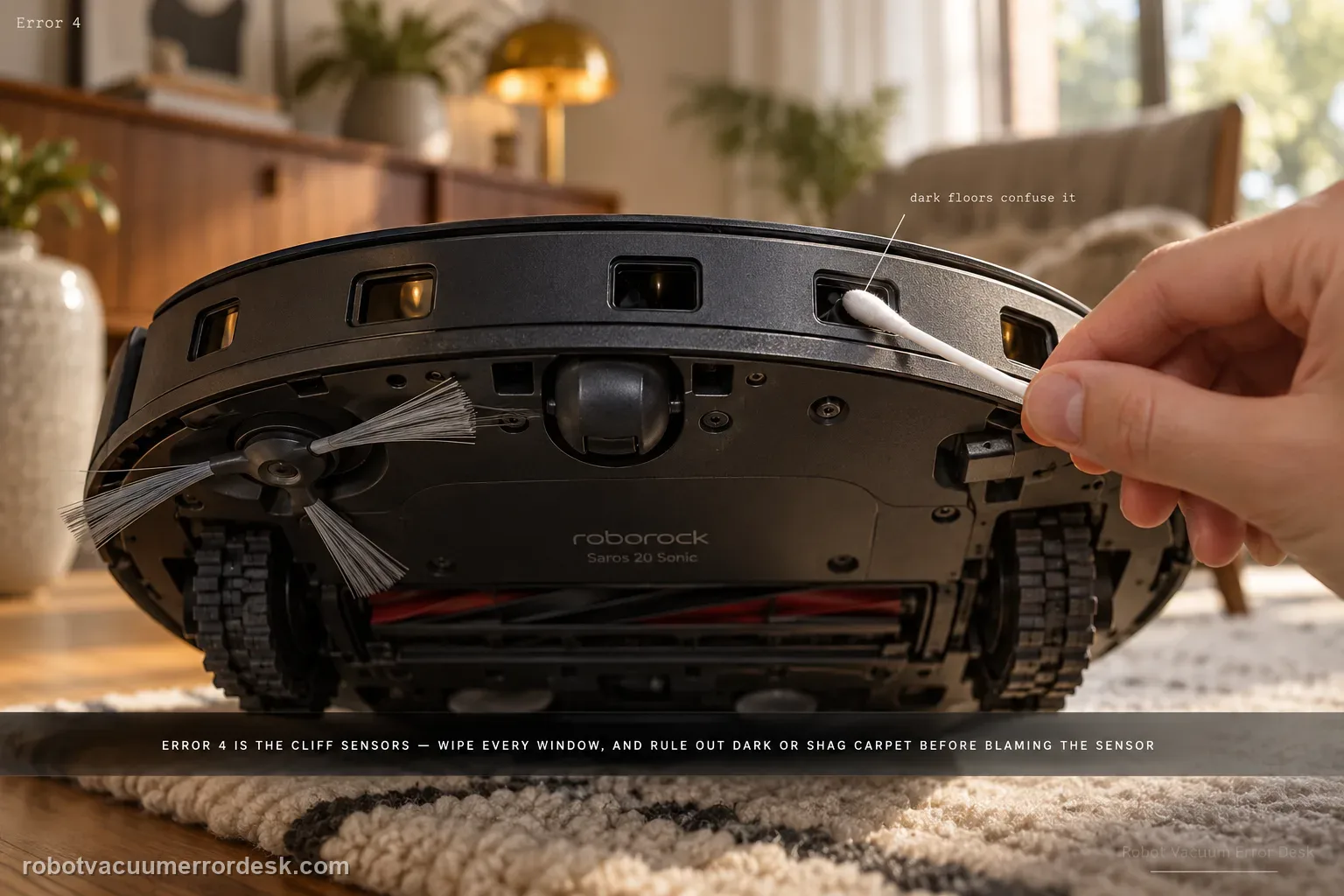
Saros 20 Sonic Error 4 points to the cliff/anti-drop sensing path. Roborock says to wipe the cliff sensors and make sure the robot is not operating on dark or shag carpet, which can confuse the downward-facing sensing. Clean every accessible cliff-sensor window, move the robot to a normal light hard floor, restart and test there. A repeatable Error 4 on a safe ordinary floor after cleaning is the point to escalate.
Confirm the exact model and exact code, light pattern or symptom.
Run the lowest-risk physical or software check first.
Use each pass condition to decide what the result actually narrows down.
Does this match your problem?
- The Saros 20 Sonic reports Error 4.
- The error occurs near dark rugs, black flooring or shag carpet.
- The robot refuses to move even though there is no real drop-off.
- You are diagnosing error 4 on a Roborock Saros 20 Sonic and want the exact model support path rather than a generic reset list.
Most likely causes
Dust on the cliff sensors
Dark or shag carpet confusing cliff detection
Persistent cliff-sensor fault
Error 4 that follows the robot onto a clean, light, level hard floor after every cliff window is dry is no longer explained by the documented dark/shag-surface branch.
The controlled-floor test must be done well away from a real edge: a pass on light hard flooring shows the sensor can function, while a repeat there makes dark carpet an unlikely explanation.
What your test result means
| What you observe | What it narrows down | Next move |
|---|---|---|
| Cliff sensors are dusty | Optical drop sensing may be blocked | Wipe all accessible cliff sensors. |
| Error occurs only on dark/shag carpet | Floor material is the strong trigger | Test on normal light hard floor. |
| Error clears on ordinary floor | Sensor system can operate outside the problem surface | Avoid/limit the problematic carpet and monitor. |
| Error persists on clean light floor | Simple contamination/surface branch is ruled out | Restart once and document the alert. |
| Temptation is to tape over sensors | Fall protection would be defeated | Do not bypass; escalate instead. |
Do not factory-reset by default. Use the exact model’s reboot/network-reset procedure only when the manufacturer path calls for it.
Run these checks in order
Clean every cliff-sensor window
Power the Saros 20 Sonic down and wipe each accessible underside cliff-sensor window with a clean soft cloth. Remove dust or film without sprays or residue. Do not cover or bypass the sensors; they are part of the robot’s fall-protection system.
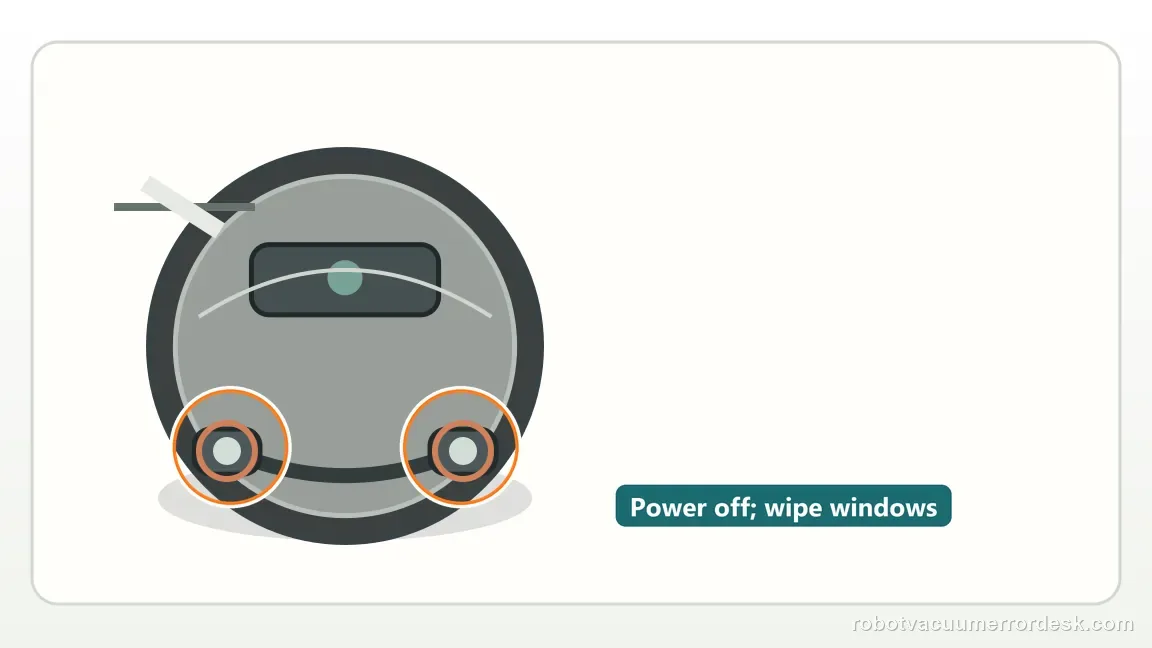
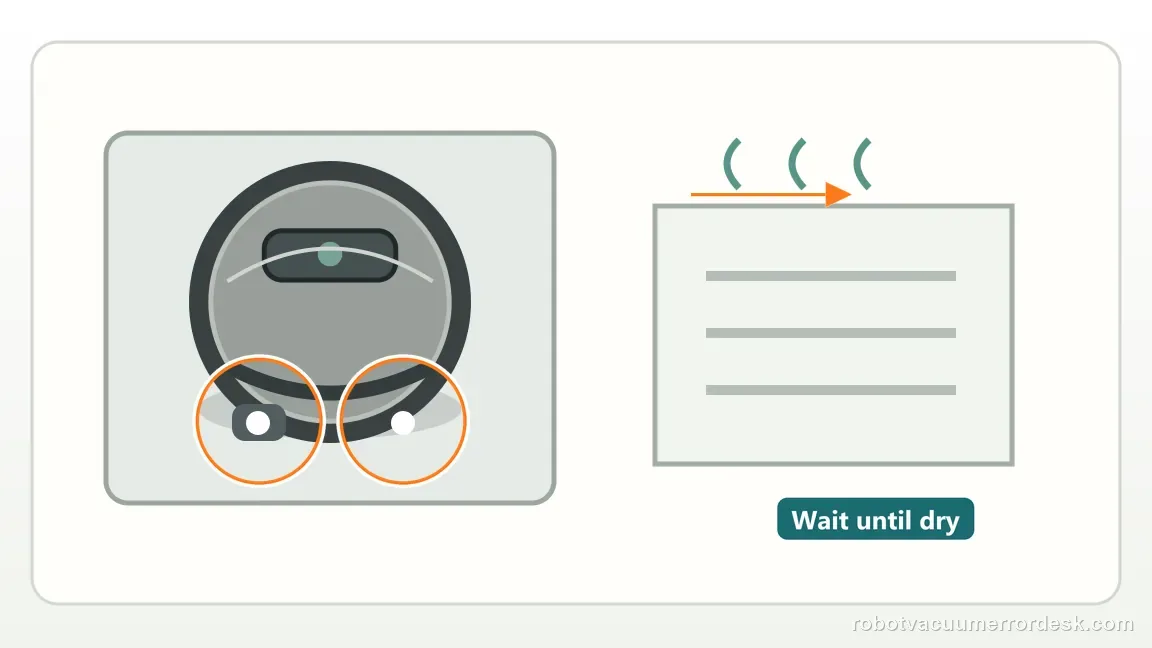
Let the sensor windows dry completely
If any cloth was damp, wait until the windows are visibly dry and residue-free before the retry. A wet or smeared window makes the next test ambiguous because the goal is to prove the sensors on a clean optical surface.
Run a safe light hard-floor control
Place the robot on a flat, light-colored hard floor well away from stairs, ledges and dark or shag carpet. Roborock specifically calls out dark and shag surfaces for Error 4, so this control removes that environmental variable.
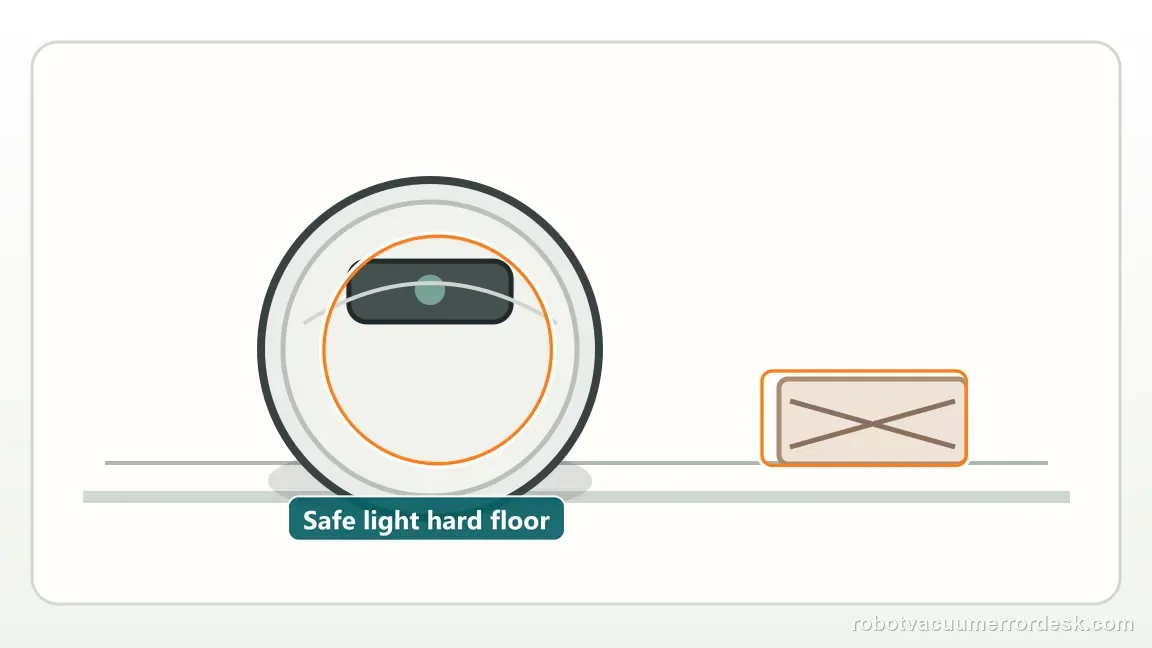
Reintroduce the original surface only after the control passes
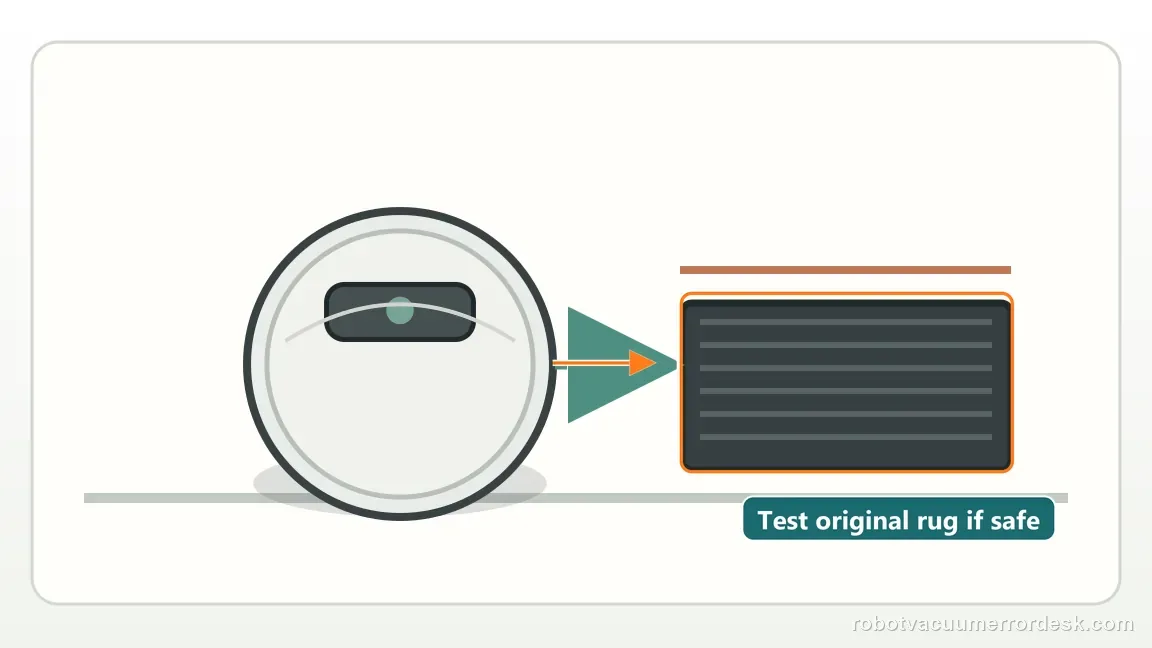
If Error 4 disappears on the safe control floor, test the original dark rug or shag area once while remaining far from a real drop. A failure that follows only that surface supports an environmental trigger rather than a general sensor fault.
Escalate a repeat that follows the robot onto the control floor
If Error 4 returns on the clean light hard floor with dry sensor windows, save the alert and a short video. At that point the documented dark/shag explanation has been ruled out, so do not keep cleaning or defeat the cliff sensors.
Escalate when Error 4 repeats on a clean, light, flat hard-floor control area after every cliff sensor has been cleaned and fully dried. Include the alert and a short control-floor video. Do not tape over or otherwise defeat the cliff sensors to make the robot run; a fault that follows the robot away from dark/shag flooring deserves service evaluation.
What to collect before contacting support
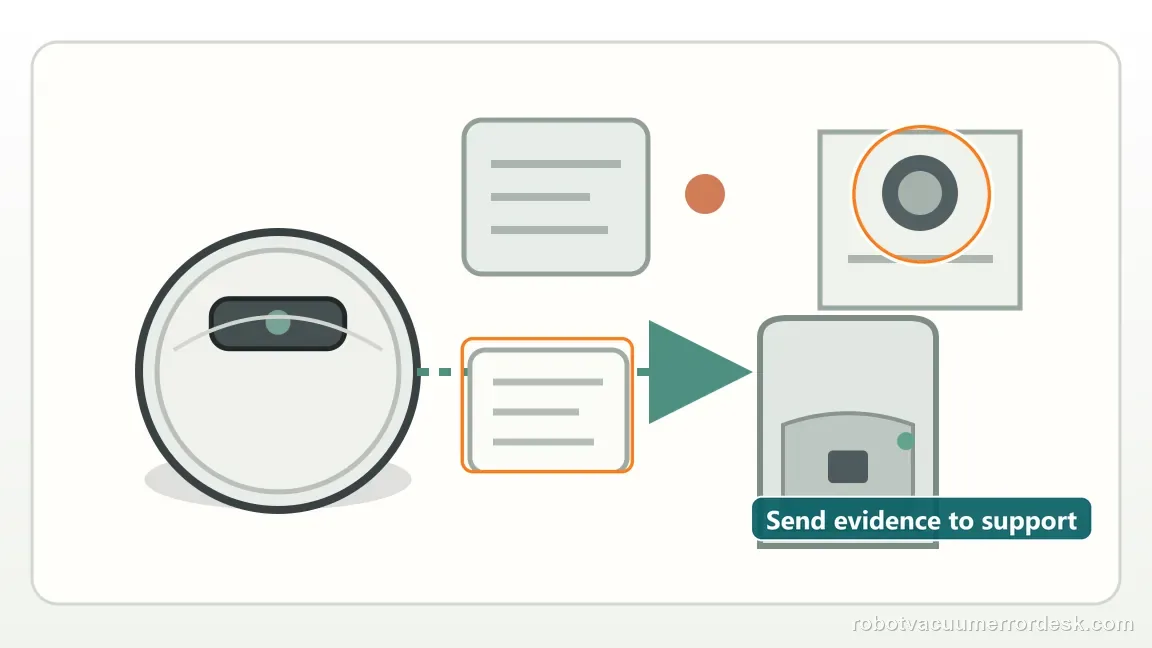
Give support a reproducible case instead of “it doesn’t work.” That reduces repeated basic troubleshooting and preserves the clues from your tests.
- Exact model name and the error code / voice prompt exactly as shown
- A photo or screenshot of the app error and the time it occurred
- A short list of the checks already completed and what happened after each one
- Firmware/app version if the issue began after a software change
Manufacturer evidence
Roborock Saros 20 Sonic — Error 4
Roborock tells Saros 20 Sonic owners to wipe the cliff sensors and make sure the robot is not on dark or shag carpet. This review keeps the cliff sensors active as safety hardware: clean and dry them, prove the fault away from dark or shag carpet, and never tape over them as a workaround.
Additional official source: Roborock Support Center — Help & Manuals ↗Last editorial review: September 5, 2026Regional note: manufacturer help centers, model suffixes, mains-power requirements and warranty procedures can differ by country. If the source redirects to a local support site, confirm that the model/hardware scope still matches before following a region-sensitive step.
This guide is rated Official model support. See what each evidence label means →
FAQ
Can black carpet trigger Error 4?
Yes. Roborock specifically calls out dark and shag carpet in the Saros 20 Sonic Error 4 path because cliff sensing can be affected by the surface. Clean and dry the cliff sensors, then test on a light, flat hard floor away from stairs. If Error 4 disappears there and returns only on the dark carpet, the surface is the strong discriminator.
Should I cover the cliff sensors?
No. Covering cliff sensors defeats a fall-protection system and can make the robot unsafe near stairs or drops. Diagnose the problem with a controlled floor comparison instead: clean and dry the sensors, run the robot on a light hard floor, then reintroduce the original dark or shag surface only if that control test passes.
Can residue after cleaning keep the sensor confused?
Yes. A cliff-sensor window needs to be both clean and dry for the retest to mean anything. Moisture, streaks or cleaning residue can leave the optical path different from normal even after dust is gone. Let the windows dry fully, then use a light hard-floor control. A repeat there is much more significant than a repeat on dark carpet.
Why does my Roborock Saros 20 Sonic show Error 4?
Error 4 is the cliff-sensor path. Roborock tells Saros 20 Sonic owners to wipe the cliff sensors and verify the robot is not on dark or shag carpet. After cleaning, move it to a normal light, level hard floor and test there. If Error 4 still returns away from stairs and problematic carpet, record the alert and contact support.
Can dark carpet cause Saros 20 Sonic Error 4?
Yes. Roborock specifically tells users to make sure the robot is not on dark or shag carpet when troubleshooting Error 4. The downward cliff sensors can interpret some dark or deep-pile surfaces differently. Test on an ordinary light hard floor after cleaning the sensor windows. Do not tape over the sensors, because that disables the robot’s fall protection.
Did this diagnostic narrow the fault?
Use this as an editorial signal, not a popularity counter. If a feedback address is configured you can email the note; otherwise you can copy it for your own support record.