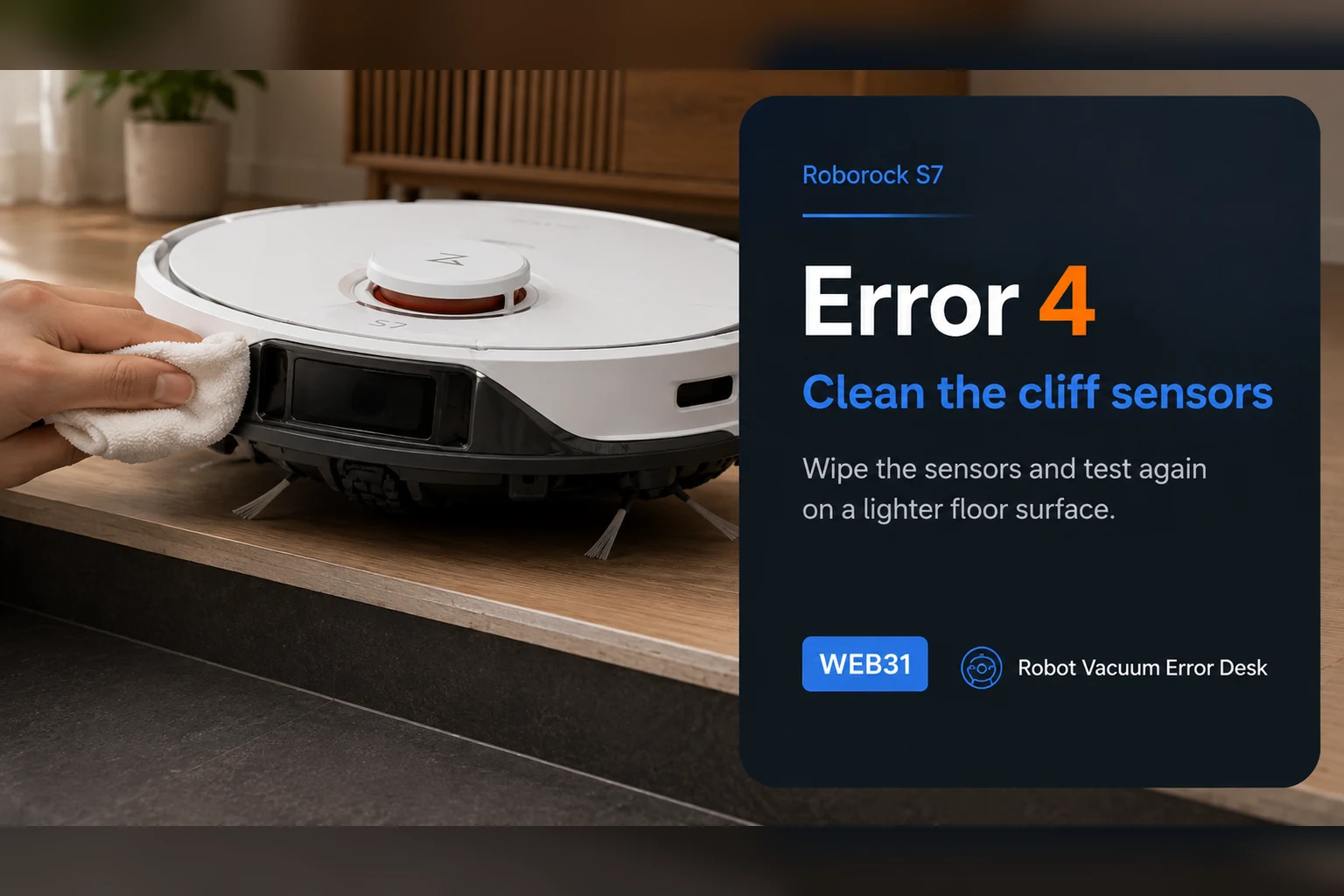
Roborock S7 Error 4 is the cliff-sensor path. The official S7 support sequence is short but diagnostic: wipe the underside cliff sensors and make sure the robot is not sitting on dark or shag carpet. Do that comparison on a bright, flat hard floor well away from stairs. If the error disappears there and returns only on one rug, treat the surface as the trigger and exclude it in the map. Never tape over cliff sensors to force the robot onto that surface.
Confirm the exact model and exact code, light pattern or symptom.
Run the lowest-risk physical or software check first.
Use each pass condition to decide what the result actually narrows down.
Does this match your problem?
- The S7 reports Error 4.
- The robot stops near a dark rug or black floor transition.
- The underside cliff-sensor windows are dusty.
Most likely causes
Dust, film or residue over one or more cliff-sensor windows
Very dark flooring absorbing the sensor’s reflected light
Long shag fibers presenting to the sensor like a drop
Robot partly perched on an edge or uneven transition during startup
Cliff-sensor or related hardware fault when Error 4 repeats on a neutral bright hard floor
What your test result means
| What you observe | What it narrows down | Next move |
|---|---|---|
| Error 4 clears on bright hard floor | The S7 can read a neutral surface; a specific floor covering is the leading trigger. | Compare the suspected dark or shag area and exclude it if the fault follows that surface. |
| Error 4 appears only on a black or very dark rug | Low reflected light is consistent with the surface condition Roborock tells owners to rule out. | Use map avoidance instead of modifying the cliff sensors. |
| Error 4 appears only on long shag | Fibers can present like a drop to the cliff system. | Keep the S7 off that rug and retain normal fall protection. |
| Error 4 persists on bright hard floor after cleaning | The simple dirt/surface causes are no longer sufficient. | Stop repeated surface experiments and contact Roborock with the test result. |
| Robot is near stairs or another real ledge | A true fall hazard is present, so bypass testing is unsafe. | Move to a safe flat area before any diagnostic run. |
Do not factory-reset by default. Use the exact model’s reboot/network-reset procedure only when the manufacturer path calls for it.
Run these checks in order
Confirm Error 4 and move away from any real drop
Before cleaning sensors, place the S7 on a bright, flat hard floor several feet from stairs, balconies, ledges or split levels. This makes the diagnostic safe: if the sensor is genuinely impaired, the robot is not being tested where fall protection is needed most.
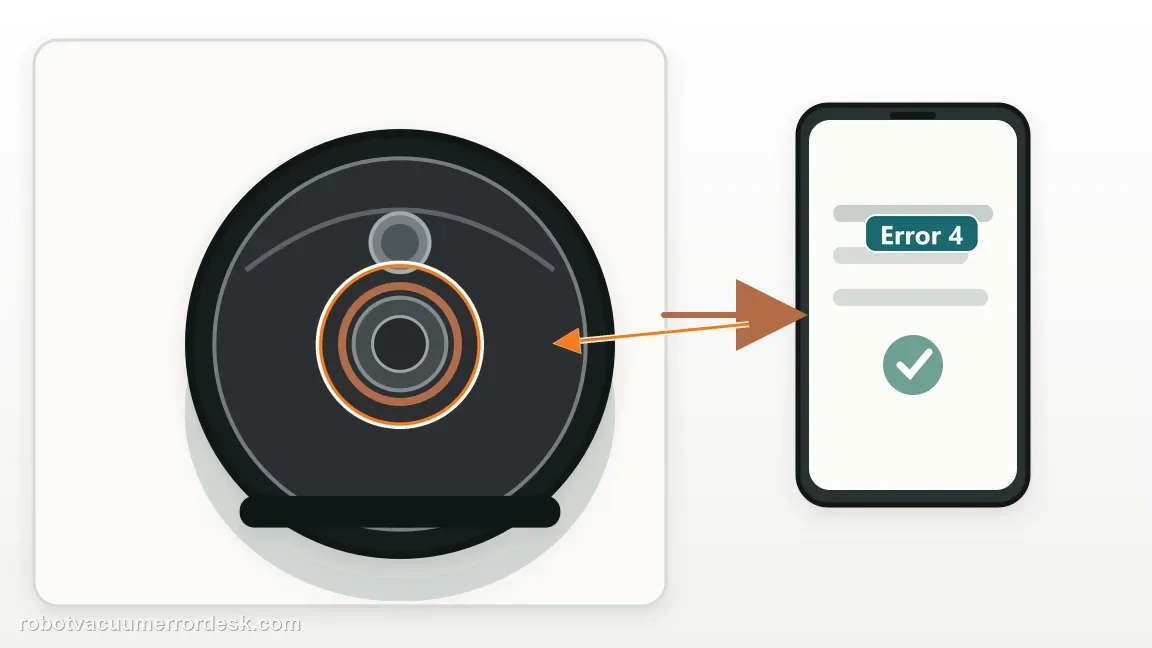
Power down and clean every cliff-sensor window
Turn the robot off and gently wipe all underside cliff-sensor windows with a soft dry cloth. Remove dust or film without scratching the lenses. Do not apply tape, foil or opaque covers; those defeat the safety system rather than fixing the condition Roborock is reporting.
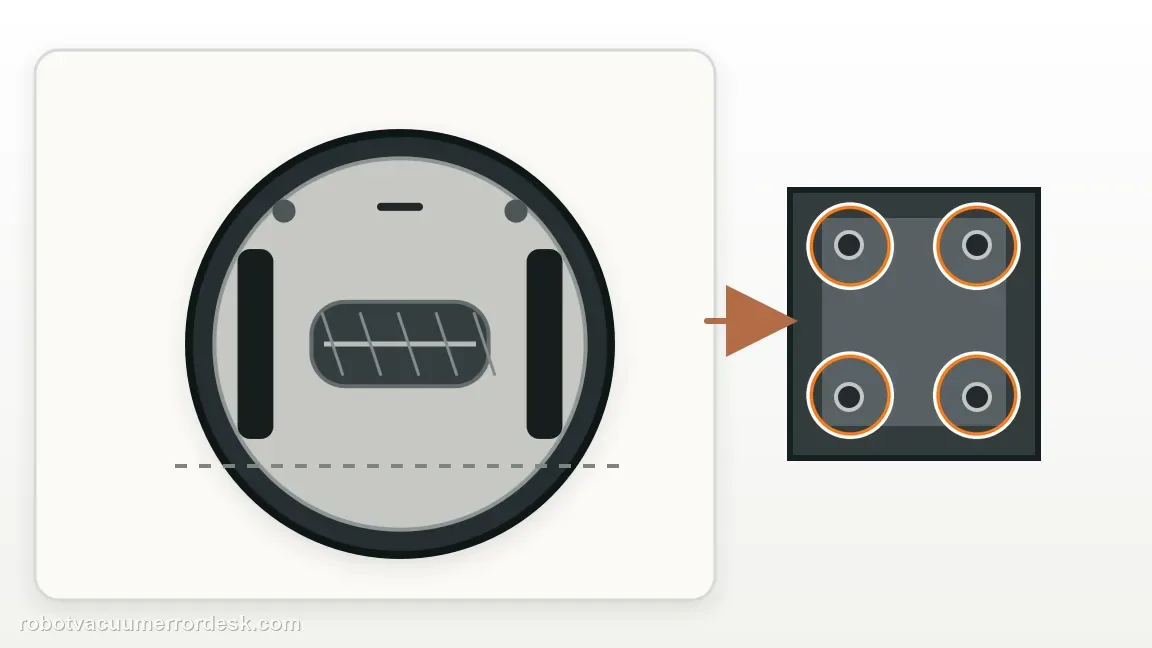
Run the neutral hard-floor test first
Restart the S7 on the bright hard floor. Roborock specifically asks owners to rule out dark and shag carpet, so this test separates a surface-triggered false cliff reading from a robot fault. Observe whether Error 4 appears immediately or only after the robot reaches another material.
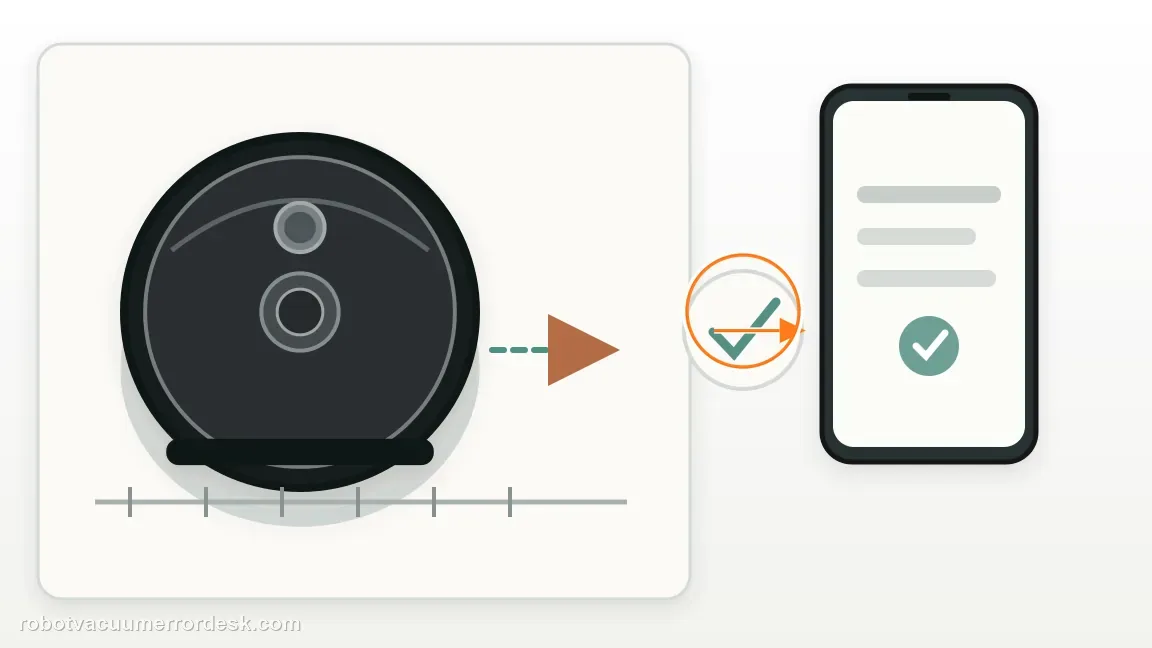
Compare dark and shag surfaces one at a time
If the neutral test passes, approach the suspected dark rug or shag area while staying away from stairs. A failure that follows one floor covering is meaningful because Roborock notes that dark surfaces and long fibers can trigger cliff detection. Do not change several rugs or sensors at once.
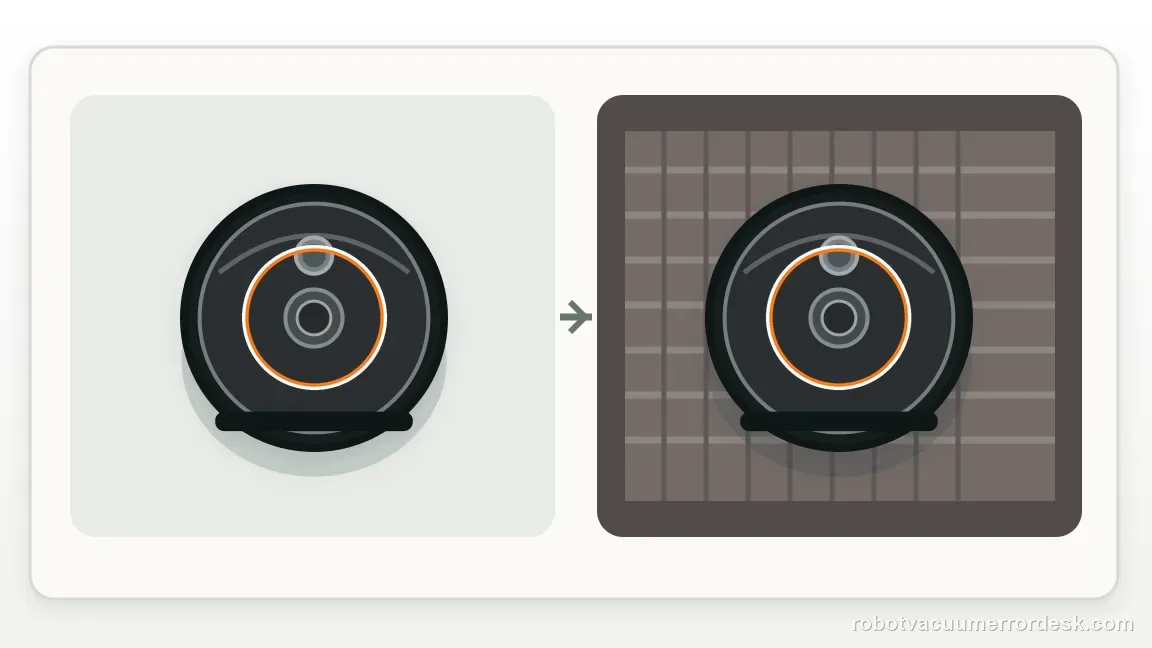
Use a no-go boundary for a surface that reliably triggers it
When one dark or high-pile area repeatedly causes Error 4 but normal hard floor does not, exclude that area with a no-go zone or physical boundary. This preserves the S7’s cliff protection while allowing the rest of the mapped floor to be cleaned normally.
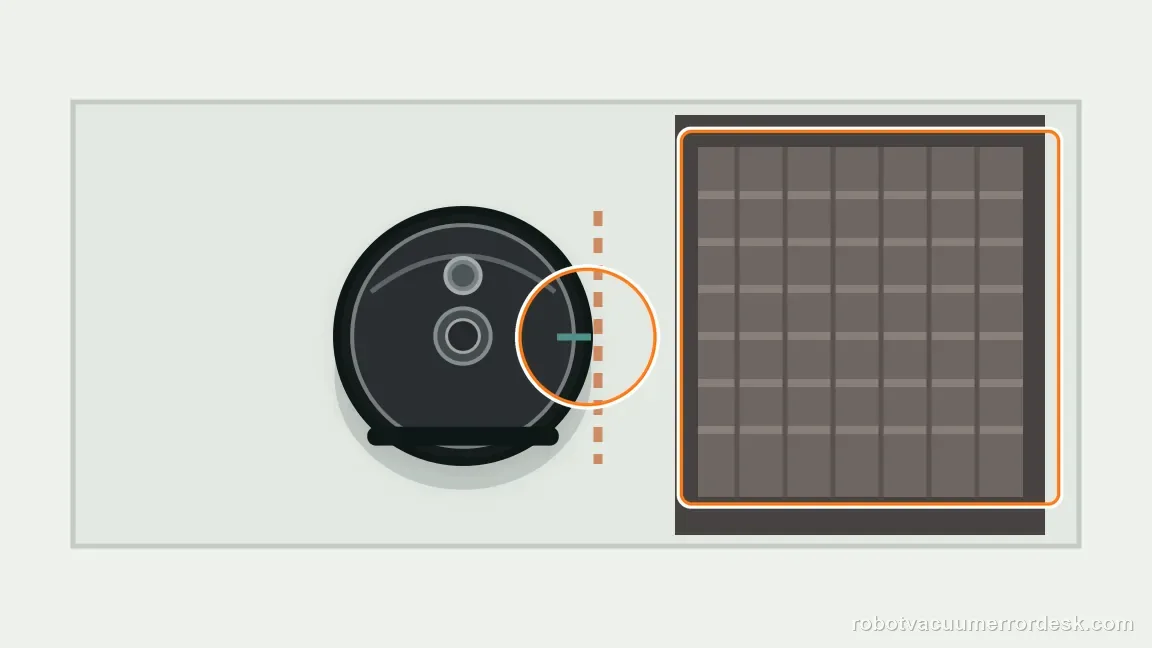
Escalate a floor-independent repeat fault
If Error 4 returns on the neutral hard floor after the sensor windows are clean, record which surfaces were tested and whether the message appears immediately at startup. A floor-independent repeat is a stronger reason to involve Roborock than continuing to wipe already-clean windows.
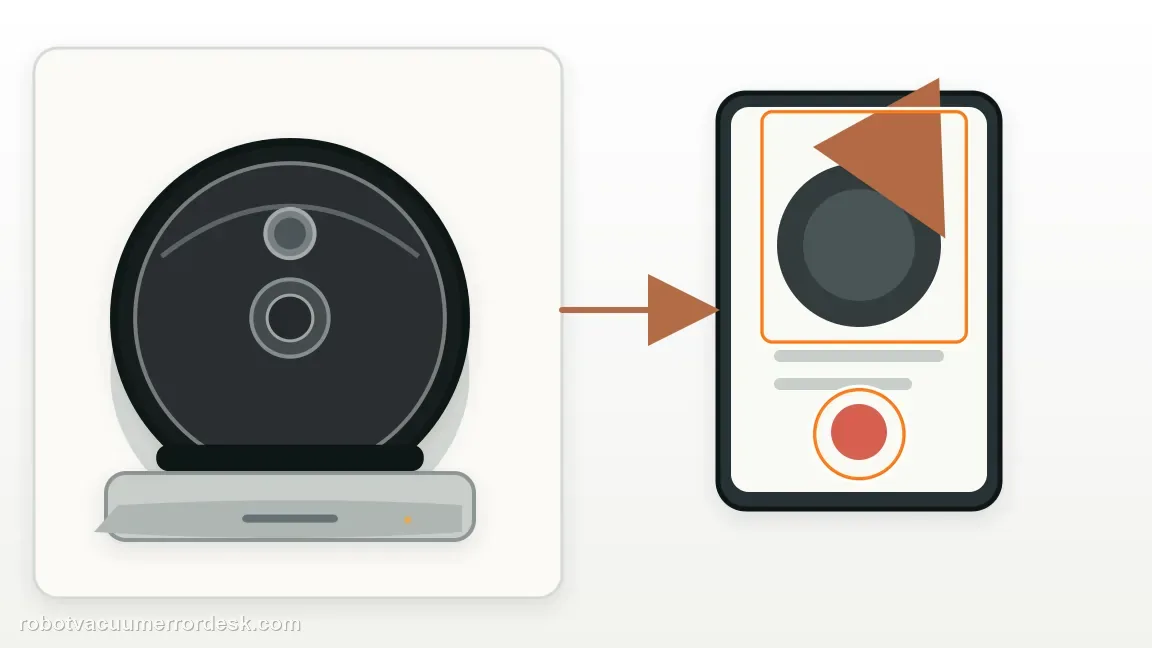
Escalate if Error 4 repeats on a bright, flat hard floor after every cliff-sensor window has been cleaned and the robot is well away from an edge. Tell support that dark/shag surfaces were ruled out. Do not cover or electrically defeat the cliff sensors; a workaround that removes fall protection is not an acceptable repair.
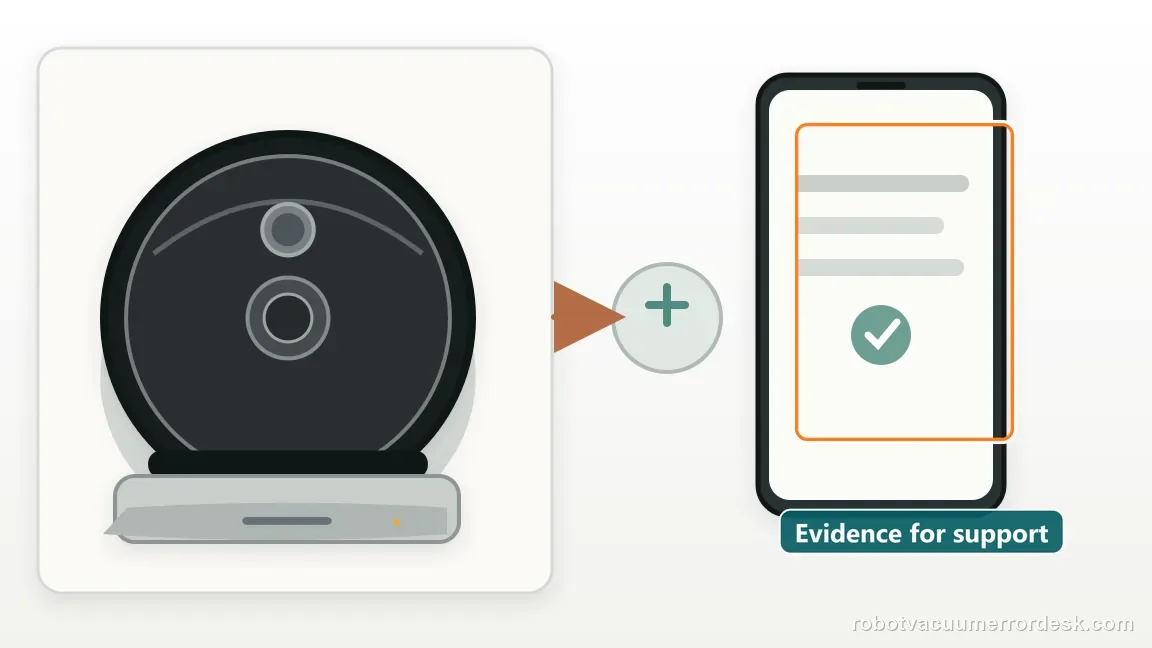
What to collect before contacting support
Give support a reproducible case instead of “it doesn’t work.” That reduces repeated basic troubleshooting and preserves the clues from your tests.
- Exact model name and the error code / voice prompt exactly as shown
- A photo or screenshot of the app error and the time it occurred
- A short list of the checks already completed and what happened after each one
- Firmware/app version if the issue began after a software change
Manufacturer evidence
Roborock S7 troubleshooting
Roborock’s current S7 troubleshooting for Error 4 says to wipe the cliff sensors and make sure the robot is not on dark or shag carpet. Roborock separately explains that shag fibers can trigger the cliff system and that the sensors cannot be disabled because they are safety-critical. The guide therefore uses a safe neutral-floor comparison rather than a sensor-bypass workaround.
Additional official source: Roborock S7 product support and manuals ↗Last editorial review: September 5, 2026Regional note: manufacturer help centers, model suffixes, mains-power requirements and warranty procedures can differ by country. If the source redirects to a local support site, confirm that the model/hardware scope still matches before following a region-sensitive step.
This guide is rated Official model support. See what each evidence label means →
FAQ
Why does my Roborock S7 show Error 4 on black carpet?
Roborock specifically tells S7 owners with Error 4 to rule out dark carpet. A very dark surface can return too little usable light to the cliff sensors and resemble a drop. Test on bright hard floor first. If the code disappears there and returns only on that rug, exclude the rug rather than altering the sensors.
Can shag carpet cause Roborock S7 Error 4?
Yes. Roborock also calls out shag carpet, and its support explains that long fibers may trigger the cliff sensors as though the robot were at an edge. A neutral hard-floor comparison is the useful test. If the S7 is normal there, use a boundary or no-go zone for the problematic high-pile area.
Can I tape over the S7 cliff sensors to stop Error 4?
Do not do that. Cliff sensors are part of the robot’s fall-protection system, and Roborock says they cannot be disabled because they are essential in many homes. Covering them may make one dark rug traversable while creating a serious stair or ledge hazard elsewhere. Use map avoidance for an incompatible surface instead.
How do I know whether Error 4 is a dirty sensor or a floor problem?
Clean every cliff-sensor window first, then run the S7 on a bright, flat hard floor away from any real drop. If it works there but fails on one dark or shag surface, the floor is the stronger explanation. If Error 4 repeats on the neutral floor, a sensor-path fault becomes more plausible.
When should Roborock support handle an S7 Error 4?
Contact support when clean sensors still produce Error 4 on a neutral bright hard floor, not just on one difficult rug. Record whether the message appears immediately after startup and list the surfaces you compared. That demonstrates you followed the manufacturer’s dirt and floor checks without compromising the robot’s fall-protection system.
Did this diagnostic narrow the fault?
Use this as an editorial signal, not a popularity counter. If a feedback address is configured you can email the note; otherwise you can copy it for your own support record.