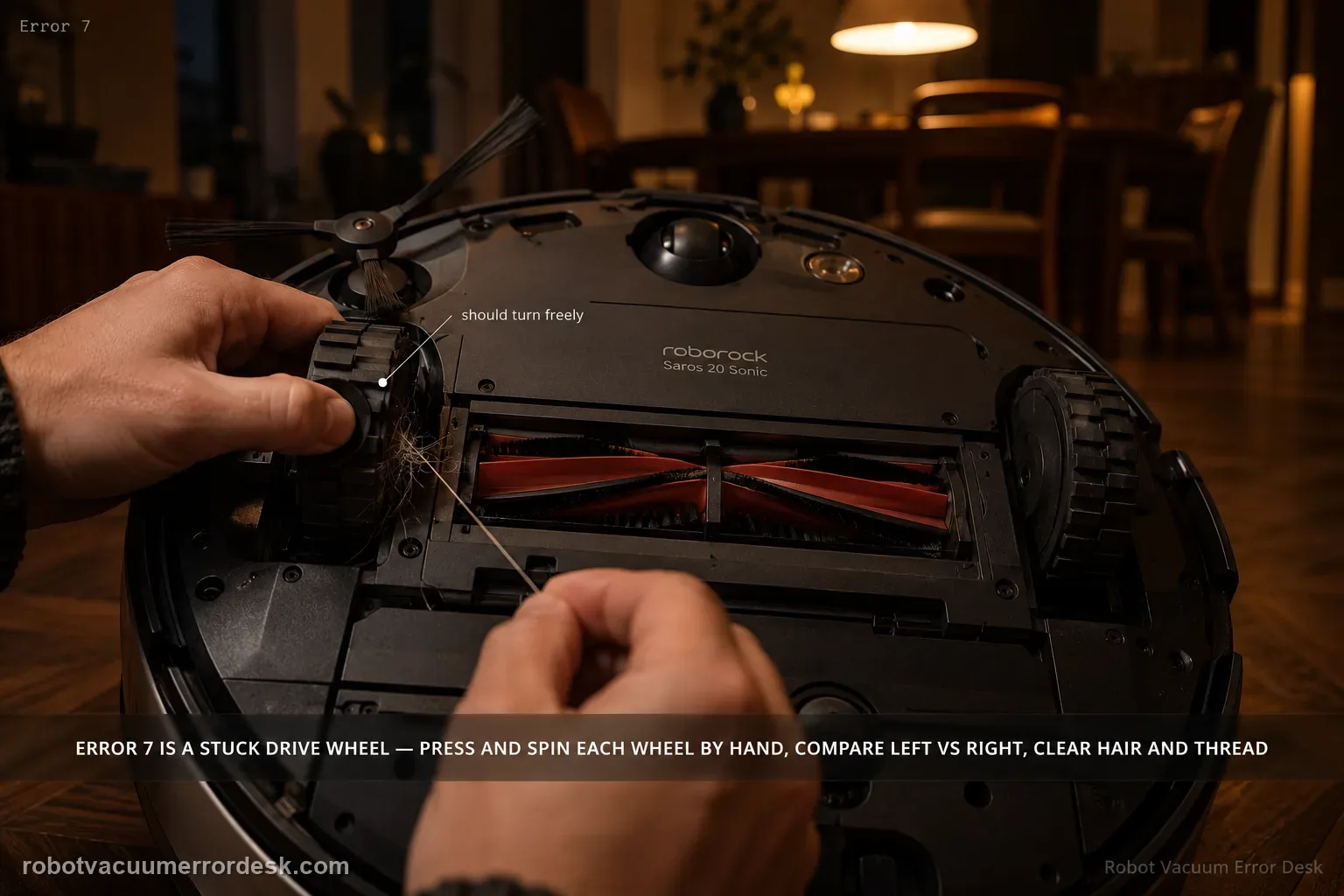
Saros 20 Sonic Error 7 is a wheel-stuck diagnosis. With the robot stopped and safe to handle, press and spin each drive wheel manually and compare left versus right movement. Remove hair, thread or debris that prevents free travel. Then run a short test on clear hard floor before adding rugs or thresholds back. If one wheel still binds or Error 7 returns without environmental obstacles, document that side for Roborock support.
Confirm the exact model and exact code, light pattern or symptom.
Run the lowest-risk physical or software check first.
Use each pass condition to decide what the result actually narrows down.
Does this match your problem?
- The Saros 20 Sonic reports Error 7.
- The robot drags, pivots to one side or will not drive normally.
- One drive wheel feels harder to press or spin than the other.
- You are diagnosing error 7 on a Roborock Saros 20 Sonic and want the exact model support path rather than a generic reset list.
Most likely causes
Hair or debris around a drive wheel
Foreign object preventing wheel travel
Persistent wheel-drive fault
A drive wheel that does not depress, spring back and rotate comparably to the other side after debris removal is the meaningful mechanical discriminator for a repeating Error 7.
Compare left and right wheel travel by hand with the robot powered off; unequal spring-back or a gritty rotation after cleaning is stronger evidence than wheel appearance alone.
What your test result means
| What you observe | What it narrows down | Next move |
|---|---|---|
| One wheel does not press/spin freely | Physical obstruction or wheel-side fault is likely | Remove visible tangles and compare both wheels. |
| Hair/thread is found around wheel | A removable jam is present | Clear it and recheck movement. |
| Both wheels move evenly by hand | Owner obstruction check passes | Run a clear hard-floor test. |
| Error returns only on a rug/threshold | Environment is a trigger | Inspect the transition rather than replacing a wheel. |
| Error returns on open hard floor | Environmental branch is removed | Escalate with the affected wheel behavior. |
Do not factory-reset by default. Use the exact model’s reboot/network-reset procedure only when the manufacturer path calls for it.
Run these checks in order
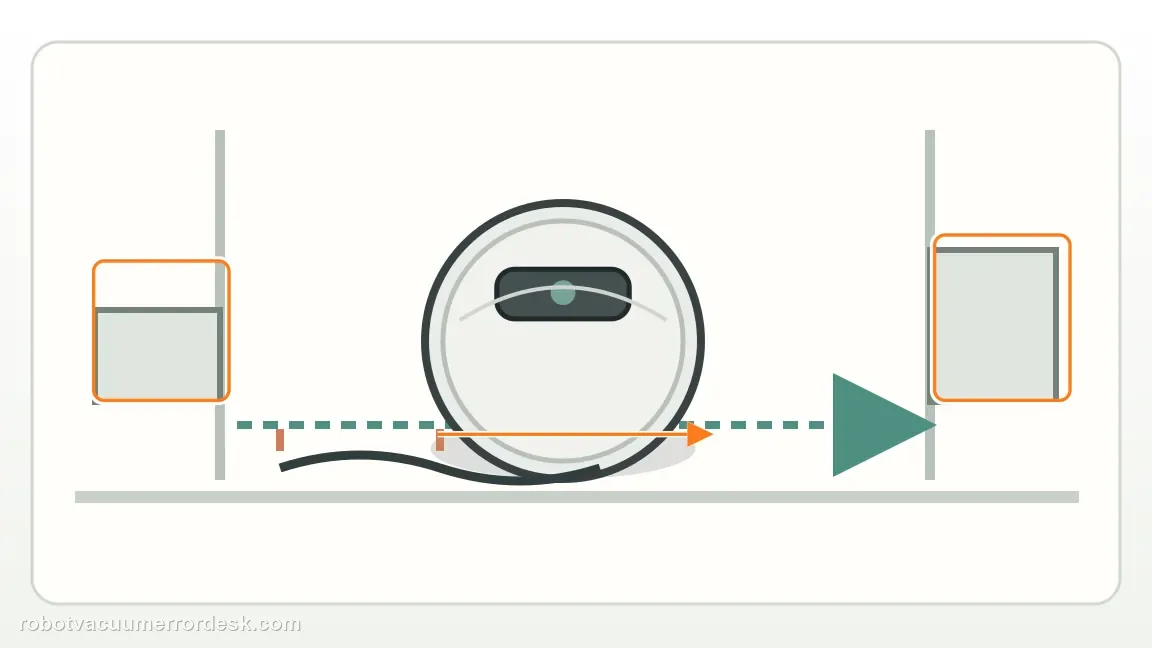
Move the robot to clear hard flooring
Take the Saros 20 Sonic away from rugs, thresholds, cords and furniture rails so the wheels are not still loaded by the original environment during inspection.
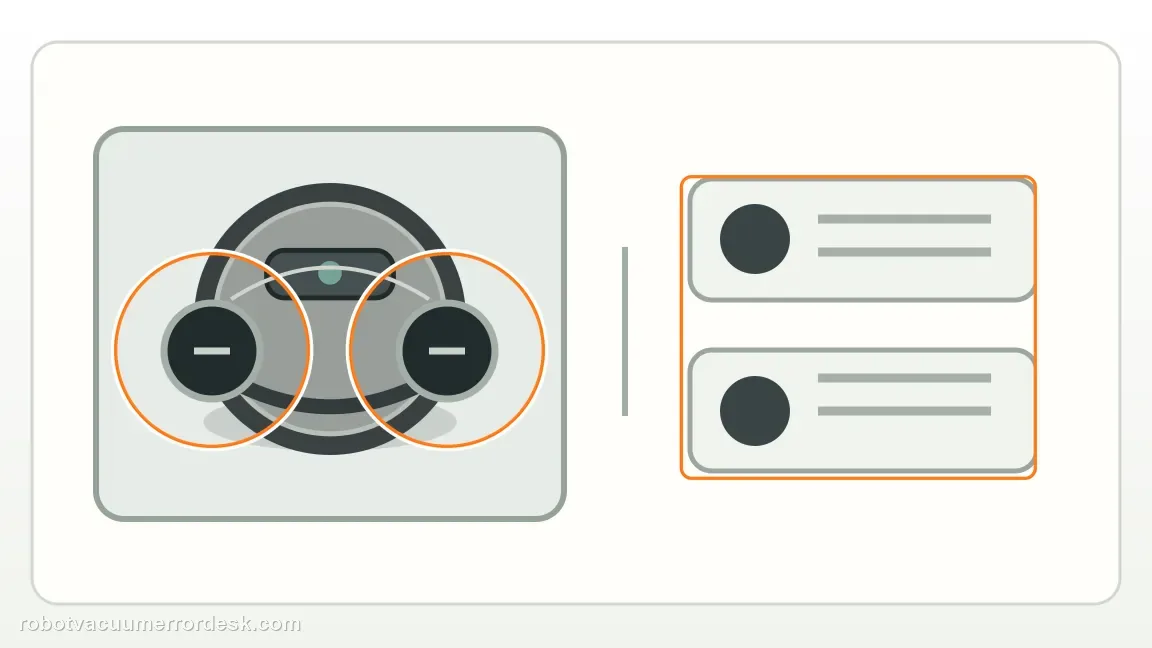
Compare both drive wheels by hand
With the robot stopped, press each drive wheel through its suspension travel and rotate it gently. Compare left and right resistance, spring return and any gritty or hard catch; the opposite wheel is the best baseline.
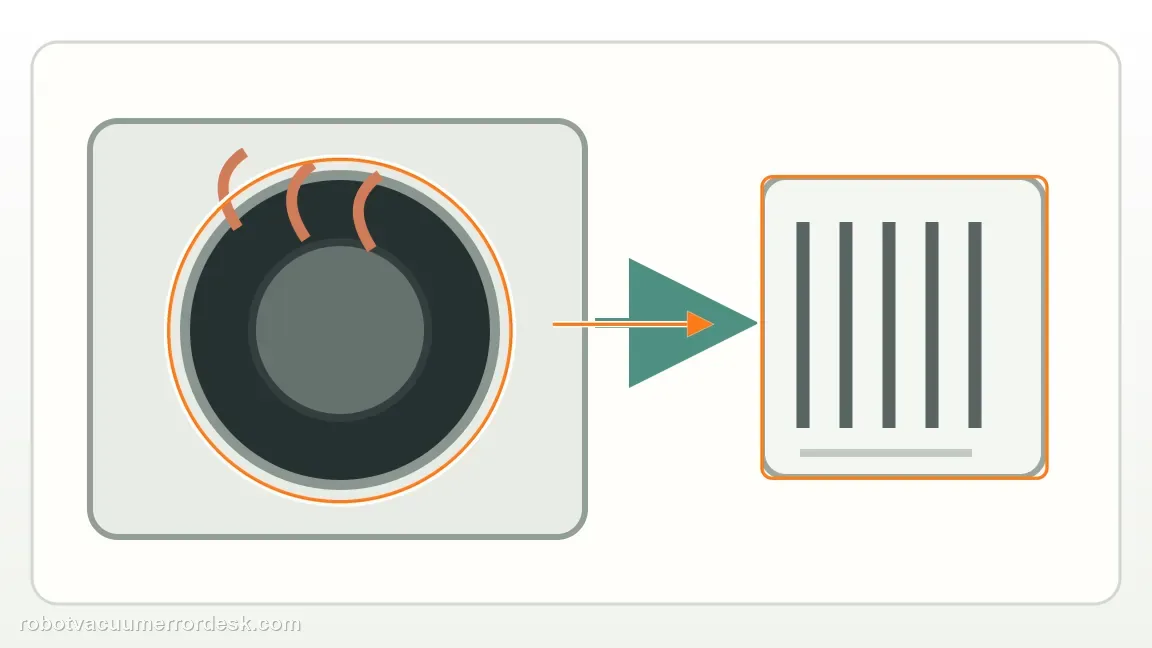
Remove only accessible hair and debris
Pull thread, hair or foreign material from around the wheel opening without prying into or lubricating the sealed drive module. Recheck movement after each visible obstruction is removed.
Run one short open-floor proof test
Restart on the same level hard floor and watch for straight travel, normal turning and recurrence of Error 7. This control removes carpet pile and doorway transitions from the result.
Escalate a one-sided bind or open-floor repeat
If one wheel still does not recover/rotate comparably or Error 7 returns in open space, capture the left/right comparison and failure on video. Do not keep forcing or opening the drive module.
Escalate when one drive wheel remains clearly bound or fails to spring normally after accessible debris is removed, or when Error 7 repeats on open hard flooring with both wheels apparently free. Send a side-by-side wheel-movement video and the alert. Avoid lubricant or wheel-module disassembly unless Roborock specifically directs it.
What to collect before contacting support
Give support a reproducible case instead of “it doesn’t work.” That reduces repeated basic troubleshooting and preserves the clues from your tests.
- Exact model name and the error code / voice prompt exactly as shown
- A photo or screenshot of the app error and the time it occurred
- A short list of the checks already completed and what happened after each one
- Firmware/app version if the issue began after a software change
Manufacturer evidence
Roborock Saros 20 Sonic — Error 7
Roborock says to press and spin the wheels manually and free them if stuck before contacting support for a persistent Error 7. This review treats Error 7 as a wheel-movement comparison: press, rotate and clear both drive wheels, then judge whether one side remains mechanically different.
Additional official source: Roborock Support Center — Help & Manuals ↗Last editorial review: September 5, 2026Regional note: manufacturer help centers, model suffixes, mains-power requirements and warranty procedures can differ by country. If the source redirects to a local support site, confirm that the model/hardware scope still matches before following a region-sensitive step.
This guide is rated Official model support. See what each evidence label means →
FAQ
Should both wheels feel exactly the same?
They do not need to feel mechanically identical in every detail, but a clear one-sided bind, scraping sound, limited travel or failure to spring back is meaningful. Compare the left and right drive wheels with the robot powered off on a safe surface. Remove only visible hair or thread; a strong asymmetry that remains is useful support evidence.
Can I lubricate the wheel module?
Do not add lubricant unless Roborock specifically tells you to. Error 7 owner-level troubleshooting should stay with moving the robot to a clear area, comparing the wheels and removing accessible tangles. Lubricant can attract debris or enter parts that were not designed for owner service. A persistent bind should be recorded and escalated instead of chemically masked.
What if one wheel does not spring back normally?
Treat that as a stronger mechanical clue than a map or floor-setting issue. Remove any visible hair or thread around the wheel and compare it with the other side. If its travel or spring return remains clearly abnormal, stop at the external check. A short video of both wheels moving side by side gives Roborock better evidence than opening the wheel module.
What does Roborock Saros 20 Sonic Error 7 mean?
Error 7 is the drive-wheel-stuck path. Roborock tells owners to press and spin the wheels manually, then free any wheel that is stuck. Compare both sides and remove hair or thread before testing again. A short run on clear hard floor is the cleanest confirmation. If Error 7 returns there or one wheel still binds, document that side for support.
Can hair around the wheel cause Error 7 even if the tread looks clean?
Yes. The official test is not limited to wiping the tread; Roborock says to press and spin the wheels manually. Hair or thread can lodge around the moving wheel assembly where it is less visible. If both wheels feel similar after cleaning but the error repeats on open hard floor, that repeatable result is stronger evidence for service than more cleaning.
Did this diagnostic narrow the fault?
Use this as an editorial signal, not a popularity counter. If a feedback address is configured you can email the note; otherwise you can copy it for your own support record.