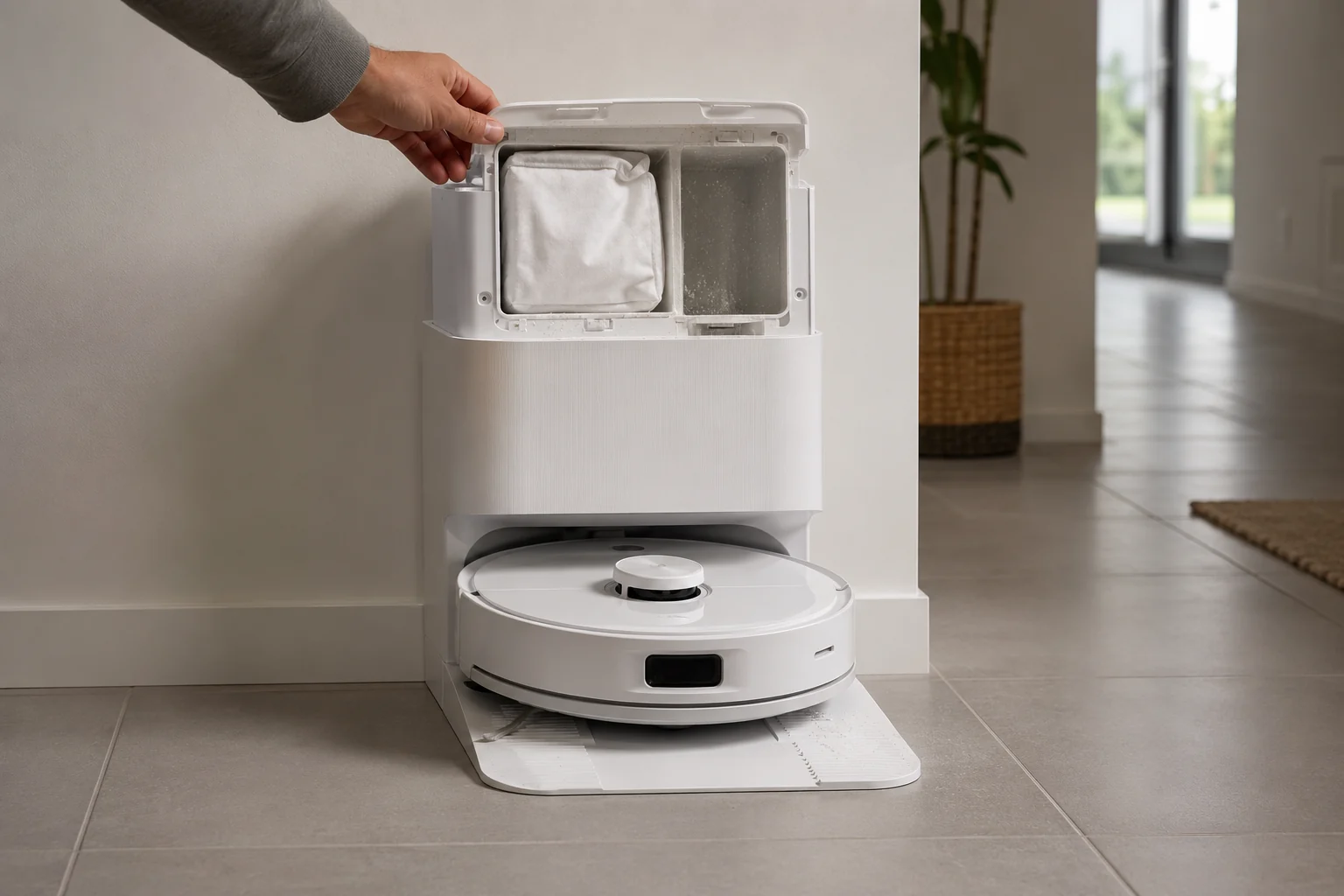
First decide whether Q Revo auto-emptying never starts or starts but leaves debris behind—Roborock documents different branches. If the cycle does not start, check that Auto-Emptying is enabled, the dock dust-container cover is installed, the robot actually returned after a cleaning task, and Do Not Disturb is not configured to disable auto-emptying. Roborock also says manually putting the robot on the dock does not trigger automatic emptying. If the cycle starts but emptying is ineffective, shift to the airflow/mechanical branch: confirm the main brush and brush cover are installed correctly, then clear the filter, air duct, suction inlet, air inlet and dustbin. This trigger-vs-airflow split prevents unnecessary dock disassembly.
Confirm the exact model and exact code, light pattern or symptom.
Run the lowest-risk physical or software check first.
Use each pass condition to decide what the result actually narrows down.
Is this the problem you’re seeing?
- The Q Revo docks normally after cleaning but no automatic emptying cycle begins.
- Manual emptying works or can be started, but automatic emptying is skipped.
- The robot was manually placed on the dock and you expected that alone to trigger auto-empty.
- The dock runs an emptying cycle but debris remains in the robot dustbin.
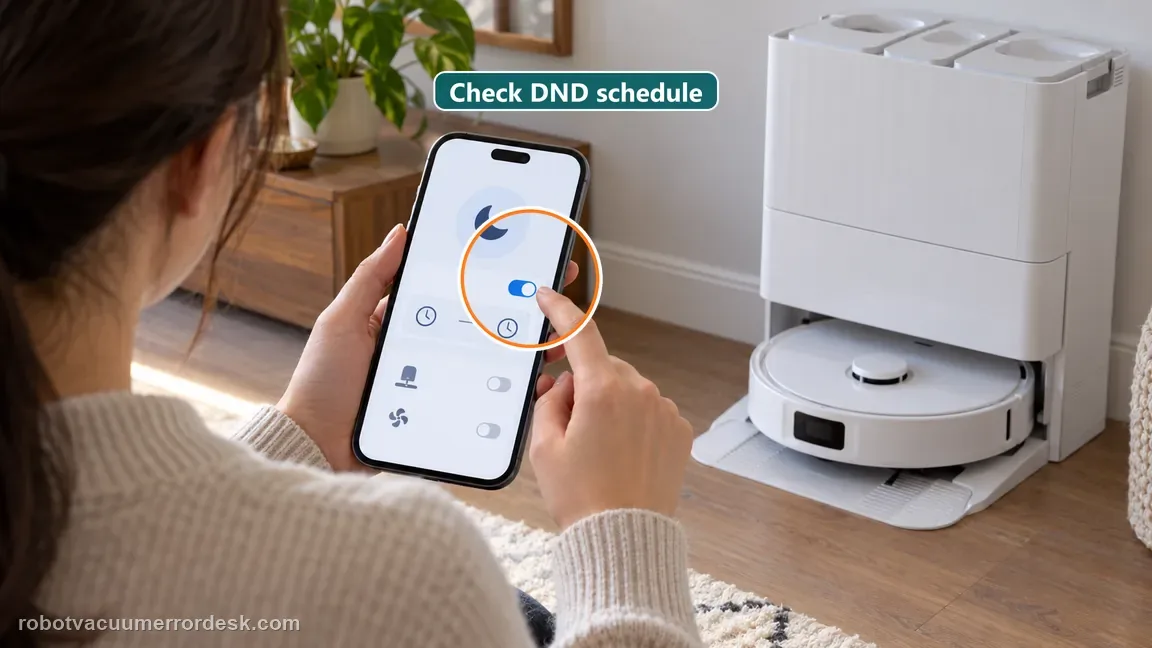
- Do Not Disturb or an app setting may be suppressing the cycle.
Likely root causes, ranked
Auto-Emptying is disabled in the app
Dock dust-container cover is missing/not installed or the dust bag needs replacement
Robot was manually placed on the dock instead of returning after a cleaning task
Robot returned without performing cleaning, so automatic emptying is not triggered
Do Not Disturb is configured to disable auto-emptying during that time window
Main brush/brush cover is incorrectly installed or the filter/air duct/inlets/dustbin are blocked
Persistent dock fan/emptying hardware fault after trigger and airflow checks
What the result narrows down
| What you observe | What it narrows down | Next move |
|---|---|---|
| No emptying sound/cycle at all after a normal cleaning return | This is a trigger/settings branch, not yet an airflow-performance problem. | Check Auto-Emptying, dock cover/bag, DND and whether the robot actually cleaned before returning. |
| Robot was carried or manually placed on the dock | Roborock says manual placement does not trigger automatic emptying. | Run a short cleaning task and let the robot return by itself before judging auto-empty behavior. |
| Cycle runs but dust remains in the robot | The trigger worked; the failure has moved to airflow/mechanical transfer. | Check main brush/cover installation and clear filter, air duct, suction/air inlets and dustbin. |
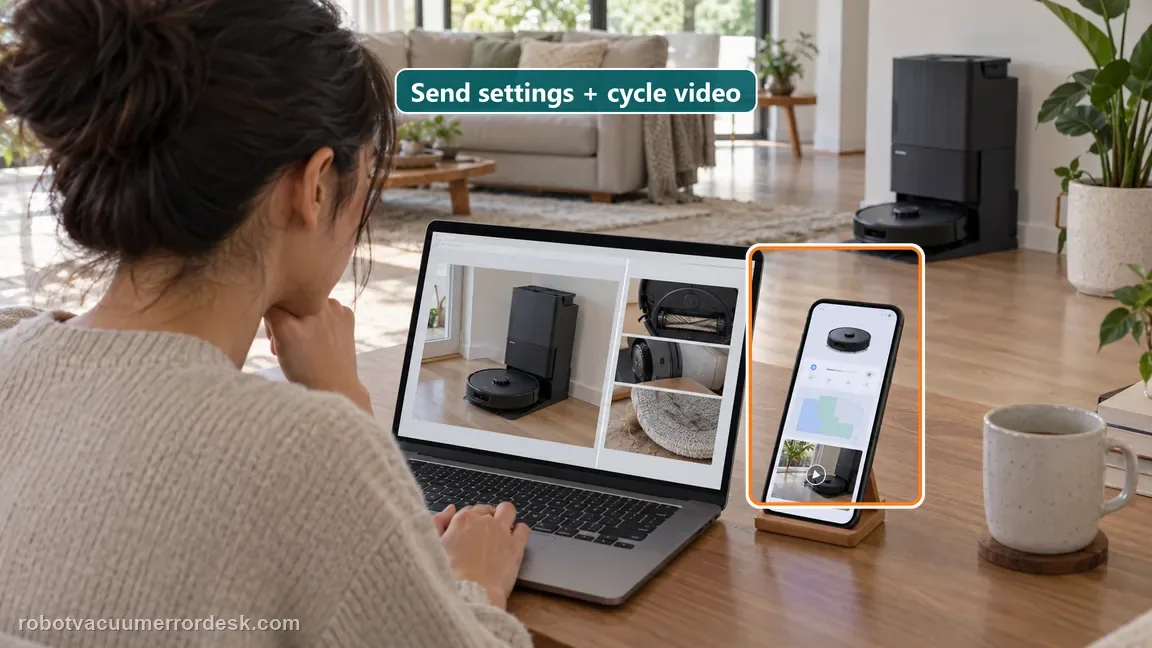
| All trigger and airflow checks pass but failure repeats | The owner-serviceable causes in Roborock’s support path are exhausted. | Capture app settings plus a video of a completed clean-return-empty cycle and contact Roborock. |
Which return event should trigger emptying?
The Qrevo manual distinguishes automatic return after a completed clean from a manual dock placement. This comparison helps prevent a false motor diagnosis.
| Return event | Expected auto-empty behavior | How to test |
|---|---|---|
| Robot completes a normal clean and returns by itself | Auto-empty can run when enabled and not suppressed by DND. | Use this as the baseline trigger test. |
| Robot is carried or placed on the dock | Manual placement does not trigger automatic emptying. | Use the app’s manual empty command only to test dock suction. |
| Robot returns after spot cleaning or without a cleaning run | Some Qrevo manual versions do not auto-empty on these returns. | Repeat with a normal completed cleaning task. |
| DND window is active or auto-empty is disabled | The station may stay quiet even when its suction path is clear. | Check the Qrevo schedule/settings before inspecting airflow. |
Do not factory-reset by default. Use the exact model’s reboot/network-reset procedure only when the manufacturer path calls for it.
Checks to run, in sequence
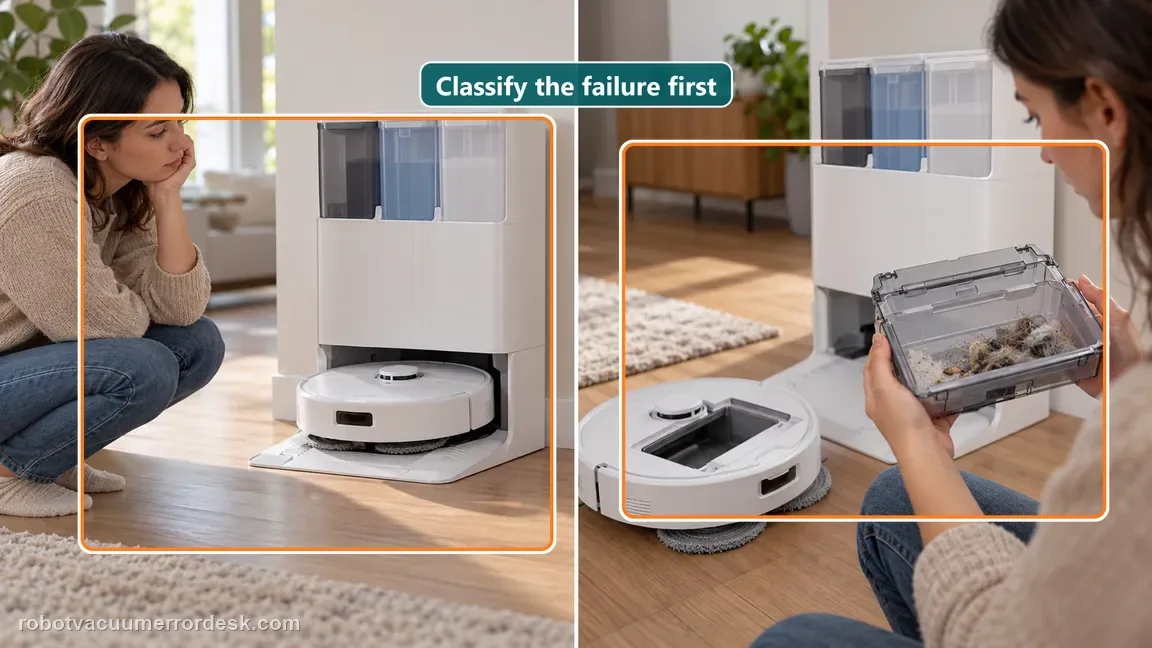
Classify “does not start” versus “does not empty well”
Watch one complete cycle and decide which failure you actually have. A dock that never starts an emptying cycle belongs to the trigger/settings branch. A dock that makes the normal emptying sound but leaves debris in the robot has already passed the trigger test and belongs to the airflow/mechanical branch. Roborock documents both scenarios on its support page, and mixing them leads to irrelevant fixes—for example cleaning an air duct cannot make a disabled automation suddenly trigger.
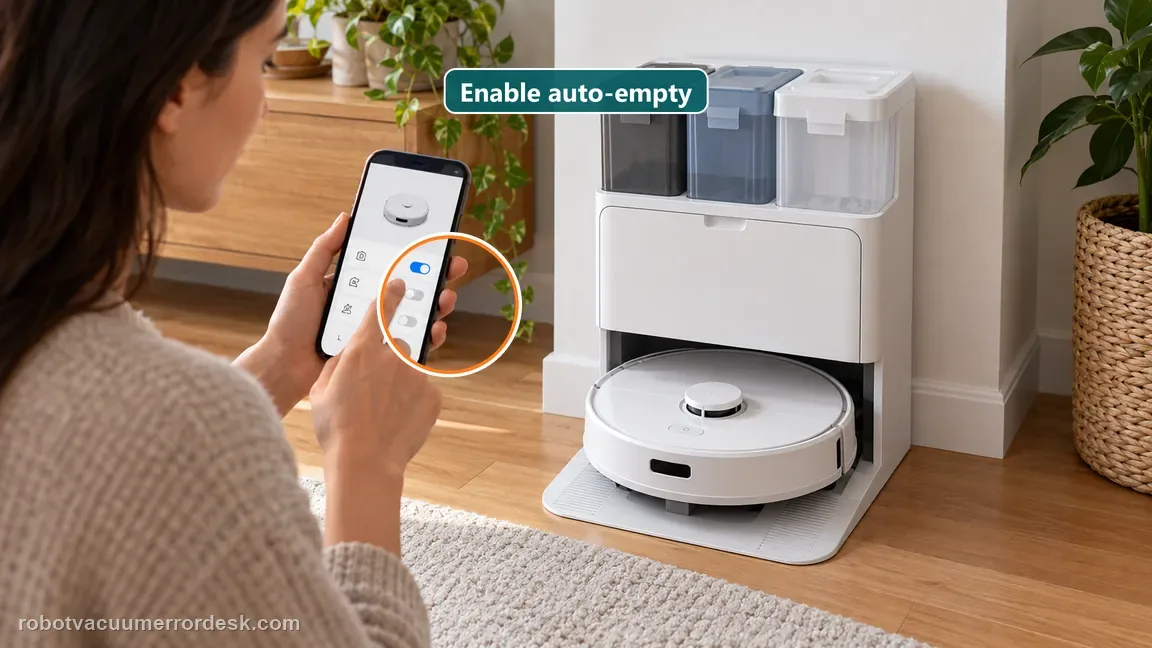
Check the app trigger and the dock dust-container setup
For a skipped cycle, first confirm Auto-Emptying is enabled in the Roborock app. Then check that the dock dust-container cover is installed. On support pages for Q Revo-family docks, Roborock also tells users to replace a full dust bag where applicable. These are prerequisite conditions: the dock should not be expected to run a normal automatic transfer cycle when its automation is disabled or the dust-collection container is not correctly assembled.
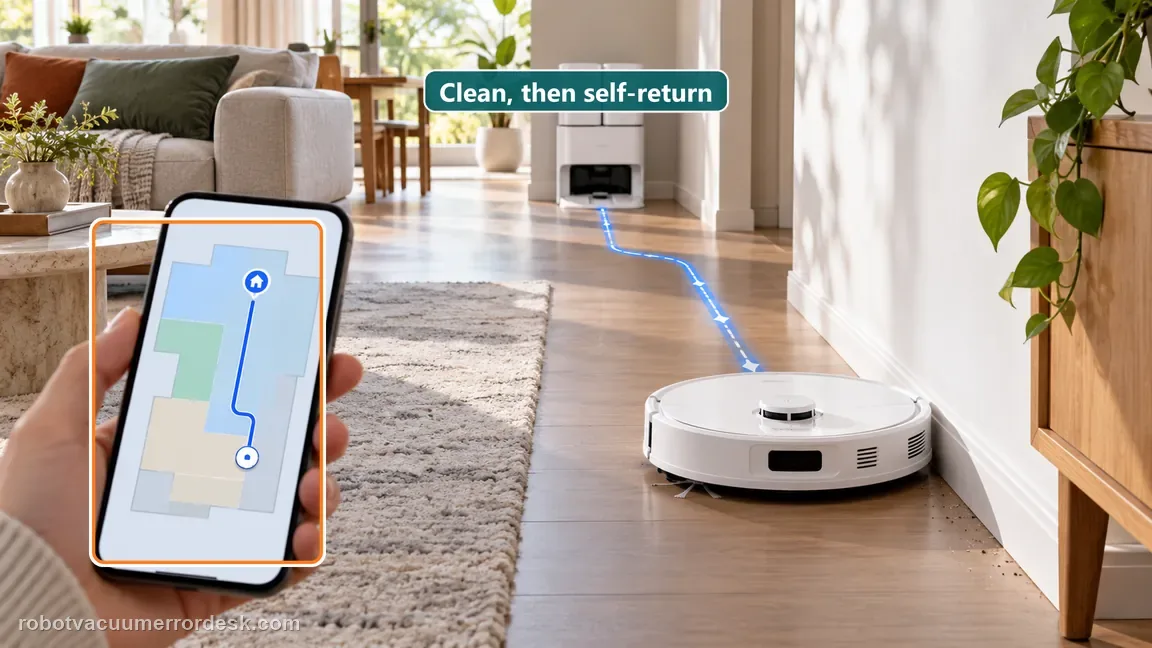
Reproduce the correct trigger: clean, then return automatically
Do not test automatic emptying by carrying the robot to the dock. Roborock says auto-emptying will not start when the device is manually placed on the dock, and it also will not trigger when the robot returns without having cleaned. Run a short real cleaning task, then let the Q Revo navigate back to the station on its own. This creates the manufacturer-defined trigger conditions and prevents a false diagnosis based on a docking event that was never supposed to auto-empty.
Check Do Not Disturb before blaming the dock
Open the Do Not Disturb customization and make sure “Disable Auto Emptying” is not active for the time of your test. Roborock explicitly says the robot will not auto-empty after returning during a DND period when that option is enabled. Either adjust the DND duration or start emptying manually for comparison. If manual emptying works while the automatic trigger is suppressed only inside DND, that is a schedule/configuration result, not a failed emptying motor.
If the cycle runs, inspect the transfer airflow path
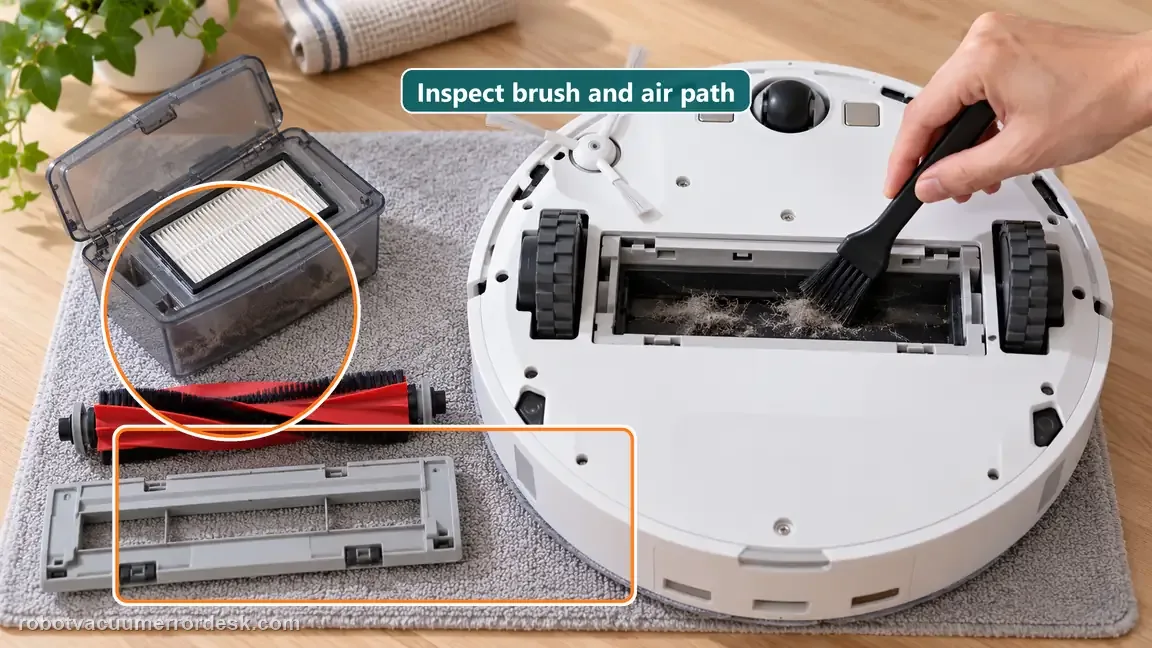
When the dock starts but does not empty effectively, switch branches. Roborock says to check whether the main brush and main-brush cover are properly installed, then inspect the filter, air duct, suction inlet, air inlet and robot dustbin for blockages. Clear debris from those accessible parts and reassemble them correctly. The purpose is to restore the sealed airflow path that moves dirt out of the robot; do not open the powered dock body to chase an internal fan before these manufacturer-listed restrictions are ruled out.
Escalate if a real cleaning task followed by automatic return still skips emptying with Auto-Emptying enabled, the dock cover/bag correct and DND not suppressing the feature, or if the cycle runs but remains ineffective after the main brush/cover and filter/air-duct/inlet/dustbin checks. Send Roborock screenshots of the relevant app/DND settings and a video from cleaning return through the attempted empty cycle.
Information to have ready for support
Support can skip the basic troubleshooting script when you provide a reproducible case. That keeps the results of your checks from getting lost.
- Exact model name and the error code / voice prompt exactly as shown
- A photo or screenshot of the app error and the time it occurred
- A short list of the checks already completed and what happened after each one
- Firmware/app version if the issue began after a software change
Source and evidence level
Roborock Q Revo manual — common issues
Roborock’s Q Revo support lists five trigger conditions for auto-emptying—feature enabled, dock cover present, no manual placement, not disabled by DND and a return after actual cleaning—and separately lists main-brush/cover installation plus filter, air duct, suction inlet, air inlet and dustbin blockages when the dock empties ineffectively.
Additional official source: Roborock Support — Auto-Emptying does not start after docking ↗Additional official source: Roborock Support — Auto Empty Dock not emptying effectively ↗Last editorial review: October 13, 2026Regional note: manufacturer help centers, model suffixes, mains-power requirements and warranty procedures can differ by country. If the source redirects to a local support site, confirm that the model/hardware scope still matches before following a region-sensitive step.
This guide is rated Official manual. See what each evidence label means →
Common questions
Will Q Revo auto-empty if I manually put it on the dock?
No. Roborock explicitly says automatic emptying will not start when you manually place the device on the dock. Run a real cleaning task and let the robot return automatically for a valid trigger test.
Can Do Not Disturb disable auto-emptying?
Yes. Roborock says the robot will not auto-empty after returning during DND when “Disable Auto Emptying” is enabled. Adjust the DND window or use a manual empty command to compare behavior.
Why does the dock run but leave dust in the robot?
That means the trigger worked, so move to the airflow branch. Roborock says to verify main-brush/cover installation and clear the filter, air duct, suction inlet, air inlet and dustbin.
Does returning to the dock always trigger auto-empty?
No. Roborock says automatic emptying is not triggered when the robot returns without cleaning. A short completed cleaning task followed by automatic return is the cleanest proof test.
Can a full dust bag or incorrectly assembled dust collection path make Q Revo empty poorly?
Yes. Roborock’s current auto-empty support tells owners to check the dock dust-container setup and replace a full bag where applicable; for weak emptying it also directs users to the brush/cover and accessible airflow path. If the cycle triggers normally but transfer is weak, inspect those owner-serviceable parts before treating the dock motor as failed.
Did this diagnostic narrow the fault?
Use this as an editorial signal, not a popularity counter. If a feedback address is configured you can email the note; otherwise you can copy it for your own support record.