Auto-Empty or Dust Collection Not Working
A full bag, poorly seated bin, blocked duct and a true station motor fault can all look like “the base stopped emptying.” Prove the disposable and airflow path first.
Trigger one normal empty cycle only after checking bag/bin seating and the visible dust path. Listen for the station motor and note whether debris moves at all.
What the symptom points to
Blocked duct, robot-bin outlet, bag seating or airflow restriction.
Station setting, detection/seating state, power or station-side fault.
Bag/cover installation before electronics.
Do not erase the evidence
- Running repeated empty cycles against a known blockage
- Pushing tools deep into a powered station duct
- Replacing a station motor before checking the bag and robot bin
Send support a photo of the installed bag/bin plus a short video showing whether the station starts an empty cycle and what remains in the robot afterward.
Matching model-specific guides
7 diagnostics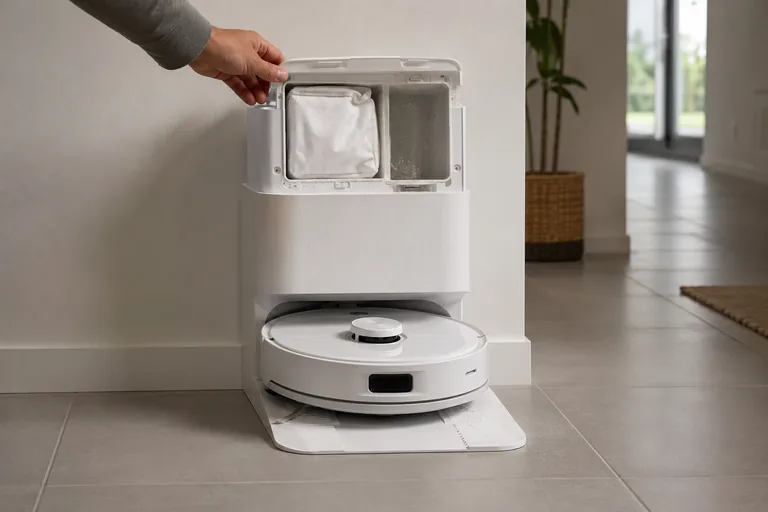
Auto-empty not working
First decide whether Q Revo auto-emptying never starts or starts but leaves debris behind—Roborock documents different branches. If the cycle does not start, check that Auto-Emptying is enabled, the dock dust-container cover is installed, the robot actually returned after a cleaning task, and Do Not Disturb is not configured to disable auto-emptying. Roborock also says manually putting the robot on the dock does not trigger automatic emptying. If the cycle starts but emptying is ineffective, shift to the airflow/mechanical branch: confirm the main brush and brush cover are installed correctly, then clear the filter, air duct, suction inlet, air inlet and dustbin. This trigger-vs-airflow split prevents unnecessary dock disassembly.
Error 360
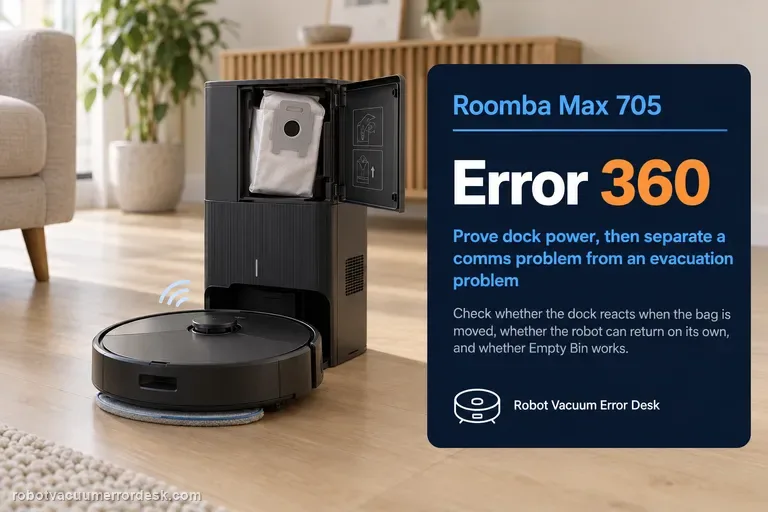
Error 360 on the Roomba Max 705 belongs to the robot-to-dock communication and debris-evacuation path. Do not treat it as a generic charging warning. iRobot’s current Max 700 procedure first proves that the AutoEmpty/AutoWash dock has power, then separates a communication problem from an evacuation problem. A useful check is whether the dock reacts when the bag is partially removed, whether the robot can return to the dock by itself, and whether an Empty Bin command appears and works. If manual evacuation works but the app control is missing, clean the dock sensor window and robot bumper with the approved dry method. If the robot was simply placed on the dock by hand, send it away and press HOME so it self-docks; iRobot notes that automatic emptying is tied to a normal self-docking event. Finish with a reboot only after power, sensors, contacts and docking behavior have been classified.
Base not collecting dust
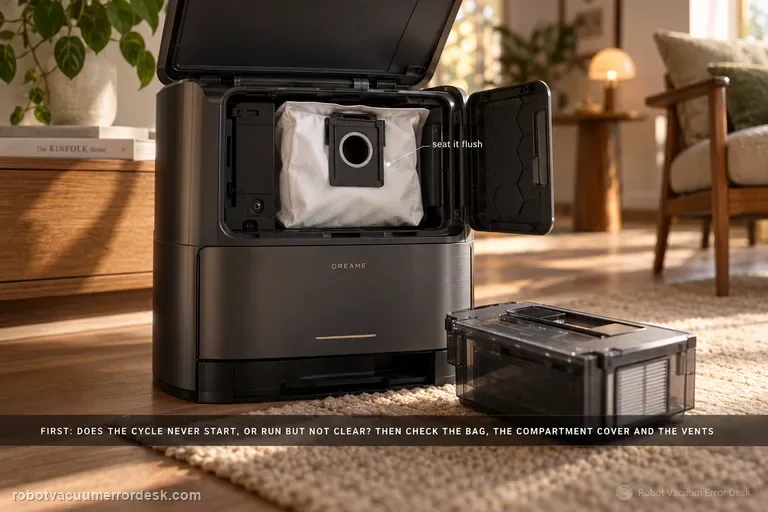
First determine whether the station never starts an emptying cycle or whether it runs but leaves debris in the robot. Dreame’s exact Aqua10 support article checks the dust bag, dust-compartment cover and robot dustbin for obstruction. The exact-model manual adds two important discriminators: auto-empty can be disabled or scheduled differently in the app, and blocked auto-empty vents on the robot, base or dust box can stop evacuation. Prove the trigger state first, then the seal/air path, using one light controlled debris load.
Auto-empty / dust collection not starting
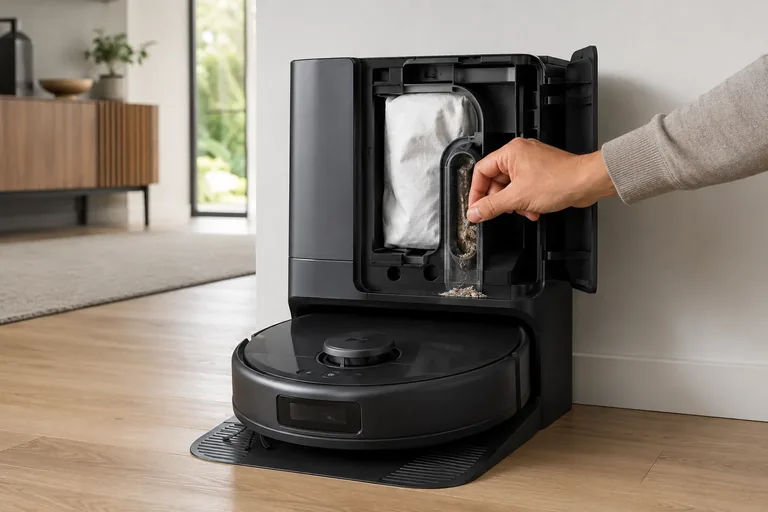
Treat X10 Pro Omni self-empty failures as two different states: “collection never starts” versus “fan runs but debris does not transfer.” First confirm the Omni Station has a steady white power light and its lid/bag state is normal, then clear the robot outlet and station path. eufy’s alert table also distinguishes a cooling self-empty fan from a permanent failure. In heavy-debris homes, eufy recommends 15-minute Pet-mode emptying with Turbo or Max suction to reduce repeated packing.
Auto-empty not working
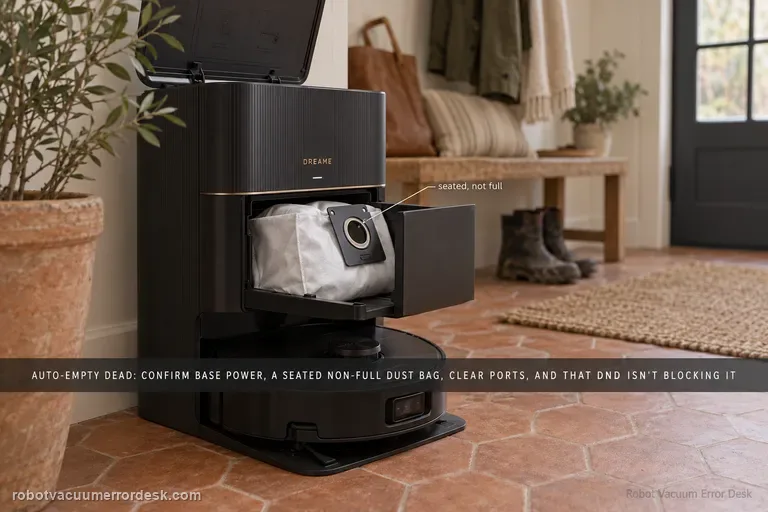
Dreame’s current X40 Ultra dust-collection page separates a cycle that never starts from one that runs but moves little debris. Confirm the station is powered, the dust bag is correctly installed and not full, and the robot/base/dust-box collection ports are clear. In Dreamehome, make sure Dust Collection is enabled and remember that DND blocks dust-collection commands. Clean the charging-contact window that carries station communication, then run one controlled empty cycle and inspect whether debris actually moved.
Error 6119
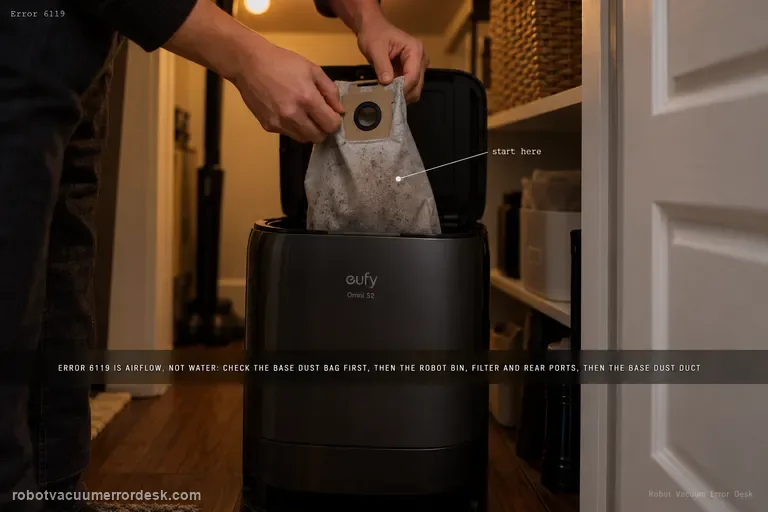
Error 6119 on the Omni S2 is a dust-collection airflow warning, not a water-system error. eufy's exact path starts with the base dust bag, then moves through the robot dustbin/filter and rear dust-collection ports, and finally the base-station dust duct/port. After the airflow path is physically clear, homes with pets or frequent hair buildup can use Standard dust-collection mode and increase collection frequency to reduce repeat blockages.
Auto-empty won't start
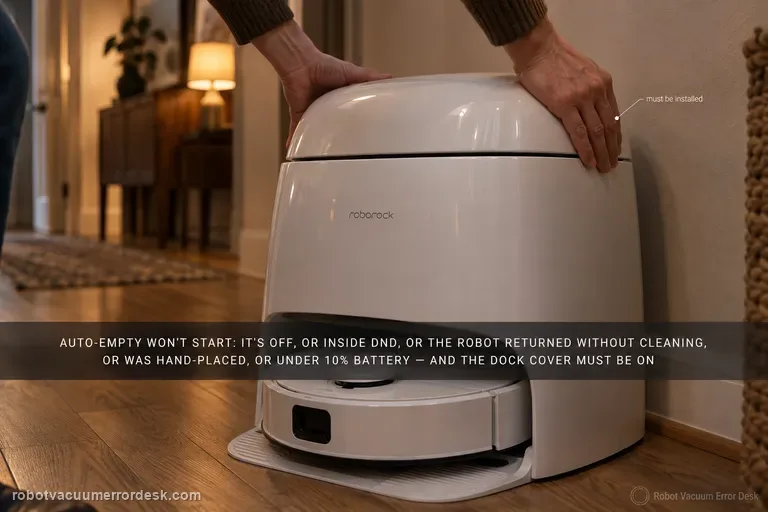
Do not treat every Qrevo Curv emptying complaint as a clogged dock. Roborock's Curv manual separates a cycle that never starts from a cycle that starts but empties poorly. Automatic emptying can be disabled, is suppressed after a return during DND, does not trigger when the robot comes back without cleaning, does not trigger when you place the robot on the dock by hand, and is blocked below 10% battery. The dock dust-container cover also has to be installed. After those trigger conditions are proven, run one manual emptying cycle. If manual emptying starts strongly, the hardware can create suction and the remaining fault is automatic trigger/state logic. If the motor starts but airflow is weak or noisy, switch branches and inspect the main brush/cover, filter, air duct, suction and air inlets, robot dustbin and disposable bag instead of repeating app resets.