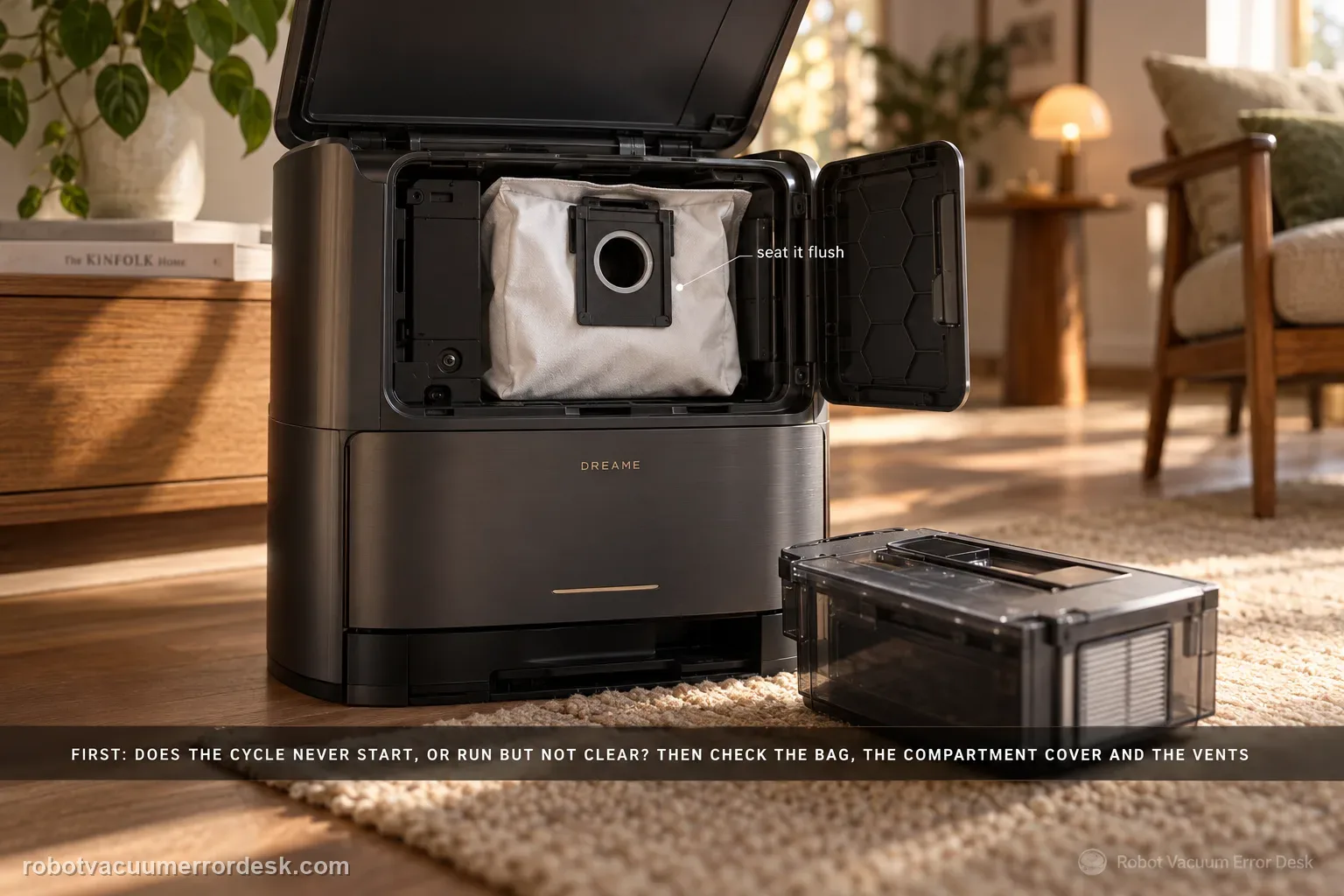
First determine whether the station never starts an emptying cycle or whether it runs but leaves debris in the robot. Dreame’s exact Aqua10 support article checks the dust bag, dust-compartment cover and robot dustbin for obstruction. The exact-model manual adds two important discriminators: auto-empty can be disabled or scheduled differently in the app, and blocked auto-empty vents on the robot, base or dust box can stop evacuation. Prove the trigger state first, then the seal/air path, using one light controlled debris load.
Confirm the exact model and exact code, light pattern or symptom.
Run the lowest-risk physical or software check first.
Use each pass condition to decide what the result actually narrows down.
Is this the problem you’re seeing?
- The Aqua 10 returns to its base but the onboard dustbin remains partly or completely full.
- You hear the station attempt auto-emptying but hair, lint or compacted debris remains behind.
- The station does not appear to start an emptying cycle after a completed cleaning task.
- The problem began after a dust-bag change, dustbin cleaning, heavy pet-hair run or settings change.
Likely root causes, ranked
Auto-empty is disabled in the app or the selected emptying behavior does not call for a cycle at that return.
Dust bag is full, loose or incorrectly seated in the station.
Dust-compartment cover is not fully seated, weakening the evacuation seal.
Robot dustbin or an owner-visible auto-empty vent is obstructed by hair, lint or a debris bridge.
Station evacuation hardware remains faulty after app state, bag, cover, bin and vent checks all pass.
What the result narrows down
| What you observe | What it narrows down | Next move |
|---|---|---|
| No emptying cycle starts after a normal task return | A trigger/settings state is more likely than a blocked airflow path. | Confirm auto-empty is enabled and the selected app behavior should call for a cycle. |
| Cycle starts but the controlled bin load barely changes | The station is triggering, so sealing or airflow becomes the higher-value branch. | Check the dust bag, compartment cover, robot dustbin and owner-visible auto-empty vents. |
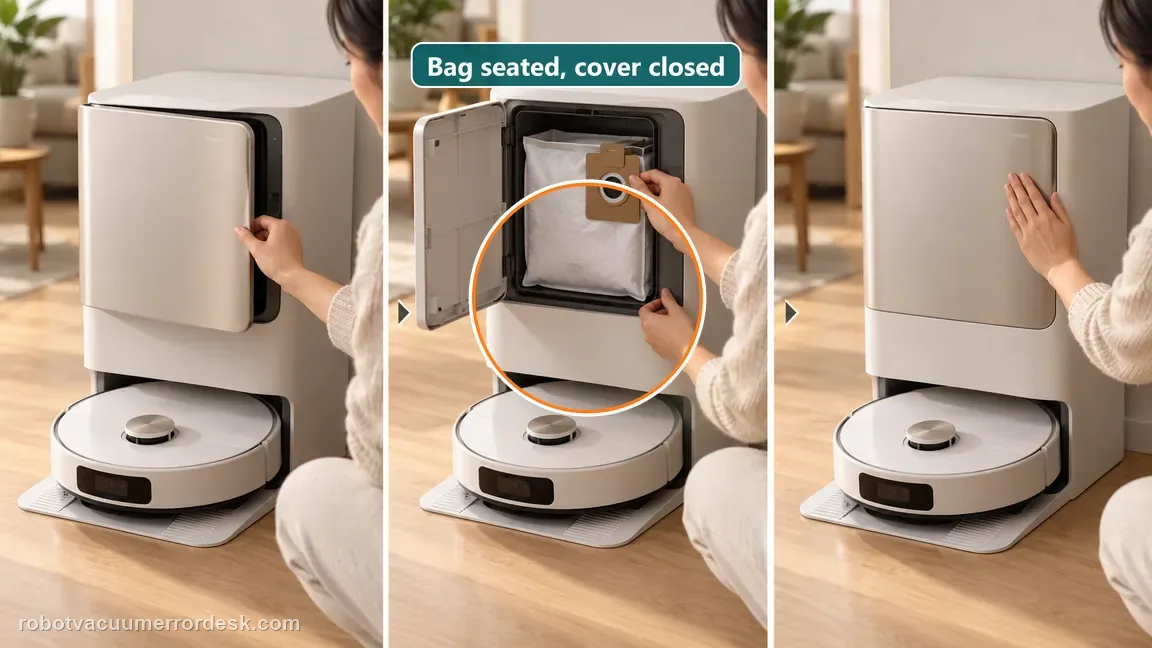
| Bag is full or incorrectly seated | The station cannot evacuate normally through a known-bad collection path. | Replace/reseat the bag and close the dust-compartment cover fully before retesting. |
| Robot/base/dust-box auto-empty vent is blocked | A visible restriction can explain weak or absent evacuation even when the motor runs. | Clear the owner-visible obstruction with the station idle and repeat the light-load test. |
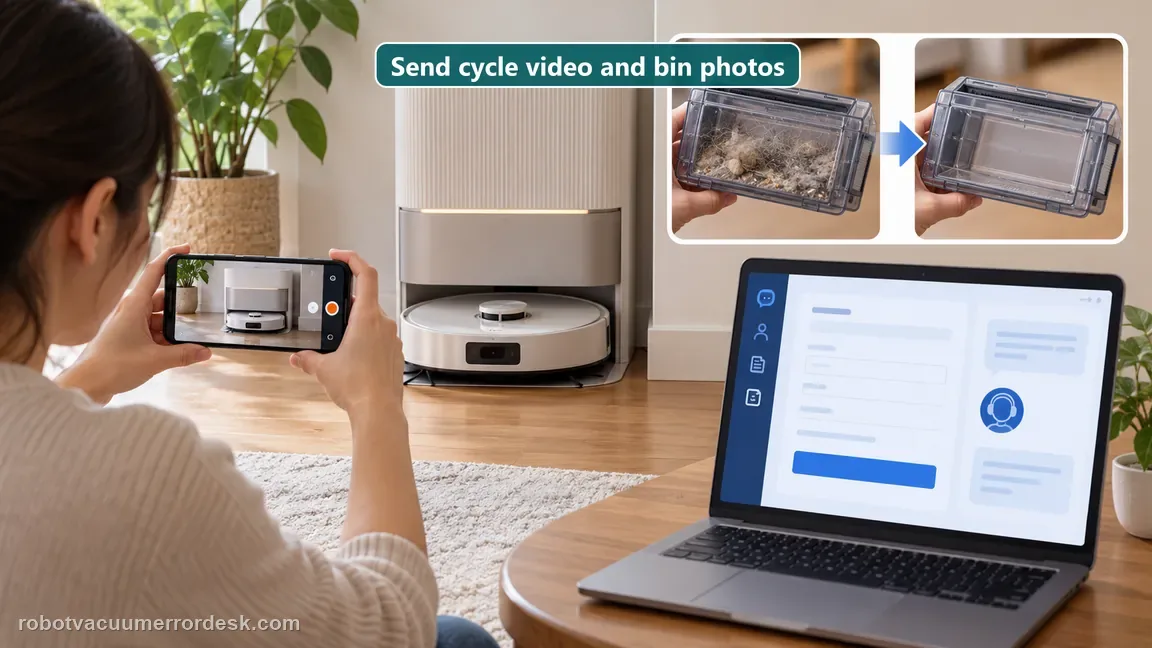
| Enabled cycle plus known-good bag/cover/vents still fails | The owner-serviceable trigger and airflow branches have been controlled. | Send Dreame a cycle video plus before/after bin photos; do not open the powered station. |
Auto-empty symptom split: trigger or transfer path?
Dreame’s short support checklist covers the bag, compartment cover, and robot bin. The manual adds app scheduling and vents, so test the trigger before the air path.
No suction cycle starts
The station has not yet demonstrated an emptying event.
Cycle runs; dust stays in the robot
The trigger worked, so poor transfer is the stronger branch.
Bag, cover, vents, and settings pass
Do not open the powered station to chase the remaining fault.
Do not factory-reset by default. Use the exact model’s reboot/network-reset procedure only when the manufacturer path calls for it.
Checks to run, in sequence
Classify “no cycle” versus “cycle but no evacuation”
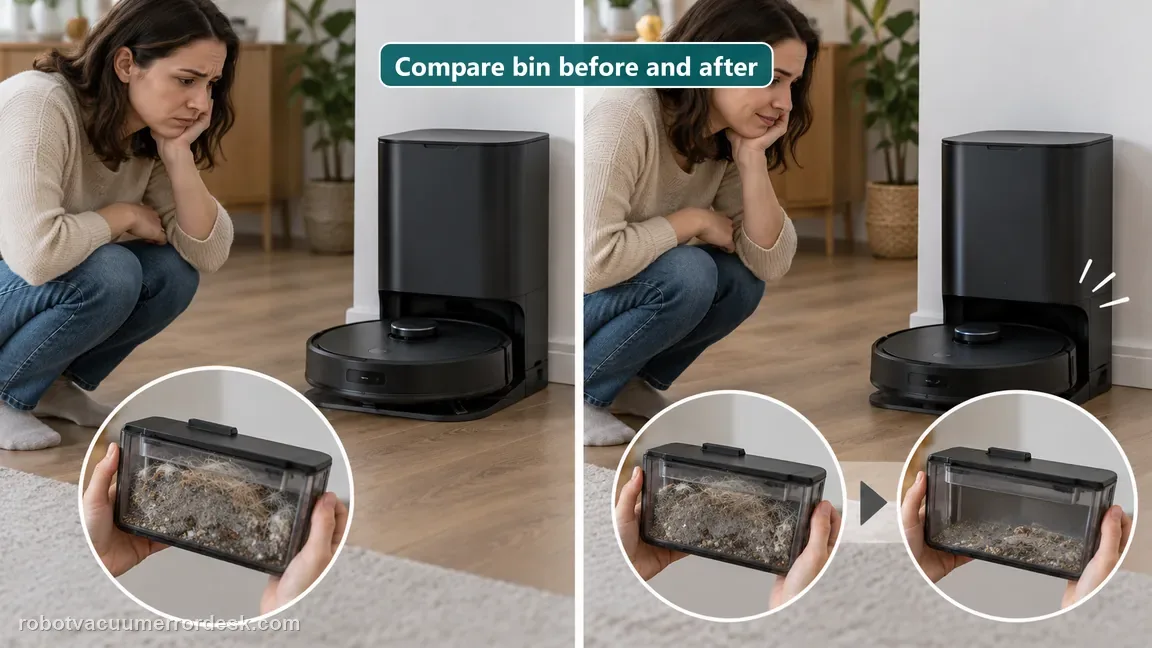
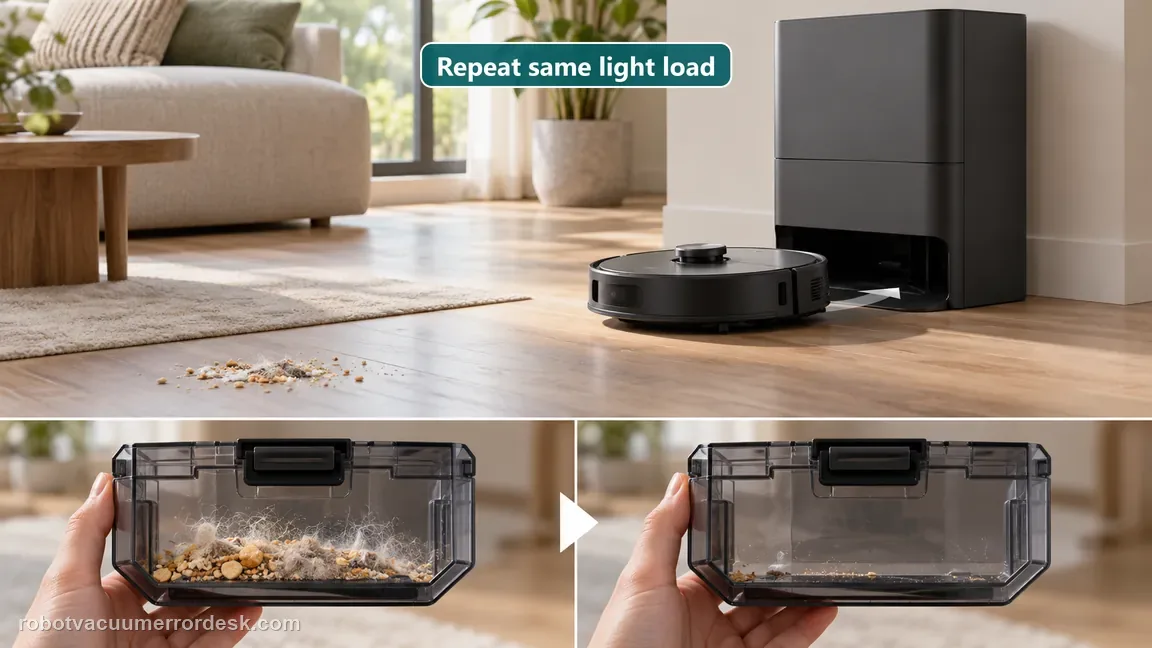
Run a small vacuum-only test with a visible but light debris load, let the robot return to the base normally and listen for the auto-empty cycle. Photograph the onboard bin before and immediately after return. This separates a trigger/settings problem from an airflow problem. Carrying the robot to the base or stopping the task early can change normal return behavior, so use an ordinary completed task for the proof.
Confirm auto-empty is enabled in the app
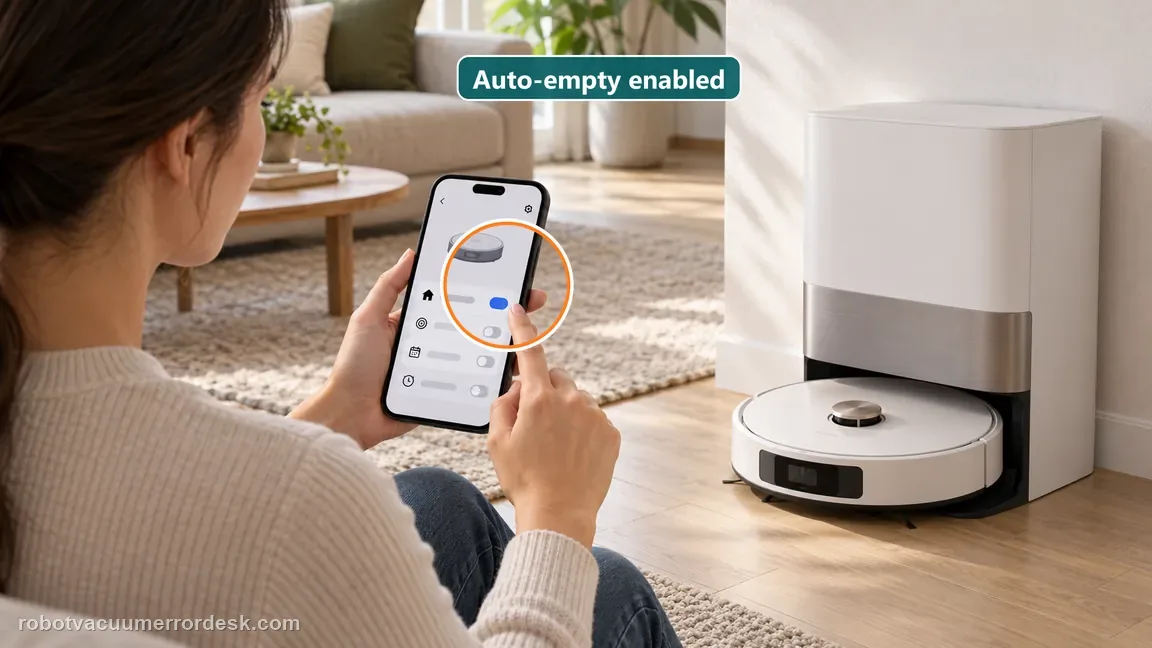
The Aqua10 manual states that the base will not automatically empty the dust box when auto-empty is turned off and that emptying follows the selected app setting. Before opening the station, verify that auto-empty is enabled and that the chosen behavior should produce an emptying event for this test. Do not treat a deliberately disabled function as a station motor failure.
Check the dust bag and dust-compartment cover
Dreame’s exact model article says the dust bag must be securely installed and not full, and the dust-compartment cover must be fully seated. Replace a full bag, reseat a loose collar and close the cover completely. If the failure began immediately after a bag change, reverse that seating error before cleaning unrelated parts.
Clear the robot bin and all owner-visible auto-empty vents
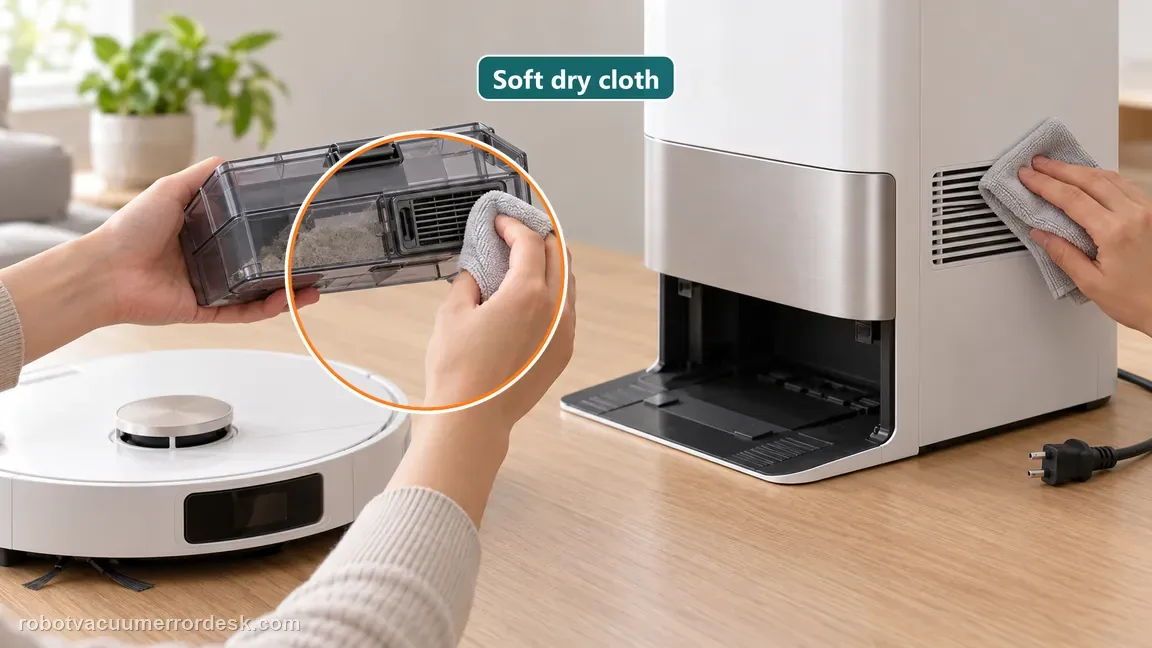
Inspect the robot dustbin for foreign objects as the exact support article instructs. The Aqua10 manual additionally says to check the auto-empty vents of the robot, base station and dust box and clean blocked parts. Remove clumped hair or fibers without opening the powered station. Use a dry method around the vents and reassemble the bin fully before testing.
Repeat the same light-load return test
Use the same type and amount of easy-to-evacuate debris, allow a normal return, and compare the bin afterward. If the cycle still never starts with auto-empty enabled, report a trigger/station-control failure. If the cycle runs but the known-good bag and clear air path do not reduce the load, report an evacuation-performance failure. Those two outcomes give support much better evidence than “auto-empty is broken.”
Escalate when a normal completed task still produces a repeatable failure after auto-empty is confirmed enabled, the bag is usable and seated, the dust-compartment cover is closed, and the robot/bin/base auto-empty vents are clear. Do not open the mains-powered station or bypass covers/interlocks. Tell Dreame whether the cycle never starts or starts with normal sound but leaves the controlled debris load in the robot.
Information to have ready for support
Support can skip the basic troubleshooting script when you provide a reproducible case. That keeps the results of your checks from getting lost.
- Exact model name and the error code / voice prompt exactly as shown
- A photo or screenshot of the app error and the time it occurred
- A short list of the checks already completed and what happened after each one
- Short video showing the failed docking, mapping or base-station behavior
- Firmware version shown in Dreamehome
Source and evidence level
Dreame Aqua 10 Ultra Roller Complete — Base Station Does Not Collect Dust
Dreame’s exact Aqua 10 support article verifies bag installation/full state, dust-compartment-cover seating and robot-dustbin obstruction. The official Aqua10 manual adds the model-specific app enable/setting rule and blocked auto-empty-vent checks for the robot, base station and dust box.
Additional official source: Dreame Aqua 10 Ultra Roller Complete — User Manual ↗Additional official source: Dreame Aqua 10 Ultra Roller Complete — Support Hub ↗Last editorial review: October 13, 2026Regional note: manufacturer help centers, model suffixes, mains-power requirements and warranty procedures can differ by country. If the source redirects to a local support site, confirm that the model/hardware scope still matches before following a region-sensitive step.
This guide is rated Official model support. See what each evidence label means →
Common questions
Why does the distinction between “no cycle” and “no dust removed” matter?
Because they point to different branches. If no emptying cycle starts, first verify the app’s auto-empty setting and normal task return. If the cycle starts but debris remains, the bag, cover, dustbin and auto-empty vents become the higher-value checks. Using a before/after bin photo makes the result objective instead of relying only on station noise.
Can the Aqua10 auto-empty function be turned off?
Yes. The exact-model user manual says the base station will not automatically empty the dust box when auto-empty is turned off in the app, and that emptying follows the selected app setting. Confirm that state before assuming a station fault. A disabled or differently scheduled function can look identical to “the base never starts emptying” during casual use.
Which blockages should I check before calling support?
Dreame’s exact support article tells you to inspect the robot dustbin for foreign objects. The Aqua10 manual goes further and names the auto-empty vents on the robot, base station and dust box. Clear only owner-visible obstructions and keep those areas dry. Do not probe deeper into the powered station or attempt to reach the evacuation motor.
Should I test auto-empty with a completely packed robot bin?
A light, visible test load is better for diagnosis. A heavily packed or fibrous load can complicate the result because material may bridge even when airflow is present. Use a small amount of ordinary dry debris, photograph the bin before return, and compare it immediately afterward. The goal is to prove whether the station can trigger and move an easy load through a known-clear path.
What should I tell Dreame if the base still does not collect dust?
Report whether the cycle starts, whether auto-empty is enabled, the dust-bag condition, whether the compartment cover is fully seated, and whether the robot/bin/base vents are clear. Include a short return-to-base video and before/after bin photos from the controlled test. Those details distinguish a trigger/control problem from weak or absent evacuation without opening the station.
Did this diagnostic narrow the fault?
Use this as an editorial signal, not a popularity counter. If a feedback address is configured you can email the note; otherwise you can copy it for your own support record.