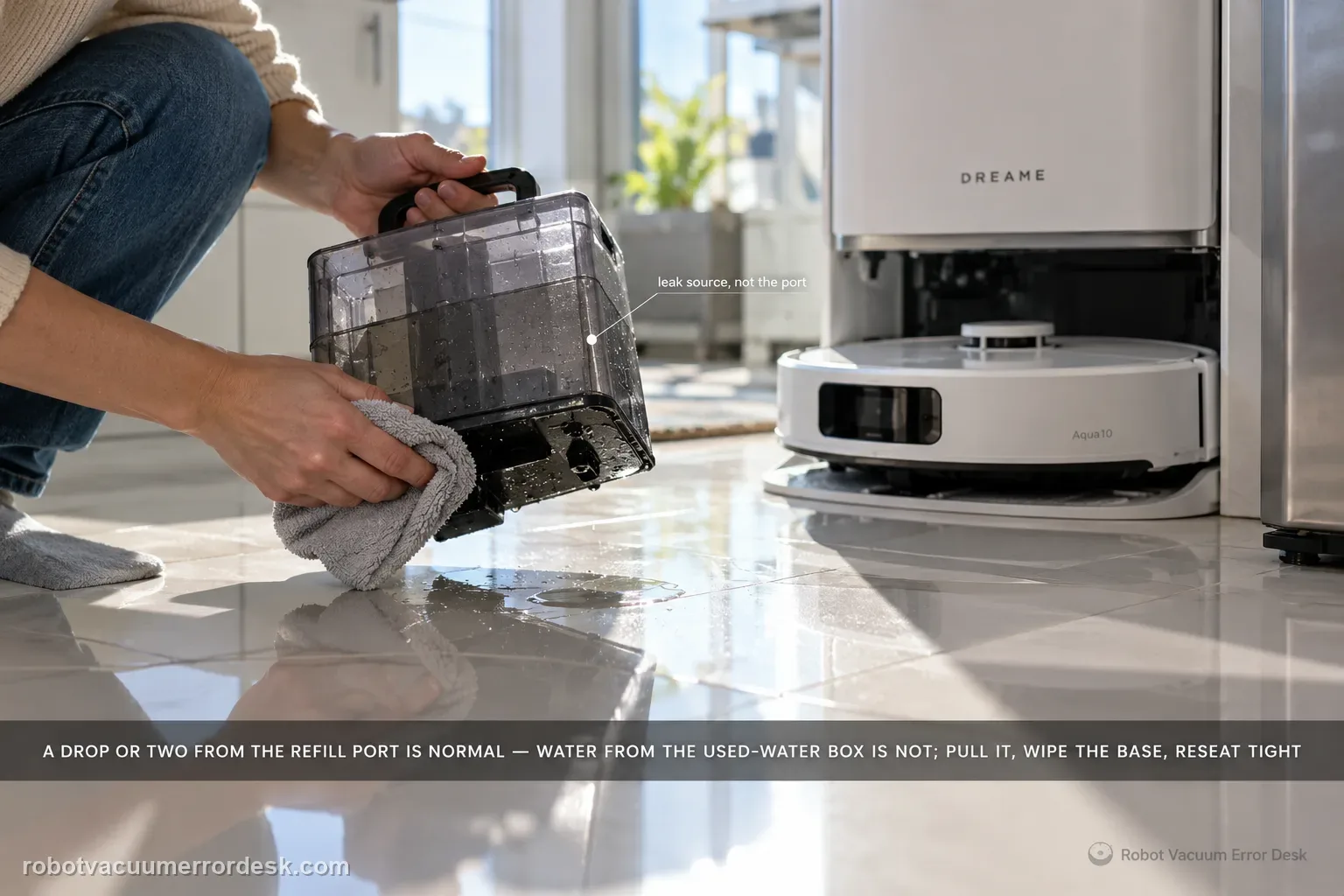
Dreame says one or two drops from the robot’s water refill port after refilling can be normal. If water is instead coming from the robot’s used-water box, remove it, wipe the bottom surface clean, reinstall it tightly and retry. Larger or persistent leakage should not be normalized.
Is water escaping the base footprint or only present inside the wash area?
Confirm the exact model and exact code, light pattern or symptom.
Run the lowest-risk physical or software check first.
Use each pass condition to decide what the result actually narrows down.
Does this match your problem?
- Water appears outside the base after the robot leaves or refills.
- You need to distinguish a tiny refill-port drip from a true leak.
- The used-water box may be wet underneath or not fully seated.
- The final puddle sits beside the base, but you have not yet observed whether the first fresh water came from the robot refill port, the used-water box or inside the station.
Most likely causes
One or two drops from the robot refill port immediately after refilling, which Dreame says can be normal.
Moisture on the bottom of the robot’s used-water box after removal or service.
Used-water box not installed tightly in the robot.
Persistent or larger-volume leakage that falls outside Dreame’s documented tiny refill-port drip.
A leak inside the base being mistaken for the separate outside-base symptom after water has spread.
Water migrated across the base or floor after the original leak, making the final puddle location misleading unless the next test starts from fully dry surfaces.
What your test result means
| What you observe | What it narrows down | Next move |
|---|---|---|
| Only 1–2 drops appear at refill port after refill | Matches Dreame’s normal-drip description | Wipe dry and monitor one cycle. |
| Continuous drip or larger volume at refill port | Falls outside normal description | Stop wet testing and document source. |
| Water begins under used-water box | Box seating/moisture is suspect | Remove, dry bottom and reinstall tightly. |
| Leak stops after box reseat | Used-water-box fit was the likely cause | Monitor next normal mop cycle. |
| Persistent leak remains from same point | Owner-level path is exhausted | Contact Dreame with first-drop video. |
Do not factory-reset by default. Use the exact model’s reboot/network-reset procedure only when the manufacturer path calls for it.
Run these checks in order
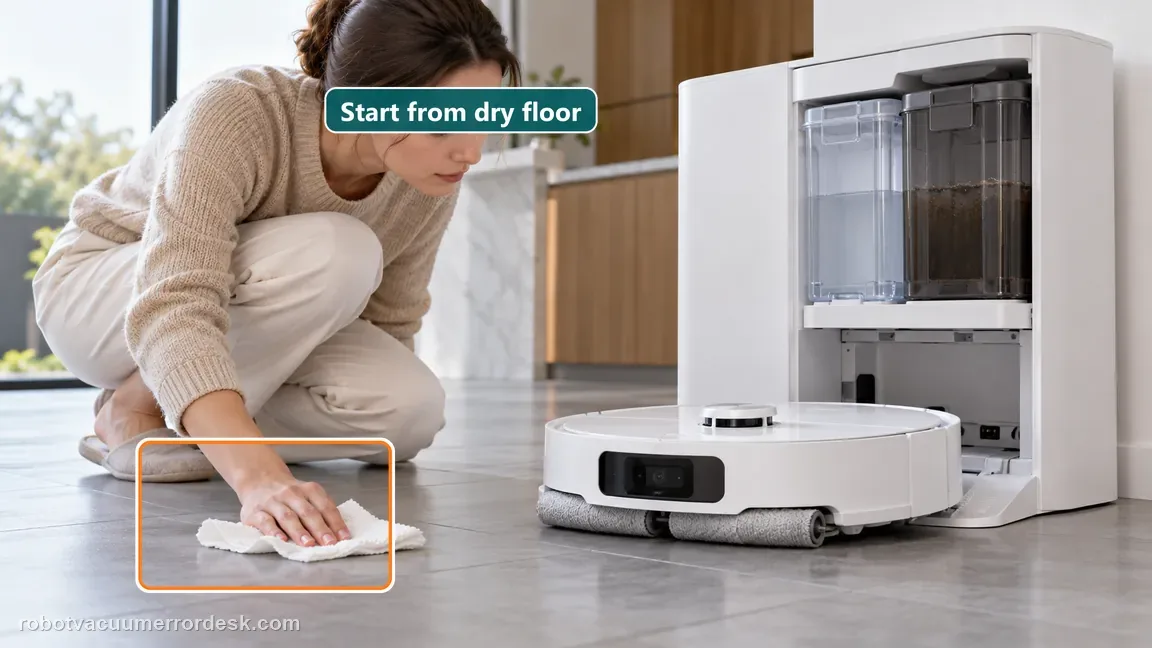
Dry the area and identify where the first fresh drop appears
Start with the outside of the base, robot refill-port area and used-water-box area dry. Run only the refill/exit behavior needed to reproduce the event and watch for the first fresh moisture. Do not classify a migrated puddle by where it ends up. This first-location check separates the two cases Dreame actually describes and also prevents an inside-base leak from being mislabeled.
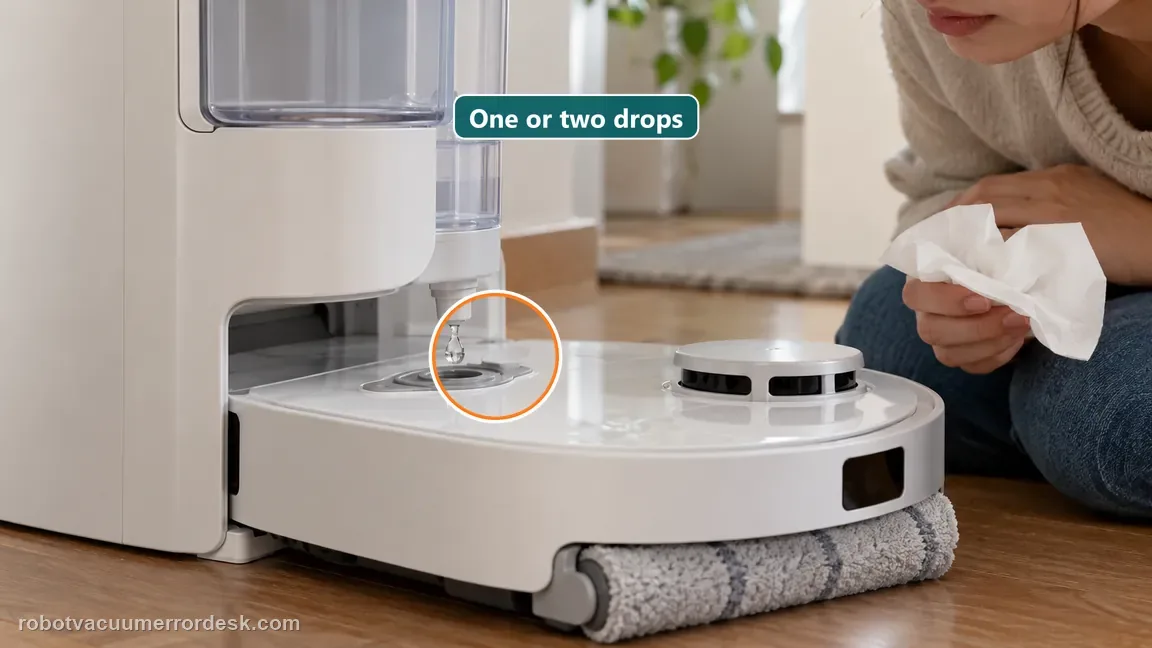
Classify the documented tiny refill-port drip
If the water comes from the robot refill port immediately after refilling, count the volume. Dreame says one or two drops when the device starts cleaning after refill can be normal. Do not extend that statement to a puddle, continuous dripping or water that appears from another location.
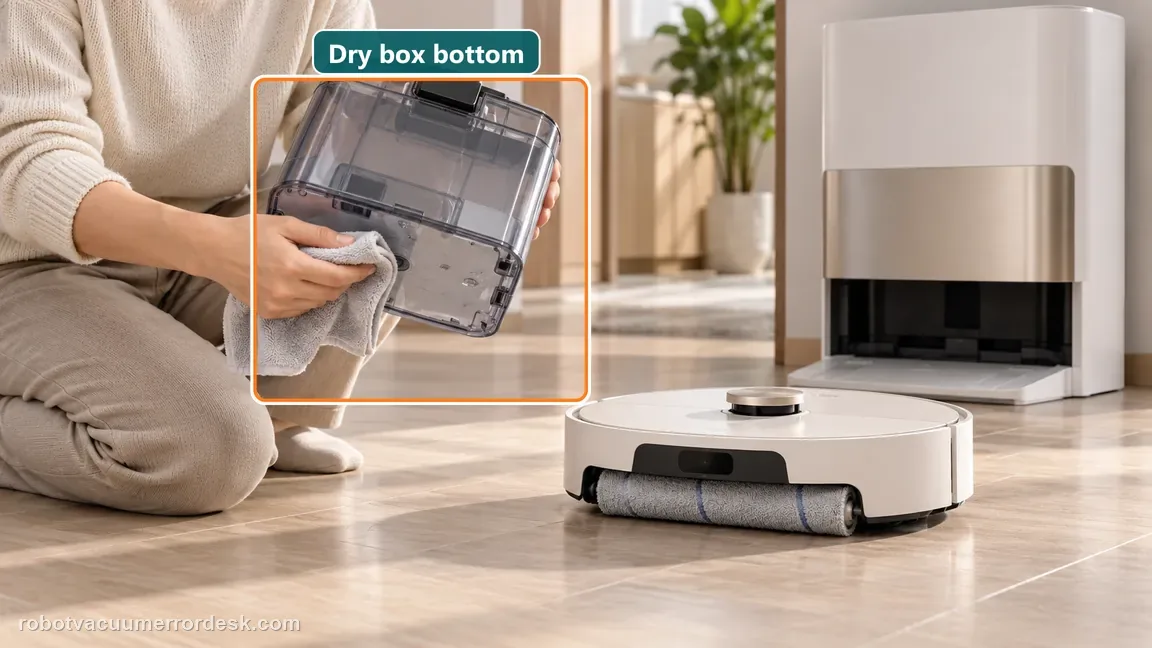
Remove, dry and reinstall the used-water box
If the first moisture appears around the robot’s used-water box, remove the box, wipe its bottom surface clean and dry, then install it tightly as Dreame directs. Inspect only owner-accessible seating surfaces. Do not open the box or station plumbing beyond normal maintenance.
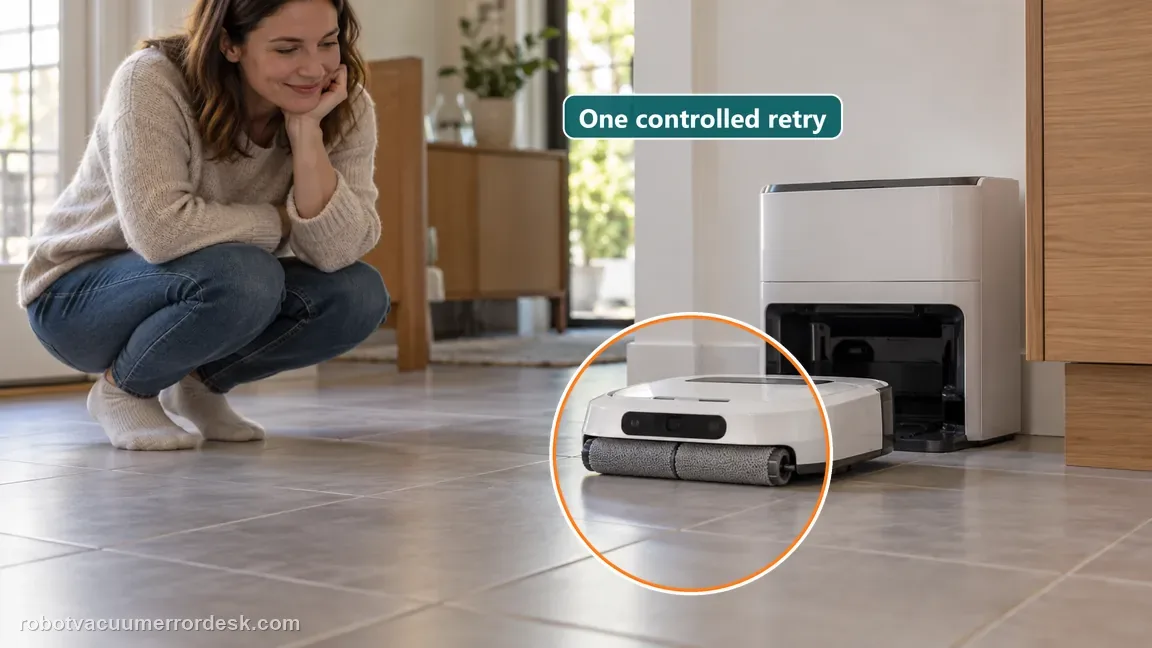
Run one controlled refill-and-exit retry
With the area dry and the used-water box reseated, run one normal refill/exit cycle. Stop if the leak volume is clearly abnormal. Repeated wet cycles are not needed once the same larger leak is reproducible; they only spread water and make the original source harder to see.
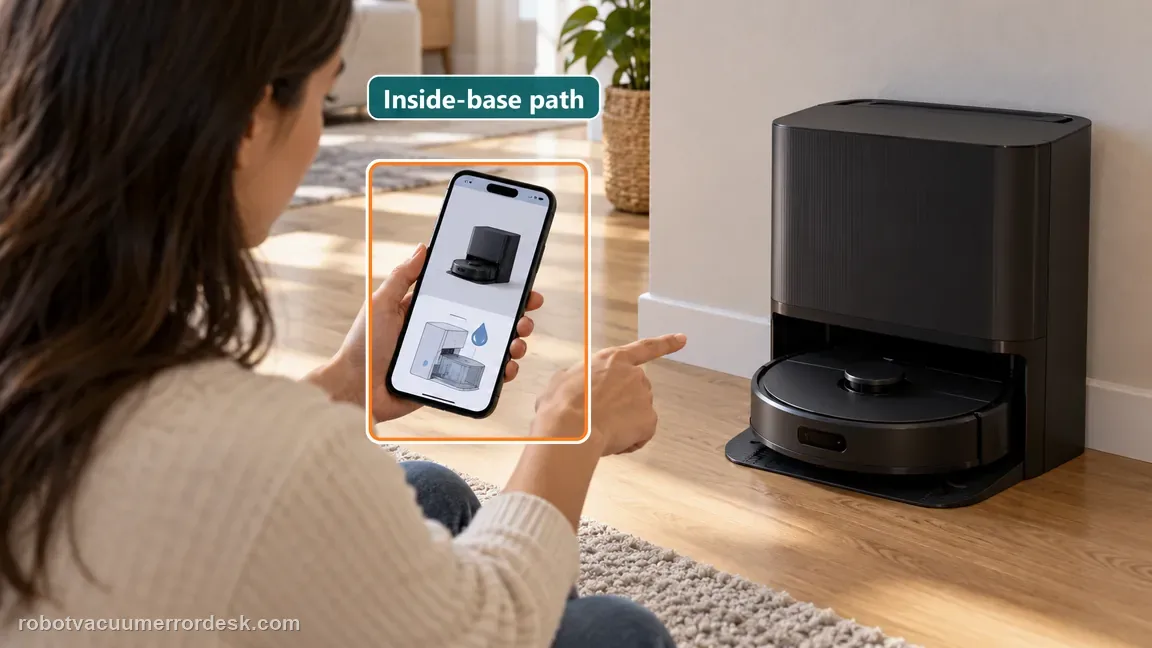
Redirect an inside-base leak to the suction-filter path
If fresh water begins inside the base rather than outside at the refill port or used-water-box area, stop using this page. Dreame publishes a separate Roller Series inside-base article for Aqua10 that starts with the robot suction-port filter and scraping channel. The location, not the size of the eventual puddle, decides which branch applies.
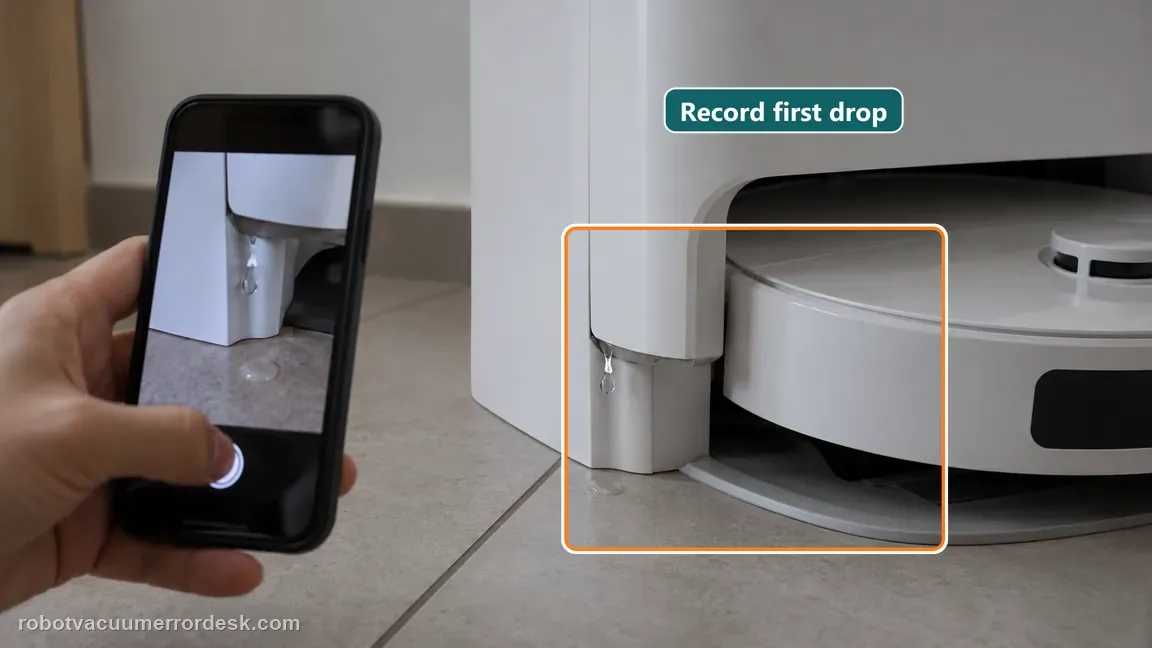
Contact Dreame if leakage is larger than the documented one-or-two-drop refill-port case or continues after the used-water box is wiped dry and installed tightly. Send a short video showing where the first fresh water appears. Stop repeated wet cycles when the volume is abnormal, and do not open the powered base. If the first water is inside the base, use the separate suction-port-filter leak path.
What to collect before contacting support
Give support a reproducible case instead of “it doesn’t work.” That reduces repeated basic troubleshooting and preserves the clues from your tests.
- Exact model name and the error code / voice prompt exactly as shown
- A photo or screenshot of the app error and the time it occurred
- A short list of the checks already completed and what happened after each one
- Short video showing the failed docking, mapping or base-station behavior
- Firmware version shown in Dreamehome
Manufacturer evidence
Dreame Aqua10 — leaking outside base
Dreame’s exact Aqua10 outside-base article separates two cases: one or two drops from the robot refill port immediately after refilling can be normal, while water from the robot used-water-box area calls for removing the box, wiping its bottom and reinstalling it tightly. Larger or persistent leakage is not normalized.
Additional official source: Dreame Aqua 10 Ultra Roller Complete — Support Hub ↗Additional official source: Dreame Aqua 10 Ultra Roller Complete — User Manual ↗Last editorial review: September 5, 2026Regional note: manufacturer help centers, model suffixes, mains-power requirements and warranty procedures can differ by country. If the source redirects to a local support site, confirm that the model/hardware scope still matches before following a region-sensitive step.
This guide is rated Official model support. See what each evidence label means →
FAQ
Are one or two drops from the Aqua10 refill port normal?
Dreame says they can be when the robot starts cleaning immediately after refilling. The wording is narrow: one or two drops from the water refill port. It does not normalize a puddle, continuous drip or leakage from the used-water-box area. Dry the surfaces and watch the first fresh moisture so you can decide whether the event fits that small documented case.
What should I do if water appears around the used-water box?
Remove the robot’s used-water box, wipe its bottom surface clean and dry, then reinstall it tightly, matching Dreame’s exact Aqua10 article. Use one controlled retry afterward. If water returns from the same area despite a dry and properly seated box, capture the first leak location and move to after-sales support rather than repeatedly removing the box or opening internal wet-system parts.
How do I distinguish outside-base leakage from an inside-base leak?
Start from dry surfaces and watch where the first new drop appears. Dreame’s outside-base article covers the robot refill port and used-water-box area. Its separate Roller Series inside-base article for Aqua10 points to the suction-port filter and scraping channel. Water can migrate after it appears, so the final puddle location is less reliable than observing the first fresh moisture during one controlled cycle.
Should I keep running wet cycles to measure how much it leaks?
No. One controlled reproduction from a dry baseline is enough to classify the event. If the water is clearly more than the documented tiny refill-port drip or continues after the used-water box is reseated, stop repeated cycles. More water can obscure the original source and exposes the station area unnecessarily. Record the first leak location and volume instead.
What should I send Dreame for an outside-base leak?
Send a short video beginning with dry surfaces and showing the first fresh water, plus a note identifying whether it came from the refill port or used-water-box area. State whether the box was wiped dry and tightly reinstalled. If the event is only one or two drops immediately after refill, say so; if it is a persistent or larger leak, document that clearly.
Did this diagnostic narrow the fault?
Use this as an editorial signal, not a popularity counter. If a feedback address is configured you can email the note; otherwise you can copy it for your own support record.