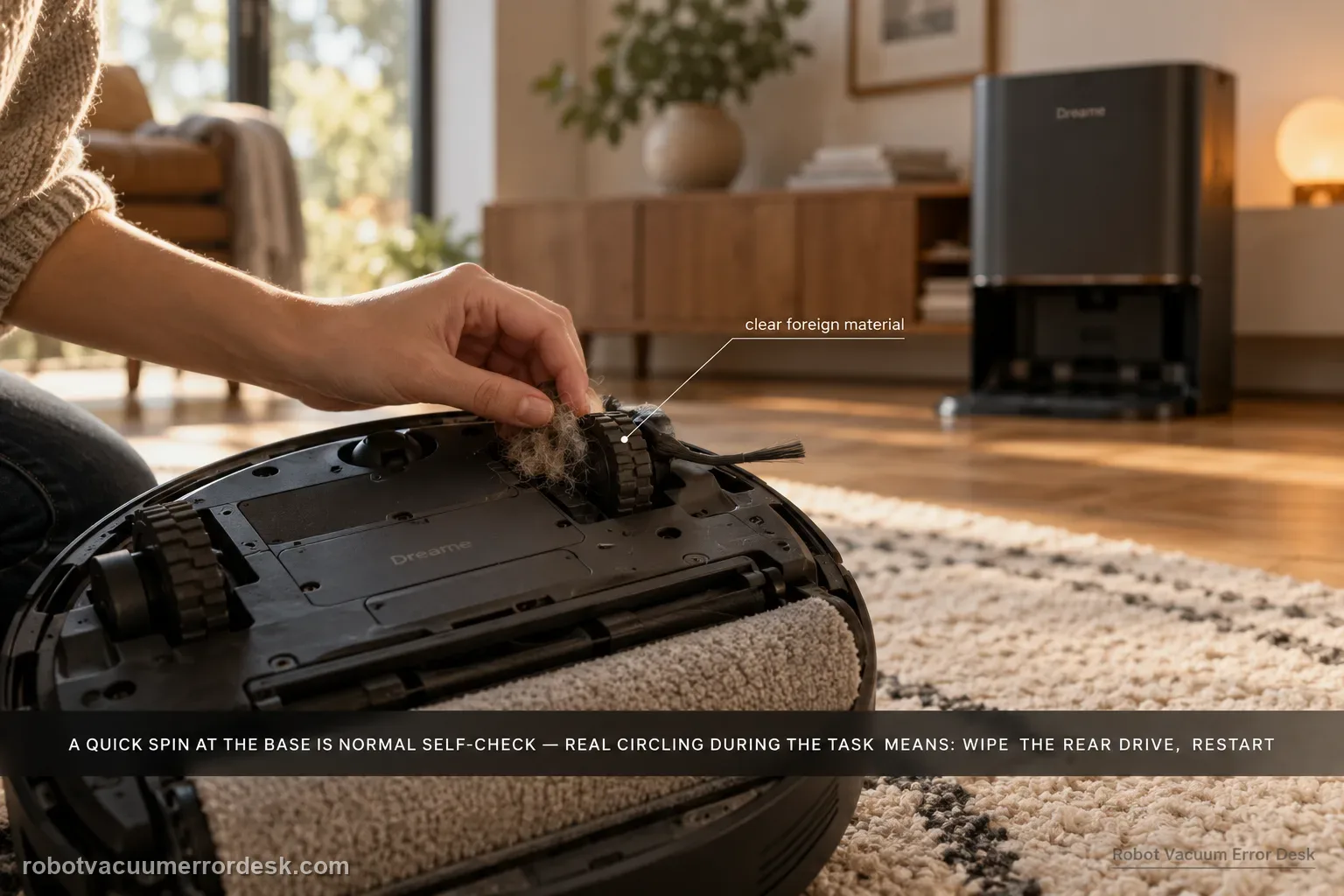
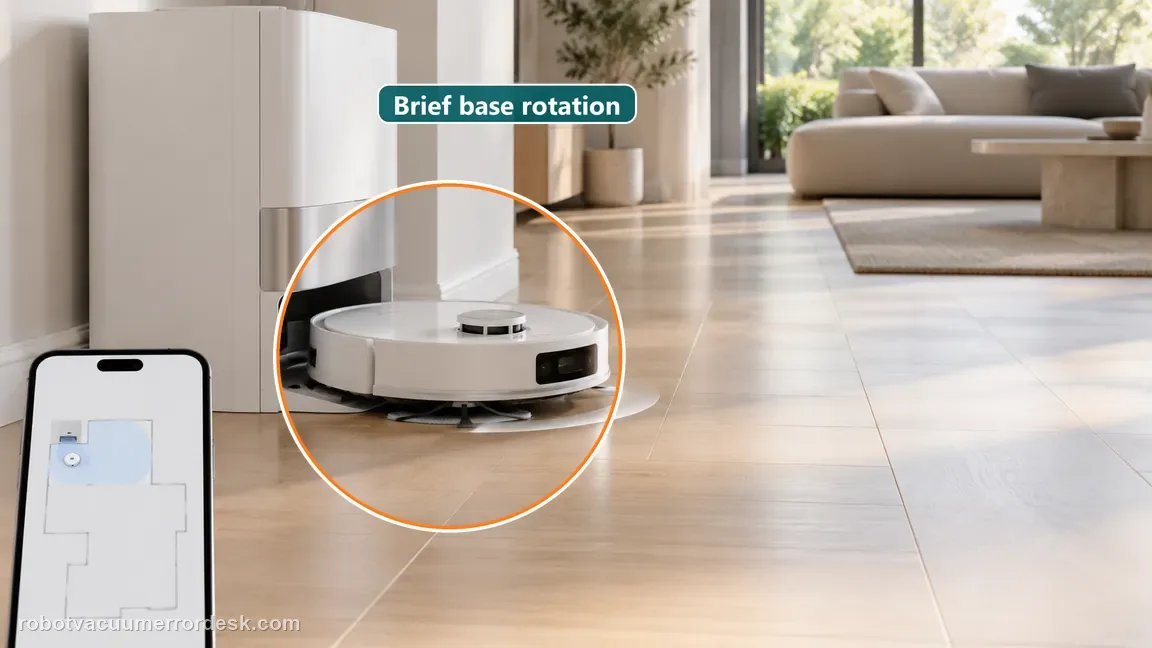
The Aqua10 can rotate around the base station briefly and still be behaving normally: Dreame says the robot locates itself and performs a self-check before leaving the base. The fault pattern is continued circling during the cleaning task. For that case, Dreame directs owners to inspect and wipe the rear drive for foreign material, power the robot off, restart the task, and escalate if the behavior persists.
Does circling continue on clean, open hard floor?
Confirm the exact model and exact code, light pattern or symptom.
Run the lowest-risk physical or software check first.
Use each pass condition to decide what the result actually narrows down.
Is this the problem you’re seeing?
- The Aqua10 makes one or more turns near the base station immediately after starting.
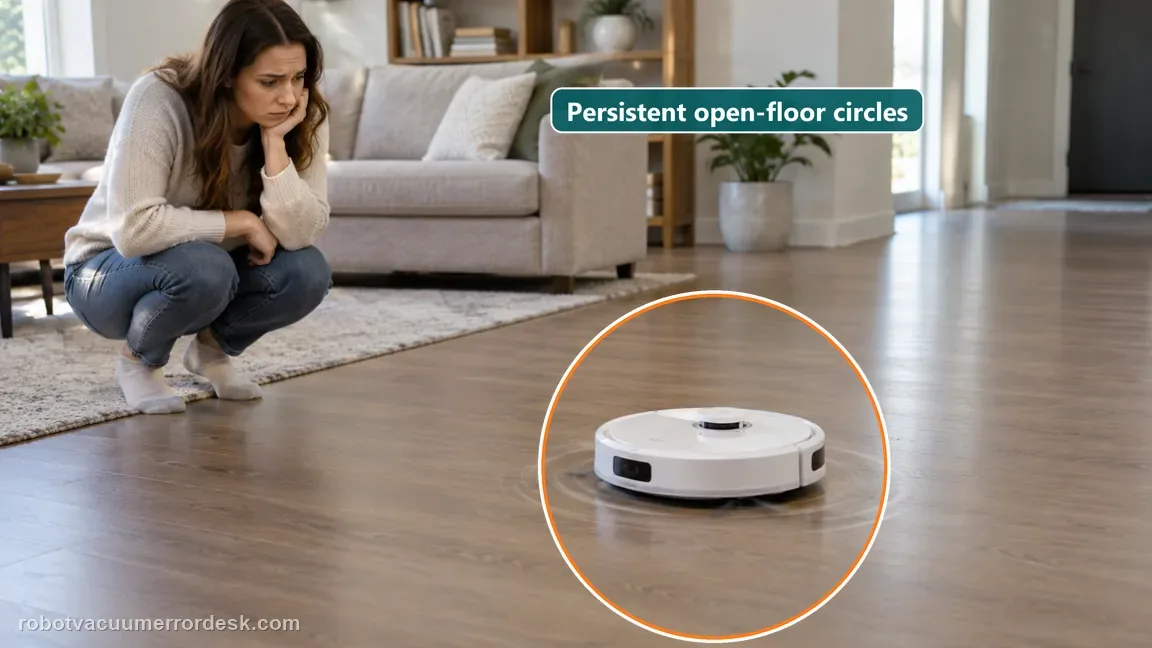
- The robot keeps rotating in circles after it has already entered the cleaning task.
- The circling repeats in open floor space where no wall or obstacle should force repeated turning.
Likely root causes, ranked
Brief rotation around the base station while the robot locates itself and performs its departure self-check.
Foreign material around the rear-drive area causing unequal movement after cleaning has actually started.
A temporary operating state that clears after the rear-drive check and a true power-off restart.
A persistent drive or sensing fault when tight circling repeats on open floor after the official owner checks.
A different route problem, such as broad wandering or wheel slip, being mistaken for the exact tight-circling symptom.
What the result narrows down
| What you observe | What it narrows down | Next move |
|---|---|---|
| Robot rotates briefly only near base | Matches localization/self-check behavior | Observe whether it transitions to normal route cleaning. |
| Circling continues on open floor | Fault is present during the task | Inspect and wipe the rear drive. |
| Foreign material found at rear drive | Unequal movement has a mechanical cause | Remove debris and compare wheel/drive movement. |
| Fresh task after power-off runs straight | Temporary/drive obstruction branch recovered | Monitor the next full cleaning. |
| Persistent open-floor circling remains | Documented owner path failed | Record route video and contact Dreame. |
Do not factory-reset by default. Use the exact model’s reboot/network-reset procedure only when the manufacturer path calls for it.
Checks to run, in sequence
Separate normal base rotation from a real fault
Watch the robot from the moment it leaves the base. Dreame explicitly says a short rotation around the base followed by normal cleaning is localization and self-check behavior, not a fault. Continue this guide only if the robot keeps rotating after the cleaning task is underway. If it merely takes a positioning turn and then follows a normal route, stop troubleshooting here rather than resetting maps or dismantling drive parts.
Reproduce the circling on clear, dry hard floor
Move the proof test to a small open area with cords, slippers and loose objects removed. The exact support article does not require a special floor type, but the Aqua10 manual separately warns that wet or slippery surfaces can make the main wheels slip and produce abnormal movement. A clear, dry area therefore prevents wheel slip or obstacle avoidance from masquerading as the same tight-circle fault.
Inspect and wipe the rear-drive area
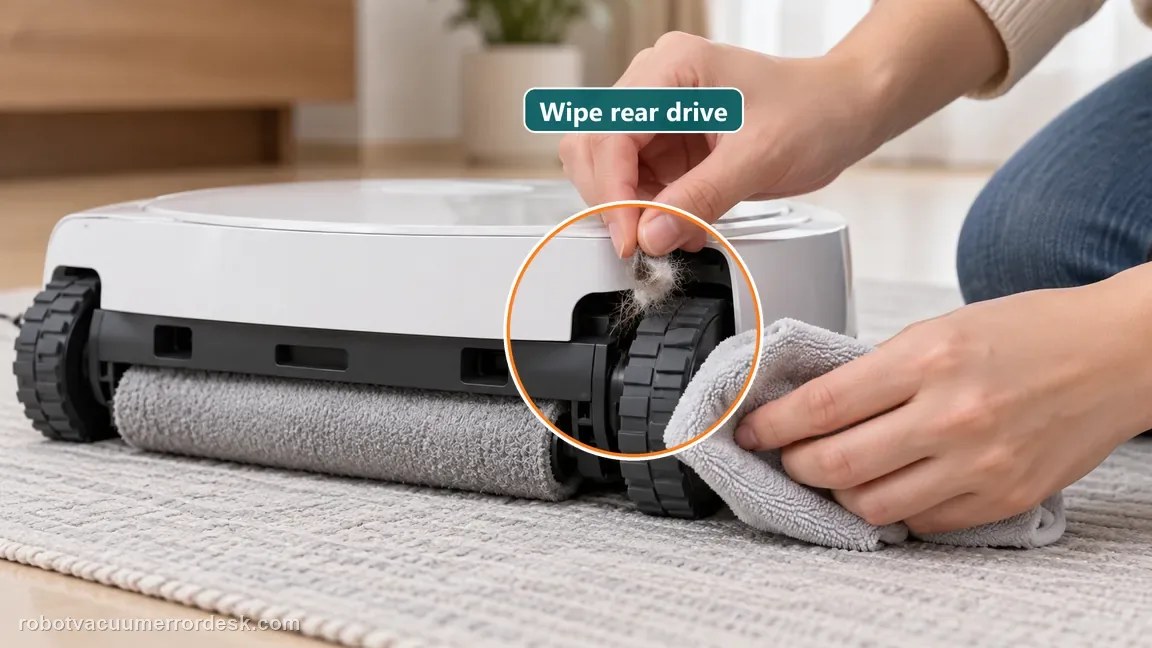
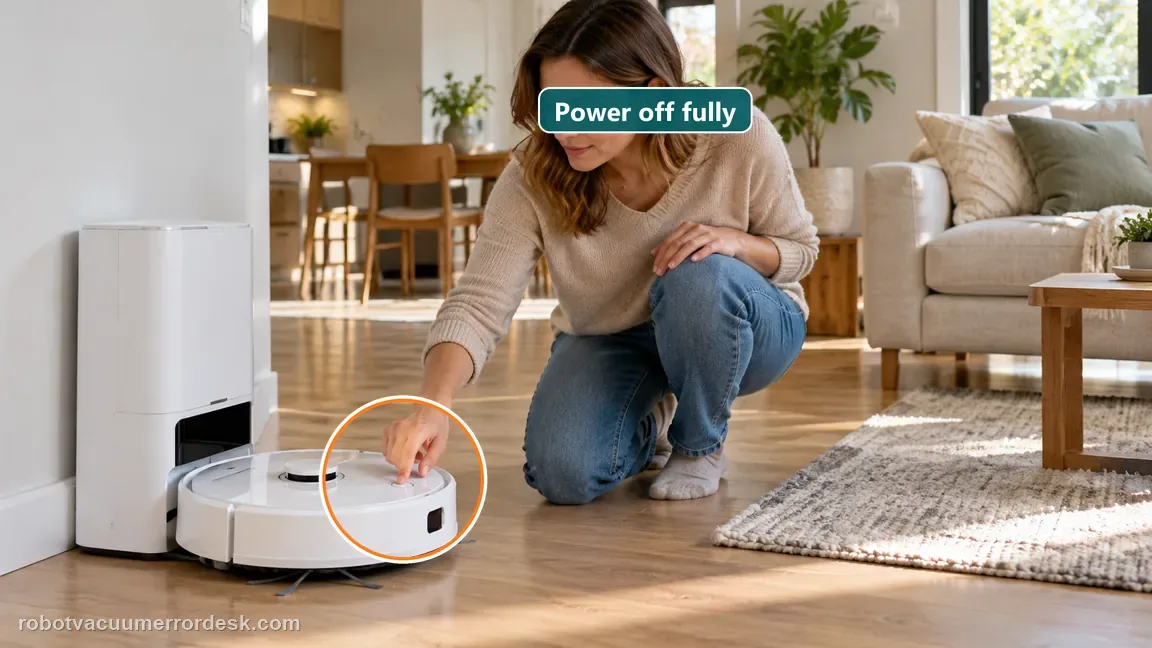
Dreame’s exact Aqua10 article directs owners to check whether the rear drive is stuck with foreign objects, then clean and wipe that area. Power the robot off before the inspection. Remove only visible user-accessible hair, thread or debris; do not pry the wheel assembly or open the drive housing. Compare the two sides only for obvious obstruction rather than forcing suspension or internal gearing.
Power the robot off and start a fresh task
After the rear-drive check, follow Dreame’s next instruction: turn the robot off and restart the task. Use a true power-off rather than repeated pause/resume. Start from a known position and keep the same clear-floor test area so the result is comparable with the pre-cleaning behavior.
Capture the first abnormal turn if it still circles
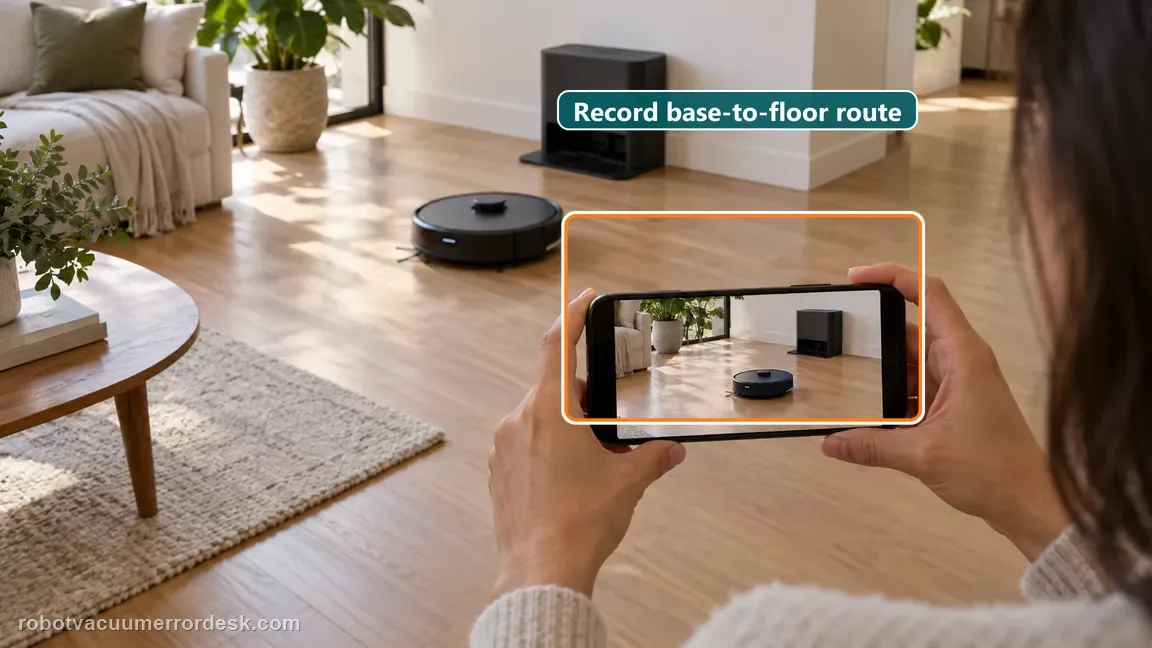
If the fault remains, record a short video beginning before the robot leaves the base and continuing until it reaches open floor. That single clip preserves Dreame’s normal-versus-fault discriminator: support can see whether the robot finished localization normally and then began circling, or whether a different navigation problem is present. Avoid stacking map resets or unrelated settings changes before the evidence is captured.
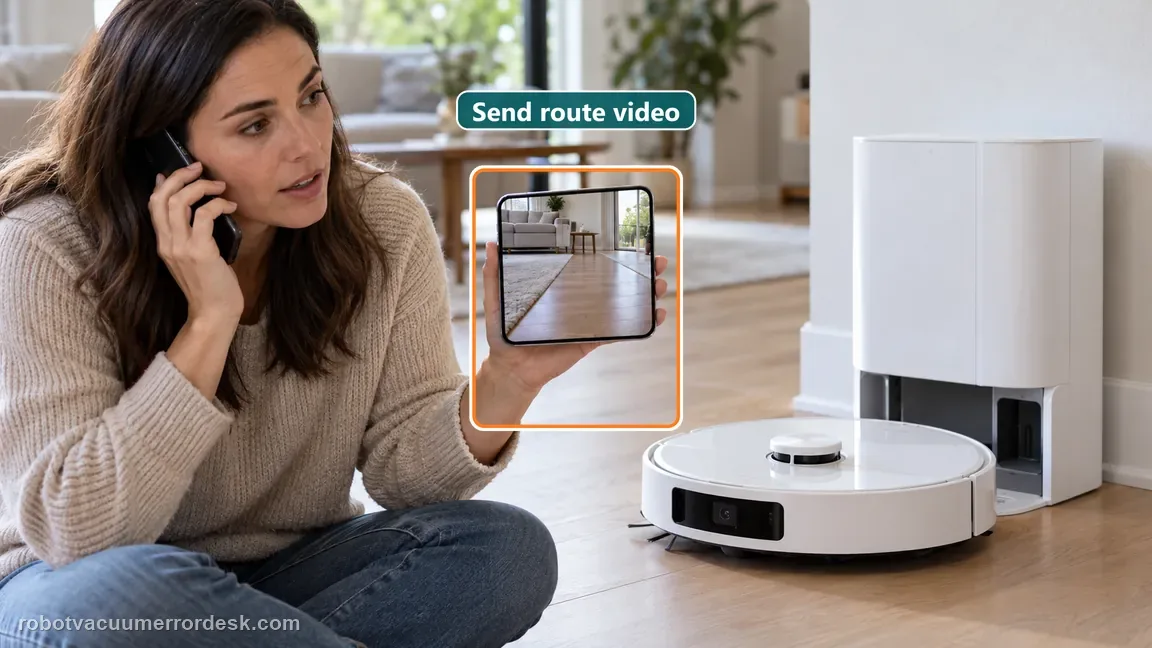
Contact Dreame if the Aqua10 continues tight circling during the cleaning task after the rear-drive area is clear and the robot has been fully powered off and restarted. Send the short base-to-open-floor video and state whether the behavior begins only after localization is complete. Do not disassemble the rear-drive mechanism. If the movement is broad wandering rather than a tight circle, describe that distinction so support does not diagnose the wrong branch.
Information to have ready for support
Support can skip the basic troubleshooting script when you provide a reproducible case. That keeps the results of your checks from getting lost.
- Exact model name and the error code / voice prompt exactly as shown
- A photo or screenshot of the app error and the time it occurred
- A short list of the checks already completed and what happened after each one
- Short video showing the failed docking, mapping or base-station behavior
- Firmware version shown in Dreamehome
Source and evidence level
Dreame Aqua10 — robot cleaning in circles
Dreame’s exact Aqua10 article separates normal base-station localization/self-check rotation from persistent circling during cleaning. For the fault case it directs owners to clear the rear-drive area, power the robot off and restart the task. The official manual adds a useful adjacent discriminator: wet or slippery floors can make the main wheels slip and disturb route behavior.
Additional official source: Dreame Aqua 10 Ultra Roller Complete — Support Hub ↗Additional official source: Dreame Aqua 10 Ultra Roller Complete — User Manual ↗Last editorial review: September 5, 2026Regional note: manufacturer help centers, model suffixes, mains-power requirements and warranty procedures can differ by country. If the source redirects to a local support site, confirm that the model/hardware scope still matches before following a region-sensitive step.
This guide is rated Official model support. See what each evidence label means →
Common questions
Is it normal for the Aqua10 to spin near the base before cleaning?
Yes, when the rotation is brief and the robot then cleans normally. Dreame says the Aqua10 may rotate around the base while locating itself and performing a self-check before departure. The fault addressed here is continued circling after cleaning has started. Watch the transition into open-floor cleaning before deciding that the rear drive or navigation system needs troubleshooting.
What should I inspect first if the robot keeps circling away from the base?
Dreame’s exact Aqua10 article points to the rear-drive area. Power the robot off, remove visible foreign material and wipe the accessible drive area, then restart a fresh task. Do not begin with a factory reset or map deletion. A controlled open-floor retest after the drive check is more useful because it shows whether the same tight-circle behavior remains.
Why should I test on clear, dry hard floor?
The manufacturer’s exact circling article focuses on the rear drive, while the Aqua10 manual separately notes that wet or slippery floors can make the main wheels slip and disturb movement. A clear, dry area removes that confounder and also reduces repeated obstacle-avoidance turns. It does not replace Dreame’s rear-drive check; it makes the result easier to interpret.
Should I delete the map if the Aqua10 keeps circling?
Not as the first response to this exact symptom. Dreame’s Aqua10 circling article does not use map deletion in the owner troubleshooting path. First distinguish normal base localization from persistent task circling, clear the rear-drive area and perform the documented power-off restart. If the robot still circles on open floor, preserve a video for support instead of destroying useful map context.
What evidence is most useful if circling continues?
Record one short clip that begins while the robot is at or leaving the base and continues until it reaches open floor. Note whether the rear-drive area was clear and whether a full power-off restart changed anything. That evidence lets support distinguish normal localization, repeated tight circling and a broader route problem without relying on a vague description such as “navigation is bad.”
Did this diagnostic narrow the fault?
Use this as an editorial signal, not a popularity counter. If a feedback address is configured you can email the note; otherwise you can copy it for your own support record.