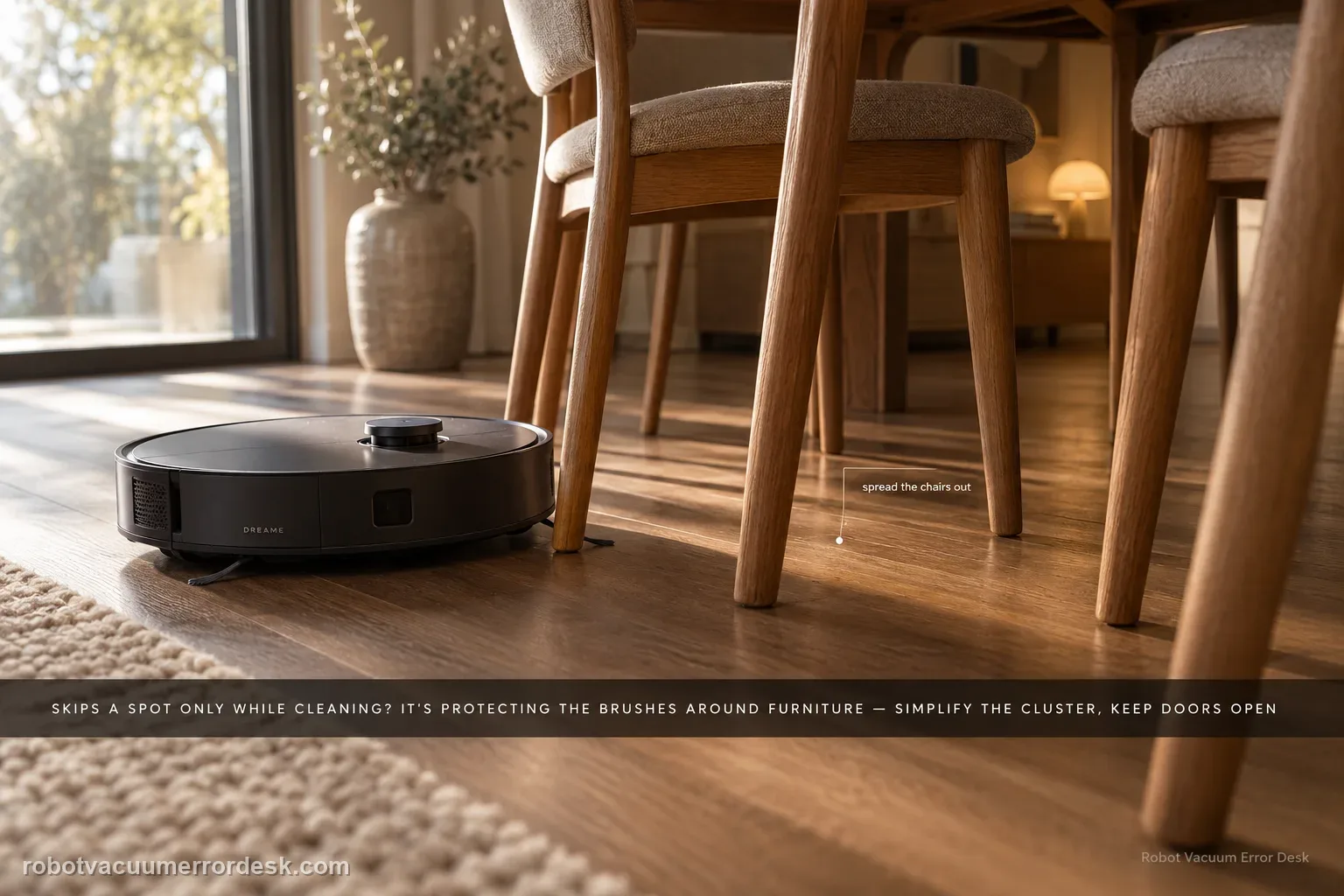
When an L20 Ultra can reach a spot in Whole-House Cruise but skips it during cleaning, Dreame says cleaning can deliberately treat chair legs or multi-wheel furniture as wall/obstacle geometry to protect the brushes and mop pads. First simplify that local furniture cluster and rerun the same room without deleting a good map. For whole rooms that are missed, the exact manual adds a different access check: keep the door open, look for a threshold above about 2 cm, and dry any wet or slippery approach before calling it a navigation fault.
Confirm the exact model and exact code, light pattern or symptom.
Run the lowest-risk physical or software check first.
Use each pass condition to decide what the result actually narrows down.
Confirm this is the right issue
- The robot can travel through an area in cruise mode but skips it while cleaning.
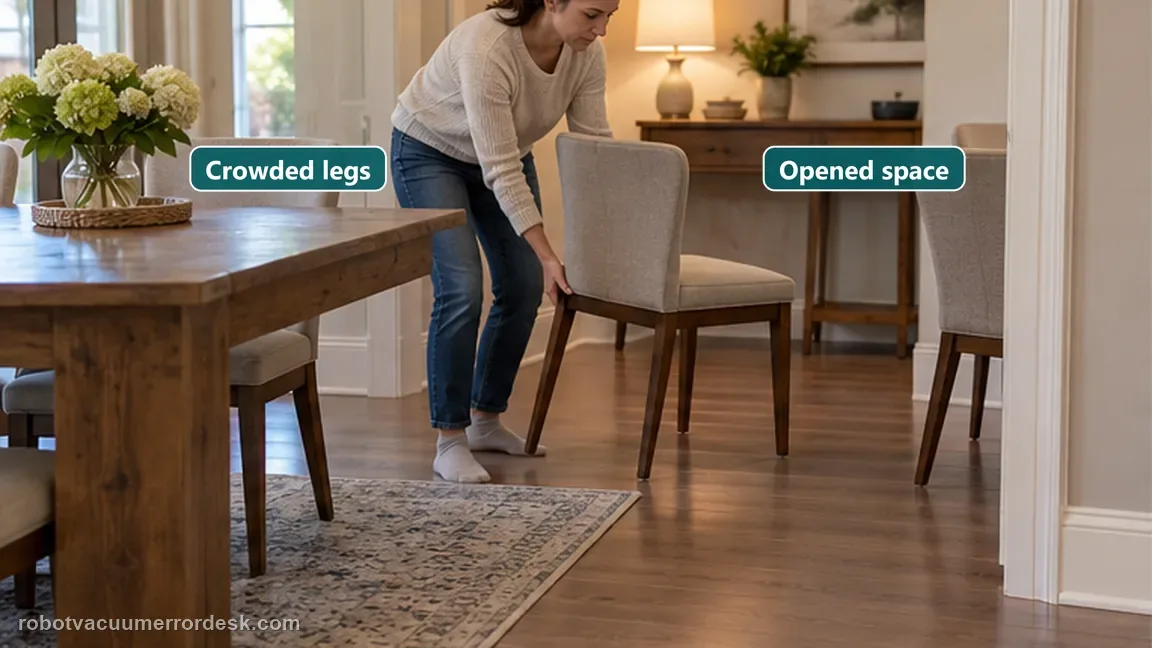
- Missed zones cluster around chair/table legs.
- The map itself otherwise looks correct.
What’s most likely causing this
Cleaning obstacle recognition classifies chair legs or multi-wheel furniture as wall/unsafe space
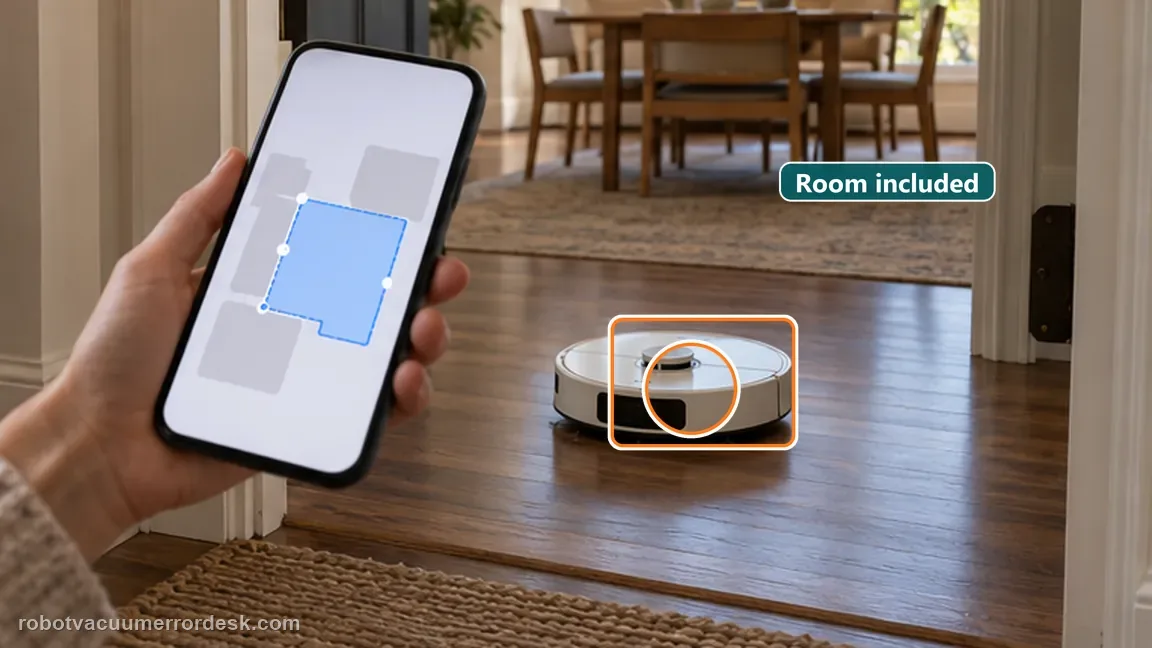
The selected room or zone does not actually include the missed floor
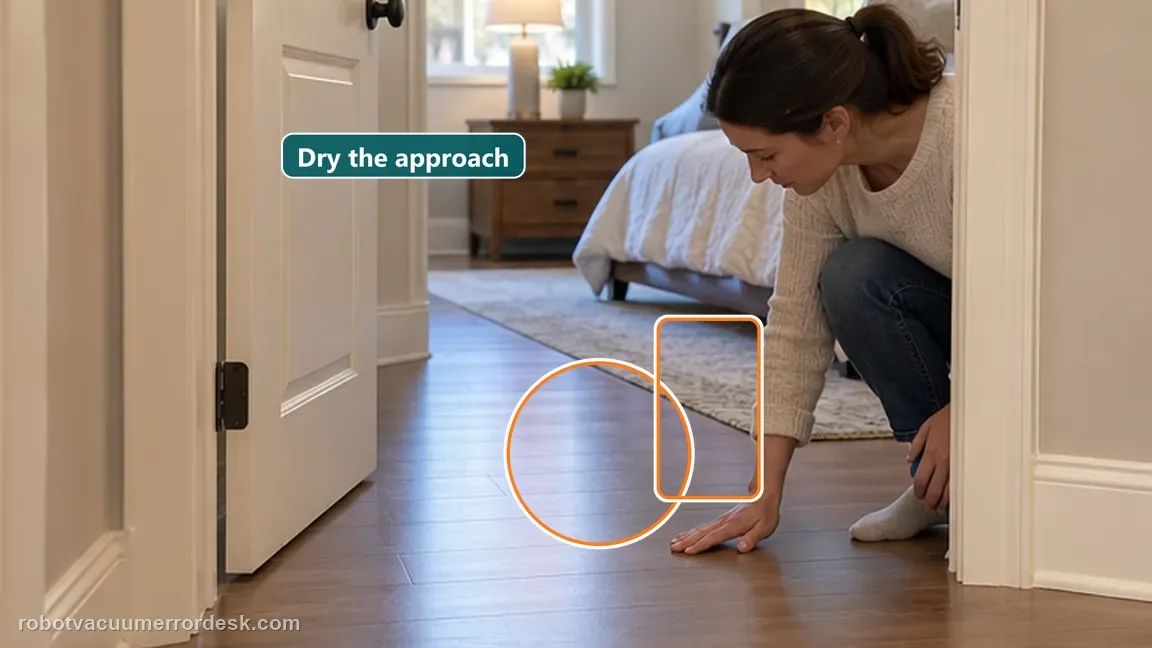
Doorway is closed or blocked during the cleaning task
Threshold at the room entrance is higher than about 2 cm
Wet or slippery approach causes wheel slip and abnormal room entry
Reading your test result
| What you observe | What it narrows down | Next move |
|---|---|---|
| Robot can cruise to area but skips it while cleaning | Physical reachability is proven; cleaning obstacle policy is the stronger branch. | Simplify nearby furniture for one A/B cleaning test. |
| Missed patch lies outside selected room/zone | The task definition, not navigation, excluded it. | Correct the room/zone selection and rerun. |
| Area is behind dense chair legs or multi-wheel furniture | Dreame may classify the geometry conservatively during cleaning. | Open the local path and compare the same task. |
| Whole room is skipped and the doorway is closed, >2 cm high, or wet/slippery | Physical access or wheel traction can explain a mapped room being missed. | Open the door, remove the access obstacle or dry the approach, then repeat the same room task before remapping. |
| Same open area is repeatedly missed with accurate map | A persistent navigation/coverage issue remains. | Capture map and route screenshots for Dreame support. |
Do not factory-reset by default. Use the exact model’s reboot/network-reset procedure only when the manufacturer path calls for it.
Work through these checks in order
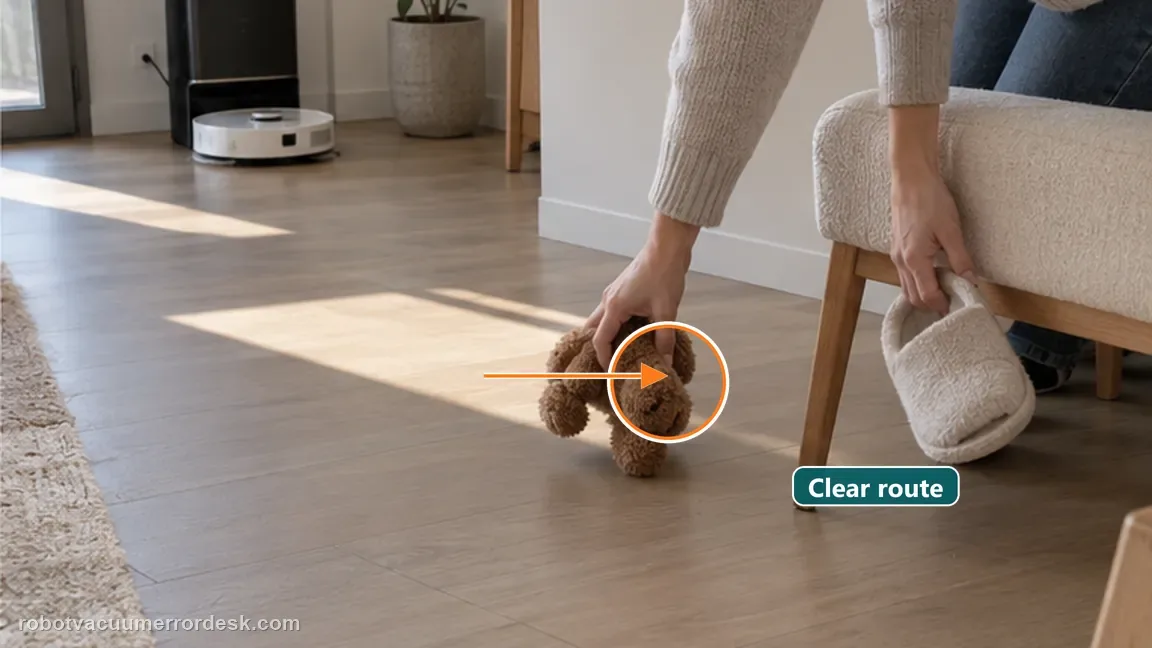
Clear movable floor obstacles
Move small objects and, where practical, reduce dense chair-leg clusters for one controlled cleaning test.
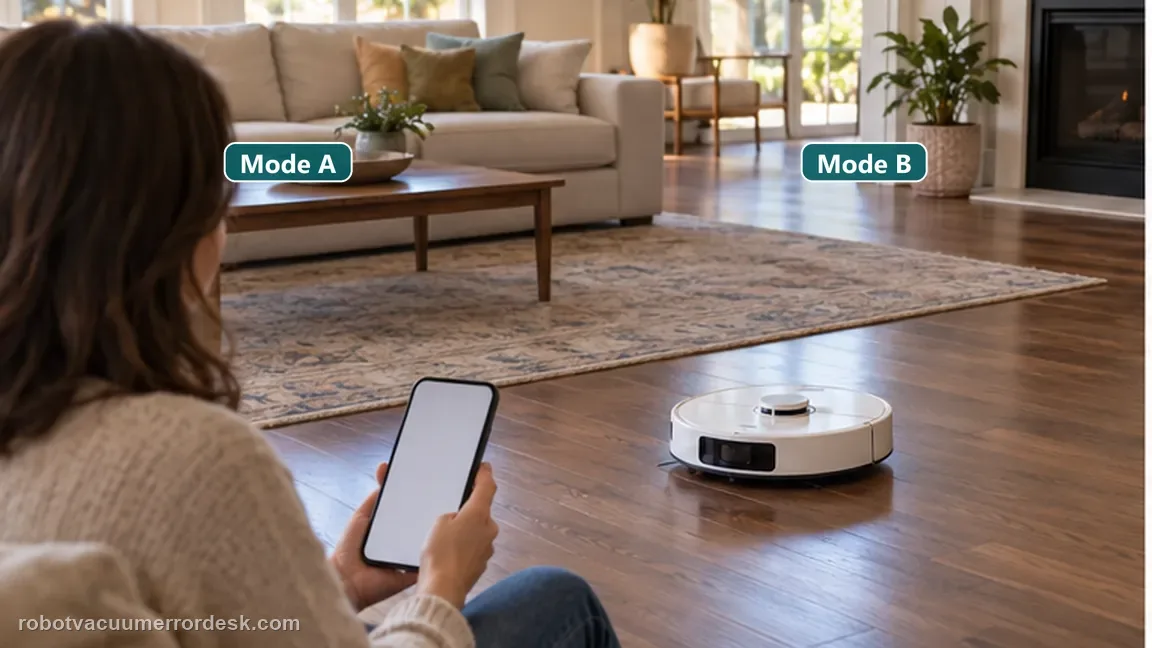
Compare cleaning vs cruise behavior
Use the difference as a clue: reaching the spot in cruise mode shows the robot can physically navigate there, while cleaning logic may be more conservative.
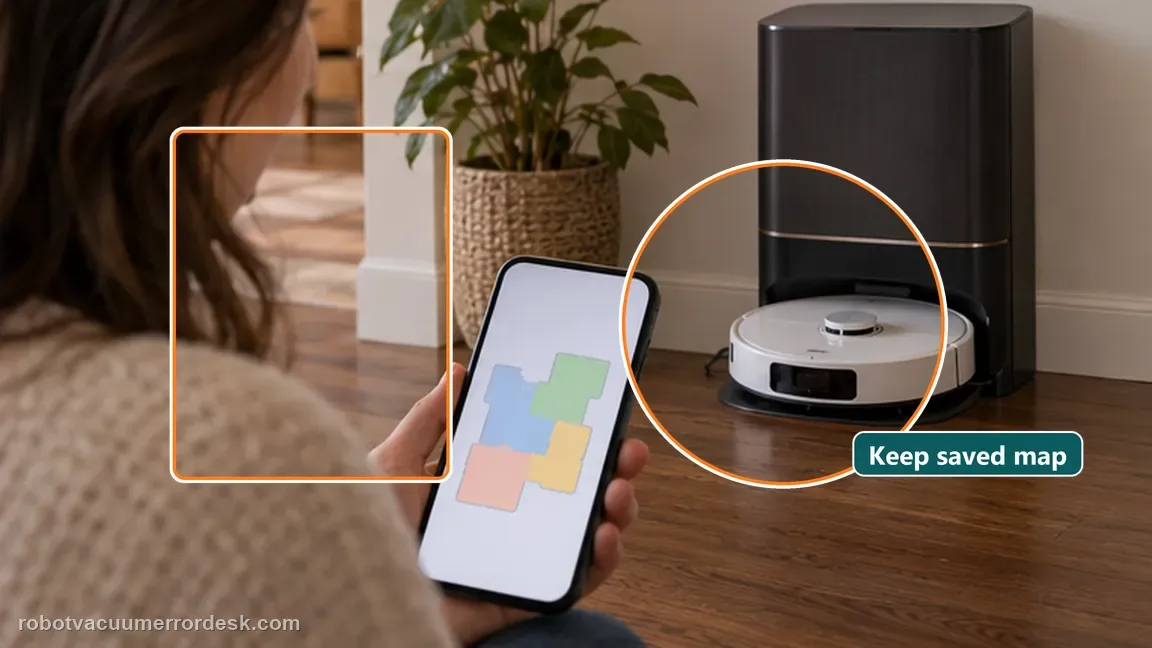
Avoid unnecessary remapping
If the map is accurate, do not delete it solely because cleaning behavior avoids one furniture cluster. Adjust the environment or cleaning settings first.
Run one repeatable room test before changing more settings
Choose one missed room or corner and repeat the same task after the accessible checks already listed on this page. Keep doors, floor obstacles and dock position unchanged so you can tell whether the miss is reproducible instead of changing several variables at once.
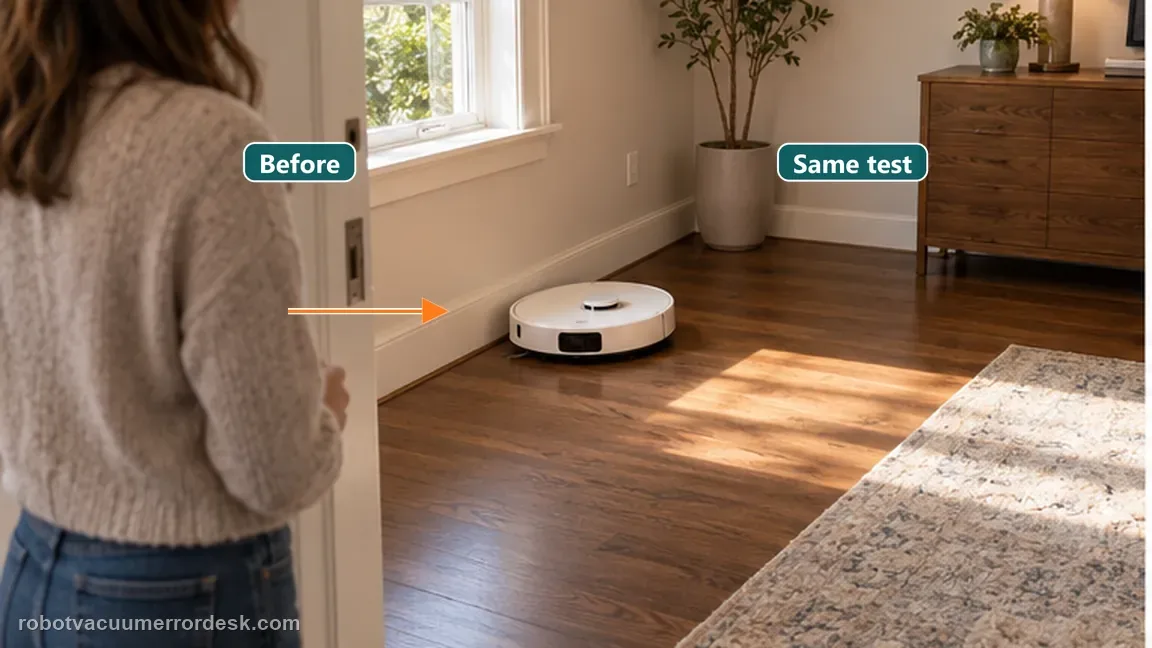
Verify the target is actually included in the active room/zone
Before blaming obstacle avoidance, check that the missed floor is inside the selected room or zone and not behind a virtual boundary. Use the map as an inclusion test, then watch the robot approach the area during one controlled run. This prevents a map-selection problem from being mistaken for conservative furniture avoidance.
Use one environmental A/B test around the furniture geometry
For a repeat miss around chair legs or multi-wheel furniture, temporarily simplify only that local geometry and rerun the same room. Dreame notes cleaning behavior can be more conservative than cruise behavior to protect brushes and mop pads. A pass after the furniture is opened up is evidence of obstacle-classification behavior rather than a global navigation failure.
Check door state and wet/slippery floor before blaming map coverage
Keep the target room physically open and inspect the approach floor for water, oil or another slippery patch that can change wheel traction. A robot may have the room on its map yet fail to enter cleanly if the doorway is blocked or the approach causes wheel slip. Repeat only the target room after drying the approach so the route result is tied to a clear environmental change.
If large open areas are missed with no obstacles and the map becomes inconsistent, collect map screenshots and activity logs for Dreame support. Save the map and the exact missed area before any reset so support has evidence of the pattern.

Before you contact support, gather this
A reproducible case moves a support call past the basic troubleshooting script faster than “it doesn’t work” does, and it keeps the clues from your own tests on record.
- Exact model name and the error code / voice prompt exactly as shown
- A photo or screenshot of the app error and the time it occurred
- A short list of the checks already completed and what happened after each one
- Short video showing the failed docking, mapping or base-station behavior
- Firmware version shown in Dreamehome
Where this comes from
Dreame L20 Ultra missed-area support
Dreame’s exact L20 Ultra missed-area article explains why cleaning can avoid chair-leg/multi-wheel geometry that Whole-House Cruise can traverse. The official L20 Ultra manual separately says missed rooms can come from a closed door, an entrance threshold above about 2 cm, or a wet/slippery approach.
Additional official source: Dreame L20 Ultra user manual ↗Last editorial review: September 5, 2026Regional note: manufacturer help centers, model suffixes, mains-power requirements and warranty procedures can differ by country. If the source redirects to a local support site, confirm that the model/hardware scope still matches before following a region-sensitive step.
This guide is rated Official model support. See what each evidence label means →
Questions people ask
Why can my L20 Ultra drive into an area but skip it during cleaning?
Dreame explains that whole-house cruise and cleaning do not use identical behavior around furniture. During cleaning, chair legs or multi-wheel structures may be treated more conservatively to protect brushes and mop pads. If the robot can cruise there, physical reachability is already proven; simplify the local furniture geometry and rerun the same cleaning task before remapping.
Should I delete the L20 Ultra map because one corner is missed?
Not if the saved map is accurate and the problem is limited to one furniture cluster or corner. Confirm the target is inside the selected room or zone, remove nearby movable obstacles and repeat that same task. Remapping is a broad intervention and can erase useful room edits without changing the obstacle geometry that caused the miss.
Can chair legs make a Dreame L20 Ultra miss floor area?
Yes. Dreame’s L20 Ultra support specifically notes that chair legs and multi-wheel furniture can be recognized as wall-like or unsafe geometry during cleaning. Open the spacing temporarily and run an A/B test. If the robot cleans the floor once the cluster is simplified, the result supports conservative obstacle handling rather than a defective drive or LiDAR system.
Why does my L20 Ultra miss an entire room even though the map shows it?
Use the exact-manual access checks before remapping. Dreame says the room door must be open, a doorway threshold above about 2 cm can block entry, and a wet or slippery approach can make the main wheels slip. If the robot can enter once those conditions are corrected, the saved map was not the main cause of the missed room.
When should I contact Dreame about L20 Ultra missed areas?
Escalate when the same open, correctly selected floor area is repeatedly skipped despite an accurate map and a simplified obstacle environment. Save screenshots of the map, selected room/zone and actual cleaning route, and note whether the robot can reach the spot in cruise mode. That evidence separates task-selection, obstacle-policy and persistent navigation coverage problems.
Did this diagnostic narrow the fault?
Use this as an editorial signal, not a popularity counter. If a feedback address is configured you can email the note; otherwise you can copy it for your own support record.