Dreame L20 Ultra troubleshooting
Charging, water, mapping and MopExtend diagnostics. We route by the exact error or symptom rather than assuming a generic robot-vacuum fix applies.
Dreame L20 Ultra issue index
5 guides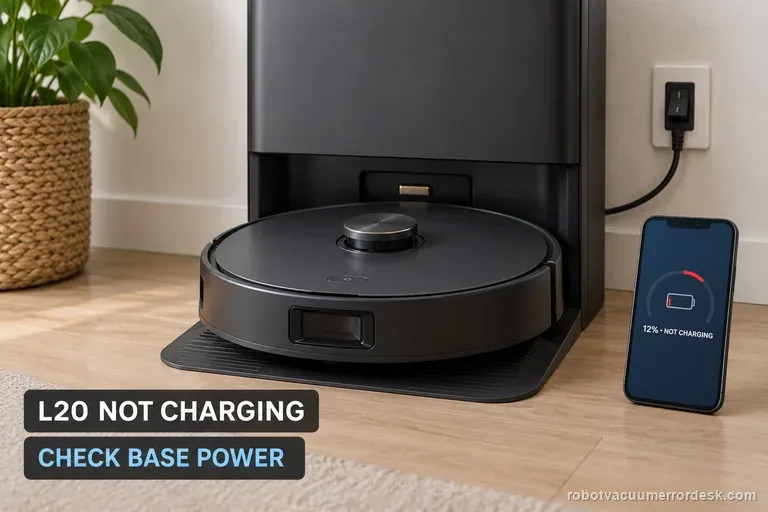
Not charging
When your Dreame L20 Ultra sits on its base but will not charge, check station power first. Dreame names both ends of the base power cord and the rear switch. Then unplug the station, clean the robot and base contacts, and adjust their position. Seat the robot squarely and verify the displayed battery level increases; an automatic return failure is a separate navigation problem.
No wash water
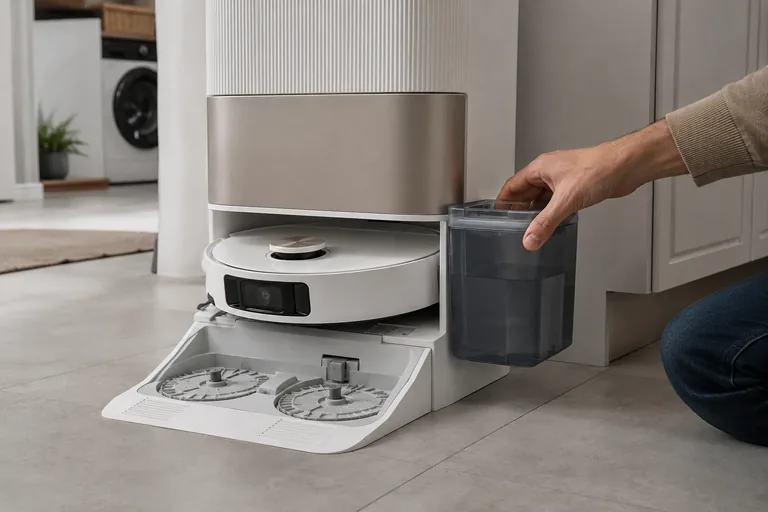
This page is specifically for an L20 Ultra base that does not put water into the washboard while washing the mop pads. Dreame’s exact base-station procedure says to rule out incompatible cleaner, inspect the clean-water tank seal/piping interface, remove the robot and hold the base dock button for about 3 seconds to test water output. If the base can wash the pads but the robot later mops with no water, that is a different onboard-water path: Dreame now uses a holder-only five-minute flow test and checks the robot’s bottom water outlets.
Misses areas
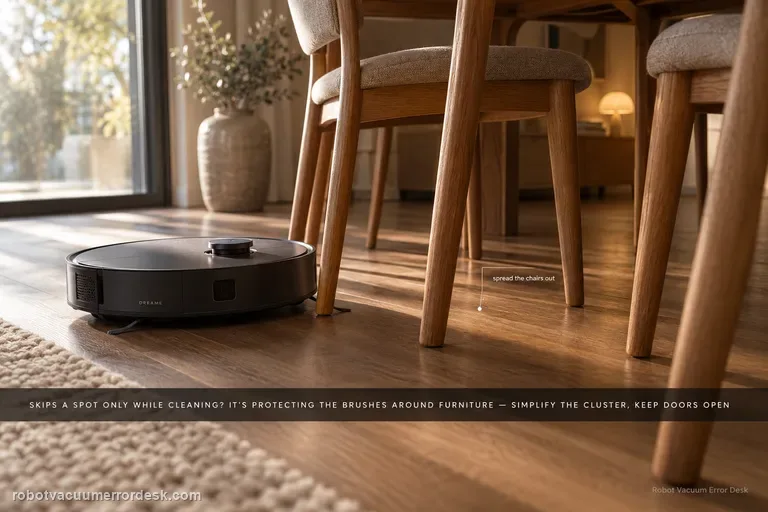
When an L20 Ultra can reach a spot in Whole-House Cruise but skips it during cleaning, Dreame says cleaning can deliberately treat chair legs or multi-wheel furniture as wall/obstacle geometry to protect the brushes and mop pads. First simplify that local furniture cluster and rerun the same room without deleting a good map. For whole rooms that are missed, the exact manual adds a different access check: keep the door open, look for a threshold above about 2 cm, and dry any wet or slippery approach before calling it a navigation fault.
MopExtend not working
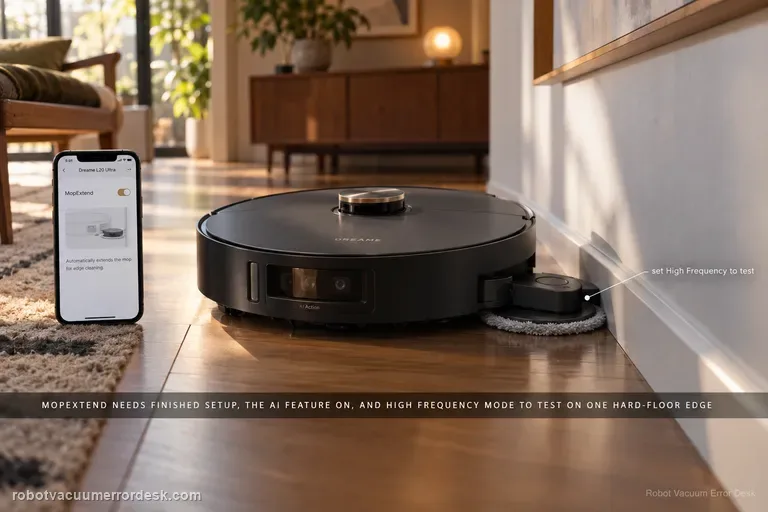
A non-extending L20 Ultra mop is often a settings/expectation problem before it is a failed actuator. Dreame’s current MopExtend article says the robot must finish network setup, AI-driven MopExtend must be enabled, and the selected mode matters: Standard runs the feature about once a week in Global Cleaning, Intelligence adjusts it by scenario, and High Frequency attempts extension during every cleaning. Use High Frequency on one clear hard-floor edge as the clean mechanism test.
Base station repair
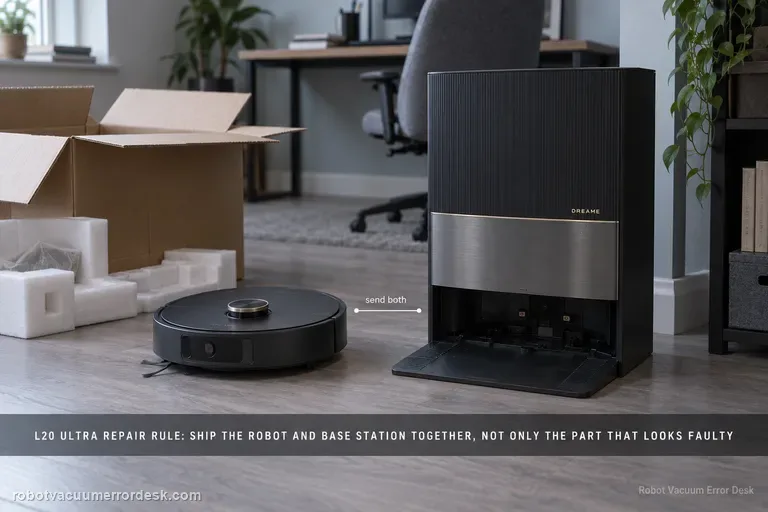
Dreame’s current send-in matrix gives the L20 Ultra a model-level rule before the general symptom table: send the robot and base station together. That means you should not self-select only the component that appears faulty for charging, no-water, dock-finding or other paired-system failures. The matrix answers the major-hardware scope; the active support ticket still controls liquids, tanks, dust bags, mop pads and other accessories, so document the symptom and follow the case-specific packing list.