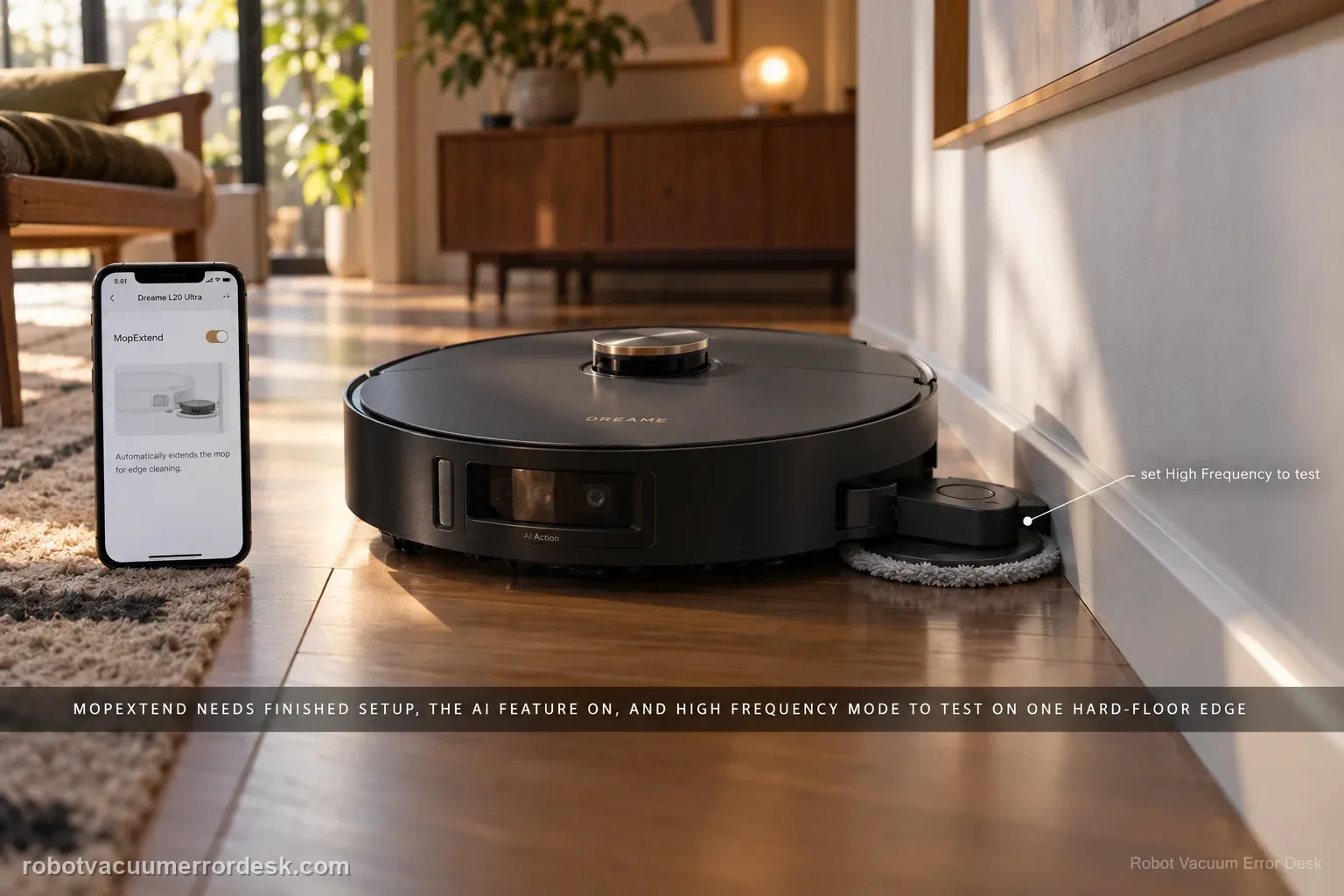
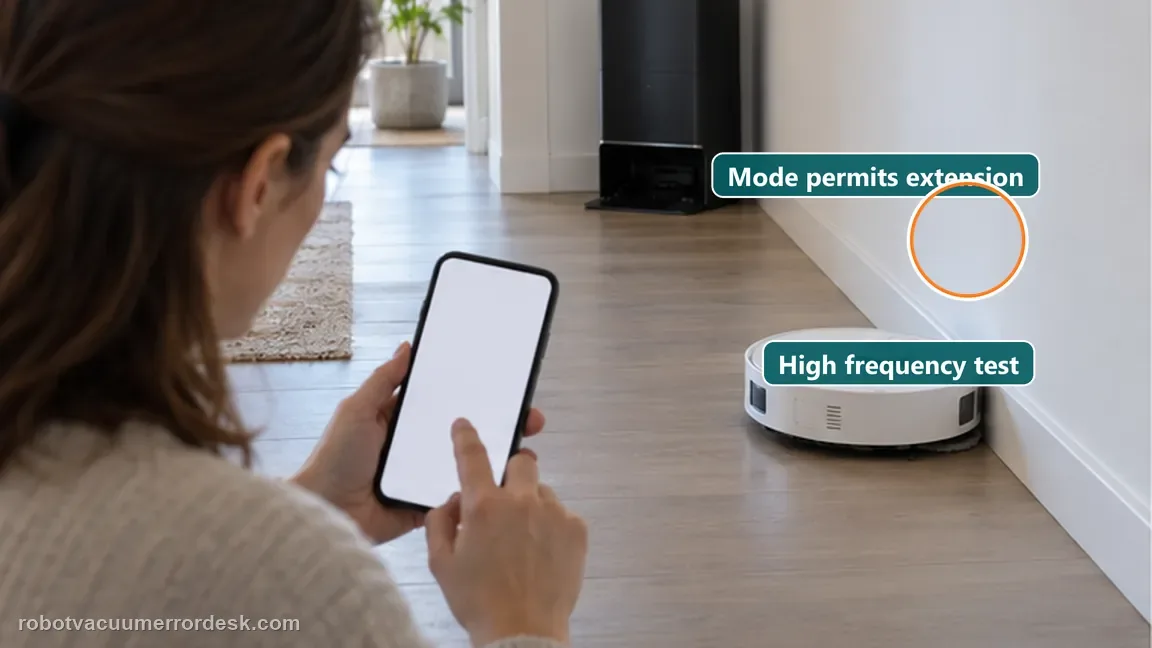
A non-extending L20 Ultra mop is often a settings/expectation problem before it is a failed actuator. Dreame’s current MopExtend article says the robot must finish network setup, AI-driven MopExtend must be enabled, and the selected mode matters: Standard runs the feature about once a week in Global Cleaning, Intelligence adjusts it by scenario, and High Frequency attempts extension during every cleaning. Use High Frequency on one clear hard-floor edge as the clean mechanism test.
Confirm the exact model and exact code, light pattern or symptom.
Run the lowest-risk physical or software check first.
Use each pass condition to decide what the result actually narrows down.
Does this match your problem?
- The right mop pad no longer extends along edges.
- The feature works in some modes but not others.
- The robot is offline or was recently reconfigured.
Most likely causes
Robot has not completed network configuration
AI-driven MopExtend is disabled
Standard or Intelligence mode creates less frequent extension than the owner expects
Local furniture or carpet geometry changes whether an edge is eligible
Persistent mechanical/actuator fault after High Frequency and a clear-edge test are proven
What your test result means
| What you observe | What it narrows down | Next move |
|---|---|---|
| Robot is offline/not configured in Dreamehome | Automatic MopExtend control is not yet in the documented operating state. | Complete network configuration first. |
| AI-driven MopExtend switch is off | The feature is disabled by configuration. | Enable it under Settings → AI-driven MopExtend Settings. |
| Extension is intermittent under Intelligence/Standard | The selected strategy does not promise extension on every eligible pass. | Use High Frequency for a stronger controlled comparison. |
| MopExtend works on a clear wall but not around dense furniture | Obstacle/path logic is influencing the move rather than proving actuator failure. | Judge the mechanism on an unobstructed edge. |
| No extension under High Frequency on a clear eligible edge | Configuration and environment are largely ruled out. | Capture video and contact Dreame rather than forcing the arm by hand. |
Do not factory-reset by default. Use the exact model’s reboot/network-reset procedure only when the manufacturer path calls for it.
Run these checks in order
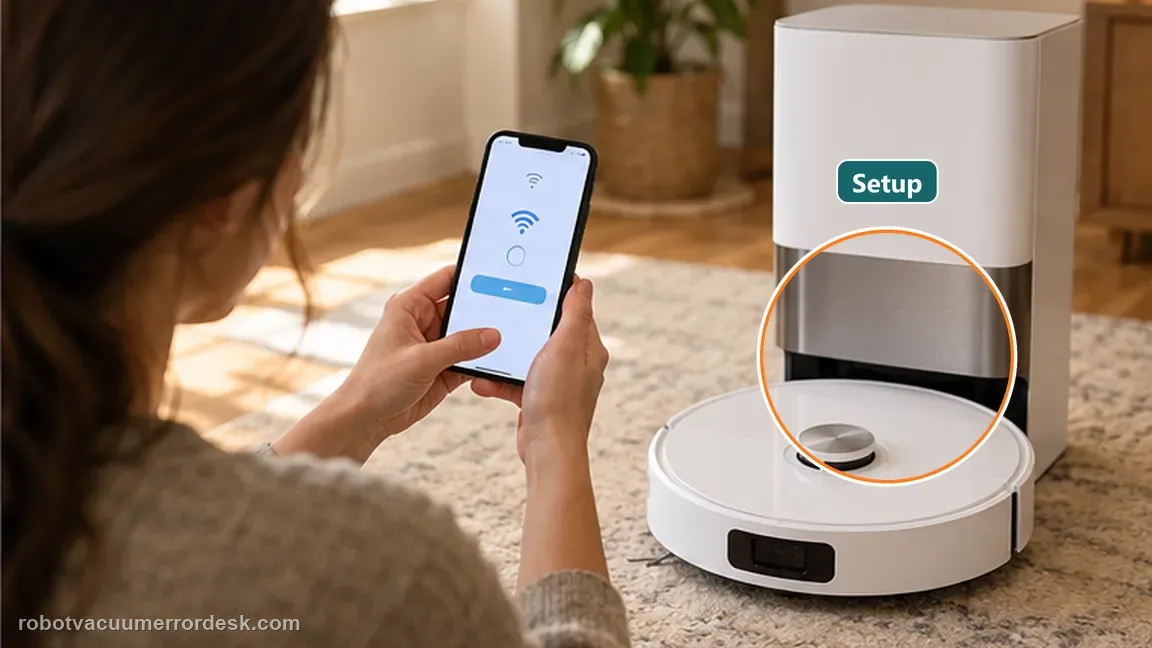
Confirm network configuration first
Dreame says the automatic swing-out feature is available only after network configuration. Make sure the L20 Ultra is online in Dreamehome before treating the missing extension as hardware failure.
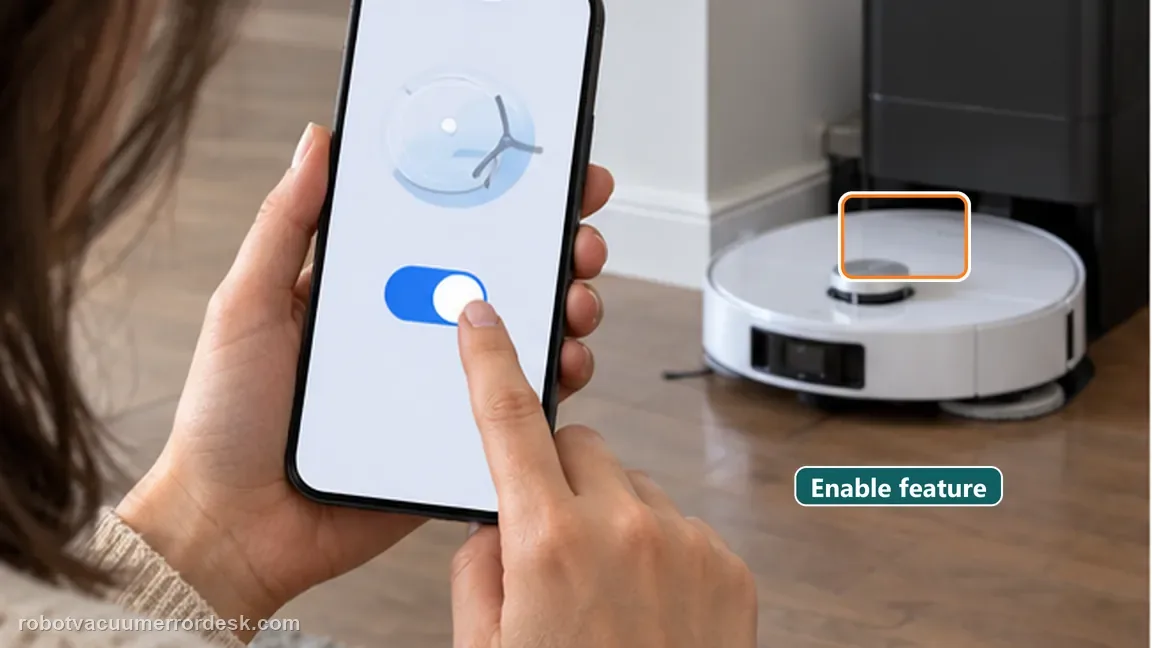
Enable AI-driven MopExtend
Open Settings, select AI-driven MopExtend Settings, then verify AI-driven MopExtend is enabled. This is the control path Dreame documents for the feature.
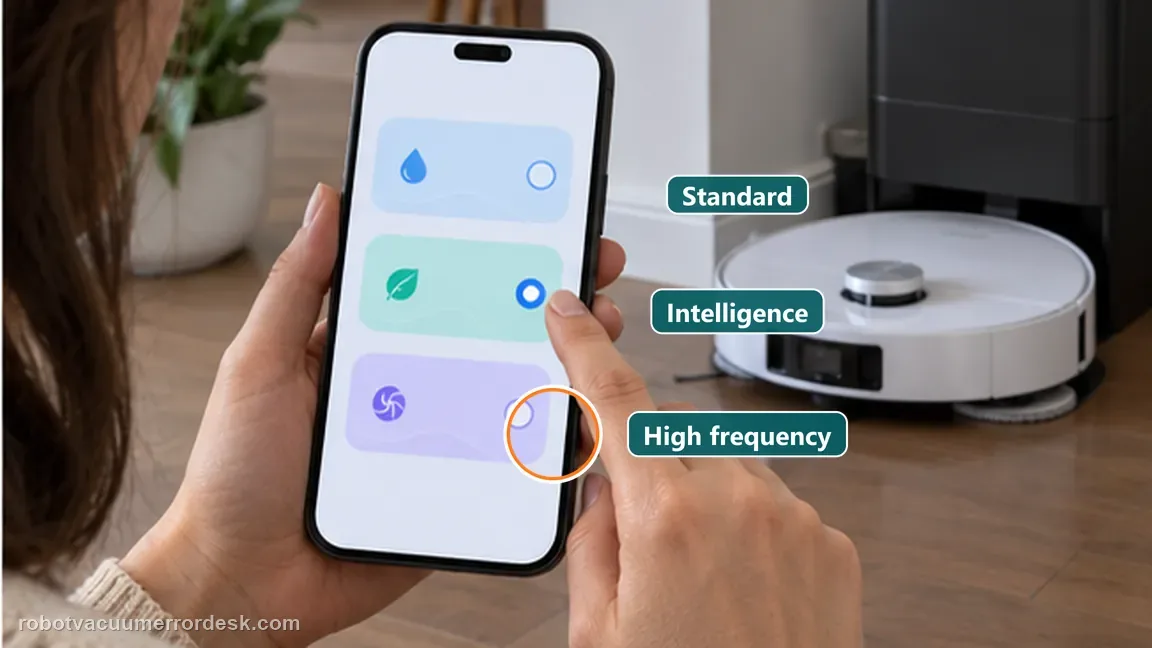
Choose Standard, Intelligence or High Frequency deliberately
Dreame’s current support names three modes. Standard performs MopExtend about once a week in Global Cleaning; Intelligence lets the robot vary extension by scenario to balance cleaning and battery life; High Frequency extends during every cleaning. If your question is whether the mechanism can move at all, High Frequency gives the clearest repeatable test and avoids mistaking normal Standard/Intelligence behavior for a failure.
Run a controlled edge test
Start a normal mopping pass beside a clear wall edge with enough space for the mechanism to operate. Avoid judging the feature in a crowded corner where obstacle logic may change the path.
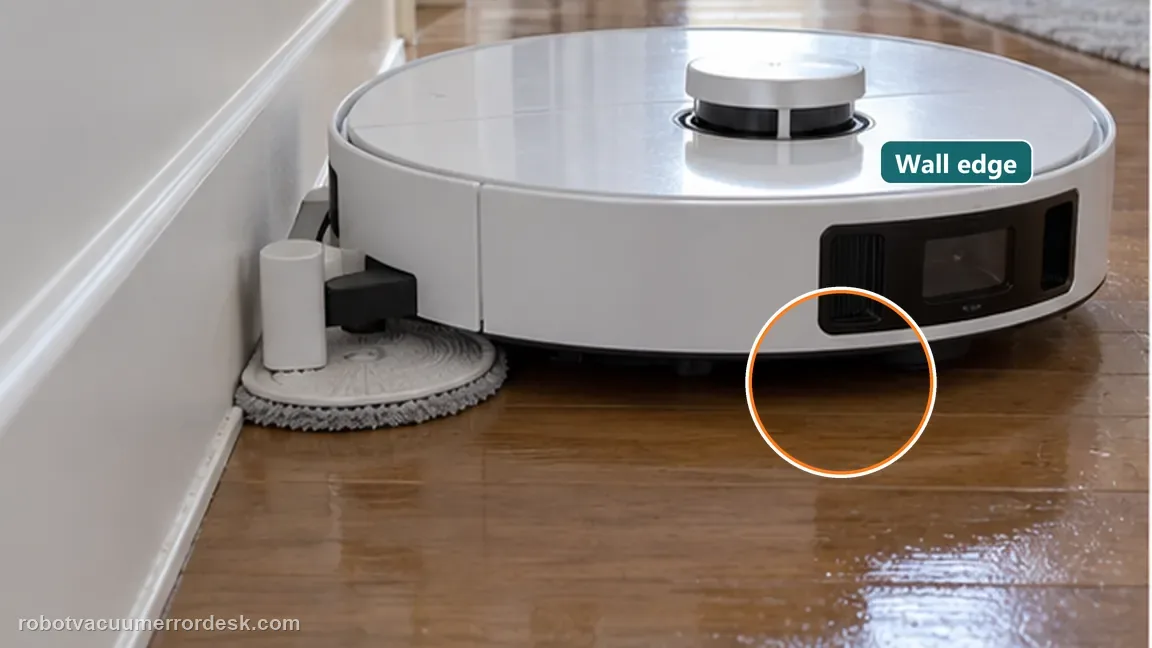
Compare edge behavior in a simple straight-wall test
Use a clean hard-floor edge with enough lateral space for the MopExtend assembly. Avoid chair legs, tight corners and carpet transitions during this test because obstacle logic can legitimately change the robot path and extension decision. Run the same edge twice after confirming the setting so you are judging the mechanism under repeatable conditions.
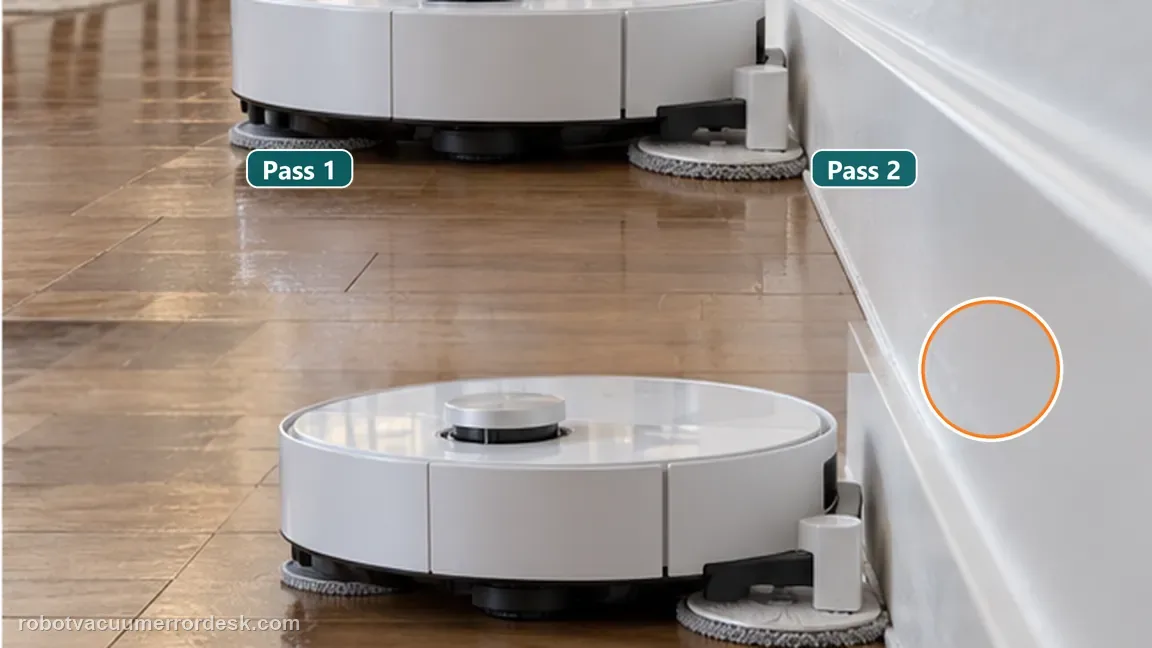
Distinguish a policy decision from a mechanical failure
If MopExtend works on some eligible edges but not every pass, compare the selected strategy before labeling the actuator faulty. If it never moves under High Frequency in a clear eligible edge test, power-cycle the robot once and capture a short video showing the setting and mechanism behavior for support.
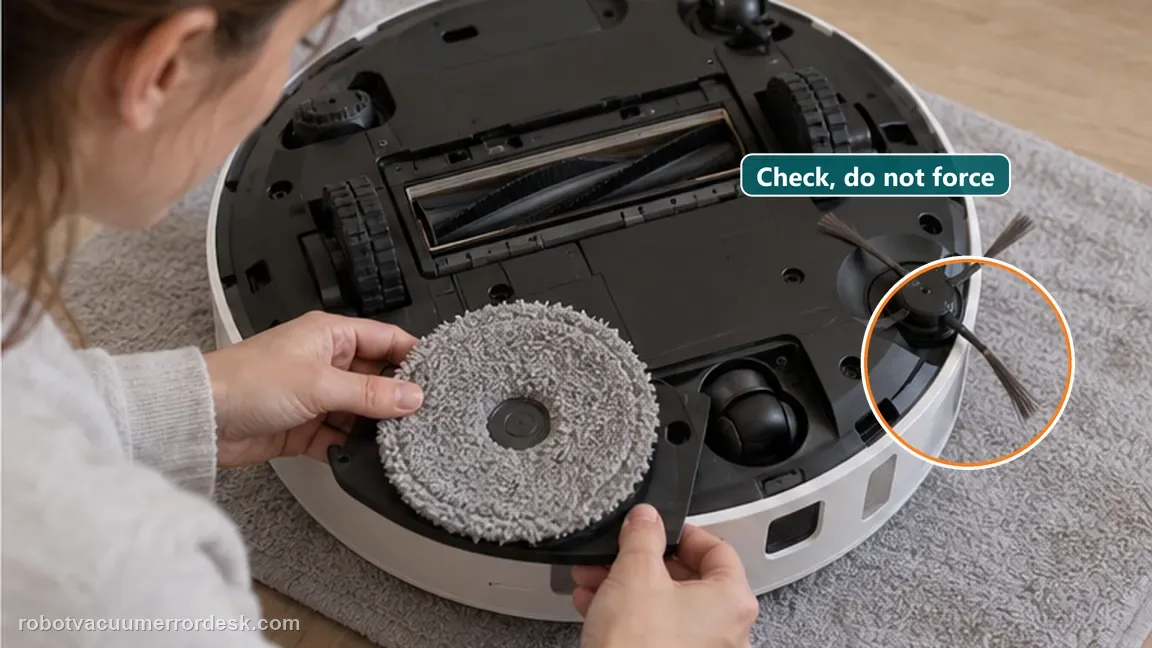
Inspect the mop assembly for obvious interference without forcing the arm
With the robot powered down, look for hair, debris or a mis-seated mop pad holder that could physically interfere with the outward movement. Stay within visible owner-accessible areas and do not pull the MopExtend arm by force. After correcting any obvious obstruction, reinstall the mop assembly and repeat the same High Frequency straight-edge test.
If the L20 Ultra is online, AI-driven MopExtend is enabled, High Frequency is selected and the mop still never swings out on a clear edge, capture a short video and contact Dreame. That separates a settings issue from an actuator/mechanical fault.
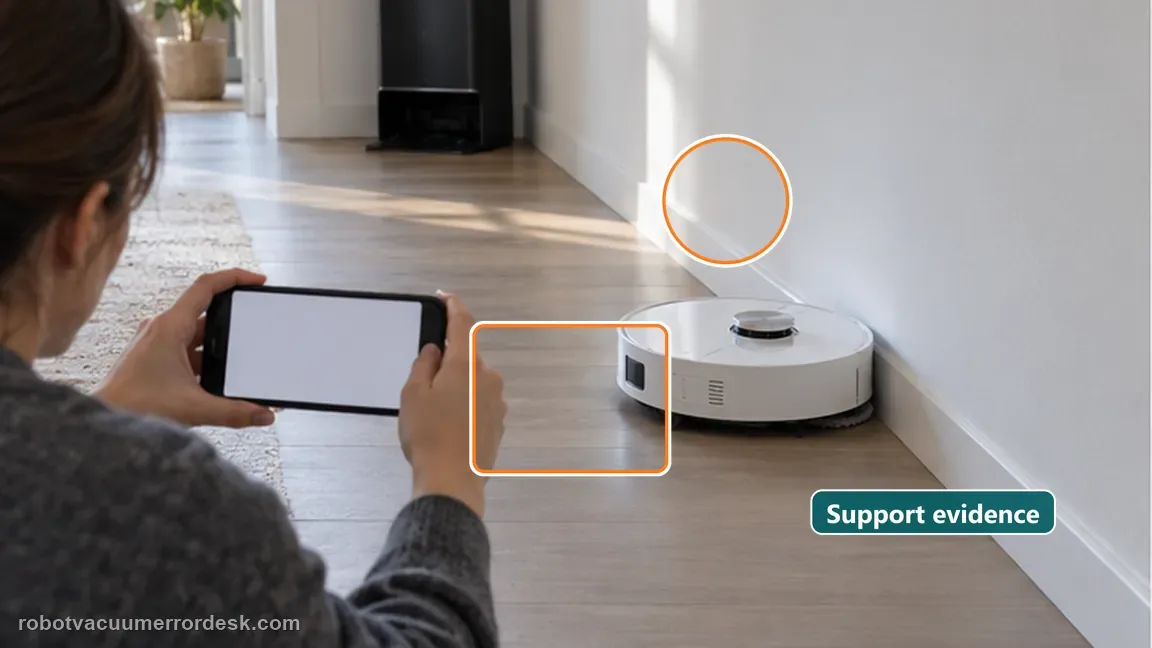
What to collect before contacting support
Give support a reproducible case instead of “it doesn’t work.” That reduces repeated basic troubleshooting and preserves the clues from your tests.
- Exact model name and the error code / voice prompt exactly as shown
- A photo or screenshot of the app error and the time it occurred
- A short list of the checks already completed and what happened after each one
- Short video showing the failed docking, mapping or base-station behavior
- Firmware version shown in Dreamehome
Manufacturer evidence
Dreame current MopExtend troubleshooting
Dreame’s current MopExtend support applies to models with the extension function and requires network setup plus AI-driven MopExtend. It defines Standard as about once weekly in Global Cleaning, Intelligence as scenario-adaptive, and High Frequency as extension during every cleaning; persistent no-extension in High Frequency should be captured on video for after-sales support.
Additional official source: Dreame L20 Ultra user manual ↗Last editorial review: September 5, 2026Regional note: manufacturer help centers, model suffixes, mains-power requirements and warranty procedures can differ by country. If the source redirects to a local support site, confirm that the model/hardware scope still matches before following a region-sensitive step.
This guide is rated Manufacturer-general. See what each evidence label means →
FAQ
Why is my Dreame L20 Ultra mop not extending on every edge?
MopExtend frequency depends on the selected strategy and whether the edge is eligible. Dreame’s current support says Standard runs about once a week in Global Cleaning, Intelligence adapts by scenario, and High Frequency extends during every cleaning. If you are testing the mechanism rather than normal scheduling, use High Frequency beside one clear hard-floor wall before calling intermittent extension a fault.
Does the L20 Ultra need Wi-Fi for MopExtend settings?
Dreame says the automatic swing-out feature is available after network configuration, so first make sure the L20 Ultra is properly connected in Dreamehome. Once online, verify AI-driven MopExtend is enabled. A robot that has never completed the app/network setup is not a clean hardware test because the feature’s documented control path is not yet established.
Which MopExtend mode should I use to test a Dreame L20 Ultra?
Use High Frequency when the goal is to prove the L20 Ultra can extend its mop. Standard is roughly weekly in Global Cleaning and Intelligence varies the behavior by scenario, so either can look intermittent by design. Keep the robot online, enable AI-driven MopExtend and run the same straight hard-floor edge twice; a repeat no-motion result is much stronger evidence than one skipped corner.
Can furniture make L20 Ultra MopExtend look like it is not working?
Yes. Tight chair legs, corners and other obstacles can change the robot’s path and whether an extension is appropriate. Do not diagnose the mechanism inside a cluttered area. Test beside a clear straight wall on hard floor after confirming the app setting. If MopExtend works there, the feature is capable of moving and the crowded environment is the stronger variable.
When is a non-extending L20 Ultra mop likely a service issue?
Service becomes more plausible when the robot is online, AI-driven MopExtend is enabled, High Frequency is selected and the mechanism still never moves during a clear eligible edge test. Power-cycle once, avoid manually forcing the arm, and send Dreame a video that shows both the relevant app setting and the robot passing the test edge without extension.
Did this diagnostic narrow the fault?
Use this as an editorial signal, not a popularity counter. If a feedback address is configured you can email the note; otherwise you can copy it for your own support record.