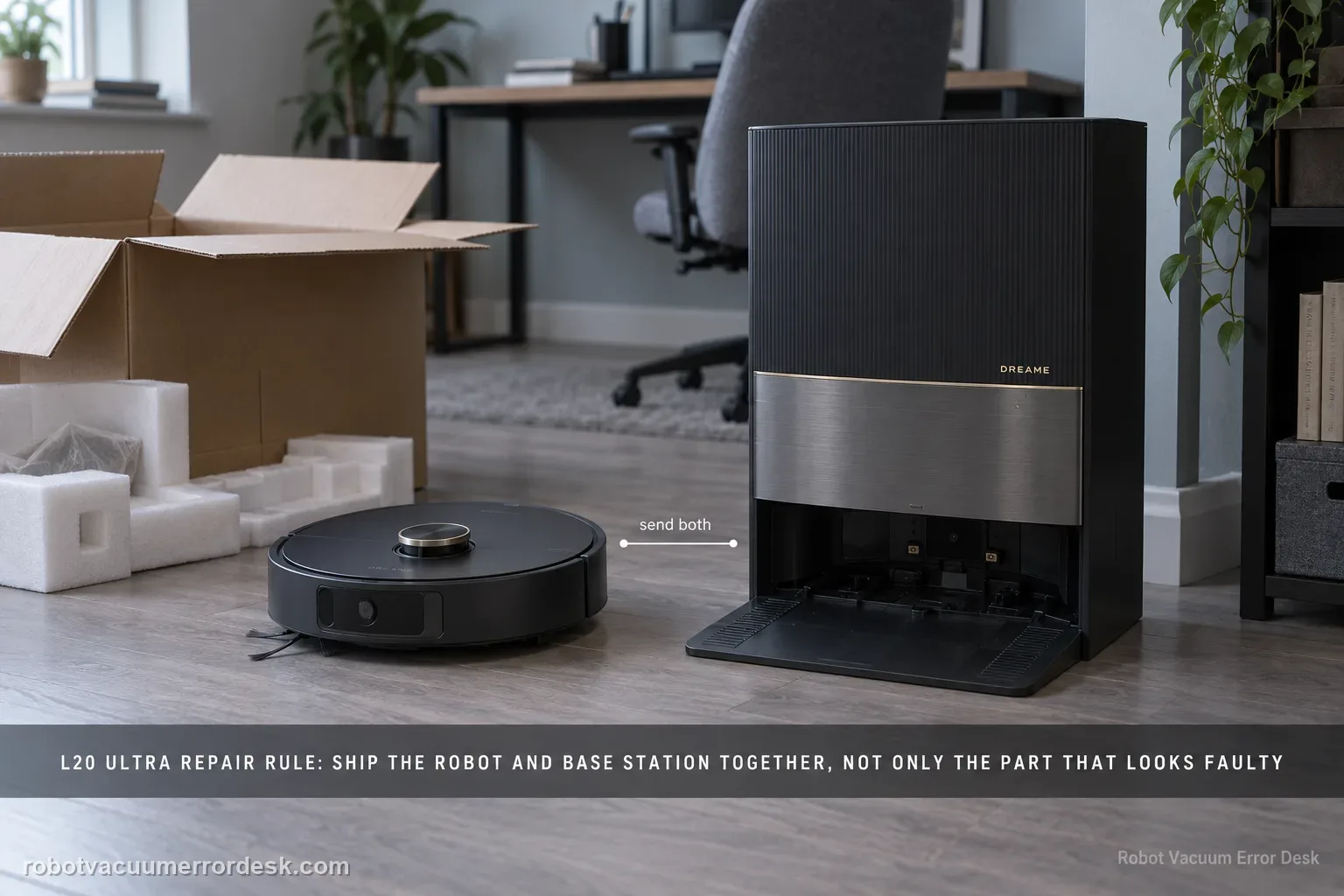
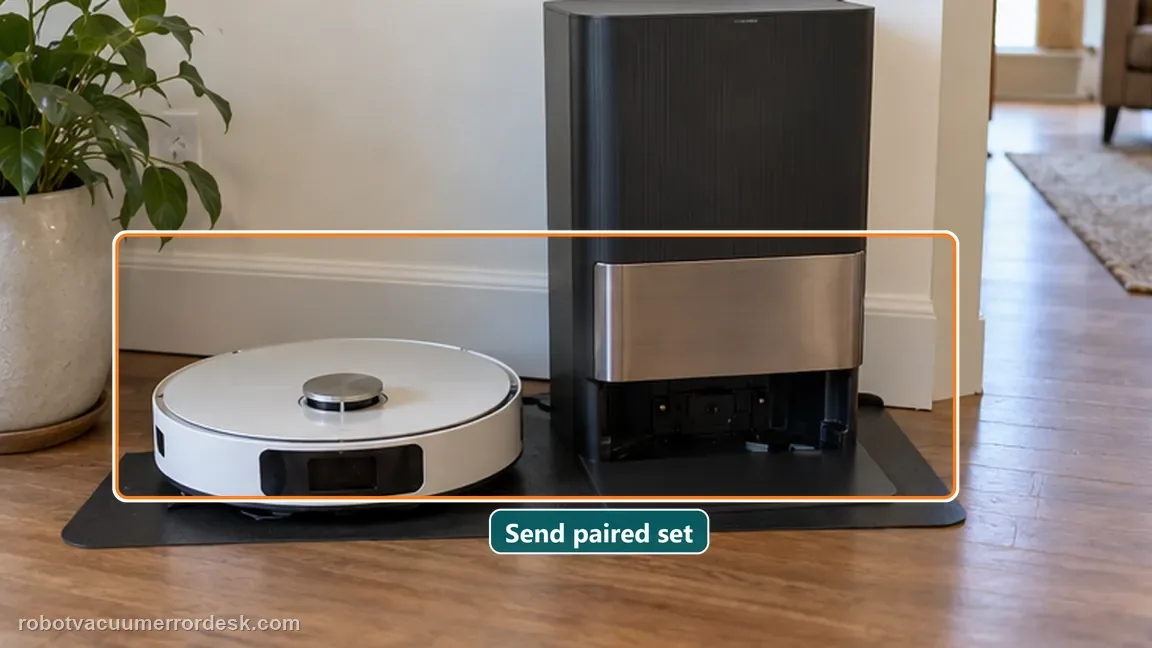
Dreame’s current send-in matrix gives the L20 Ultra a model-level rule before the general symptom table: send the robot and base station together. That means you should not self-select only the component that appears faulty for charging, no-water, dock-finding or other paired-system failures. The matrix answers the major-hardware scope; the active support ticket still controls liquids, tanks, dust bags, mop pads and other accessories, so document the symptom and follow the case-specific packing list.
Confirm the exact model and exact code, light pattern or symptom.
Run the lowest-risk physical or software check first.
Use each pass condition to decide what the result actually narrows down.
Confirm this is the right issue
- Charging troubleshooting is exhausted.
- The base does not dispense water after official tests.
- Support asks for a send-in repair.
What’s most likely causing this
Repair test requires interaction between robot and base
Charging or docking fault cannot be isolated confidently to one side
Water/base issue needs the full paired system
Incomplete shipment can delay diagnosis
Case-specific packing rules may differ for liquids and consumables even when both major units are required
Reading your test result
| What you observe | What it narrows down | Next move |
|---|---|---|
| Charging/docking interaction fault | Both robot and base can be involved. | Keep the L20 Ultra robot and base together for the service route. |
| Base water/wash fault | Station behavior may require the paired robot to reproduce. | Send the pair unless Dreame’s case explicitly instructs otherwise. |
| Only one component looks visibly faulty | Appearance does not prove the other side is irrelevant to diagnosis. | Follow the L20 Ultra matrix rather than self-selecting a partial shipment. |
| Support issues a case-specific packing list | The live case instructions supersede generic assumptions. | Pack exactly the requested items and document them. |
| Intermittent failure cannot be reproduced on demand | Evidence becomes especially important. | Include a short video, timestamps and the troubleshooting already completed. |
Do not factory-reset by default. Use the exact model’s reboot/network-reset procedure only when the manufacturer path calls for it.
Work through these checks in order
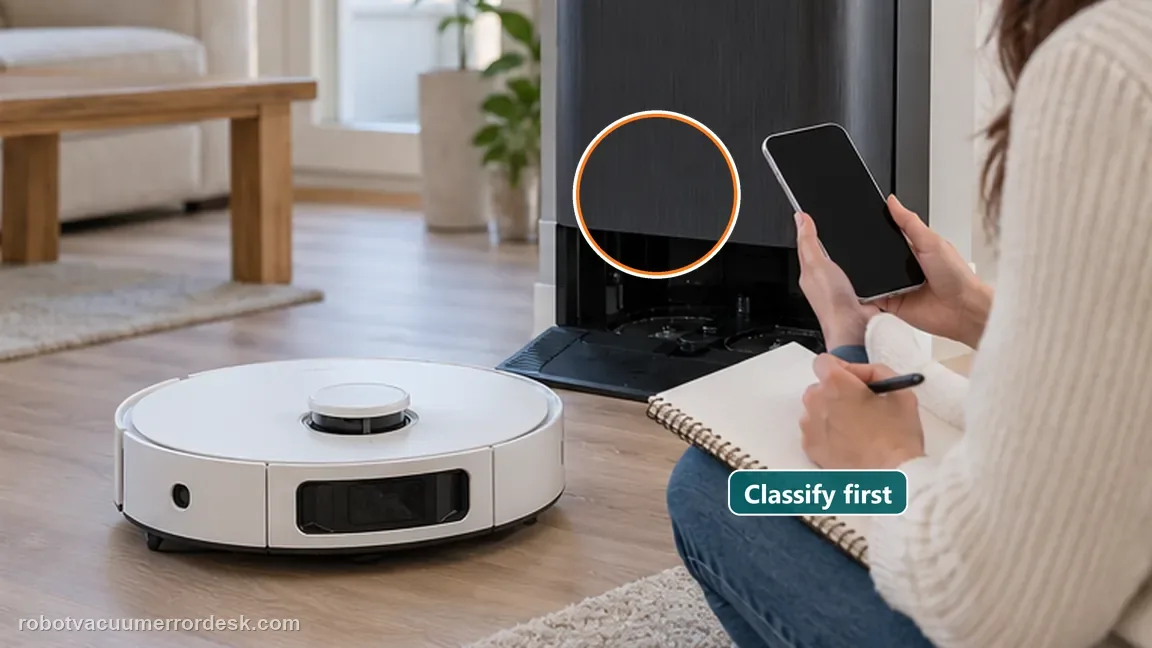
Classify and document the exact symptom
Write down whether the case is charging, no water, cannot find the base, abnormal washboard/water level, app behavior or another failure. Include the exact error wording and when it occurs.
Apply the L20 Ultra model-level send-in rule before the generic scenario table
Dreame’s April 2026 matrix first states that L30 Ultra, L20 Ultra, W10 and W10 Pro should be sent with both robot and base station. The symptom-by-symptom table that follows is for other models. For an L20 Ultra case, do not use a generic row such as “base station button issue — base only” to override the explicit L20 model-level instruction unless Dreame’s live case tells you to do so.
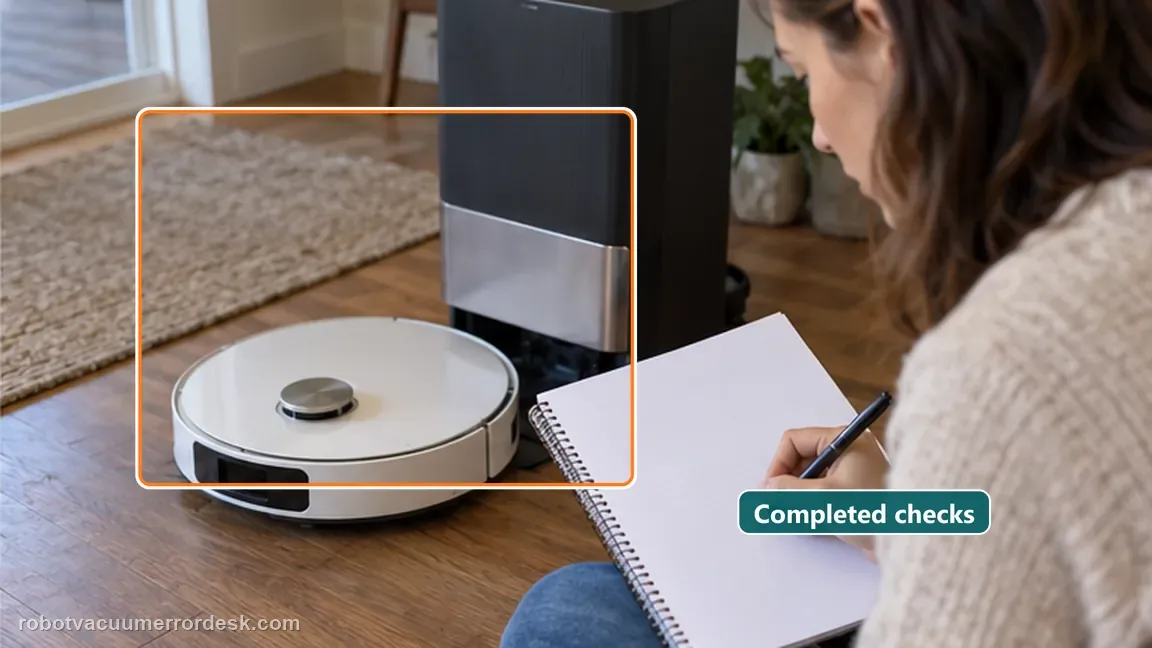
Include the troubleshooting already completed
List power, contact, water-path or app checks already performed. This helps support avoid repeating basic steps and preserves the evidence that led to service.
Capture identifying and failure evidence
Photograph the units, serial/label information and the failure state when practical. For intermittent problems, a short video can show whether the fault occurs during docking, charging or station operation.
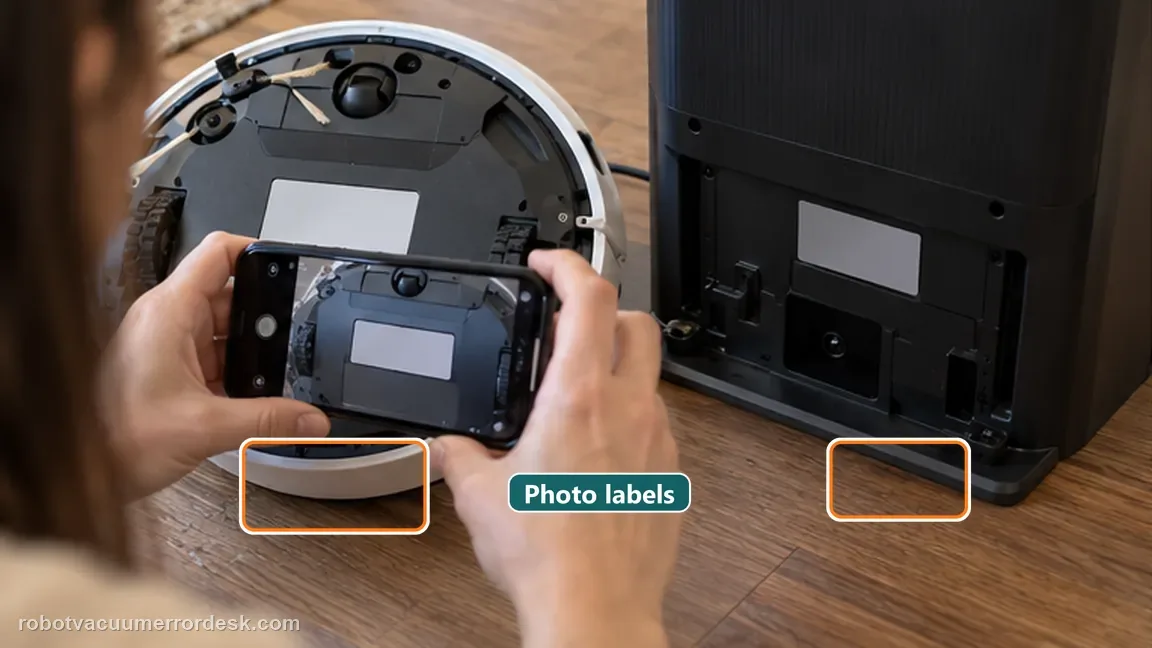
Follow the current case-specific packing instructions
Once Dreame issues the repair route, use the shipping/packing instructions attached to that case. Service logistics can change, so a static guide should not override current support directions.
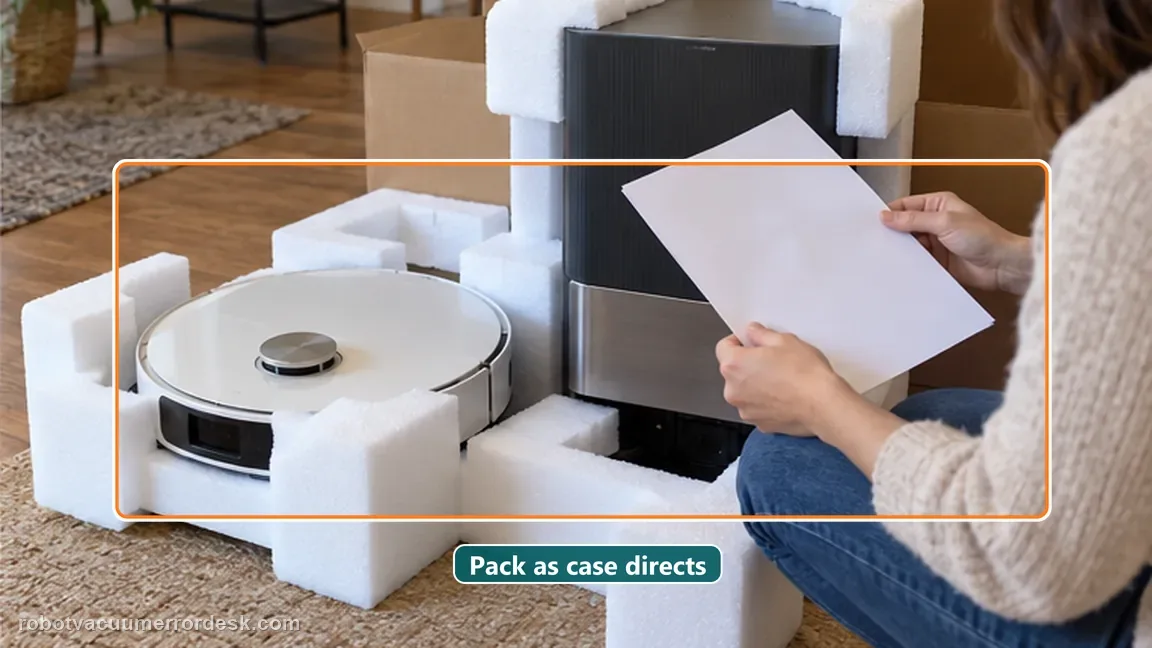
Separate a repair-eligibility question from a troubleshooting question
Use this page when you already need service logistics, not as a substitute for the charging, water or docking diagnostic pages. Dreame’s matrix answers what hardware should accompany an L20 Ultra case. The exact symptom still matters because support may request different evidence, cleaning or fluid preparation before the shipment is accepted.
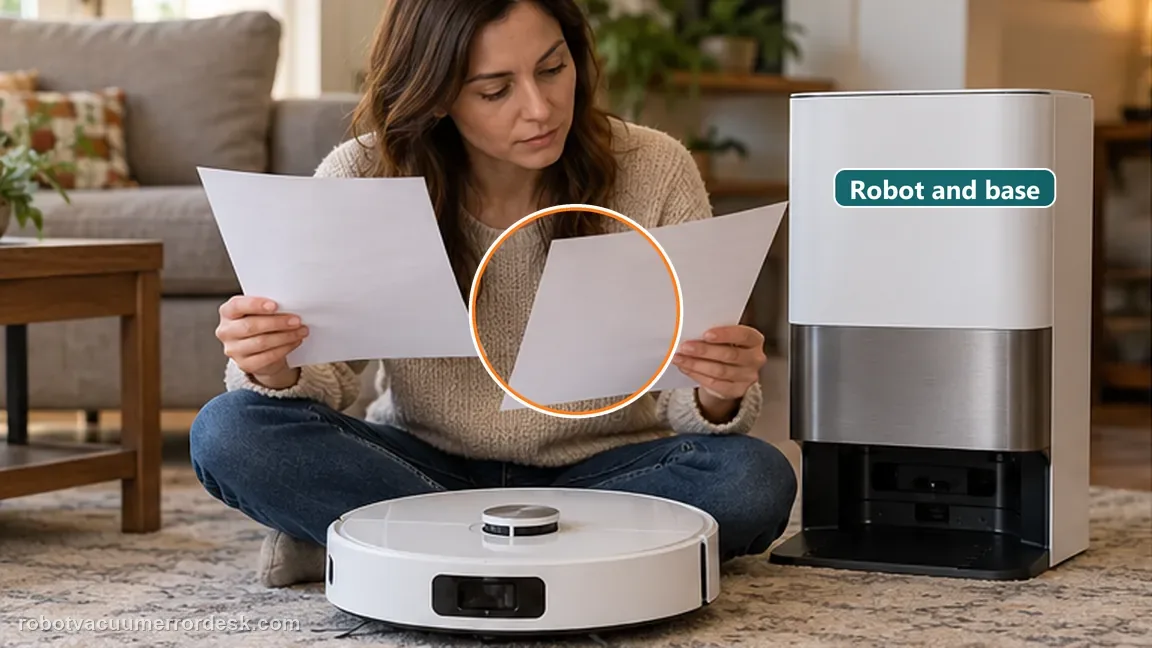
Remove consumables only when the active case instructions say to
Do not guess which tanks, dust bags, mop pads, solution bottle or accessories should travel with the robot/base pair. Service packing requirements can depend on the failure and region. Follow the case-specific list issued by Dreame after they review your evidence; photograph the packed contents before sealing the box.
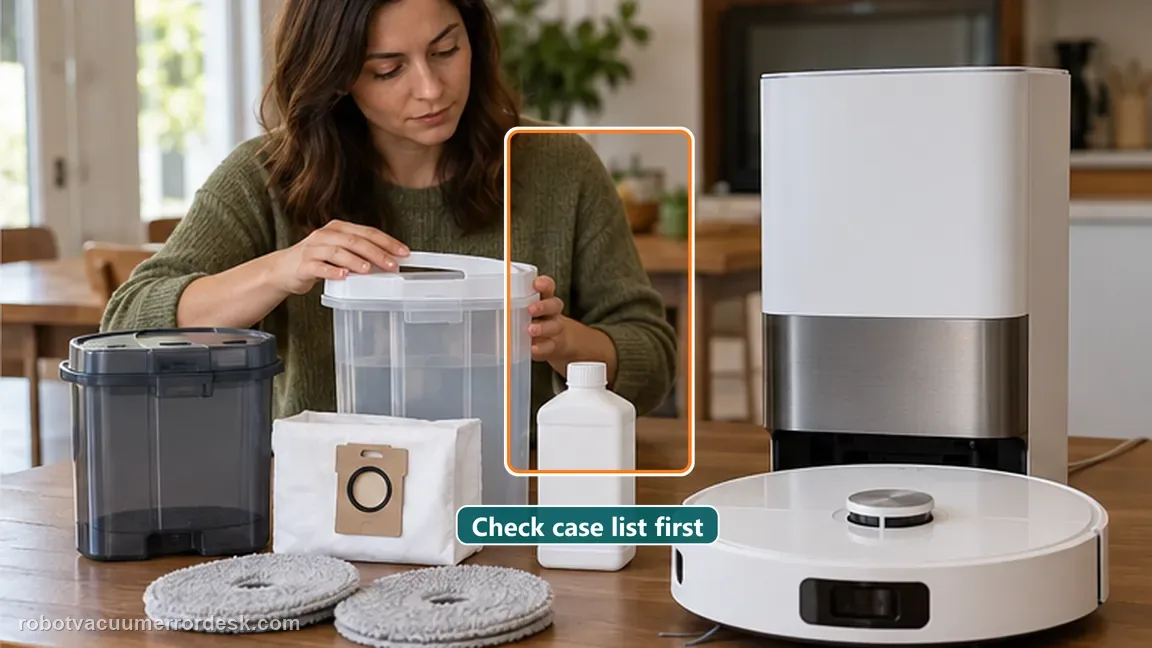
This guide is the escalation stage. Once Dreame opens the repair case, follow its current regional shipping instructions. For L20 Ultra, the official matrix’s key point is that robot and base travel together for service.
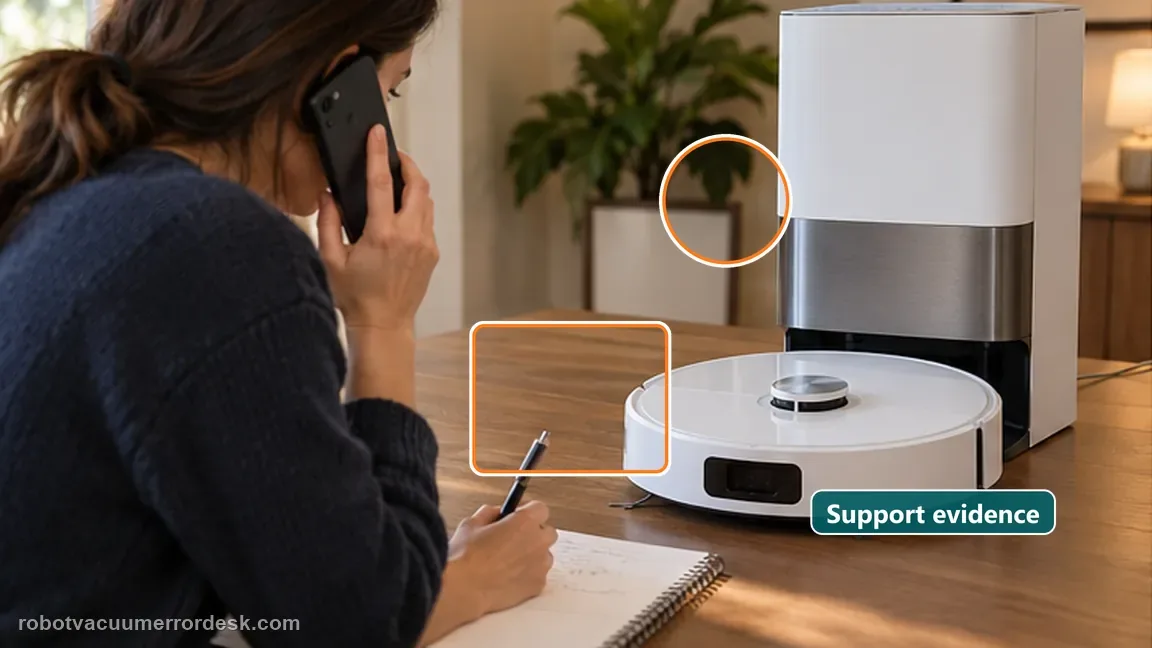
Before you contact support, gather this
A reproducible case moves a support call past the basic troubleshooting script faster than “it doesn’t work” does, and it keeps the clues from your own tests on record.
- Exact model name and the error code / voice prompt exactly as shown
- A photo or screenshot of the app error and the time it occurred
- A short list of the checks already completed and what happened after each one
- Short video showing the failed docking, mapping or base-station behavior
- Firmware version shown in Dreamehome
Where this comes from
Dreame robot vacuum send-in matrix
Dreame’s April 2026 send-in matrix explicitly places L20 Ultra in the model-level group that should send robot and base station together before listing symptom-specific rules for other models. The same matrix shows why paired testing is relevant to charging, no-water, cannot-find-base and other robot/base interaction failures.
Additional official source: Dreame L20 Ultra user manual ↗Last editorial review: September 5, 2026Regional note: manufacturer help centers, model suffixes, mains-power requirements and warranty procedures can differ by country. If the source redirects to a local support site, confirm that the model/hardware scope still matches before following a region-sensitive step.
This guide is rated Official model support. See what each evidence label means →
Questions people ask
Do I send the L20 Ultra robot and base station together for repair?
Dreame’s current send-in matrix says the L20 Ultra should be sent with both the robot and base station. That matters for charging, docking and water-system faults because the failure can depend on the interaction between both components. Follow the live support case if Dreame gives different region-specific instructions, but do not assume a partial shipment is sufficient.
Does the generic Dreame repair table ever mean I should send only the L20 Ultra base?
The current matrix places L20 Ultra in a model-level instruction before the generic scenario table: send both robot and base station together. The later base-only or robot-only rows are presented for other models. If your live Dreame ticket gives a different regional or case-specific instruction, follow that ticket; otherwise do not use a generic row to split an L20 Ultra pair.
Should I include tanks, mop pads and dust bags in an L20 Ultra service shipment?
Do not guess. The service matrix establishes that the robot and base travel together, but consumables and accessories can depend on the active repair case. Ask or follow the packing list Dreame provides for your ticket, photograph what you include and remove liquids when instructed. A generic web guide should not override current shipping rules for batteries or wet components.
What evidence should I save before sending an L20 Ultra for repair?
Record the exact symptom or error wording, serial/label information, the troubleshooting steps already completed and a short video if the fault is intermittent. Photograph both units before packing. For docking, charging or water issues, show the moment the behavior occurs. This evidence helps Dreame reproduce the failure and also documents the condition of the equipment before shipment.
Can I use this service page instead of troubleshooting my L20 Ultra first?
It is better used after the relevant owner-level diagnostic path. A charging case should document station power and contacts; a no-water case should document the official output test; a docking case should document return behavior. Once service is justified, the L20 Ultra send-in matrix answers the separate logistics question of which major components should accompany the repair.
Did this diagnostic narrow the fault?
Use this as an editorial signal, not a popularity counter. If a feedback address is configured you can email the note; otherwise you can copy it for your own support record.