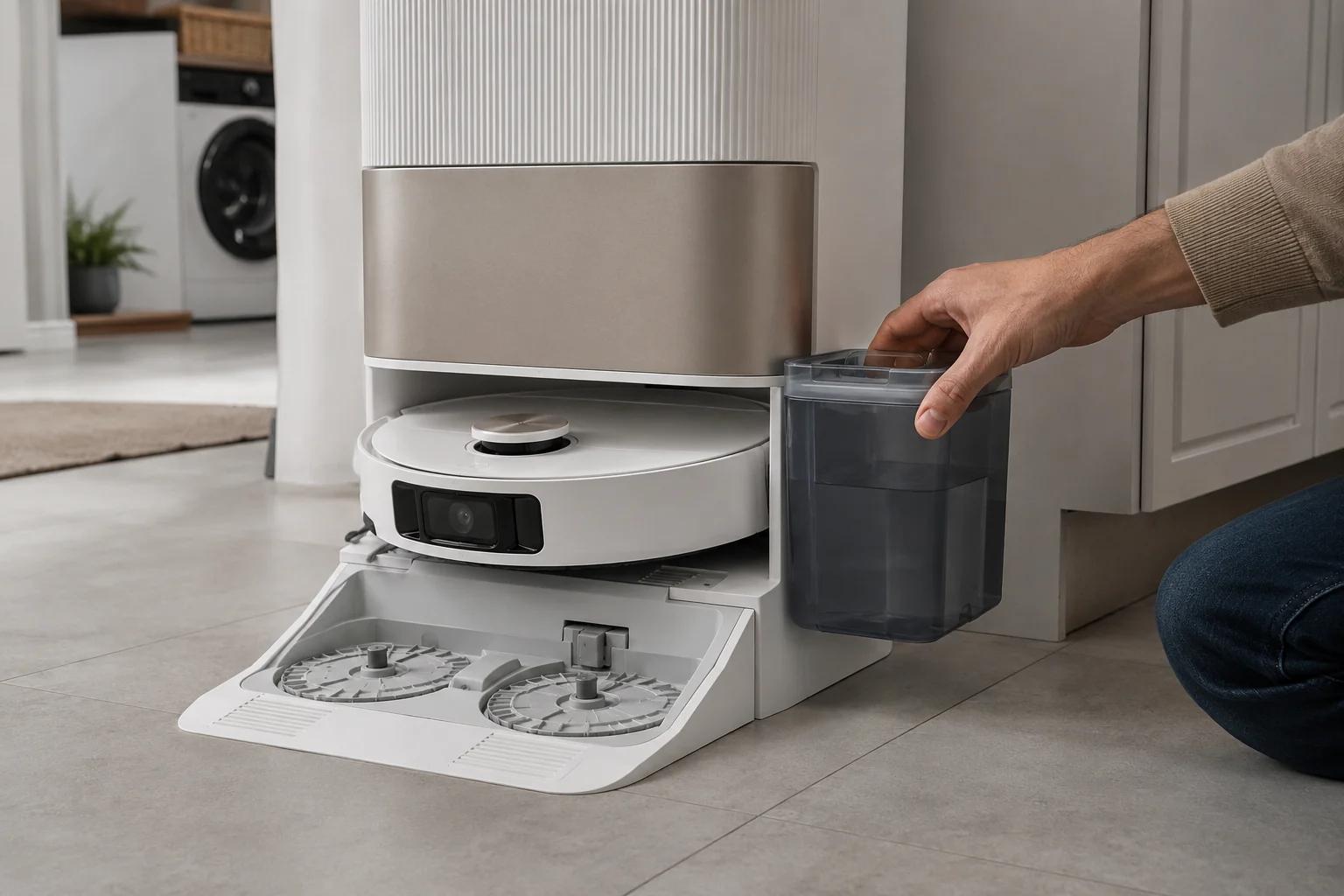
This page is specifically for an L20 Ultra base that does not put water into the washboard while washing the mop pads. Dreame’s exact base-station procedure says to rule out incompatible cleaner, inspect the clean-water tank seal/piping interface, remove the robot and hold the base dock button for about 3 seconds to test water output. If the base can wash the pads but the robot later mops with no water, that is a different onboard-water path: Dreame now uses a holder-only five-minute flow test and checks the robot’s bottom water outlets.
Confirm the exact model and exact code, light pattern or symptom.
Run the lowest-risk physical or software check first.
Use each pass condition to decide what the result actually narrows down.
Does this match your problem?
- The L20 Ultra returns to the base but the washboard stays dry during mop washing.
- The clean-water tank is filled but the base produces little or no wash water.
- You need to separate base wash-water failure from the robot water tank not dispensing during floor mopping.
Most likely causes
Internal path blocked by residue or incompatible fluid
Foreign object in tank seal/piping
Base-station pump or control fault
Separate robot-side water-outlet restriction when the base washboard receives water normally
What your test result means
| What you observe | What it narrows down | Next move |
|---|---|---|
| Third-party/unknown cleaner was used | Dreame warns incompatible fluid can block internal piping or pump. | Stop adding it and return to the manufacturer-approved setup. |
| Foreign object at clean-tank seal/interface | Water supply into the station may be mechanically blocked. | Remove accessible debris and reseat the tank. |
| Three-second dock test produces water | Pump/output path is at least functioning. | Rinse station bottom and use the documented recycle step. |
| No water before and after 30-second power cycle | The simple control reset did not restore station output. | Stop repeated wash commands and prepare service evidence. |
| Base washboard receives water, but the robot later mops with little or no water | The station can provide wash water, so complete base no-output is not the right diagnosis. | Use Dreame’s separate holder-only five-minute robot-water flow test and inspect the bottom water outlets. |
Do not factory-reset by default. Use the exact model’s reboot/network-reset procedure only when the manufacturer path calls for it.
Run these checks in order
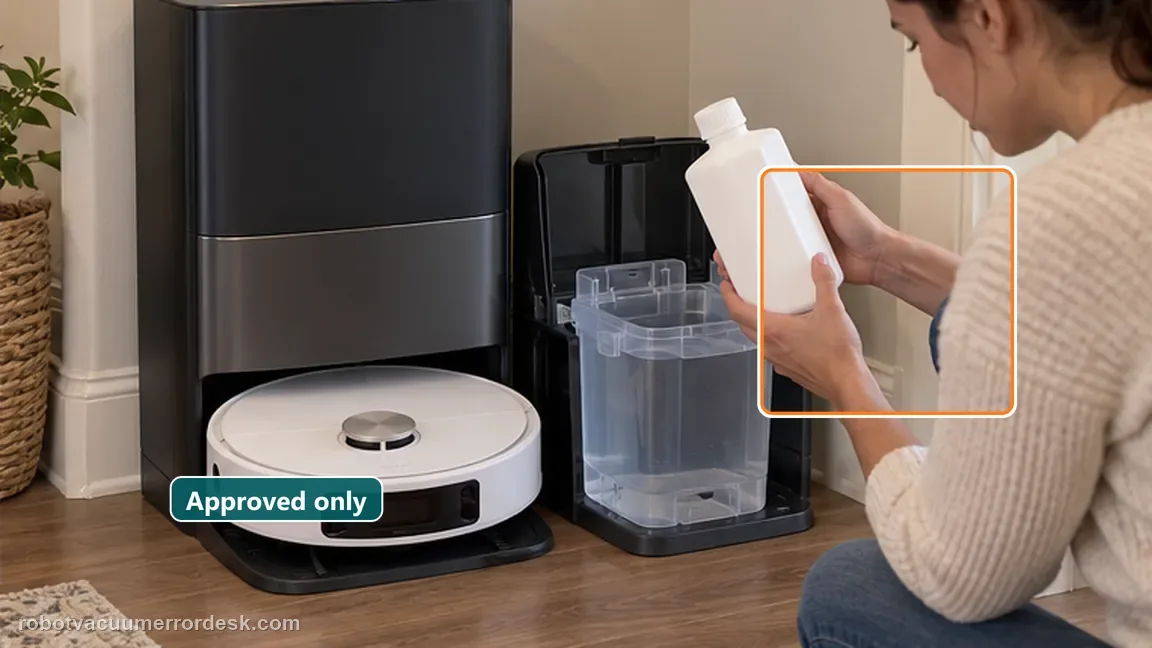
Rule out incompatible cleaning fluid
Dreame warns that other-brand cleaning fluids can block internal piping or the water pump. While diagnosing, use only the manufacturer-approved setup and do not add more unknown solution.
Inspect the tank seal plug and accessible piping
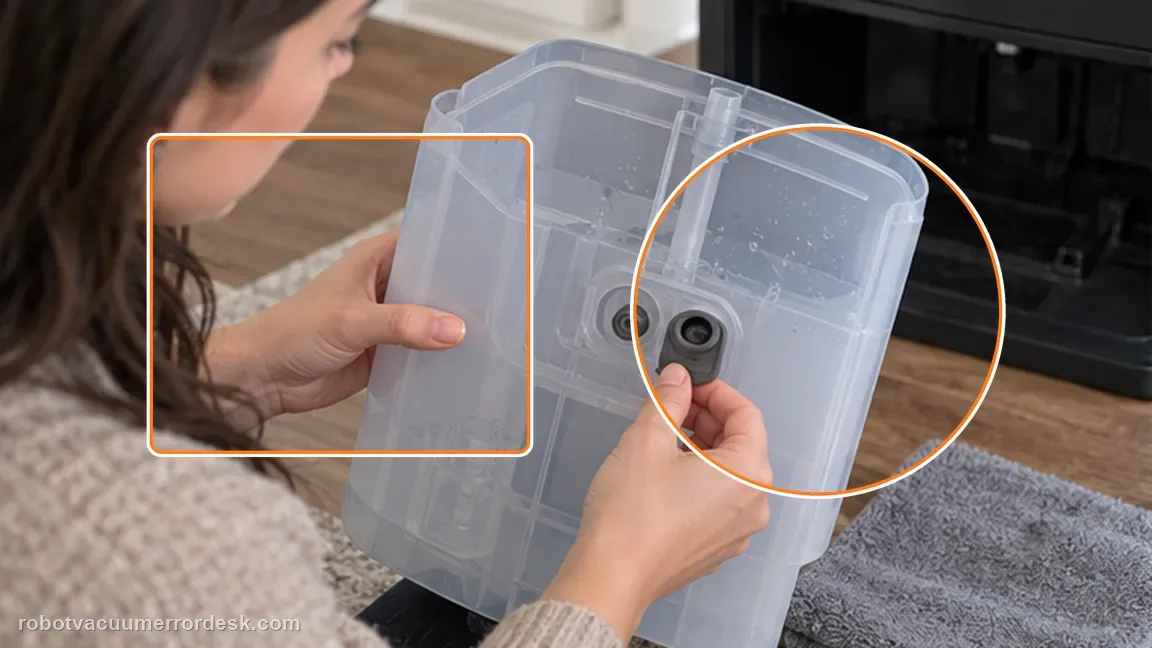
Remove the clean-water tank and check the seal plug/piping interfaces for foreign objects. Stay within accessible owner-maintenance areas rather than opening internal station plumbing.
Run the official station water-output test
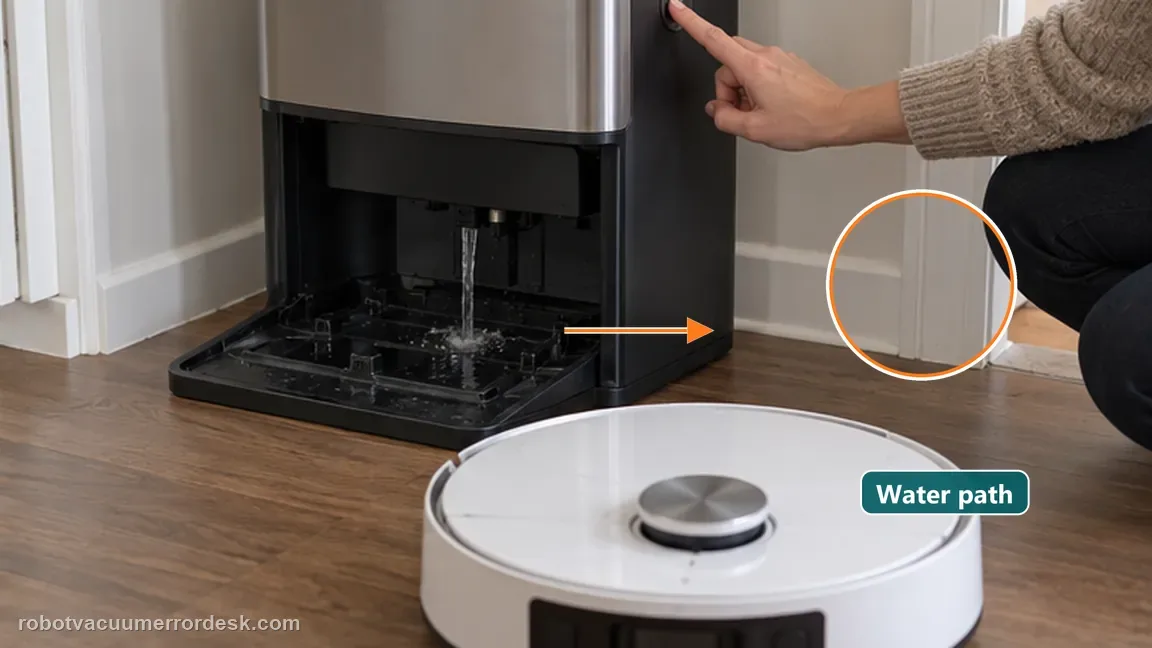
Remove the robot, then press and hold the dock button on the base for about three seconds. This directly tests whether the station can output water for mop washing.
If water flows, rinse and recycle the station water
Dreame says that when water does flow, rinse the bottom of the base station and briefly press the return button to recycle clean and waste water.
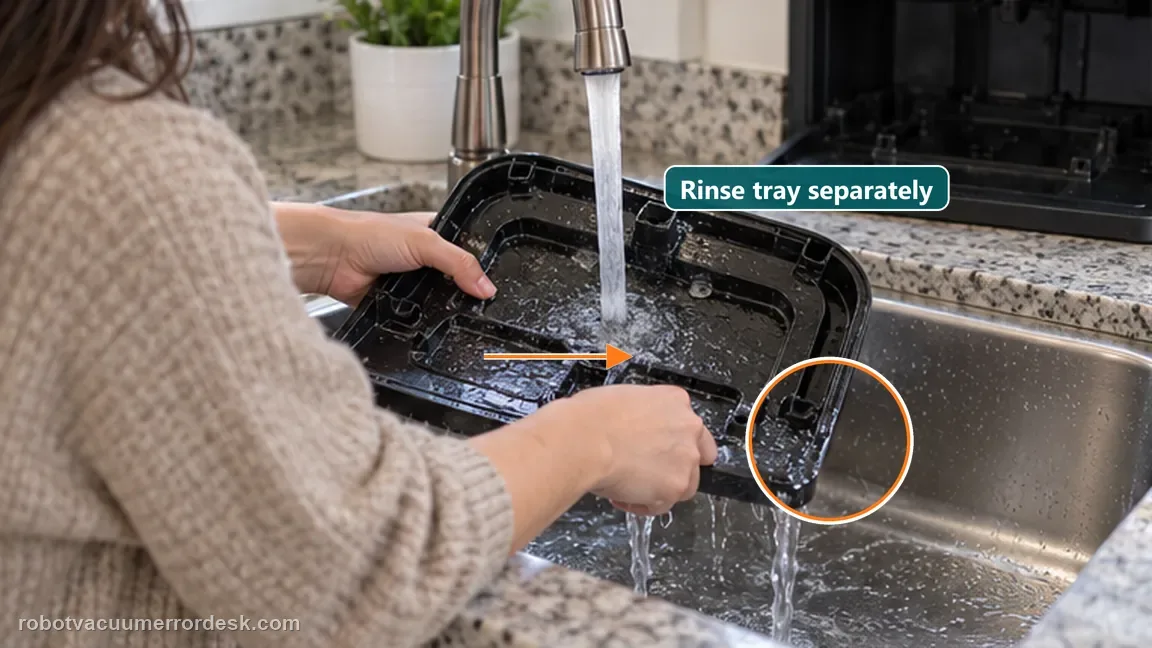
If no water flows, power-cycle for 30 seconds
Unplug the base station, wait about 30 seconds, reconnect it and repeat the water-output test. This is the final owner-level power reset in the official path.
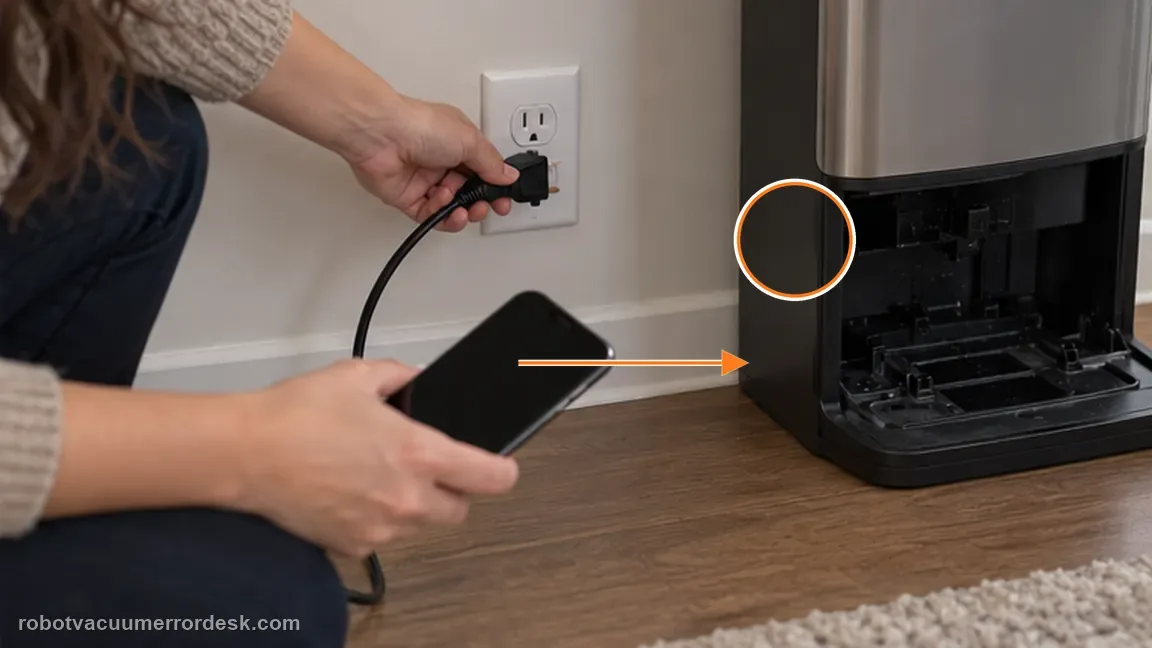
Classify base wash-water failure versus robot mopping-water failure
Use the three-second dock-button test as the branch point. If the washboard receives water, the base can output wash water; do not keep treating the case as a dead base pump. If the mops later become dry while the robot is on the floor, switch to Dreame’s separate L10s/L10/L20 robot-water procedure: wash the pads, remove the pads, reinstall the mop-pad holders only, run mopping from the base for about five minutes, and inspect for floor droplets or a lack of output from the robot’s bottom water outlets.
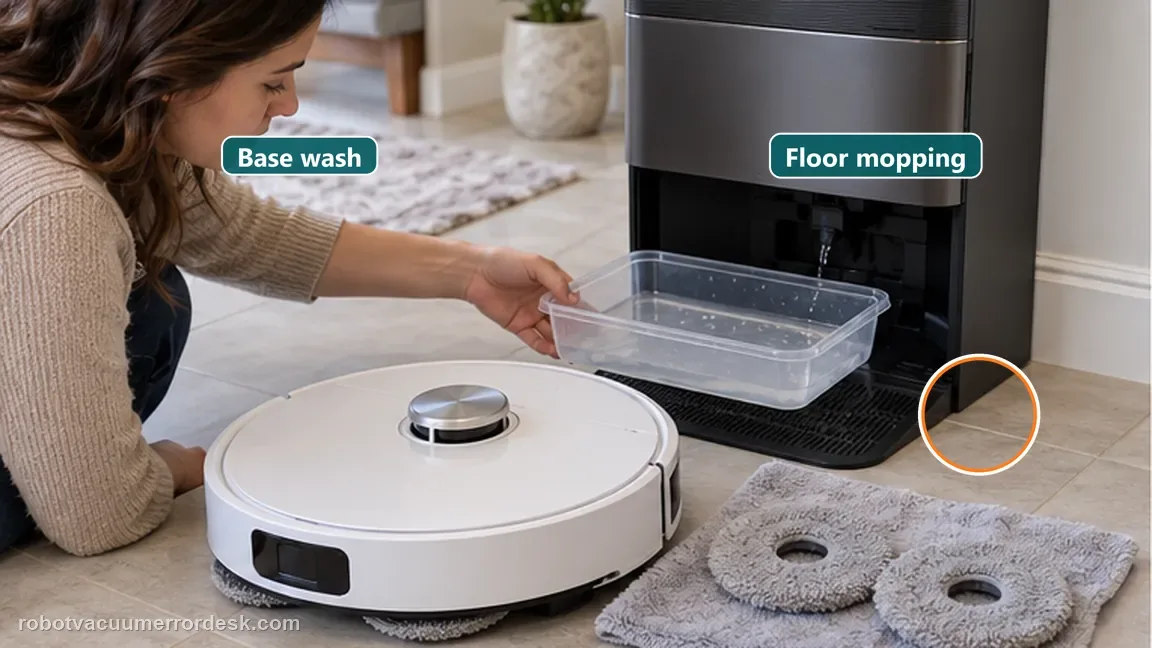
Document tank level, approved fluid state and output before service
If the final retest still produces no water, photograph the clean-water tank seating/seal area and record whether only approved cleaning solution and clean water were used. Note the result of the three-second output test before and after the 30-second reset. This gives Dreame a useful pump/path history without opening internal plumbing.
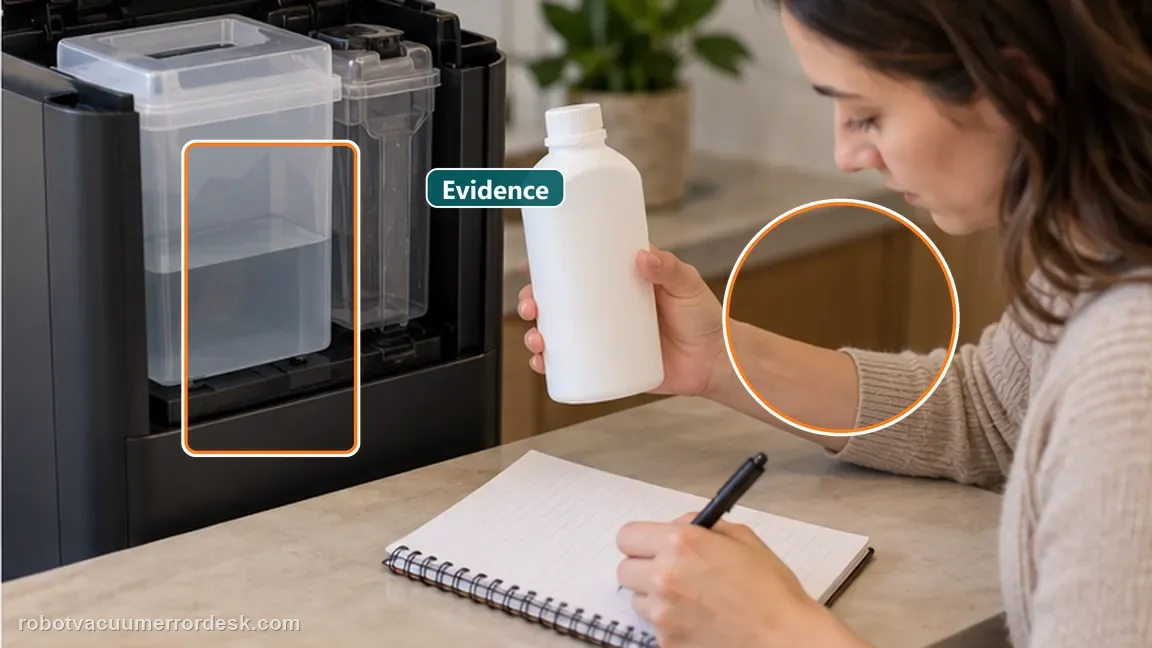
If the L20 Ultra base still produces no water after the correct fluid/tank-path checks, three-second output test and 30-second power cycle, contact Dreame. Internal pump or tubing service is beyond normal owner maintenance.
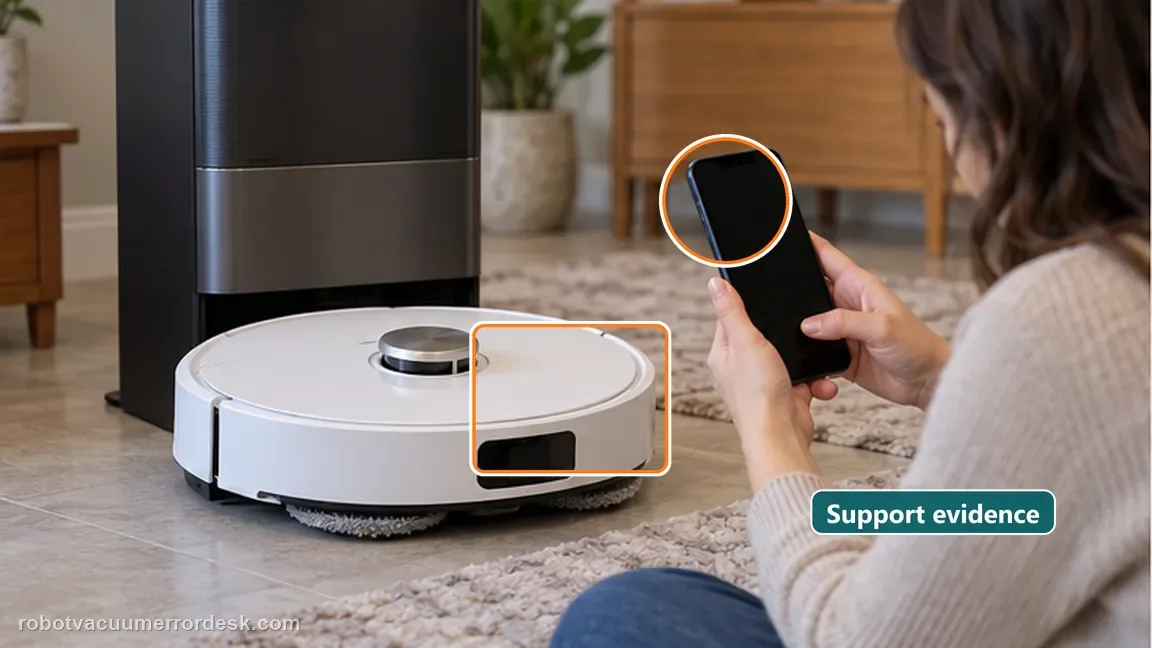
What to collect before contacting support
Give support a reproducible case instead of “it doesn’t work.” That reduces repeated basic troubleshooting and preserves the clues from your tests.
- Exact model name and the error code / voice prompt exactly as shown
- A photo or screenshot of the app error and the time it occurred
- A short list of the checks already completed and what happened after each one
- Short video showing the failed docking, mapping or base-station behavior
- Firmware version shown in Dreamehome
Manufacturer evidence
Dreame L20 Ultra no-water troubleshooting
Dreame’s exact L20 Ultra base-water article warns about incompatible cleaning fluid, checks the clean-tank seal/piping interface, uses a three-second base water-output test, and specifies rinse/recycle versus a 30-second power-cycle branch. A separate 2026 L20-compatible article covers the distinct case where the base washes normally but the robot’s own water outlets do not dispense during floor mopping.
Additional official source: Dreame L20 Ultra user manual ↗Additional official source: Dreame L10s Ultra/L10 Ultra/L20 Ultra — robot water tank not dispensing during mopping ↗Last editorial review: September 5, 2026Regional note: manufacturer help centers, model suffixes, mains-power requirements and warranty procedures can differ by country. If the source redirects to a local support site, confirm that the model/hardware scope still matches before following a region-sensitive step.
This guide is rated Official model support. See what each evidence label means →
FAQ
How do I test whether the L20 Ultra base station can actually output water?
Dreame’s L20 Ultra no-water procedure says to remove the robot and hold the dock button for about three seconds. That directly tests station water output. If water flows, move to the rinse/recycle branch. If it does not, inspect the clean-water tank seal and accessible piping, then perform the manufacturer’s roughly 30-second station power cycle before retesting.
Can third-party cleaning fluid cause L20 Ultra no-water problems?
Dreame warns that other-brand cleaning fluids can block the internal piping or water pump. During diagnosis, stop adding unknown solution and use only the approved setup. Do not try to compensate by increasing concentration or adding household cleaners. If the station still has no output after the tank/interface and reset checks, document the fluid history for support.
What should I do if the L20 Ultra base outputs water during the dock-button test?
A successful output test means the station can move water, so do not treat it as a completely dead pump. Dreame says to rinse the bottom of the base station and briefly use the return button to recycle clean and waste water. Then repeat a normal wash operation and observe whether the original symptom returns.
What if the L20 Ultra base washes the mop pads but the robot later mops dry?
That is not the same fault as a dry washboard. Dreame’s current L20-compatible robot-water article uses a separate flow test: wash the mop pads, remove the pads, reinstall only the holders, start mopping from the base and wait about five minutes for floor droplets. If none appear, inspect the robot’s bottom water outlets rather than repeating the base wash-water reset.
When should I stop troubleshooting L20 Ultra no water and contact support?
Escalate when the clean-water tank is correctly seated, accessible seal/piping areas are clear, only approved fluid is being used, and the station still produces no water in the official three-second test after the 30-second power cycle. Send Dreame the before/after test result and photos of the tank interface rather than opening internal station plumbing.
Did this diagnostic narrow the fault?
Use this as an editorial signal, not a popularity counter. If a feedback address is configured you can email the note; otherwise you can copy it for your own support record.