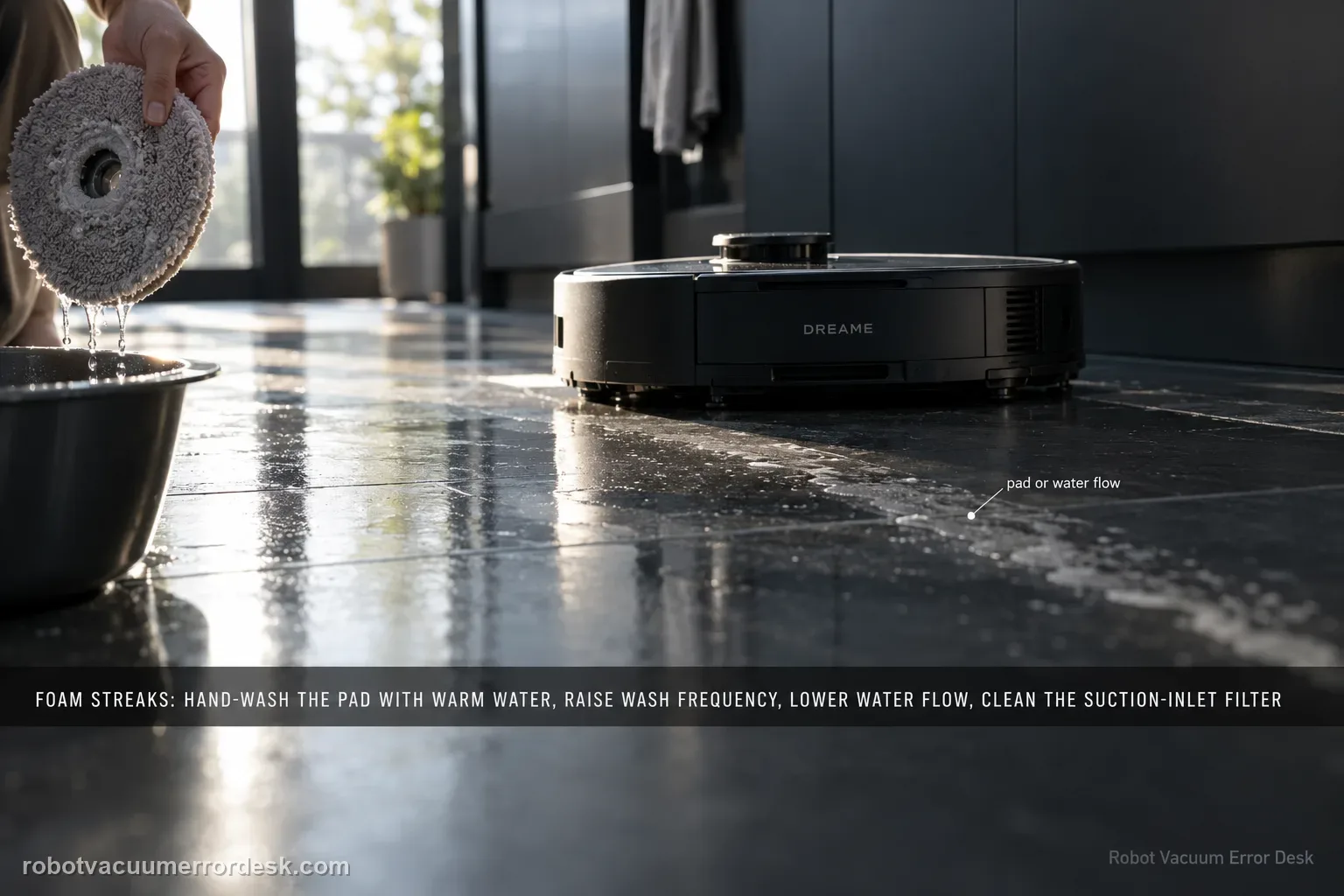
Dreame’s exact Aqua10 foam path checks four variables in order: mop-pad condition, wash frequency, app water-flow level and the suction-inlet filter. Hand-clean the removed mop pad with warm water and detergent as the support article instructs, rinse it thoroughly, and replace it if worn or permanently stained. Then increase wash frequency, reduce water flow and clean the suction-inlet filter. Do not pour household detergent into the robot’s clean-water tank; the Aqua10 manual says only clean water and officially approved cleaning solution belong there.
Confirm the exact model and exact code, light pattern or symptom.
Run the lowest-risk physical or software check first.
Use each pass condition to decide what the result actually narrows down.
Does this match your problem?
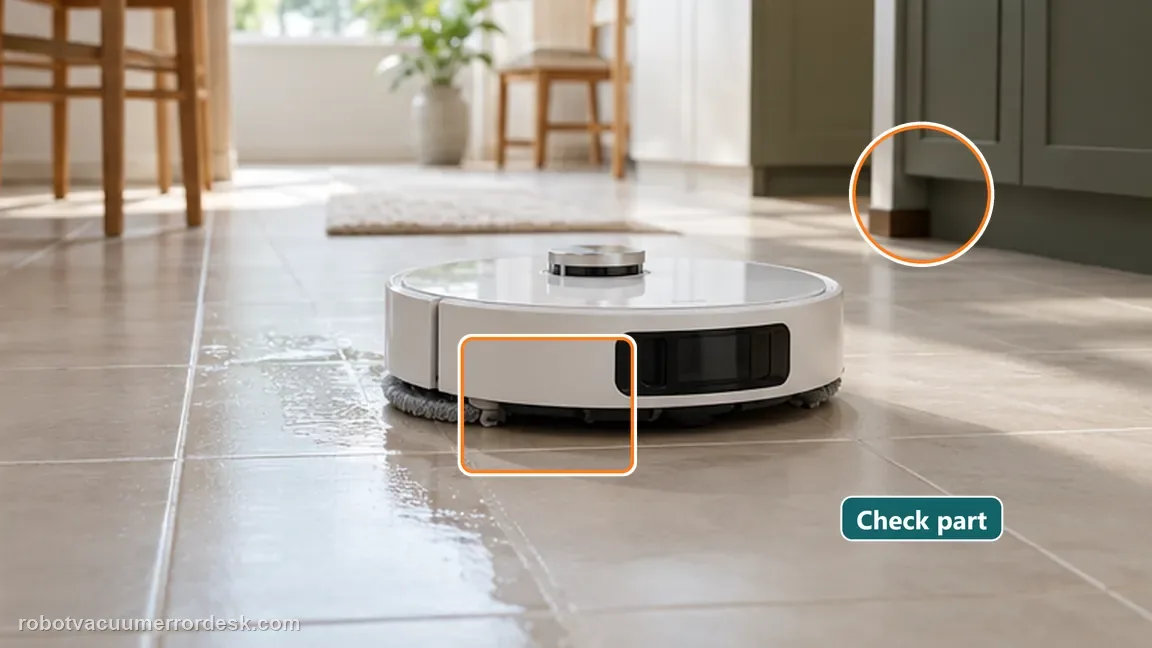
- The roller leaves visibly foamy, sudsy or bubbly water marks while mopping.
- The symptom is on the floor during wet cleaning rather than a standing-water alert in the washboard.
- The mop pad may be dirty, stained or worn, or the suction-inlet filter has not been cleaned recently.
- You can reproduce the marks on a small controlled area and compare changes after each setting/maintenance step.
Most likely causes
Mop pad carrying dirt or residue back onto the floor
Mop pad worn or permanently stained and no longer cleaning normally
Wash frequency too low for the current soil load
Water-flow level higher than needed for the surface/test condition
Suction-inlet filter clogged and contributing to leakage or foamy marks
What your test result means
| What you observe | What it narrows down | Next move |
|---|---|---|
| Pad stays dark or permanently stained after cleaning | Dreame treats worn/permanently stained pad condition as a replacement case. | Replace the pad before changing unrelated navigation or map settings. |
| Marks improve after a more frequent mop-wash setting | The pad was likely carrying soil/residue too long between washes. | Keep the cleaner wash interval and confirm on a second small area. |
| Foam drops after lowering water flow | Wet load was contributing to the visible mark pattern. | Use the lowest effective water level for that floor rather than raising water to rinse foam away. |
| Filter is clogged or marks persist after pad/settings checks | Restricted suction remains on Dreame’s exact troubleshooting path. | Clean the suction-inlet filter, then perform one final controlled pass before escalation. |
| Clean/serviceable pad, higher wash frequency, lower water flow and clean suction filter still foam | All four exact-model owner checks have been completed without clearing the pattern. | Photograph the repeated marks and send the settings/test sequence to Dreame; do not add more detergent. |
Do not factory-reset by default. Use the exact model’s reboot/network-reset procedure only when the manufacturer path calls for it.
Run these checks in order
Classify foam rather than ordinary damp mop trails
Look for bubbles, sudsy streaks or foamy residue rather than ordinary temporary moisture. Dreame’s article is specifically about foamy water marks, so do not merge this symptom with normal post-mop dampness or an inside-base leak. Photograph one representative patch before changing settings. A clear baseline makes the later pass/fail comparison useful and avoids making four changes at once.
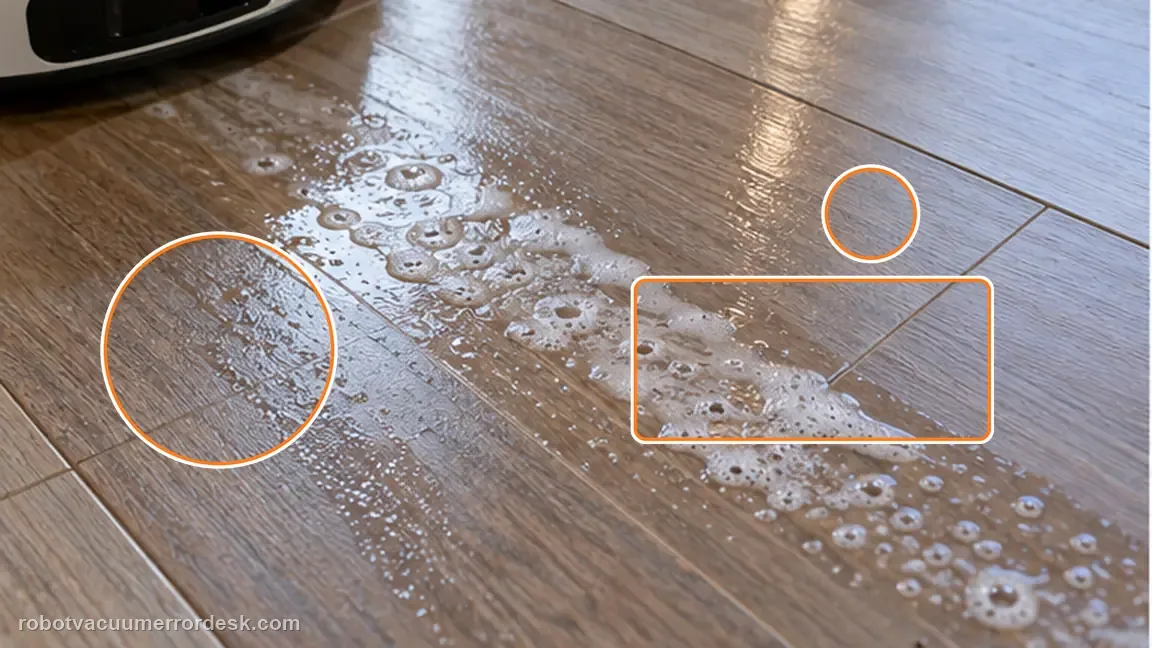
Clean the mop pad and decide whether it is still serviceable
Dreame instructs users to clean the removed mop pad thoroughly with warm water and detergent and to make sure dark stains do not remain. Rinse the pad well before reinstalling it so hand-washing residue does not become the next source of foam. If the pad is worn or permanently stained, the manufacturer recommends replacement. This detergent instruction applies to hand-cleaning the removed pad; do not pour household detergent into the robot’s clean-water tank, where the manual limits liquids to clean water and officially approved cleaning solution.
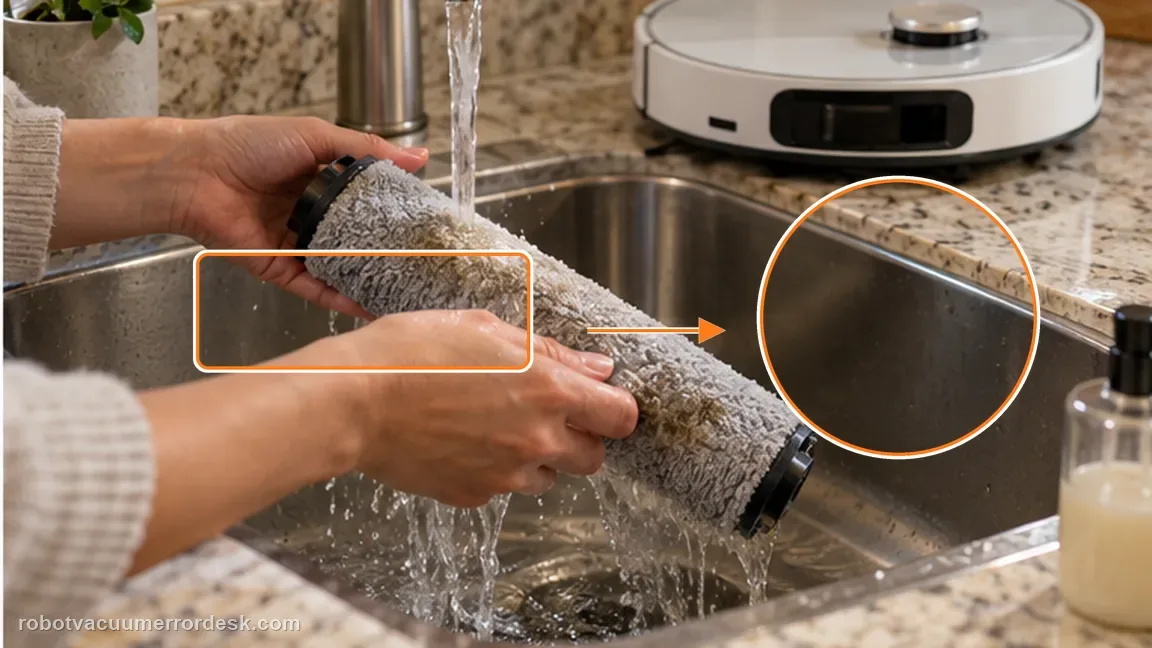
Increase mop-wash frequency before chasing hardware faults
Use the app to increase how often the mop is washed. This tests whether the pad is staying dirty for too long during a cleaning session. Keep other variables stable for this pass. If foam is clearly reduced, the wash interval is a stronger explanation than a map, wheel or obstacle-avoidance problem because those systems do not directly change pad cleanliness.

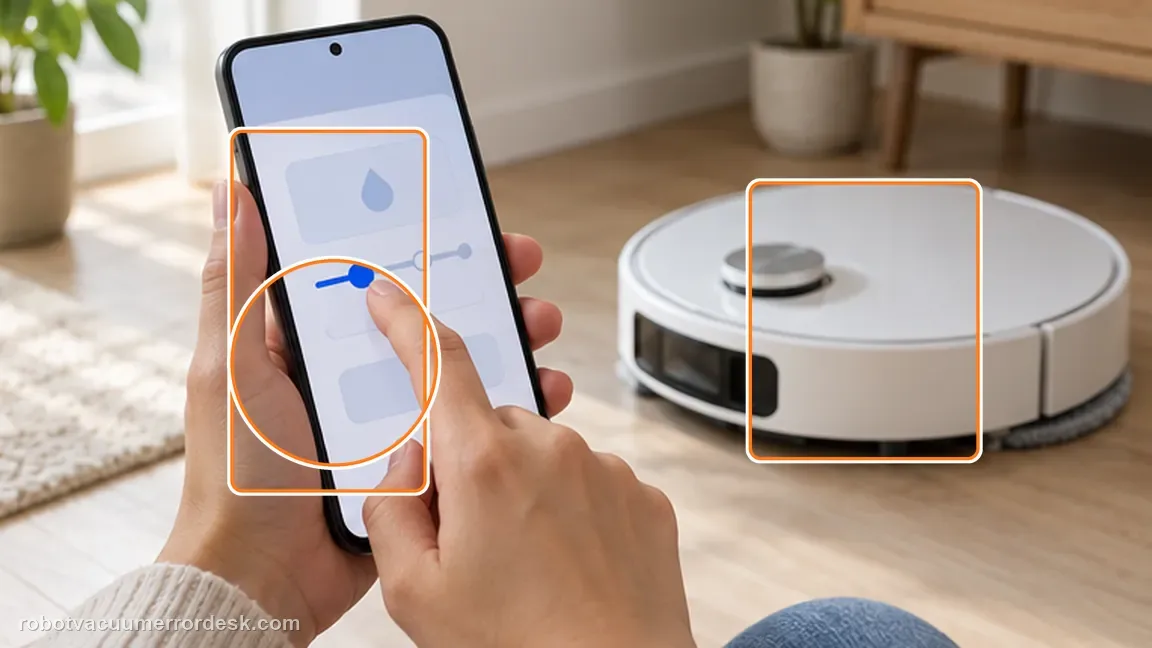
Lower the app water-flow level
Dreame explicitly includes reducing the water level in the foamy-mark path. Lower it one step or to a clearly lower setting suitable for the test, then repeat the same small area. Do not increase water in an attempt to flush foam away: that moves in the opposite direction from the manufacturer troubleshooting step and can obscure whether excess wet load is part of the problem.
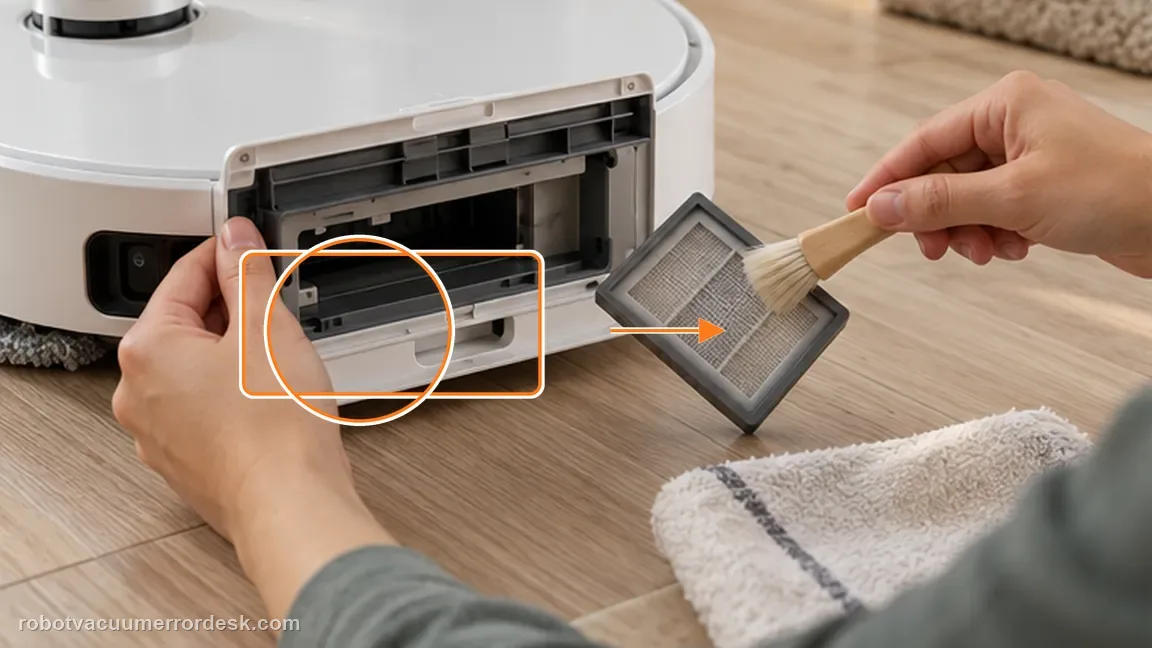
Clean the suction-inlet filter and make one final controlled pass
Inspect the suction-inlet filter and clean it if restricted. Dreame states that a clogged suction-inlet filter may cause leakage or foamy water marks during mopping. After cleaning, run one small repeat area using the already-clean pad and chosen water setting. If the same foam returns with all four documented variables addressed, capture the result and stop stacking speculative fixes.
If foamy marks persist after a clean/serviceable pad, increased wash frequency, reduced water flow and a clean suction-inlet filter, contact Dreame. Provide the model, a photo of the marks, the pad condition, the water-flow setting used for the final test, whether increasing wash frequency changed the symptom, and confirmation that the suction filter was cleaned. Avoid adding unverified chemicals or opening wet-system hardware; the exact support article ends with after-sales escalation after these owner checks.
What to collect before contacting support
Give support a reproducible case instead of “it doesn’t work.” That reduces repeated basic troubleshooting and preserves the clues from your tests.
- Exact model name and the error code / voice prompt exactly as shown
- A photo or screenshot of the app error and the time it occurred
- A short list of the checks already completed and what happened after each one
- Short video showing the failed docking, mapping or base-station behavior
- Firmware version shown in Dreamehome
Manufacturer evidence
Dreame Aqua10 — foamy water marks
Dreame’s exact Aqua 10 Ultra Roller Complete article gives four owner-facing checks for foamy water marks: clean/replace the mop pad, increase mop-wash frequency, reduce app water flow, and clean the suction-inlet filter because clogging may contribute to leakage or foamy marks.
Additional official source: Dreame Aqua 10 Ultra Roller Complete — Support Hub ↗Additional official source: Dreame Aqua 10 Ultra Roller Complete — User Manual ↗Last editorial review: September 5, 2026Regional note: manufacturer help centers, model suffixes, mains-power requirements and warranty procedures can differ by country. If the source redirects to a local support site, confirm that the model/hardware scope still matches before following a region-sensitive step.
This guide is rated Official model support. See what each evidence label means →
FAQ
Should I increase water flow to rinse foamy marks away?
No. Dreame’s exact troubleshooting path says to reduce the water level after the mop pad has been cleaned and wash frequency increased. Test a lower setting on the same small floor area so the comparison is meaningful. Increasing water can add more liquid without proving the cause and moves in the opposite direction from the manufacturer’s stated foam troubleshooting sequence.
When should the mop pad be replaced instead of washed?
Dreame recommends replacement when the pad is worn or permanently stained after cleaning. A visibly degraded pad is a poor baseline for judging water flow or filter effects because it can keep carrying residue back onto the floor. Hand-clean and rinse the removed pad first; if dark staining remains or the material is worn, install a serviceable pad before continuing the controlled tests.
Can I add household detergent to the Aqua10 clean-water tank to fight foam?
No. The foam article tells owners to use detergent while hand-cleaning the removed mop pad, but the Aqua10 manual separately says only clean water and officially approved cleaning solution should be added to the clean-water tank. Keep those instructions separate. Adding unapproved detergent to the tank can create more foaming and invalidates the diagnostic sequence you are trying to test.
Why can the suction-inlet filter affect marks left by the mop?
Dreame explicitly says a clogged suction-inlet filter may contribute to leakage or foamy water marks during mopping. That is why the filter belongs after the simpler pad, wash-frequency and water-flow checks. Clean the owner-serviceable filter, then repeat one small area with the same clean pad and app settings. A repeatable foam pattern after all four checks is the point for support.
Is this guide for ordinary damp streaks that disappear as the floor dries?
No. This page is for visibly foamy or sudsy marks. Ordinary post-mop moisture, water leaking inside the station and the small refill-port drip described in Dreame’s outside-base article are different symptoms. Photograph a representative foamy patch before changing settings. If the marks are only temporary clean-water trails with no bubbles or residue, do not force them into this foam troubleshooting branch.
Did this diagnostic narrow the fault?
Use this as an editorial signal, not a popularity counter. If a feedback address is configured you can email the note; otherwise you can copy it for your own support record.