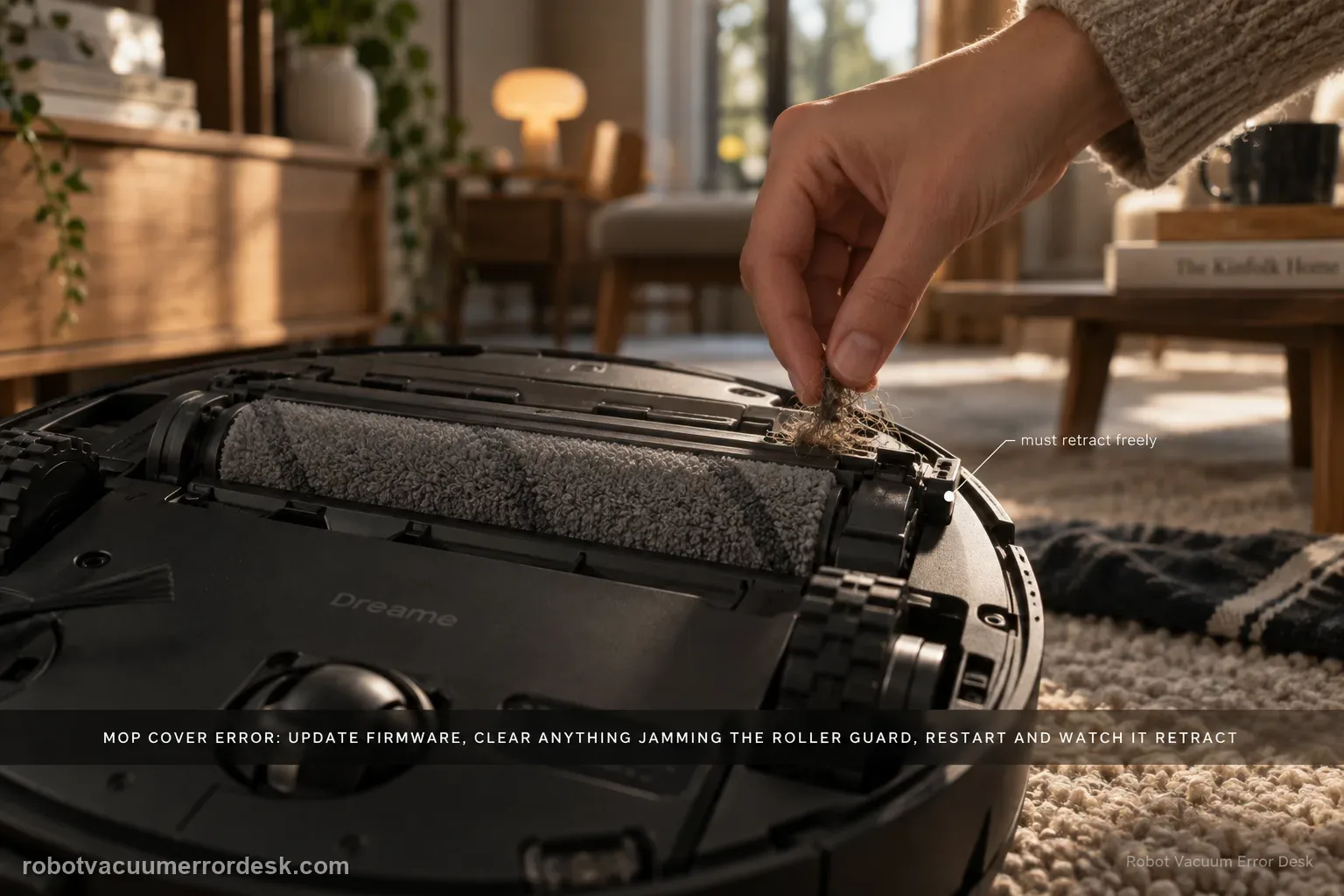
Dreame treats the Aqua 10 “mop cover error” as a firmware-and-obstruction check first. Confirm the robot is on current firmware, inspect the roller guard/cover area for foreign objects, clean it, then restart and see whether the guard retracts normally.
Confirm the exact model and exact code, light pattern or symptom.
Run the lowest-risk physical or software check first.
Use each pass condition to decide what the result actually narrows down.
Does this match your problem?
- The app shows a mop cover error.
- The roller guard is extended, stuck or will not retract.
- The error returns when the roller system should change position.
- The cover retracts partway and then stops even after loose hair or grit has been removed from the owner-accessible travel area.
- The roller itself can be cleaned, but the separate guard/cover position still triggers the same app message after a restart.
- You want to know whether to keep manipulating the cover or stop after the firmware, obstruction and restart checks that Dreame actually documents.
Most likely causes
Robot firmware is not current, which Dreame places first in the exact mop-cover-error path.
Hair, grit or another foreign object is lodged in the roller-guard or roller-cover travel area.
The guard is mechanically mis-seated or cannot retract even though the visible path is clear.
A persistent retraction mechanism fault remains after firmware, obstruction and restart checks.
A visible travel-area obstruction was removed but the guard still cannot complete its commanded movement, which makes further owner manipulation less useful than documenting the repeatable position for support.
The symptom is being confused with a removable-roller cleaning problem; a clean roller does not by itself prove that the guard/cover can retract through its own normal travel.
What your test result means
| What you observe | What it narrows down | Next move |
|---|---|---|
| Firmware update is available | Software baseline is not current | Update first and record the resulting version. |
| Debris is visible around guard/cover | Mechanical travel is obstructed | Power off and clean the accessible travel area. |
| Guard retracts after cleaning | Obstruction was the likely cause | Run one short task and monitor. |
| Area is clear but restart restores movement | Temporary state cleared | Keep firmware/version and symptom notes. |
| Guard still cannot retract | Documented checks are exhausted | Send firmware plus photo/video to Dreame support. |
Roller-guard check: use one clean retraction test
Dreame’s model-specific procedure ends with one restart and a retraction check. Keep the observation tied to the guard position so support can distinguish a temporary obstruction from a persistent mechanism fault.
- 1Firmware current?
If not, install the version offered for this robot before judging the mechanism.
- 2Visible debris?
Remove loose material from the accessible travel area; do not pry or force the cover.
- 3One restart + retraction
Watch whether the guard moves through its normal travel and seats.
- 4Still stuck
Stop cycling it. Photograph the position and record firmware, exact alert, and whether it is extended or retracted.
Do not factory-reset by default. Use the exact model’s reboot/network-reset procedure only when the manufacturer path calls for it.
Run these checks in order
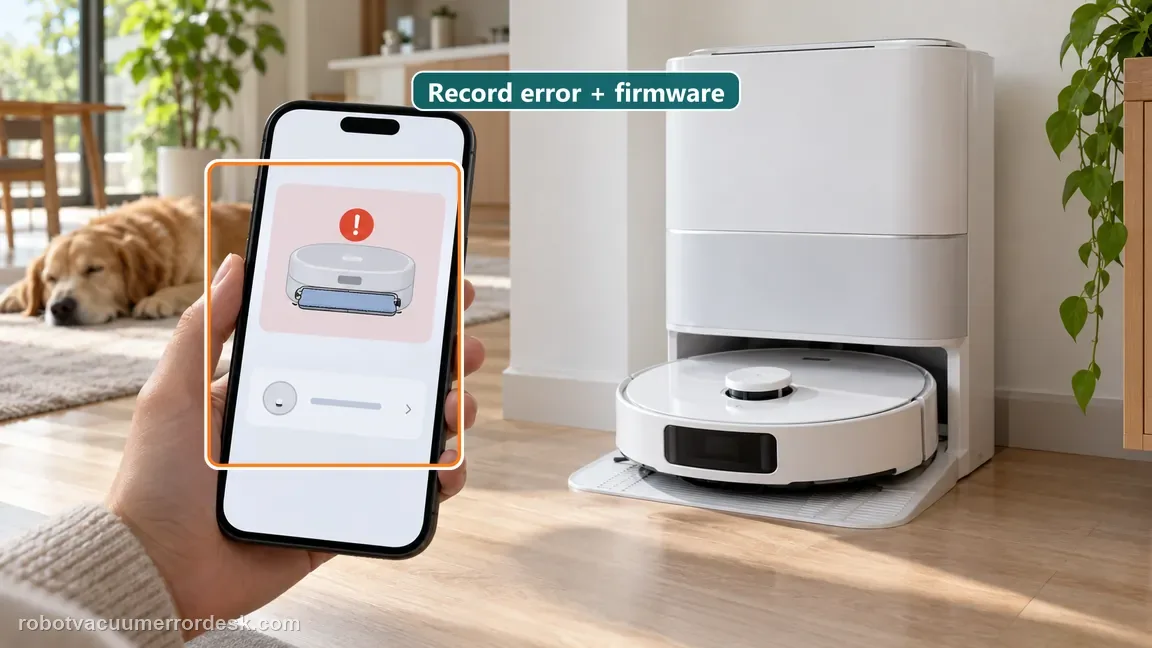
Record the error and current firmware version
Capture the exact “mop cover error” message and note the firmware version before changing anything. Dreame asks for firmware information if support is needed, and its first troubleshooting step is to make sure the robot is updated. A screenshot also preserves the original fault if the message disappears after restart.
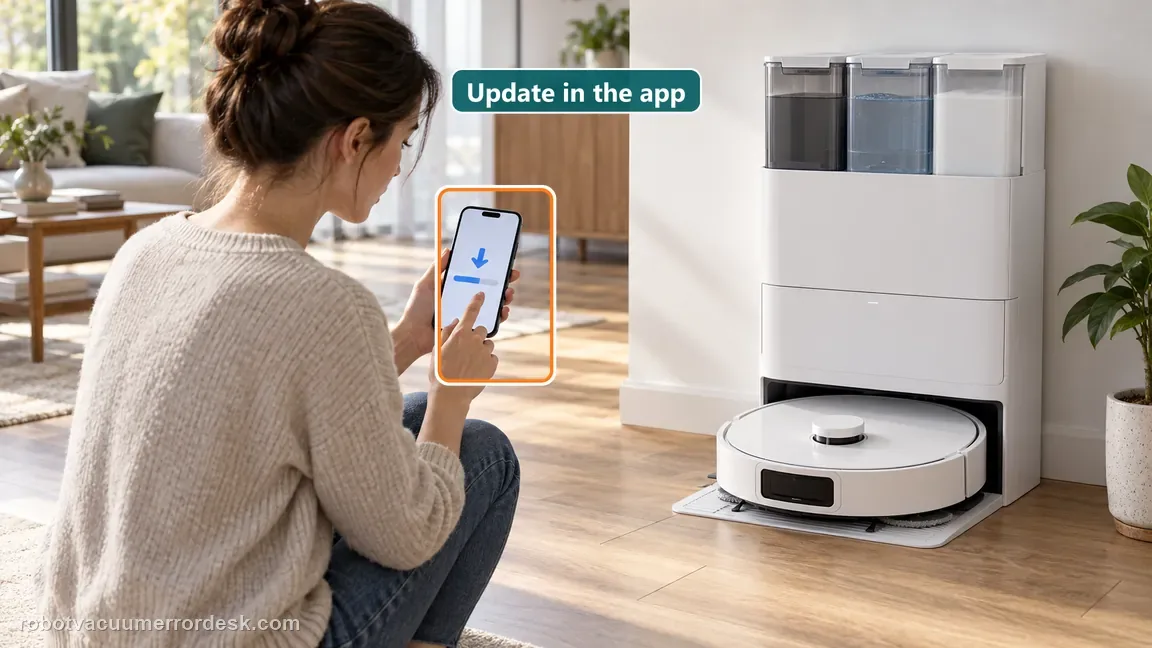
Update to the latest firmware offered in the app
Use the normal firmware-upgrade path and let the update finish before testing the mechanism. Do not interrupt power or treat a different model’s firmware number as a target; the useful baseline is the latest version offered to this Aqua10 unit.
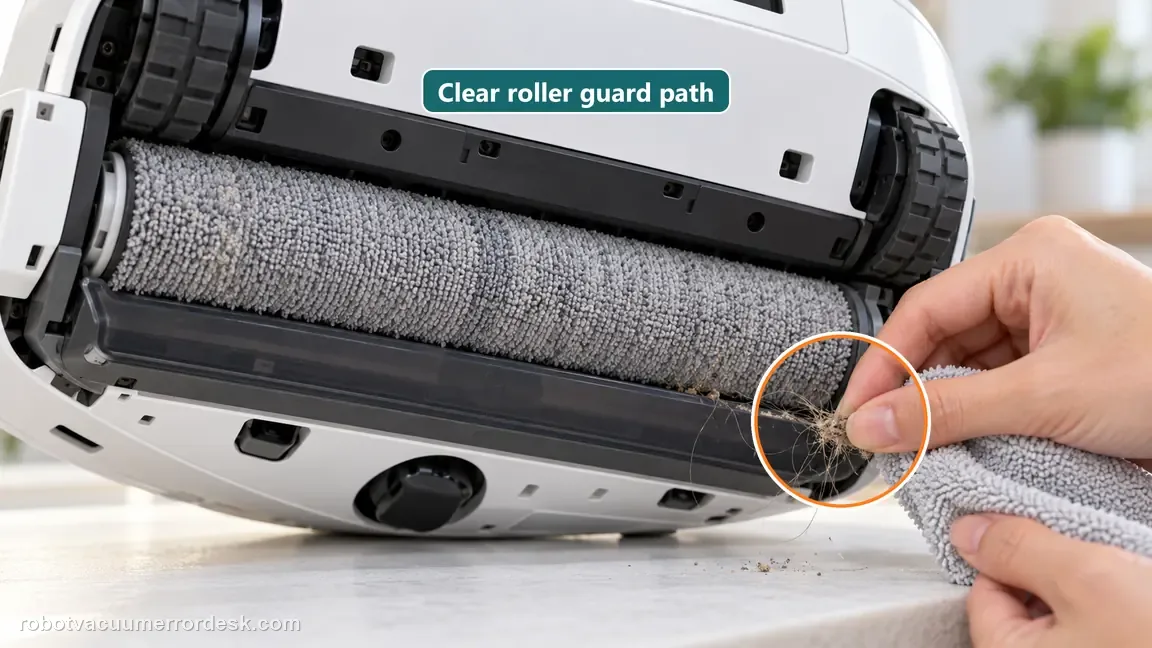
Inspect the roller guard and cover travel area
With the robot safely idle, inspect the user-accessible roller-guard/cover area for hair, grit or a foreign object. Dreame specifically tells owners to remove obstructions and clean this area. Check both ends of travel without forcing the guard or inserting tools into the mechanism.
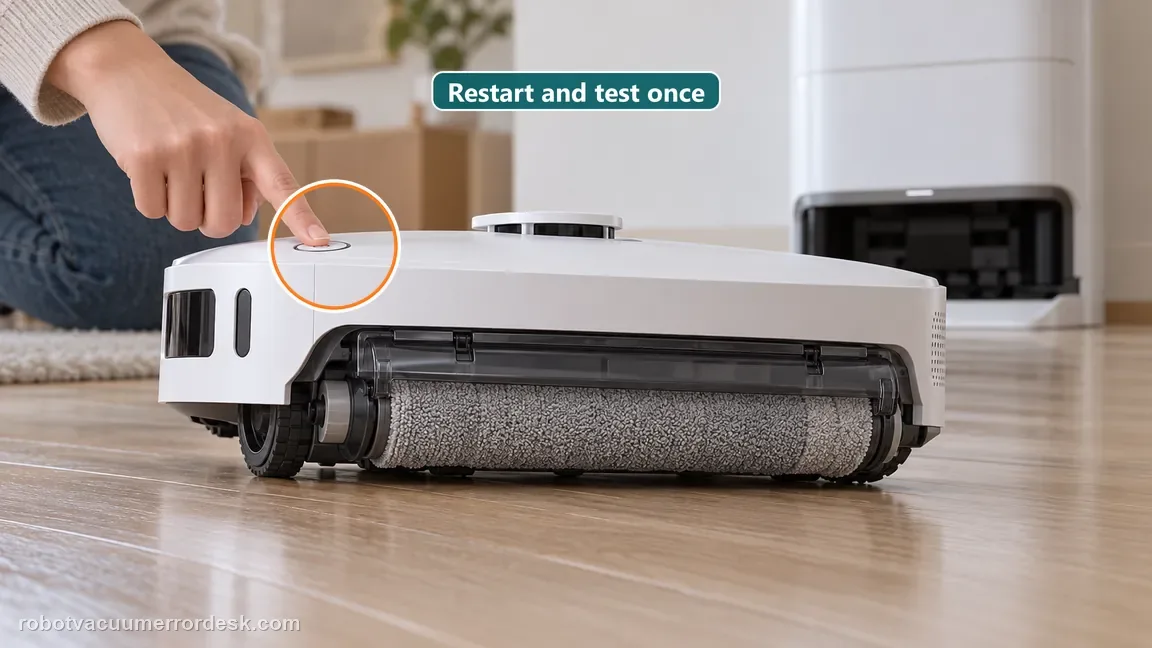
Restart the robot and make one retraction test
After firmware and cleaning are complete, restart the robot as Dreame instructs and observe one normal guard-retraction event. A single clean test is more informative than repeatedly cycling a stuck guard, which can add wear without changing the diagnosis. Watch the guard itself rather than only waiting for the message: note whether it starts to move, stops partway, or never begins retracting. That motion pattern gives support a much clearer mechanical symptom while keeping the test within the manufacturer’s restart instruction.
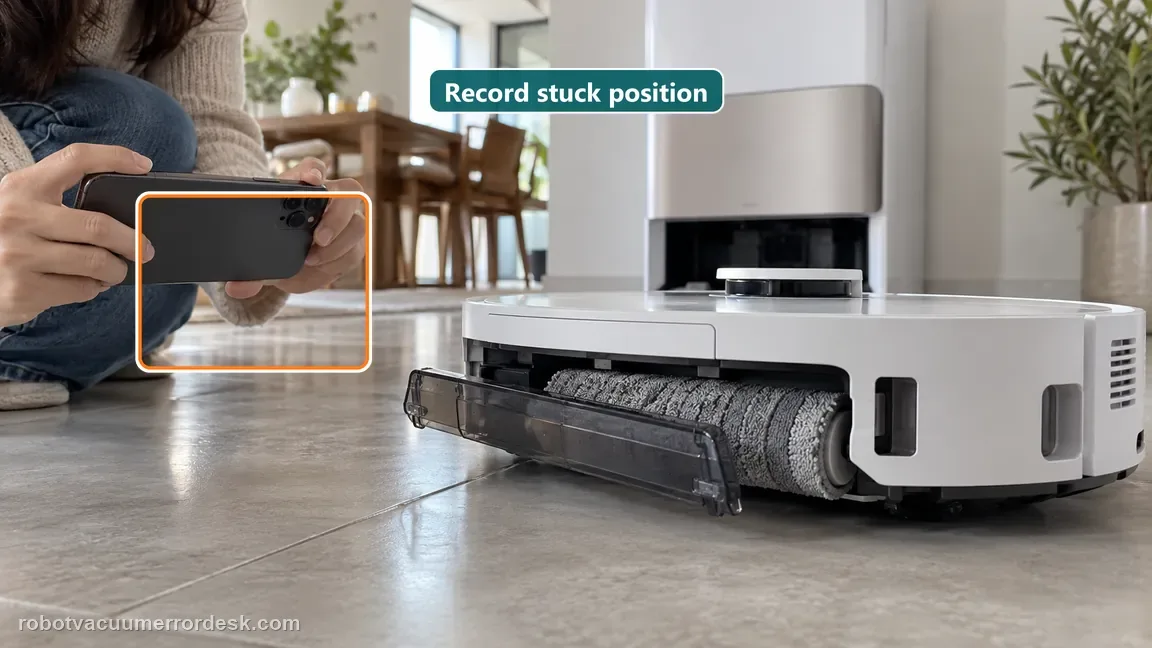
Document the stuck position if retraction still fails
If the error returns, take a photo or short video showing the guard position and include the firmware version and cleaning steps already completed. Stop at this point rather than prying the guard or opening the roller-cover mechanism; the exact manufacturer article moves to after-sales support after these owner checks.
Contact Dreame when the roller guard still cannot retract after the robot is updated, the visible guard/cover area is clear and a restart has been tested. Send the firmware version, screenshot or photo of the message, a short malfunction video and the troubleshooting already completed. Do not force the guard or open the retraction mechanism.
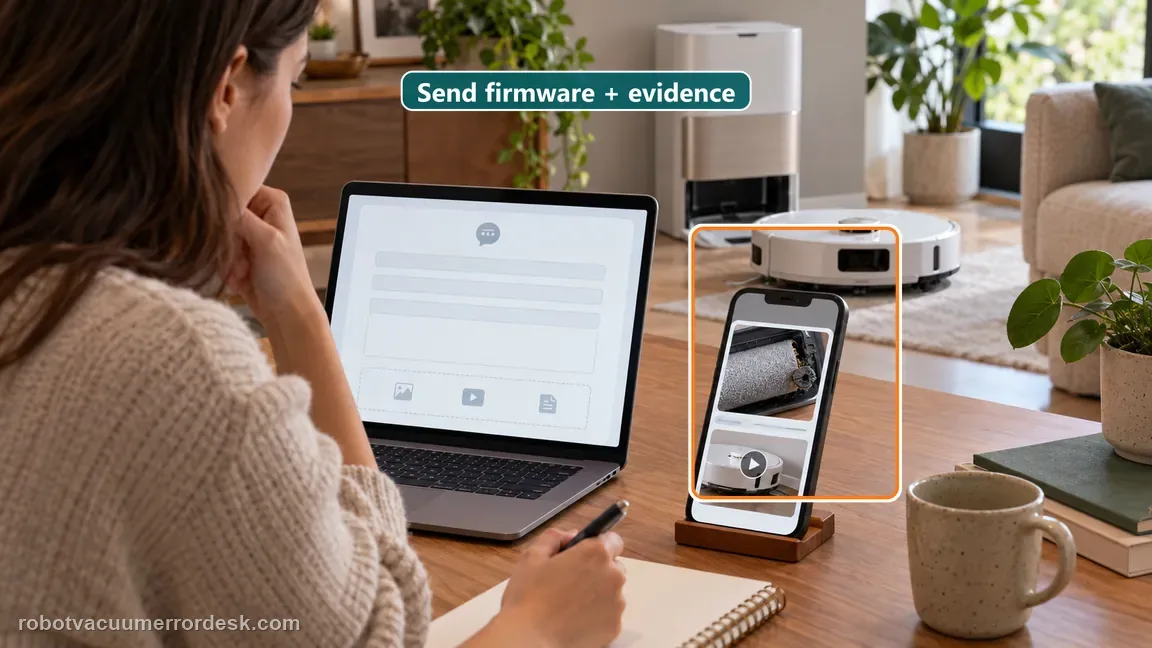
What to collect before contacting support
Give support a reproducible case instead of “it doesn’t work.” That reduces repeated basic troubleshooting and preserves the clues from your tests.
- Exact model name and the error code / voice prompt exactly as shown
- A photo or screenshot of the app error and the time it occurred
- A short list of the checks already completed and what happened after each one
- Short video showing the failed docking, mapping or base-station behavior
- Firmware version shown in Dreamehome
Manufacturer evidence
Dreame Aqua 10 Ultra Roller Complete — roller guard stuck
Dreame’s exact Aqua10 “mop cover error” path is firmware first, then inspection and cleaning of the roller-guard/cover travel area, followed by a restart. If the guard still cannot retract, the manufacturer asks for firmware, error-message and photo/video evidence rather than owner disassembly.
Additional official source: Dreame Aqua 10 Ultra Roller Complete — Support Hub ↗Additional official source: Dreame Aqua 10 Ultra Roller Complete — User Manual ↗Last editorial review: October 13, 2026Regional note: manufacturer help centers, model suffixes, mains-power requirements and warranty procedures can differ by country. If the source redirects to a local support site, confirm that the model/hardware scope still matches before following a region-sensitive step.
This guide is rated Official model support. See what each evidence label means →
FAQ
What does “mop cover error” mean on the Aqua10 Ultra Roller Complete?
Dreame uses that wording for the roller-guard/cover retraction problem addressed by its exact Aqua10 support article. The owner path is firmware first, then inspection of the guard/cover area for foreign objects, followed by a restart. If the guard still cannot retract with current firmware and a clear travel path, the manufacturer directs the case to after-sales support.
Should I update firmware before cleaning the roller guard?
Dreame lists the firmware check first, but both checks are low risk and part of the same owner path. Record the current version, install the latest firmware offered to the robot, then inspect and clean the guard area before the restart test. Do not copy a firmware number from another region or model; use the version offered in the Dreame app.
Can I push or pry the stuck guard back into place?
Do not force the mechanism. Dreame’s troubleshooting tells owners to remove foreign objects, clean the guard area and restart the robot; it does not instruct prying or manual internal adjustment. If a clear guard still will not retract, capture the stuck position and move to support. Forcing it can damage the mechanism and make the original failure harder to diagnose.
How many times should I cycle the guard after cleaning it?
One controlled post-restart test is enough to learn whether the documented checks restored normal travel. Repeatedly cycling a guard that still binds adds little diagnostic value. If the same error returns with current firmware and a visibly clear travel path, record the first repeatable failure and stop. That evidence is more useful to Dreame than a long series of forced retries.
What should I send support for a repeated roller-guard error?
Send the exact error screenshot, firmware version, a close photo showing the cleaned guard/cover area, and a short video of the failed retraction after restart. State that visible foreign objects were removed and whether the guard moves partly or not at all. Dreame specifically asks for firmware and visual evidence when the official owner steps do not resolve the problem.
Did this diagnostic narrow the fault?
Use this as an editorial signal, not a popularity counter. If a feedback address is configured you can email the note; otherwise you can copy it for your own support record.