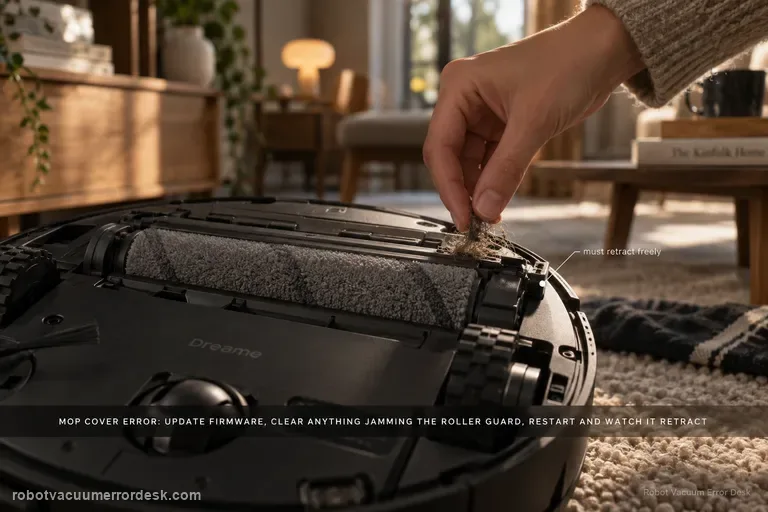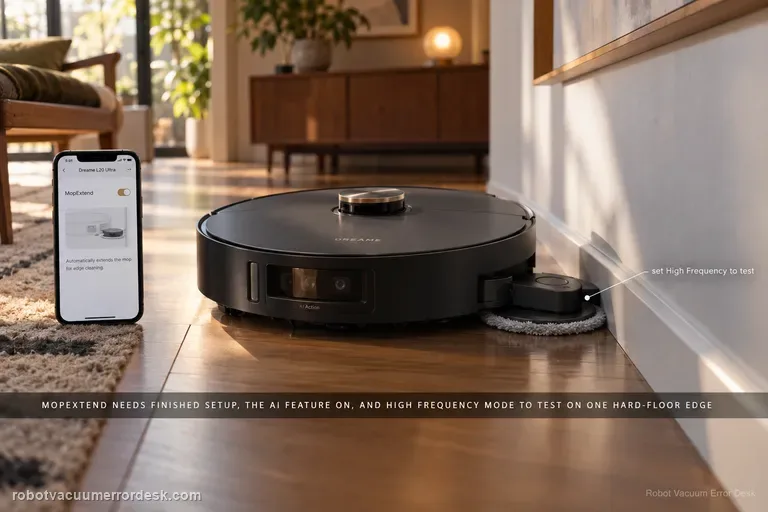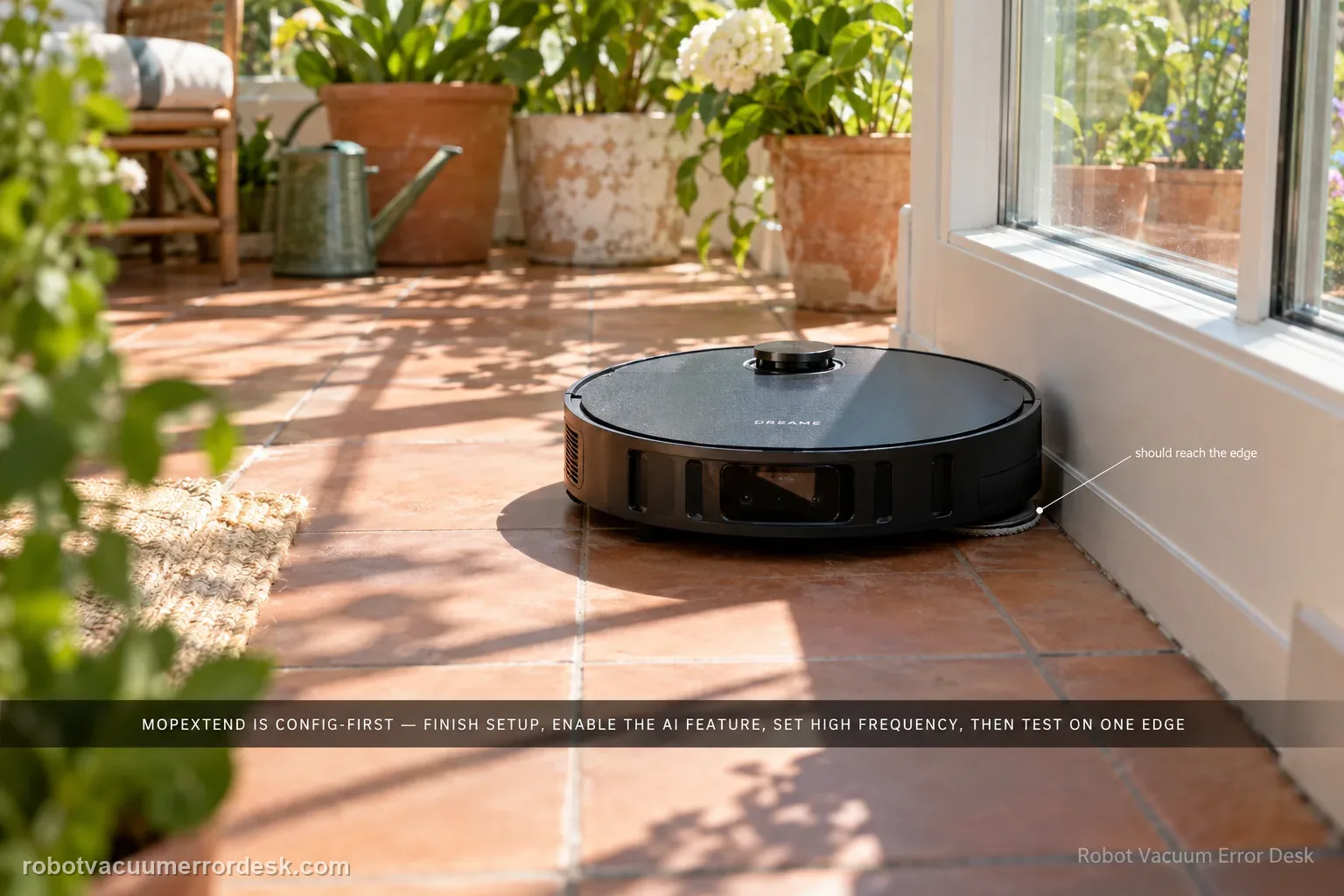
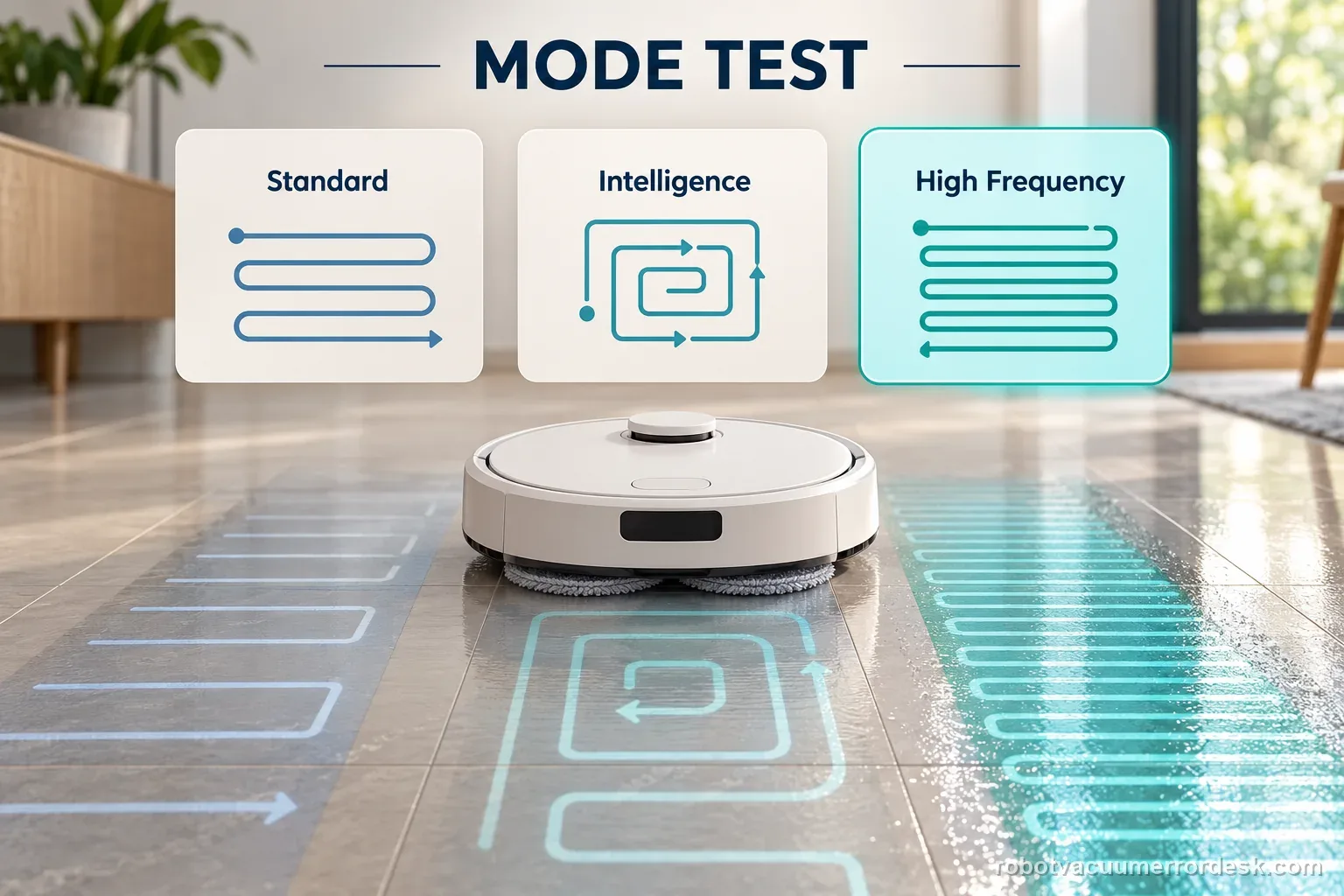
Dreame’s MopExtend troubleshooting is configuration-first, not a motor-disassembly path. Complete network setup, enable AI-driven MopExtend and read the selected mode correctly: Standard performs extension only once a week in Global Cleaning, Intelligence adapts automatically, and High Frequency is the proof mode because it extends during every cleaning. If the Aqua10 is online, MopExtend is enabled and High Frequency is selected but the mop still never extends during a normal edge-cleaning opportunity, record video and move to after-sales support.
This guide covers the Aqua10 Ultra Roller Complete mop extension function. Dreame says network setup must finish before AI-driven MopExtend is enabled; the setting test is model-specific and does not establish a mechanical fault by itself.
Separate setup, app setting, and an actual extension opportunity
| Observation | What it separates | Next action |
|---|---|---|
| Network setup incomplete | Feature prerequisites are not met | Finish app network setup first |
| MopExtend disabled | The app setting remains the variable | Enable the named feature in robot settings |
| Enabled but no extension observed | Mode and cleaning opportunity matter | Try one suitable edge in High Frequency |
| Still does not extend in the proof test | Repeatable behavior is established | Capture setting and passing edge for support |
Confirm the exact model and exact code, light pattern or symptom.
Run the lowest-risk physical or software check first.
Use each pass condition to decide what the result actually narrows down.
Confirm this is the right issue
- The mop does not swing/extend toward edges.
- The robot has not completed network setup or was recently re-added.
- Extension happens sometimes but not on every task.
- MopExtend is enabled but you rarely see extension in Standard mode and need to distinguish normal weekly behavior from a real failure.
- The mop still does not extend after switching the feature to High Frequency for a controlled cleaning test.
What’s most likely causing this
Network setup is incomplete, so the app-controlled MopExtend feature is not ready for evaluation.
AI-driven MopExtend is disabled in Settings.
Standard mode is being mistaken for a every-run setting even though Dreame says it extends once a week in Global Cleaning.
Intelligence mode is adapting frequency and therefore does not extend on every observed pass.
Persistent MopExtend hardware/control fault when High Frequency is enabled and extension still never occurs.
The selected MopExtend strategy is behaving as designed: Standard is not an every-cleaning proof mode, while High Frequency gives a clearer controlled test.
Reading your test result
| What you observe | What it narrows down | Next move |
|---|---|---|
| Network setup is incomplete | MopExtend control baseline is missing | Finish setup in the Dreame app first. |
| AI-driven MopExtend is off | Feature is disabled | Enable it in Settings. |
| Standard mode selected | Extension may occur only weekly in global cleaning | Use High Frequency for a proof test. |
| High Frequency extends normally | Mechanism works; prior cadence was expected | Choose preferred daily mode. |
| High Frequency still never extends | Settings/cadence are ruled out | Record video and contact Dreame support. |
Two Aqua10 extension checks with different meanings
The feature was not enabled after setup
The robot finishes network setup, but AI-driven MopExtend is off in Settings. Turn on the named feature and confirm the selected mode before judging the moving pad. A disabled setting does not show that the mop mechanism has failed. Keep a screenshot of the setting and test one suitable edge during a normal cleaning task.
High Frequency is enabled and the pad still stays in
Network setup is complete, the feature is on, and High Frequency is selected for one suitable edge test. The pad still does not extend as the robot passes the edge. Record the app setting and a short clip of the pass. Stop there and ask Dreame support for the next model-specific step rather than opening the unit.
Illustrative decision sequence. These are observations, not measured repair success rates.
- Complete network setup
- Enable the named AI-driven feature
- Test one suitable edge in High Frequency
Reset can erase maps/settings on this path. Use lower-risk checks first and document the current state before resetting.
Work through these checks in order
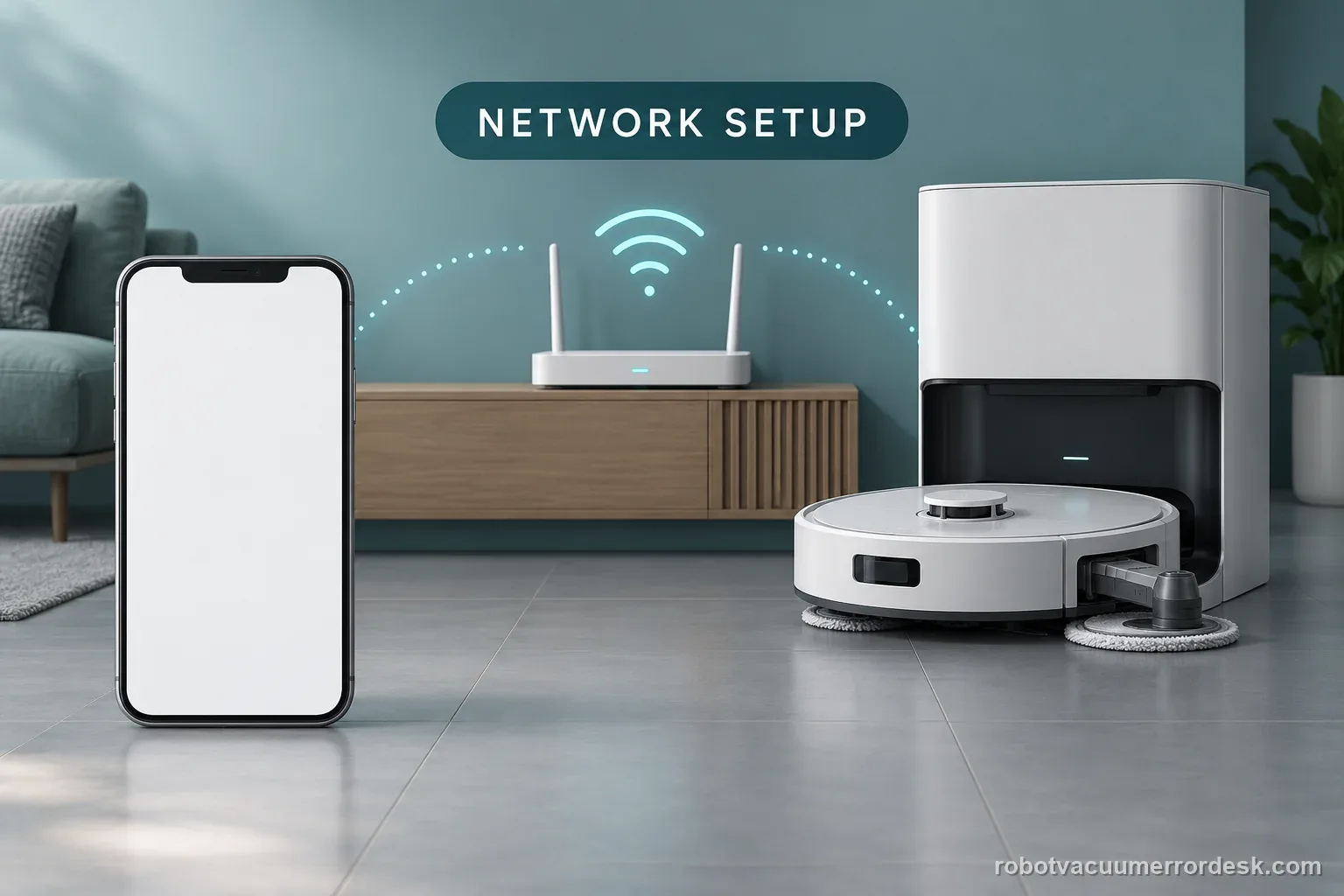
Confirm the Aqua10 has completed network setup
Dreame says network setup must be complete before evaluating the mop-extension feature. Confirm the robot is online and controllable in the Dreame app. If it has never been successfully paired, finish that process first; non-extension cannot be interpreted as a hardware failure while the feature gate is unavailable.
Enable AI-driven MopExtend in Settings
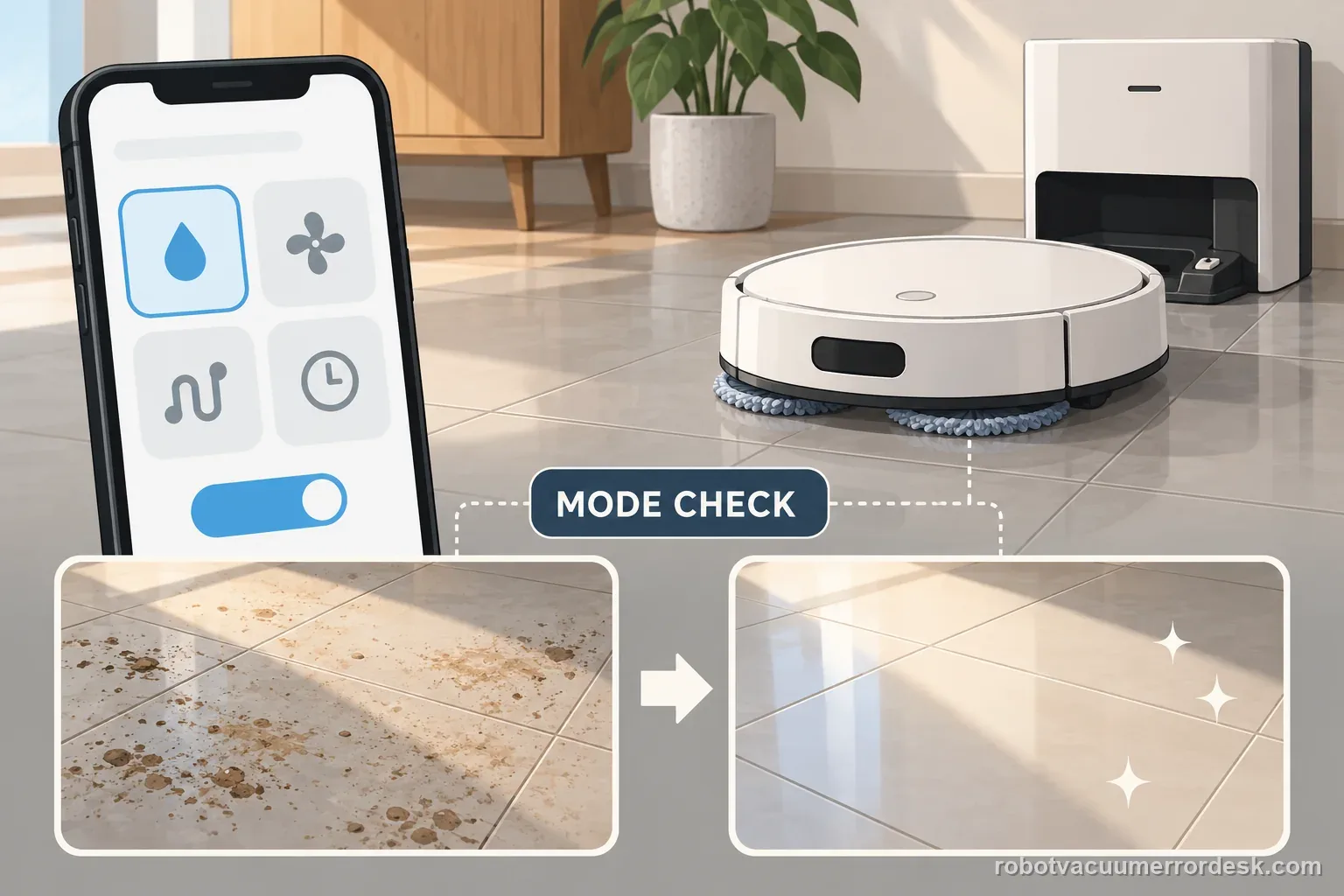
Open the robot settings and verify AI-driven MopExtend is enabled. Dreame notes that the default behavior after setup is Smart/Intelligence-style control rather than guaranteed extension on every pass. Do not use map deletion or a factory reset to compensate for a feature that is simply turned off.
Interpret Standard, Intelligence and High Frequency correctly
Read the selected mode before judging the mechanism. Dreame says Standard performs extension once a week in Global Cleaning, Intelligence adjusts behavior automatically, and High Frequency performs extension during every cleaning. A lack of extension during one Standard or Intelligence run therefore does not by itself prove a fault.
Switch to High Frequency for one proof test
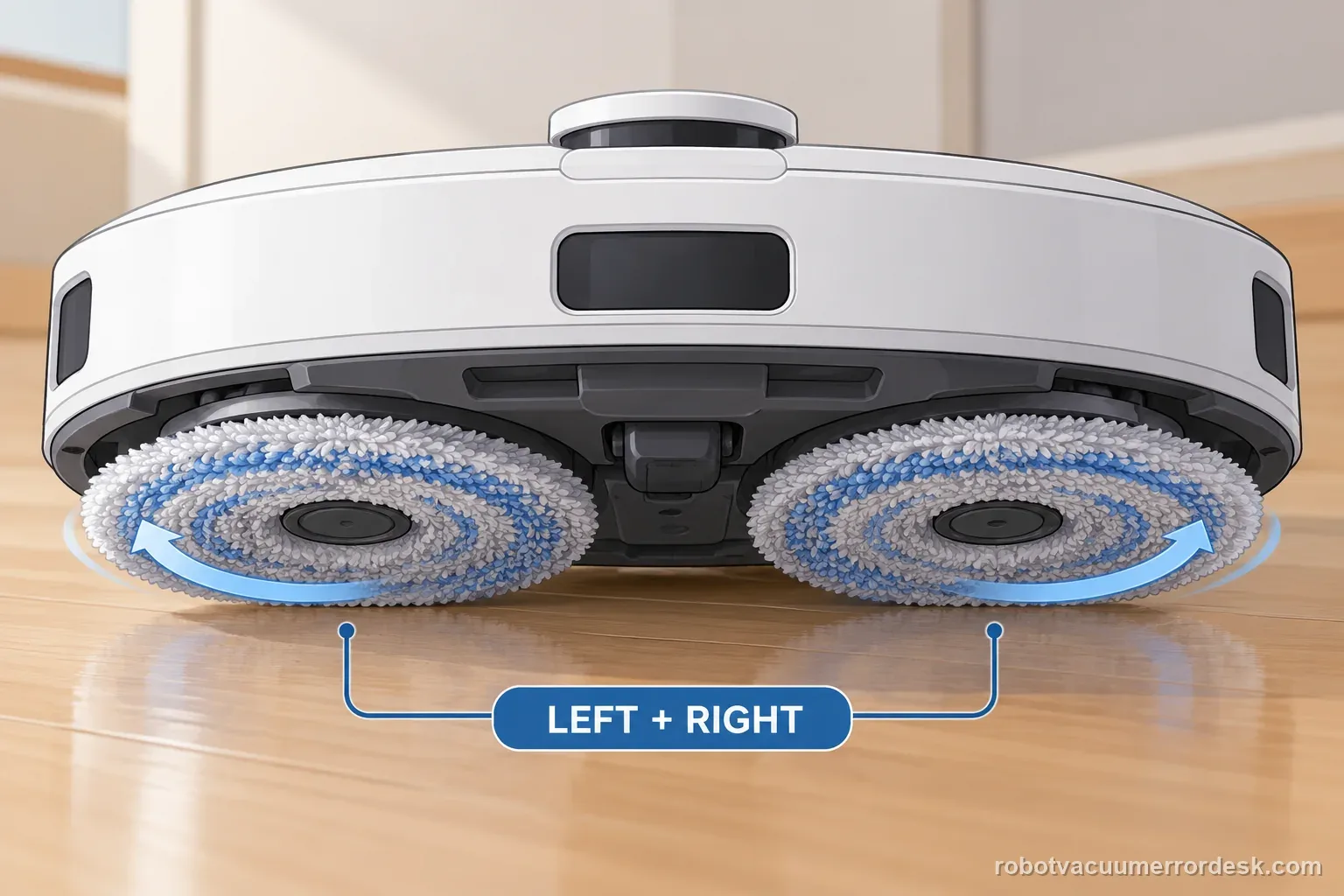
If you need to prove the mechanism, select High Frequency and start a normal cleaning task with an accessible edge where MopExtend can operate. Keep the robot online and avoid changing several unrelated cleaning settings at the same time. High Frequency is the cleanest diagnostic state because Dreame says extension should occur during every cleaning.
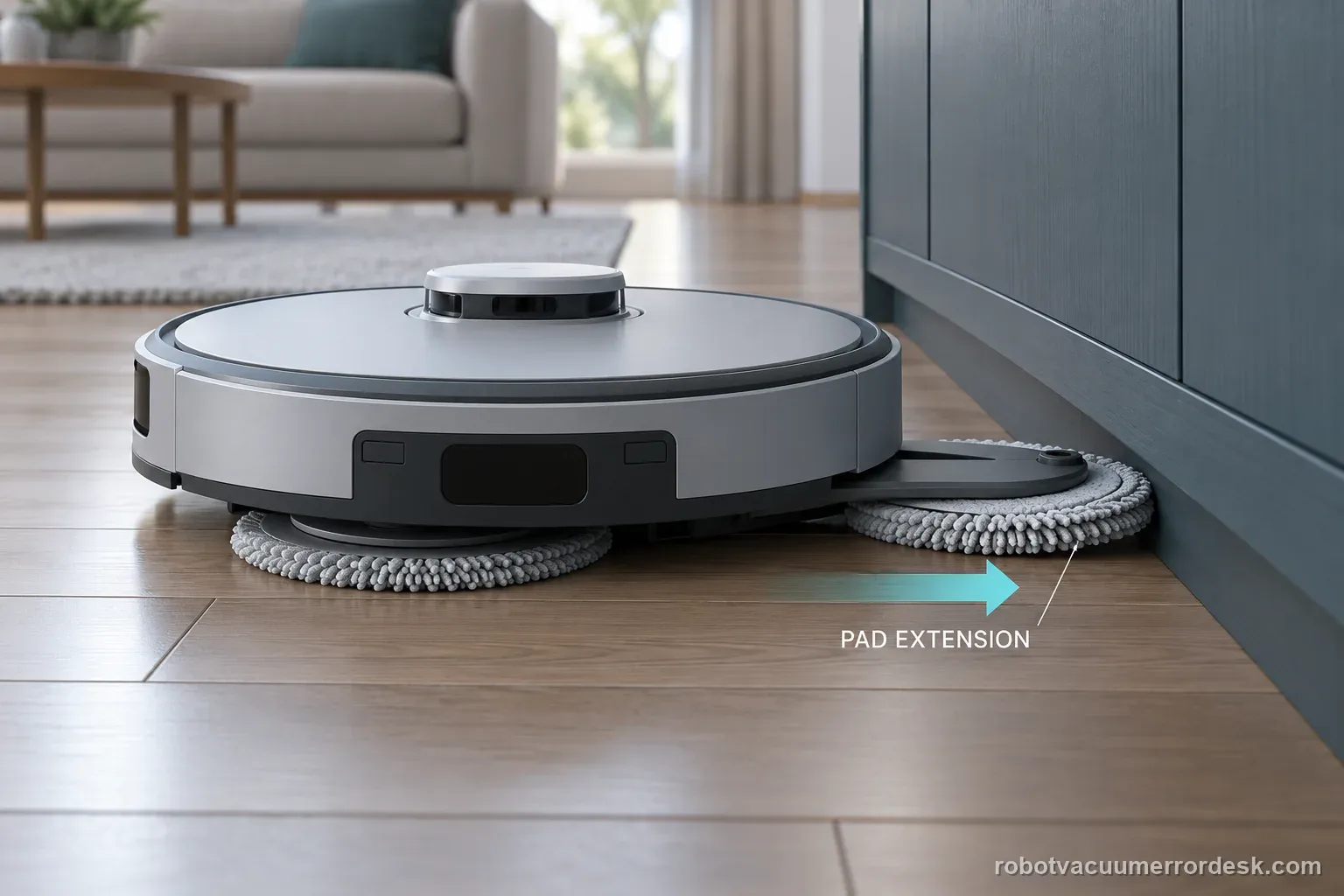
Record non-extension if the High-Frequency test fails
If the mop still does not extend with network setup complete, AI-driven MopExtend enabled and High Frequency selected, record a short video showing the app setting and the robot passing a suitable edge without extension. Dreame’s manufacturer support moves to after-sales assistance at this point; do not pry the MopExtend assembly or open its motor housing.
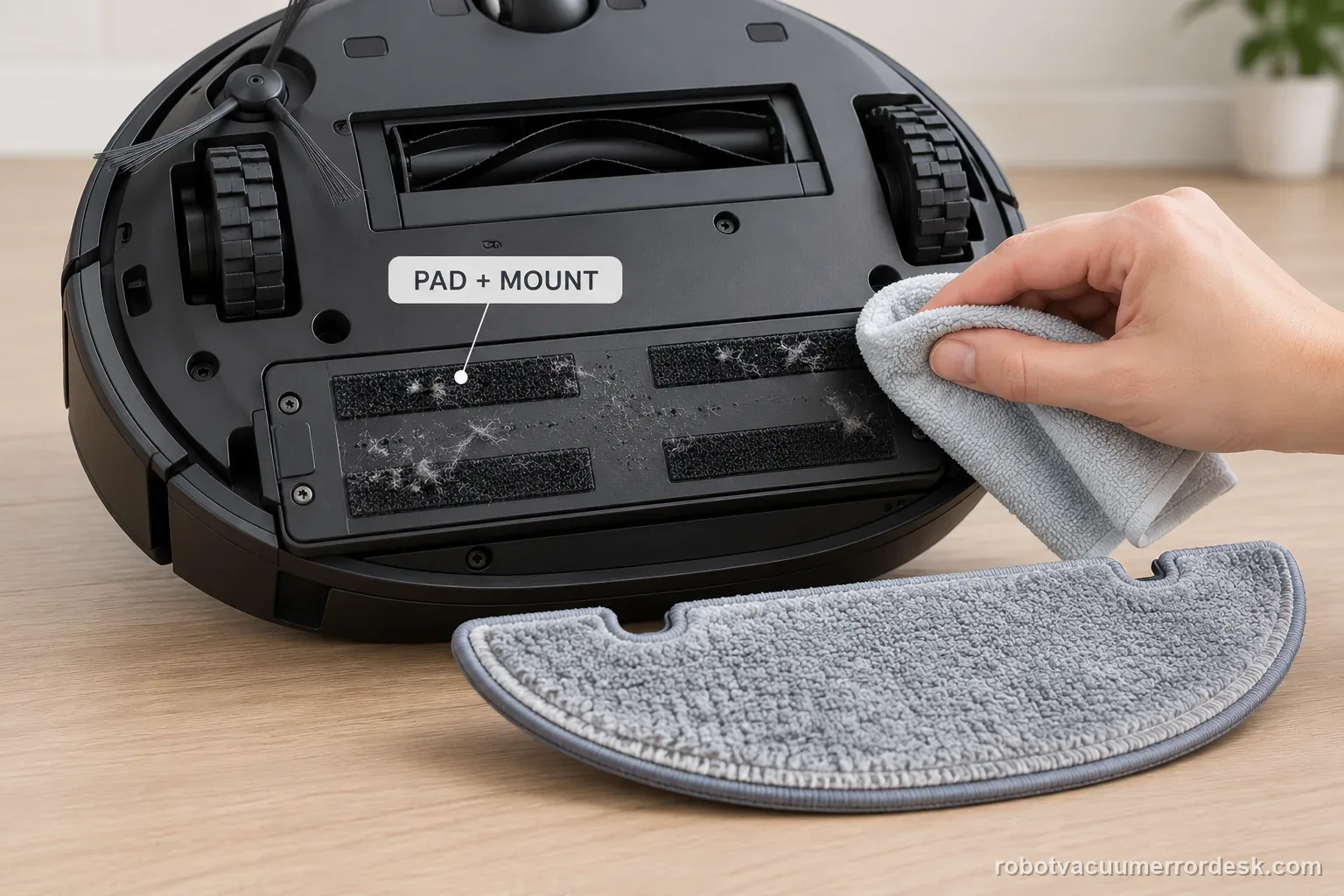
Contact Dreame when network setup is complete, AI-driven MopExtend is enabled, High Frequency is selected and the mop still does not extend during a normal cleaning opportunity. Send a short video plus a screenshot of the feature and frequency settings. Do not disassemble or manually force the MopExtend mechanism; the manufacturer’s owner troubleshooting ends with support after this configuration proof.
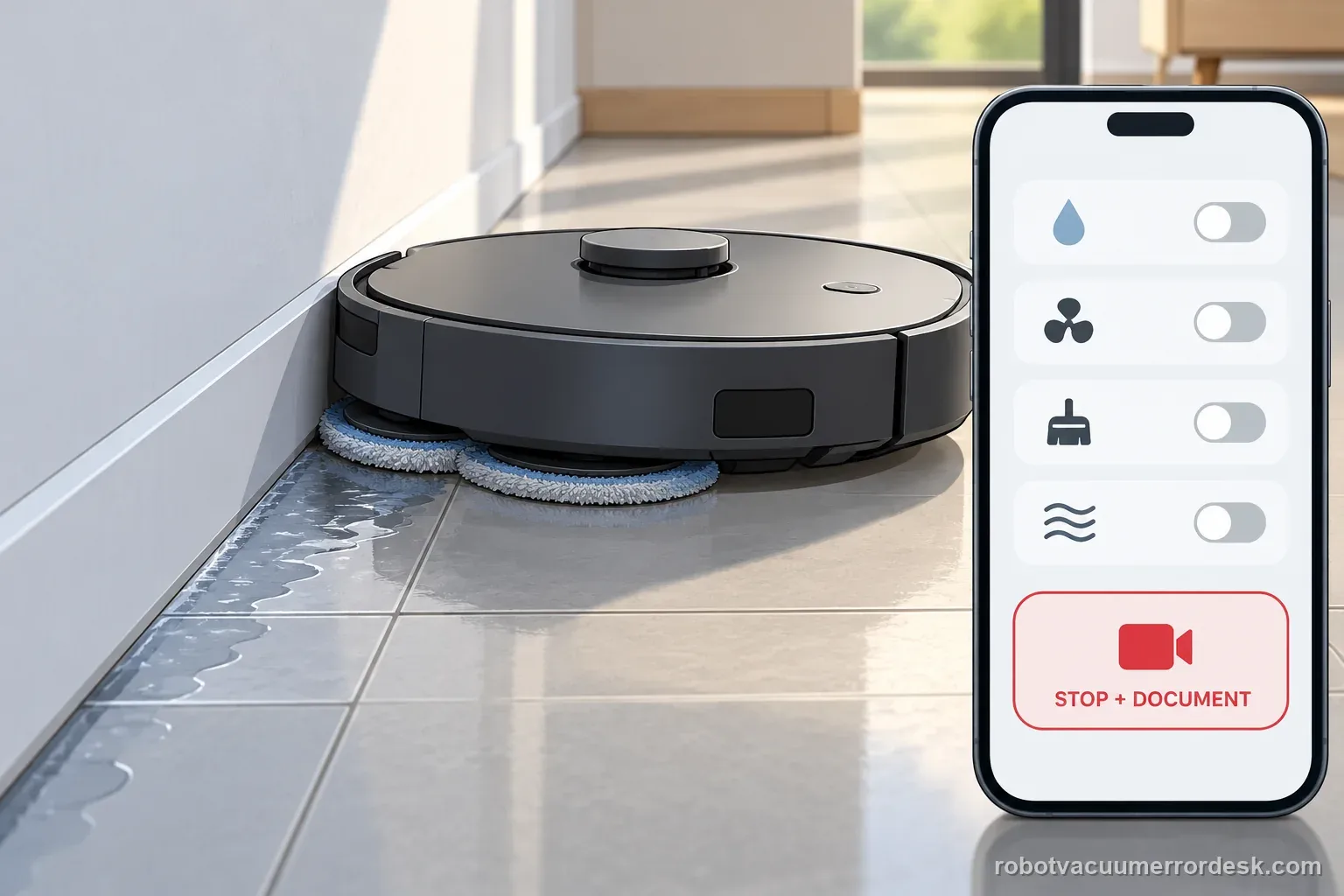
Before you contact support, gather this
A reproducible case moves a support call past the basic troubleshooting script faster than “it doesn’t work” does, and it keeps the clues from your own tests on record.
- Exact model name and the error code / voice prompt exactly as shown
- A photo or screenshot of the app error and the time it occurred
- A short list of the checks already completed and what happened after each one
- Short video showing the failed docking, mapping or base-station behavior
- Firmware version shown in Dreamehome
Where this comes from
Dreame — Robot Vacuum and Mop: Mop does not extend
Current Dreame manufacturer support for models with mop extension requires completed network setup, AI-driven MopExtend enabled, and correct interpretation of Standard/Intelligence/High Frequency. High Frequency is the strongest proof state because Dreame says extension occurs during every cleaning; unresolved non-extension then goes to after-sales support.
Additional official source: Dreame Aqua 10 Ultra Roller Complete — Support Hub ↗Additional official source: Dreame Aqua 10 Ultra Roller Complete — User Manual ↗Last editorial review: September 5, 2026Regional note: manufacturer help centers, model suffixes, mains-power requirements and warranty procedures can differ by country. If the source redirects to a local support site, confirm that the model/hardware scope still matches before following a region-sensitive step.
This guide is rated Manufacturer-general. See what each evidence label means →
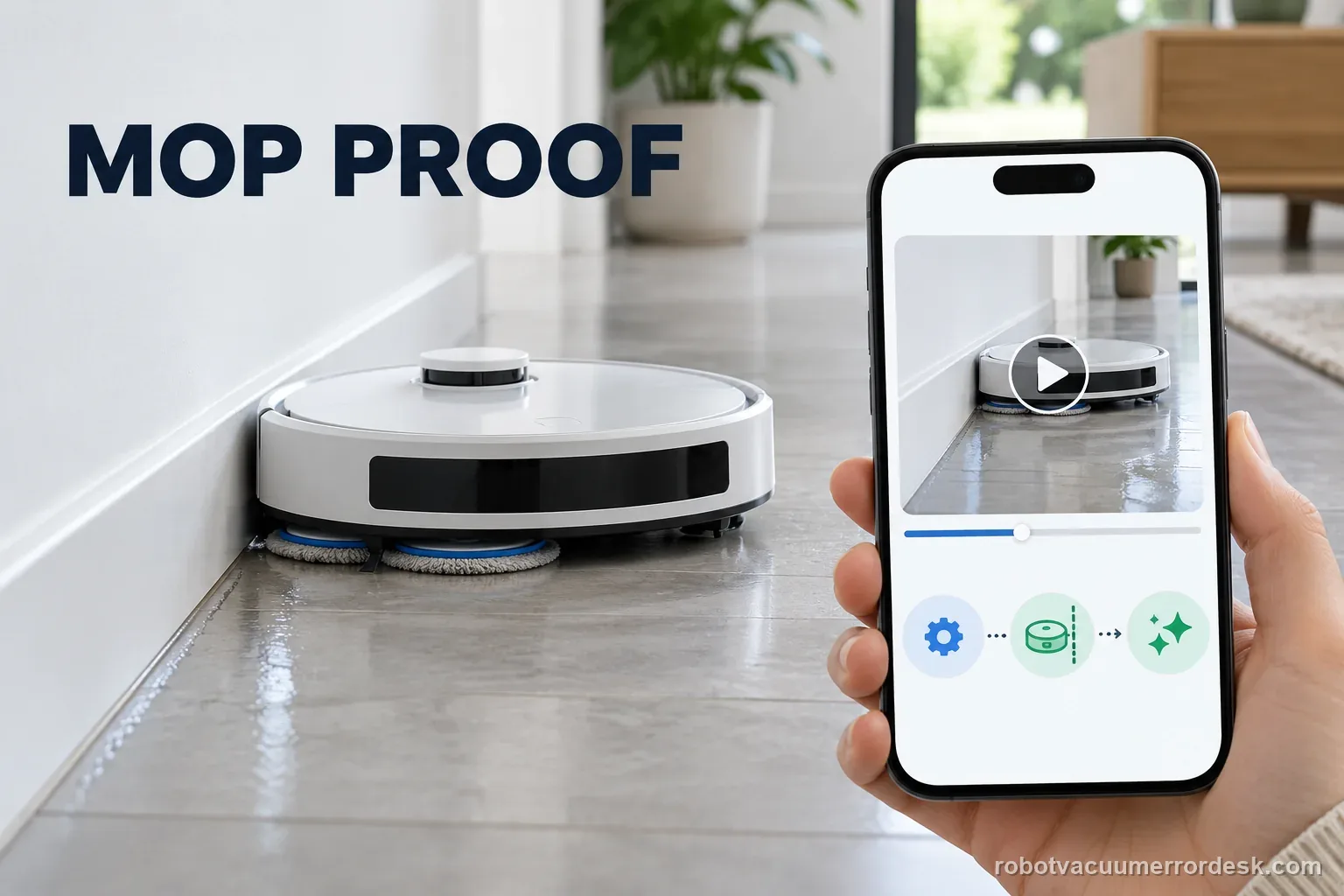
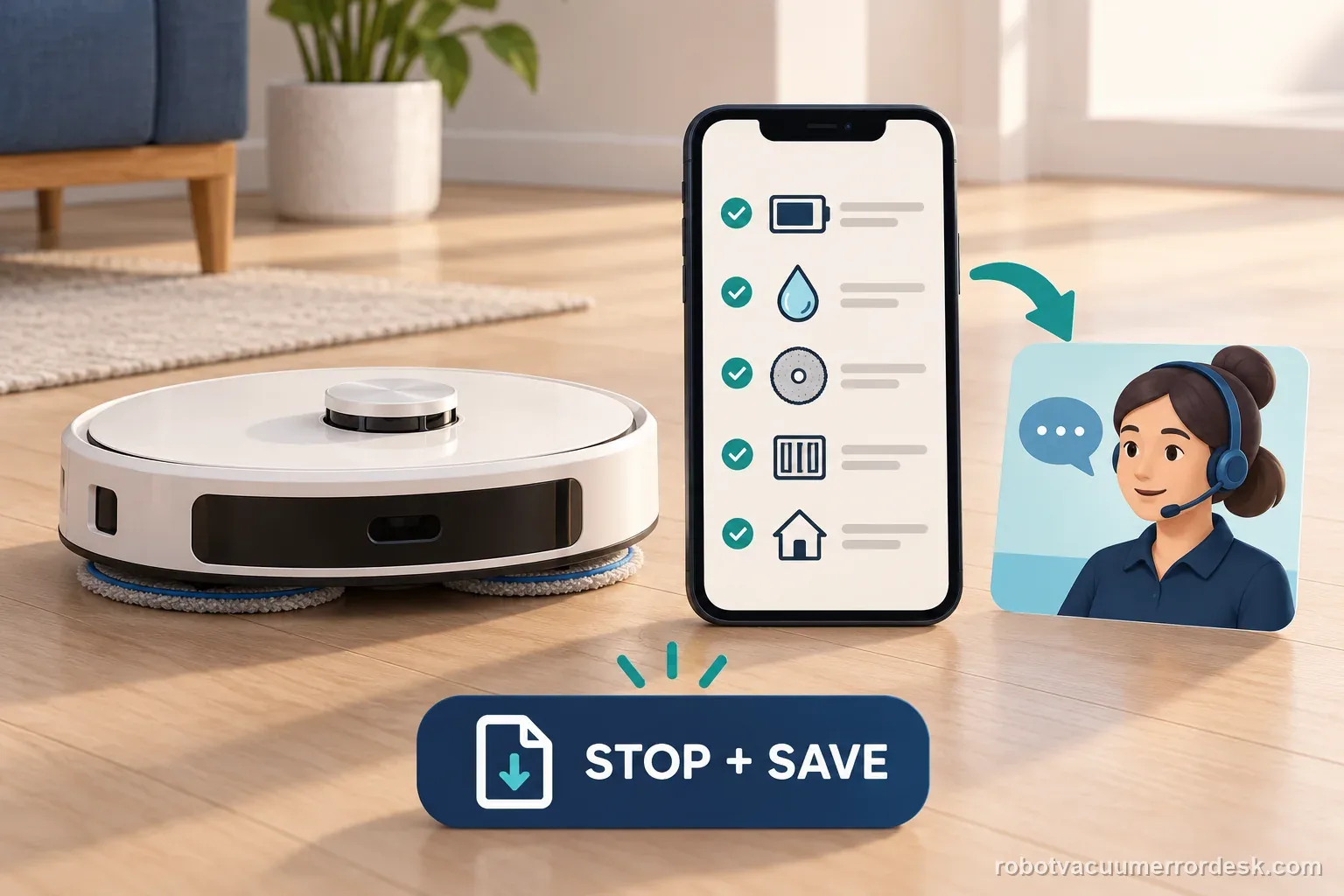
Record an Aqua10 MopExtend proof test
| Stage | Question to answer | Evidence to keep |
|---|---|---|
| Setup | Network complete? | App connection state |
| Setting | AI-driven MopExtend and mode | Settings screenshot |
| Opportunity | Suitable edge and observed movement | Short clip of one pass |
Questions people ask
Why might MopExtend not move during a normal cleaning even when nothing is broken?
Because the frequency depends on the selected mode. Dreame says Standard performs extension once a week in Global Cleaning, while Intelligence adapts automatically. Seeing no extension in one run under those modes is therefore not enough to prove a failure. Check the app state first, then use High Frequency when you need an every-cleaning proof of the mechanism.
Which MopExtend mode should I use for troubleshooting?
Use High Frequency for the controlled proof test. Dreame says this mode performs extension during every cleaning, so it removes the ambiguity of Standard and Intelligence behavior. Keep network setup complete and AI-driven MopExtend enabled, then give the robot a normal edge-cleaning opportunity. If extension still never occurs, record the result and move to support rather than repeating random setting changes.
Does the Aqua10 need Wi-Fi for MopExtend troubleshooting?
Dreame’s support path says network setup must be completed before using the mop-extension feature and then directs users to enable AI-driven MopExtend in the app. Confirm the robot is online before judging the hardware. This does not mean a temporary internet outage mechanically breaks the arm; it means the feature should be configured correctly before you interpret a non-extension test.
Should I factory-reset the robot if MopExtend does not extend?
Not as the first step. The manufacturer’s path is network setup, feature enablement and frequency-mode verification, followed by a High-Frequency proof test. A factory reset would erase useful configuration and still would not prove whether the extension assembly works. If the controlled settings are correct and the mop never extends, capture video and use Dreame after-sales support.
What should my support video show?
Show the Dreame app with AI-driven MopExtend enabled and High Frequency selected, then show the Aqua10 passing a suitable edge during the same controlled task without extending. Include the exact model and current firmware in the case notes. That evidence proves the feature prerequisites were met and avoids an ambiguous report based on a Standard or Intelligence run where extension may not be expected every time.
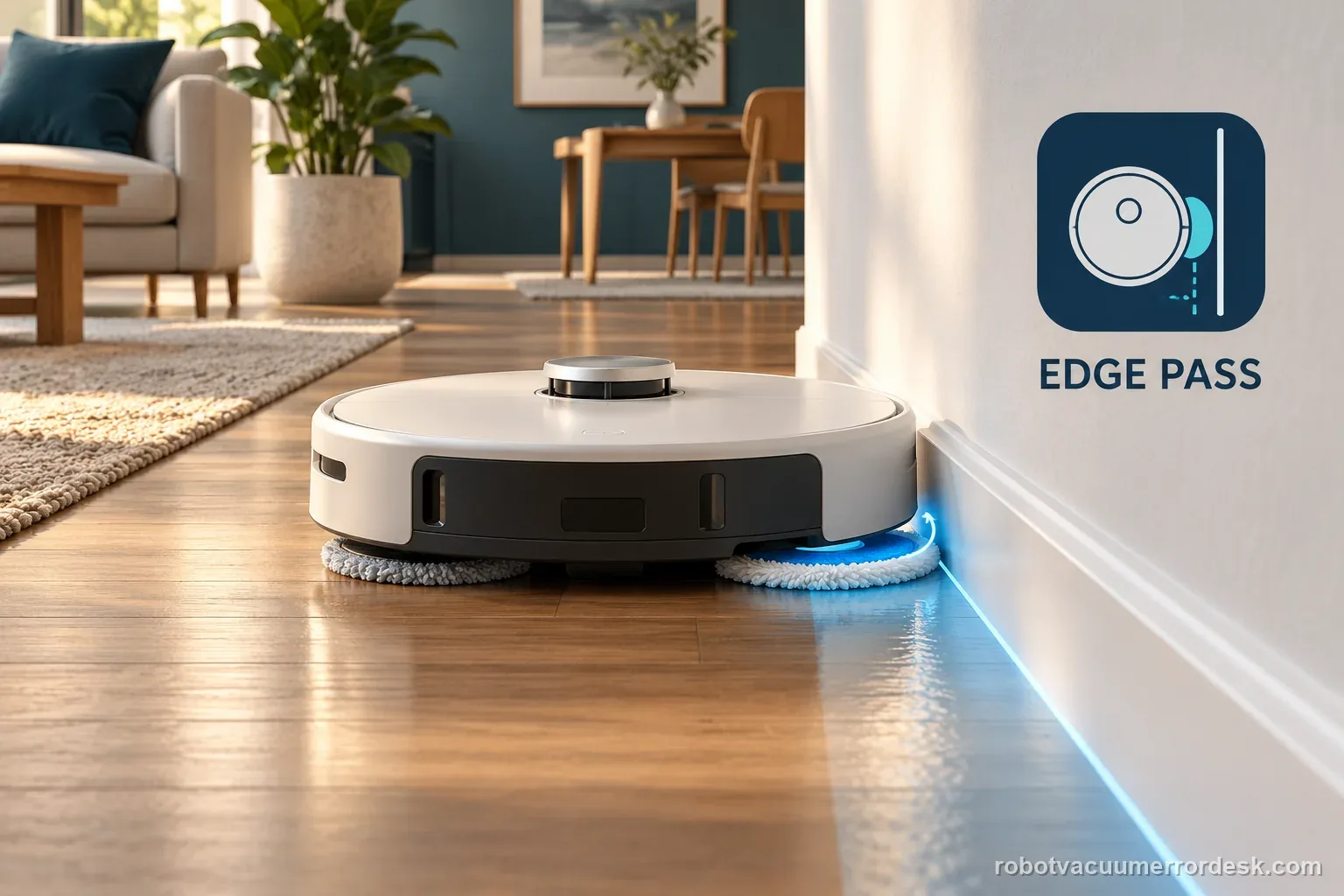
The comparison is useful only when the robot has a real edge-cleaning opportunity. Keep the selected mode, app setting, and observed extension together; do not infer a failed motor from a pass that never triggered the function.
Choose the matching model before using another guide's procedure:
Aqua10 Ultra Roller model desk →Aqua10 solution not installed: different feature →Aqua10 foamy water marks: different water path →X50 docking failure: different model and subsystem →Did this diagnostic narrow the fault?
Use this as an editorial signal, not a popularity counter. If a feedback address is configured you can email the note; otherwise you can copy it for your own support record.