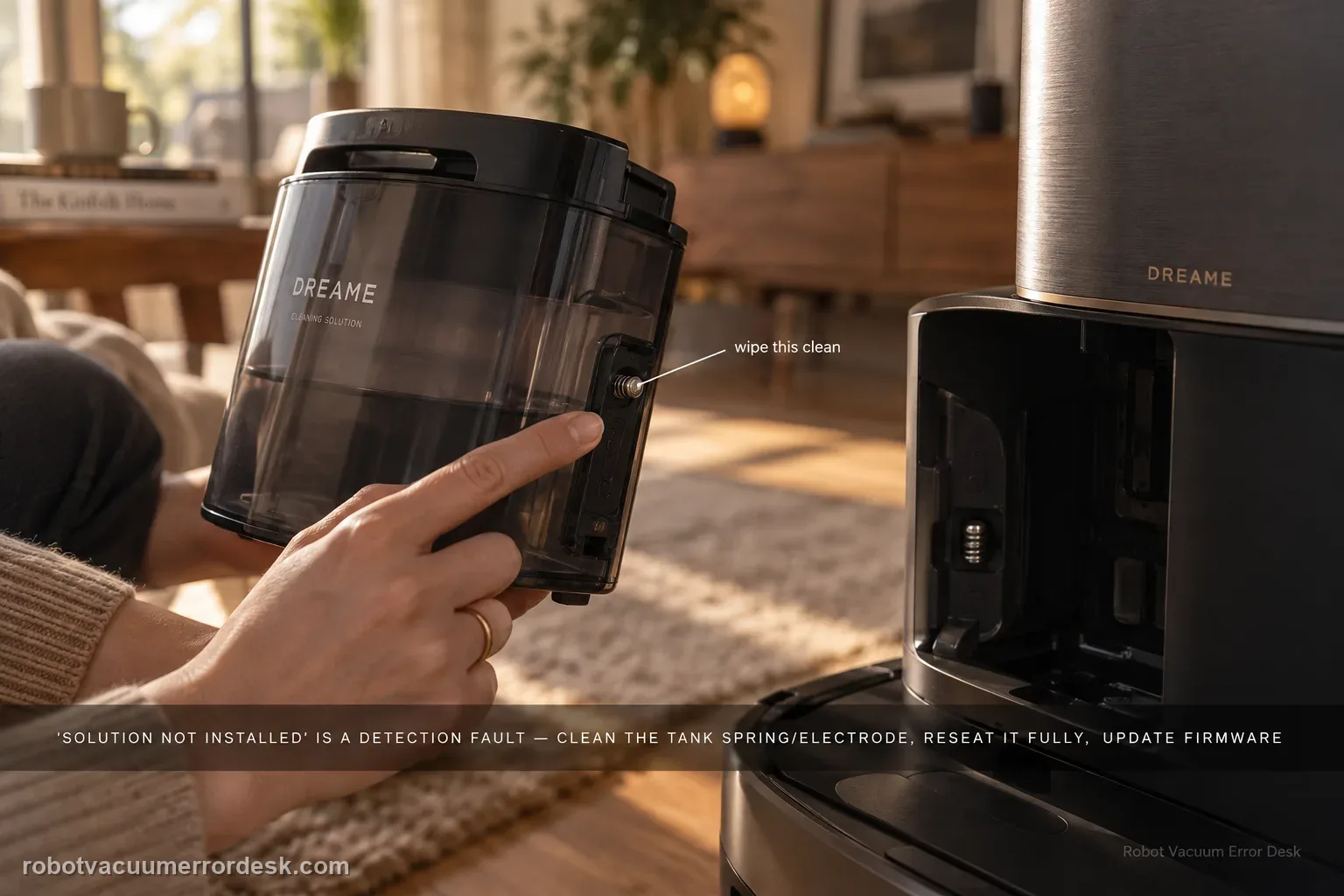
Treat “cleaning solution not installed” as a detection problem, not as proof that detergent is empty or not being consumed. Dreame's exact Aqua10 flow starts at the tank spring/electrode, then requires full seating, current firmware, a robot/base restart, and one global-cleaning observation when the robot returns to mop. That sequence separates a dirty contact or poor seating issue from a persistent detection fault before service.
Confirm the exact model and exact code, light pattern or symptom.
Run the lowest-risk physical or software check first.
Use each pass condition to decide what the result actually narrows down.
Confirm this is the right issue
- The cleaning-solution tank is physically in the Aqua10 base, but the Dreame app says it is not installed.
- The warning appeared after the tank was removed, refilled, cleaned or reinstalled.
- The tank may be seated, yet the app does not change state when the robot prepares to mop.
What’s most likely causing this
Cleaning-solution tank spring/electrode contact is dirty or obstructed.
Tank is present but not pushed fully inward into its installed position.
Robot firmware is not current for the detection path.
A temporary robot/base detection state clears after restart and a one-minute base power cycle.
Persistent tank-detection fault after contacts, seating, firmware and restart checks pass.
Reading your test result
| What you observe | What it narrows down | Next move |
|---|---|---|
| Spring/electrode is dirty | Tank detection contact may be poor | Clean with a cotton pad. |
| Tank does not sit fully inward | Detection geometry is incomplete | Reinstall and push tank firmly into position. |
| Firmware update is available | Software baseline is stale | Update before final detection test. |
| Alert clears after one-minute station power cycle | Temporary detection state recovered | Run a global-cleaning proof. |
| Alert remains during return-to-mop observation | Documented contact/software path failed | Contact Dreame with error and tank-position evidence. |
Do not factory-reset by default. Use the exact model’s reboot/network-reset procedure only when the manufacturer path calls for it.
Work through these checks in order
Confirm this is “tank installed but not detected”
Use this guide when the cleaning-solution tank is physically present but the app says it is not installed. That differs from the Aqua10 FAQ where detergent appears to be consumed very slowly; Dreame notes that per-cycle use can be small. Do not clean contacts for a tank that the app already detects normally and that is simply using solution slowly.
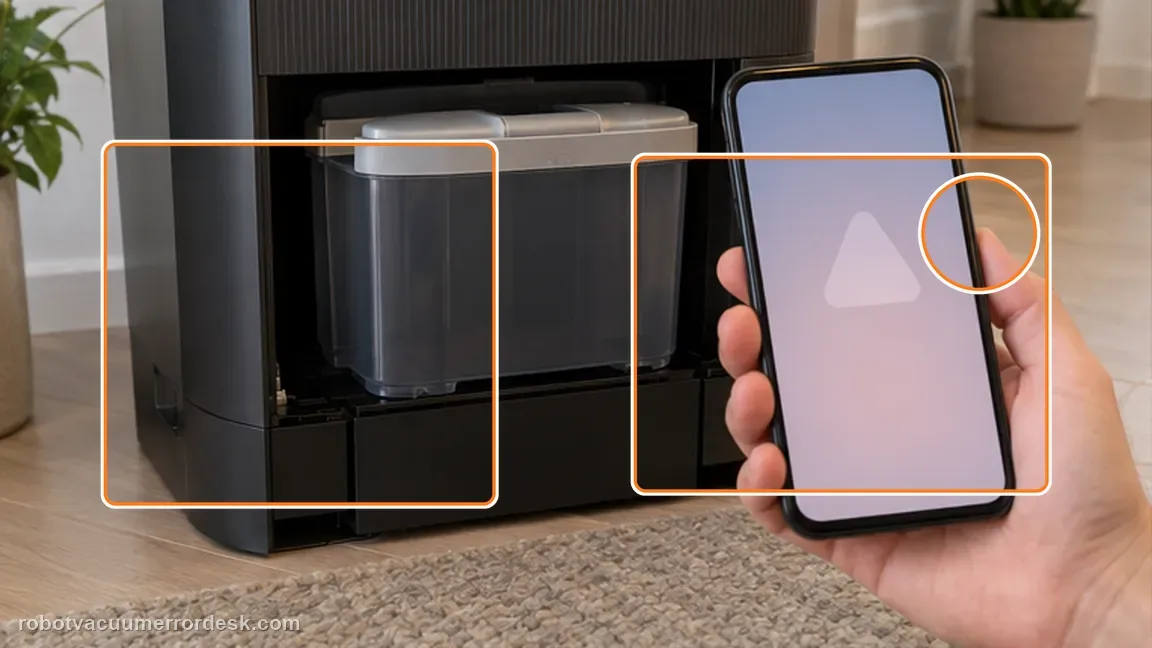
Clean the tank spring and electrode
Remove the base-station dust-tank cover and use a cotton pad to clean the cleaning-solution-tank spring and electrode, following Dreame’s exact support article. Inspect for foreign material at the contact position. Do not bend, scrape or bridge the electrode with metal tools; the manufacturer instruction is cleaning, not contact modification.
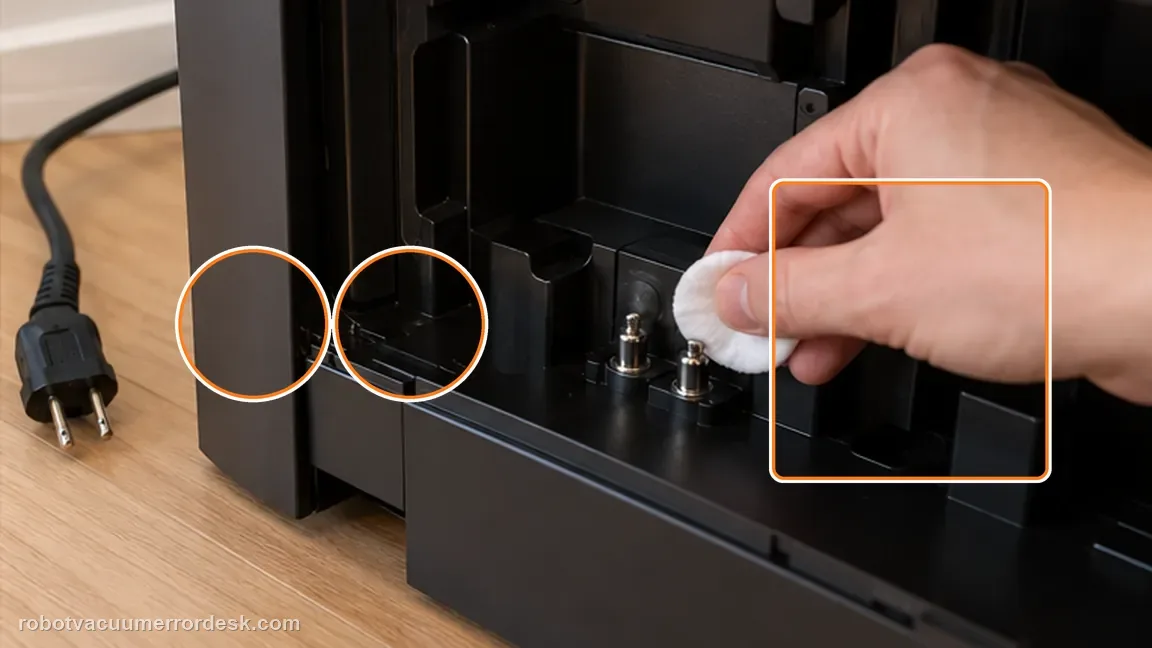
Reinstall the tank and push it fully inward
Reinstall the cleaning-solution tank and push it inward so it reaches its normal seated position. Observe whether the app state changes after the reseat. A tank that is only partly inserted is not a valid electrical-detection test even if it looks approximately aligned from the front.
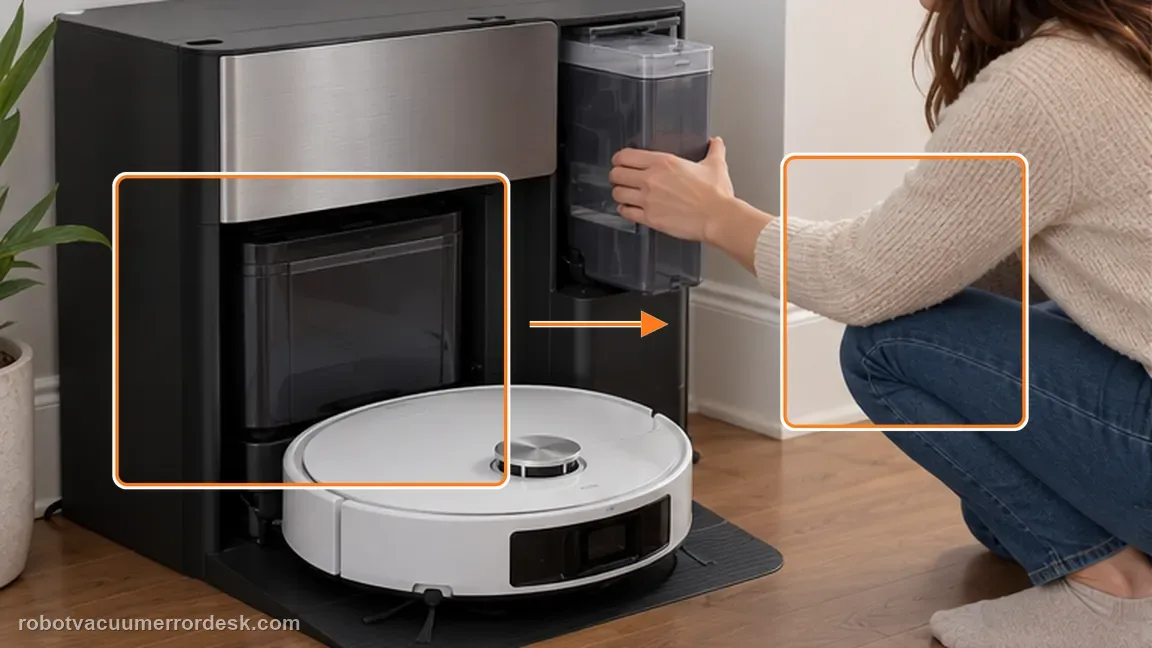
Update firmware before the restart branch
Open Dreame App → Settings → Firmware Upgrade and install the latest version offered to this robot. Do not borrow a version number from a different region or model. Dreame includes firmware update before the power-cycle step in the exact tank-detection article.
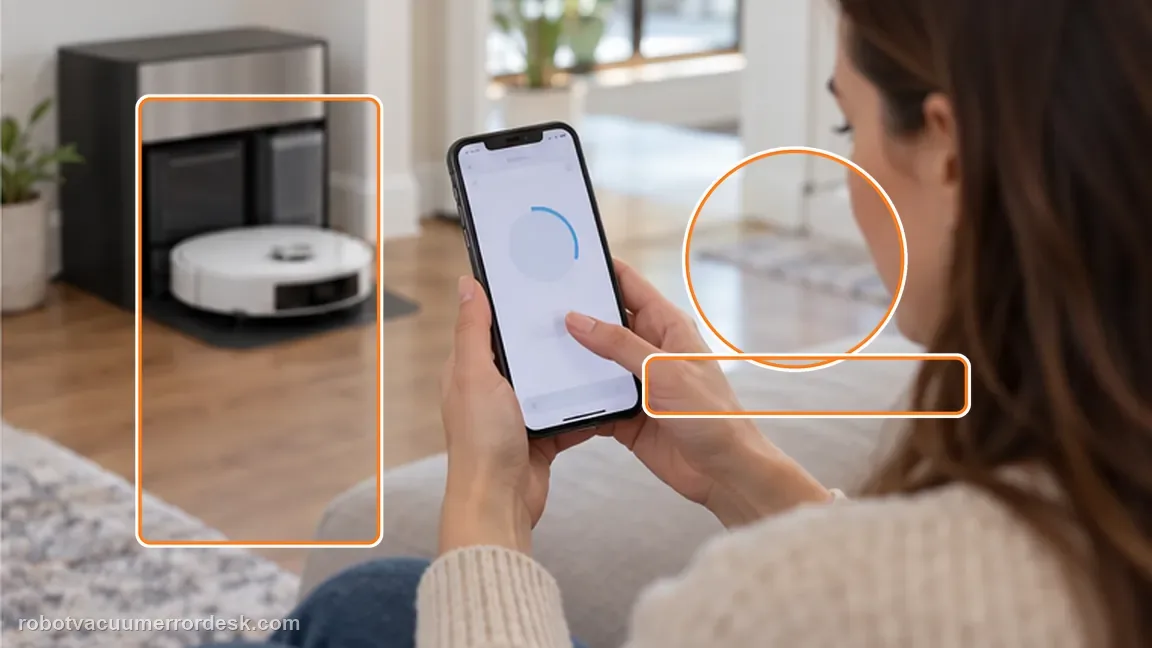
Restart the robot and power-cycle the base for one minute
Restart the robot, then power the base station off for one minute and turn it back on as Dreame specifies. Pull the tank once more to check the electrode area for foreign objects, clean again only if needed, and reinstall it fully. This is the documented reset point; repeated rapid unplug/replug cycles are unnecessary.
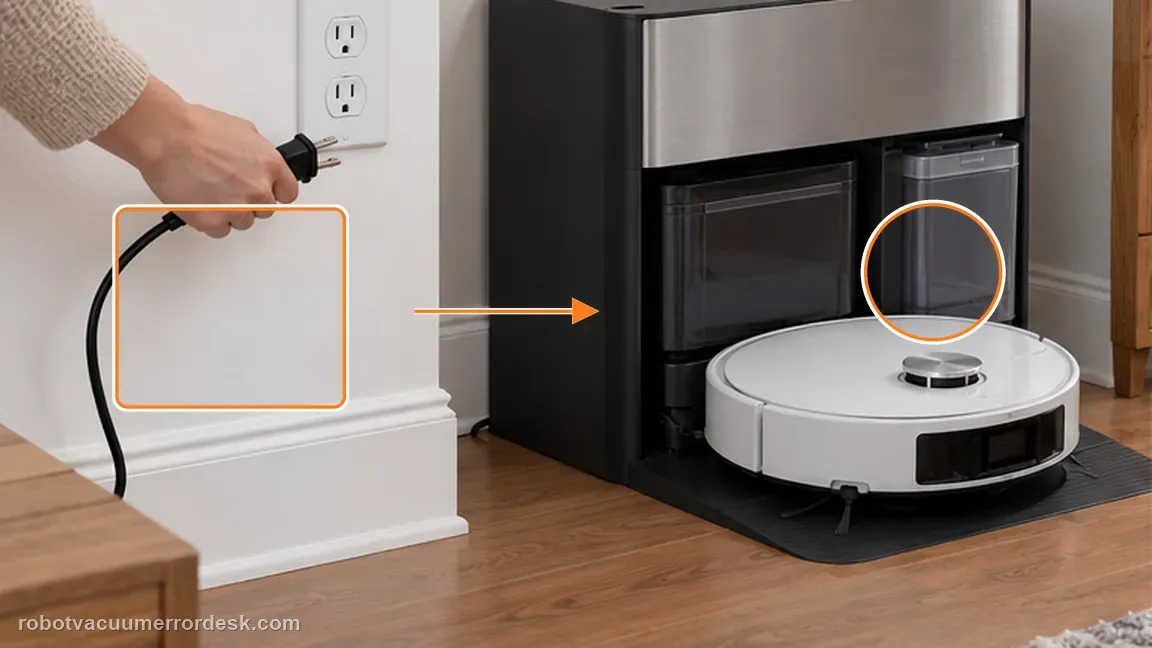
Run a global cleaning task and observe the tank when the robot returns to mop
Dreame’s final owner check is a global cleaning task with observation of the cleaning-solution-tank position when the robot returns for mopping. Use that normal workflow rather than manually pushing the tank during operation. If the app still reports “not installed,” capture the message and seated tank position for support.
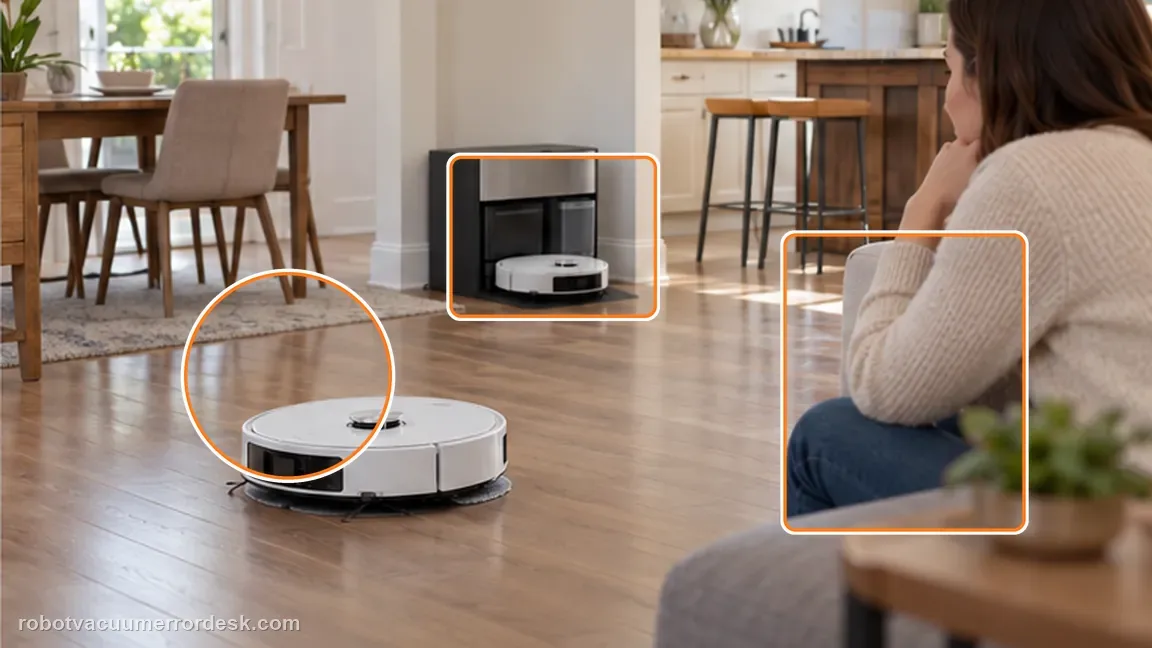
Contact Dreame if the app still says the cleaning-solution tank is not installed after the spring/electrode is clean, the tank is fully seated, firmware is current, the robot has restarted, the base has been powered off for one minute, and the global-cleaning observation still reproduces the fault. Send the app message and photos of the seated tank/contact area; do not bend or modify the electrode.
Before you contact support, gather this
A reproducible case moves a support call past the basic troubleshooting script faster than “it doesn’t work” does, and it keeps the clues from your own tests on record.
- Exact model name and the error code / voice prompt exactly as shown
- A photo or screenshot of the app error and the time it occurred
- A short list of the checks already completed and what happened after each one
- Short video showing the failed docking, mapping or base-station behavior
- Firmware version shown in Dreamehome
Where this comes from
Dreame Aqua10 — cleaning solution not installed
Dreame’s exact Aqua10 detection path is contact/seating/software specific: clean the cleaning-solution-tank spring and electrode, fully reseat the tank, update firmware, restart the robot, power the base off for one minute, recheck the contact area and then observe tank detection during a global-cleaning return-to-mop cycle.
Additional official source: Dreame Aqua10 — cleaning solution consumption explanation ↗Additional official source: Dreame Aqua 10 Ultra Roller Complete — Support Hub ↗Last editorial review: September 5, 2026Regional note: manufacturer help centers, model suffixes, mains-power requirements and warranty procedures can differ by country. If the source redirects to a local support site, confirm that the model/hardware scope still matches before following a region-sensitive step.
This guide is rated Official model support. See what each evidence label means →
Questions people ask
Is “cleaning solution not installed” the same as solution being used slowly?
No. This page is for a tank that is physically installed but not detected by the app. Dreame separately explains that the Aqua10 can use only a small amount of solution per cleaning cycle, so the level may appear to change slowly even when detection is normal. If the app recognizes the tank, use the consumption FAQ rather than repeatedly cleaning the electrode.
What should I clean when the app says the solution tank is missing?
Dreame’s exact article tells owners to remove the base-station dust-tank cover and clean the cleaning-solution-tank spring and electrode with a cotton pad. Check for foreign material at that contact position, then reinstall the tank fully. Do not scrape, bend or bridge the electrode; the documented owner action is gentle cleaning and seating, not electrical adjustment.
Why does Dreame include a firmware update in this detection problem?
The manufacturer places Settings → Firmware Upgrade before the restart and base power-cycle branch in the exact support article. That makes the current software state part of the official troubleshooting sequence. Install only the version offered to your unit. A firmware update does not replace physical contact cleaning or correct tank seating; all three conditions need to be known before escalation.
How long should the base station be powered off?
Dreame specifies one minute in the exact cleaning-solution-tank detection article. Restart the robot, power the base off for that interval, turn it back on, recheck the electrode area and reseat the tank. Rapid unplug/replug attempts are not the same test. Afterward, use the manufacturer’s global-cleaning observation to see whether the tank is detected during a normal mopping return.
What is the final owner test before contacting Dreame?
Start a global cleaning task and observe the cleaning-solution tank when the robot returns for mopping, as the exact article instructs. If the tank remains correctly seated but the app still reports it missing after contact cleaning, firmware update and the one-minute base power cycle, capture the message and tank position. That gives support a complete detection-path history without modifying the electrode.
Did this diagnostic narrow the fault?
Use this as an editorial signal, not a popularity counter. If a feedback address is configured you can email the note; otherwise you can copy it for your own support record.