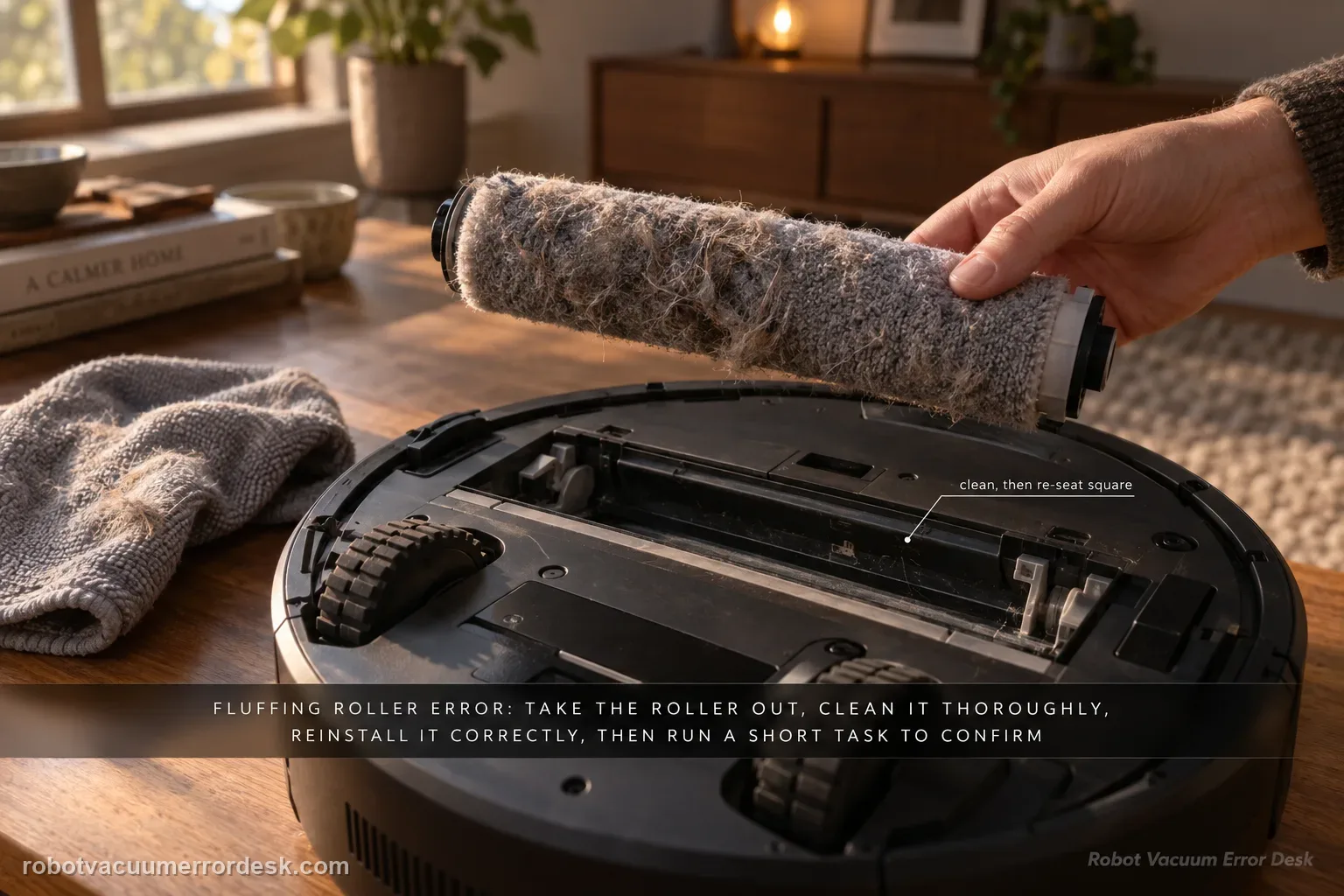
Dreame’s model-specific path is straightforward: remove the robot from the base, detach and thoroughly clean the fluffing roller, reinstall it correctly, return the robot to the station and run a short cleaning task. The proof is whether the error stays gone after the roller is re-seated.
Confirm the exact model and exact code, light pattern or symptom.
Run the lowest-risk physical or software check first.
Use each pass condition to decide what the result actually narrows down.
Does this match your problem?
- The app or robot reports “Fluffing Roller Error.”
- The roller was recently removed, cleaned or exposed to packed debris.
- The robot can dock but the roller-related error stops normal cleaning.
- The alert reappears immediately after a previous roller clean, so you need to verify seating rather than assume the remaining problem is still debris.
- The robot can leave the base but the same Fluffing Roller Error interrupts the first part of a new cleaning task.
- You are unsure whether to service the fluffing roller, main brush, side brush or mop roller because several rotating parts are visible on this model.
Most likely causes
Hair, fibers or packed debris on the fluffing roller or at its accessible ends.
Fluffing roller not fully seated after cleaning or previous maintenance.
A repeatable roller-detection or drive fault after the removable roller is clean and correctly installed.
A different main-brush or side-brush problem being mistaken for the exact “Fluffing Roller Error” message.
The correct removable fluffing roller was cleaned but not returned fully into its normal mounts before the retest.
The exact alert is being treated as a generic brush warning, causing maintenance on unrelated rotating parts instead of the component named by Dreame.
What your test result means
| What you observe | What it narrows down | Next move |
|---|---|---|
| Roller is visibly dirty or tangled | The removable fluffing roller is the leading cause | Detach and clean it thoroughly. |
| Roller does not seat normally | The reinstallation check fails | Remove and reinstall without forcing. |
| Robot returns to base and short task passes | Roller path recovered | Monitor the next normal cleaning. |
| Alert returns immediately after clean reinstall | Simple contamination is ruled out | Capture the error and roller seating. |
| Error persists through the documented cycle | Owner-level path is exhausted | Contact Dreame after-sales support. |
Do not confuse the fluffing roller with the mop roller
Aqua10 has separate roller components and alerts. Match the named part to the action before removing anything.
| Alert / observation | Part to inspect | Keep the test within scope |
|---|---|---|
| “Fluffing Roller Error” | The removable fluffing roller identified by Dreame’s support article. | Detach, clean thoroughly, reinstall, return to base, then run one short task. |
| “Mop cover” or roller-guard error | The guard/cover that retracts around the main mop roller. | Use the guard-specific firmware/obstruction guide; do not substitute the fluffing-roller procedure. |
| Mop roller will not rotate or wash correctly | The mop roller, drive, or station wash path. | Record the exact app alert and stop if a powered mechanism remains blocked after accessible cleaning. |
Do not factory-reset by default. Use the exact model’s reboot/network-reset procedure only when the manufacturer path calls for it.
Run these checks in order
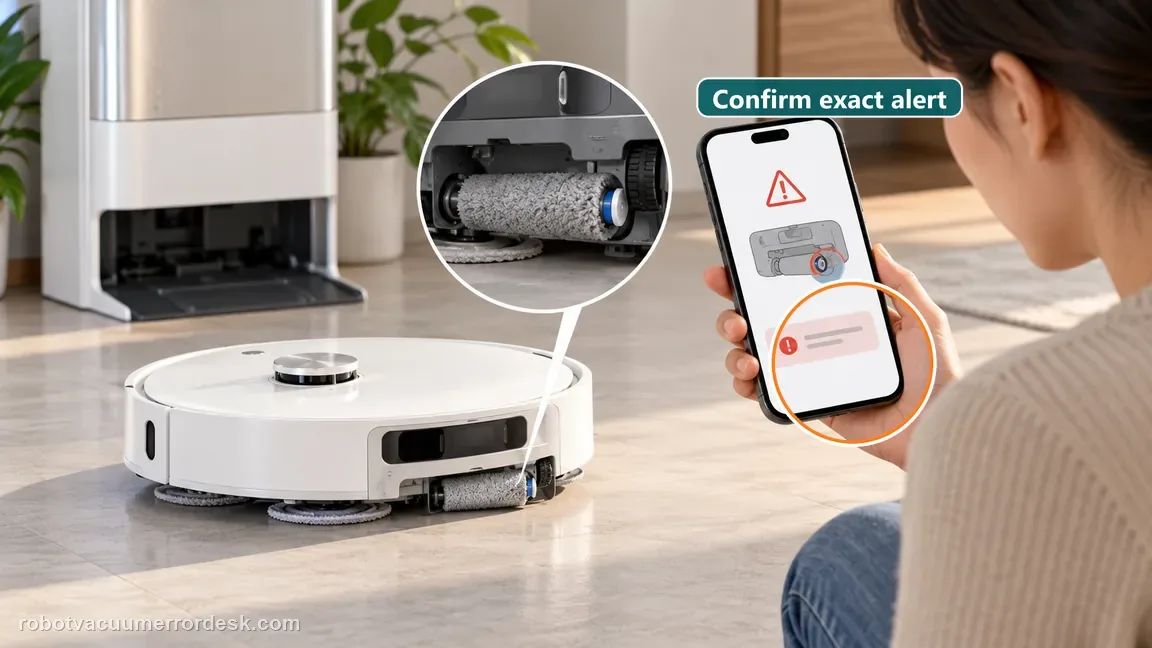
Remove the robot from the base and confirm the exact error
Dreame’s exact sequence begins with the robot out of the base station. Confirm that the app or voice prompt actually says “Fluffing Roller Error” before servicing the part; the Aqua10 also has a main-brush guard, side brush and mop roller, and those use different troubleshooting paths.
Detach the fluffing roller and clean it thoroughly
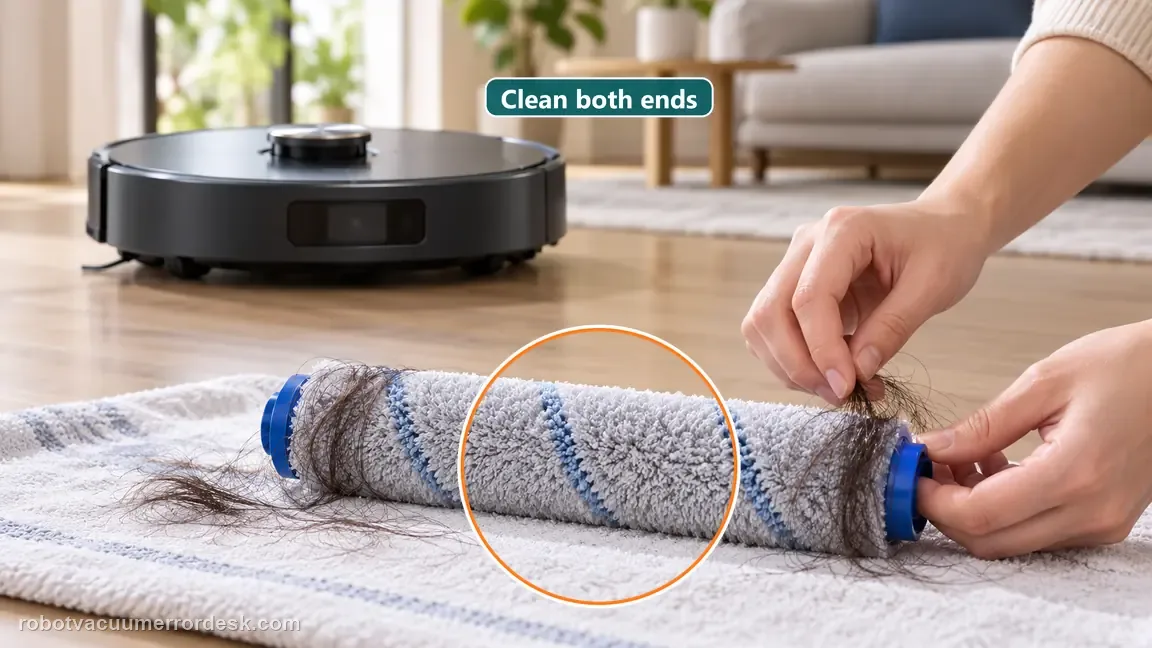
Remove the fluffing roller through the normal owner-service path. Clean the working surface and both accessible ends so wrapped hair or fibers are not left where the roller seats. Dreame’s instruction is to clean the roller thoroughly; do not lubricate the mechanism or open its internal drive.
Reinstall the roller fully in its normal position
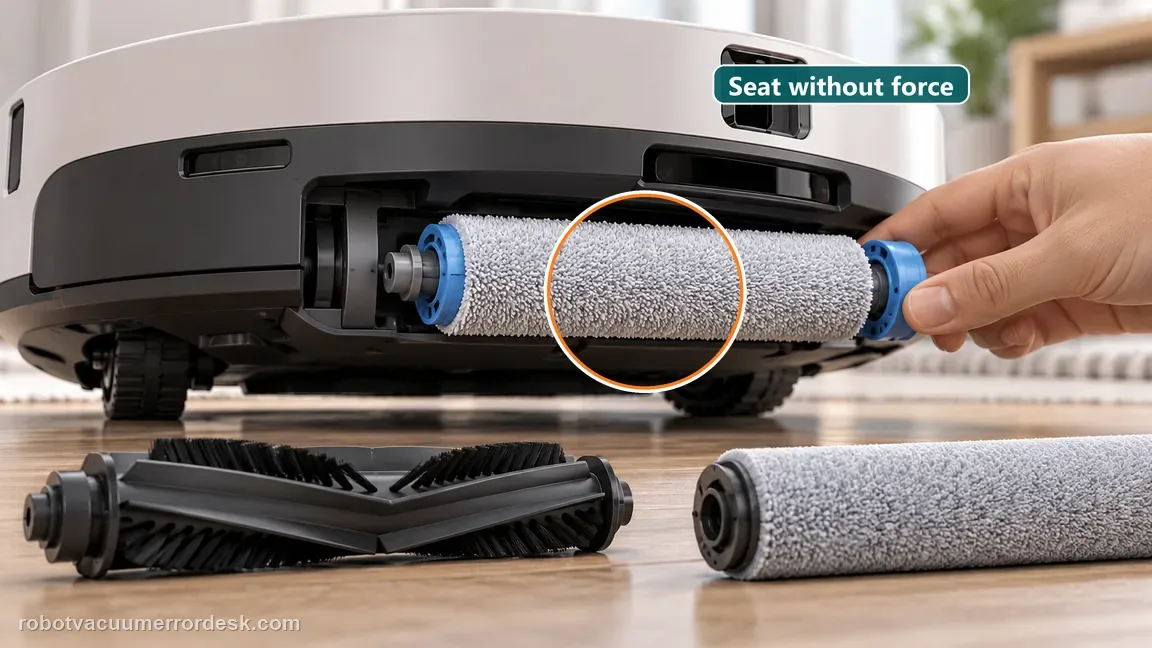
Seat the cleaned fluffing roller so it is aligned and secure. A partial or crooked reinstallation is not a valid test because the system can continue to report a roller problem even when the part itself is clean. Check the fit visually instead of forcing it past normal resistance.
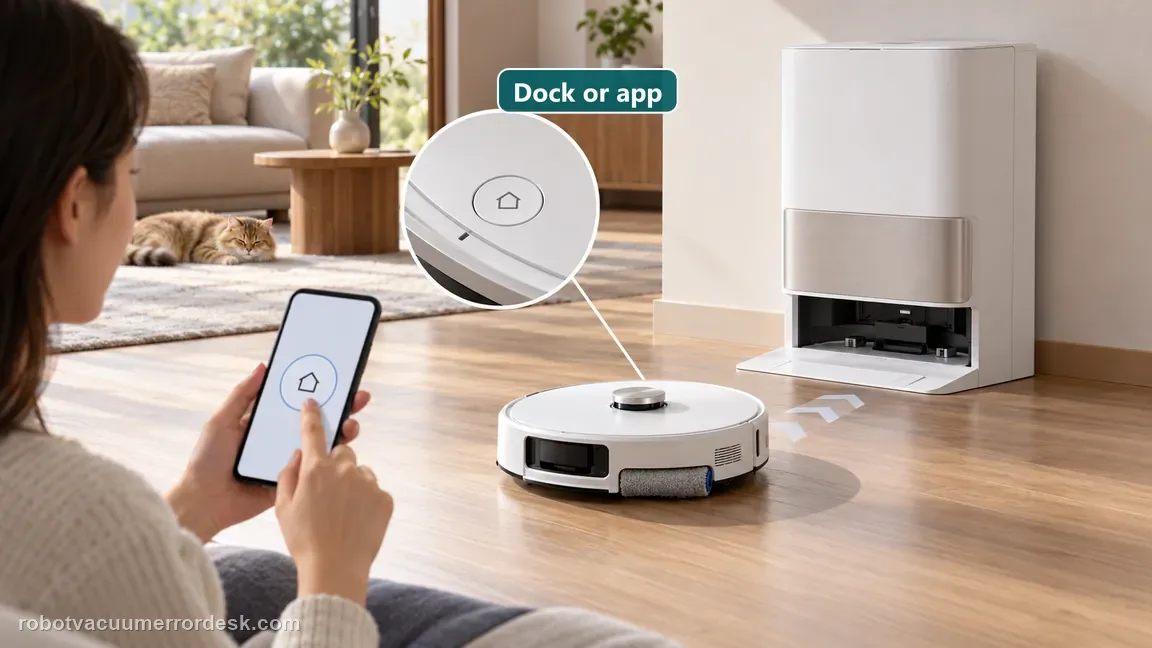
Return the robot to the base using Dock or the app
Follow Dreame’s sequence by sending the robot back to the base with the Dock button or app. This restores the normal docked starting state after the mechanical work instead of testing from an arbitrary position.
Start one short cleaning task and watch for the error
Begin a short task and observe the first minutes. If the message stays gone, the clean/reseat path has passed. If the same Fluffing Roller Error returns immediately with the roller clean and properly seated, capture the message and stop repeated removal cycles; Dreame’s next step is after-sales support. During this proof run, listen for the alert and watch whether the robot begins normal movement before it appears. Record the timing if it repeats; an immediate exact alert after a clean, fully seated roller is stronger escalation evidence than an unspecified later cleaning interruption.
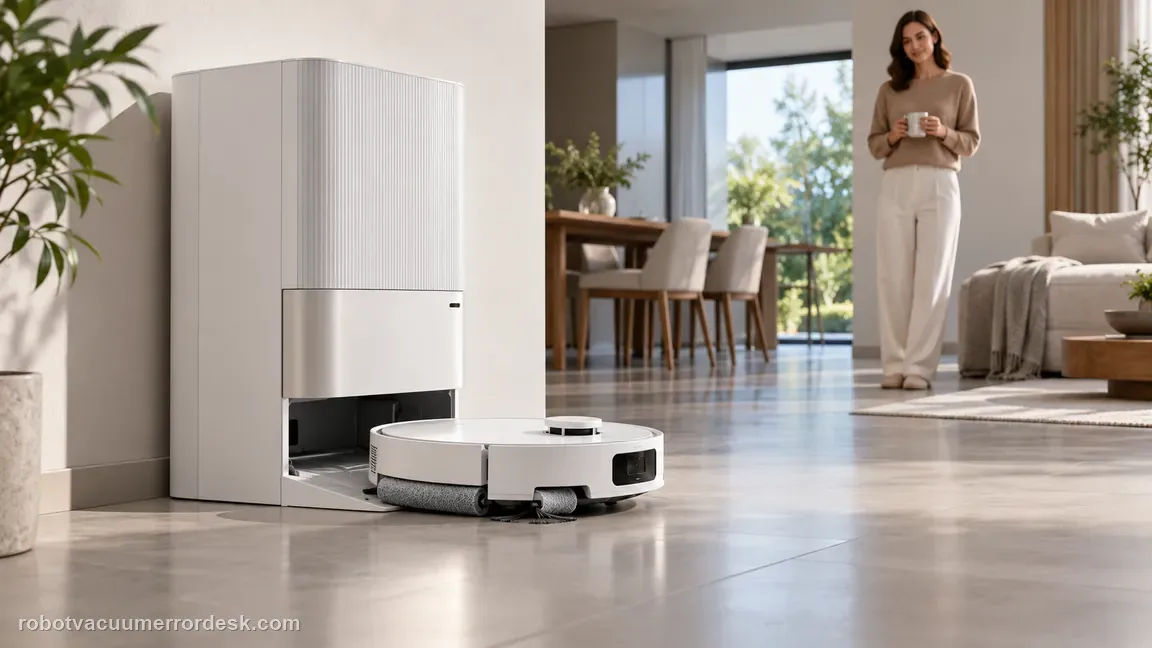
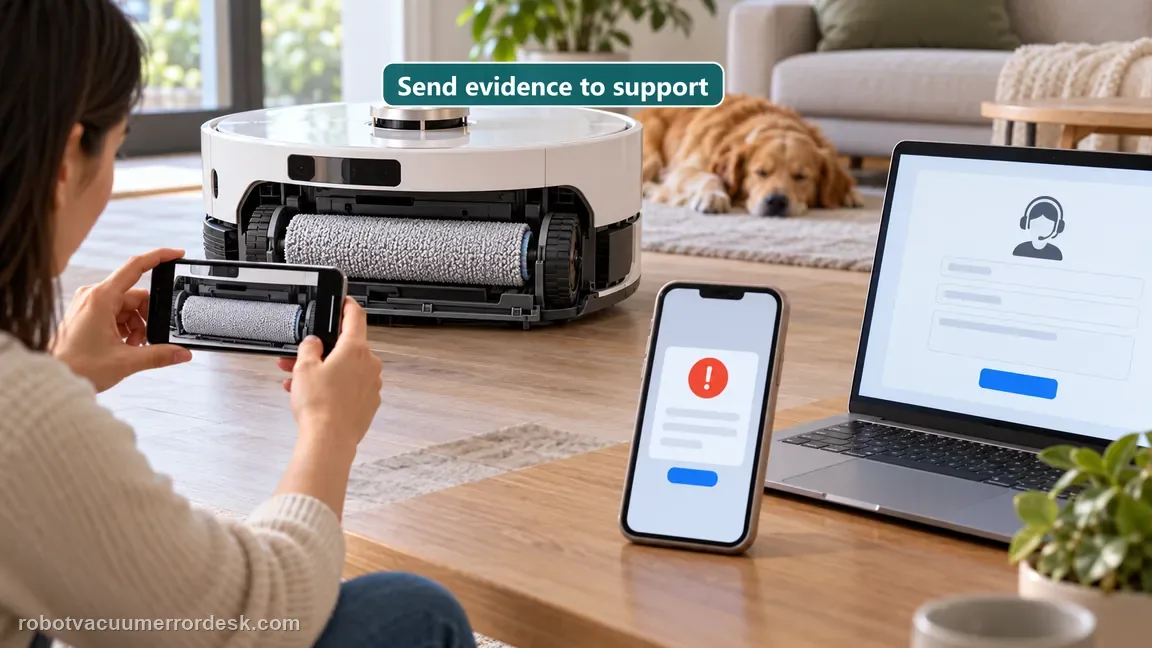
Contact Dreame if the same Fluffing Roller Error returns after the roller has been removed, thoroughly cleaned, correctly reinstalled, returned to the base and tested in a short cleaning task. Send the exact error plus photos of the cleaned/reseated roller and the result of the controlled retest. Do not open the roller drive or use lubricant as an owner-level next step.
What to collect before contacting support
Give support a reproducible case instead of “it doesn’t work.” That reduces repeated basic troubleshooting and preserves the clues from your tests.
- Exact model name and the error code / voice prompt exactly as shown
- A photo or screenshot of the app error and the time it occurred
- A short list of the checks already completed and what happened after each one
- Short video showing the failed docking, mapping or base-station behavior
- Firmware version shown in Dreamehome
Manufacturer evidence
Dreame Aqua10 — Fluffing Roller Error
Dreame’s exact Aqua10 article uses a remove-clean-reinstall-return-test sequence: take the robot out of the base, detach and thoroughly clean the fluffing roller, reinstall it properly, return the robot with Dock or the app, then run a short cleaning task. A repeated exact alert after that sequence goes to after-sales support.
Additional official source: Dreame Aqua 10 Ultra Roller Complete — Support Hub ↗Additional official source: Dreame Aqua 10 Ultra Roller Complete — User Manual ↗Last editorial review: October 13, 2026Regional note: manufacturer help centers, model suffixes, mains-power requirements and warranty procedures can differ by country. If the source redirects to a local support site, confirm that the model/hardware scope still matches before following a region-sensitive step.
This guide is rated Official model support. See what each evidence label means →
FAQ
Should I factory-reset the Aqua10 for a Fluffing Roller Error?
Not first. Dreame’s exact Aqua10 article uses a mechanical remove-clean-reinstall test, followed by return to the base and a short cleaning task. A factory reset would not prove whether hair, debris or incorrect seating caused the message. Complete the documented roller service first and preserve the repeated error for support if it returns with the roller clean and correctly installed.
Where should I clean the fluffing roller?
Clean the removable roller itself and its owner-accessible ends after detaching it from the robot. Hair and fibers can remain near an end even when the center looks clean. The support article does not direct owners to open the roller drive or lubricate it. The useful baseline is a thoroughly cleaned removable roller that is then seated normally before the dock-to-clean retest.
Why does correct reinstallation matter after cleaning?
Because a clean roller that is not fully seated can still leave the system in an abnormal state. Dreame explicitly includes reinstallation before the return-to-base and short-task test. Check that the roller sits aligned and secure in its normal mounts. Do not use force to compensate for a poor fit; remove it and inspect the seating area again if it will not install normally.
Do I need to return the robot to the base before testing?
Dreame’s exact sequence says to use the app or Dock button to return the robot to the base after reinstalling the fluffing roller, then start a short cleaning task. Following that sequence gives you a normal docked starting state and makes the result easy to reproduce. If the error returns, support receives a cleaner test history than an arbitrary mid-room restart.
When should I stop cleaning and contact Dreame?
Stop when the removable roller is thoroughly clean, properly seated and the exact error still returns during the short post-dock test. Repeated removal and reinstallation adds little once the same known-good condition reproduces the fault. Capture the error message and a photo of the installed roller, then contact after-sales support rather than opening the internal roller drive.
Did this diagnostic narrow the fault?
Use this as an editorial signal, not a popularity counter. If a feedback address is configured you can email the note; otherwise you can copy it for your own support record.