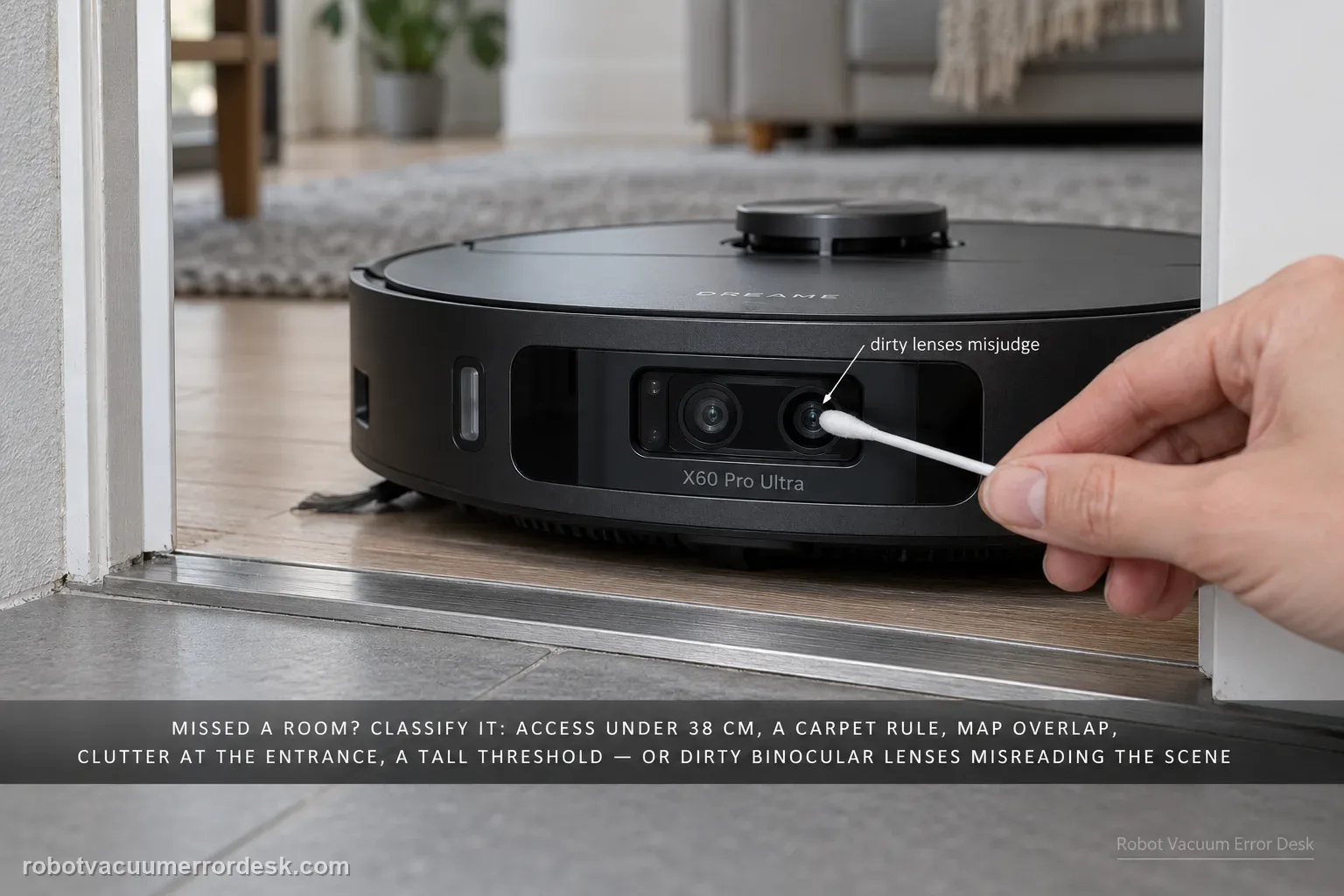
When the X60 misses a room or patch, do not delete the map first. Dreame’s X60 cleaning-function support page lists several distinct causes: access narrower than about 38 cm, carpet-avoidance rules, map overlap/positioning error, objects at entrances, thresholds beyond what the robot can cross, obstacle-avoidance behavior that leaves small margins, and dirty binocular lenses that can misjudge the scene. The fastest diagnosis is to classify the miss as physical access, intentional software avoidance, bad map position or perception. Preserve the map, measure the doorway, inspect carpet/threshold rules, clear only the entrance, clean the binocular lens, then run one targeted retest.
Confirm the exact model and exact code, light pattern or symptom.
Run the lowest-risk physical or software check first.
Use each pass condition to decide what the result actually narrows down.
Confirm this is the right issue
- The X60 repeatedly skips the same room, patch or strip while other areas clean normally.
- The missed location is near a doorway, carpet edge, threshold, narrow opening or obstacle.
- The map may show overlap/position error, or the robot appears to misjudge a clear entrance.
- The issue is repeated coverage loss rather than simply weak suction/mopping performance in an area the robot actually visits.
What’s most likely causing this
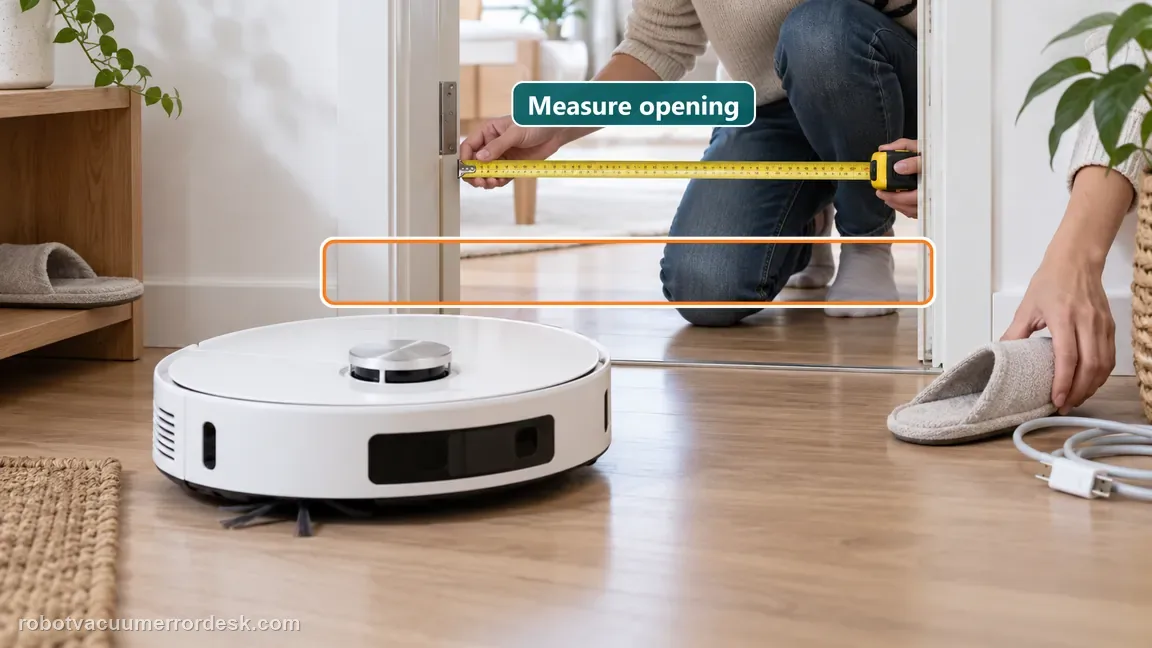
Entry width under roughly 38 cm
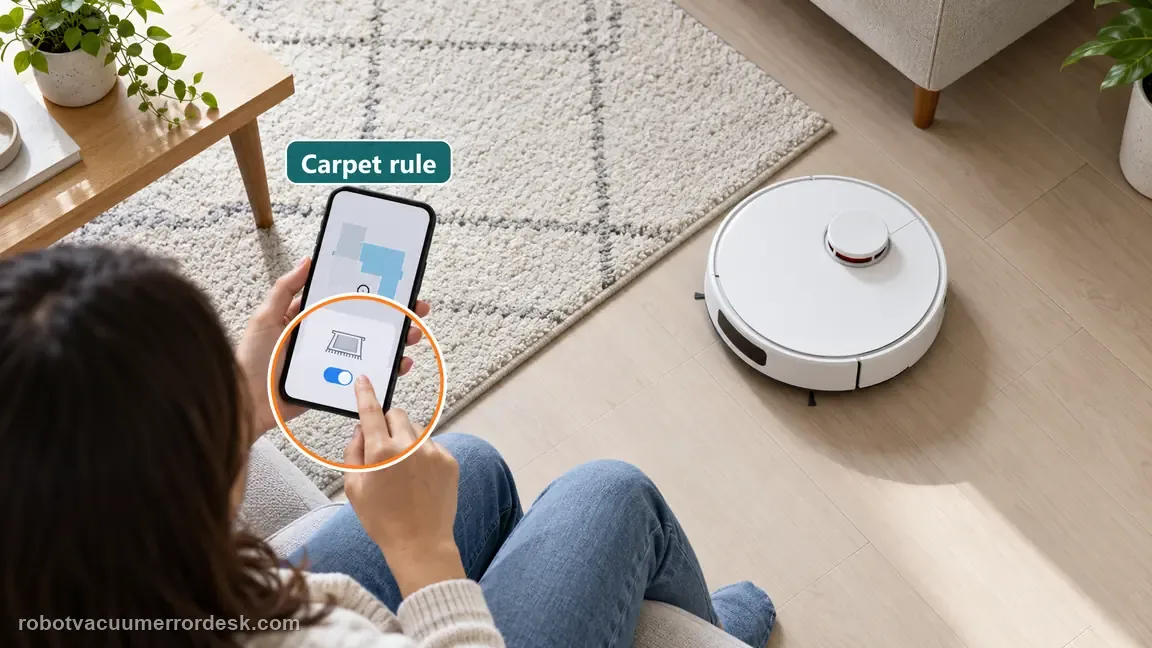
Carpet-avoidance behavior intentionally blocking the route
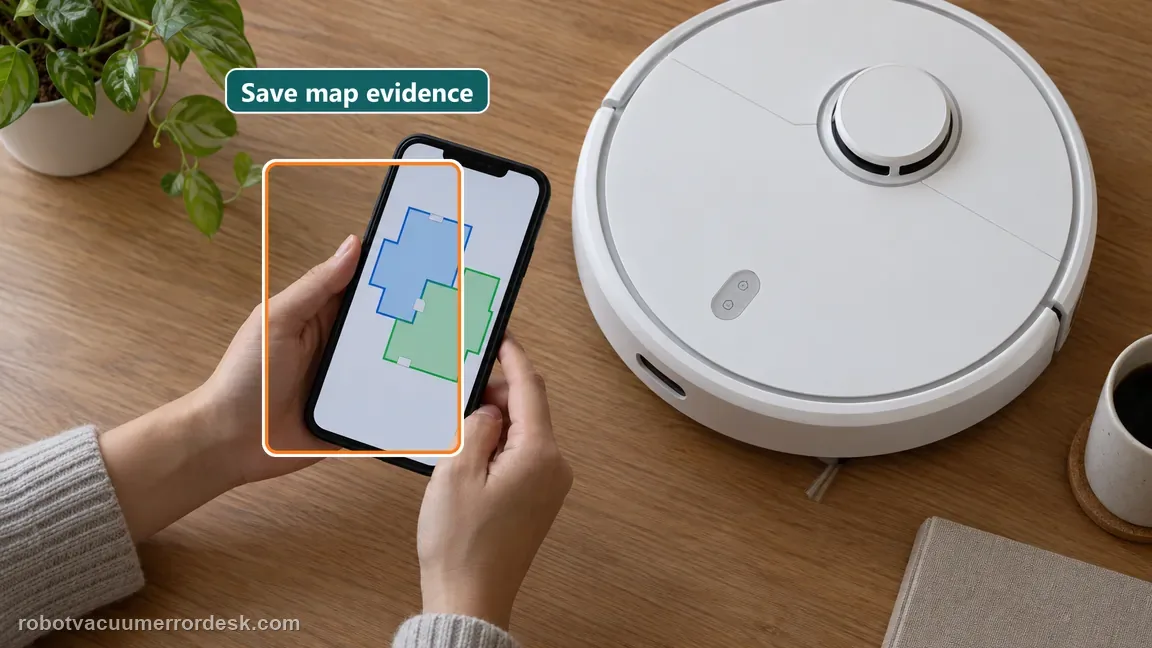
Map overlap or robot-positioning error
Slippers, wires or other obstacles at the entrance
Threshold outside the robot’s supported crossing condition
Obstacle-avoidance margin leaving a small uncleaned patch
Dirty binocular lens causing incorrect obstacle judgment
Reading your test result
| What you observe | What it narrows down | Next move |
|---|---|---|
| Entrance narrows below about 38 cm | Dreame lists narrow spaces under this width as a reason the robot may not enter. | Do not remap first; prove whether the access width itself is the blocker. |
| Missed room begins at carpet boundary with avoidance enabled | The robot may be following an intentional carpet rule rather than losing navigation. | Review carpet settings before changing map geometry. |
| Map visibly overlaps or robot position is wrong | Dreame identifies map overlap as a positioning-error cause that can require remapping. | Save screenshots, then remap only after physical access/settings checks are understood. |
| Map/access are good but clear objects are still avoided | Obstacle perception or dirty binocular lenses remain plausible. | Clean the binocular lens and repeat one targeted route with entrance clutter removed. |
| Small margin remains only next to a recognized obstacle | Dreame says obstacle avoidance can intentionally leave a small uncleaned area nearby. | Move the obstacle if appropriate and compare; do not remap for a tiny obstacle margin. |
Reset can erase maps/settings on this path. Use lower-risk checks first and document the current state before resetting.
Work through these checks in order
Measure the actual entrance and remove temporary clutter
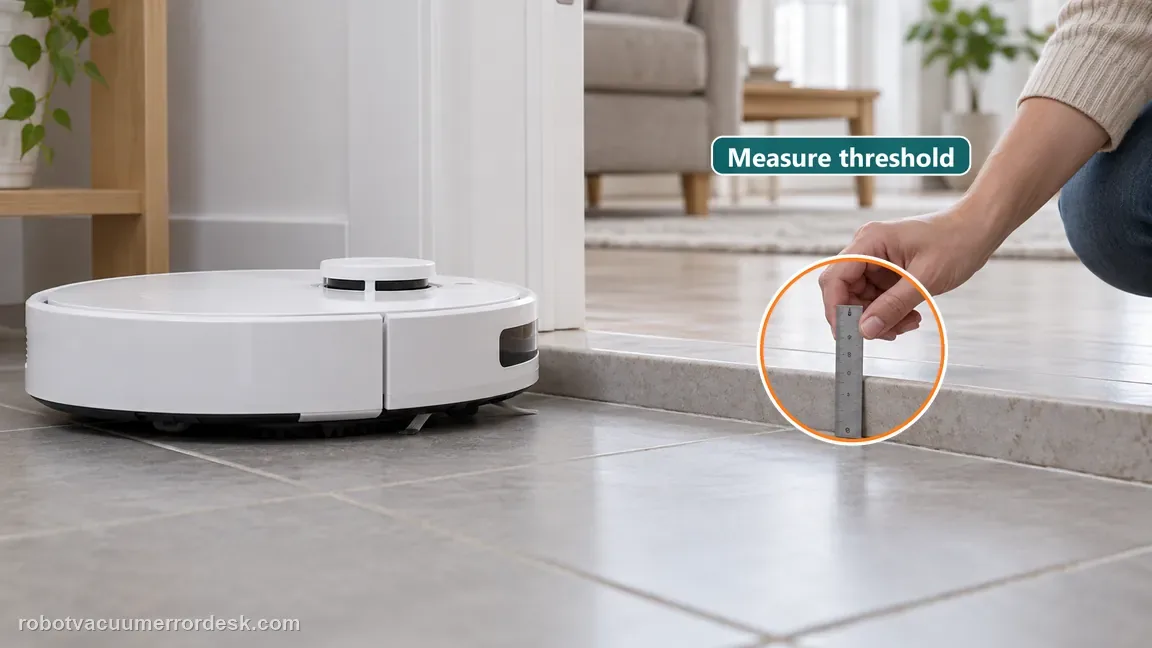
Measure the narrowest usable opening into the missed area. Dreame lists spaces under about 38 cm as one reason the X60 may not enter. Remove slippers, loose wires or movable clutter at the entrance, but do not redesign the whole room yet. Also photograph any threshold. This first pass separates a true accessibility problem from a robot that is ignoring a clearly open route.
Check carpet behavior before treating avoidance as a fault
If the missed area begins at or behind carpet, review whether carpet avoidance is enabled. Dreame explicitly lists carpet detection/avoidance as a reason a region may be skipped. The important diagnostic question is whether the robot is obeying a setting. Do not disable every safety/avoidance option globally; change only the relevant carpet rule for a controlled test if the floor and product instructions make that appropriate.
Inspect map overlap and preserve evidence before remapping
Open the current map and look for overlapping rooms, shifted walls or robot-position errors. Dreame says map overlap can create positioning problems and may require a new map. Take screenshots before deleting anything so a failed remap does not erase the best evidence. If the map looks correct, keep it and continue; remapping a healthy map adds disruption without testing the other manufacturer-listed causes. Missed edges and a skipped room are different problems. Dreame's X60 cleaning guide separates incomplete edge coverage from a room the robot never enters. If the route trace shows the robot has entered and the remaining misses follow walls or corners, first compare the selected cleaning mode and edge-covering frequency. Dreame lists Sweep-then-mop for deeper cleaning and gives this exact app path for edge coverage: Settings → Floor Cleaning → Bionic Edge Covering → Cleaning Frequency. Select High Frequency for better edge and corner coverage, then run a small comparison area. If an entire room is absent from the route, return to the width, carpet, entrance, map and lens checks above instead of changing edge behavior. This prevents an edge setting from being mistaken for a localization fault.
Separate threshold limits from general navigation
If the route includes a step, measure it and use the X60 threshold-crossing path rather than labeling the whole problem 'missed areas.' Dreame lists a threshold that is too high as another reason the robot may not enter. A room behind an impossible physical transition will continue to look like a coverage failure until the access geometry is corrected or a different route is provided. Dreame says the X60 Pro Ultra Complete can generally cross a single-layer step smaller than 52 mm, though a dark step may still be detected as an obstacle. Its support page lists two app options when the robot refuses a passable threshold: Map Editing → Threshold → Add Passable Threshold, or Settings → Obstacle Crossing Settings → Dual-Foot Synchronous Obstacle Crossing. A single-layer step at 52 mm and double-layer steps from 52 to 100 mm may remain uncrossable depending on geometry; Dreame recommends a climbing mat for those cases. For double-layer thresholds, the supported step width is approximately 23 cm. Measure height and width before interpreting a room beyond the threshold as a map omission, and do not force the mechanical feet over an obstacle.
Clean the binocular lens and run one targeted mission
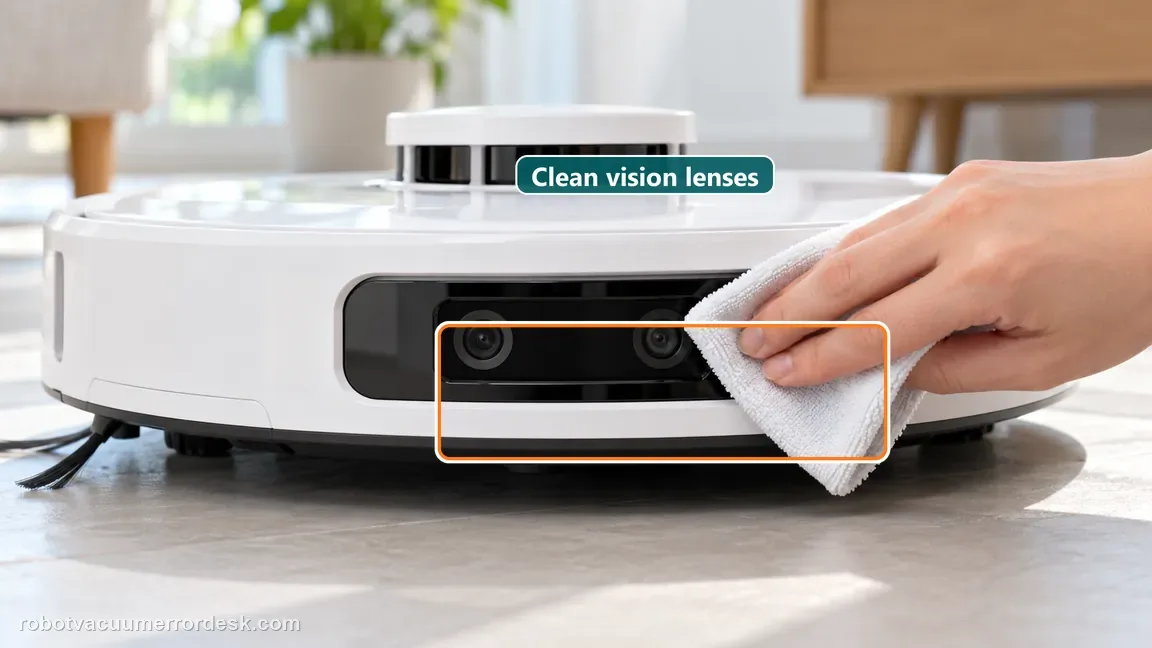
Clean the binocular lens using normal safe maintenance so dirt is not causing obstacle misjudgment. Then start one targeted mission with the doorway clear and the map/settings state already understood. Dreame notes that obstacle avoidance can leave small uncleaned areas near objects, so distinguish a small intentional margin from an entire accessible room being skipped. Record the map trace and entrance behavior during this final test. Dreame says the mop can extend outward during edge cleaning and that a previously missed area may be covered later during the zigzag pass. A small margin next to a detected obstacle can also be intentional obstacle avoidance. Watch the whole task route before calling either observation a skipped room. If the same small patch remains after the full pass, move the object if practical and run a targeted clean. If the robot never enters the room or repeatedly leaves a large clear region, record that separately and continue the access, carpet, map and binocular-lens diagnosis. The distinction is useful: a mop reaching beyond the robot outline is part of coverage behavior, while a persistent whole-room omission points to access, settings, localization or perception.
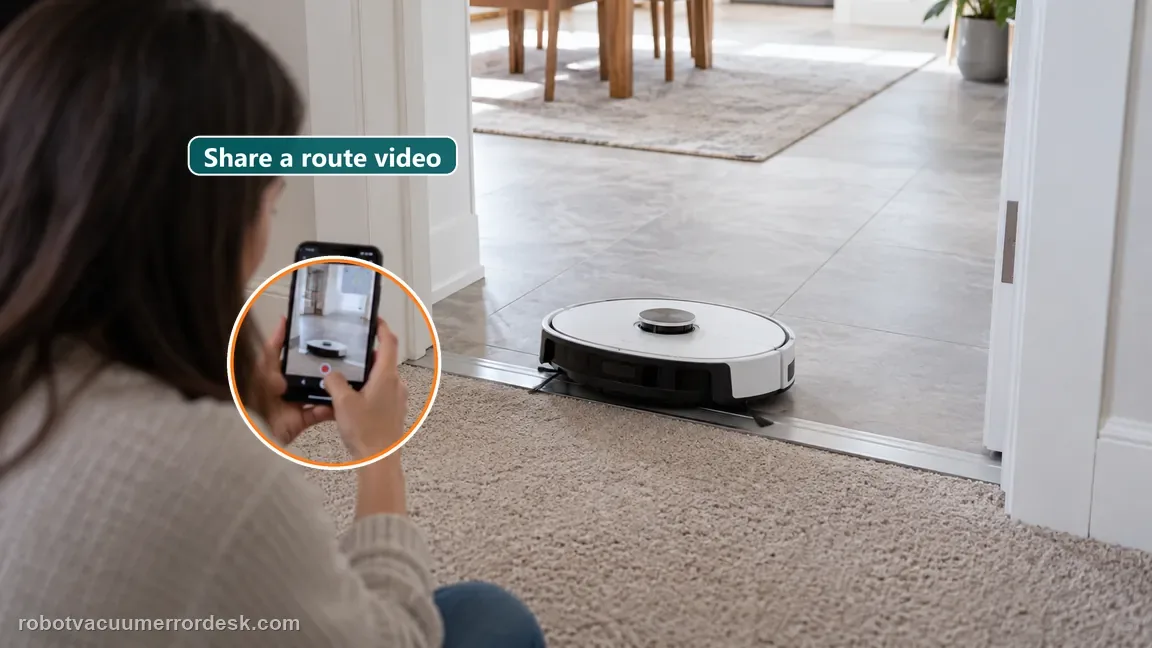
Contact Dreame when an area has adequate access, is not intentionally excluded by carpet rules, has a usable map, has no unsupported threshold, and remains missed after the binocular lens is clean. Send the map screenshot, measured entrance width, a photo of the doorway/threshold, relevant carpet setting and a short video or route trace. This gives support the doorway dimensions and route outcome needed to isolate the remaining cause.
Before you contact support, gather this
A reproducible case moves a support call past the basic troubleshooting script faster than “it doesn’t work” does, and it keeps the clues from your own tests on record.
- Exact model name and the error code / voice prompt exactly as shown
- A photo or screenshot of the app error and the time it occurred
- A short list of the checks already completed and what happened after each one
- Short video showing the failed docking, mapping or base-station behavior
- Firmware version shown in Dreamehome
Where this comes from
Dreame X60 Pro Ultra — Cleaning Function Issues
Dreame’s X60 cleaning-function article lists the main missed-area branches: narrow access, carpet avoidance, map overlap, entrance clutter, threshold limits, obstacle-avoidance margins and binocular-lens contamination. Exact X60 threshold and LDS articles provide the companion physical-access checks so this page can distinguish coverage from crossing/clearance problems.
Additional official source: Dreame X60 Pro Ultra Complete — Threshold-Crossing Issues ↗Additional official source: Dreame X60 Pro Ultra Complete — LDS Function Issues ↗Last editorial review: October 11, 2026Regional note: manufacturer help centers, model suffixes, mains-power requirements and warranty procedures can differ by country. If the source redirects to a local support site, confirm that the model/hardware scope still matches before following a region-sensitive step.
This guide is rated Official model support. See what each evidence label means →
Questions people ask
Why does my Dreame X60 keep missing the same room?
First separate access from mapping. Dreame lists narrow entrances, carpet-avoidance rules, map overlap, doorway clutter, over-capability thresholds, obstacle-avoidance margins and dirty binocular lenses as distinct causes. Preserve the current map, measure the usable entrance, review carpet/threshold behavior and clear the doorway before deciding the stored map itself needs to be rebuilt.
What opening width does Dreame mention for X60 missed areas?
The current X60 cleaning-function article says spaces narrower than about 38 cm can be inaccessible, depending on the environment. Measure the real usable opening after accounting for door edges and clutter. Do not confuse that figure with the model’s low-furniture height or threshold-crossing dimensions; each number belongs to a different physical constraint.
Should I delete the X60 map as soon as it skips an area?
No. Dreame lists several missed-area causes that do not require remapping, including carpet rules, entrance obstacles, thresholds and perception. Save a screenshot of the current map first. Rebuild only when overlap or a wrong robot position is actually present after physical access and settings have been checked, otherwise you erase useful evidence without proving the cause.
Can X60 obstacle avoidance leave a small patch uncleaned even when navigation is working?
Yes. Dreame notes that obstacle-avoidance maneuvers can leave a small uncleaned area around an object. That differs from skipping a whole clear room. Move the obstacle if it is safe to do so and run one targeted pass. If only the object margin changes, the behavior is perception/avoidance rather than a global map or drive failure.
Why clean the X60 binocular lens when the stored map looks correct?
Because the stored map and live perception are different layers. Dreame includes regular binocular-lens cleaning in its missed-area path: dust can make the robot misjudge an entrance or obstacle even when the map image looks normal. Clean the lens, keep the entrance clear and repeat one targeted mission before escalating a persistent clear-room miss.
Did this diagnostic narrow the fault?
Use this as an editorial signal, not a popularity counter. If a feedback address is configured you can email the note; otherwise you can copy it for your own support record.